Send enquiry ⏎

UI/UX Design Online Live Class by Experts

Our Training/Internship Process

UI/UX Design Online Live Classes in Kannur | Free Demo Training

UI/UX Design - Syllabus, Fees & Duration

Figma Syllabus (15 Hours)

      Module 1: Figma Fundamentals (3 Hours)

        Introduction to Figma

      • Understanding the Figma interface and tools.
      • Layers, frames, and pages.
      • Shapes, text, and alignment.

        Design Basics

      • Color theory and typography basics.
      • Grids and layout principles.
      Module 2: Prototyping with Figma (3 Hours)

        Wireframing Basics

      • Creating low-fidelity wireframes for mobile and web apps.

        Prototyping Features

      • Adding interactions and transitions.
      • Clickable prototypes for user testing.
      Module 3: Mobile App Design Project (4 Hours)

        Designing a Mobile App

      • Screens for a sample app (e.g., task manager or food delivery).
      • Login, home, and profile pages.

        Components and Variants

      • Reusable buttons, icons, and cards.
      • Typography and color styles.

        Prototyping and Feedback

      • Linking screens and testing navigation.
      Module 4: Web App Design Project (5 Hours)

        Designing a Web App

      • Landing page, login screen, and dashboard for a web app.
      • Auto-layout for responsive designs.

        Final Prototype

      • Responsive breakpoints for desktop, tablet, and mobile.
      • Functional prototype with interactions.
    Web Development Syllabus (15 Hours)
      Module 1: HTML, CSS, and Bootstrap Basics (5 Hours)

        HTML Fundamentals (2 Hours)

      • Structuring web pages (header, footer, sections).
      • Essential tags: headings, lists, images, and links tables etc..

        CSS Basics (2 Hours)

      • Styling text and layout using CSS.
      • Box model, positioning, and Flexbox basics.

        Bootstrap Basics (1 Hour)

      • Setting up Bootstrap in a project.
      • Grid system and responsive layouts.
      • Common components: navbar, buttons, and cards.
      Module 2: Responsive Landing Page Conversion (5 Hours)

        Figma to Code Workflow (2 Hours)

      • Importing Figma designs for reference.
      • Structuring HTML and CSS with Bootstrap.

        Responsive Design (3 Hours)

      • Using media queries and Bootstrap utilities.
      • Creating a responsive navigation bar and hero section.
      • Ensuring design consistency with the Figma prototype.
      Module 3: Interactivity with JavaScript & Advanced Bootstrap (3 Hours)

        JavaScript Basics

      • Adding interactivity with JavaScript (e.g., form validation).
      • Bootstrap JavaScript components: modals, dropdowns, and carousels.

        CSS Animations & Transitions

      • Enhancing visuals with hover effects and animations.
      Module 4: Final Project and Deployment (2 Hours)

        Final Project: Responsive Landing Page

      • Convert a complete Figma design into a functional landing page.
      • Use Bootstrap and JavaScript for responsiveness and interactivity.

        Hosting and Deployment

      • Publish the project online using GitHub Pages or Netlify.
      Deliverables

        Figma:

      • Prototyped mobile app and web app designs.

        Web Development:

      • Fully responsive landing page with Bootstrap and interactivity.
      • Hosted live project link.

Download Syllabus - UI/UX Design
This syllabus is not final and can be customized as per needs/updates
   
10000+
20+
50+
25+

UI/UX Design Jobs in Kannur

Enjoy the demand

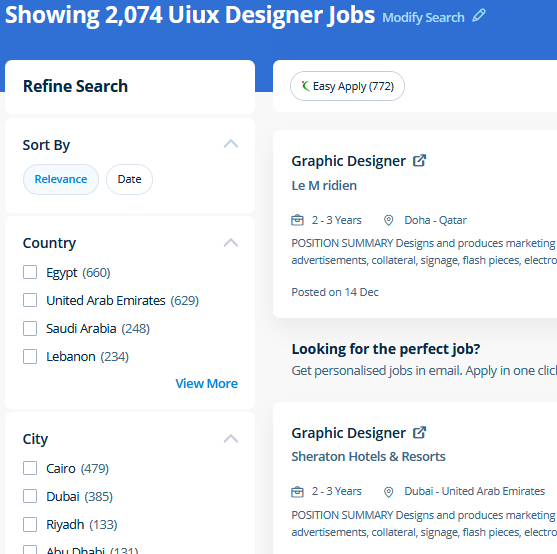
Find jobs related to UI/UX Design in search engines (Google, Bing, Yahoo) and recruitment websites (monsterindia, placementindia, naukri, jobshybrid.com, indeed.co.in, shine.com etc.) based in Kannur, chennai and europe countries. You can find many jobs for freshers related to the job positions in Kannur.

  • ui designer
  • ux designer
  • ui/ux designer
  • ui/ux developer
  • graphic designer
  • multimedia creator
  • photoshop
  • adobe illustrator
  • web design
  • html developer

UI/UX Design Internship/Course Details

UI/UX Design internship jobs in Kannur
UI/UX Design CSS is currently the only standard in website design that plugs directly into your HTML, even the latest HTML5 standards. Anatomy of a CSS ruleset Selecting multiple elements Different types of a selector Fonts and text Boxes, boxes, it’s all about boxes Changing the page color Sorting the body out Positioning and styling our main page title Centering the image Backgrounds and Borders Image values and replaced Content Text Effects 2D/3D Transformations Animations Multiple Column Layout User Interface . Most of the print and screen designers use illustrator to create designs and artwork. Our JavaScript training course inDubai includes all the core Core topics such as Data Types, Object-oriented concepts, Variables, Functions, Conditions, HTML, CSS3, Loops, Syntax, and DOM Scripting under the training of Expert JavaScript professionals . We provide flexible learning in javascript programming in Dubai and technical mentor support in real world projects from industry experts. Live classes are supported by an active class forum wherever your tutor provides extra information and feedback outside of class times. Your works on the projects make easier and more efficient by adding special effects or interesting features on plugins and you can use various tools like brushes, overlays, fonts, and textures etc. Our core features of the bootstrap training in Dubai includes: Design layouts adhering to a fluid grid Understand how the HTML, CSS and JavaScript components of Bootstrap work Customise a Bootstrap installation Optimise a Bootstrap design for target device features Create responsive images and graphics . . Photographers, web designers, or graphic designers must know how to use Adobe Photoshop.


Meet a Few of our Industry Experts 🚀 Your Pathway to IT Career

GIRISHKUMAR

Mobile: +91 91884 77559
Location: Online (Kannur, India)
Qualification: BE. It., MBA

Experience: I have an experience in software programming languages like php html and css java as ell as python  more..

Neha

Mobile: +91 8301010866
Location: Online (Kannur, India)
Qualification: BE

Experience: 3 years experience in software testing java selenium manual testing automation testing SQL TestNG Cucumber SoapUI BDD API Postman Jmeter  more..

Mohamedanzal

Mobile: +91 89210 61945
Location: Online (Kannur, India)
Qualification: Degree

Experience: Graphic design-1year freelancer Ui design - 1 year  more..

Anupama

Mobile: +91 9895490866
Location: Online (Kannur, India)
Qualification: MCA

Experience: Skills C++ C SQL Python(Django) Java R html css php Git Familiar with windows Ubuntu Familiar with IDES Visual Studio  more..

KHAJARAFI

Mobile: +91 91884 77559
Location: Online (Kannur, India)
Qualification: mca

Experience: This is khajarafi Shaik having 8+experience as a TechnicalTrainer I can able to deliver the training on Corejava Advjava Struts  more..

Vinod

Mobile: +91 91884 77559
Location: Online (Kannur, India)
Qualification: Btech

Experience: - Azure fundamentals - Virtual Machines - Azure App Service - Azure Storage - Azure Active Directory - Azure subscriptions  more..

Vishnu

Mobile: +91 98474 90866
Location: Online (Kannur, India)
Qualification: B.com

Experience: As a fresher I have no experience I am fresher I am looking forward for this opportunity Skilled in C  more..

Hardik

Mobile: +91 89210 61945
Location: Online (Kannur, India)
Qualification: Under-Graduate

Experience: As a college student deeply passionate about technology and driven by a desire for continuous growth I am thrilled at  more..

Ashutosh

Mobile: +91 91884 77559
Location: Online (Kannur, India)
Qualification: B.tech CSE

Experience: Front end developer HTML CSS Javascript Bootstrap 1+ year experienced as a Web developer at Invisor Technologies   more..

Danish

Mobile: +91 89210 61945
Location: Online (Kannur, India)
Qualification: Bachelor of Engineering

Experience: Graphic design intern at Greenbhumi Social media marketing intern at vlebazaar Graphic design intern at TopTrove Foundation   more..

Deepesh

Mobile: +91 94975 90866
Location: Online (Kannur, India)
Qualification: B.E

Experience: Deepesh has an overall 2 10 YOE as a Developer Automation tester in Deloitte’s Financial Services He has experience in  more..

Neethu

Mobile: +91 8301010866
Location: Online (Kannur, India)
Qualification: B.Tech

Experience: java Core java advanced java Basics of python Sql HTML DBMSApplication for Java Spring  more..

cjeevanandha

Mobile: +91 91884 77559
Location: Online (Kannur, India)
Qualification: diploma

Experience: I'm a Layout Designer with more than 15 years of experience in the design field I will work with in  more..

Nikita

Mobile: +91 9895490866
Location: Online (Kannur, India)
Qualification: MCA

Experience: Quickblox • Retrofit • Asynctask • Stripe • Sms gateway • RoomDatabase • SQLite • Razorpay Integration • Push Notification  more..

Mayuri

Mobile: +91 91884 77559
Location: Online (Kannur, India)
Qualification: BE in Computer Engineering

Experience: I am an experienced software developer skills with angular (RXJS Reactive forms routing) Javascript(Promises) Typescript HTML CSS Git Bitbukcet Jira  more..

Shadab

Mobile: +91 9895490866
Location: Online (Kannur, India)
Qualification: High School

Experience: Working with php wordpress and all related technologies from 10 years   more..

Vijay

Mobile: +91 94975 90866
Location: Online (Kannur, India)
Qualification: Graduate

Experience: I am certified Odoo developer working since past 10 years   more..

Aditya

Mobile: +91 89210 61945
Location: Online (Kannur, India)
Qualification: b.tech

Experience: hi currently i am working in Liugong India as wordpress developer  more..

Yogesh

Mobile: +91 94975 90866
Location: Online (Kannur, India)
Qualification: Graduate

Experience: Web designing php Angular Java script   more..

Nivedha

Mobile: +91 94975 90866
Location: Online (Kannur, India)
Qualification: Msc

Experience: Devops (certification) Java python NLP   more..

Sahal

Mobile: +91 91884 77559
Location: Online (Kannur, India)
Qualification: BCA

Experience: manual testing automation testing test case test scenario bug report selenium basics of Java basics of SQL server jmeter API  more..

Aswin

Mobile: +91 89210 61945
Location: Online (Kannur, India)
Qualification: Bsc computer science

Experience: Selenium testing manual testing automation testing java php css html python sql web automation using selenium c++ corejava SDLC STLC  more..

Priyal

Mobile: +91 98474 90866
Location: Online (Kannur, India)
Qualification: MCA

Experience: Skills & Experience: DevOps Engineer with expertise in independent web application development proficient in Python Bash Docker Kubernetes Jenkins AWS  more..

Nitish

Mobile: +91 91884 77559
Location: Online (Kannur, India)
Qualification: Master's

Experience: Experience 2 years User Research wireframing mobile design Prototyping  more..

Success Stories

The enviable salary packages and track record of our previous students are the proof of our excellence. Please go through our students' reviews about our training methods and faculty and compare it to the recorded video classes that most of the other institutes offer. See for yourself how TechnoMaster is truly unique.

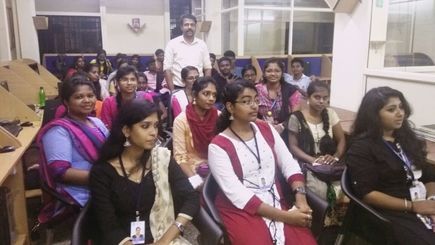
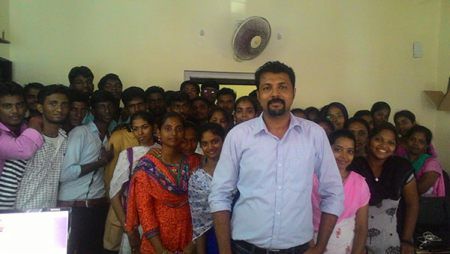
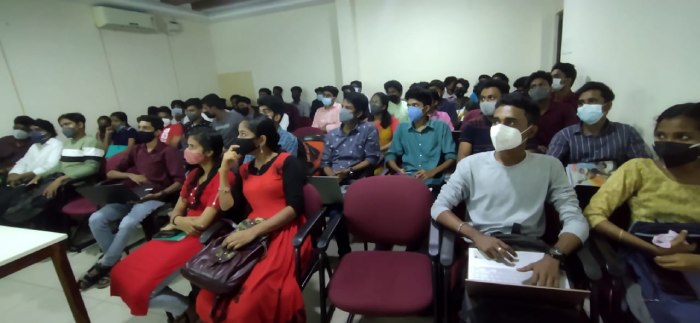
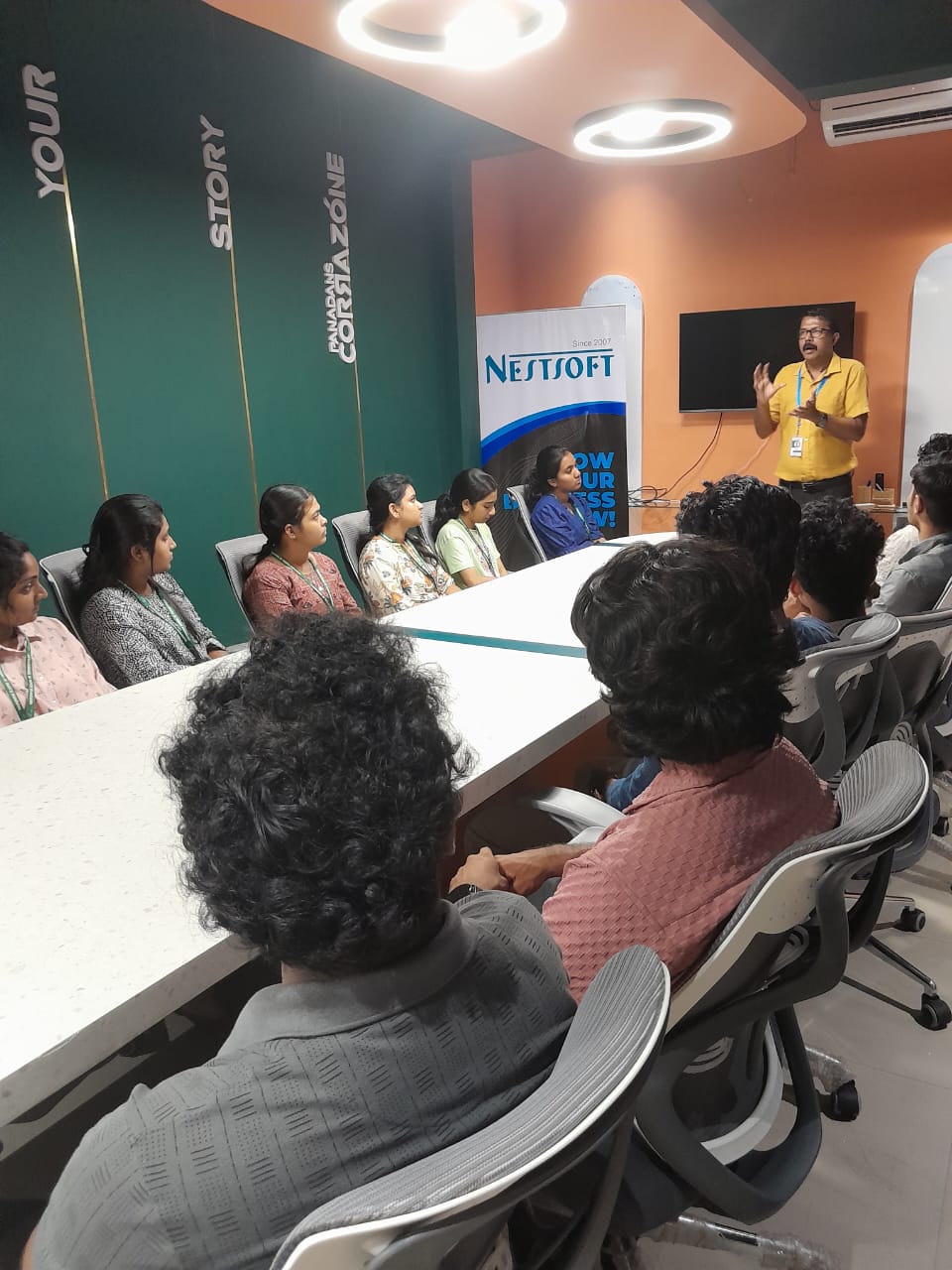
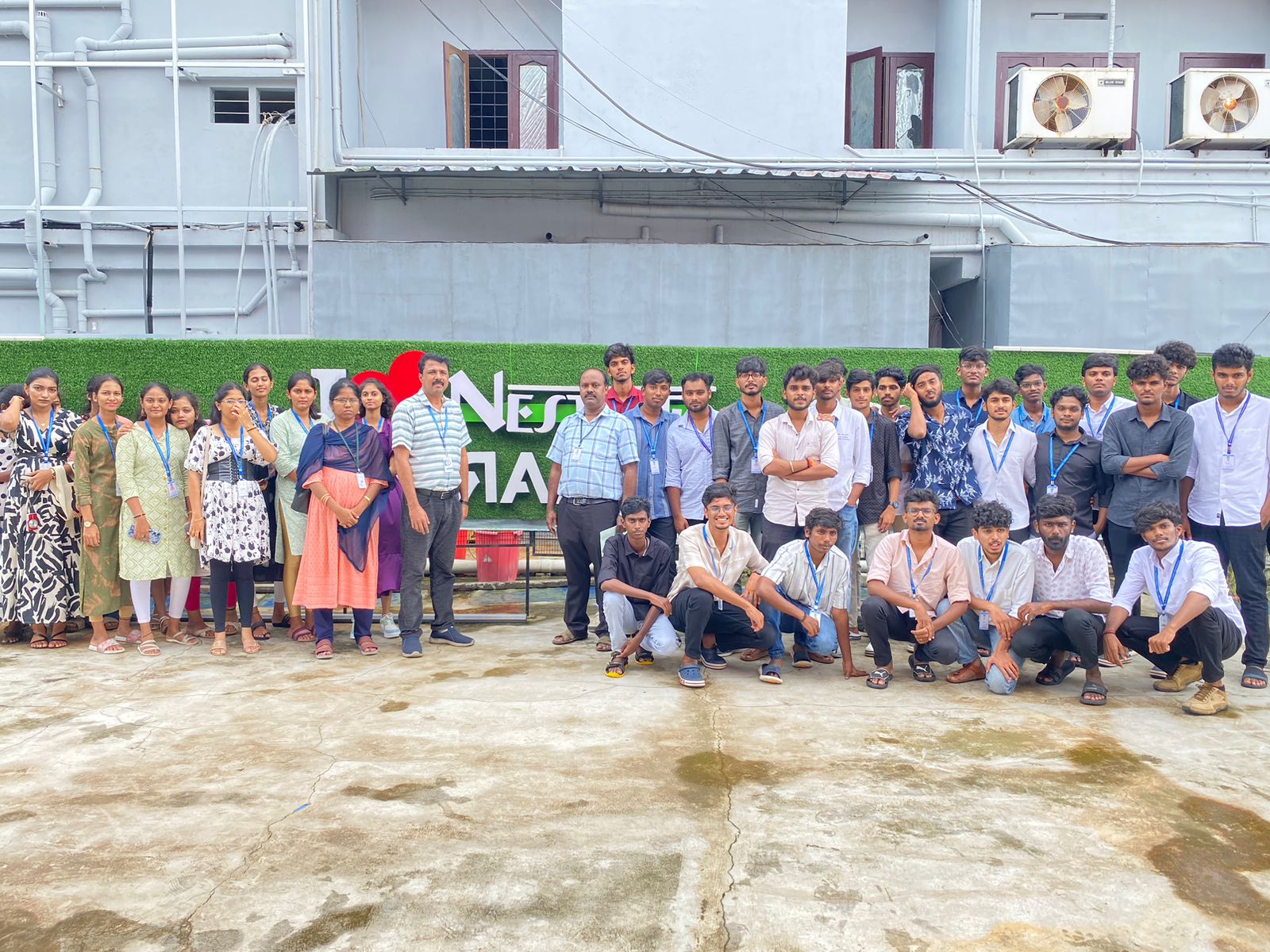
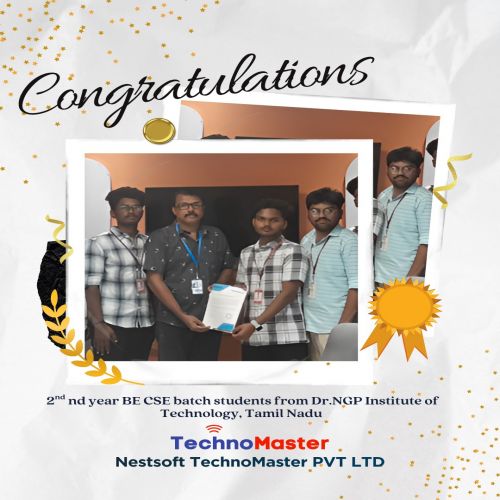
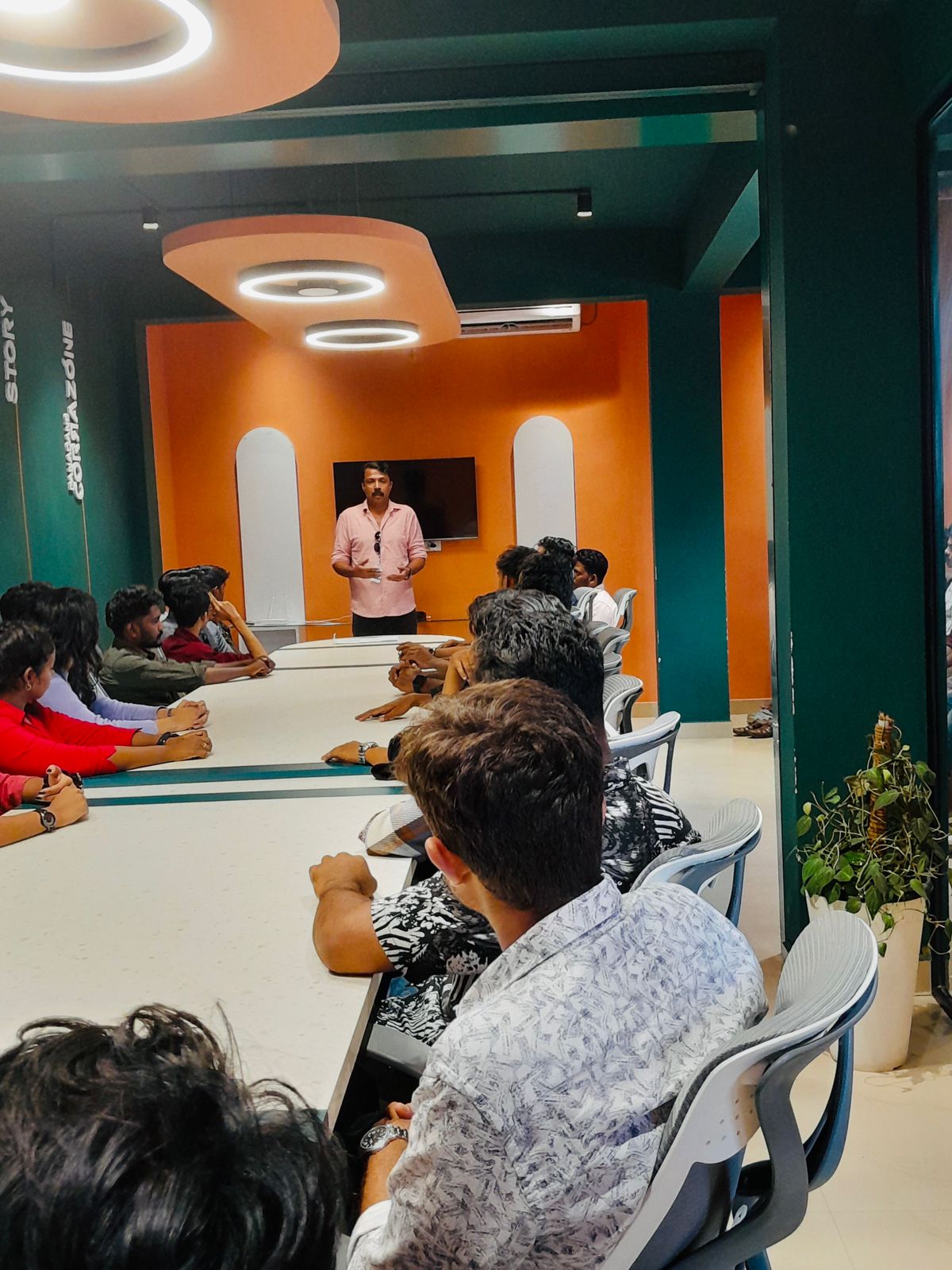
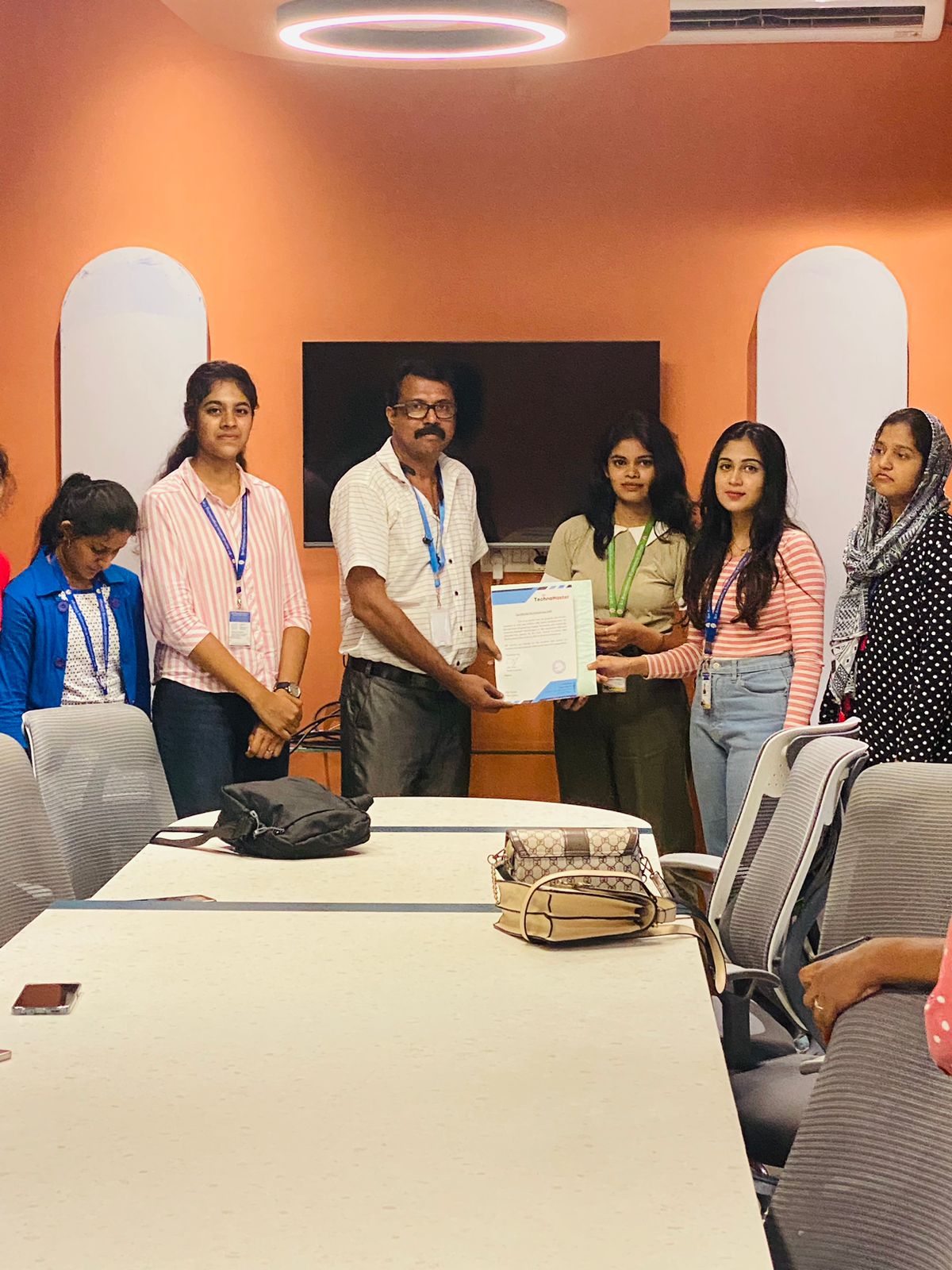
Photos of Training / Internships

Internship/projects in kannur

Trained more than 10000+ students who trust Nestsoft TechnoMaster

Get Your Personal Trainer