Send enquiry ⏎

UI/UX Design Online Live Class by Experts

Our Training/Internship Process

UI/UX Design Online Live Classes in Thanjavur | Free Demo Training

UI/UX Design - Syllabus, Fees & Duration

Figma Syllabus (15 Hours)

      Module 1: Figma Fundamentals (3 Hours)

        Introduction to Figma

      • Understanding the Figma interface and tools.
      • Layers, frames, and pages.
      • Shapes, text, and alignment.

        Design Basics

      • Color theory and typography basics.
      • Grids and layout principles.
      Module 2: Prototyping with Figma (3 Hours)

        Wireframing Basics

      • Creating low-fidelity wireframes for mobile and web apps.

        Prototyping Features

      • Adding interactions and transitions.
      • Clickable prototypes for user testing.
      Module 3: Mobile App Design Project (4 Hours)

        Designing a Mobile App

      • Screens for a sample app (e.g., task manager or food delivery).
      • Login, home, and profile pages.

        Components and Variants

      • Reusable buttons, icons, and cards.
      • Typography and color styles.

        Prototyping and Feedback

      • Linking screens and testing navigation.
      Module 4: Web App Design Project (5 Hours)

        Designing a Web App

      • Landing page, login screen, and dashboard for a web app.
      • Auto-layout for responsive designs.

        Final Prototype

      • Responsive breakpoints for desktop, tablet, and mobile.
      • Functional prototype with interactions.
    Web Development Syllabus (15 Hours)
      Module 1: HTML, CSS, and Bootstrap Basics (5 Hours)

        HTML Fundamentals (2 Hours)

      • Structuring web pages (header, footer, sections).
      • Essential tags: headings, lists, images, and links tables etc..

        CSS Basics (2 Hours)

      • Styling text and layout using CSS.
      • Box model, positioning, and Flexbox basics.

        Bootstrap Basics (1 Hour)

      • Setting up Bootstrap in a project.
      • Grid system and responsive layouts.
      • Common components: navbar, buttons, and cards.
      Module 2: Responsive Landing Page Conversion (5 Hours)

        Figma to Code Workflow (2 Hours)

      • Importing Figma designs for reference.
      • Structuring HTML and CSS with Bootstrap.

        Responsive Design (3 Hours)

      • Using media queries and Bootstrap utilities.
      • Creating a responsive navigation bar and hero section.
      • Ensuring design consistency with the Figma prototype.
      Module 3: Interactivity with JavaScript & Advanced Bootstrap (3 Hours)

        JavaScript Basics

      • Adding interactivity with JavaScript (e.g., form validation).
      • Bootstrap JavaScript components: modals, dropdowns, and carousels.

        CSS Animations & Transitions

      • Enhancing visuals with hover effects and animations.
      Module 4: Final Project and Deployment (2 Hours)

        Final Project: Responsive Landing Page

      • Convert a complete Figma design into a functional landing page.
      • Use Bootstrap and JavaScript for responsiveness and interactivity.

        Hosting and Deployment

      • Publish the project online using GitHub Pages or Netlify.
      Deliverables

        Figma:

      • Prototyped mobile app and web app designs.

        Web Development:

      • Fully responsive landing page with Bootstrap and interactivity.
      • Hosted live project link.

Download Syllabus - UI/UX Design
This syllabus is not final and can be customized as per needs/updates
   
10000+
20+
50+
25+

UI/UX Design Jobs in Thanjavur

Enjoy the demand

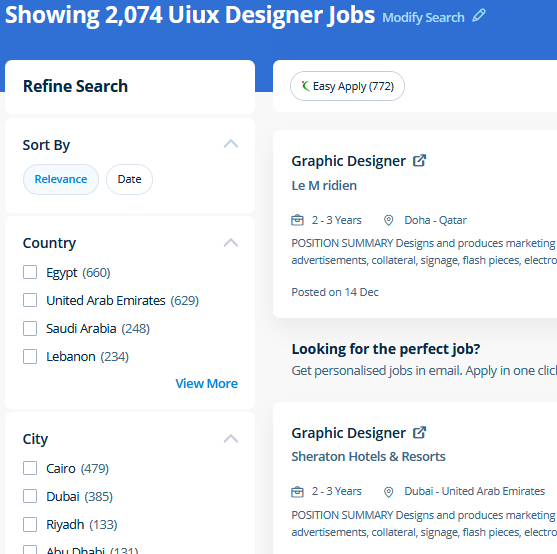
Find jobs related to UI/UX Design in search engines (Google, Bing, Yahoo) and recruitment websites (monsterindia, placementindia, naukri, jobshybrid.com, indeed.co.in, shine.com etc.) based in Thanjavur, chennai and europe countries. You can find many jobs for freshers related to the job positions in Thanjavur.

  • ui designer
  • ux designer
  • ui/ux designer
  • ui/ux developer
  • graphic designer
  • multimedia creator
  • photoshop
  • adobe illustrator
  • web design
  • html developer

UI/UX Design Internship/Course Details

UI/UX Design internship jobs in Thanjavur
UI/UX Design The Illustrator CC interface contains the tools, panels, menu, commanda, document, window, and artboards you will use when creating or editing an illustrator document. Photoshop may be a powerful and widespread image editing software that helps you to apply numerous effects easily and acquire consistent results. Our online training course in Dubai learn how a Vector application Creates shapes Composed of points, lines, and curves that are stored as mathematical instructions as opposed to a bitmap application, which creates shapes composed of pixel dots. Live classes are supported by an active class forum wherever your tutor provides extra information and feedback outside of class times. Our live online classes are a friendly and supportive alternative to looking at video tutorials – you’re ready to ask queries and receive answers from a skilled Nestsoft tutor in real time. Your works on the projects make easier and more efficient by adding special effects or interesting features on plugins and you can use various tools like brushes, overlays, fonts, and textures etc. At the end of this course at nestsoft inDubai we cover advanced topics such as Script validations, Building modular tests, Developing automation test suites for a broad range of desktop Web Applications. Photoshop includes a selection of quality tools and is easily customizable to fit your work style. Photoshop is incredibly accurate for bitmap colorwork, which is the foundation of each digital and print production. Additionally as people who want to boost their current workflows to work quicker and more efficiently.


Meet a Few of our Industry Experts 🚀 Your Pathway to IT Career

Keshav

Mobile: +91 94975 90866
Location: Online (Thanjavur, India)
Qualification: MCA

Experience: I have knowledge of C C++ OOP's Database I have done project in my academic which are inventory management system  more..

Sneha

Mobile: +91 89210 61945
Location: Online (Thanjavur, India)
Qualification: Bachelor's degree

Experience: Thank you for the opportunity to apply Cyber Security Expert role at your company I have completed my graduation in  more..

Aneesh

Mobile: +91 91884 77559
Location: Online (Thanjavur, India)
Qualification: B. Tech

Experience: Handson experience with odoo v13 14 15 16 capable of designing developing and maintaining enterprise application   more..

Niholsinh

Mobile: +91 91884 77559
Location: Online (Thanjavur, India)
Qualification: B.E (IT)

Experience: Dear TechnoMaster Team I'm the Network Security Engineer dedicated for firewall security and endpoint security I have hands on experiense  more..

Athira

Mobile: +91 98474 90866
Location: Online (Thanjavur, India)
Qualification: ME

Experience: Preparing study plan Curriculum development Teaching Computer skills  more..

Pooja

Mobile: +91 8301010866
Location: Online (Thanjavur, India)
Qualification: BE

Experience: Manual testing automation testing selenium BDD Java SQL jira tool postman tool etc  more..

Nishanth

Mobile: +91 91884 77559
Location: Online (Thanjavur, India)
Qualification: MCA

Experience: HTML5 CSS3 Javascript I am seeking entry level opportunity in frontend developer   more..

Aiswarya

Mobile: +91 9895490866
Location: Online (Thanjavur, India)
Qualification: BSC COMPUTER Science

Experience: 9 month training experience with software testing   more..

Ajeesh

Mobile: +91 8301010866
Location: Online (Thanjavur, India)
Qualification: MCA

Experience: Dear sir madam I am sending this application for the position of PHP developer I have 6+ years of experience  more..

Jinesh

Mobile: +91 91884 77559
Location: Online (Thanjavur, India)
Qualification: BCA

Experience: Advanced software testing manual and automation  more..

Vishnu

Mobile: +91 91884 77559
Location: Online (Thanjavur, India)
Qualification: B.E

Experience: I am writing to express 3 years experience in Android Developer position I successful completed and published play store in  more..

guddu

Mobile: +91 91884 77559
Location: Online (Thanjavur, India)
Qualification: B.tech CSE

Experience: Java kotlin dart flutter  more..

Abdul

Mobile: +91 8301010866
Location: Online (Thanjavur, India)
Qualification: Bachelor of computer science engineering

Experience: i have 1 yesr experience in Ui Ux designing role and i have skilled in figma adobe illustrator Adobe photoshop  more..

Rajeev

Mobile: +91 91884 77559
Location: Online (Thanjavur, India)
Qualification: B. Tech

Experience: Currently working in Amazon development Centre India pvt Ltd since last 4 9 years almost Part time Teaching German since  more..

CHIPPY

Mobile: +91 89210 61945
Location: Online (Thanjavur, India)
Qualification: BSc BEd

Experience: Curriculum development and lesson planningClassroom management and disciplineDifferentiated instruction to accommodate various learning stylesUtilization of technology in teaching (e g  more..

Gunjan

Mobile: +91 89210 61945
Location: Online (Thanjavur, India)
Qualification: Web design

Experience: Web design in HTML5 CSS3 Responsive Bootstrap I have 2 months experience   more..

Bhuvaneswari

Mobile: +91 89210 61945
Location: Online (Thanjavur, India)
Qualification: Bsc

Experience: I learned java selenium automation testing i have good skills on the automation testing I'm a fresher i completed my  more..

Santhiya

Mobile: +91 98474 90866
Location: Online (Thanjavur, India)
Qualification: Bsc Electronics

Experience: 1 year full stack developer role |   more..

Anju

Mobile: +91 89210 61945
Location: Online (Thanjavur, India)
Qualification: Btech (EC)

Experience: Have basic knowledge of programming languages like c c++ java Have basic knowledge of html css Have basic knowledge of  more..

Oleti

Mobile: +91 94975 90866
Location: Online (Thanjavur, India)
Qualification: B. Tech

Experience: Python programming c java msword msexcel  more..

Kartik

Mobile: +91 9895490866
Location: Online (Thanjavur, India)
Qualification: mscit

Experience: wordpress html css js sql  more..

ATHIRA

Mobile: +91 98474 90866
Location: Online (Thanjavur, India)
Qualification: M tech

Experience: C python dot net  more..

Anusaya

Mobile: +91 8301010866
Location: Online (Thanjavur, India)
Qualification: B.E

Experience: Web development graphics design Digital marketing C C++ Aws Devops  more..

Muhabath

Mobile: +91 98474 90866
Location: Online (Thanjavur, India)
Qualification: Btech

Experience: Manual testing Selenium Java Automation testing  more..

Success Stories

The enviable salary packages and track record of our previous students are the proof of our excellence. Please go through our students' reviews about our training methods and faculty and compare it to the recorded video classes that most of the other institutes offer. See for yourself how TechnoMaster is truly unique.

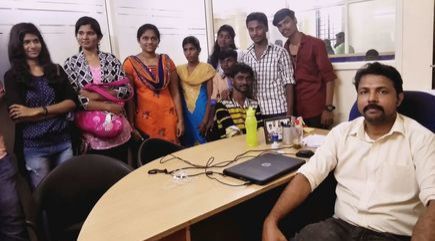
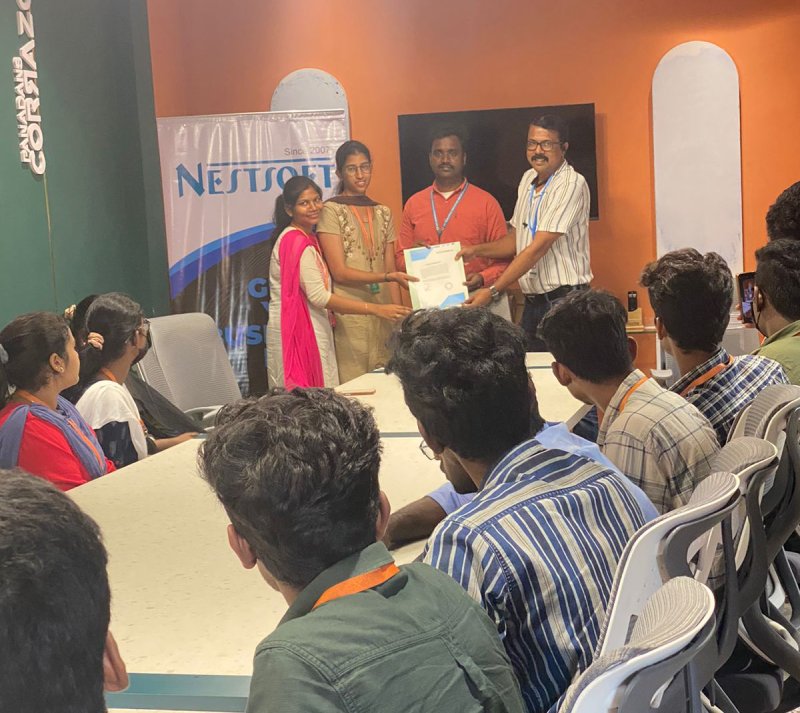
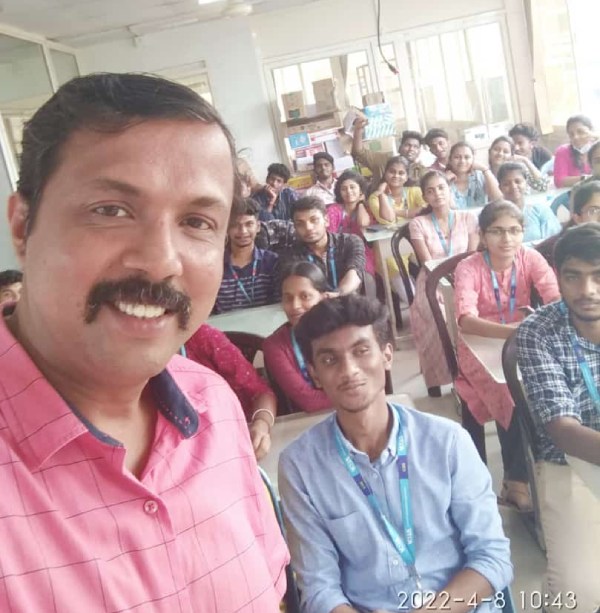
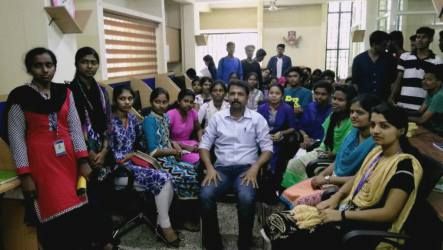
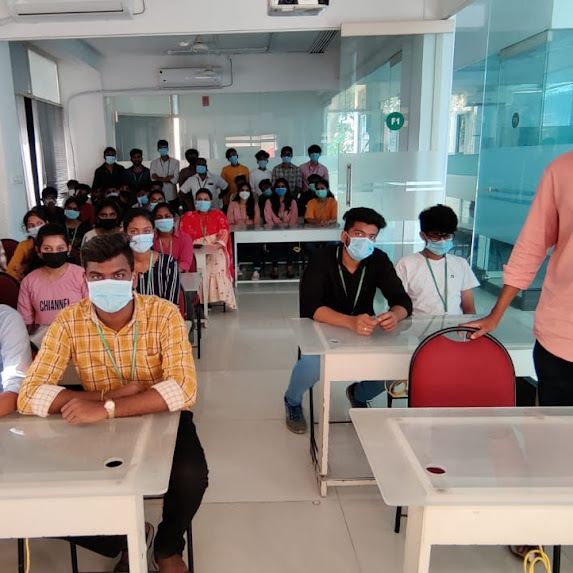
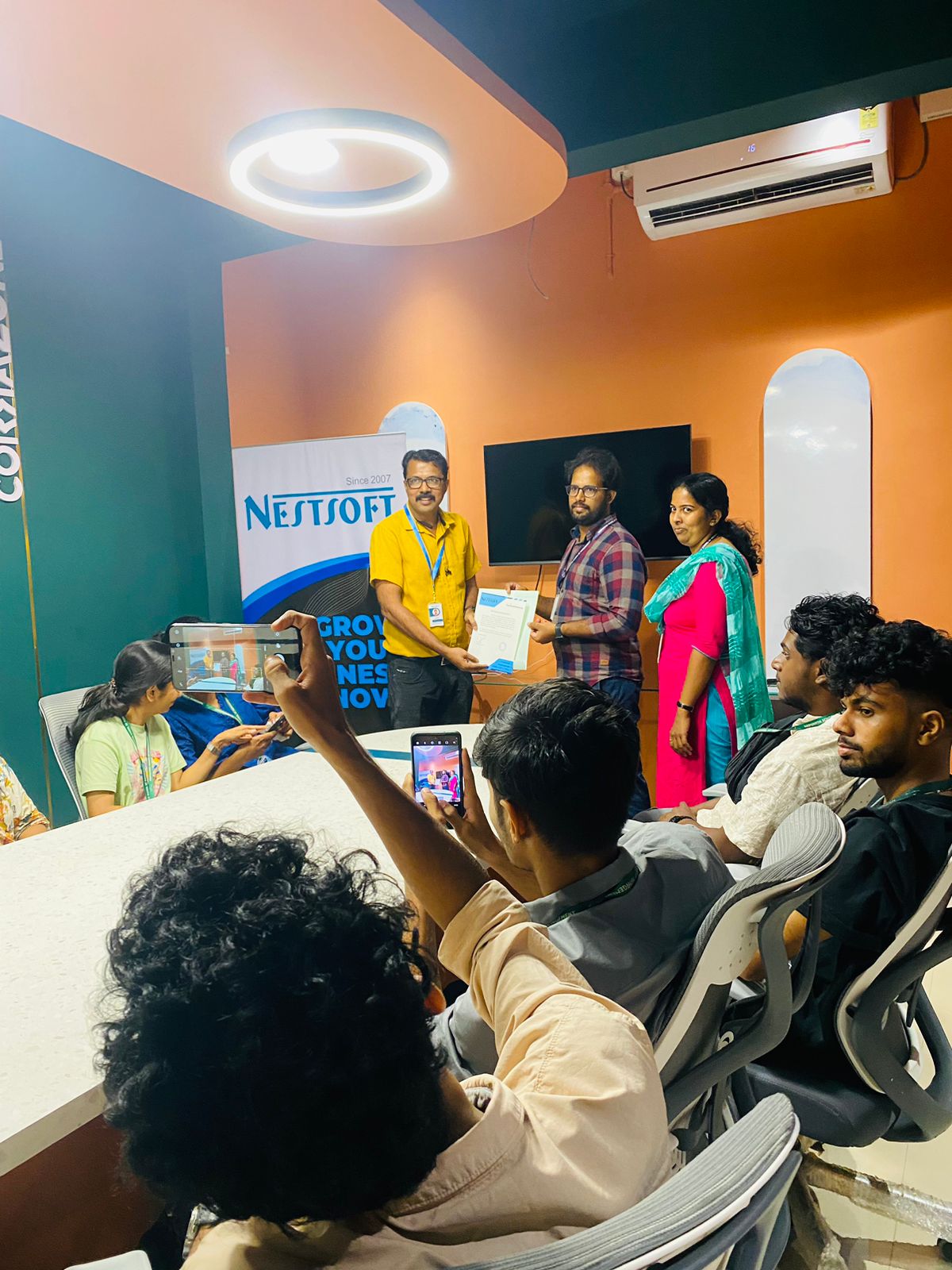
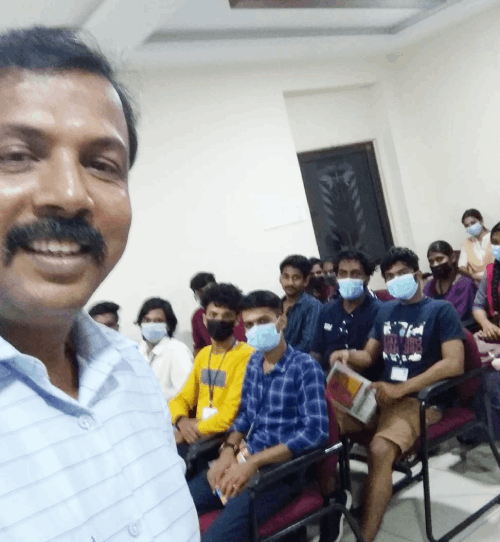
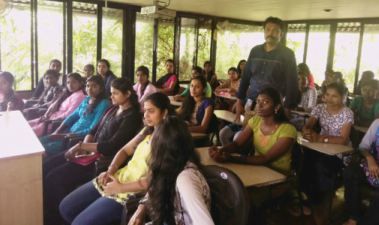
Photos of Training / Internships

Internship/projects in thanjavur

Trained more than 10000+ students who trust Nestsoft TechnoMaster

Get Your Personal Trainer