Send enquiry ⏎

UI/UX Design Online Live Class by Experts

Our Training/Internship Process

UI/UX Design Online Live Classes in Malappuram | Free Demo Training

UI/UX Design - Syllabus, Fees & Duration

Figma Syllabus (15 Hours)

      Module 1: Figma Fundamentals (3 Hours)

        Introduction to Figma

      • Understanding the Figma interface and tools.
      • Layers, frames, and pages.
      • Shapes, text, and alignment.

        Design Basics

      • Color theory and typography basics.
      • Grids and layout principles.
      Module 2: Prototyping with Figma (3 Hours)

        Wireframing Basics

      • Creating low-fidelity wireframes for mobile and web apps.

        Prototyping Features

      • Adding interactions and transitions.
      • Clickable prototypes for user testing.
      Module 3: Mobile App Design Project (4 Hours)

        Designing a Mobile App

      • Screens for a sample app (e.g., task manager or food delivery).
      • Login, home, and profile pages.

        Components and Variants

      • Reusable buttons, icons, and cards.
      • Typography and color styles.

        Prototyping and Feedback

      • Linking screens and testing navigation.
      Module 4: Web App Design Project (5 Hours)

        Designing a Web App

      • Landing page, login screen, and dashboard for a web app.
      • Auto-layout for responsive designs.

        Final Prototype

      • Responsive breakpoints for desktop, tablet, and mobile.
      • Functional prototype with interactions.
    Web Development Syllabus (15 Hours)
      Module 1: HTML, CSS, and Bootstrap Basics (5 Hours)

        HTML Fundamentals (2 Hours)

      • Structuring web pages (header, footer, sections).
      • Essential tags: headings, lists, images, and links tables etc..

        CSS Basics (2 Hours)

      • Styling text and layout using CSS.
      • Box model, positioning, and Flexbox basics.

        Bootstrap Basics (1 Hour)

      • Setting up Bootstrap in a project.
      • Grid system and responsive layouts.
      • Common components: navbar, buttons, and cards.
      Module 2: Responsive Landing Page Conversion (5 Hours)

        Figma to Code Workflow (2 Hours)

      • Importing Figma designs for reference.
      • Structuring HTML and CSS with Bootstrap.

        Responsive Design (3 Hours)

      • Using media queries and Bootstrap utilities.
      • Creating a responsive navigation bar and hero section.
      • Ensuring design consistency with the Figma prototype.
      Module 3: Interactivity with JavaScript & Advanced Bootstrap (3 Hours)

        JavaScript Basics

      • Adding interactivity with JavaScript (e.g., form validation).
      • Bootstrap JavaScript components: modals, dropdowns, and carousels.

        CSS Animations & Transitions

      • Enhancing visuals with hover effects and animations.
      Module 4: Final Project and Deployment (2 Hours)

        Final Project: Responsive Landing Page

      • Convert a complete Figma design into a functional landing page.
      • Use Bootstrap and JavaScript for responsiveness and interactivity.

        Hosting and Deployment

      • Publish the project online using GitHub Pages or Netlify.
      Deliverables

        Figma:

      • Prototyped mobile app and web app designs.

        Web Development:

      • Fully responsive landing page with Bootstrap and interactivity.
      • Hosted live project link.

Download Syllabus - UI/UX Design
This syllabus is not final and can be customized as per needs/updates
   
10000+
20+
50+
25+

UI/UX Design Jobs in Malappuram

Enjoy the demand

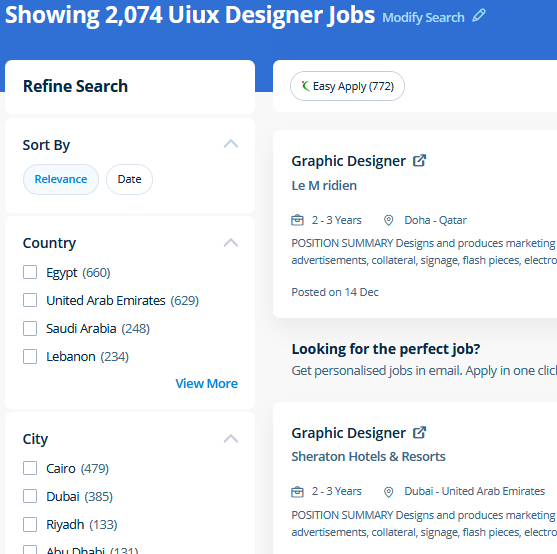
Find jobs related to UI/UX Design in search engines (Google, Bing, Yahoo) and recruitment websites (monsterindia, placementindia, naukri, jobshybrid.com, indeed.co.in, shine.com etc.) based in Malappuram, chennai and europe countries. You can find many jobs for freshers related to the job positions in Malappuram.

  • ui designer
  • ux designer
  • ui/ux designer
  • ui/ux developer
  • graphic designer
  • multimedia creator
  • photoshop
  • adobe illustrator
  • web design
  • html developer

UI/UX Design Internship/Course Details

UI/UX Design internship jobs in Malappuram
UI/UX Design For anyone who wants to do something productive in computers, Adobe Photoshop provides options that explore creativity . Our online training course in Dubai learn how a Vector application Creates shapes Composed of points, lines, and curves that are stored as mathematical instructions as opposed to a bitmap application, which creates shapes composed of pixel dots. Our live online classes are a friendly and supportive alternative to looking at video tutorials – you’re ready to ask queries and receive answers from a skilled Nestsoft tutor in real time. Completing this CSS training at nessoft inDubai u can step ahead in your career as a website designer and create the latest interactive pages for your website viewers. Our aim is that each delegate leaves our InDesign Course with the confidence to apply their new skills effectively within the real world. In this course you will learn too use the Bootstrap 3 CSS framework to build websites with fluid and adaptive grid layouts. Photoshop includes a selection of quality tools and is easily customizable to fit your work style. Our core features of the bootstrap training in Dubai includes: Design layouts adhering to a fluid grid Understand how the HTML, CSS and JavaScript components of Bootstrap work Customise a Bootstrap installation Optimise a Bootstrap design for target device features Create responsive images and graphics . The Illustrator CC interface contains the tools, panels, menu, commanda, document, window, and artboards you will use when creating or editing an illustrator document. concepts such as clusters, variables, operators, functions, and control structure in JavaScript Demonstrable knowledge of Functions - Passing the data to functions, JavaScript Function Syntax, Concise Body syntax, Return Keyword, and ES6 arrow functions basics of jQuery that assist you to boost your skills in Scriptwriting.


Meet a Few of our Industry Experts 🚀 Your Pathway to IT Career

MEERALAKSHMI

Mobile: +91 98474 90866
Location: Online (Malappuram, India)
Qualification: Btech

Experience: Programming languages like C java python coding skills Mysql DBMs Data structure and algorithms SDLC  more..

VEENA

Mobile: +91 91884 77559
Location: Online (Malappuram, India)
Qualification: BTech ECE

Experience: python ML R SQL EXCEL TABLEUA  more..

Sameer

Mobile: +91 89210 61945
Location: Online (Malappuram, India)
Qualification: Currently pursuing my Bachelors

Experience: I have a certificate from cisco networking academy you can check it on my linkedin |   more..

Aastha

Mobile: +91 94975 90866
Location: Online (Malappuram, India)
Qualification: MCA

Experience: 3+ years of experience in WordPress development in which I have worked on Theme customization Security related issues troubleshooting ACF  more..

Iswarya

Mobile: +91 89210 61945
Location: Online (Malappuram, India)
Qualification: BSc computer science

Experience: Web development html css javascript typescript angular 2+ to 15 angularJS react  more..

Sivaranjani

Mobile: +91 91884 77559
Location: Online (Malappuram, India)
Qualification: B.tech IT

Experience: Web development trainer - 2 year Software development - 5 year  more..

Priyanka

Mobile: +91 94975 90866
Location: Online (Malappuram, India)
Qualification: BBA Graduated

Experience: Working with a Youtuber "Biology at Ease" for past 2 years which recently crossed 1 Million subscribers & have great  more..

GOPINADH

Mobile: +91 89210 61945
Location: Online (Malappuram, India)
Qualification: MA

Experience: AWS DevOps tools apache tomcat K8s Terraform python  more..

PAVITHRA

Mobile: +91 9895490866
Location: Online (Malappuram, India)
Qualification: MBA

Experience: Human resource management and development HR HR coordinator  more..

Farhana

Mobile: +91 94975 90866
Location: Online (Malappuram, India)
Qualification: Msc C. S

Experience: I have 2 years experience in software development Technical skills are PHP Laravel JS html css | Resume for   more..

Muhammed

Mobile: +91 9895490866
Location: Online (Malappuram, India)
Qualification: Btech

Experience: Communication team player web development technology  more..

Mrunal

Mobile: +91 89210 61945
Location: Online (Malappuram, India)
Qualification: MBA

Experience: Skilled in digital marketing SEO PPC social media ads graphic design video marketing and email marketing Experienced in cross-selling market  more..

Bhupendra

Mobile: +91 89210 61945
Location: Online (Malappuram, India)
Qualification: BE

Experience: I have 3 8+ year of experiene in odoo development and customization i also have knowledge about server setup and  more..

romesh

Mobile: +91 91884 77559
Location: Online (Malappuram, India)
Qualification: MCA

Experience: I am working as a mean stack developer in E-Tech Services pvt ltd since 11 January 2022 Application for Meanstack  more..

Rahul

Mobile: +91 91884 77559
Location: Online (Malappuram, India)
Qualification: B.tech

Experience: Node js express javascript MongoDB react js c++ SQL Bootstrap CSS HTMLApplication for Node JS  more..

Anagha

Mobile: +91 94975 90866
Location: Online (Malappuram, India)
Qualification: B tech in ECE

Experience: Manual testing Automation testing java selenium jmeter  more..

Sreejaya

Mobile: +91 8301010866
Location: Online (Malappuram, India)
Qualification: Master of design in UX

Experience: As a UX designer noteworthy skills include user research wireframing prototyping usability testing and proficiency in design tools like Sketch  more..

Maaz

Mobile: +91 91884 77559
Location: Online (Malappuram, India)
Qualification: Bachelor

Experience: Vapt Metasploit Wireshark Nmap ethical Hacking tools security audits firewalls etc  more..

Prachi

Mobile: +91 98474 90866
Location: Online (Malappuram, India)
Qualification: B.Tech

Experience: Dear HR I'm pursuing Bachelor's of Technology in Computer Science from Shambhunath Institute of Engineering and Technology Allahabad I have  more..

Nimish

Mobile: +91 8301010866
Location: Online (Malappuram, India)
Qualification: B.E

Experience: I am particularly proud of my recent projects such as the Summarize Study Tool and the Applied Data Science Capstone  more..

Mohammad

Mobile: +91 91884 77559
Location: Online (Malappuram, India)
Qualification: BCA

Experience: Android development MVVM Retrofit Room Dagger-hilt Jetpack component Kotlin Java  more..

Anagha

Mobile: +91 89210 61945
Location: Online (Malappuram, India)
Qualification: MCA

Experience: Skills Knowledge in software testing Knowledge in LARAVEL C JAVA DBMS Confident Articulate and Professional Speaking abilities Ability to work  more..

Manish

Mobile: +91 89210 61945
Location: Online (Malappuram, India)
Qualification: Pursuing B.Tech(Final year)

Experience: Circuit Design: Proficient in designing electronic circuits including analog digital and mixed-signal circuits Power Electronics: Knowledgeable about power supply design  more..

Manpreet

Mobile: +91 91884 77559
Location: Online (Malappuram, India)
Qualification: B.Tech

Experience: I’m a graphic designer… over the three years my designs have specialised in party events where we take a bundle  more..

Success Stories

The enviable salary packages and track record of our previous students are the proof of our excellence. Please go through our students' reviews about our training methods and faculty and compare it to the recorded video classes that most of the other institutes offer. See for yourself how TechnoMaster is truly unique.

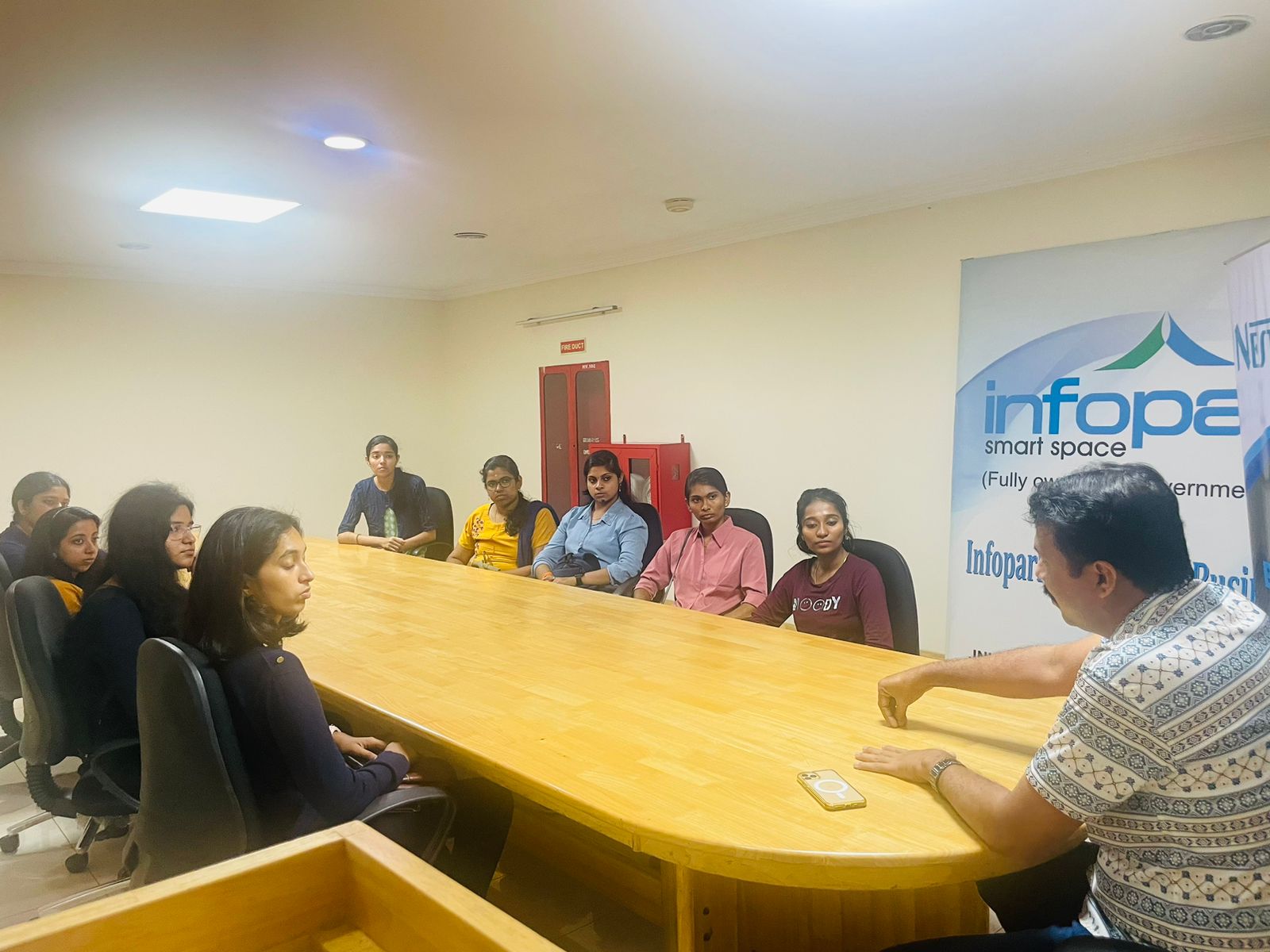
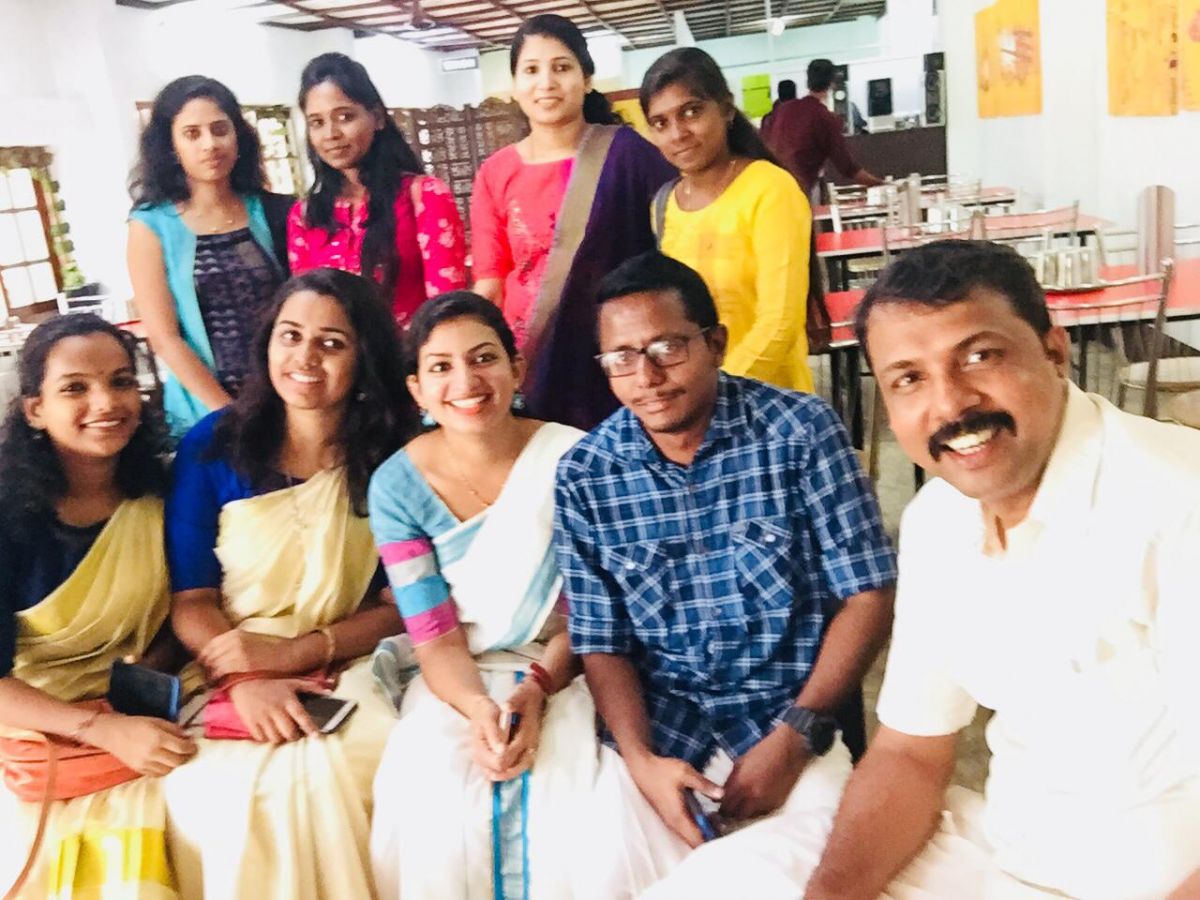
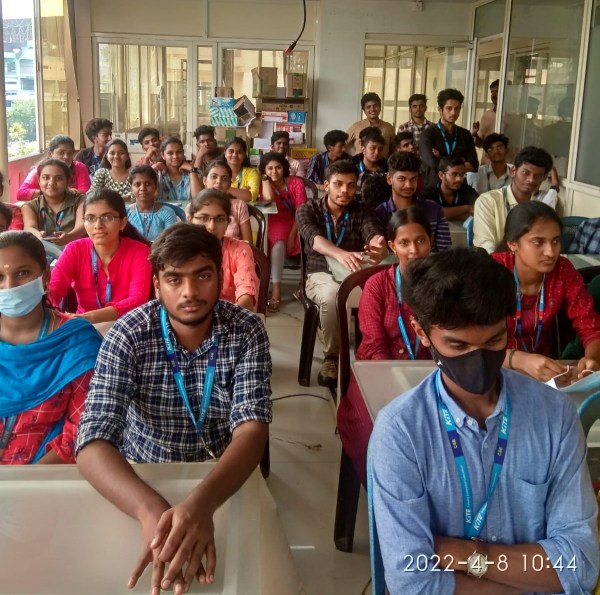
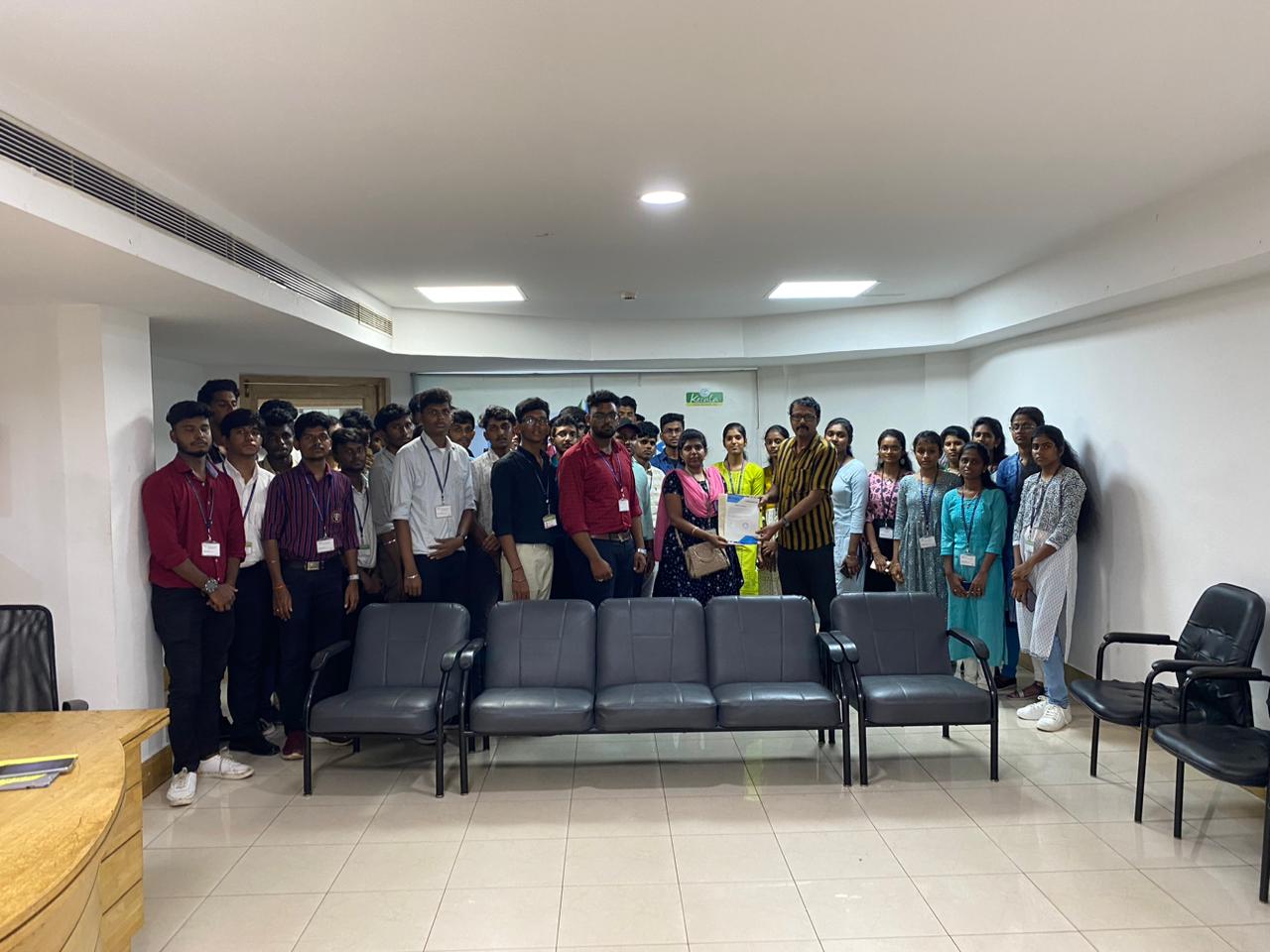
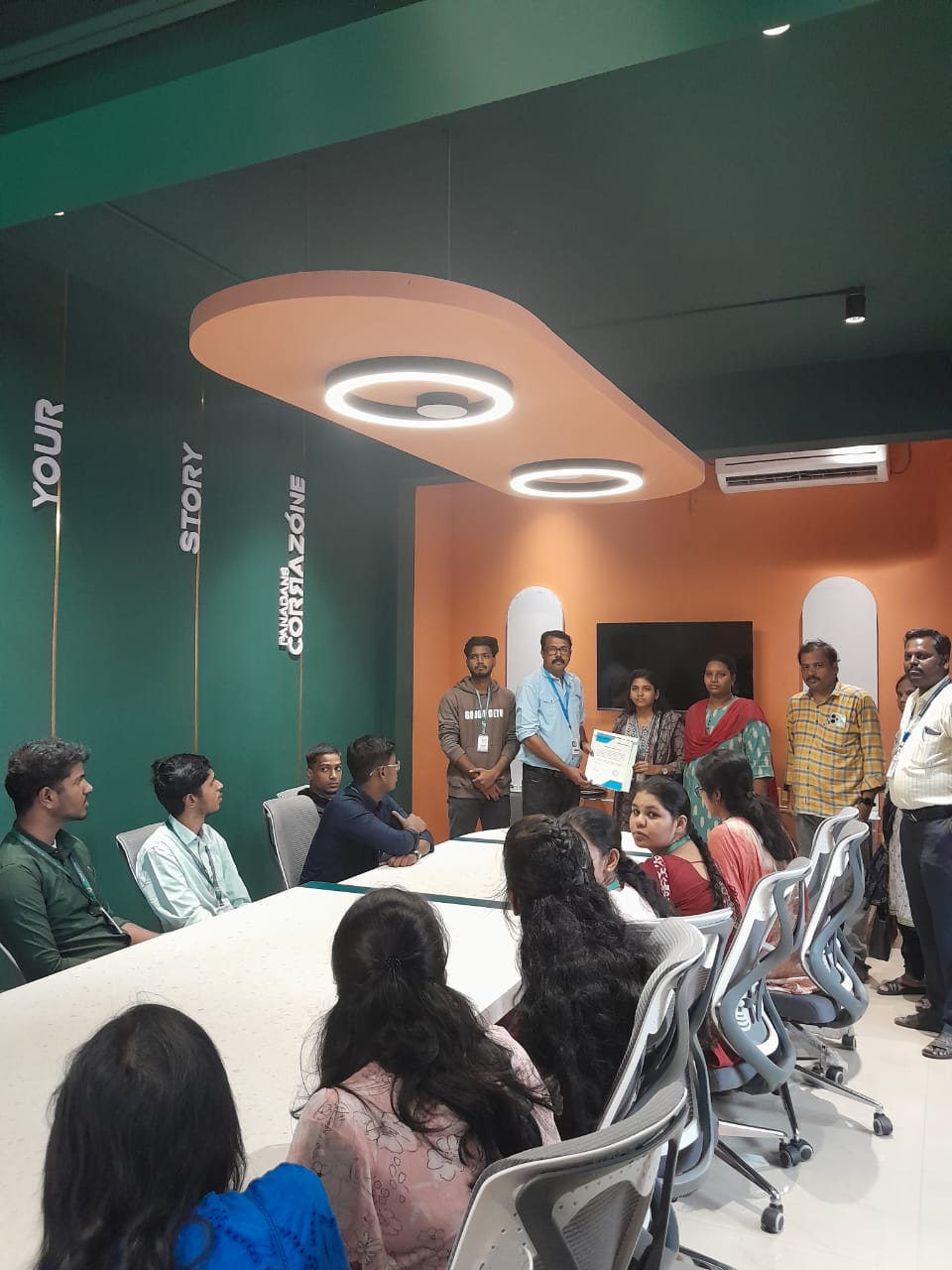
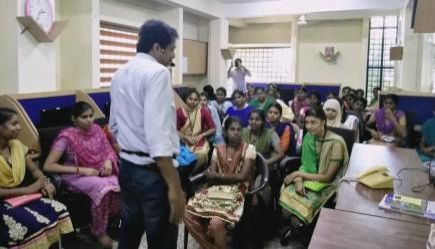
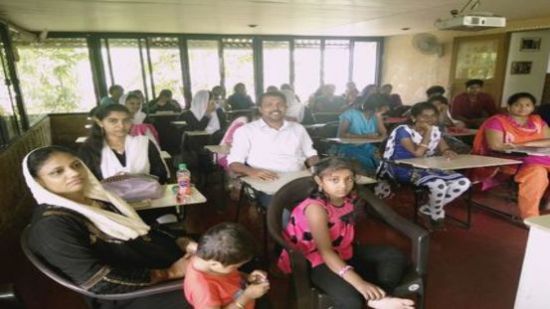
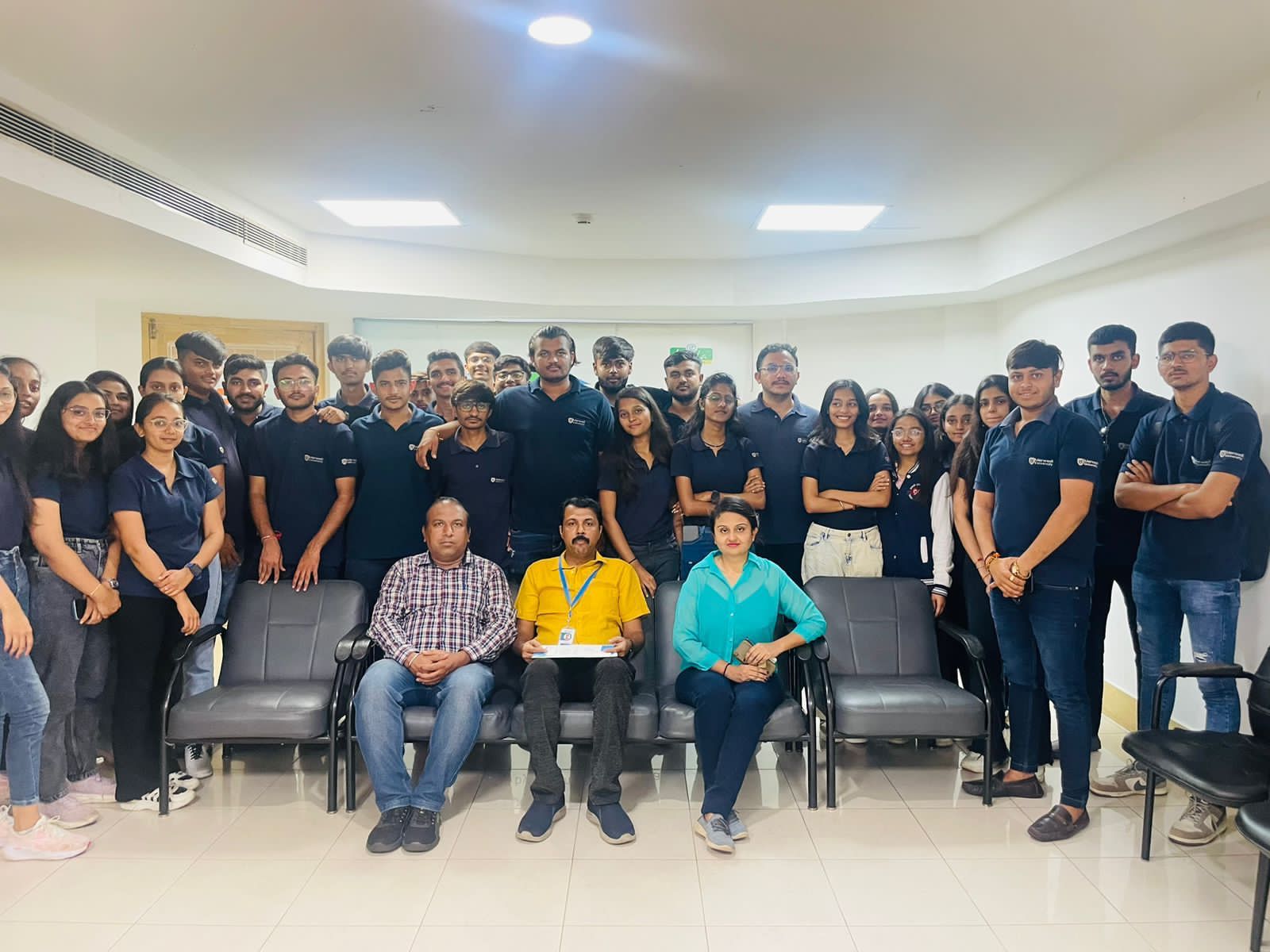
Photos of Training / Internships

Internship/projects in malappuram

Trained more than 10000+ students who trust Nestsoft TechnoMaster

Get Your Personal Trainer