Send enquiry ⏎

UI/UX Design Online Live Class by Experts

Our Training/Internship Process

UI/UX Design Online Live Classes in Kanpur | Free Demo Training

UI/UX Design - Syllabus, Fees & Duration

Figma Syllabus (15 Hours)

      Module 1: Figma Fundamentals (3 Hours)

        Introduction to Figma

      • Understanding the Figma interface and tools.
      • Layers, frames, and pages.
      • Shapes, text, and alignment.

        Design Basics

      • Color theory and typography basics.
      • Grids and layout principles.
      Module 2: Prototyping with Figma (3 Hours)

        Wireframing Basics

      • Creating low-fidelity wireframes for mobile and web apps.

        Prototyping Features

      • Adding interactions and transitions.
      • Clickable prototypes for user testing.
      Module 3: Mobile App Design Project (4 Hours)

        Designing a Mobile App

      • Screens for a sample app (e.g., task manager or food delivery).
      • Login, home, and profile pages.

        Components and Variants

      • Reusable buttons, icons, and cards.
      • Typography and color styles.

        Prototyping and Feedback

      • Linking screens and testing navigation.
      Module 4: Web App Design Project (5 Hours)

        Designing a Web App

      • Landing page, login screen, and dashboard for a web app.
      • Auto-layout for responsive designs.

        Final Prototype

      • Responsive breakpoints for desktop, tablet, and mobile.
      • Functional prototype with interactions.
    Web Development Syllabus (15 Hours)
      Module 1: HTML, CSS, and Bootstrap Basics (5 Hours)

        HTML Fundamentals (2 Hours)

      • Structuring web pages (header, footer, sections).
      • Essential tags: headings, lists, images, and links tables etc..

        CSS Basics (2 Hours)

      • Styling text and layout using CSS.
      • Box model, positioning, and Flexbox basics.

        Bootstrap Basics (1 Hour)

      • Setting up Bootstrap in a project.
      • Grid system and responsive layouts.
      • Common components: navbar, buttons, and cards.
      Module 2: Responsive Landing Page Conversion (5 Hours)

        Figma to Code Workflow (2 Hours)

      • Importing Figma designs for reference.
      • Structuring HTML and CSS with Bootstrap.

        Responsive Design (3 Hours)

      • Using media queries and Bootstrap utilities.
      • Creating a responsive navigation bar and hero section.
      • Ensuring design consistency with the Figma prototype.
      Module 3: Interactivity with JavaScript & Advanced Bootstrap (3 Hours)

        JavaScript Basics

      • Adding interactivity with JavaScript (e.g., form validation).
      • Bootstrap JavaScript components: modals, dropdowns, and carousels.

        CSS Animations & Transitions

      • Enhancing visuals with hover effects and animations.
      Module 4: Final Project and Deployment (2 Hours)

        Final Project: Responsive Landing Page

      • Convert a complete Figma design into a functional landing page.
      • Use Bootstrap and JavaScript for responsiveness and interactivity.

        Hosting and Deployment

      • Publish the project online using GitHub Pages or Netlify.
      Deliverables

        Figma:

      • Prototyped mobile app and web app designs.

        Web Development:

      • Fully responsive landing page with Bootstrap and interactivity.
      • Hosted live project link.

Download Syllabus - UI/UX Design
This syllabus is not final and can be customized as per needs/updates
   
10000+
20+
50+
25+

UI/UX Design Jobs in Kanpur

Enjoy the demand

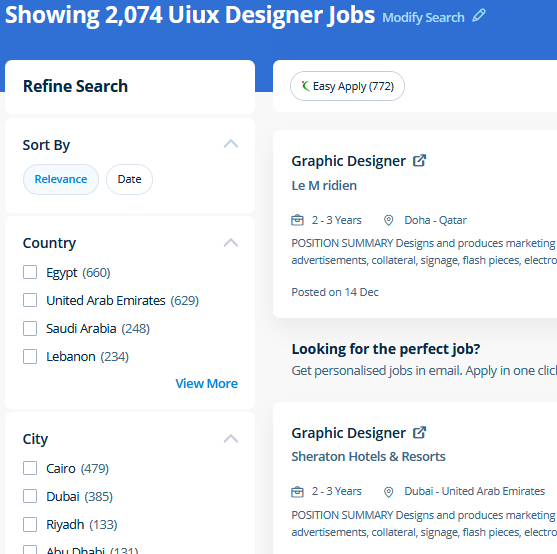
Find jobs related to UI/UX Design in search engines (Google, Bing, Yahoo) and recruitment websites (monsterindia, placementindia, naukri, jobshybrid.com, indeed.co.in, shine.com etc.) based in Kanpur, chennai and europe countries. You can find many jobs for freshers related to the job positions in Kanpur.

  • ui designer
  • ux designer
  • ui/ux designer
  • ui/ux developer
  • graphic designer
  • multimedia creator
  • photoshop
  • adobe illustrator
  • web design
  • html developer

UI/UX Design Internship/Course Details

UI/UX Design internship jobs in Kanpur
UI/UX Design You make changes to the files using Photoshop and directly use the outputs from that software. Photographers, web designers, or graphic designers must know how to use Adobe Photoshop. concepts such as clusters, variables, operators, functions, and control structure in JavaScript Demonstrable knowledge of Functions - Passing the data to functions, JavaScript Function Syntax, Concise Body syntax, Return Keyword, and ES6 arrow functions basics of jQuery that assist you to boost your skills in Scriptwriting. Anatomy of a CSS ruleset Selecting multiple elements Different types of a selector Fonts and text Boxes, boxes, it’s all about boxes Changing the page color Sorting the body out Positioning and styling our main page title Centering the image Backgrounds and Borders Image values and replaced Content Text Effects 2D/3D Transformations Animations Multiple Column Layout User Interface . For anyone who wants to do something productive in computers, Adobe Photoshop provides options that explore creativity . Our CSS training course includes common CSS styling that you'll need when you start off designing your pages ,to position your elements, lay out your elements relative to your documents, and style your HTML using predefined CSS values. Using Adobe Photoshop can allow you to design and discover something you want. Get acquainted with the JavaScript Libraries solid understanding of Conditionals - else, if, if-else, ternary syntax, and switch for controlling the flow of the program in the Javascript. The Illustrator CC interface contains the tools, panels, menu, commanda, document, window, and artboards you will use when creating or editing an illustrator document. Adobe Photoshop is specially designed to permit users to edit and make multiple designs.


Meet a Few of our Industry Experts 🚀 Your Pathway to IT Career

Nebi

Mobile: +91 8301010866
Location: Online (Kanpur, India)
Qualification: Btech EC

Experience: I have completed my btech in 2018 And i have experience as a business development executive(2yrs)and also as embedded engineer(1yr)  more..

Anagha

Mobile: +91 91884 77559
Location: Online (Kanpur, India)
Qualification: B tech in ECE

Experience: Manual testing Automation testing java selenium jmeter  more..

Hariharasudhan

Mobile: +91 8301010866
Location: Online (Kanpur, India)
Qualification: Bachelor of Engineering

Experience: Having 4 8 Years of Experience in Software Testing in that both Manual and Automation Experience in automation frameworks including  more..

Akhila

Mobile: +91 89210 61945
Location: Online (Kanpur, India)
Qualification: MCA

Experience: Skills are:dart java php sql Experience : Support Engineer 1 year 4months Teacher one year   more..

RENU

Mobile: +91 8301010866
Location: Online (Kanpur, India)
Qualification: Mphill

Experience: Fluency in Hindi: Proficiency in speaking reading and writing Hindi is essential for effectively teaching the language to students Knowledge  more..

Anandhu

Mobile: +91 9895490866
Location: Online (Kanpur, India)
Qualification: Bachelor's of computer Application

Experience: I Anandhu Narayanan i am bca graduate i completed my graduation in 2023 after my graduation i have done 6  more..

Shruti

Mobile: +91 91884 77559
Location: Online (Kanpur, India)
Qualification: PGDHRM

Experience: I am an experienced trainer proficient in both online and in-person environments with a specialization in spoken English My expertise  more..

Jayesh

Mobile: +91 9895490866
Location: Online (Kanpur, India)
Qualification: B.C.A

Experience: I have 6 year of experience in Wordpress development I’m Wordpress backend developer an able to integrate custom theme development  more..

Ashutosh

Mobile: +91 8301010866
Location: Online (Kanpur, India)
Qualification: B.tech CSE

Experience: Front end developer HTML CSS Javascript Bootstrap 1+ year experienced as a Web developer at Invisor Technologies   more..

Sithanya

Mobile: +91 9895490866
Location: Online (Kanpur, India)
Qualification: MSC computerscience

Experience: Bootstrap c cpp c# php mysql HTML 6 month experience in webdesigner  more..

Sandeep

Mobile: +91 9895490866
Location: Online (Kanpur, India)
Qualification: Bachelor’s degree

Experience: Done Full stack python course which includes HTML CSS JAVASCRIPT SQL  more..

Anakha

Mobile: +91 98474 90866
Location: Online (Kanpur, India)
Qualification: MCA

Experience: C++ C java javascript python Ms office Mysql HTML CSS Shell Scripting Android basics PHP Communication Leadership adaptability Willingness to  more..

Prabhakaran.J

Mobile: +91 89210 61945
Location: Online (Kanpur, India)
Qualification: B.tech

Experience: AD administration firewall proxy server maintenance   more..

Sayli

Mobile: +91 94975 90866
Location: Online (Kanpur, India)
Qualification: Bachelor in Engineering

Experience: I am Sayli Kadam I am all about making digital stuff look and feel awesome ! I studied Electronics Engineering  more..

sreejith

Mobile: +91 8301010866
Location: Online (Kanpur, India)
Qualification: BCA

Experience: 1 year experience as android developer cum trainer Zoople technologies kaloor 7 month experiece as android developer in ynotinfosolutions infopark  more..

Rahil

Mobile: +91 94975 90866
Location: Online (Kanpur, India)
Qualification: B.Tech

Experience: Java developer with 10 years of experience that includes working as Programmer Analyst and in Associate Role in Cognizant Technology  more..

Naresh

Mobile: +91 91884 77559
Location: Online (Kanpur, India)
Qualification: B.E

Experience: 1 year experience in SEO Executive 6month experience in Email marketing Skill: On page SEO OFF page SEO Technical SEO  more..

Rahul

Mobile: +91 98474 90866
Location: Online (Kanpur, India)
Qualification: BE

Experience: Java c# net react node css html javascript  more..

Bharath

Mobile: +91 91884 77559
Location: Online (Kanpur, India)
Qualification: MBA

Experience: I have hands on experience on machine learning neural networks random forest using python and R software I done some  more..

Jitender

Mobile: +91 91884 77559
Location: Online (Kanpur, India)
Qualification: MCA

Experience: Html css php c c++ mysql | (Work from Home)  more..

Jyotika

Mobile: +91 89210 61945
Location: Online (Kanpur, India)
Qualification: B.Sc (H) Computer Science

Experience: For the past 5 months I have been working as a UI UX Intern at Grey to Yellow and then  more..

Yuvraj

Mobile: +91 94975 90866
Location: Online (Kanpur, India)
Qualification: Bba in security management

Experience: As a stock and derivative trader I bring extensive experience in technical and fundamental analysis risk management and strategy development  more..

Anumol

Mobile: +91 91884 77559
Location: Online (Kanpur, India)
Qualification: BA ECONOMICS

Experience: social media marketing seo and sem google analytics email marketing   more..

Mansi

Mobile: +91 8301010866
Location: Online (Kanpur, India)
Qualification: Btech

Experience: I'm Fresher I know the python HTMl CSS js languages  more..

Success Stories

The enviable salary packages and track record of our previous students are the proof of our excellence. Please go through our students' reviews about our training methods and faculty and compare it to the recorded video classes that most of the other institutes offer. See for yourself how TechnoMaster is truly unique.

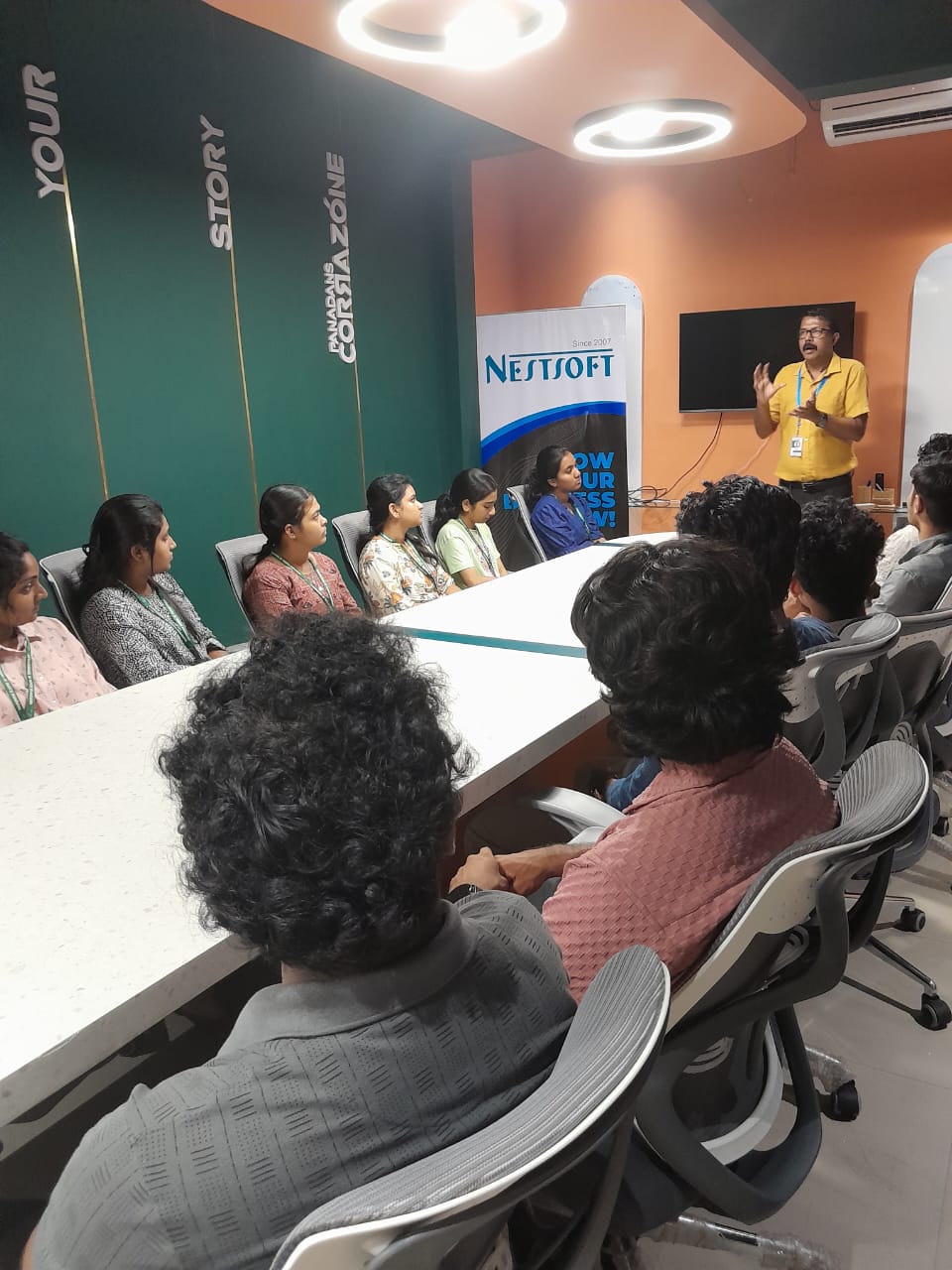
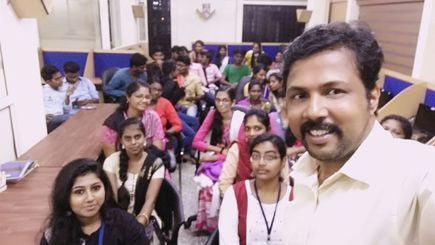
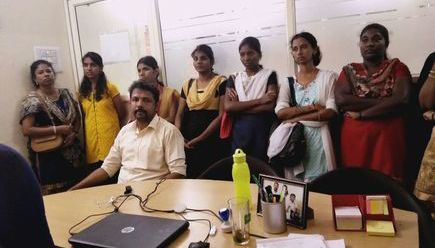
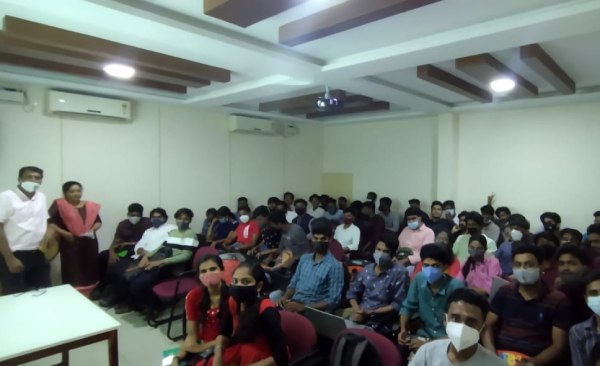
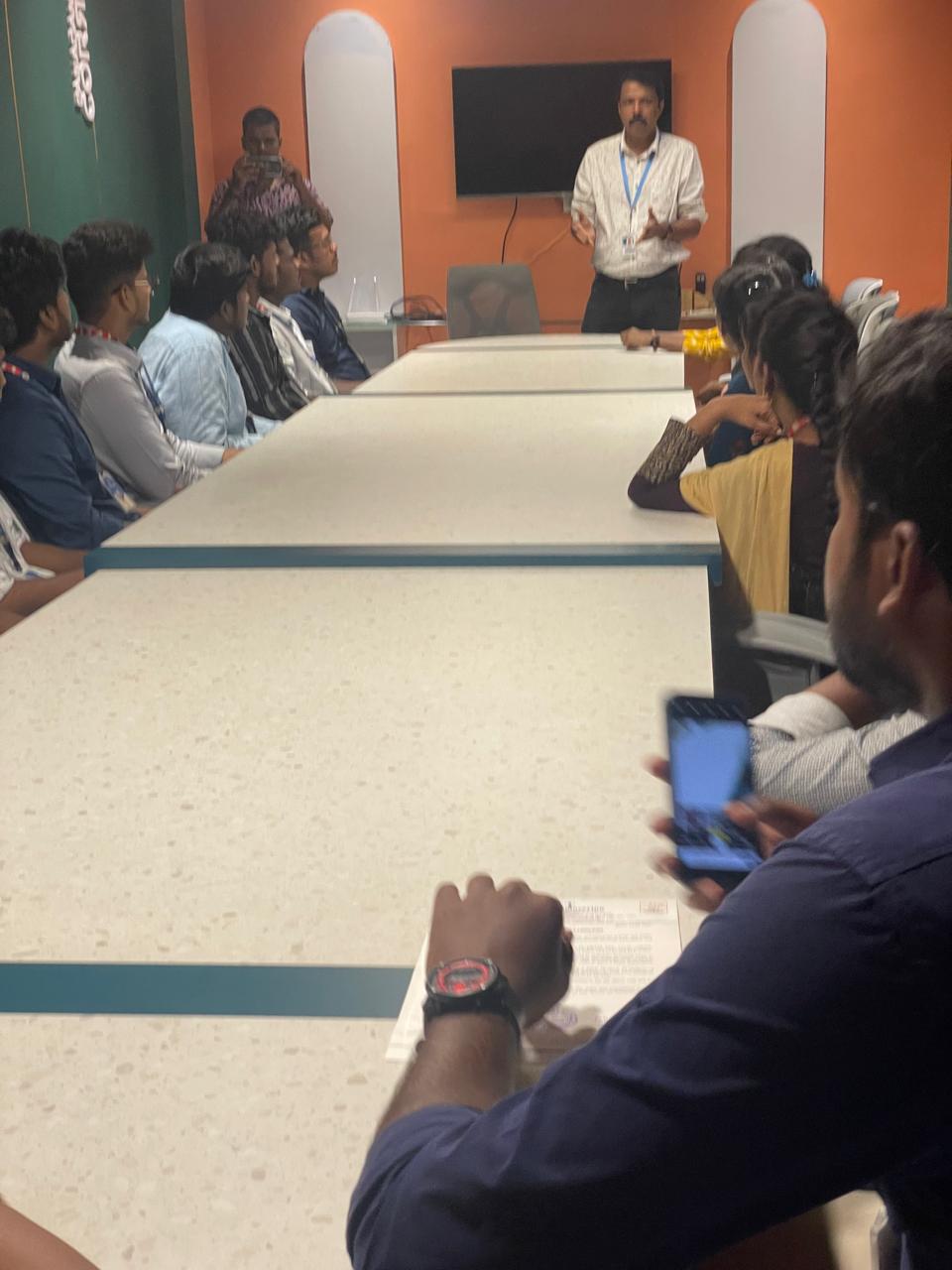
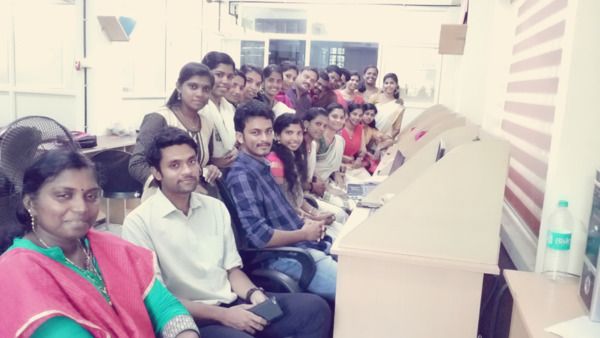
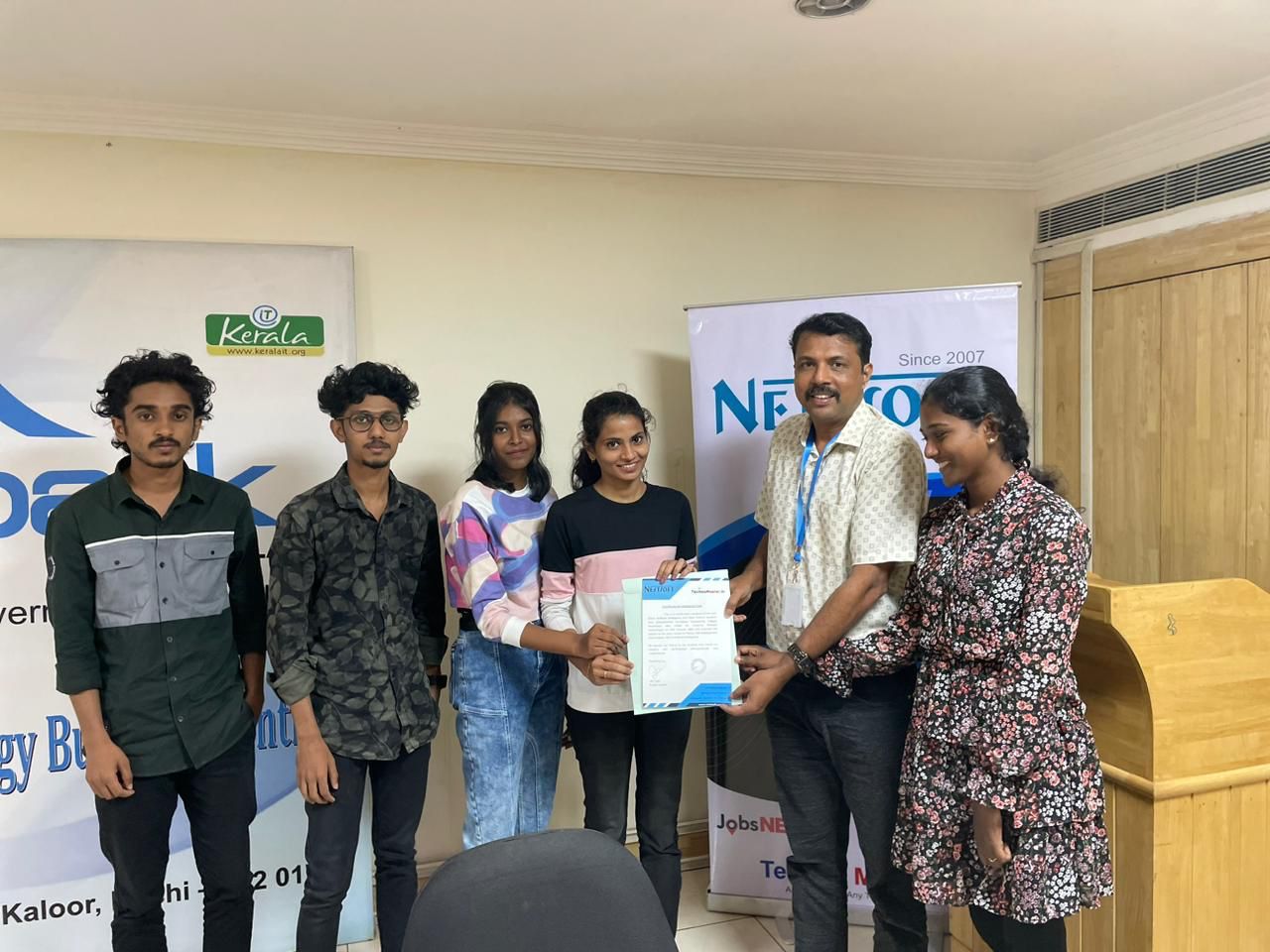
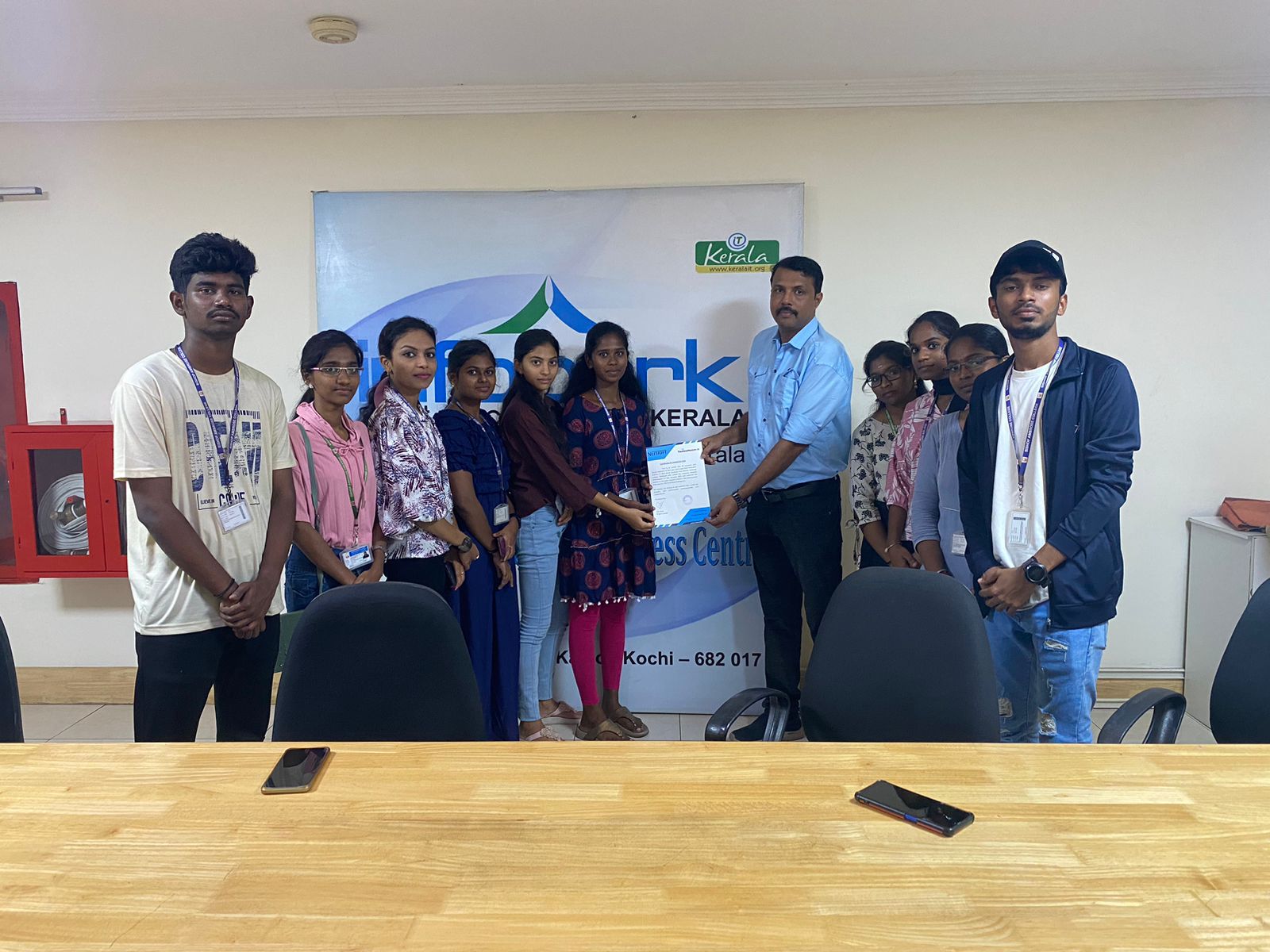
Photos of Training / Internships

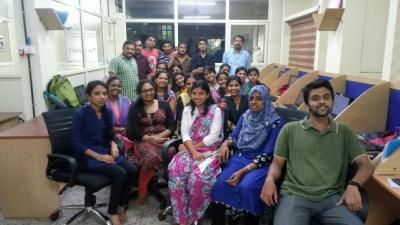
Internship/projects in kanpur

Trained more than 10000+ students who trust Nestsoft TechnoMaster

Get Your Personal Trainer