Send enquiry ⏎

UI/UX Design Online Live Class by Experts

Our Training/Internship Process

UI/UX Design Online Live Classes in Cochin | Free Demo Training

UI/UX Design - Syllabus, Fees & Duration

Figma Syllabus (15 Hours)

      Module 1: Figma Fundamentals (3 Hours)

        Introduction to Figma

      • Understanding the Figma interface and tools.
      • Layers, frames, and pages.
      • Shapes, text, and alignment.

        Design Basics

      • Color theory and typography basics.
      • Grids and layout principles.
      Module 2: Prototyping with Figma (3 Hours)

        Wireframing Basics

      • Creating low-fidelity wireframes for mobile and web apps.

        Prototyping Features

      • Adding interactions and transitions.
      • Clickable prototypes for user testing.
      Module 3: Mobile App Design Project (4 Hours)

        Designing a Mobile App

      • Screens for a sample app (e.g., task manager or food delivery).
      • Login, home, and profile pages.

        Components and Variants

      • Reusable buttons, icons, and cards.
      • Typography and color styles.

        Prototyping and Feedback

      • Linking screens and testing navigation.
      Module 4: Web App Design Project (5 Hours)

        Designing a Web App

      • Landing page, login screen, and dashboard for a web app.
      • Auto-layout for responsive designs.

        Final Prototype

      • Responsive breakpoints for desktop, tablet, and mobile.
      • Functional prototype with interactions.
    Web Development Syllabus (15 Hours)
      Module 1: HTML, CSS, and Bootstrap Basics (5 Hours)

        HTML Fundamentals (2 Hours)

      • Structuring web pages (header, footer, sections).
      • Essential tags: headings, lists, images, and links tables etc..

        CSS Basics (2 Hours)

      • Styling text and layout using CSS.
      • Box model, positioning, and Flexbox basics.

        Bootstrap Basics (1 Hour)

      • Setting up Bootstrap in a project.
      • Grid system and responsive layouts.
      • Common components: navbar, buttons, and cards.
      Module 2: Responsive Landing Page Conversion (5 Hours)

        Figma to Code Workflow (2 Hours)

      • Importing Figma designs for reference.
      • Structuring HTML and CSS with Bootstrap.

        Responsive Design (3 Hours)

      • Using media queries and Bootstrap utilities.
      • Creating a responsive navigation bar and hero section.
      • Ensuring design consistency with the Figma prototype.
      Module 3: Interactivity with JavaScript & Advanced Bootstrap (3 Hours)

        JavaScript Basics

      • Adding interactivity with JavaScript (e.g., form validation).
      • Bootstrap JavaScript components: modals, dropdowns, and carousels.

        CSS Animations & Transitions

      • Enhancing visuals with hover effects and animations.
      Module 4: Final Project and Deployment (2 Hours)

        Final Project: Responsive Landing Page

      • Convert a complete Figma design into a functional landing page.
      • Use Bootstrap and JavaScript for responsiveness and interactivity.

        Hosting and Deployment

      • Publish the project online using GitHub Pages or Netlify.
      Deliverables

        Figma:

      • Prototyped mobile app and web app designs.

        Web Development:

      • Fully responsive landing page with Bootstrap and interactivity.
      • Hosted live project link.

Download Syllabus - UI/UX Design
This syllabus is not final and can be customized as per needs/updates
   
10000+
20+
50+
25+

UI/UX Design Jobs in Cochin

Enjoy the demand

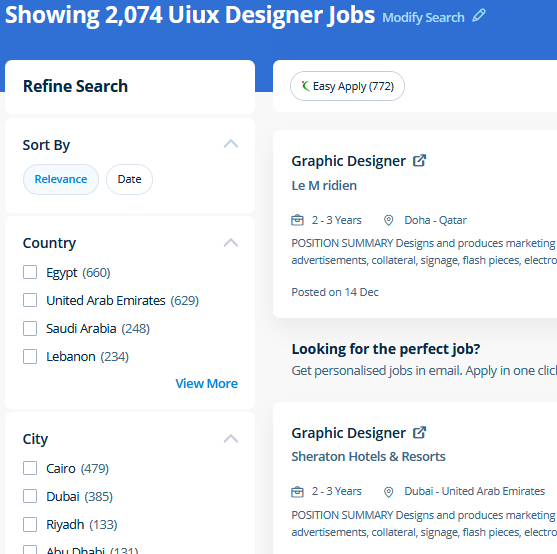
Find jobs related to UI/UX Design in search engines (Google, Bing, Yahoo) and recruitment websites (monsterindia, placementindia, naukri, jobshybrid.com, indeed.co.in, shine.com etc.) based in Cochin, chennai and europe countries. You can find many jobs for freshers related to the job positions in Cochin.

  • ui designer
  • ux designer
  • ui/ux designer
  • ui/ux developer
  • graphic designer
  • multimedia creator
  • photoshop
  • adobe illustrator
  • web design
  • html developer

UI/UX Design Internship/Course Details

UI/UX Design internship jobs in Cochin
UI/UX Design Adobe Illustrators is a vector-based creative program designed for those involved with graphic design. Photoshop may be a powerful and widespread image editing software that helps you to apply numerous effects easily and acquire consistent results. Completing this CSS training at nessoft inDubai u can step ahead in your career as a website designer and create the latest interactive pages for your website viewers. concepts such as clusters, variables, operators, functions, and control structure in JavaScript Demonstrable knowledge of Functions - Passing the data to functions, JavaScript Function Syntax, Concise Body syntax, Return Keyword, and ES6 arrow functions basics of jQuery that assist you to boost your skills in Scriptwriting. Photoshop is incredibly accurate for bitmap colorwork, which is the foundation of each digital and print production. This course is for intermediate users that need to learn more advanced tools in InDesign. Your works on the projects make easier and more efficient by adding special effects or interesting features on plugins and you can use various tools like brushes, overlays, fonts, and textures etc. Live classes are supported by an active class forum wherever your tutor provides extra information and feedback outside of class times. Our live online classes are a friendly and supportive alternative to looking at video tutorials – you’re ready to ask queries and receive answers from a skilled Nestsoft tutor in real time. Most of graphic designers use photoshop for their professional work because photoshop is one of the most professional editing software available today.


Meet a Few of our Industry Experts 🚀 Your Pathway to IT Career

Nishant

Mobile: +91 9895490866
Location: Online (Cochin, India)
Qualification: B. Tech (3rd year)

Experience: Im Inclined towards penetration testing but have also completed internship under godrej group ltd in the SOC team Worked on  more..

Pragnesh

Mobile: +91 91884 77559
Location: Online (Cochin, India)
Qualification: MCA-III

Experience: Android programming HTML CSS JAVA SCRIPT  more..

Shalu

Mobile: +91 89210 61945
Location: Online (Cochin, India)
Qualification: b.tech

Experience: seo link building backling create 3 year exp  more..

Ashish

Mobile: +91 91884 77559
Location: Online (Cochin, India)
Qualification: Frontend developer

Experience: 4+ years HTML5 CSS3 bootstrap Webflow Unbounse react(basics) Shopify(learning)  more..

Taniya

Mobile: +91 91884 77559
Location: Online (Cochin, India)
Qualification: Pursuing Bachelors in Interaction design

Experience: Skills UI design Visual design Prototyping UX research Information architecture Empathy mapping mobile first design Branding Software Figma Adobe creative  more..

Hrithik

Mobile: +91 89210 61945
Location: Online (Cochin, India)
Qualification: Diploma

Experience: Android php ajp Dataeantry   more..

Susmi

Mobile: +91 91884 77559
Location: Online (Cochin, India)
Qualification: BCA

Experience: php laravel ajax jquery html api  more..

Abhay

Mobile: +91 94975 90866
Location: Online (Cochin, India)
Qualification: MCA

Experience: I have 2+ years of experience as Frontend developer with these skills HTML CSS Javascript jQuery bootstrap tailwindcss WordPress and  more..

premkumar

Mobile: +91 9895490866
Location: Online (Cochin, India)
Qualification: bsc it

Experience: skill java manual testing fresher  more..

Jeyalakshmi

Mobile: +91 8301010866
Location: Online (Cochin, India)
Qualification: MBA

Experience: Totally 4 years of experience into software testing 2 5 years of experience in automation testing automating using selenium integrated  more..

payal

Mobile: +91 91884 77559
Location: Online (Cochin, India)
Qualification: MSC CS

Experience: 1 Html5 2 CSS3 3 wordpress 4 javascript 5 React js  more..

Dilli

Mobile: +91 98474 90866
Location: Online (Cochin, India)
Qualification: Bachelor of technology

Experience: Working on design and Execution of test cases Participated in iteration walkthrough calls and understands the new changes Participated in  more..

Ankit

Mobile: +91 8301010866
Location: Online (Cochin, India)
Qualification: Graduate

Experience: Web design social media gogle Add WordPress php  more..

Manpreet

Mobile: +91 9895490866
Location: Online (Cochin, India)
Qualification: B.Tech

Experience: I’m a graphic designer… over the three years my designs have specialised in party events where we take a bundle  more..

Sony

Mobile: +91 98474 90866
Location: Online (Cochin, India)
Qualification: MCA

Experience: I’m a seasoned web developer with 12 years of experience I have great expertise in WordPress Joomla and PHP websites  more..

Ragul

Mobile: +91 98474 90866
Location: Online (Cochin, India)
Qualification: BE-ECE

Experience: Manual testing Selenium Java Api Sql  more..

sirajudheeen

Mobile: +91 9895490866
Location: Online (Cochin, India)
Qualification: Bca

Experience: python angular ionic C# Asp Net Django Flask Mysql SqlServer 6 month python internshp 4 month fullstack developerApplication for Meanstack  more..

Parik

Mobile: +91 91884 77559
Location: Online (Cochin, India)
Qualification: Mca

Experience: Dear Sir or Madam Thank you for the opportunity to submit my application for the Android developer position I possess  more..

Sithanya

Mobile: +91 9895490866
Location: Online (Cochin, India)
Qualification: MSC computerscience

Experience: Bootstrap c cpp c# php mysql HTML 6 month experience in webdesigner  more..

Ankita

Mobile: +91 8301010866
Location: Online (Cochin, India)
Qualification: BE ENTC

Experience: Software testing course completed have good knowledge about manual and automation testing java programming jira eclipse sql  more..

Kartik

Mobile: +91 8301010866
Location: Online (Cochin, India)
Qualification: mscit

Experience: wordpress html css js sql  more..

Pooja

Mobile: +91 91884 77559
Location: Online (Cochin, India)
Qualification: BBA

Experience: I am a energetic ambitious person I have all leadership qualities and completed my full digital marketing course seo on  more..

Sreerag.

Mobile: +91 9895490866
Location: Online (Cochin, India)
Qualification: Bca

Experience: Html css javascript mingodb express nodejs angular react Currrntly I have completed mearn stack web development course from luminar technolab  more..

Nabila

Mobile: +91 8301010866
Location: Online (Cochin, India)
Qualification: BE CSE

Experience: Willing to learn Hard worker Programming languages C C++ Java Html Css Javascript python  more..

Success Stories

The enviable salary packages and track record of our previous students are the proof of our excellence. Please go through our students' reviews about our training methods and faculty and compare it to the recorded video classes that most of the other institutes offer. See for yourself how TechnoMaster is truly unique.

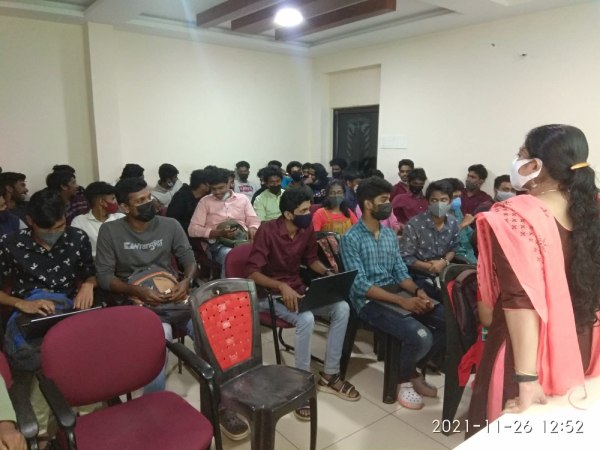
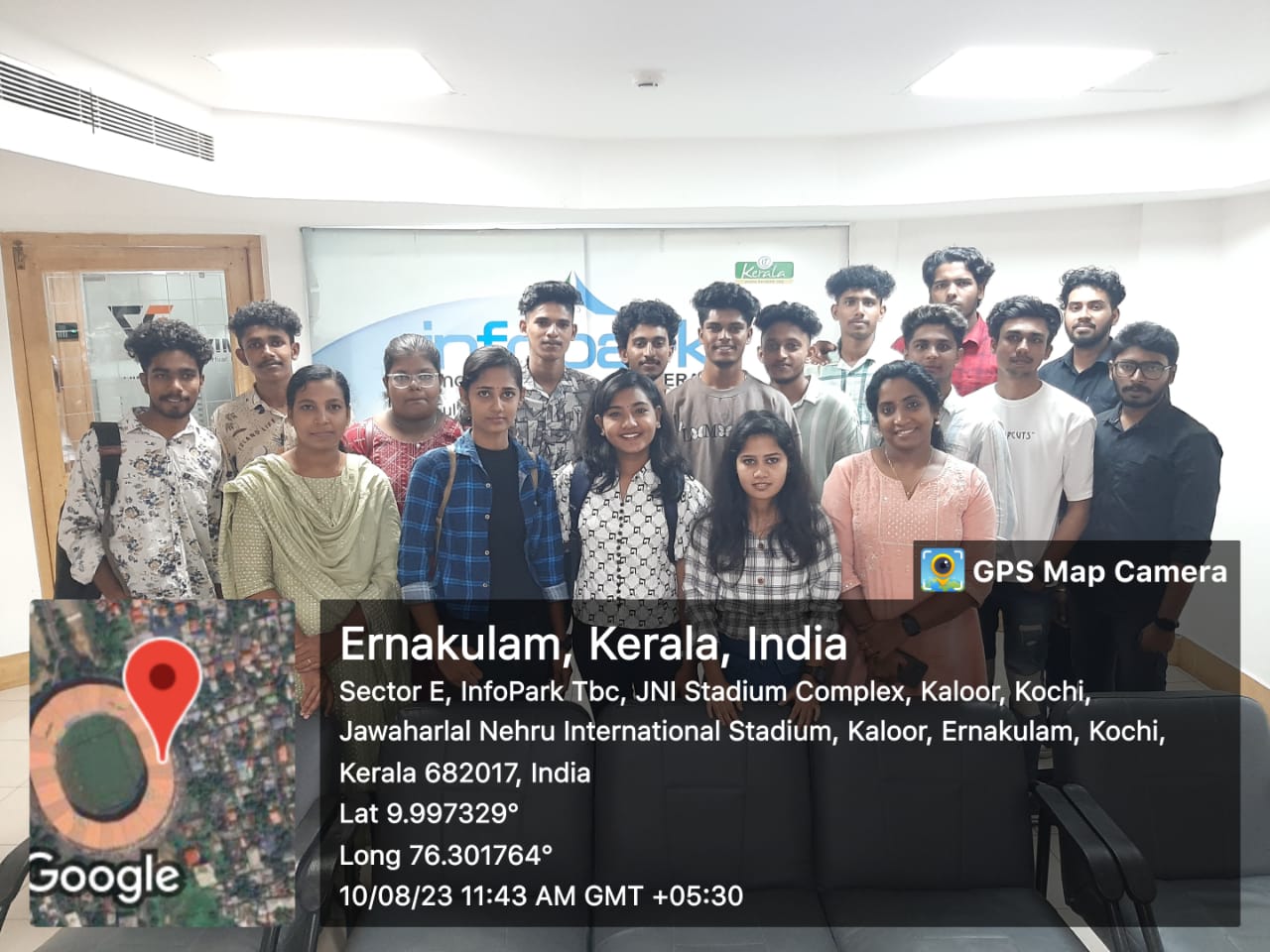
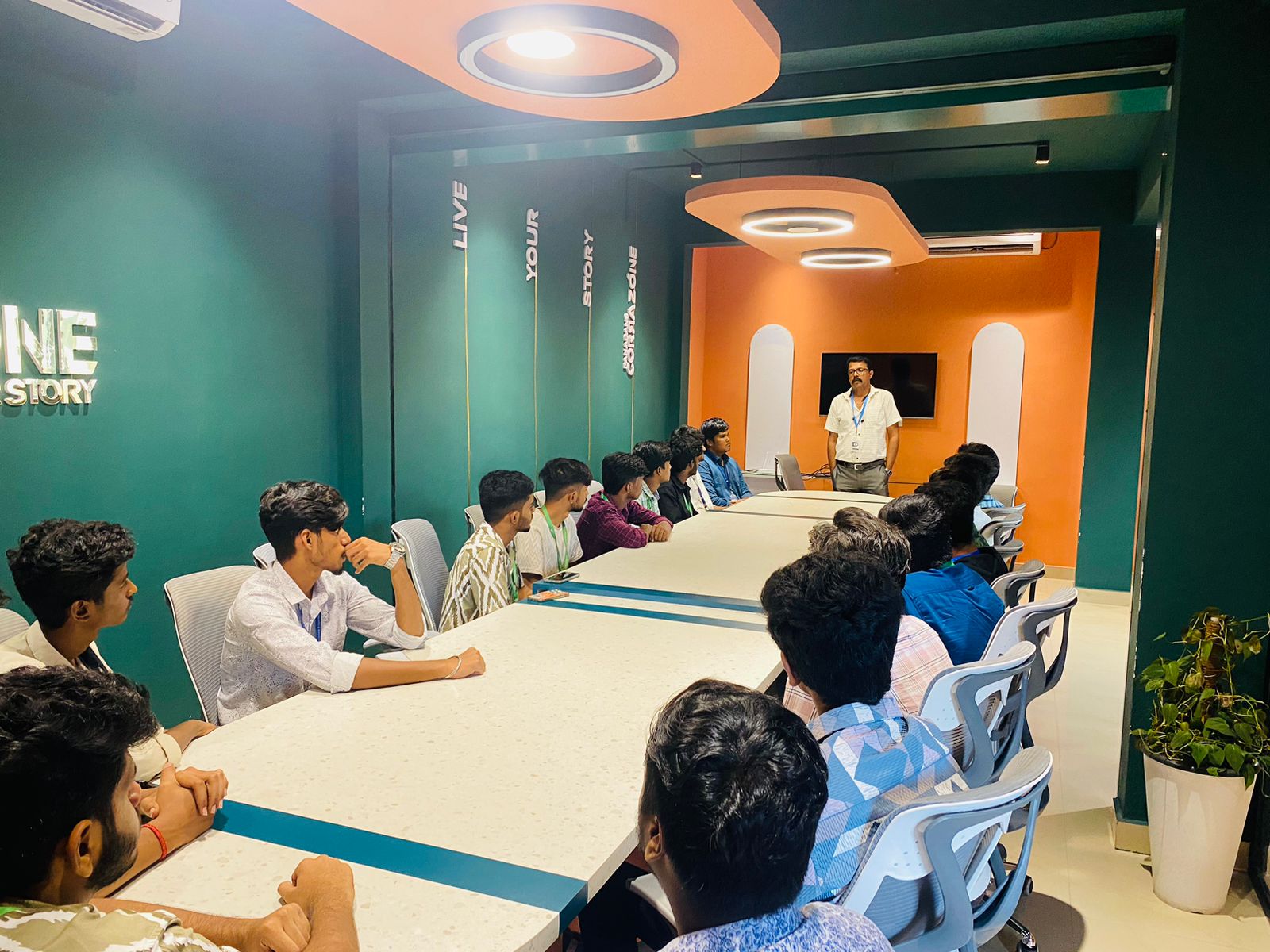
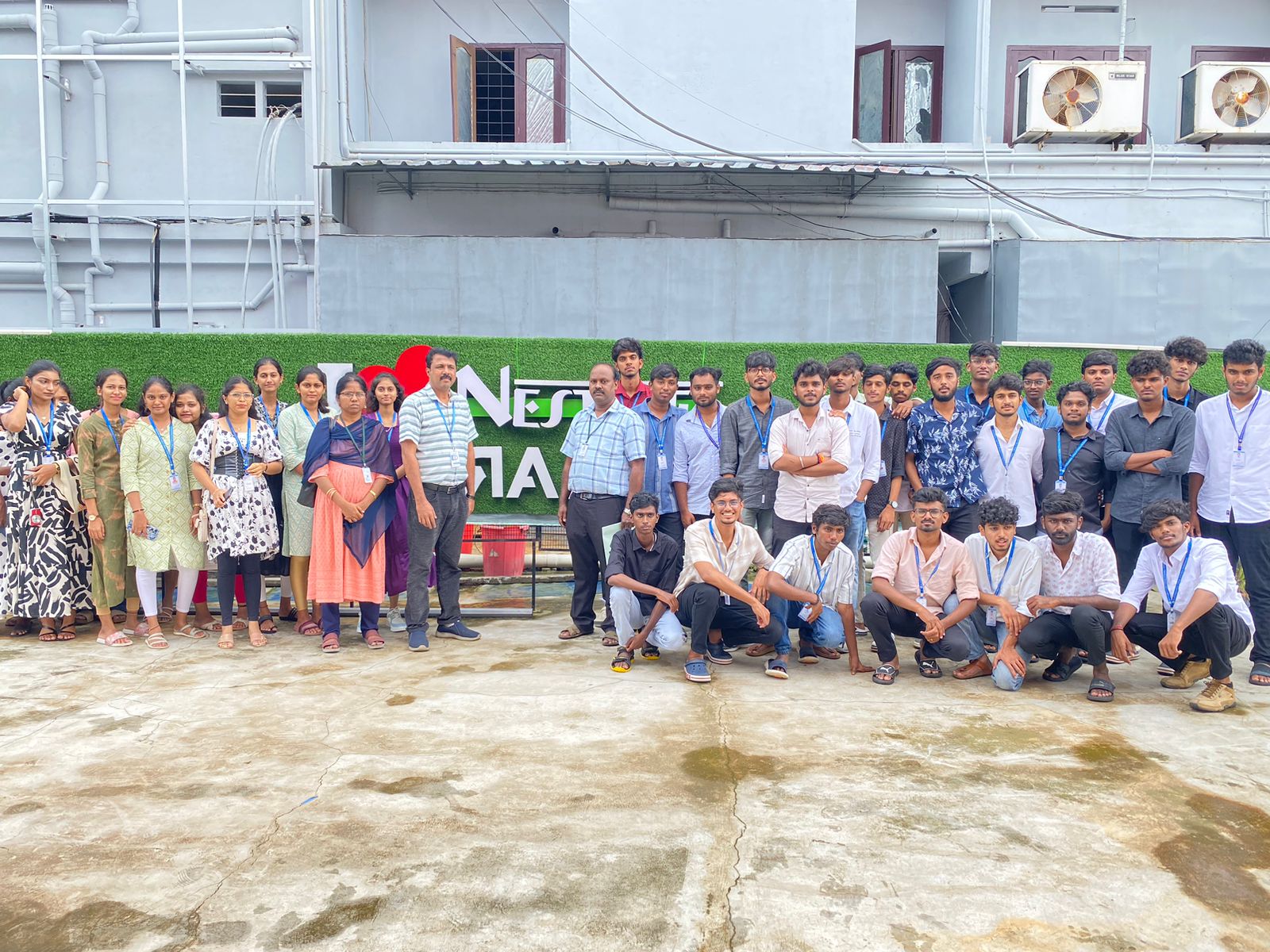
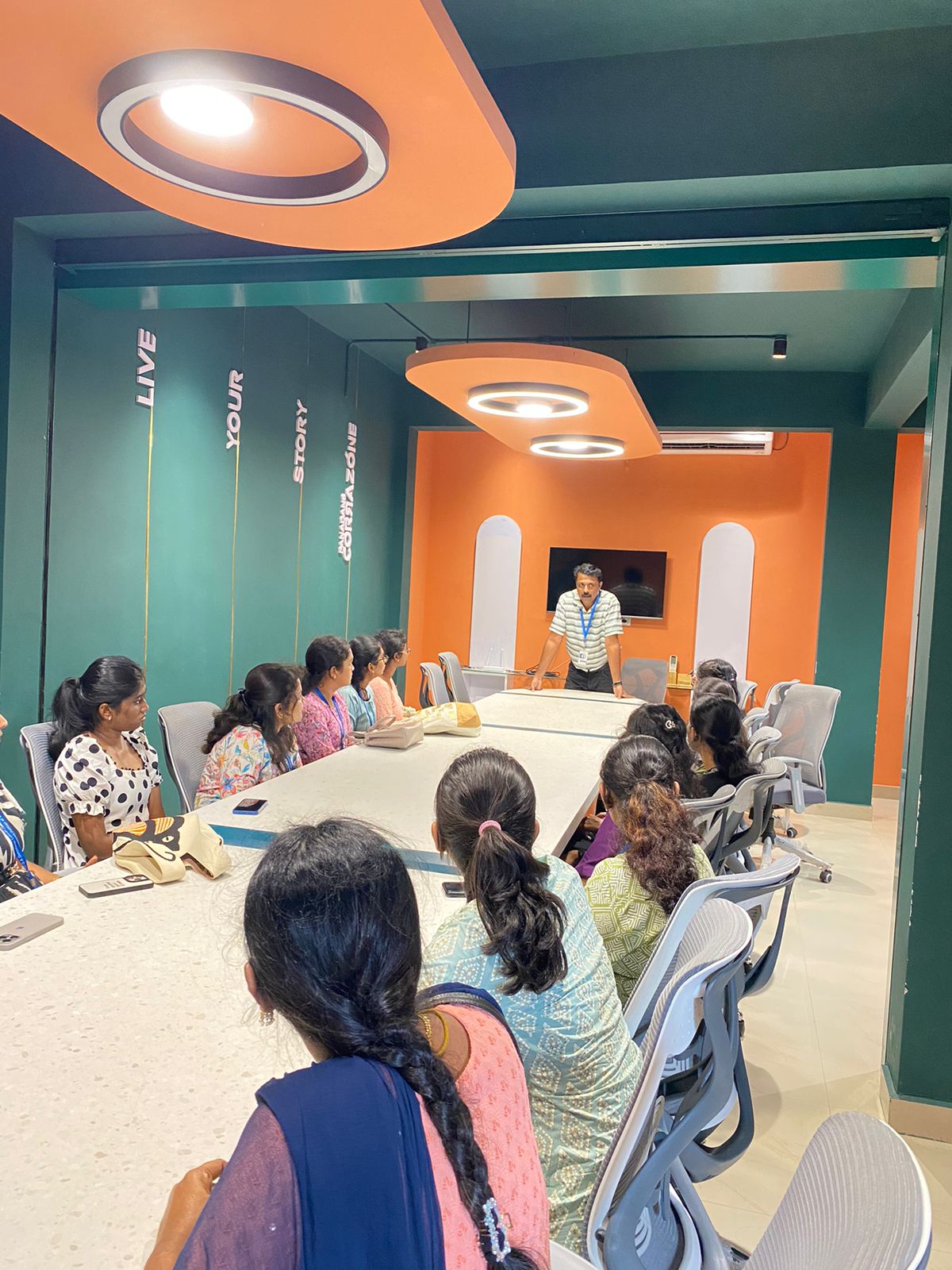
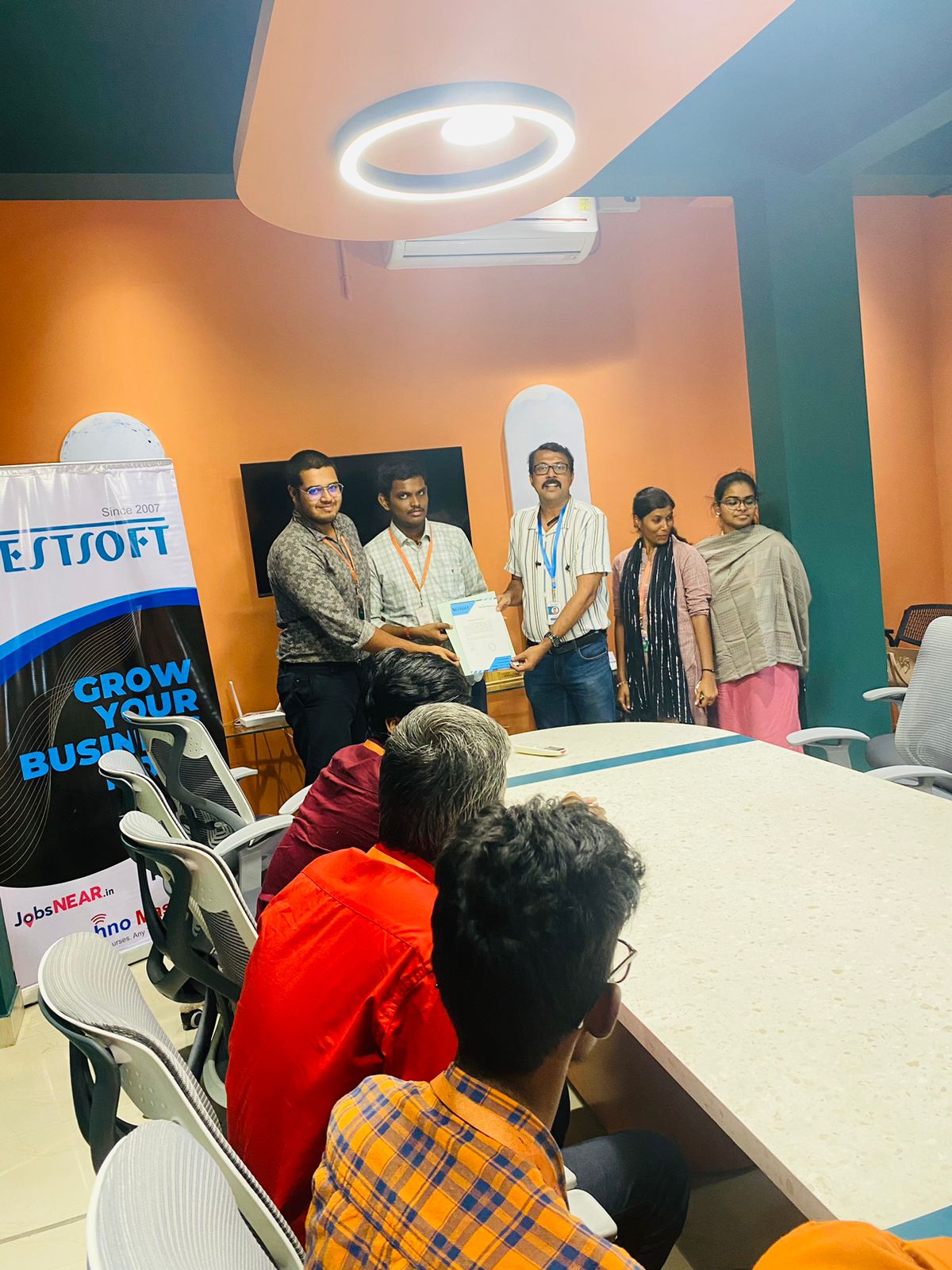
Photos of Training / Internships

Internship/projects in cochin

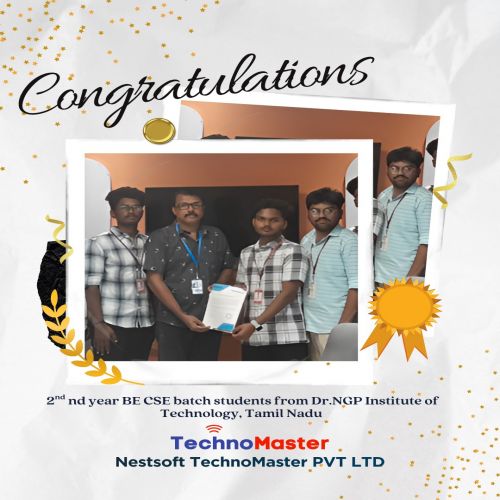
Trained more than 10000+ students who trust Nestsoft TechnoMaster

Get Your Personal Trainer