Send enquiry ⏎

Adobe Dreamweaver Online Live Class by Experts

Our Training/Internship Process

Adobe Dreamweaver Online Live Classes in Mumbai | Free Demo Training

Adobe Dreamweaver - Syllabus, Fees & Duration

Module 1: Introducing Dreamweaver

  • Understanding the course
  • Reviewing the course objectives and prerequisites
  • Reviewing the course format
  • Outlining the course content
  • Understanding static page architecture

Module 2: Getting Started

  • Introducing Dreamweaver
  • Learning the interface
  • Defining a local site
  • Creating a website

Module 3: Adding Content to a Site

  • Adding content
  • Controlling document structure
  • Making lists
  • Adding horizontal rules
  • Adding special characters

Module 4: Formatting with CSS

  • Formatting text
  • Introducing CSS
  • Creating styles
  • Exporting CSS rule definitions
  • Creating class styles
  • Attaching external style sheets
  • Creating advanced styles
  • Creating a new external style sheet
  • Displaying styles
  • Understanding cascading order and inheritance of styles
  • Creating internal styles with the Property inspector

Module 5: Working with Graphics

  • Using graphics on web pages
  • Placing graphics on the page
  • Modifying image properties
  • Editing images
  • Doing roundtrip editing with Fireworks
  • Customizing the Insert bar
  • Adding Flash content
  • Adding Flash Video

Module 6: Navigating Your Site

  • Understanding site navigation
  • Linking to files in your site
  • Linking to sites
  • Linking to named anchors
  • Adding e-mail links
  • Linking from images
  • Creating a jump menu

Module 7: Designing Page Layouts with CSS

  • Understanding page layout
  • Using layers for layout
  • Adding CSS to layers
  • Using absolute and relative positioning
  • Designing with DIV's
  • Designing navigation links with CSS
  • Importing tabular data
  • Using table layout view

Module 8: Using Libraries and Templates

  • Using site library items
  • Creating site templates
  • Defining editable regions
  • Using templates
  • Applying a template to an existing page
  • Modifying templates

Module 9: Creating Forms

  • Understanding forms
  • Processing a form
  • Setting focus in a form
  • Validating a form

Module 10: Testing, Maintenance, and Uploading

  • Testing your site
  • Maintaining your files and folders
  • Connecting to a remote site
  • Synchronizing files

Download Syllabus - Adobe Dreamweaver
This syllabus is not final and can be customized as per needs/updates
   
10000+
20+
50+
25+

Adobe Dreamweaver Jobs in Mumbai

Enjoy the demand

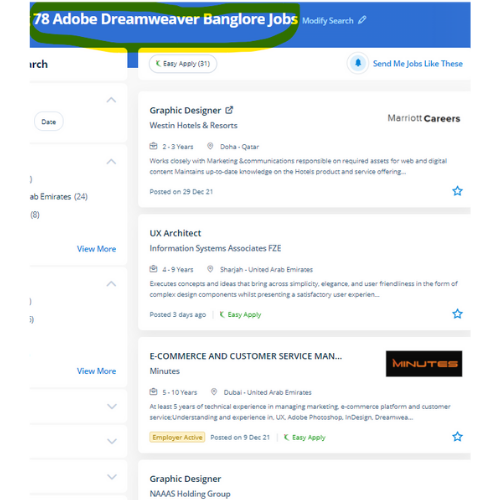
Find jobs related to Adobe Dreamweaver in search engines (Google, Bing, Yahoo) and recruitment websites (monsterindia, placementindia, naukri, jobshybrid.com, indeed.co.in, shine.com etc.) based in Mumbai, chennai and europe countries. You can find many jobs for freshers related to the job positions in Mumbai.

  • Graphic Designer
  • Creative Designer
  • CorelDraw Trainer
  • Web graphic designer
  • UI/UX Designer
  • Digital Designer
  • Designing Trainer
  • GUI Designer
  • Creative Graphic Designer
  • Web designer intern

Adobe Dreamweaver Internship/Course Details

Adobe Dreamweaver internship jobs in Mumbai
Adobe Dreamweaver during this comprehensive course, Nestsoft can give you the in-depth data needed to alter you to perform creative and skilled web design techniques while working on your own material. Students additionally can receive digital versions of their course books. With Dreamweaver you will go from setting out to end, creating and maintaining basic websites to advanced applications that support best practices and additionally the newest technologies. it is an especially useful time-saver in DW’s code suggestion feature. Dreamweaver highlights your mistakes, If any, and rectifies them on an immediate basis. an intuitive application used for the event and elegance of websites, Dreamweaver is favored due to its simple user interface and built-in code editor. the corporate conjointly offers Adobe Muse, a somewhat restricted program in functions however terribly easy to use. Dreamweaver is not the only Adobe web design tool. Over time, it'll not be able to continue with changes among the specifications of the varied the various exist to create websites, so web designers need to familiarise themselves with Dreamweaver as an alternate. The dashboard provides a one-pane read of multiple files and pages, whereas the split-view makes for easy refinement of code - making the work of designing and building a website much more economical.


Meet a Few of our Industry Experts 🚀 Your Pathway to IT Career

Jasmin

Mobile: +91 94975 90866
Location: Online (Mumbai, India)
Qualification: MCA

Experience: I am very much interested in applying for software testing position My educational qualifications and internship experience match the required  more..

jaivansh

Mobile: +91 91884 77559
Location: Online (Mumbai, India)
Qualification: CEH

Experience: Because of my special combination of expertise abilities and enthusiasm for cybersecurity I think I'm a great fit for this  more..

Ankul

Mobile: +91 94975 90866
Location: Online (Mumbai, India)
Qualification: B.Tech

Experience: Java python c language embedded system IoT microcontroller Web development   more..

Niholsinh

Mobile: +91 94975 90866
Location: Online (Mumbai, India)
Qualification: B.E (IT)

Experience: Dear TechnoMaster Team I'm the Network Security Engineer dedicated for firewall security and endpoint security I have hands on experiense  more..

megha

Mobile: +91 8301010866
Location: Online (Mumbai, India)
Qualification: BSC PHYSICS

Experience: Hi I am a professional UX UI DEVELOPER with skills including PHOTOSHOP Illustrator Shopify mobile app development javascript Node js  more..

Ritu

Mobile: +91 89210 61945
Location: Online (Mumbai, India)
Qualification: Btech

Experience: I have 20 months of experience with html CSS js and php wordpress webflow bootstrap tailwind filezilla unbounce elementor wp  more..

Lavleen

Mobile: +91 8301010866
Location: Online (Mumbai, India)
Qualification: M.Tech

Experience: - Proficient in utilizing software development tools and technologies such as HTML CSS PHP Laravel Javascript JQuery Git GitHub GitLab  more..

Kalaivani

Mobile: +91 9895490866
Location: Online (Mumbai, India)
Qualification: ME

Experience: 2 years experience as a assistant professor teaching developer programmer etc | (Work from Home)  more..

Purba

Mobile: +91 98474 90866
Location: Online (Mumbai, India)
Qualification: Graduate

Experience: I am working both seo and smo I have total 3 yr experience I am good in client menagement I  more..

Ubaid

Mobile: +91 8301010866
Location: Online (Mumbai, India)
Qualification: Graduate

Experience: I have an year of experience in Seo I have knowledge in all three forms of seo on page off  more..

Kuldeep

Mobile: +91 89210 61945
Location: Online (Mumbai, India)
Qualification: Graduation

Experience: My name is Kuldeep Rathore I'm a React JS developer I've 2+ years of development Experience and have a strong  more..

karan

Mobile: +91 91884 77559
Location: Online (Mumbai, India)
Qualification: Btech

Experience: Reactjs nodejs angular mongodb html css javascript typescriptApplication for Meanstack Developer Mean Stack  more..

Minha

Mobile: +91 89210 61945
Location: Online (Mumbai, India)
Qualification: Bsc electronics

Experience: Recently completed Web development diploma course  more..

Abhishek

Mobile: +91 98474 90866
Location: Online (Mumbai, India)
Qualification: B.Tech in computer science

Experience: I'm an experienced mobile app developer with 6 months experience in developing real world applications and loves to make cutting  more..

Akbar

Mobile: +91 98474 90866
Location: Online (Mumbai, India)
Qualification: Diploma

Experience: Hello Akbar Khan! I'm a 19-year-old with a year of experience in graphic design and web development I've honed my  more..

RENU

Mobile: +91 9895490866
Location: Online (Mumbai, India)
Qualification: Mphill

Experience: Fluency in Hindi: Proficiency in speaking reading and writing Hindi is essential for effectively teaching the language to students Knowledge  more..

Naga

Mobile: +91 91884 77559
Location: Online (Mumbai, India)
Qualification: MCA

Experience: I am capable of doing plugin customisation plugin development block development theme creation in WordPress  more..

vimaljoy

Mobile: +91 89210 61945
Location: Online (Mumbai, India)
Qualification: B -Tech - 3rd year

Experience: Machine Learning Computer Vision Deep learning python Unity HTML & CSS  more..

Laxmi

Mobile: +91 91884 77559
Location: Online (Mumbai, India)
Qualification: Graduation

Experience: Hii I am a uiux designer and as an uiux designer creating the user interface and user research including wireframing  more..

Shalini

Mobile: +91 91884 77559
Location: Online (Mumbai, India)
Qualification: b.tech

Experience: I am working on the php laravel and wordpress development  more..

laxmanneela

Mobile: +91 91884 77559
Location: Online (Mumbai, India)
Qualification: Bsc computers

Experience: Having 2 6 years of experience as oracle database administrator My skills are oracle rman asm datapump dataguard  more..

Sreejith

Mobile: +91 8301010866
Location: Online (Mumbai, India)
Qualification: BE Mechanical

Experience: Manual testing Techsupport selenium ide  more..

Vanshika

Mobile: +91 91884 77559
Location: Online (Mumbai, India)
Qualification: B.Tech

Experience: Computer Skills C & python Programming language  more..

Pranam

Mobile: +91 91884 77559
Location: Online (Mumbai, India)
Qualification: Bachelor

Experience: Hi I am Pranam I am currently studying electronics and instrumentation at the BMS College of Engineering I have experience  more..

Success Stories

The enviable salary packages and track record of our previous students are the proof of our excellence. Please go through our students' reviews about our training methods and faculty and compare it to the recorded video classes that most of the other institutes offer. See for yourself how TechnoMaster is truly unique.

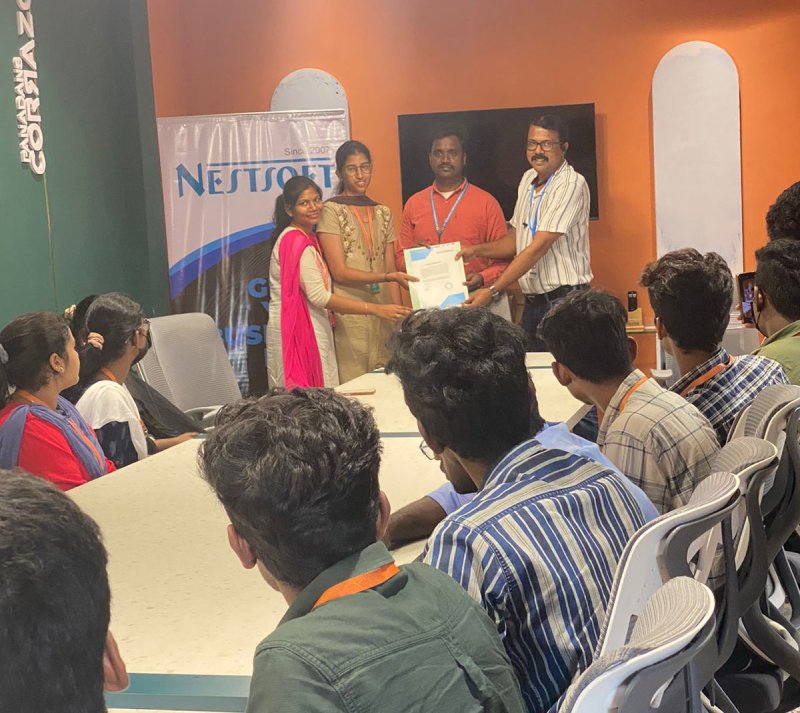
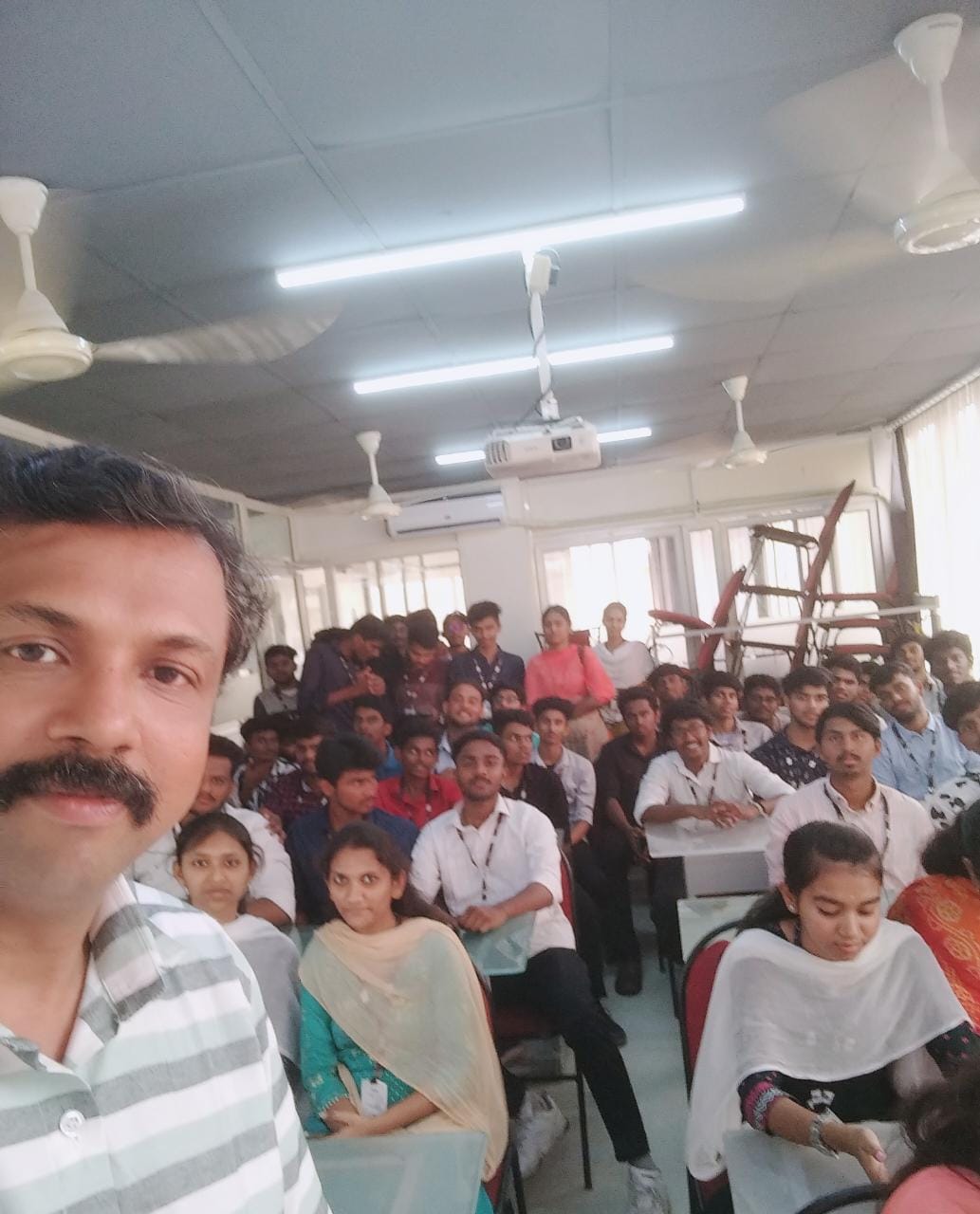
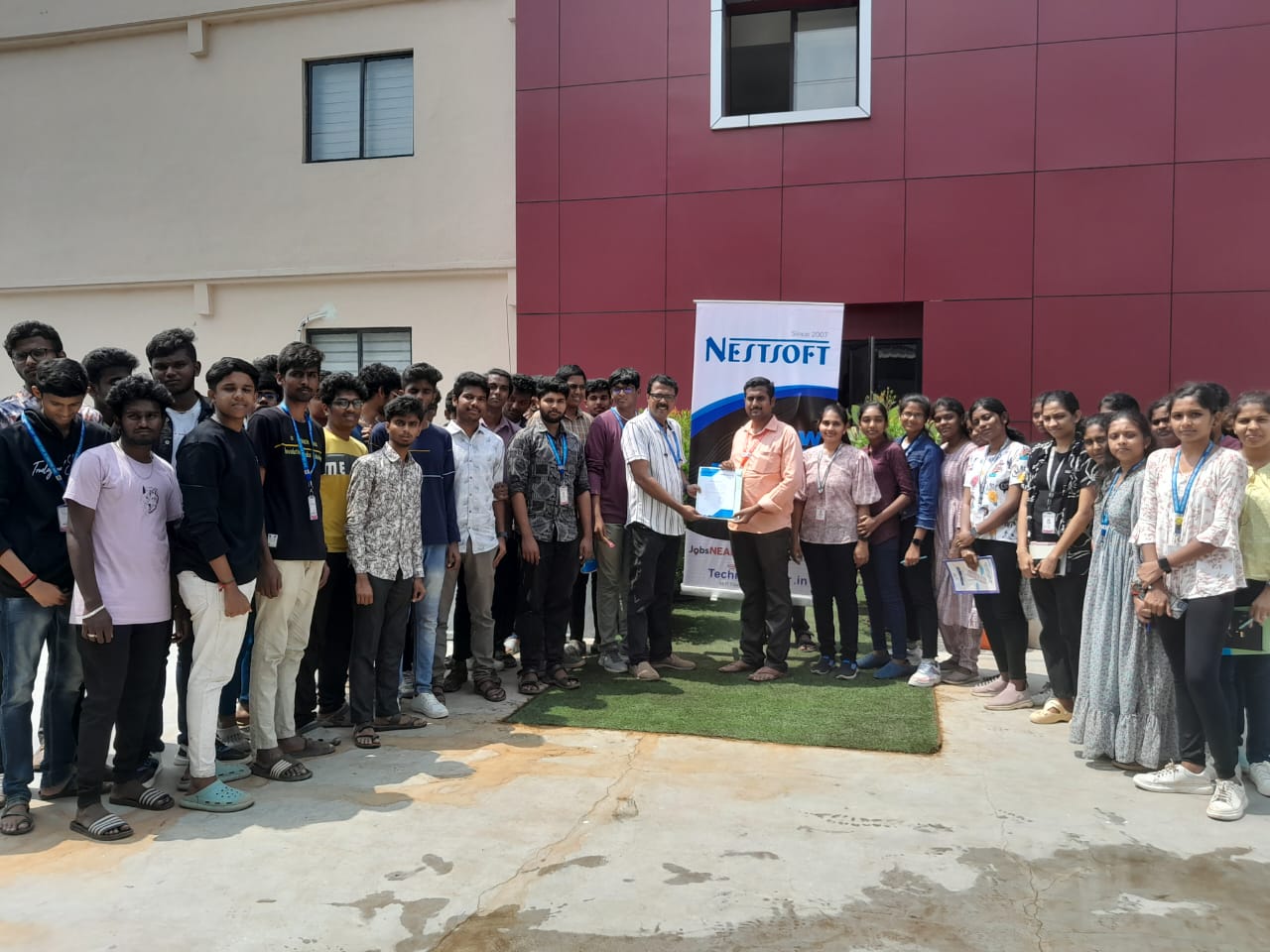
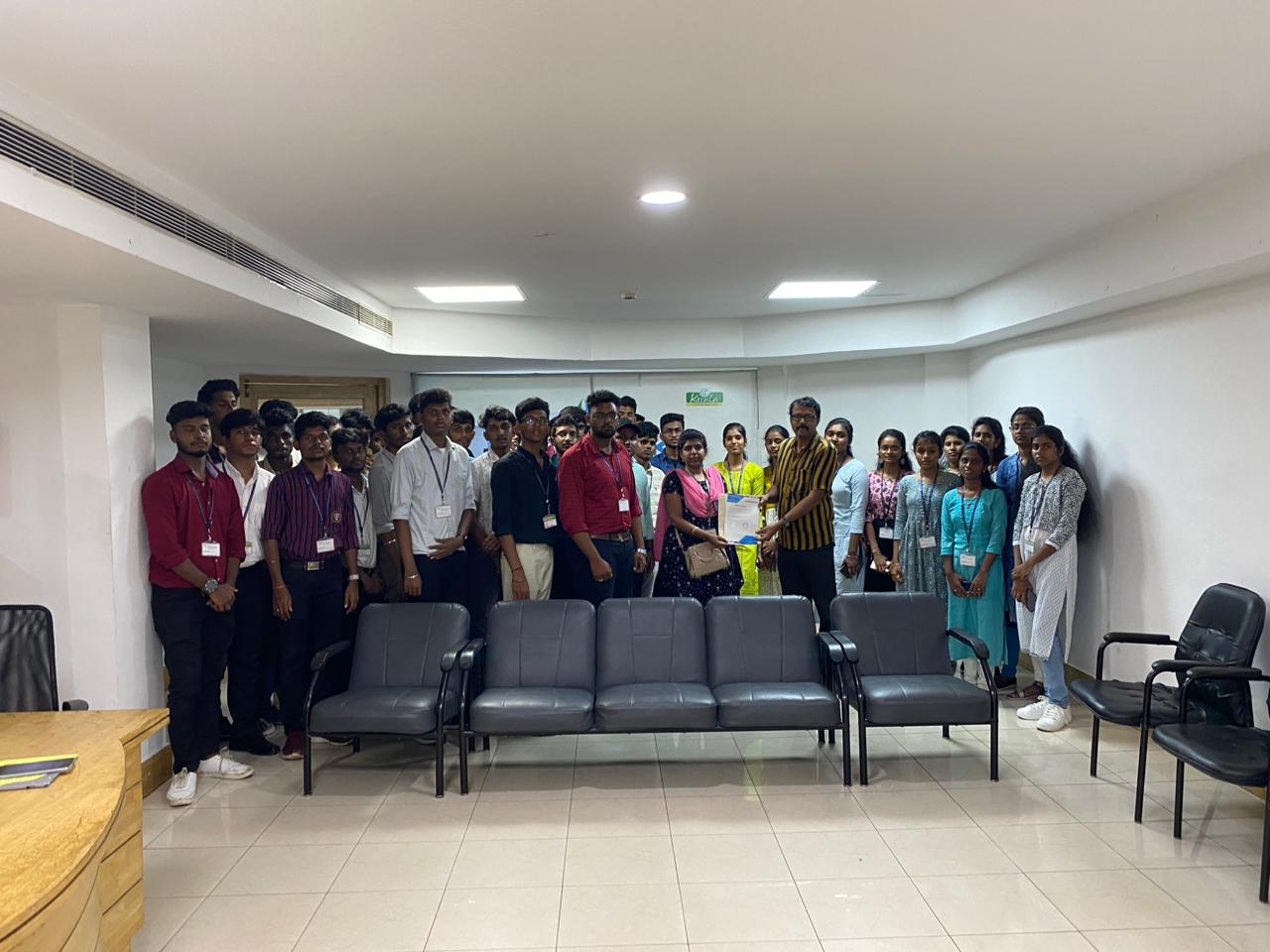
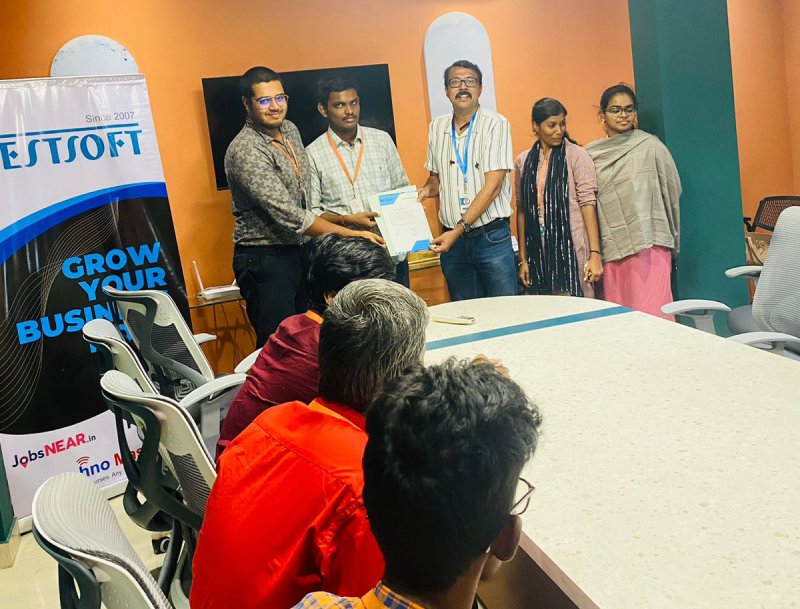
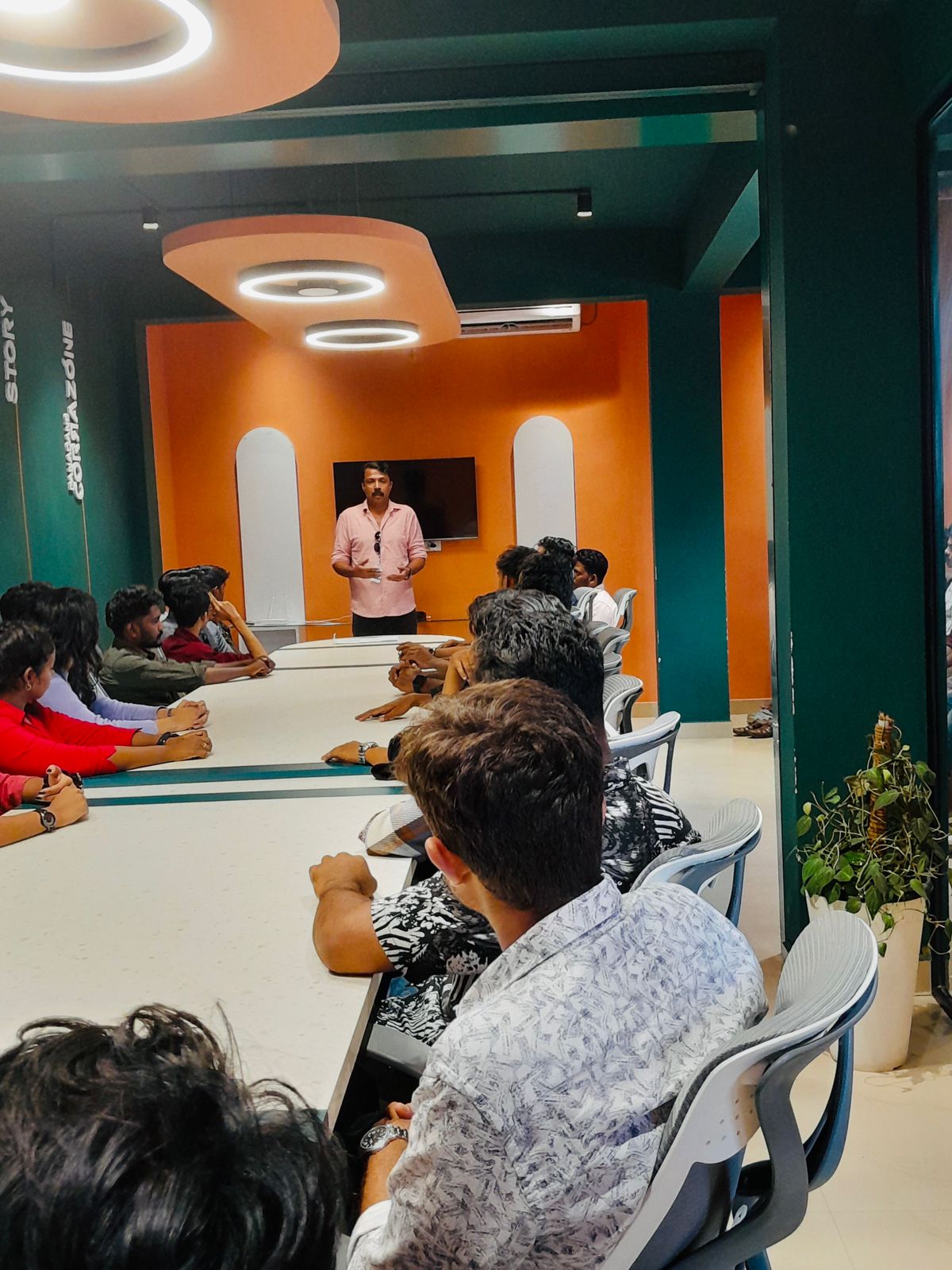
Photos of Training / Internships

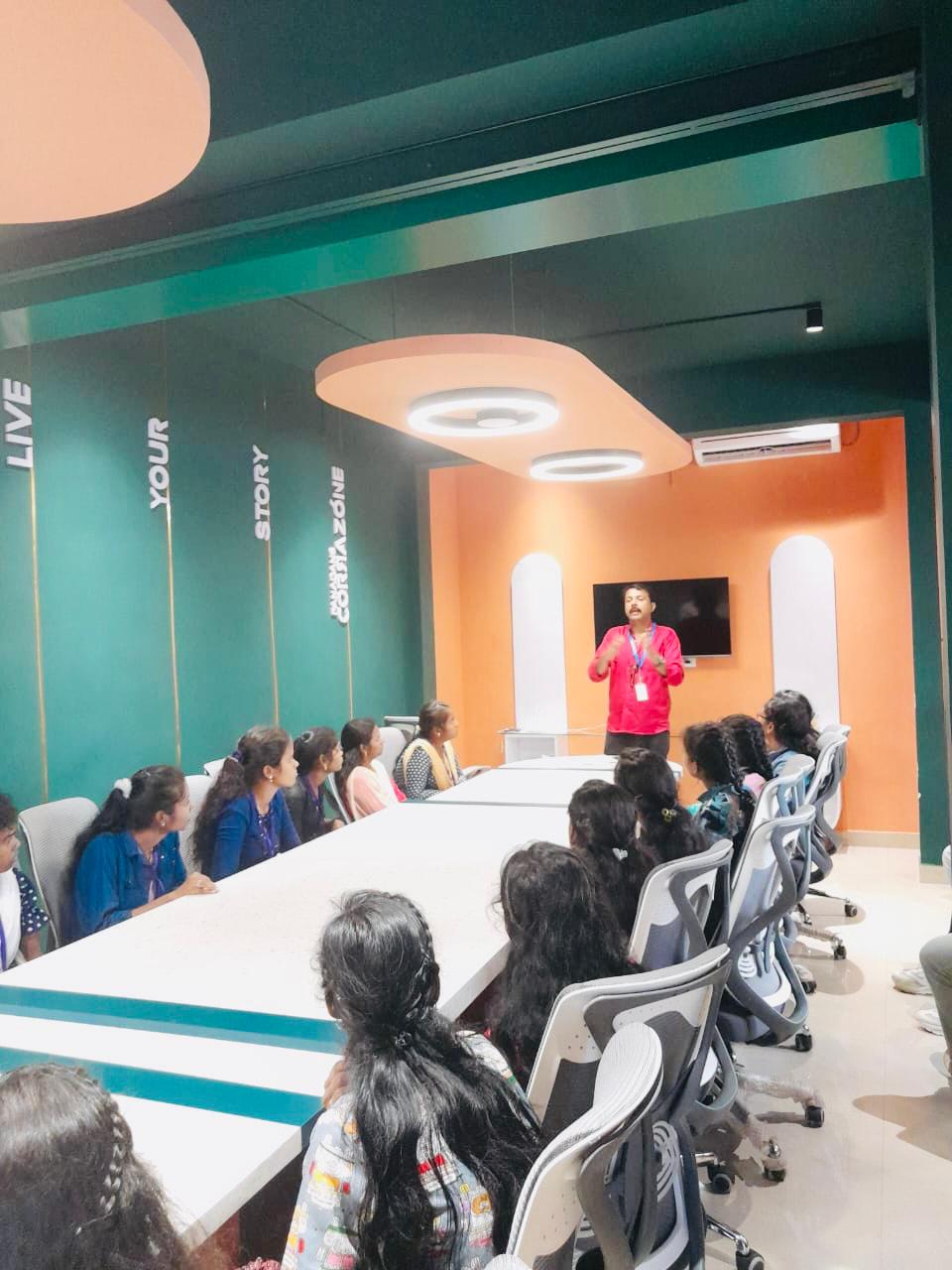
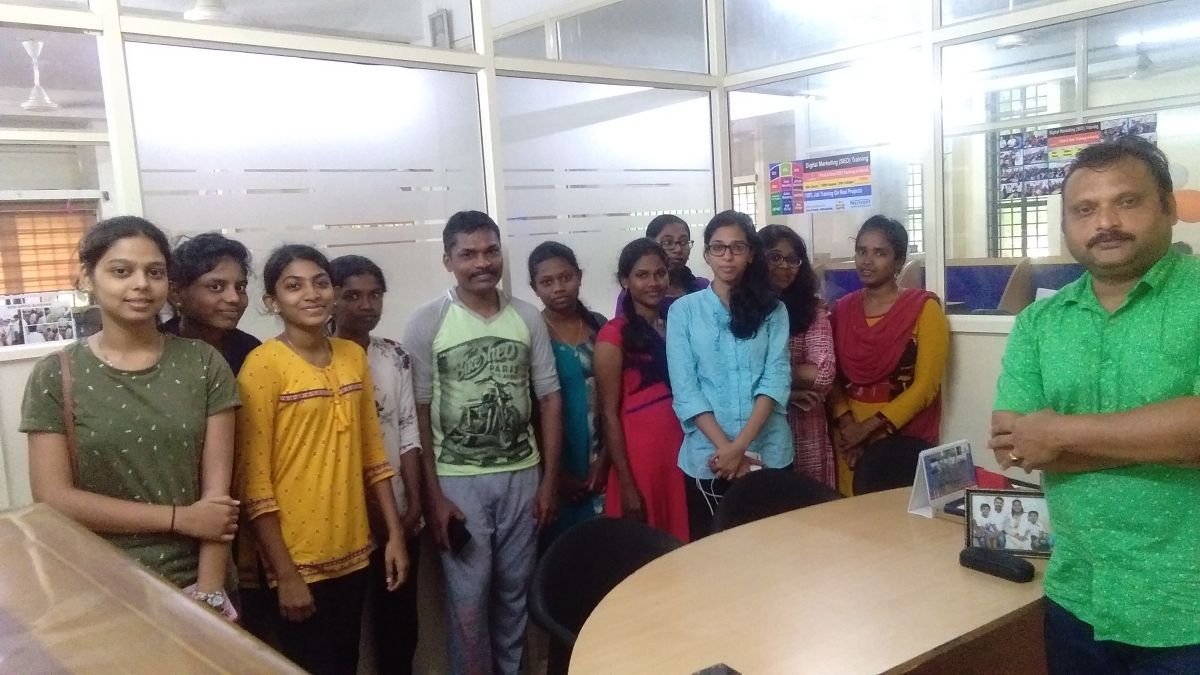
Internship/projects in mumbai

Trained more than 10000+ students who trust Nestsoft TechnoMaster

Get Your Personal Trainer