Send enquiry ⏎

UI/UX Design Online Live Class by Experts

Our Training/Internship Process

UI/UX Design Online Live Classes in Gulbarga | Free Demo Training

UI/UX Design - Syllabus, Fees & Duration

Figma Syllabus (15 Hours)

      Module 1: Figma Fundamentals (3 Hours)

        Introduction to Figma

      • Understanding the Figma interface and tools.
      • Layers, frames, and pages.
      • Shapes, text, and alignment.

        Design Basics

      • Color theory and typography basics.
      • Grids and layout principles.
      Module 2: Prototyping with Figma (3 Hours)

        Wireframing Basics

      • Creating low-fidelity wireframes for mobile and web apps.

        Prototyping Features

      • Adding interactions and transitions.
      • Clickable prototypes for user testing.
      Module 3: Mobile App Design Project (4 Hours)

        Designing a Mobile App

      • Screens for a sample app (e.g., task manager or food delivery).
      • Login, home, and profile pages.

        Components and Variants

      • Reusable buttons, icons, and cards.
      • Typography and color styles.

        Prototyping and Feedback

      • Linking screens and testing navigation.
      Module 4: Web App Design Project (5 Hours)

        Designing a Web App

      • Landing page, login screen, and dashboard for a web app.
      • Auto-layout for responsive designs.

        Final Prototype

      • Responsive breakpoints for desktop, tablet, and mobile.
      • Functional prototype with interactions.
    Web Development Syllabus (15 Hours)
      Module 1: HTML, CSS, and Bootstrap Basics (5 Hours)

        HTML Fundamentals (2 Hours)

      • Structuring web pages (header, footer, sections).
      • Essential tags: headings, lists, images, and links tables etc..

        CSS Basics (2 Hours)

      • Styling text and layout using CSS.
      • Box model, positioning, and Flexbox basics.

        Bootstrap Basics (1 Hour)

      • Setting up Bootstrap in a project.
      • Grid system and responsive layouts.
      • Common components: navbar, buttons, and cards.
      Module 2: Responsive Landing Page Conversion (5 Hours)

        Figma to Code Workflow (2 Hours)

      • Importing Figma designs for reference.
      • Structuring HTML and CSS with Bootstrap.

        Responsive Design (3 Hours)

      • Using media queries and Bootstrap utilities.
      • Creating a responsive navigation bar and hero section.
      • Ensuring design consistency with the Figma prototype.
      Module 3: Interactivity with JavaScript & Advanced Bootstrap (3 Hours)

        JavaScript Basics

      • Adding interactivity with JavaScript (e.g., form validation).
      • Bootstrap JavaScript components: modals, dropdowns, and carousels.

        CSS Animations & Transitions

      • Enhancing visuals with hover effects and animations.
      Module 4: Final Project and Deployment (2 Hours)

        Final Project: Responsive Landing Page

      • Convert a complete Figma design into a functional landing page.
      • Use Bootstrap and JavaScript for responsiveness and interactivity.

        Hosting and Deployment

      • Publish the project online using GitHub Pages or Netlify.
      Deliverables

        Figma:

      • Prototyped mobile app and web app designs.

        Web Development:

      • Fully responsive landing page with Bootstrap and interactivity.
      • Hosted live project link.

Download Syllabus - UI/UX Design
This syllabus is not final and can be customized as per needs/updates
   
10000+
20+
50+
25+

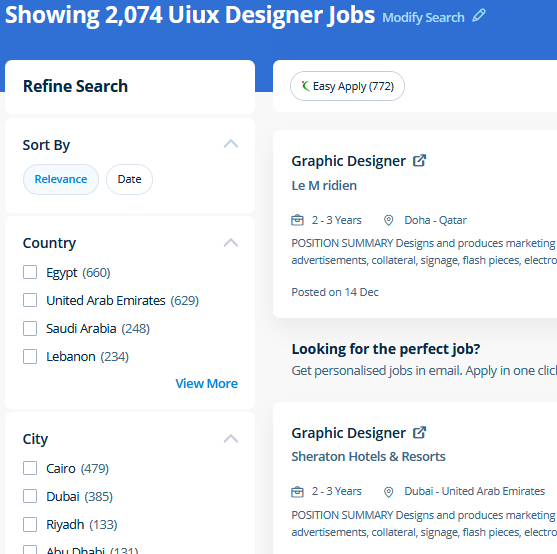
UI/UX Design Jobs in Gulbarga

Enjoy the demand

Find jobs related to UI/UX Design in search engines (Google, Bing, Yahoo) and recruitment websites (monsterindia, placementindia, naukri, jobshybrid.com, indeed.co.in, shine.com etc.) based in Gulbarga, chennai and europe countries. You can find many jobs for freshers related to the job positions in Gulbarga.

  • ui designer
  • ux designer
  • ui/ux designer
  • ui/ux developer
  • graphic designer
  • multimedia creator
  • photoshop
  • adobe illustrator
  • web design
  • html developer

UI/UX Design Internship/Course Details

UI/UX Design internship jobs in Gulbarga
UI/UX Design Photoshop includes a selection of quality tools and is easily customizable to fit your work style. For anyone who wants to do something productive in computers, Adobe Photoshop provides options that explore creativity . For editing images, various other online applications are available today, but photoshop is the foundation of everything. The outline of the course also contains the productive and helpful info on the correct and applicable utilization of the gradients, swatches and colors. There are numerous extra capabilities to be had to personalize the graphics being created via this system as well. Adobe Photoshop is specially designed to permit users to edit and make multiple designs. CSS is currently the only standard in website design that plugs directly into your HTML, even the latest HTML5 standards. Live classes are recorded, so you'll be able to review them in your own time or log in to learn at a time that works best for you. Most of graphic designers use photoshop for their professional work because photoshop is one of the most professional editing software available today. Our core features of the bootstrap training in Dubai includes: Design layouts adhering to a fluid grid Understand how the HTML, CSS and JavaScript components of Bootstrap work Customise a Bootstrap installation Optimise a Bootstrap design for target device features Create responsive images and graphics .


Meet a Few of our Industry Experts 🚀 Your Pathway to IT Career

Krishnapriya

Mobile: +91 98474 90866
Location: Online (Gulbarga, India)
Qualification: B. Tech

Experience: Java kotlin flutter(basics) REST APIs JSON SQLite MYSQL XML JavaScript  more..

MD

Mobile: +91 89210 61945
Location: Online (Gulbarga, India)
Qualification: B sc

Experience: I have 3 years experience in web development and I have strong command and proficiency in wix I have created  more..

Jaykishan

Mobile: +91 91884 77559
Location: Online (Gulbarga, India)
Qualification: Diploma computer engineering

Experience: I have make project in php Java MySQL development  more..

Niveditha

Mobile: +91 91884 77559
Location: Online (Gulbarga, India)
Qualification: Bsc computer science

Experience: AWS python   more..

Josiya

Mobile: +91 91884 77559
Location: Online (Gulbarga, India)
Qualification: BCOM Finance

Experience: 1 year experience in Social media handling Content writing Proof reading Manual software testing MS Office   more..

Aditya

Mobile: +91 94975 90866
Location: Online (Gulbarga, India)
Qualification: Bachelor of Engineering (Computer Science)

Experience: Programming Languages: c java python Html Css Javascript Libraries Frameworks: Django Django-Rest SpringBoot Angular Firebase Bootstrap Agile Tools Platforms: AWS  more..

KOMAL

Mobile: +91 98474 90866
Location: Online (Gulbarga, India)
Qualification: Masters in Electronics and Telecommunication Engineering

Experience: Azure Data Factory Azure Databricks synapse keyvault pyspark SQL python  more..

Srividhya

Mobile: +91 8301010866
Location: Online (Gulbarga, India)
Qualification: B.tech information technology

Experience: I have been working as a professional designer for four years collaborating with various companies and products I have a  more..

Kavita

Mobile: +91 94975 90866
Location: Online (Gulbarga, India)
Qualification: B.E.Computer

Experience: I have total 4 year experience I am work as Android developer for 2 years 1 year work as Redhat  more..

Palak

Mobile: +91 8301010866
Location: Online (Gulbarga, India)
Qualification: Bachelor's in computer applications

Experience: Basic computer knowledge (ms excel word) Basic web development skills(html css bootstrap agile scrum) MVC Development  more..

SAVITA

Mobile: +91 94975 90866
Location: Online (Gulbarga, India)
Qualification: Be

Experience: I have 1 year experience in PHP developer   more..

Nitesh

Mobile: +91 91884 77559
Location: Online (Gulbarga, India)
Qualification: Btech

Experience: Manual testing and Automation testing Selenium with Java & having a 1 year of experience  more..

GAURAV

Mobile: +91 98474 90866
Location: Online (Gulbarga, India)
Qualification: M.C.A

Experience: HAVING EXPERIENCE OF 3 YEARS IN MIRCOSOFT AZURE AS A CLOUD ADMIN IN PATANJALI AYURVED LIMITED Managing hardware resources such  more..

Ashish

Mobile: +91 91884 77559
Location: Online (Gulbarga, India)
Qualification: BE Mech

Experience: Digital Marketing Social media marketing E-Commerce marketing Website design SEO  more..

Niholsinh

Mobile: +91 98474 90866
Location: Online (Gulbarga, India)
Qualification: B.E (IT)

Experience: Dear TechnoMaster Team I'm the Network Security Engineer dedicated for firewall security and endpoint security I have hands on experiense  more..

Srinivas

Mobile: +91 98474 90866
Location: Online (Gulbarga, India)
Qualification: B E

Experience: Hi sir Srinivas punith here currently working in Acrowit technogies pvt ltd (Wittyparrot) I am looking for a part time  more..

ANAGHA

Mobile: +91 8301010866
Location: Online (Gulbarga, India)
Qualification: MCA

Experience: C cpp java python html css javascript reactjs mysql nodejsApplication for Node JS  more..

Patel

Mobile: +91 94975 90866
Location: Online (Gulbarga, India)
Qualification: BCA

Experience: A Web Developer with three years of experience specializing in HTML5 JavaScript PHP MySQL database design and front-end development Adept  more..

Baskar

Mobile: +91 91884 77559
Location: Online (Gulbarga, India)
Qualification: Mca

Experience: My total experience 8 years I have developed most web application and website Mostly i have used Codeigniter and laravel  more..

Abhijeet

Mobile: +91 91884 77559
Location: Online (Gulbarga, India)
Qualification: M.C.A

Experience: Having 6 yrs of experience in development using various technologies Primarily work in java Application for Java Spring  more..

Sayli

Mobile: +91 91884 77559
Location: Online (Gulbarga, India)
Qualification: Bachelor in Engineering

Experience: I am Sayli Kadam I am all about making digital stuff look and feel awesome ! I studied Electronics Engineering  more..

Veerapandi

Mobile: +91 91884 77559
Location: Online (Gulbarga, India)
Qualification: B.E

Experience: I have 4 years of experience in android development I can work on both java and kotlin I also work  more..

Ankita

Mobile: +91 91884 77559
Location: Online (Gulbarga, India)
Qualification: B-Tech (Information Technology)

Experience: Skill:-C programming language CPP SQL CoreJava HTML CSS Exprience:-Recently I completed My 6 month Internship in August from National Institute  more..

Ajay

Mobile: +91 91884 77559
Location: Online (Gulbarga, India)
Qualification: Btech

Experience: I have 3 months of Experience as Full stack web developer using Nodejs Mongodb HTML CSS Bootstrap J avascript Reactjs  more..

Success Stories

The enviable salary packages and track record of our previous students are the proof of our excellence. Please go through our students' reviews about our training methods and faculty and compare it to the recorded video classes that most of the other institutes offer. See for yourself how TechnoMaster is truly unique.

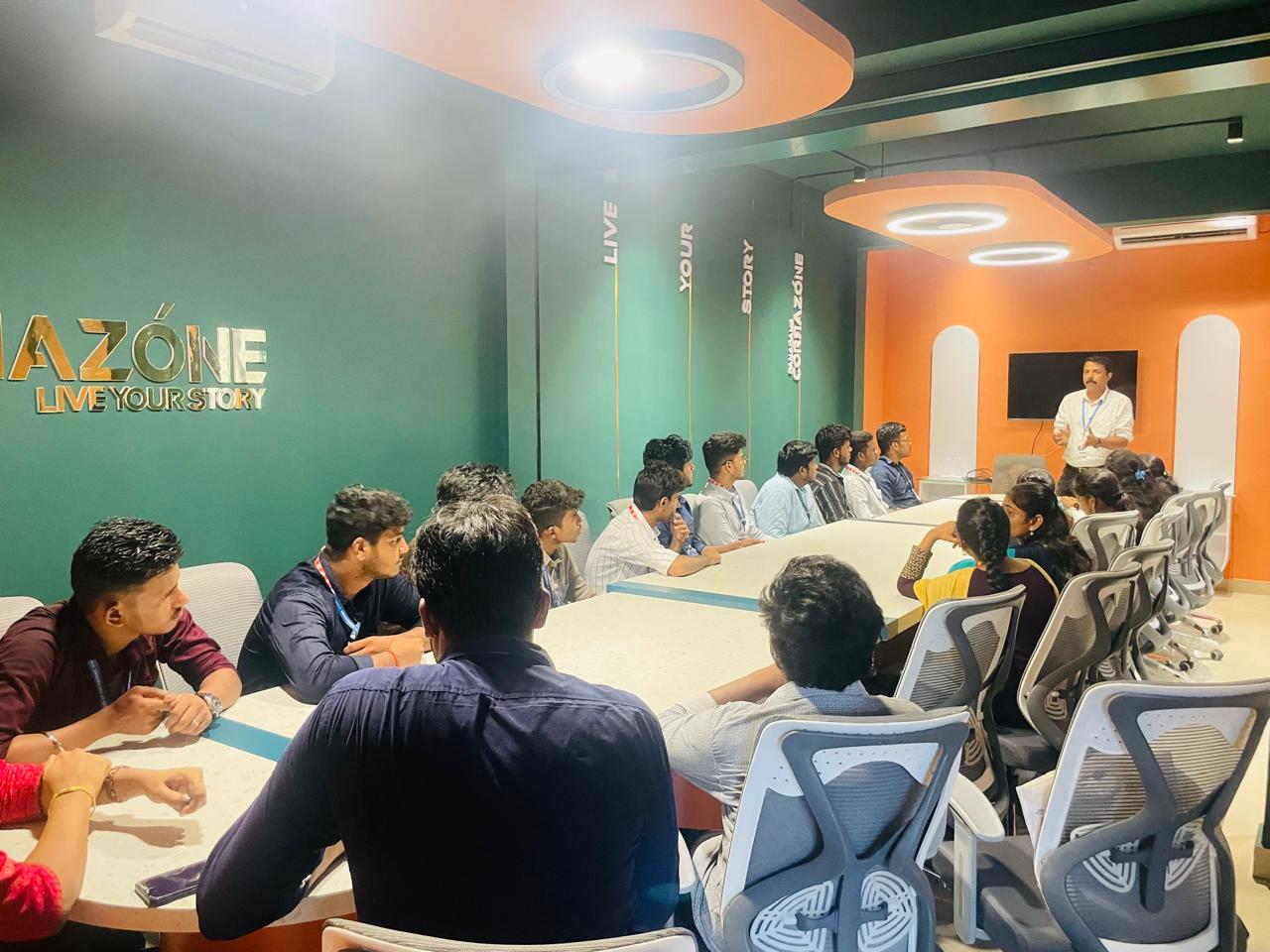
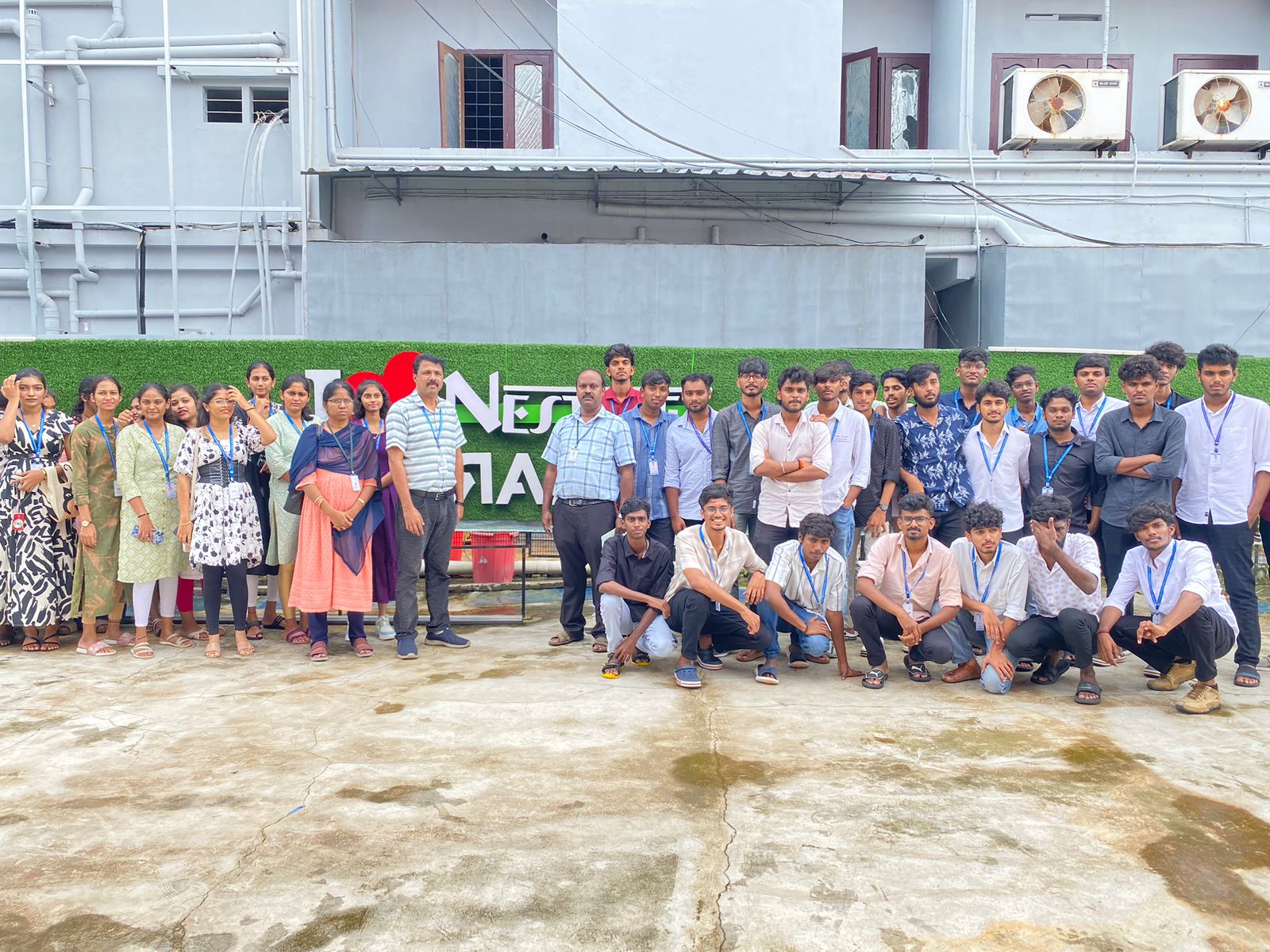
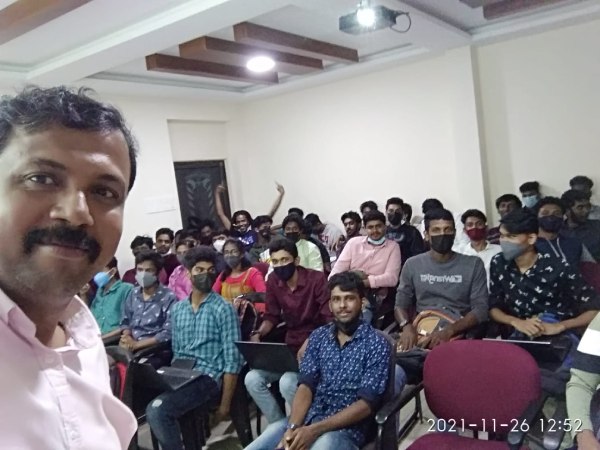
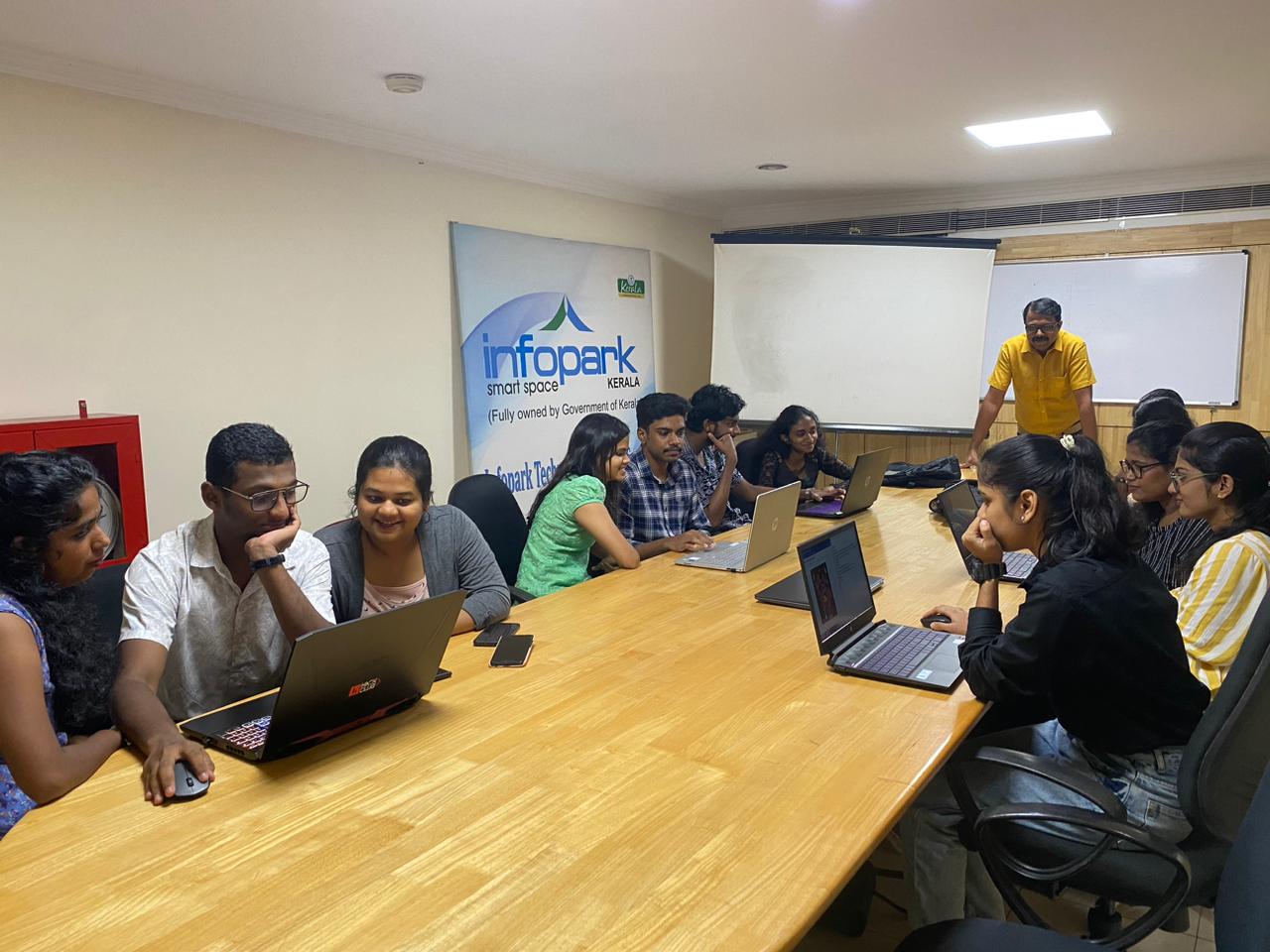
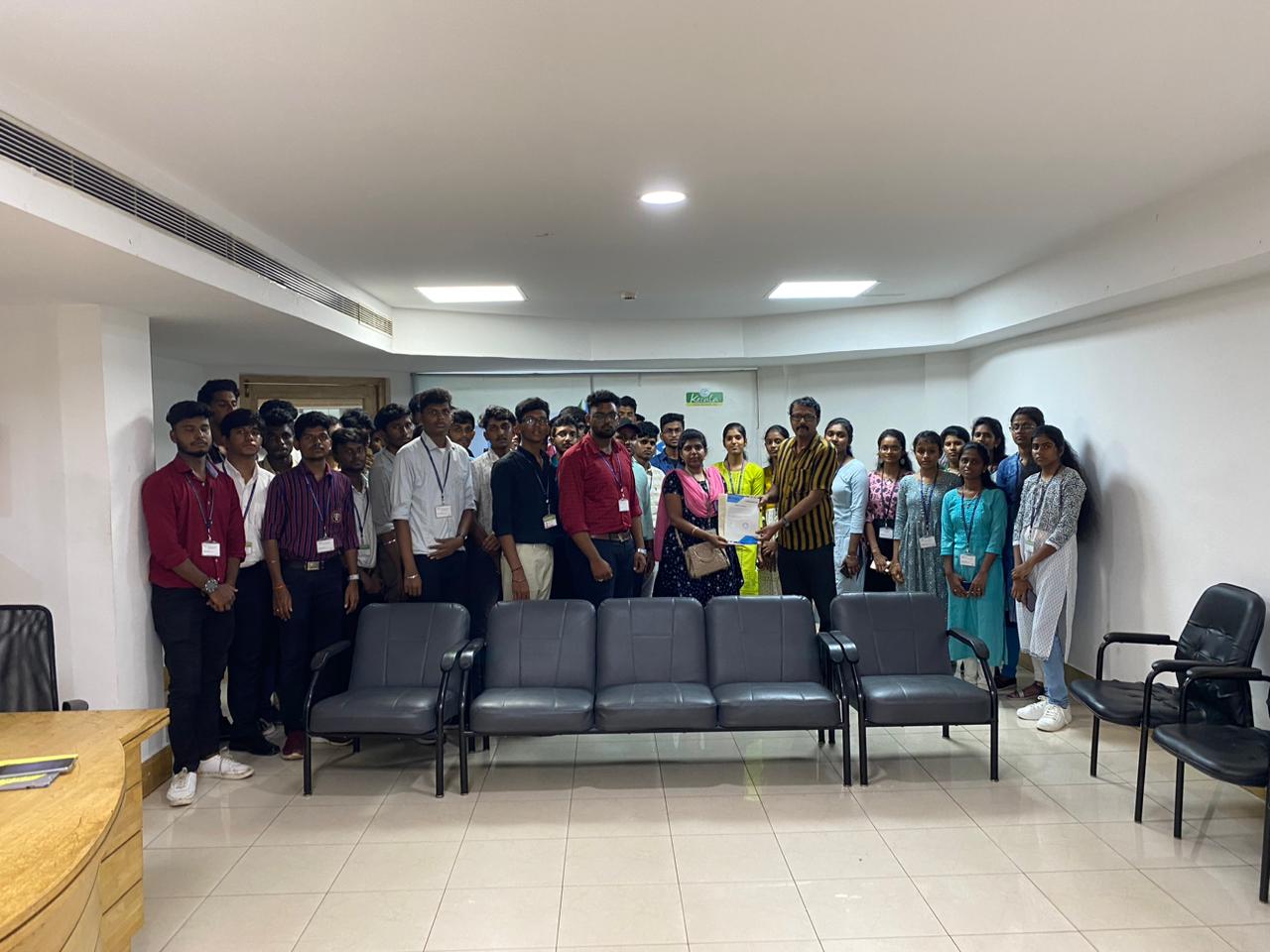
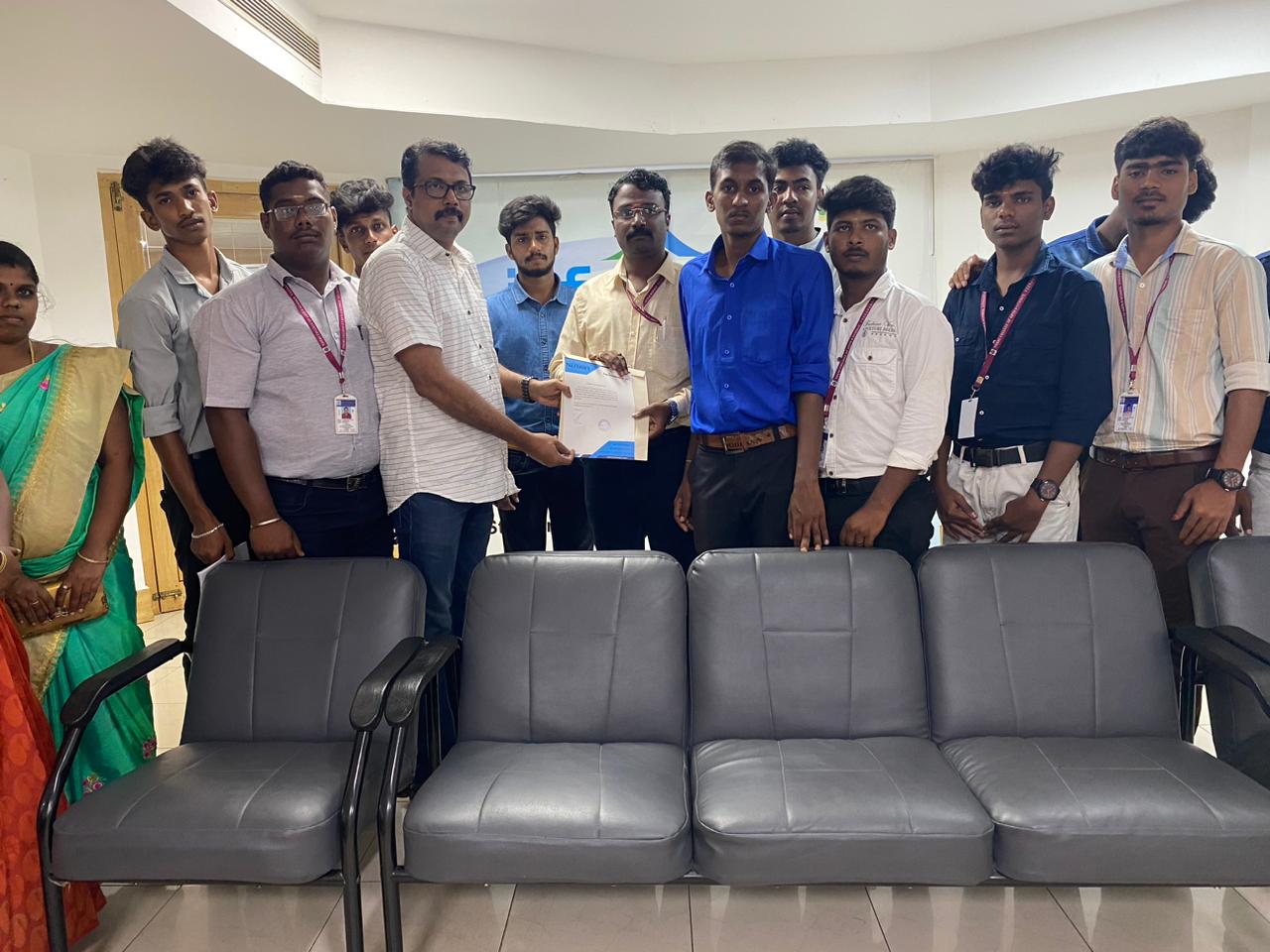
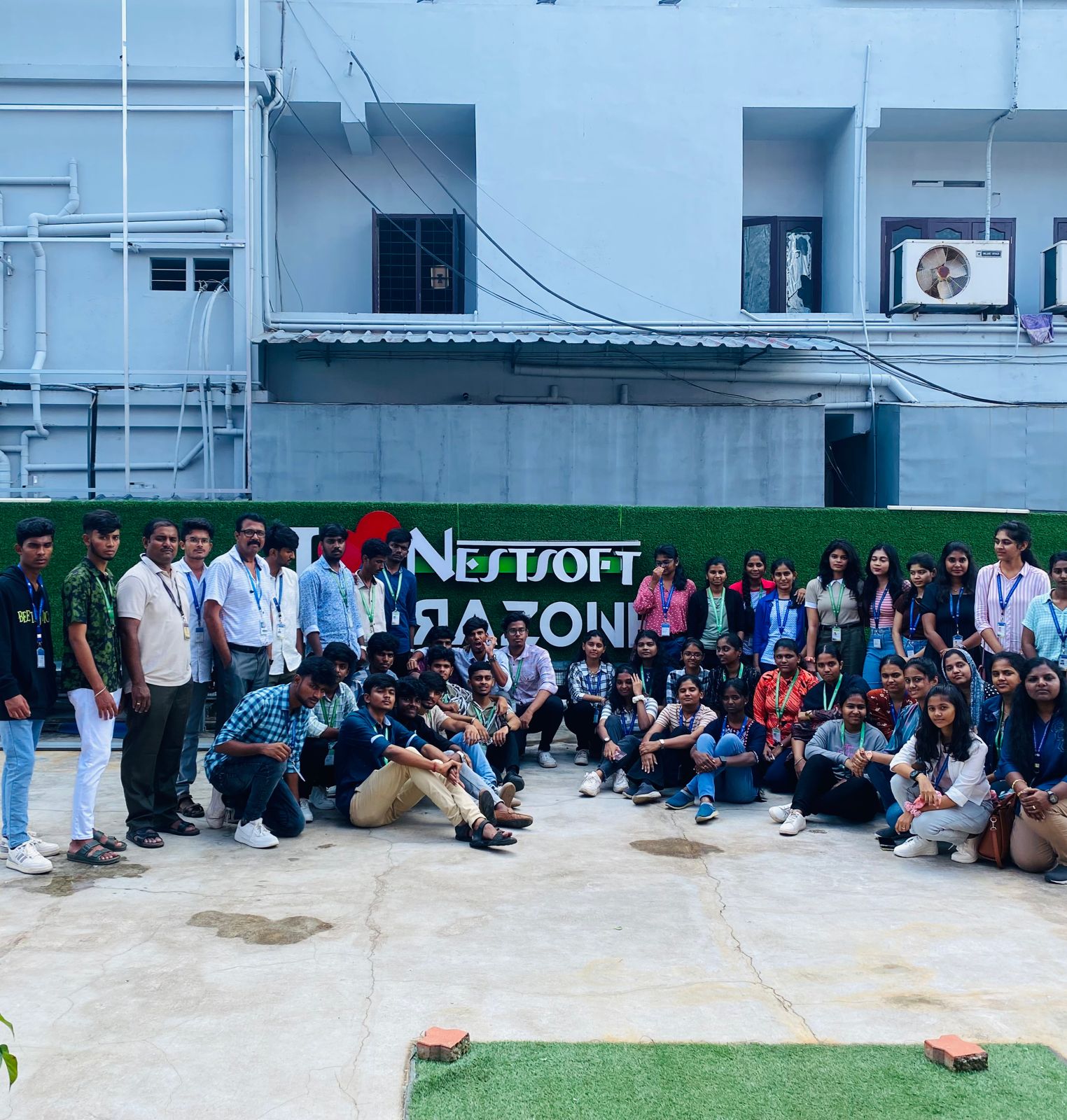
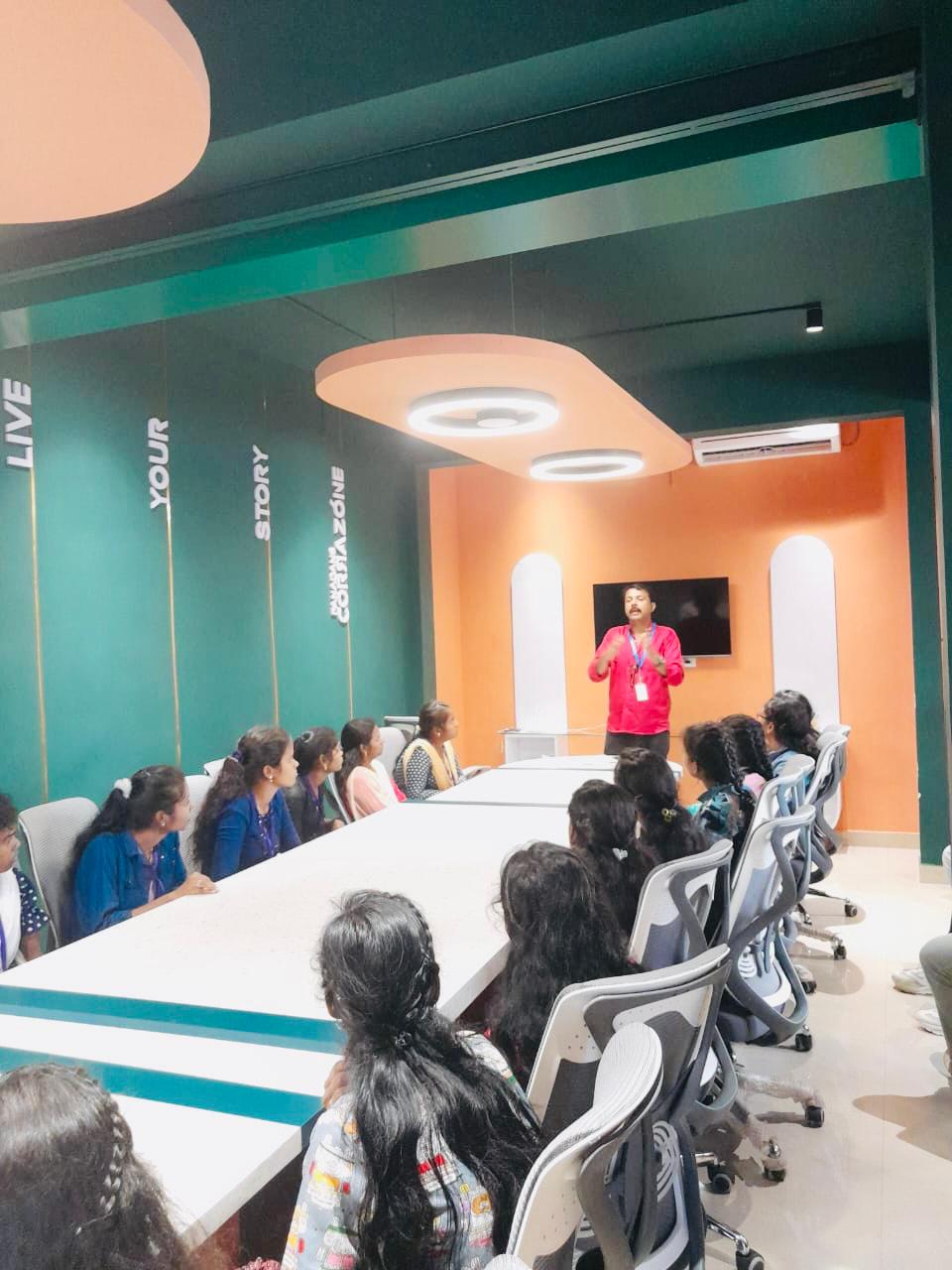
Photos of Training / Internships

Internship/projects in gulbarga

Trained more than 10000+ students who trust Nestsoft TechnoMaster

Get Your Personal Trainer