Send enquiry ⏎

Fortinet Firewall Online Live Class by Experts

Our Training/Internship Process

Fortinet Firewall Online Live Classes in Kottayam | Free Demo Training

Fortinet Firewall - Syllabus, Fees & Duration

MODULE 1

  • System setup
  • Fort guard subscription services
  • Logging
  • Firewall policies
  • Policies
  • Policies lab

MODULE 2

  • Firewall
  • Firewall types
  • How to control access
  • Managing firewall
  • NAT
  • Denial of service (DoS)

MODULE 3

  • Basic VPN
  • VPN uses, advantages and types
  • Need of firewall in VPN
  • Threat free tunneling
  • VPN Bandwidth management
  • SSL VPN
  • SSL VPN with RADIUS and forti token
  • SSL VPN using web and tunnel mode
  • Dialup IPsec VPN

MODULE 4

  • Authentication
  • Requirement and types of authentication
  • Group authentication
  • Traffic discovery
  • AD, LD AP, OR RADIUS

MODULE 5

  • Antivirus
  • Functioning of Anti-Virus & Anti-Spam
  • Basics of Virus, Spyware, Malware, Phishing, and Pharming.
  • Web/Mail/FTP Anti-Virus
  • Gateway level Anti-Virus/Anti-Spam
  • Instant Messaging
  • Virus Outbreak Detection
  • Recurrent Pattern Detection
  • RBL, IP Reputation
  • Understanding of Intrusion
  • Signature-based detection
  • Statistical anomaly-based detection
  • Stately protocol analysis detection
  • Network-Based IPS & Wireless Based IPS
  • Network Behaviour Analysis
  • Host-Based IPS

MODULE 6

  • Spam filtering
  • Web filtering
  • Need for web filtering
  • Web 2.0 filtering
  • Filtering with keywords, URL
  • Filtering web traffics

MODULE 7

  • Application firewall
  • Evolution of Application Firewall
  • File Filtering
  • Application & P2P Filtering
  • Instant Messaging Filters
  • Custom Filters
  • Compliance based filtering

MODULE 8

  • WiFi
  • Wifi settings
  • Wifi MAC filter
  • Wifi monitoring

MODULE 9

  • Network availability
  • High availability
  • Load balancing
  • Understand balancing
  • Multilink manager
  • Active-Active load balancing and gateway failover
  • Active – Passive configuration and gateway failover
  • MPLS failover to VPN
  • Automatic ISP failover detection

Download Syllabus - Fortinet Firewall
This syllabus is not final and can be customized as per needs/updates
   
10000+
20+
50+
25+

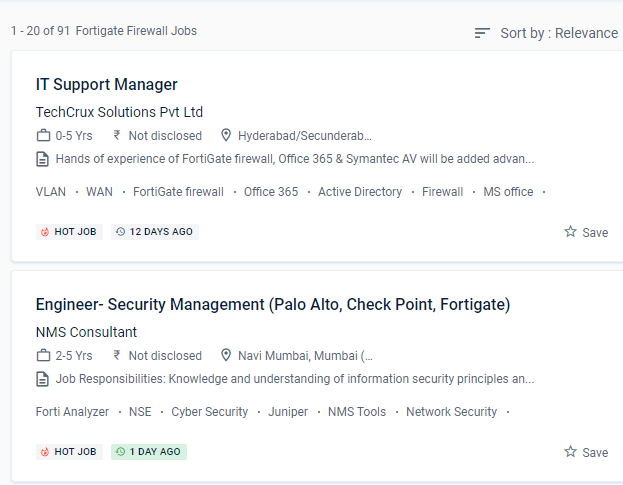
Fortinet Firewall Jobs in Kottayam

Enjoy the demand

Find jobs related to Fortinet Firewall in search engines (Google, Bing, Yahoo) and recruitment websites (monsterindia, placementindia, naukri, jobshybrid.com, indeed.co.in, shine.com etc.) based in Kottayam, chennai and europe countries. You can find many jobs for freshers related to the job positions in Kottayam.

  • Network engineer Fortinet firewall
  • Network security
  • Domain Specialist Oracle Cloud Infrastructure
  • Cybersecurity-Engineer
  • Network security -specialist
  • Fortinet engineer
  • Network Engineer
  • Technical account manager
  • Information security manager
  • System engineer- Fortinet

Fortinet Firewall Internship/Course Details

Fortinet Firewall internship jobs in Kottayam
Fortinet Firewall This system may be customized to fit any business environment while preserving cutting-edge security features. Small and medium-sized businesses, as well as major firms, data processicentersres, and Internet providers, can benefit from Fortigate's extensive offerings. According to the latest Anti-Phishing Working Group (APWG) report, SSL was employed by 75% of all phishing sites in the first quarter of 2020. Firewall policies are used to authenticate users. Gather and analyze log entries . NESTSOFT train IT and Fortinet ecosystem workers in information, configuration, and management to safeguard networks of enterprises whose most valuable asset is their data. Use port forwarding, source NAT, and destination NAT to your advantage. Furthermore, these security strategies can achieve roles such as firewalls, web filtering, intrusion detection, and malware or spam prevention. These features, however, are CPU-intensive and are known for bringing even high-end commercial NGFWs to a halt. For administration, use the GUI and CLI.

Meet a Few of our Industry Experts 🚀 Your Pathway to IT Career

Vicky

Mobile: +91 94975 90866
Location: Online (Kottayam, India)
Qualification: b.tech

Experience: react and node js mongodb  more..

preritha

Mobile: +91 89210 61945
Location: Online (Kottayam, India)
Qualification: B.E

Experience: With 4 years of hands-on experience I started cultivating my design skills during my college years where I dedicated myself  more..

Shreya

Mobile: +91 8301010866
Location: Online (Kottayam, India)
Qualification: BA Japanese (Hons)

Experience: While I may not have formal certification from the JLPT I am passionate about the Japanese language and culture and  more..

Swathi

Mobile: +91 8301010866
Location: Online (Kottayam, India)
Qualification: B-Tech

Experience: User interface design User persona creation Wireframing Prototyping Empathy mapping Competitive analysis User research Adobe xd Figma Sketch Adobe photoshop  more..

Mohammed

Mobile: +91 91884 77559
Location: Online (Kottayam, India)
Qualification: M. A. Islamic studies

Experience: SKILLS • Canva • Macros • Microsoft Office • Autocrat • ChatGPT • Sap ERP EXPERIENCE Arabic Language Expert Mar  more..

Akshat

Mobile: +91 89210 61945
Location: Online (Kottayam, India)
Qualification: BTECH CSE

Experience: EXPERIENCE Software Developer Intern AD Infocom Systems Gurugram(hybrid) — May 2023 - July 2023 (ReactJS JavaScript NodeJS NPM MongoDB) •  more..

Aparna

Mobile: +91 94975 90866
Location: Online (Kottayam, India)
Qualification: Btech CSE

Experience: Skilled with core java automation testing with selenium java objective c  more..

PRIYA

Mobile: +91 94975 90866
Location: Online (Kottayam, India)
Qualification: MCA

Experience: I am a MCA Graduate I am interested to work as a junior Php developer  more..

Mrunali

Mobile: +91 8301010866
Location: Online (Kottayam, India)
Qualification: MCA

Experience: 3 2 years of experience in manual as well as Automation Testing load testing with jmeter knowledge of bdd framework  more..

Vignesh

Mobile: +91 98474 90866
Location: Online (Kottayam, India)
Qualification: BCA

Experience: HTml css python django ms office and 7 month experience in data entry  more..

Vishal

Mobile: +91 94975 90866
Location: Online (Kottayam, India)
Qualification: Bachelor's of Arts

Experience: Interaction Design | Visual Design | User Research | Wireframing | Information Architecture | Design Thinking |Usability testing | Web  more..

Aravindan

Mobile: +91 98474 90866
Location: Online (Kottayam, India)
Qualification: BE Computer science and engineering

Experience: Odoo and python   more..

Dipali

Mobile: +91 91884 77559
Location: Online (Kottayam, India)
Qualification: Bsc (Biotechnology)

Experience: I have 3 years of experience as software test engineer in hands-on Automation Testing and Manual with Api testing i  more..

Shraddha

Mobile: +91 89210 61945
Location: Online (Kottayam, India)
Qualification: Bacholer of computer engineering

Experience: I have good knowledge of cyber security and ethical Hacking I have also done internship in cyber security and Ethical  more..

Rohit

Mobile: +91 91884 77559
Location: Online (Kottayam, India)
Qualification: B.Tech

Experience: less that one year experience in Python Django Development with skills as Proficiency in Python programming Database knowledge [MongoDB Prefered]  more..

Kalaiselvi

Mobile: +91 91884 77559
Location: Online (Kottayam, India)
Qualification: B.E., CSE

Experience: Currently I'm working as a Technical Supportive at a random jewellery shop in Coimbatore I was working like website maintenance  more..

Suman

Mobile: +91 91884 77559
Location: Online (Kottayam, India)
Qualification: MCA

Experience: I have near about 2 yr experience in android field  more..

D

Mobile: +91 94975 90866
Location: Online (Kottayam, India)
Qualification: Btech

Experience: 1 3 years of experience in Odoo development and support   more..

S.

Mobile: +91 9895490866
Location: Online (Kottayam, India)
Qualification: BE (civil)

Experience: Oops concept SQL cucukumber framework jankins API testing TestNG   more..

Naga

Mobile: +91 89210 61945
Location: Online (Kottayam, India)
Qualification: Bsc information Technology

Experience: Dear Hiring Manager I am writing to express my keep interest in the Automation Tester position at your company which  more..

Ankita

Mobile: +91 94975 90866
Location: Online (Kottayam, India)
Qualification: BE ENTC

Experience: Software testing course completed have good knowledge about manual and automation testing java programming jira eclipse sql  more..

Silpa

Mobile: +91 94975 90866
Location: Online (Kottayam, India)
Qualification: MCA

Experience: I have 3 6 years of experience in asp net and sql server 6 months experience in asp net core  more..

Raiyan

Mobile: +91 94975 90866
Location: Online (Kottayam, India)
Qualification: Graduated

Experience: Experienced Android Developer with 4 6 years of hands-on experience in full mobile lifecycle development Skilled in UI design API  more..

Nandkishor

Mobile: +91 9895490866
Location: Online (Kottayam, India)
Qualification: MCA

Experience: 1 Hotel Management Project The coding language using java Used mvc designed patter for using swing in front end and  more..

Success Stories

The enviable salary packages and track record of our previous students are the proof of our excellence. Please go through our students' reviews about our training methods and faculty and compare it to the recorded video classes that most of the other institutes offer. See for yourself how TechnoMaster is truly unique.

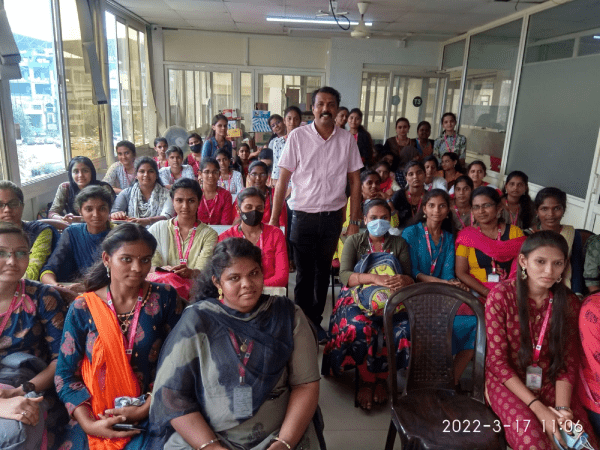
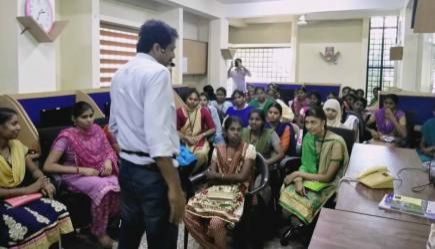
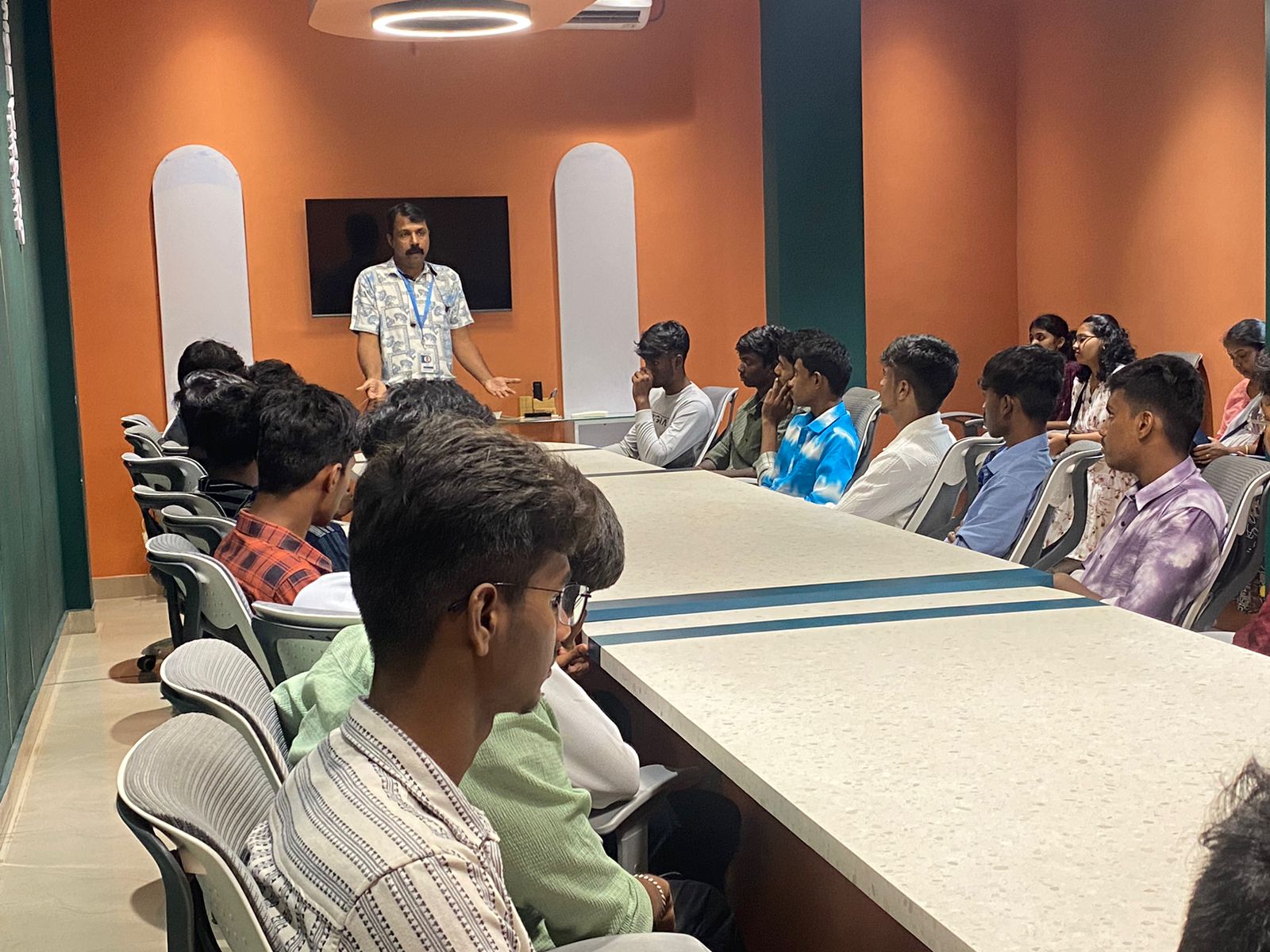
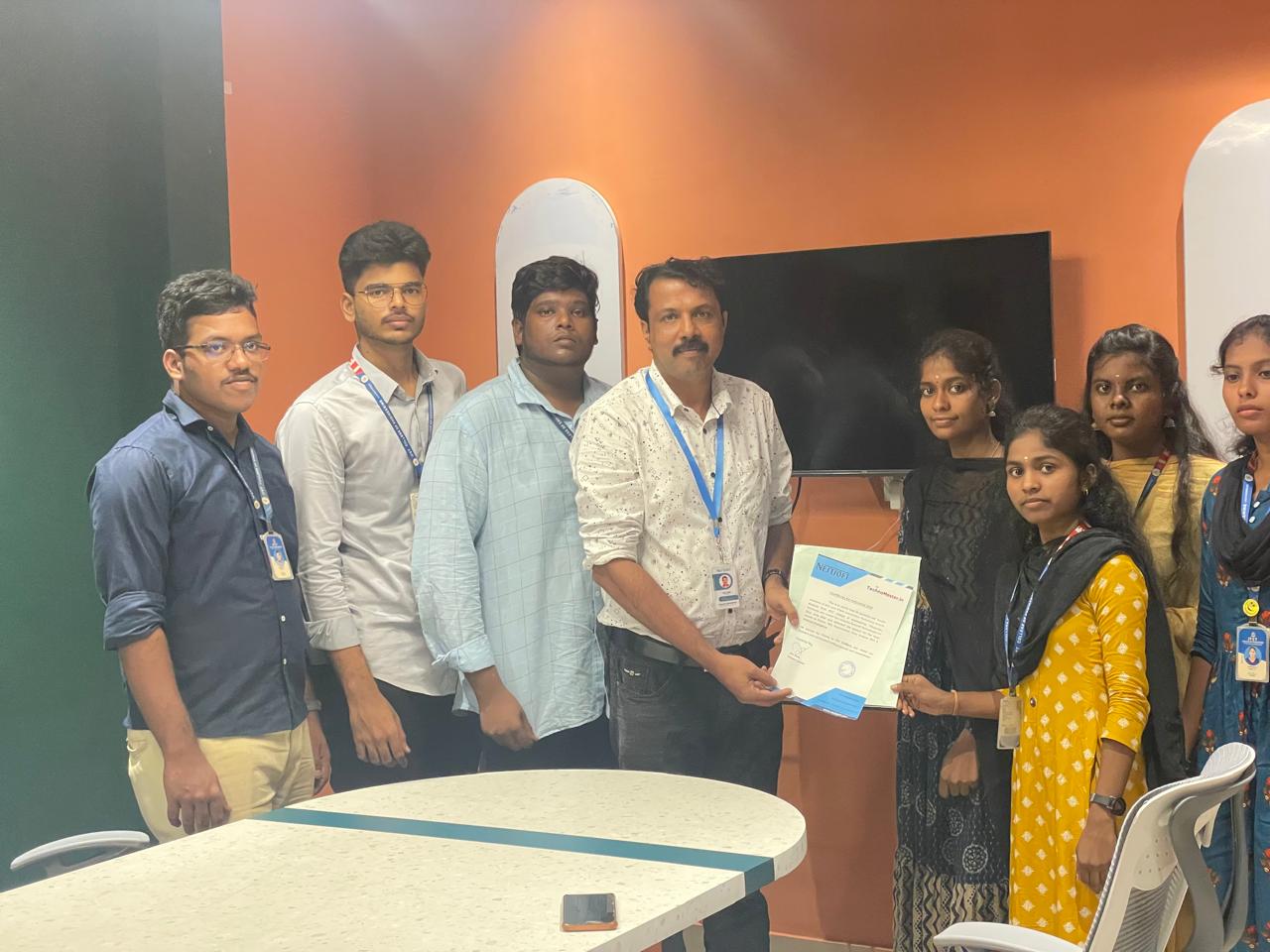
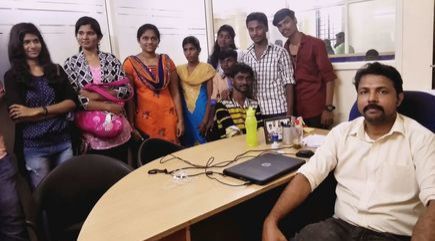
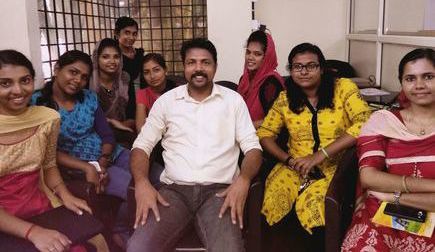
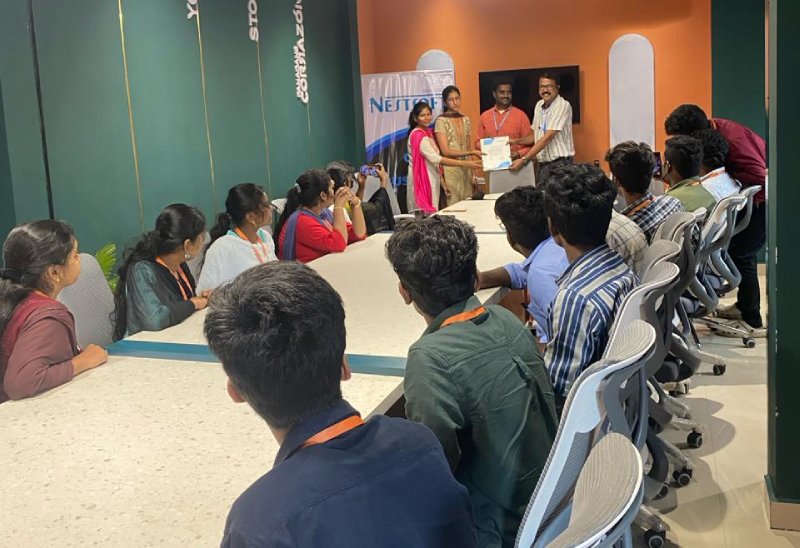
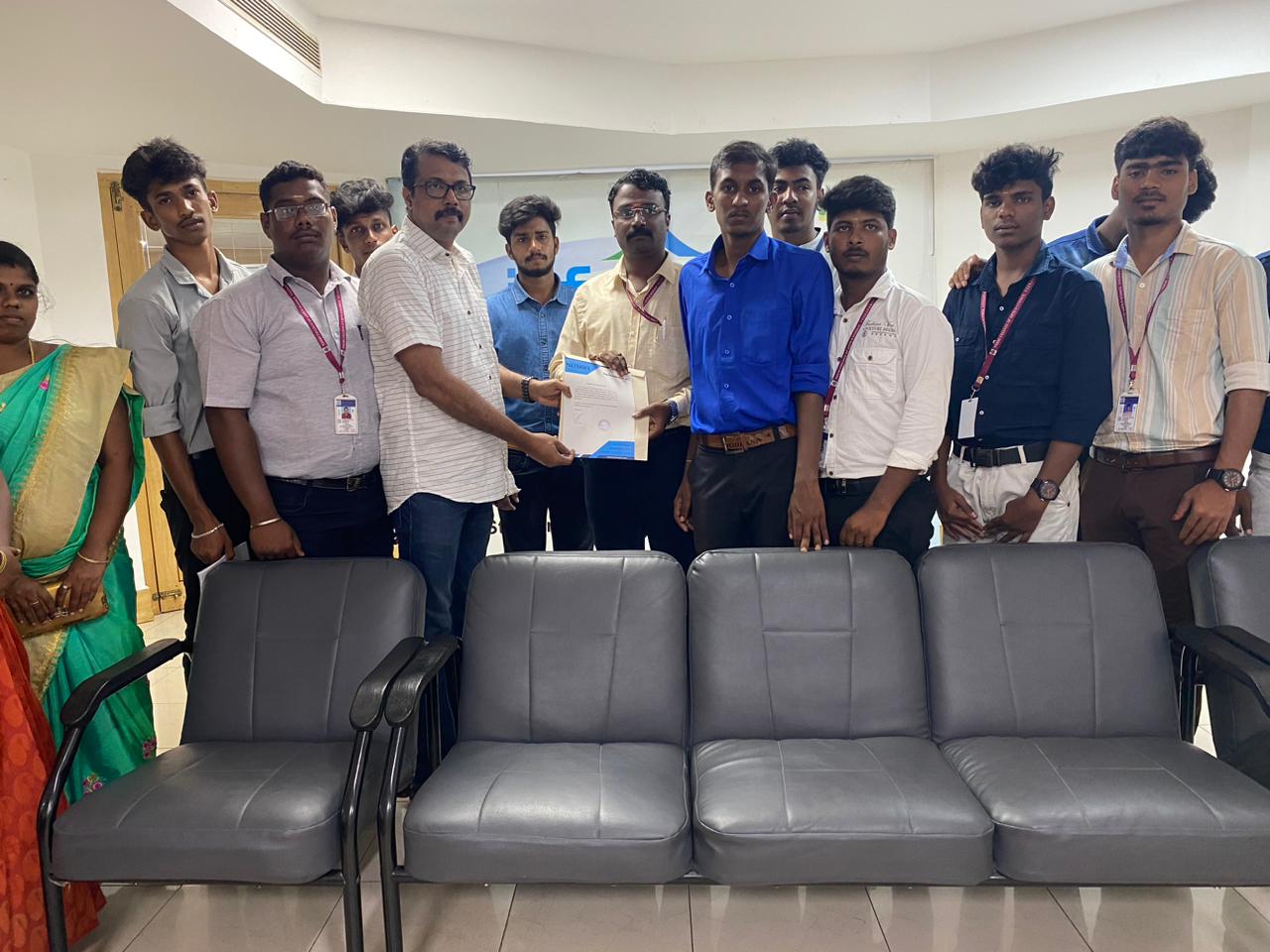
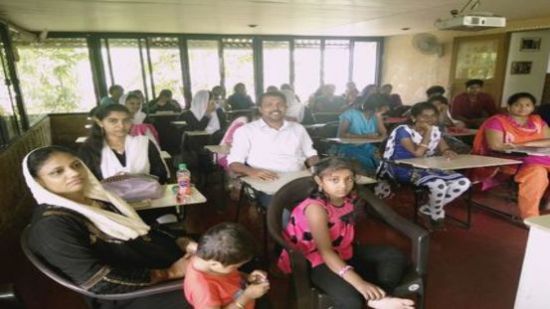
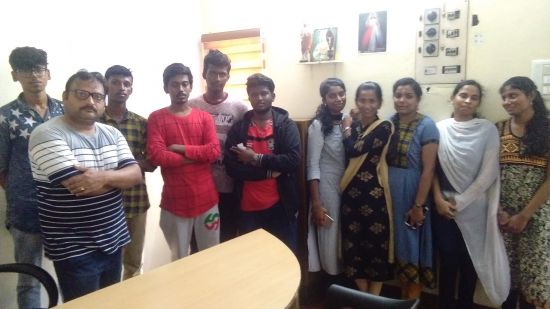
Photos of Training / Internships

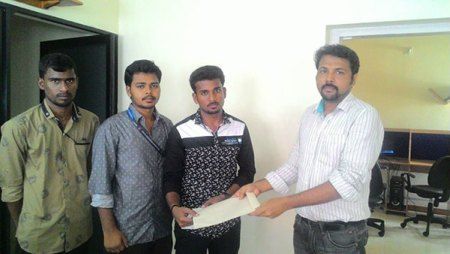
Internship/projects in kottayam

Trained more than 10000+ students who trust Nestsoft TechnoMaster

Get Your Personal Trainer