Send enquiry ⏎

Fortinet Firewall Online Live Class by Experts

Our Training/Internship Process

Fortinet Firewall Online Live Classes in Bangalore | Free Demo Training

Fortinet Firewall - Syllabus, Fees & Duration

MODULE 1

  • System setup
  • Fort guard subscription services
  • Logging
  • Firewall policies
  • Policies
  • Policies lab

MODULE 2

  • Firewall
  • Firewall types
  • How to control access
  • Managing firewall
  • NAT
  • Denial of service (DoS)

MODULE 3

  • Basic VPN
  • VPN uses, advantages and types
  • Need of firewall in VPN
  • Threat free tunneling
  • VPN Bandwidth management
  • SSL VPN
  • SSL VPN with RADIUS and forti token
  • SSL VPN using web and tunnel mode
  • Dialup IPsec VPN

MODULE 4

  • Authentication
  • Requirement and types of authentication
  • Group authentication
  • Traffic discovery
  • AD, LD AP, OR RADIUS

MODULE 5

  • Antivirus
  • Functioning of Anti-Virus & Anti-Spam
  • Basics of Virus, Spyware, Malware, Phishing, and Pharming.
  • Web/Mail/FTP Anti-Virus
  • Gateway level Anti-Virus/Anti-Spam
  • Instant Messaging
  • Virus Outbreak Detection
  • Recurrent Pattern Detection
  • RBL, IP Reputation
  • Understanding of Intrusion
  • Signature-based detection
  • Statistical anomaly-based detection
  • Stately protocol analysis detection
  • Network-Based IPS & Wireless Based IPS
  • Network Behaviour Analysis
  • Host-Based IPS

MODULE 6

  • Spam filtering
  • Web filtering
  • Need for web filtering
  • Web 2.0 filtering
  • Filtering with keywords, URL
  • Filtering web traffics

MODULE 7

  • Application firewall
  • Evolution of Application Firewall
  • File Filtering
  • Application & P2P Filtering
  • Instant Messaging Filters
  • Custom Filters
  • Compliance based filtering

MODULE 8

  • WiFi
  • Wifi settings
  • Wifi MAC filter
  • Wifi monitoring

MODULE 9

  • Network availability
  • High availability
  • Load balancing
  • Understand balancing
  • Multilink manager
  • Active-Active load balancing and gateway failover
  • Active – Passive configuration and gateway failover
  • MPLS failover to VPN
  • Automatic ISP failover detection

Download Syllabus - Fortinet Firewall
This syllabus is not final and can be customized as per needs/updates
   
10000+
20+
50+
25+

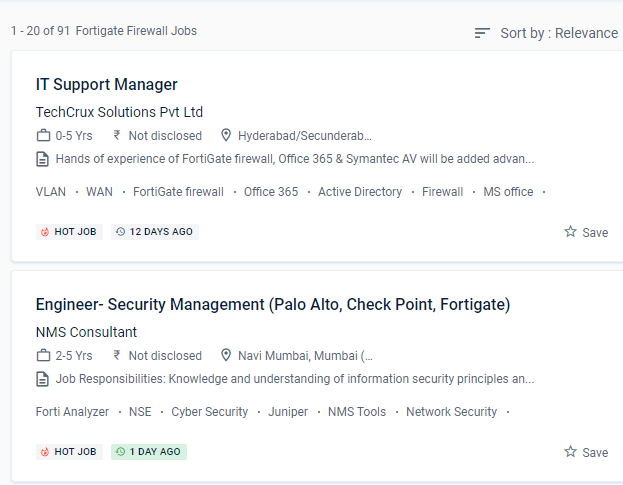
Fortinet Firewall Jobs in Bangalore

Enjoy the demand

Find jobs related to Fortinet Firewall in search engines (Google, Bing, Yahoo) and recruitment websites (monsterindia, placementindia, naukri, jobshybrid.com, indeed.co.in, shine.com etc.) based in Bangalore, chennai and europe countries. You can find many jobs for freshers related to the job positions in Bangalore.

  • Network engineer Fortinet firewall
  • Network security
  • Domain Specialist Oracle Cloud Infrastructure
  • Cybersecurity-Engineer
  • Network security -specialist
  • Fortinet engineer
  • Network Engineer
  • Technical account manager
  • Information security manager
  • System engineer- Fortinet

Fortinet Firewall Internship/Course Details

Fortinet Firewall internship jobs in Bangalore
Fortinet Firewall Firewall policies are used to control network access to configured networks. The networking landscape of today is more sophisticated than it has ever been. Identify the Fortinet Security Fabric's features. Understand the responsibilities of encryption and certificates. Firewall policies are used to authenticate users. The Fortinet Bangalore course is a basic platform tailored toward various types of enterprises. Defeat piracy and denial-of-service attacks (DoS) For safe admission to your private system, provide an SSL VPN. Use port forwarding, source NAT, and destination NAT to your advantage. Gather and analyze log entries . Examine SSL/TLS-protected communication for evidence of encryption being used to circumvent security restrictions.


Meet a Few of our Industry Experts 🚀 Your Pathway to IT Career

Moksh

Mobile: +91 91884 77559
Location: Online (Bangalore, India)
Qualification: Undergraduate

Experience: I am a Computer Science Engineering student with great proficiency in front end development skills such as react js css  more..

Shreya

Mobile: +91 98474 90866
Location: Online (Bangalore, India)
Qualification: BA Japanese (Hons)

Experience: While I may not have formal certification from the JLPT I am passionate about the Japanese language and culture and  more..

PURNAWATI

Mobile: +91 89210 61945
Location: Online (Bangalore, India)
Qualification: MCA

Experience: I have skill of Python developer I am fresher   more..

Harish

Mobile: +91 89210 61945
Location: Online (Bangalore, India)
Qualification: MA - ENGLISH

Experience: Content Writing Customer Support firewall |   more..

Asesh

Mobile: +91 94975 90866
Location: Online (Bangalore, India)
Qualification: Bca

Experience: C C++ python  more..

Saniya

Mobile: +91 98474 90866
Location: Online (Bangalore, India)
Qualification: Graduated

Experience: I have knowledge in Html css js tailwind css bootstrap angular and designing Softwares like figma and photoshop and core  more..

Ranjan

Mobile: +91 91884 77559
Location: Online (Bangalore, India)
Qualification: B.Tech

Experience: Customizing Odoo OpenERP modules to fit your unique business needs Django Python development WordPress web development Payment & SMS gateway  more..

Ghanshyam

Mobile: +91 94975 90866
Location: Online (Bangalore, India)
Qualification: graduate

Experience: php laravel Html MySql jQuery Ajax and basic Css  more..

ATHIRA

Mobile: +91 91884 77559
Location: Online (Bangalore, India)
Qualification: M tech

Experience: C python dot net  more..

Jitendra

Mobile: +91 8301010866
Location: Online (Bangalore, India)
Qualification: B.tech Mechincal engineering

Experience: Sap ERP Power Bi Inventory management Procurement operations Vendor development Localization of import  more..

Nallabelli

Mobile: +91 91884 77559
Location: Online (Bangalore, India)
Qualification: B.Tech

Experience: Efficient in Python and Java programming Languages Done a project on Fetching Insights from Stock Market data Possess great knowledge  more..

Ruby

Mobile: +91 89210 61945
Location: Online (Bangalore, India)
Qualification: M.Tech (CSE- specialization in data science)

Experience: Figma tableau ML python html css javascript nextjs wordpress etc  more..

Bharath

Mobile: +91 91884 77559
Location: Online (Bangalore, India)
Qualification: MBA

Experience: I have hands on experience on machine learning neural networks random forest using python and R software I done some  more..

Ananya

Mobile: +91 98474 90866
Location: Online (Bangalore, India)
Qualification: Postgraduate in Chemist

Experience: Iam a dedicated chemistry educator with a passion for nurturing young minds With two years of experience I've had the  more..

Ranjeet

Mobile: +91 94975 90866
Location: Online (Bangalore, India)
Qualification: MCA

Experience: PHP developer and frontend developer  more..

Nikhil

Mobile: +91 94975 90866
Location: Online (Bangalore, India)
Qualification: B.E.

Experience: Manual testing and Having 1 year of experience  more..

dharini

Mobile: +91 91884 77559
Location: Online (Bangalore, India)
Qualification: b.des

Experience: experience - 2 years skills - ux design visual design information architecture figma prototyping wireframes user personas user experience  more..

Vaibhav

Mobile: +91 91884 77559
Location: Online (Bangalore, India)
Qualification: Diploma

Experience: I have a great knowledge in the field of designing and developing both for designing I use Figma and Adobe  more..

Nikita

Mobile: +91 9895490866
Location: Online (Bangalore, India)
Qualification: Msc computer science

Experience: I have good knowledge of c java kotlin Android I have experience for Android developer I am currently working Brainoid  more..

Nitin

Mobile: +91 91884 77559
Location: Online (Bangalore, India)
Qualification: B.TECH

Experience: My name is Nitin and i have 4 5 years of experience My position is senior developer Skills : -  more..

Anshid

Mobile: +91 91884 77559
Location: Online (Bangalore, India)
Qualification: BCA

Experience: Worked as a software intern in a software development company for 3 years While studying in collage Now working as  more..

Salman

Mobile: +91 98474 90866
Location: Online (Bangalore, India)
Qualification: 12+

Experience: I have total 5+ years expirence Desktop support and networking in Wipro DNA |   more..

Shubham

Mobile: +91 91884 77559
Location: Online (Bangalore, India)
Qualification: B.Sc(H) Sports Sciences

Experience: With over three years of hands-on experience I possess advanced proficiency in video creation and editing using industry-standard software like  more..

Priyanshi

Mobile: +91 9895490866
Location: Online (Bangalore, India)
Qualification: B.TECH in computer science

Experience: Designed vector logos marketing assets and social media creatives for small businesses individuals and university events Designed marketing collateral such  more..

Success Stories

The enviable salary packages and track record of our previous students are the proof of our excellence. Please go through our students' reviews about our training methods and faculty and compare it to the recorded video classes that most of the other institutes offer. See for yourself how TechnoMaster is truly unique.

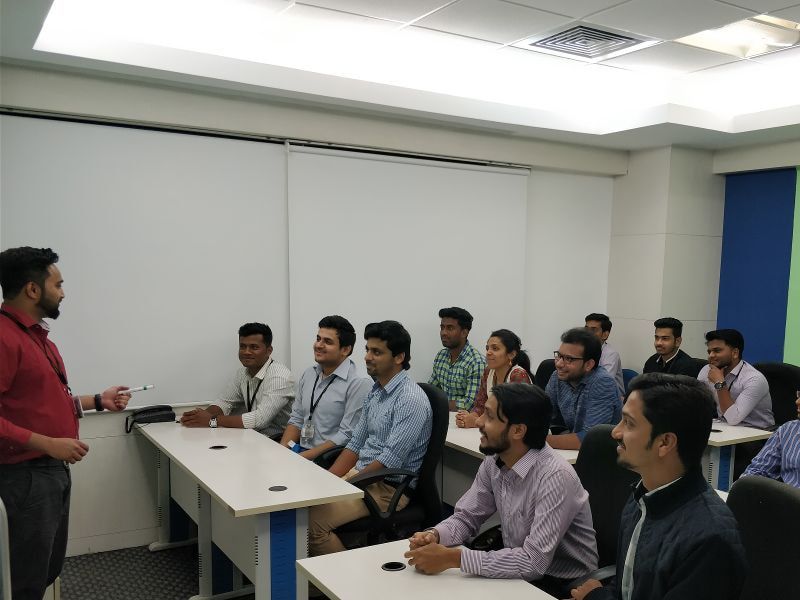
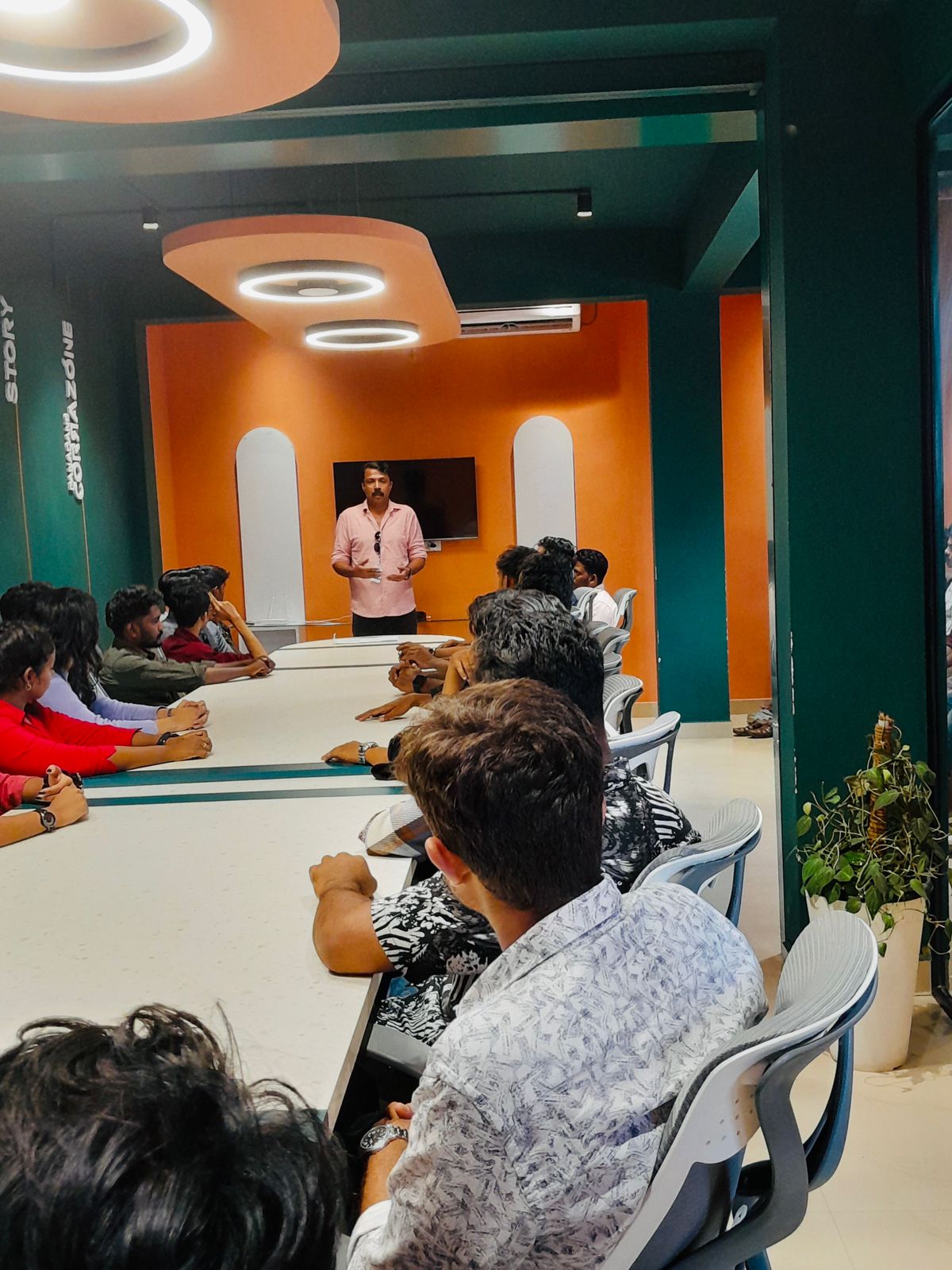
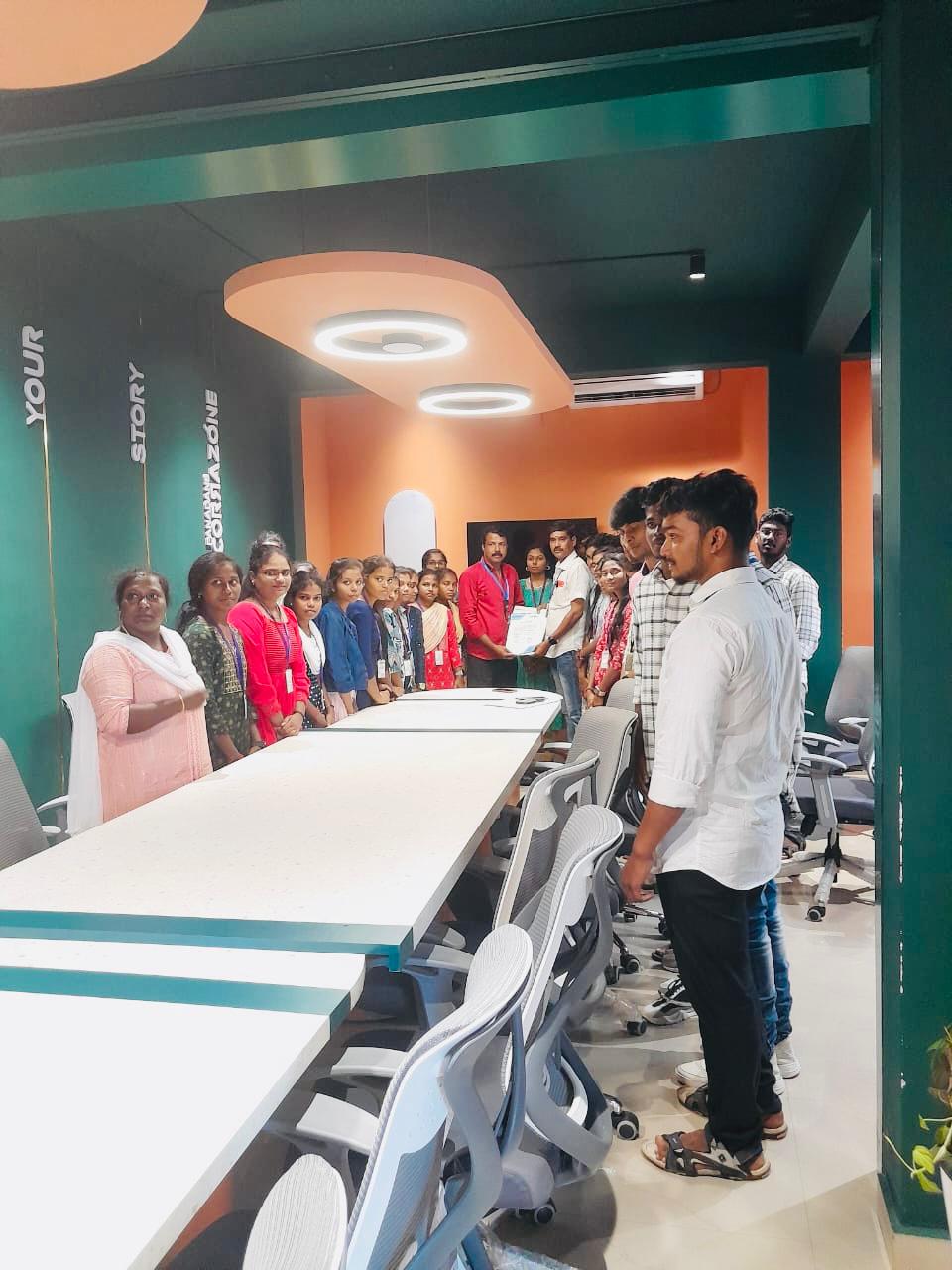
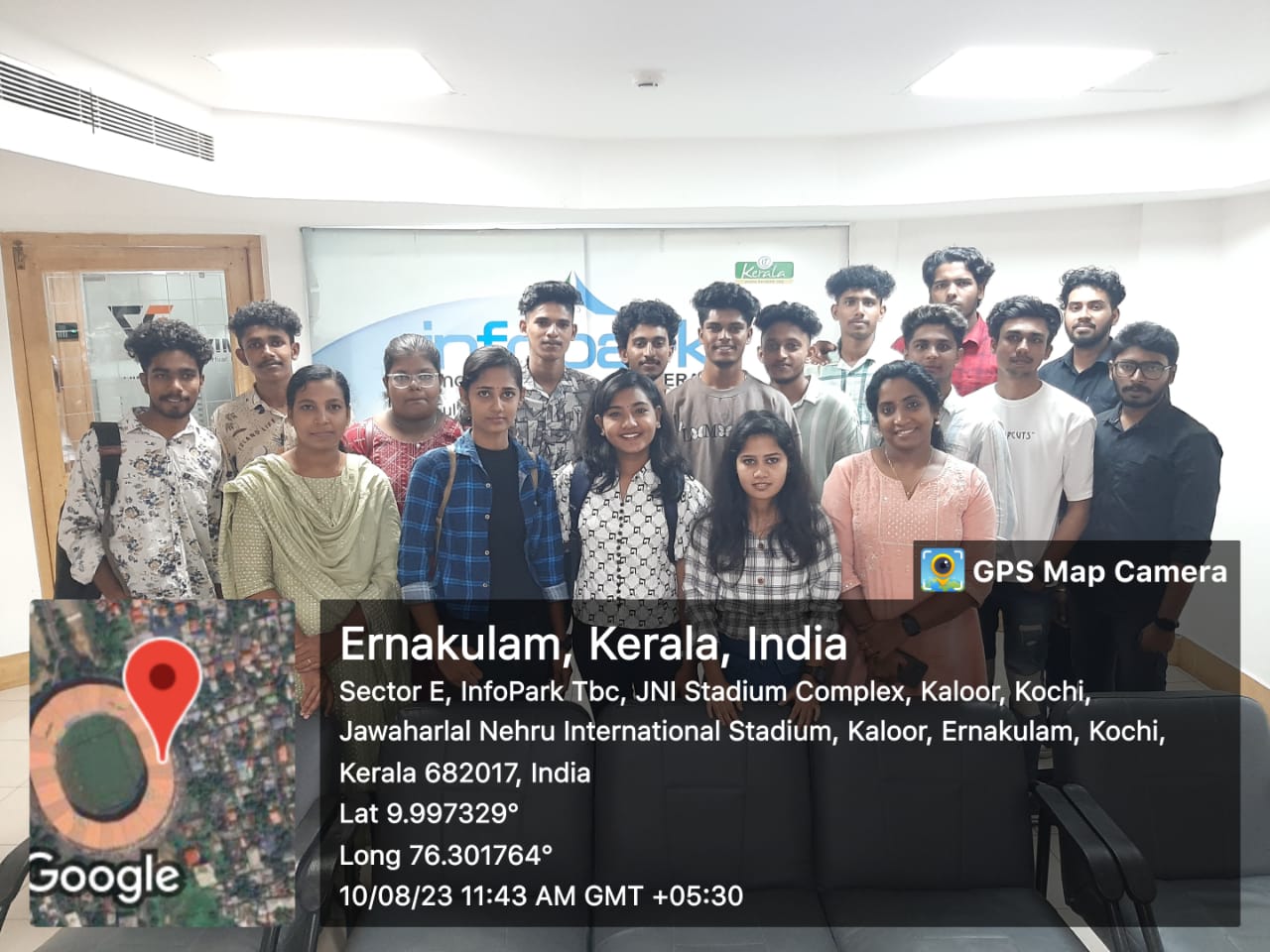
Photos of Training / Internships

Internship/projects in bangalore

Trained more than 10000+ students who trust Nestsoft TechnoMaster

Get Your Personal Trainer