Send enquiry ⏎

AutoCAD Online Live Class by Experts

Our Training/Internship Process

AutoCAD Online Live Classes in Trivandrum | Free Demo Training

AutoCAD - Syllabus, Fees & Duration

INTRODUCTION OF AUTOCAD

  • Uses of AutoCAD
  • Different versions
  • Installation procedure

BASIC UNDERSTANDING

  • User interface
  • Different units and templates
  • Coordinate systems
  • Drawing settings
  • Concept of views
  • Create and Save

BASIC IDEA OF TOOLS AND MENUS

  • Application button
  • Quick access toolbar
  • Tabs and ribbon areas
  • Panels
  • Drawing area
  • Status bar

BASIC DRAWINGS

  • Making simple lines, polylines, rectangles
  • Creation of arcs, circles, ellipses
  • Use of ortho and polar mode
  • Simple and advance object snaps
  • Object snap tracking

BASIC MODIFY TOOLS

  • Scaling of objects
  • Rotation of objects
  • Move, copy ,trim and extend objects
  • Joining and extend tools
  • Offset, fillet and mirror of objects

MAJOR DRAWINGS

  • Isometric, mechanical and electrical drawings with advanced building drawings
  • Drawing with Hatch tools and their applications
  • Making rectangular, polar and path array
  • Use of multi function grips and dynamic input
  • Drawing of different components of building

REUSING EXISTING CONTENT

  • Creation, understanding and insertion of blocks
  • Modifying and start write block
  • Use of different block libraries
  • Attributes

OBJECT ORGANISATION

  • Understanding and assigning layers
  • By layer and by block
  • Enquiry tools
  • Purge and rename command

ANNOTATIONS

  • Basic and advance dimensions and their style
  • Multileader
  • Creation and modifying table with styles
  • Different text styles

LAYOUT AND PRINTING

  • Page setup and plotting drawing
  • Viewports
  • Creation of annotative dimensions

Download Syllabus - AutoCAD
This syllabus is not final and can be customized as per needs/updates
   
10000+
20+
50+
25+

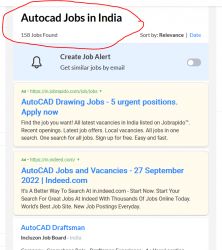
AutoCAD Jobs in Trivandrum

Enjoy the demand

Find jobs related to AutoCAD in search engines (Google, Bing, Yahoo) and recruitment websites (monsterindia, placementindia, naukri, jobshybrid.com, indeed.co.in, shine.com etc.) based in Trivandrum, chennai and europe countries. You can find many jobs for freshers related to the job positions in Trivandrum.

  • AutoCAD Draughtsman
  • Junior Architect
  • Junior Interior Designer
  • AutoCAD Designer
  • Junior Civil Engineer
  • AutoCAD Civil Drafters
  • 3D Design
  • Junior Design Executive
  • Structural Draughtsman
  • AutoCAD Engineer

AutoCAD Internship/Course Details

AutoCAD internship jobs in Trivandrum
AutoCAD It can be done in two types of wiring diagram and a surface model diagram for use in the manufacturing, assembling and repairing of parts. There are many merits of using AutoCAD. The designed blueprint will be carried with the job for its complete stages of start to delivery in between production teams, quality team and machine handling teams review the design in case of any issues of understanding and continue machining with the reference of blueprint drafters. Its first release only use entities such as polygons, circles, lines, arcs, and text to construct complex objects. It has evolved to become one of the most sophisticated design tools in the industry these days. It was supported by 750 training centers worldwide in the year 1994. In mechanical engineering, it is used to create manufacturing processes as well as to design motor parts, robots and other innovative objects. It has a user- friendly interface and saves time, which are great advantages to designers. CAD interface makes it the best technical designing beginners software for study and initial stages of engineering designing career. AutoCAD was first introduced in the month of December in 1982 as a desktop app running on microcomputers with internal graphics controllers.


Meet a Few of our Industry Experts 🚀 Your Pathway to IT Career

Sreekanth

Mobile: +91 91884 77559
Location: Online (Trivandrum, India)
Qualification: Btech

Experience: Manual testing automation testing SQL core java  more..

suhasini

Mobile: +91 91884 77559
Location: Online (Trivandrum, India)
Qualification: M.Sc., M.Ed.

Experience: With over 13 years of teaching experience in schools and colleges I bring a diverse expertise in subjects ranging from  more..

Bhagyashree

Mobile: +91 98474 90866
Location: Online (Trivandrum, India)
Qualification: Master of computer Applications MCA

Experience: I have trained for six months in java full stack developer skills  more..

Pranam

Mobile: +91 9895490866
Location: Online (Trivandrum, India)
Qualification: Bachelor

Experience: Hi I am Pranam I am currently studying electronics and instrumentation at the BMS College of Engineering I have experience  more..

P.C.MANOJ

Mobile: +91 98474 90866
Location: Online (Trivandrum, India)
Qualification: Bsc software application

Experience: BDD Cucumber testng manual testing selenium web driver automation testing scrum test planning agile methodologies sql  more..

Rakesh

Mobile: +91 91884 77559
Location: Online (Trivandrum, India)
Qualification: M.Tech

Experience: Java selenium testng or bdd cucumber api testing jmeter and RestAssured Java selenium testng or bdd cucumber api testing jmeter  more..

cjeevanandha

Mobile: +91 8301010866
Location: Online (Trivandrum, India)
Qualification: diploma

Experience: I'm a Layout Designer with more than 15 years of experience in the design field I will work with in  more..

Divya

Mobile: +91 94975 90866
Location: Online (Trivandrum, India)
Qualification: BCA

Experience: Computer knowledge programming ms Excel word   more..

Vanshil

Mobile: +91 94975 90866
Location: Online (Trivandrum, India)
Qualification: Bachelor of engineering in computer engineering

Experience: Hi myself Vanshil Currently pursuing in final year of computer engineering I had done with two projects at college level  more..

Namita

Mobile: +91 91884 77559
Location: Online (Trivandrum, India)
Qualification: Post graduate diploma in business administration and learning from crio.do as fr

Experience: I am from non tech background but recently started learning in frontend development role from crio do which is helping  more..

Anisha

Mobile: +91 91884 77559
Location: Online (Trivandrum, India)
Qualification: M. Tech in Computer Science and Engineering

Experience: I have recently completed a certification course in Advanced Software Testing from SMEC Labs Kochi My knowledge in Agile  more..

Shadab

Mobile: +91 91884 77559
Location: Online (Trivandrum, India)
Qualification: BCA

Experience: 4 Years exp and i am working but i want to work at night or weekend as a wordpress profile  more..

Priyanka

Mobile: +91 94975 90866
Location: Online (Trivandrum, India)
Qualification: Graduate

Experience: Learning Management Creativity Teamwork Business development executive   more..

Vicky

Mobile: +91 8301010866
Location: Online (Trivandrum, India)
Qualification: b.tech

Experience: react and node js mongodb  more..

Nishant

Mobile: +91 91884 77559
Location: Online (Trivandrum, India)
Qualification: M.c.a,ccna,ccnp,firewall

Experience: Ccna ccnp security firewall jncia |   more..

Soumitra

Mobile: +91 89210 61945
Location: Online (Trivandrum, India)
Qualification: B Tech

Experience: Understanding of cloud computing and hands-on experience of migrating workloads to Azure Deploy and manage Virtual Machines Storage Accounts (Blob  more..

sreejith

Mobile: +91 8301010866
Location: Online (Trivandrum, India)
Qualification: BCA

Experience: 1 year experience as android developer cum trainer Zoople technologies kaloor 7 month experiece as android developer in ynotinfosolutions infopark  more..

Mohammed

Mobile: +91 89210 61945
Location: Online (Trivandrum, India)
Qualification: Bachelor of computer applications

Experience: Basic knowledge of Html Css javascript Mongo db Etc I have completed UI FULL STACK WEB DEVELOPMENT Course at Naresh  more..

REETHA

Mobile: +91 9895490866
Location: Online (Trivandrum, India)
Qualification: BE ECE

Experience: Oops Selenium web driver Core java Manual testing Api Appium Cucumber Agile Jira  more..

Pavithra

Mobile: +91 94975 90866
Location: Online (Trivandrum, India)
Qualification: B.E CSE

Experience: A software professional having 4 + years of experience as a Front-end developer(UI) capable of designing and developing applications in  more..

Johns

Mobile: +91 91884 77559
Location: Online (Trivandrum, India)
Qualification: B tech computer science and engineering

Experience: I am Johns Thomas fresher Candidate looking forward to start career as a software engineer I am familiar with Java  more..

Gowrishankar

Mobile: +91 91884 77559
Location: Online (Trivandrum, India)
Qualification: BE

Experience: Cyber security Information security Basic networking concepts  more..

Rajendra

Mobile: +91 9895490866
Location: Online (Trivandrum, India)
Qualification: Bachelor of Technology CSE-Data Science

Experience: Rajendra Dayma is a Computer Science & Engineering Data Science student at the Oriental Institute of Science and Technology Bhopal  more..

PURNAWATI

Mobile: +91 94975 90866
Location: Online (Trivandrum, India)
Qualification: MCA

Experience: I have skill of Python developer I am fresher   more..

Success Stories

The enviable salary packages and track record of our previous students are the proof of our excellence. Please go through our students' reviews about our training methods and faculty and compare it to the recorded video classes that most of the other institutes offer. See for yourself how TechnoMaster is truly unique.

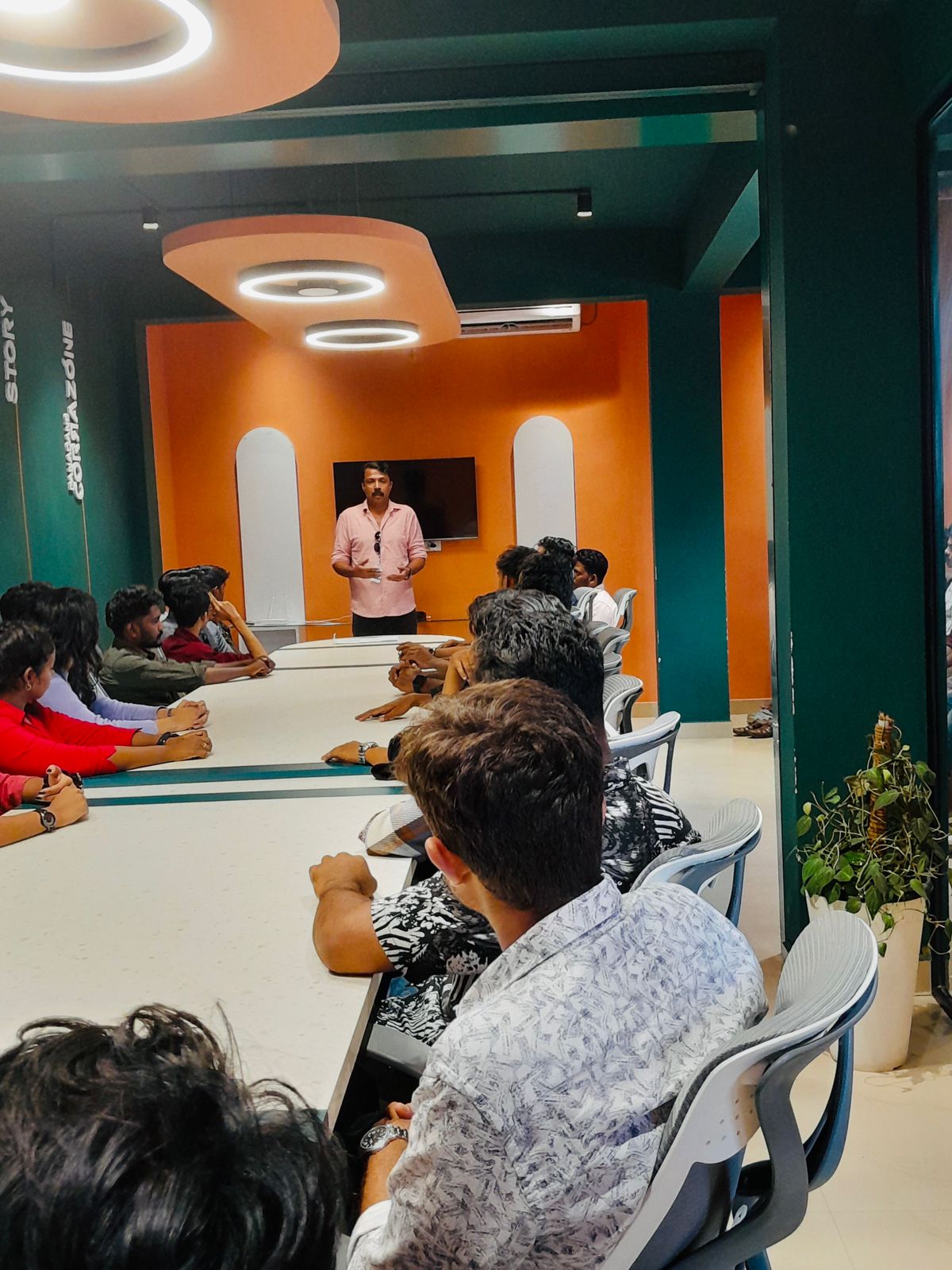
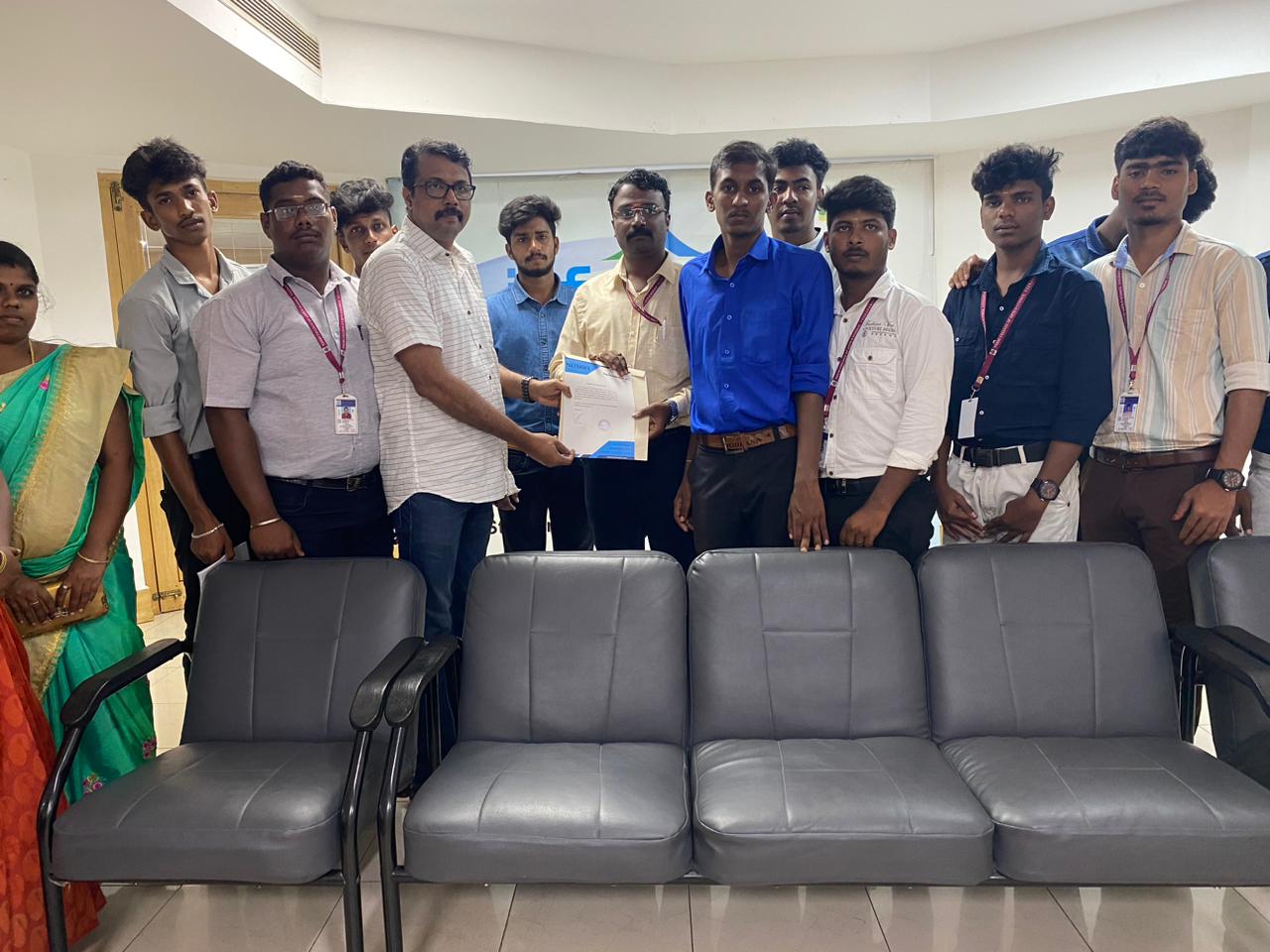
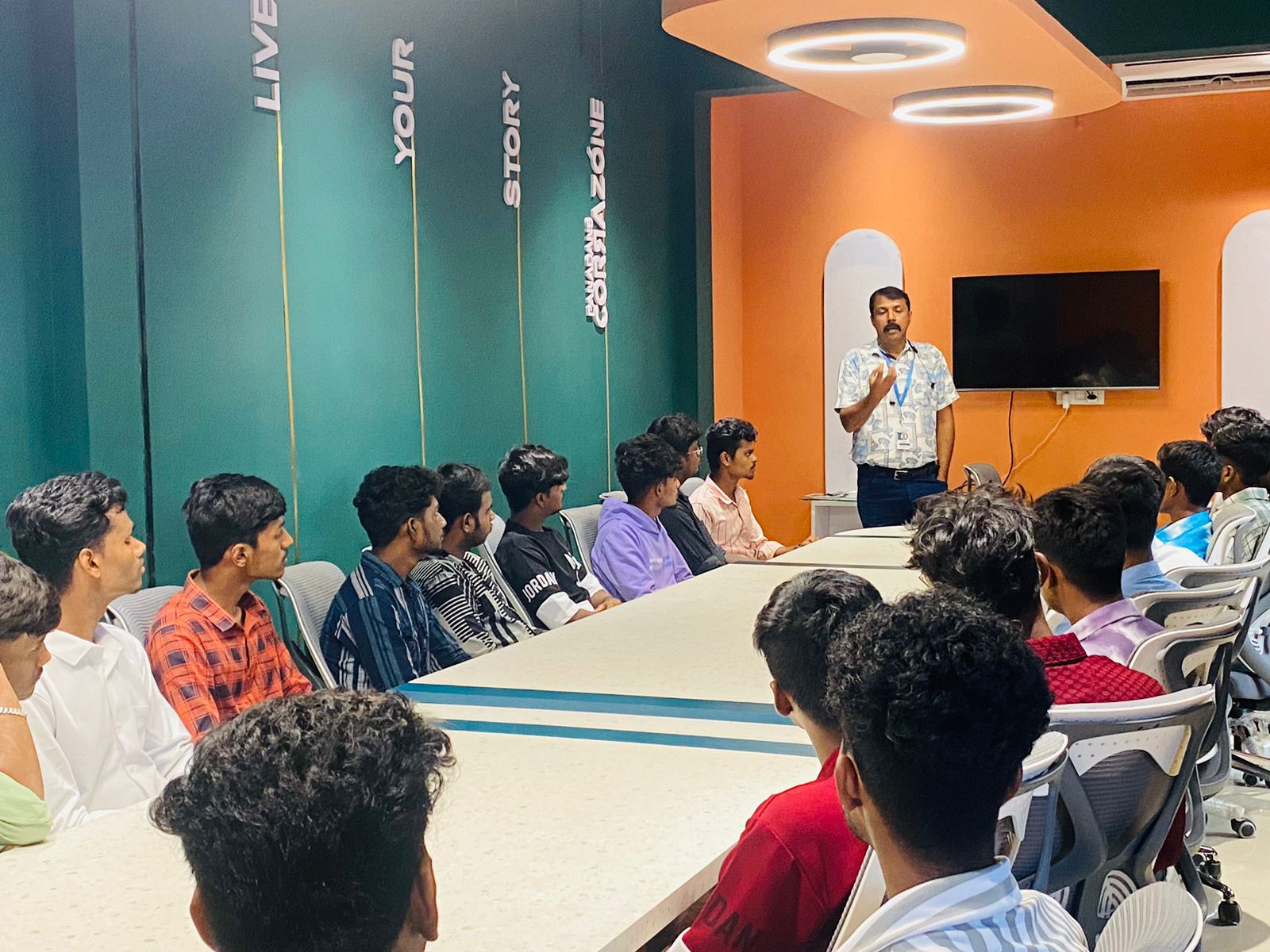
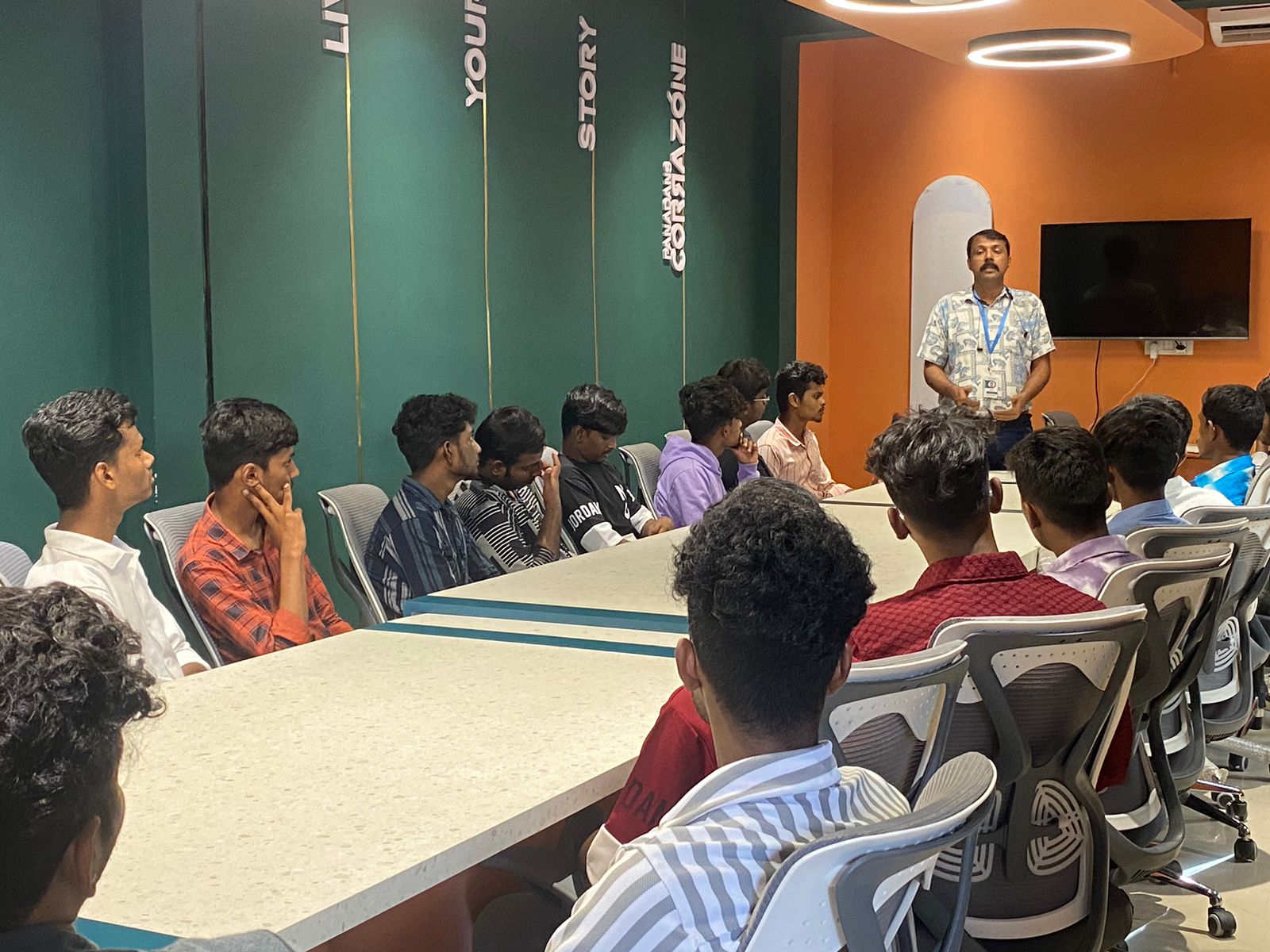
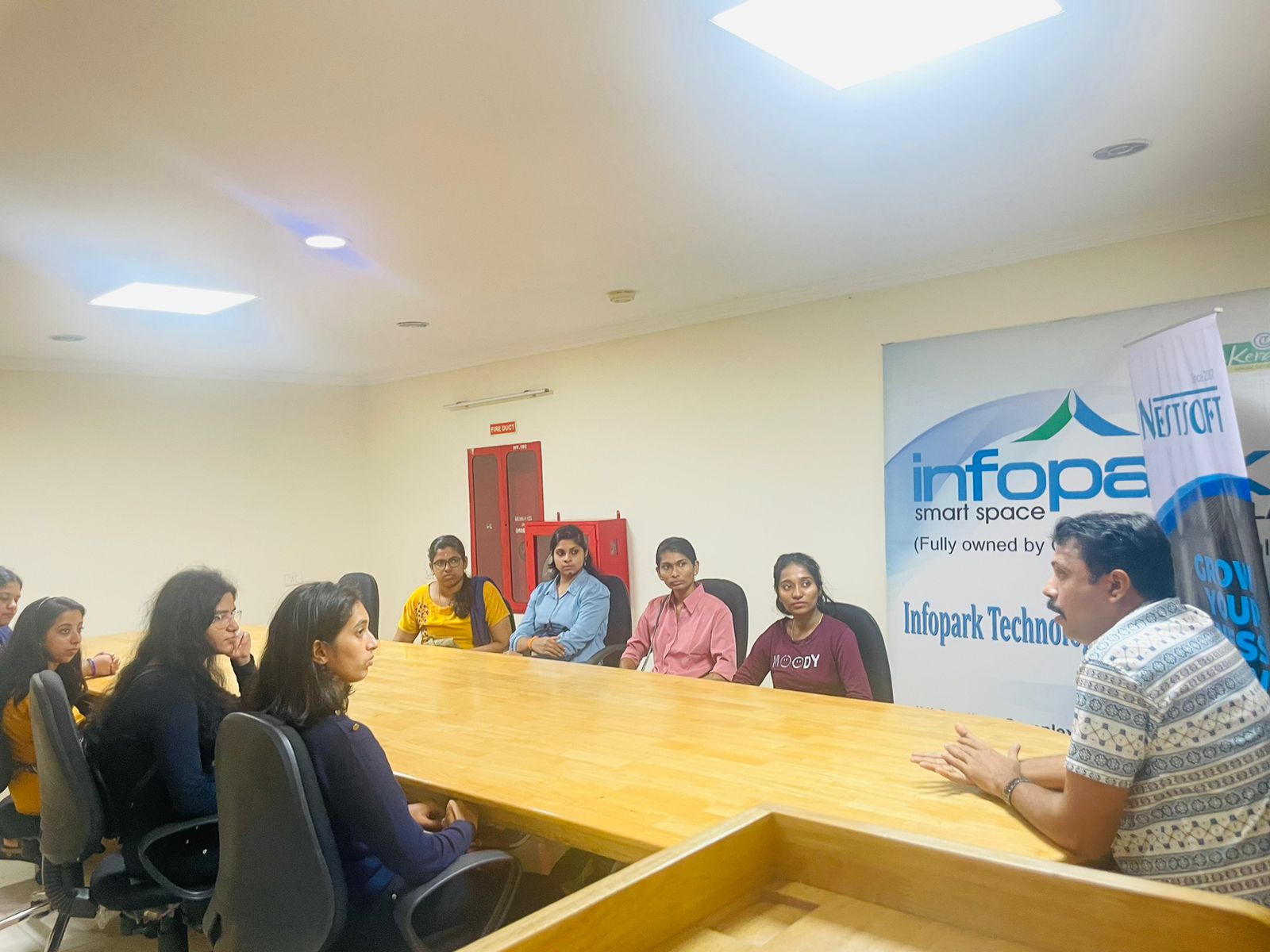
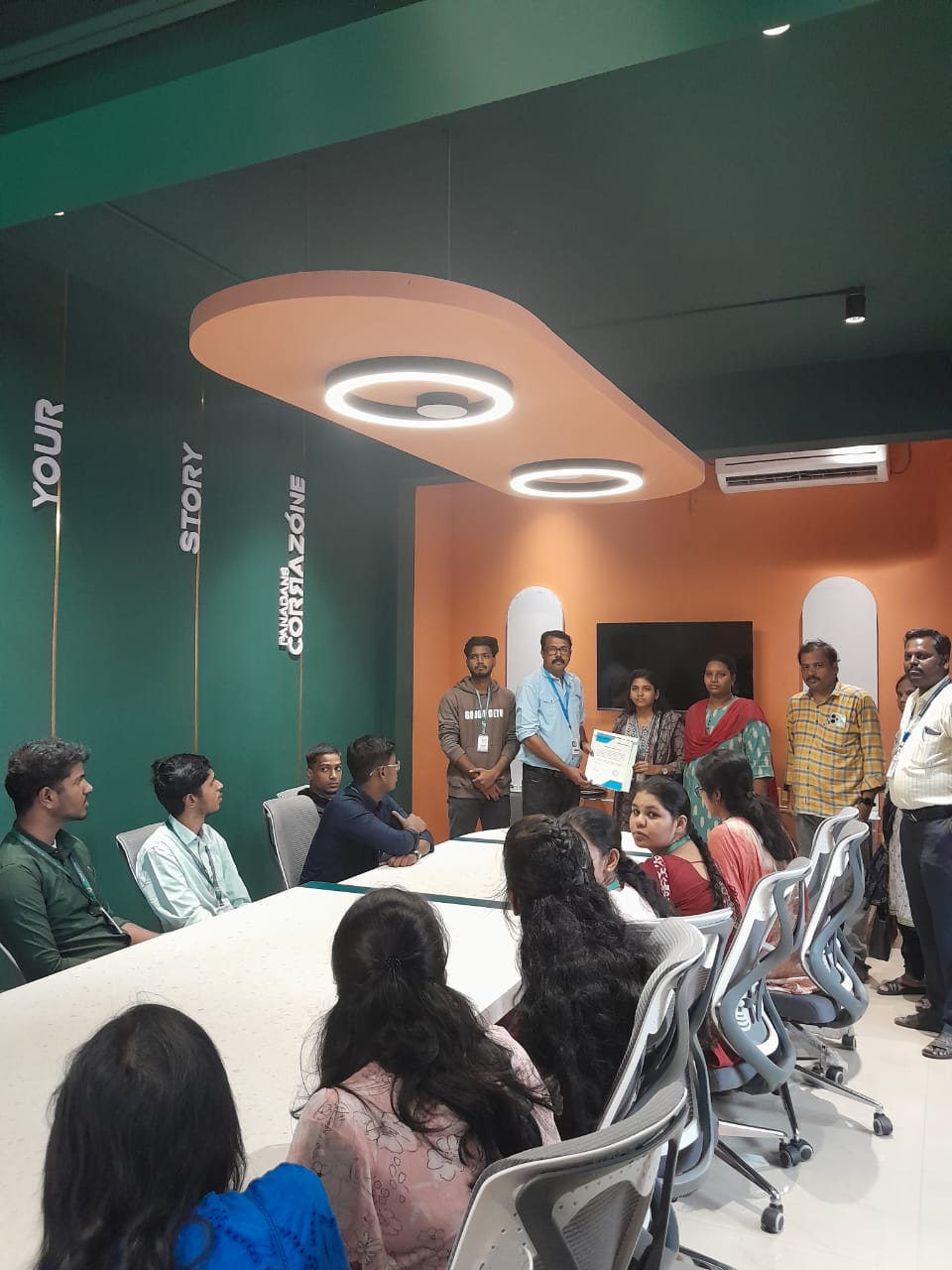
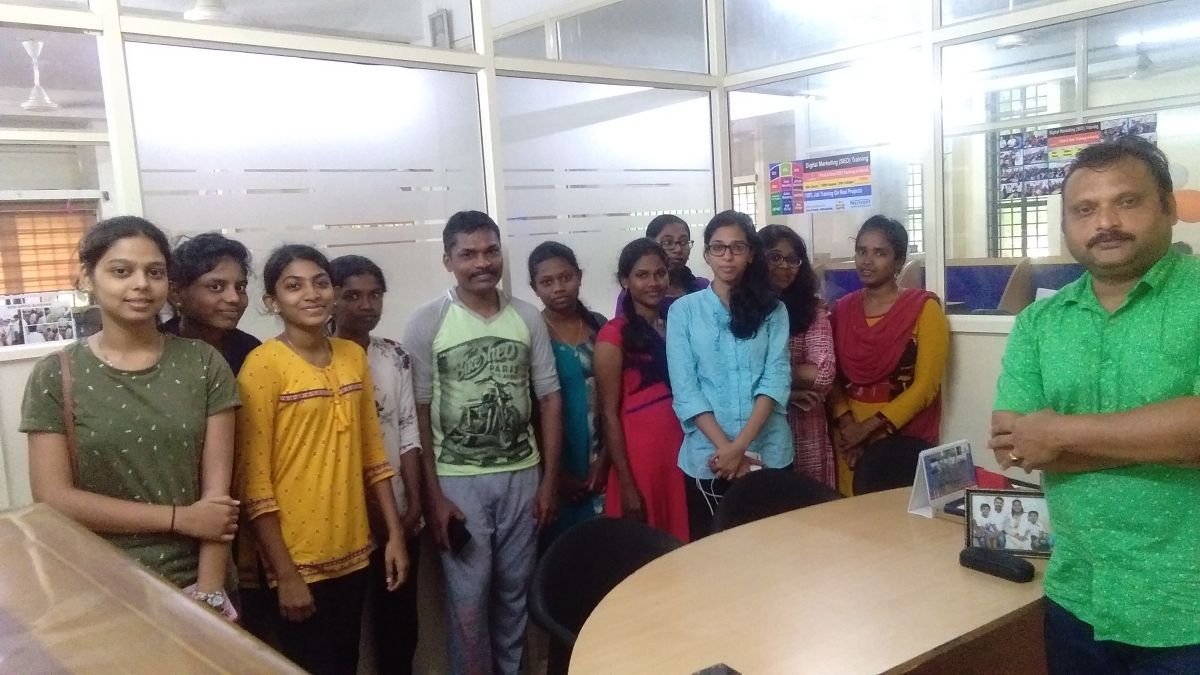
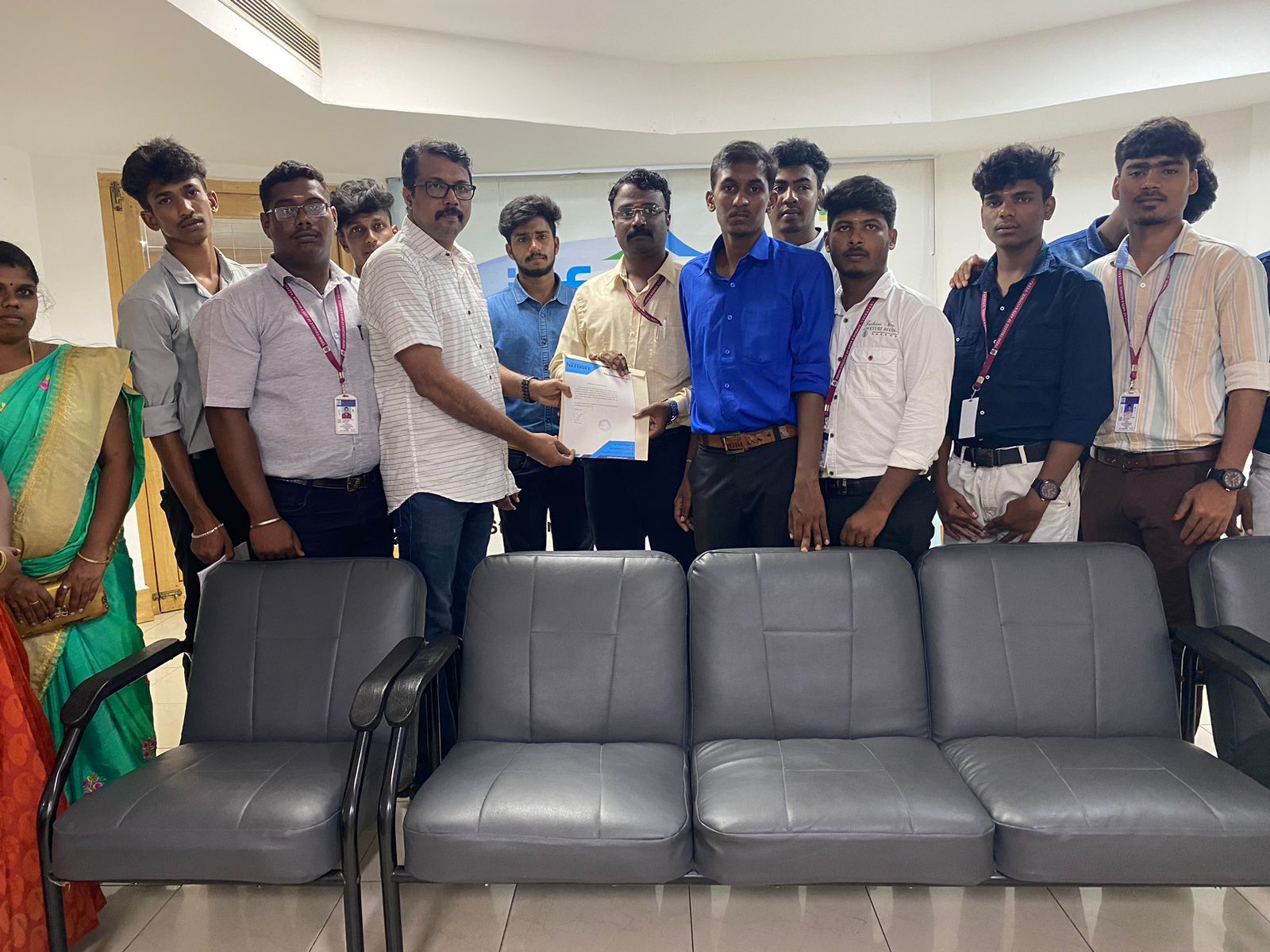
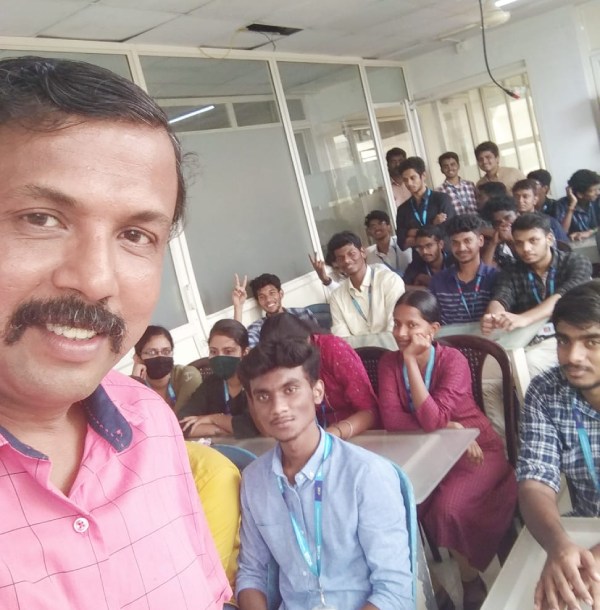
Photos of Training / Internships

Internship/projects in trivandrum

Trained more than 10000+ students who trust Nestsoft TechnoMaster

Get Your Personal Trainer