Send enquiry ⏎

AutoCAD Online Live Class by Experts

Our Training/Internship Process

AutoCAD Online Live Classes in Idukki | Free Demo Training

AutoCAD - Syllabus, Fees & Duration

INTRODUCTION OF AUTOCAD

  • Uses of AutoCAD
  • Different versions
  • Installation procedure

BASIC UNDERSTANDING

  • User interface
  • Different units and templates
  • Coordinate systems
  • Drawing settings
  • Concept of views
  • Create and Save

BASIC IDEA OF TOOLS AND MENUS

  • Application button
  • Quick access toolbar
  • Tabs and ribbon areas
  • Panels
  • Drawing area
  • Status bar

BASIC DRAWINGS

  • Making simple lines, polylines, rectangles
  • Creation of arcs, circles, ellipses
  • Use of ortho and polar mode
  • Simple and advance object snaps
  • Object snap tracking

BASIC MODIFY TOOLS

  • Scaling of objects
  • Rotation of objects
  • Move, copy ,trim and extend objects
  • Joining and extend tools
  • Offset, fillet and mirror of objects

MAJOR DRAWINGS

  • Isometric, mechanical and electrical drawings with advanced building drawings
  • Drawing with Hatch tools and their applications
  • Making rectangular, polar and path array
  • Use of multi function grips and dynamic input
  • Drawing of different components of building

REUSING EXISTING CONTENT

  • Creation, understanding and insertion of blocks
  • Modifying and start write block
  • Use of different block libraries
  • Attributes

OBJECT ORGANISATION

  • Understanding and assigning layers
  • By layer and by block
  • Enquiry tools
  • Purge and rename command

ANNOTATIONS

  • Basic and advance dimensions and their style
  • Multileader
  • Creation and modifying table with styles
  • Different text styles

LAYOUT AND PRINTING

  • Page setup and plotting drawing
  • Viewports
  • Creation of annotative dimensions

Download Syllabus - AutoCAD
This syllabus is not final and can be customized as per needs/updates
   
10000+
20+
50+
25+

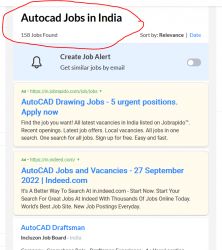
AutoCAD Jobs in Idukki

Enjoy the demand

Find jobs related to AutoCAD in search engines (Google, Bing, Yahoo) and recruitment websites (monsterindia, placementindia, naukri, jobshybrid.com, indeed.co.in, shine.com etc.) based in Idukki, chennai and europe countries. You can find many jobs for freshers related to the job positions in Idukki.

  • AutoCAD Draughtsman
  • Junior Architect
  • Junior Interior Designer
  • AutoCAD Designer
  • Junior Civil Engineer
  • AutoCAD Civil Drafters
  • 3D Design
  • Junior Design Executive
  • Structural Draughtsman
  • AutoCAD Engineer

AutoCAD Internship/Course Details

AutoCAD internship jobs in Idukki
AutoCAD It is used in industry by architects, civil engineers, graphic designers, city planners and many other professionals. It is developed and marketed by Autodesk. Apart from their advantages, both have their project support requirements of designing multiple components and re-modifying them with technology changing the future in Idukki. It has been an asset for the 3D design industry for more than 30 years. AutoCAD was first introduced in the month of December in 1982 as a desktop app running on microcomputers with internal graphics controllers. Its first release only use entities such as polygons, circles, lines, arcs, and text to construct complex objects. There are many merits of using AutoCAD. AutoCAD is a commercial designing and drafting software application in Idukki. CAD interface makes it the best technical designing beginners software for study and initial stages of engineering designing career. AutoCAD also allows modifications in the project already saved which definitely help the users.


Meet a Few of our Industry Experts 🚀 Your Pathway to IT Career

Muhammed

Mobile: +91 98474 90866
Location: Online (Idukki, India)
Qualification: Digree

Experience: Web design (wp) Google ads  more..

Dhrishya

Mobile: +91 8301010866
Location: Online (Idukki, India)
Qualification: B.Tech

Experience: Dear Sir Iam Dhrishya recent ECE graduate from ktu I am a designer Why I choose design is my profession?  more..

NITHIN

Mobile: +91 9895490866
Location: Online (Idukki, India)
Qualification: BCA

Experience: HTML CSS bootstrap javascript angular Nodejs express Mongodb react 6 month internship at luminar Technolab Calicut Application for Meanstack Developer  more..

jalpa

Mobile: +91 91884 77559
Location: Online (Idukki, India)
Qualification: BE IT

Experience: I am writing to express my strong interest in the WordPress Developer position as advertised With over 6 years of  more..

sadik

Mobile: +91 8301010866
Location: Online (Idukki, India)
Qualification: B.com

Experience: MS-Office [word Excel Power Point ] & Internet Adobe PHOTOSHOP Figma Adobe XD COREL DREW FIREWORKS DREAMWEAVER HTML HTML5 &  more..

Angel

Mobile: +91 98474 90866
Location: Online (Idukki, India)
Qualification: M.E VLSIDESIGN

Experience: Selenium Java manual testing  more..

Rincy

Mobile: +91 89210 61945
Location: Online (Idukki, India)
Qualification: B-Tech

Experience: My resume showcases my experience as an Instrumentation engineer Post maternity break I am involved in voluntary design works and  more..

chetan

Mobile: +91 98474 90866
Location: Online (Idukki, India)
Qualification: BE

Experience: Java Selenium TestNG Hybrid Framework BDD framework Cucumber framework RestAssured Postman Jmeter Performance testing Load testing Rest Api's maven Git  more..

Shreya

Mobile: +91 89210 61945
Location: Online (Idukki, India)
Qualification: BA Japanese (Hons)

Experience: While I may not have formal certification from the JLPT I am passionate about the Japanese language and culture and  more..

Ashik

Mobile: +91 98474 90866
Location: Online (Idukki, India)
Qualification: btech

Experience: Odoo-1 year python 1- year wordpress-3 months python internship-6 months  more..

Sahal

Mobile: +91 91884 77559
Location: Online (Idukki, India)
Qualification: BCA

Experience: manual testing automation testing test case test scenario bug report selenium basics of Java basics of SQL server jmeter API  more..

Patel

Mobile: +91 8301010866
Location: Online (Idukki, India)
Qualification: BCA

Experience: A Web Developer with three years of experience specializing in HTML5 JavaScript PHP MySQL database design and front-end development Adept  more..

Niveda

Mobile: +91 94975 90866
Location: Online (Idukki, India)
Qualification: MSc Computer science with specialization in Data analytics

Experience: A Final yearbMSc computer science with specialization in data analytics student from Kerala Digital University of Science and innovation (  more..

Manisha

Mobile: +91 94975 90866
Location: Online (Idukki, India)
Qualification: B.com

Experience: Seo onpage offpage tech seo ASO Local SEO Youtube SEO Google ads Facebook ads Insta Ads  more..

Hemanandhini

Mobile: +91 91884 77559
Location: Online (Idukki, India)
Qualification: C1 German language

Experience: 12+ years experienced German language trainer Well versed and skilled in online teaching platforms( zoom Google meet Skype etc) 4  more..

ISHANI

Mobile: +91 91884 77559
Location: Online (Idukki, India)
Qualification: B. Tech

Experience: I have 2years working experience in android developer   more..

Jasna

Mobile: +91 98474 90866
Location: Online (Idukki, India)
Qualification: Masters in computer science

Experience: Dear Sir Madam I am writing to express my interest in the Software Tester position I recently completed a certification  more..

Pratik

Mobile: +91 98474 90866
Location: Online (Idukki, India)
Qualification: BE

Experience: Maual Testing Automation Testing API testing 1 2 years of experience in manual testing in eLearning domain   more..

Suhail

Mobile: +91 89210 61945
Location: Online (Idukki, India)
Qualification: MCA

Experience: I have 7+ years of experience in MEAN Stack development Skills: Angular Nodejs ExpressJS MongoDB Mongoose JavaScript TypeScript HTML CSS  more..

Aditya

Mobile: +91 98474 90866
Location: Online (Idukki, India)
Qualification: BCA

Experience: Rich experience in Android development  more..

sreena

Mobile: +91 9895490866
Location: Online (Idukki, India)
Qualification: B-tech, CSE

Experience: I have 6 year experience in web designing and content management system and from last one and half years i  more..

DIYA

Mobile: +91 91884 77559
Location: Online (Idukki, India)
Qualification: Btech

Experience: Core java sql selenium manual testing html electrics  more..

Avnish

Mobile: +91 98474 90866
Location: Online (Idukki, India)
Qualification: B. E.

Experience: I have experience in front end developer and I want to change my job in software testing my skills are  more..

shubham

Mobile: +91 9895490866
Location: Online (Idukki, India)
Qualification: Bcs

Experience: Html css js wordpress MySQL mongodb  more..

Success Stories

The enviable salary packages and track record of our previous students are the proof of our excellence. Please go through our students' reviews about our training methods and faculty and compare it to the recorded video classes that most of the other institutes offer. See for yourself how TechnoMaster is truly unique.

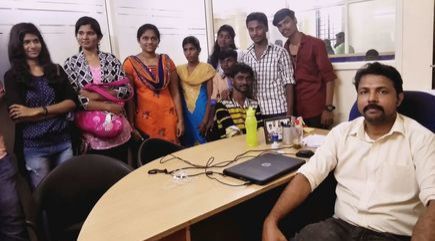
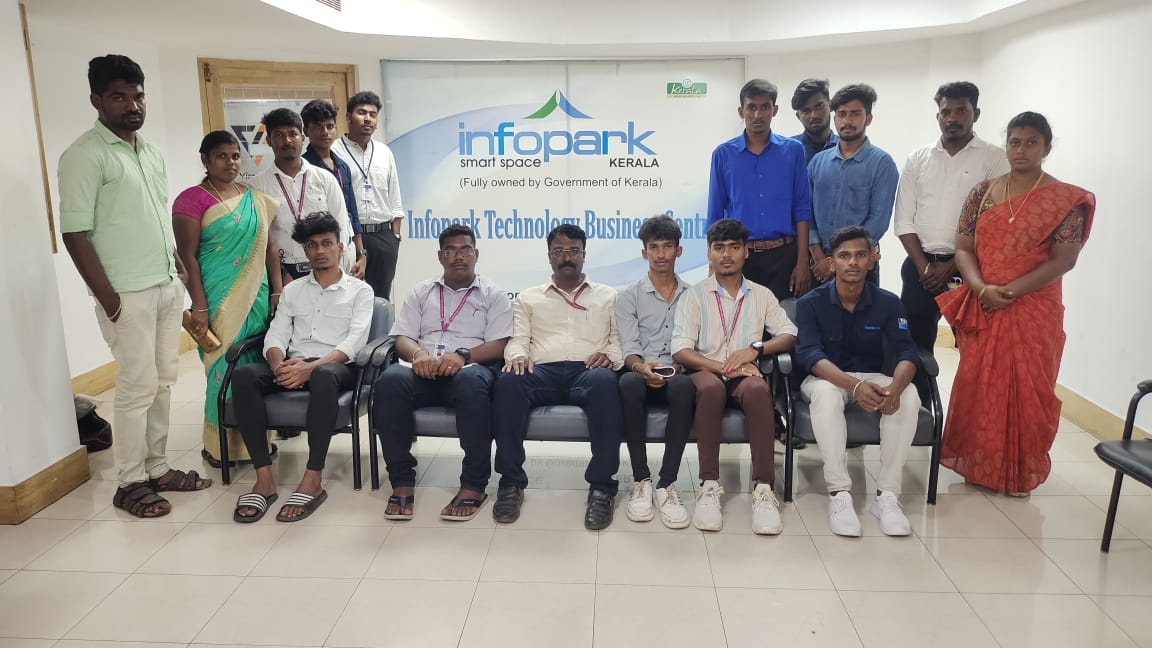
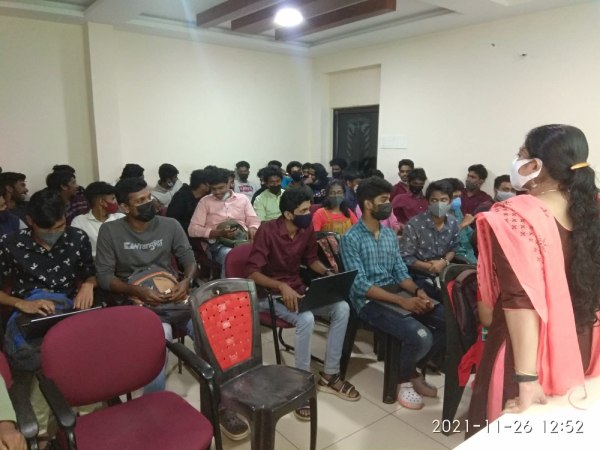
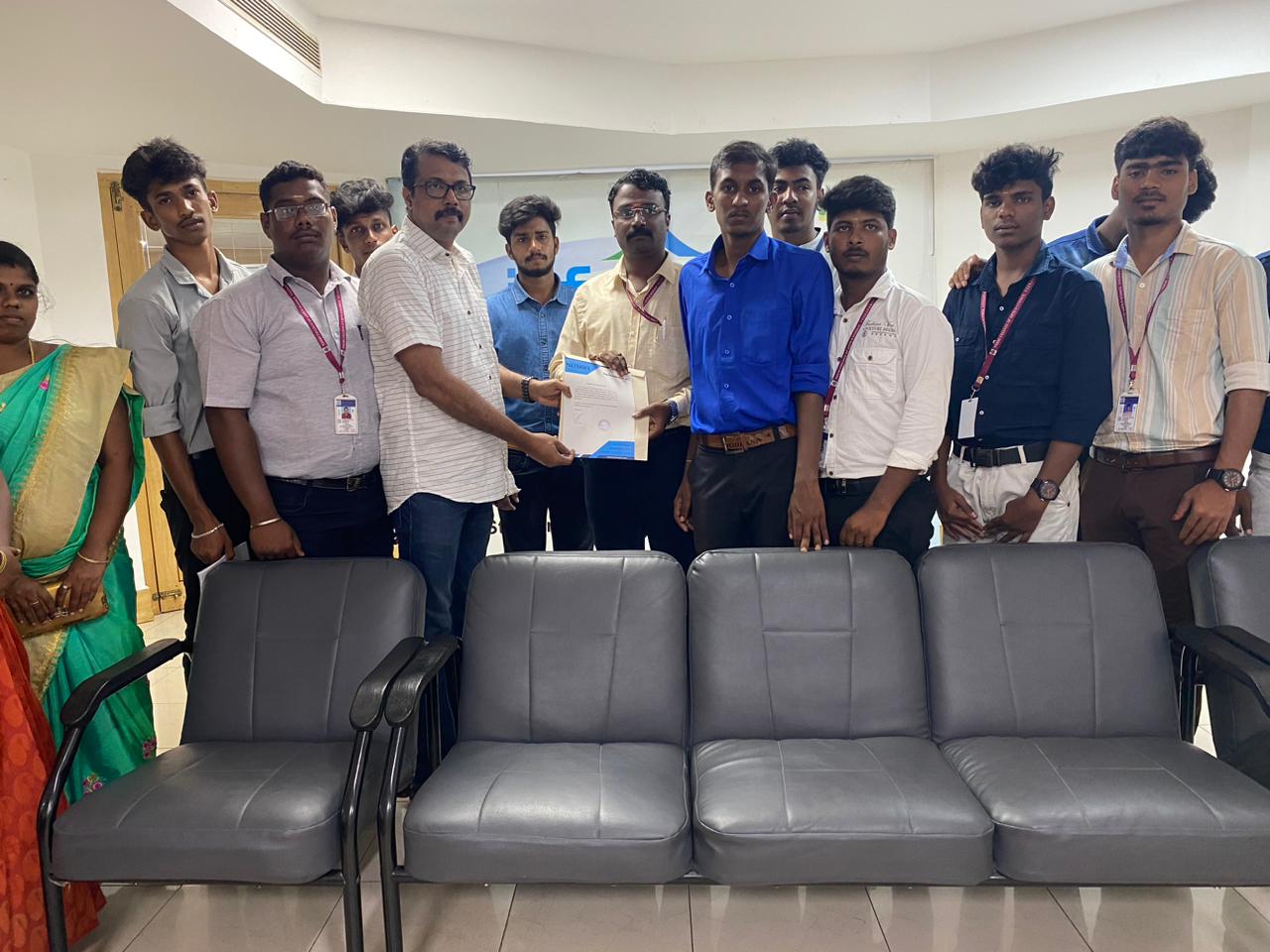
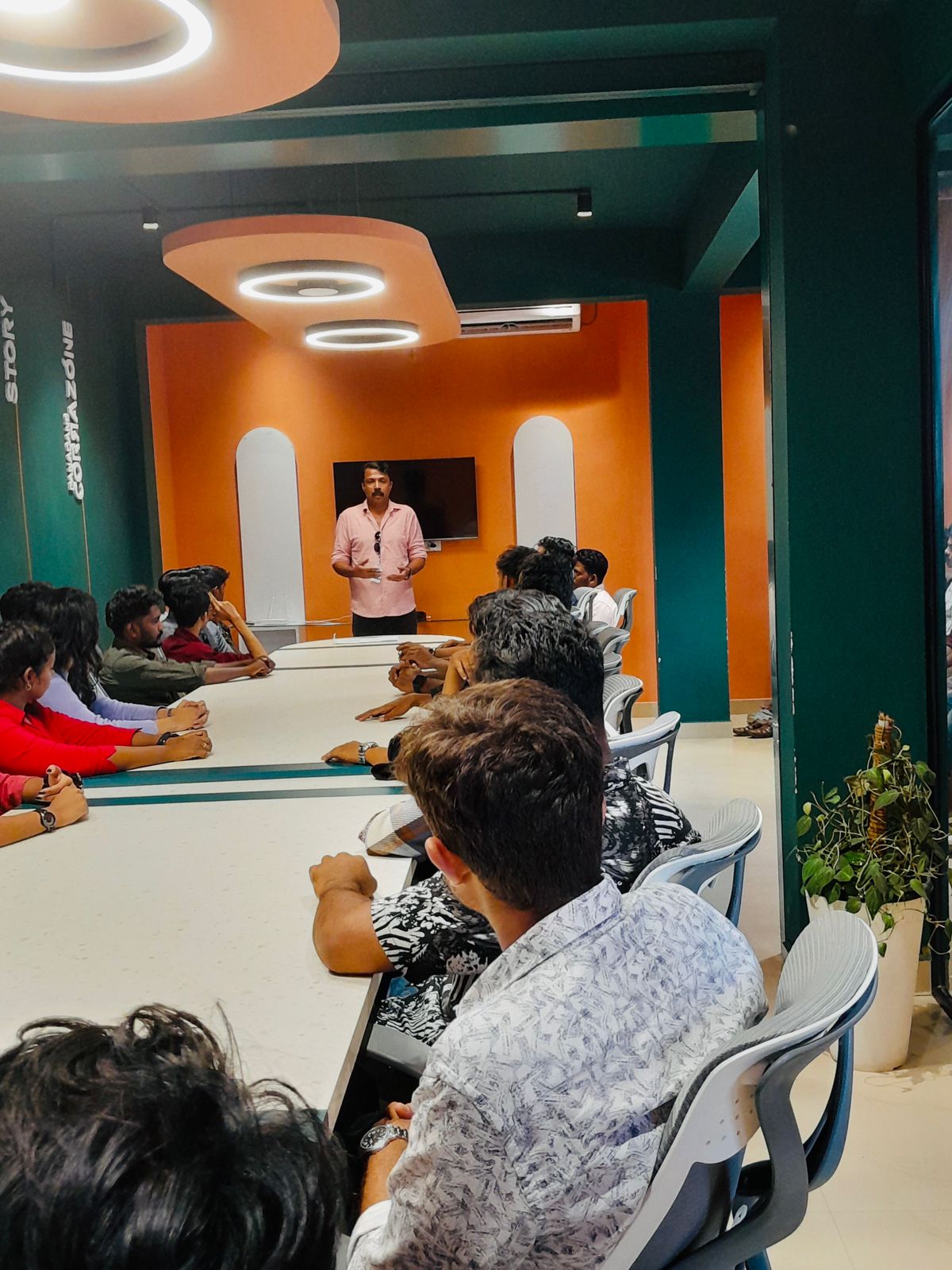
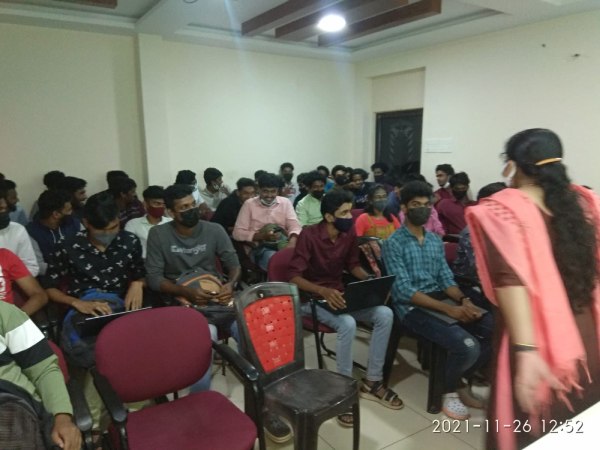
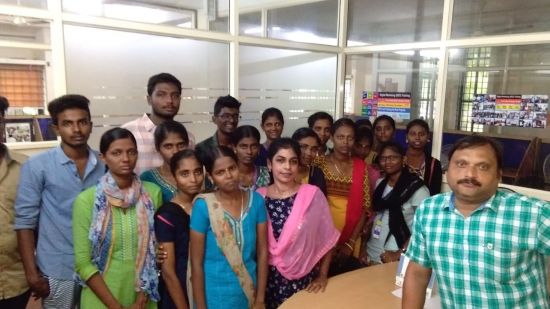
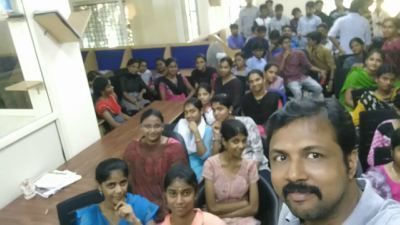
Photos of Training / Internships

Internship/projects in idukki

Trained more than 10000+ students who trust Nestsoft TechnoMaster

Get Your Personal Trainer