Send enquiry ⏎

AutoCAD Online Live Class by Experts

Our Training/Internship Process

AutoCAD Online Live Classes in Bangalore | Free Demo Training

AutoCAD - Syllabus, Fees & Duration

INTRODUCTION OF AUTOCAD

  • Uses of AutoCAD
  • Different versions
  • Installation procedure

BASIC UNDERSTANDING

  • User interface
  • Different units and templates
  • Coordinate systems
  • Drawing settings
  • Concept of views
  • Create and Save

BASIC IDEA OF TOOLS AND MENUS

  • Application button
  • Quick access toolbar
  • Tabs and ribbon areas
  • Panels
  • Drawing area
  • Status bar

BASIC DRAWINGS

  • Making simple lines, polylines, rectangles
  • Creation of arcs, circles, ellipses
  • Use of ortho and polar mode
  • Simple and advance object snaps
  • Object snap tracking

BASIC MODIFY TOOLS

  • Scaling of objects
  • Rotation of objects
  • Move, copy ,trim and extend objects
  • Joining and extend tools
  • Offset, fillet and mirror of objects

MAJOR DRAWINGS

  • Isometric, mechanical and electrical drawings with advanced building drawings
  • Drawing with Hatch tools and their applications
  • Making rectangular, polar and path array
  • Use of multi function grips and dynamic input
  • Drawing of different components of building

REUSING EXISTING CONTENT

  • Creation, understanding and insertion of blocks
  • Modifying and start write block
  • Use of different block libraries
  • Attributes

OBJECT ORGANISATION

  • Understanding and assigning layers
  • By layer and by block
  • Enquiry tools
  • Purge and rename command

ANNOTATIONS

  • Basic and advance dimensions and their style
  • Multileader
  • Creation and modifying table with styles
  • Different text styles

LAYOUT AND PRINTING

  • Page setup and plotting drawing
  • Viewports
  • Creation of annotative dimensions

Download Syllabus - AutoCAD
This syllabus is not final and can be customized as per needs/updates
   
10000+
20+
50+
25+

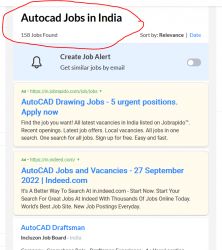
AutoCAD Jobs in Bangalore

Enjoy the demand

Find jobs related to AutoCAD in search engines (Google, Bing, Yahoo) and recruitment websites (monsterindia, placementindia, naukri, jobshybrid.com, indeed.co.in, shine.com etc.) based in Bangalore, chennai and europe countries. You can find many jobs for freshers related to the job positions in Bangalore.

  • AutoCAD Draughtsman
  • Junior Architect
  • Junior Interior Designer
  • AutoCAD Designer
  • Junior Civil Engineer
  • AutoCAD Civil Drafters
  • 3D Design
  • Junior Design Executive
  • Structural Draughtsman
  • AutoCAD Engineer

AutoCAD Internship/Course Details

AutoCAD internship jobs in Bangalore
AutoCAD In mechanical engineering, it is used to create manufacturing processes as well as to design motor parts, robots and other innovative objects. The errors in this software are really less compared to others, so it is accurate in many aspects. TechnoMaster provide training on AutoCAD 2D 3D drawings in Bangalore by Industry experts by online/offline. It has evolved to become one of the most sophisticated design tools in the industry these days. It has a user- friendly interface and saves time, which are great advantages to designers. They are also adopted as a skill development application for a graduate-level of education. The designed blueprint will be carried with the job for its complete stages of start to delivery in between production teams, quality team and machine handling teams review the design in case of any issues of understanding and continue machining with the reference of blueprint drafters. CAD interface makes it the best technical designing beginners software for study and initial stages of engineering designing career. It can be done in two types of wiring diagram and a surface model diagram for use in the manufacturing, assembling and repairing of parts. AutoCAD also allows modifications in the project already saved which definitely help the users.


Meet a Few of our Industry Experts 🚀 Your Pathway to IT Career

Ubaid

Mobile: +91 94975 90866
Location: Online (Bangalore, India)
Qualification: Graduate

Experience: I have an year of experience in Seo I have knowledge in all three forms of seo on page off  more..

Navjot

Mobile: +91 91884 77559
Location: Online (Bangalore, India)
Qualification: BTech CSE

Experience: I have 3 years of experience as Angular developer I am ready to start from today onwards Please revert if  more..

sandip

Mobile: +91 91884 77559
Location: Online (Bangalore, India)
Qualification: 12

Experience: computer hardware networking CCNA  more..

Namita

Mobile: +91 91884 77559
Location: Online (Bangalore, India)
Qualification: B.A in economics

Experience: Completed a course of Full Stack Web development from ITVEDANT institute Thane I have learned skills like SQL HTML CSS  more..

Dheeraj

Mobile: +91 98474 90866
Location: Online (Bangalore, India)
Qualification: B.Sc. Information Technology

Experience: As a seasoned Java Developer I bring a diverse skill set and a proven track record of success in designing  more..

vibha

Mobile: +91 91884 77559
Location: Online (Bangalore, India)
Qualification: BCA

Experience: Wok as Odoo developer python SQL Linux  more..

Vaishali

Mobile: +91 9895490866
Location: Online (Bangalore, India)
Qualification: Diploma in graphic design

Experience: Hello there! I'm vaishali a passionate graphic designer with a love for transfarming ideas into visual stories I've had the  more..

Ananthu

Mobile: +91 9895490866
Location: Online (Bangalore, India)
Qualification: Bca

Experience: Manual tester sql test case development test scenario agile methodology   more..

Evelin

Mobile: +91 98474 90866
Location: Online (Bangalore, India)
Qualification: MCA

Experience: Html css php  more..

Rajvi

Mobile: +91 91884 77559
Location: Online (Bangalore, India)
Qualification: B.E.

Experience: Leveraging my skills in Python data manipulation tools and machine learning libraries like Scikit-learn I possess a strong foundation for  more..

Abinisha

Mobile: +91 91884 77559
Location: Online (Bangalore, India)
Qualification: B.Tech

Experience: SQL python Pandas Numpy PowerBI Excel Matplotlib Seaborn Scikit-learn multilingual polyglot adaptive team player problem solving skills   more..

Arshan

Mobile: +91 9895490866
Location: Online (Bangalore, India)
Qualification: BCA SPECIALISATION IN CLOUD COMPUTING AND CYBER SECURITY

Experience: Cyber security cloud computing web development cyber threat management etc  more..

Febin

Mobile: +91 8301010866
Location: Online (Bangalore, India)
Qualification: Plus two

Experience: Html css javascript node js express js mongo db react js bootstrap jquery ajax figma photoshopApplication for Meanstack Developer Mean  more..

AAKASH

Mobile: +91 91884 77559
Location: Online (Bangalore, India)
Qualification: Bsc. Computer Science Graduate

Experience: I have been working as QA Test Engineer with 1 Year of Experience on Manual and Automation Testing I have  more..

Miteshkumar

Mobile: +91 8301010866
Location: Online (Bangalore, India)
Qualification: PGDCA

Experience: Website theme development Theme customization Theme Integration etc   more..

kummari

Mobile: +91 91884 77559
Location: Online (Bangalore, India)
Qualification: bachelors of commerce

Experience: html css Javascript React js Github Sql python and by using the frotend technologies i can build interactive and dynamic  more..

mayuri

Mobile: +91 89210 61945
Location: Online (Bangalore, India)
Qualification: diploma in computer science

Experience: on page & off page SEO Google Analytics seo on-page optimation keyword research SMO webmaster tools linkbuilding for website   more..

SRUTHY

Mobile: +91 91884 77559
Location: Online (Bangalore, India)
Qualification: MCA

Experience: Java HTML5 Bootstrap CSS Wordpress Microsoft Word Microsoft Excel Undertaking Software Testing course at Luminartechnolabs Worked as junior php developer  more..

Ajay

Mobile: +91 91884 77559
Location: Online (Bangalore, India)
Qualification: Btech

Experience: I have 3 months of Experience as Full stack web developer using Nodejs Mongodb HTML CSS Bootstrap J avascript Reactjs  more..

Ritu

Mobile: +91 8301010866
Location: Online (Bangalore, India)
Qualification: Btech

Experience: I have 20 months of experience with html CSS js and php wordpress webflow bootstrap tailwind filezilla unbounce elementor wp  more..

KUNDAN

Mobile: +91 91884 77559
Location: Online (Bangalore, India)
Qualification: MBA ,CFP

Experience: As a stock market Expert my skills and experience include: 1 Market Analysis: - Technical analysis using chart patterns indicators  more..

Ramya

Mobile: +91 8301010866
Location: Online (Bangalore, India)
Qualification: BE CSE

Experience: This is Ramya I have 2 4 years experience in both manual and Automation testing I have good knowledge in  more..

Bhavani

Mobile: +91 89210 61945
Location: Online (Bangalore, India)
Qualification: B Tech

Experience: I am writing to express my interest in the Dot Net developer position and I am excited about the opportunity  more..

sirajudheeen

Mobile: +91 91884 77559
Location: Online (Bangalore, India)
Qualification: Bca

Experience: python angular ionic C# Asp Net Django Flask Mysql SqlServer 6 month python internshp 4 month fullstack developerApplication for Meanstack  more..

Success Stories

The enviable salary packages and track record of our previous students are the proof of our excellence. Please go through our students' reviews about our training methods and faculty and compare it to the recorded video classes that most of the other institutes offer. See for yourself how TechnoMaster is truly unique.

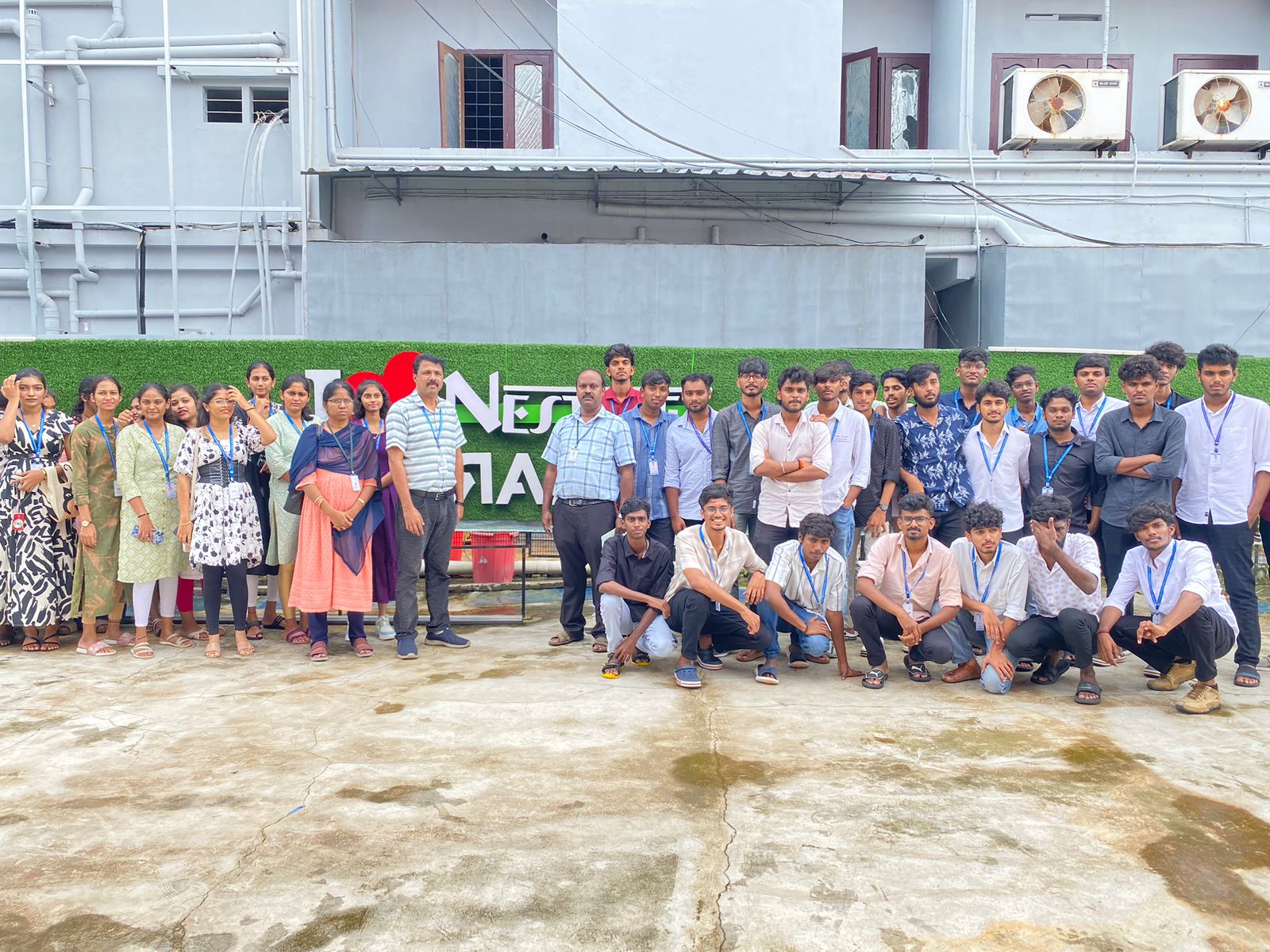
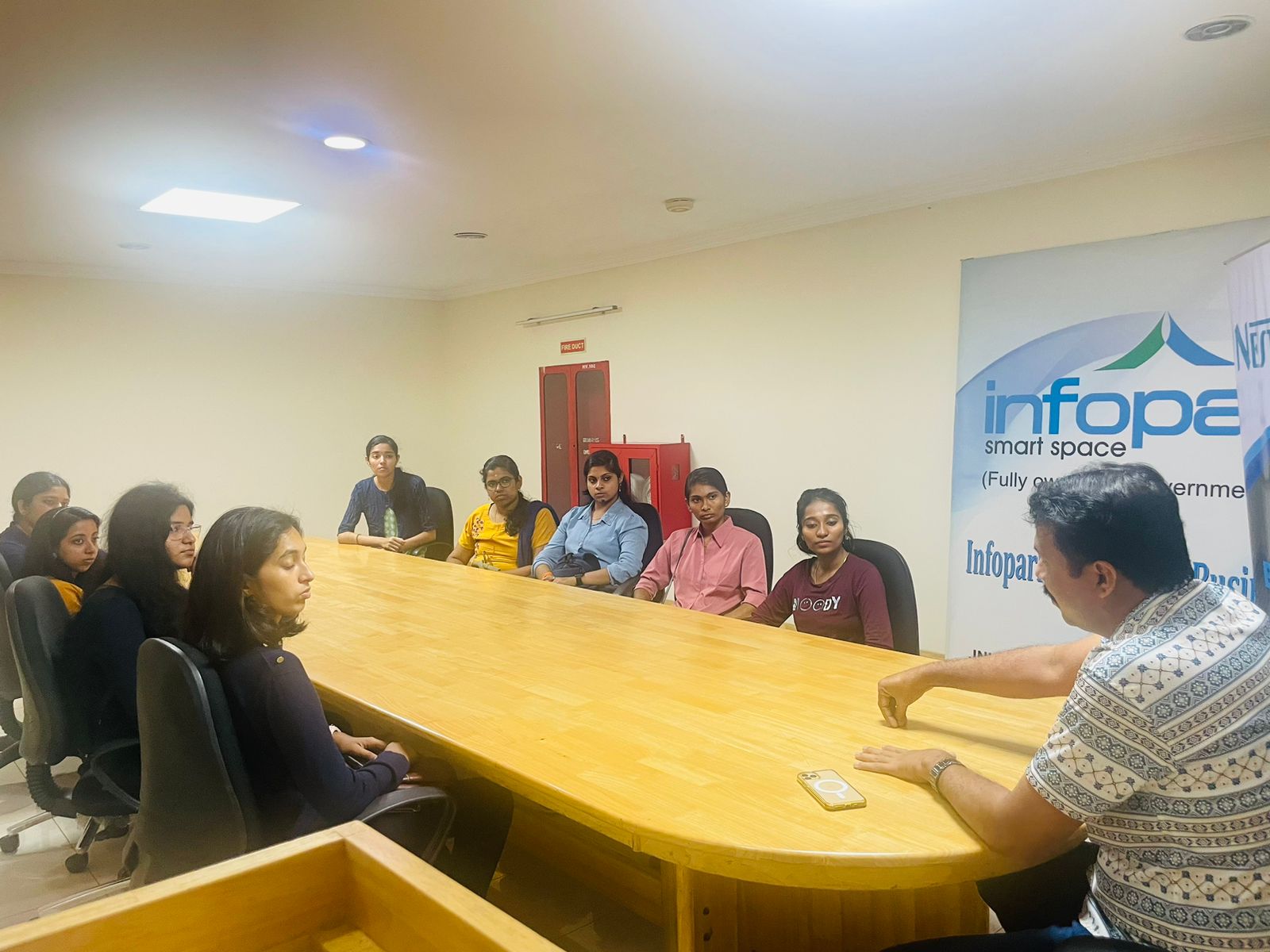
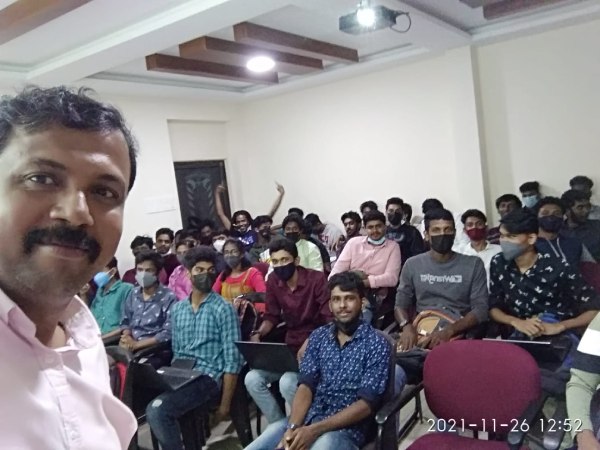
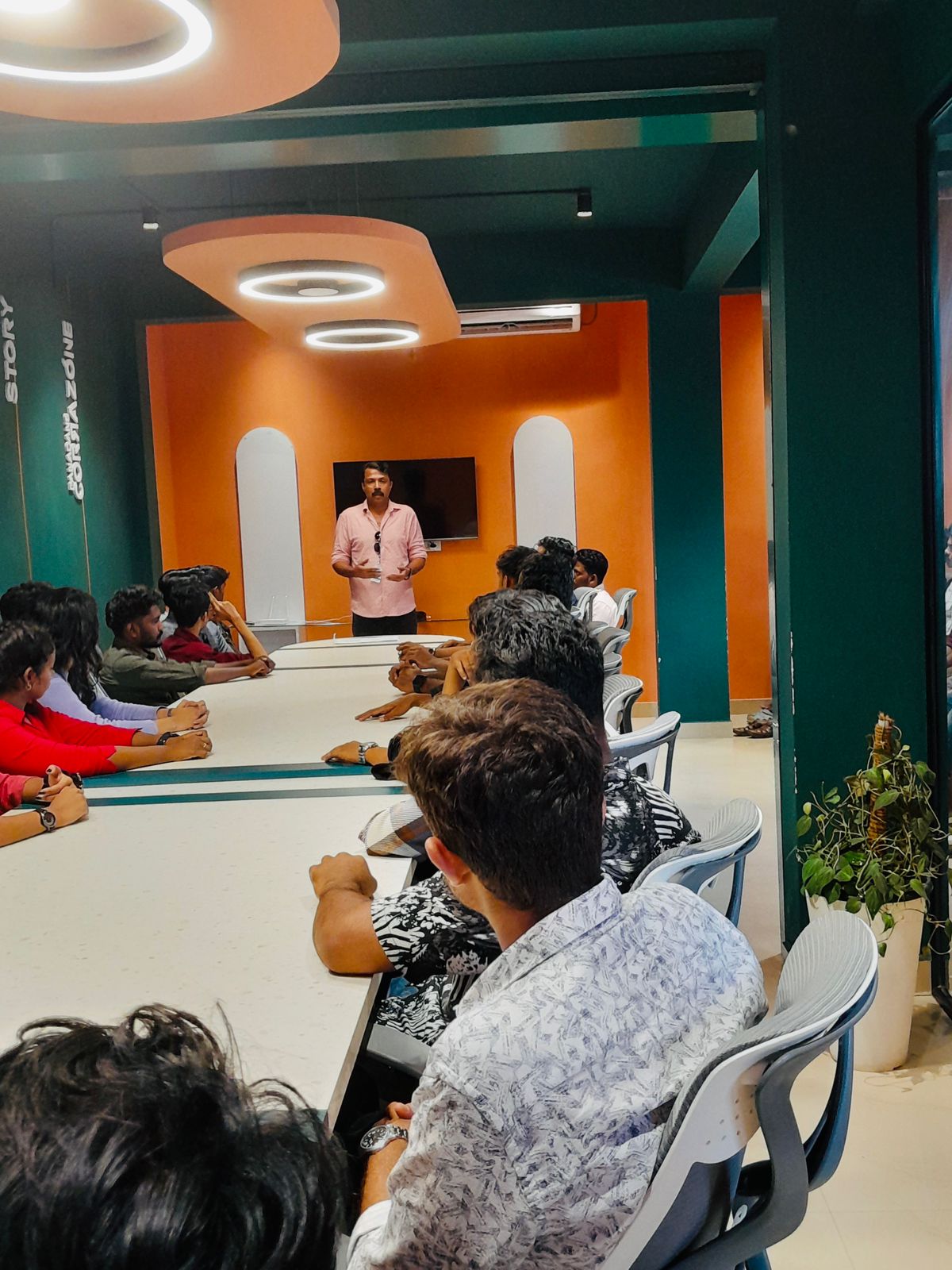
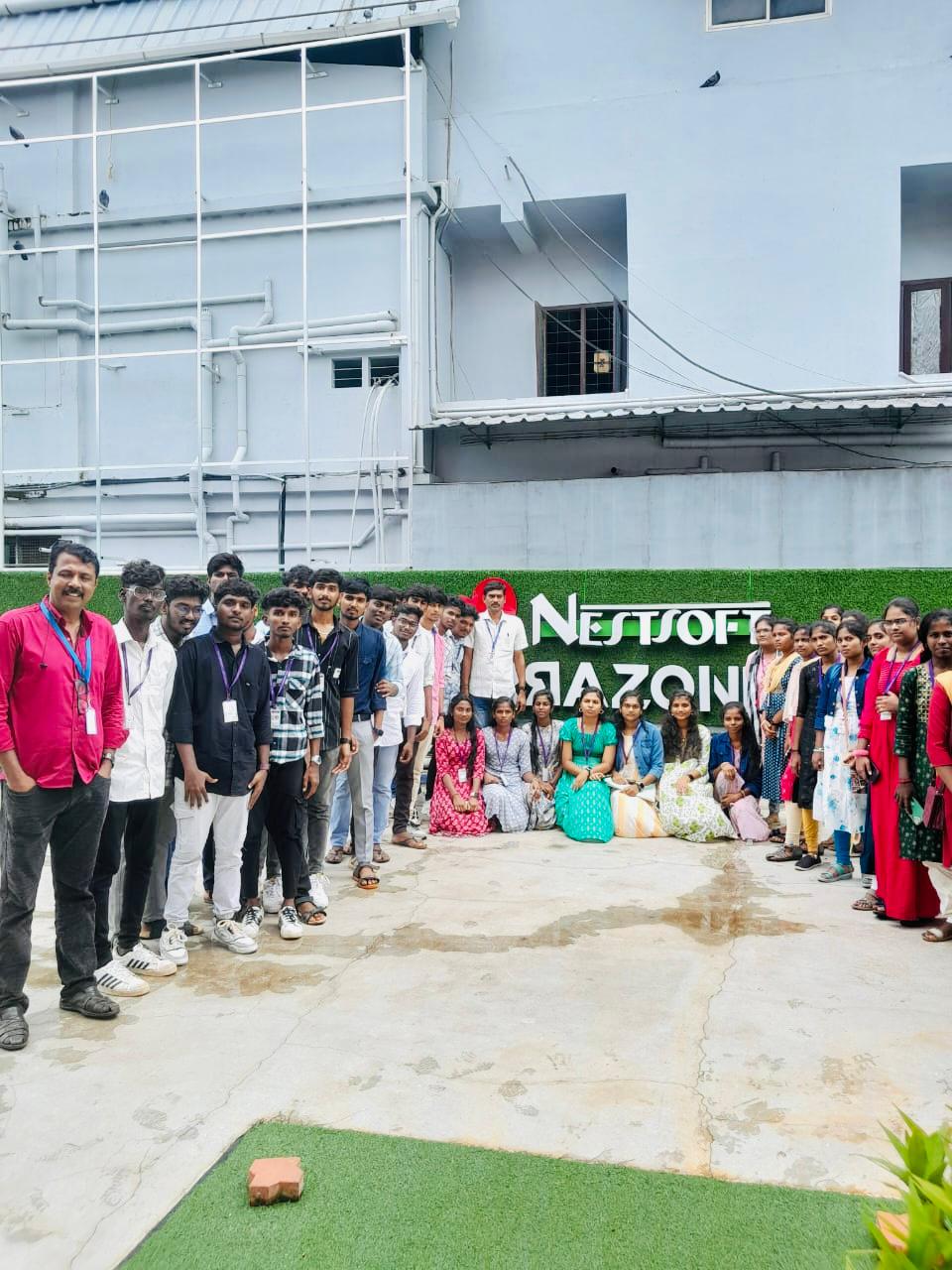
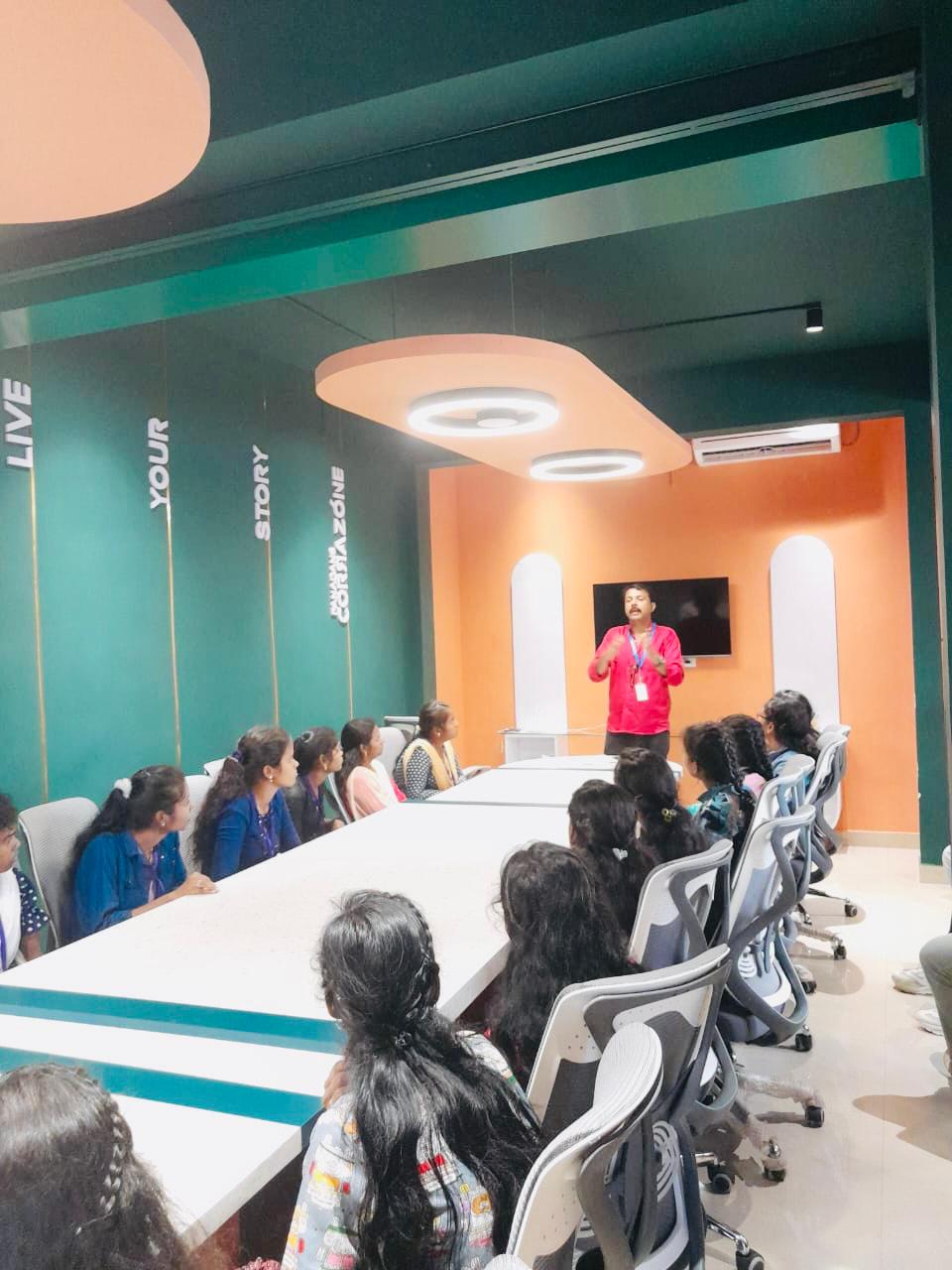
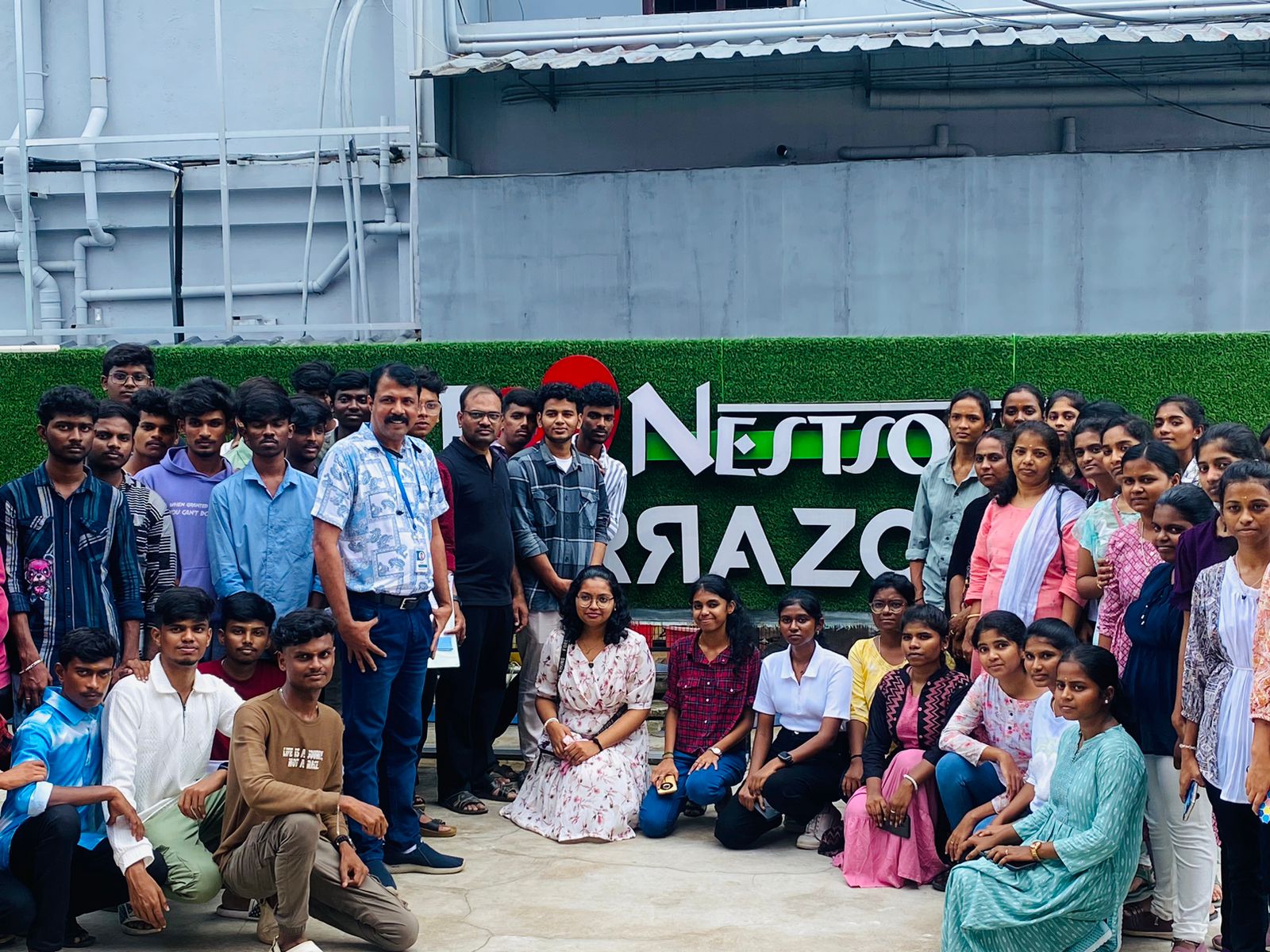
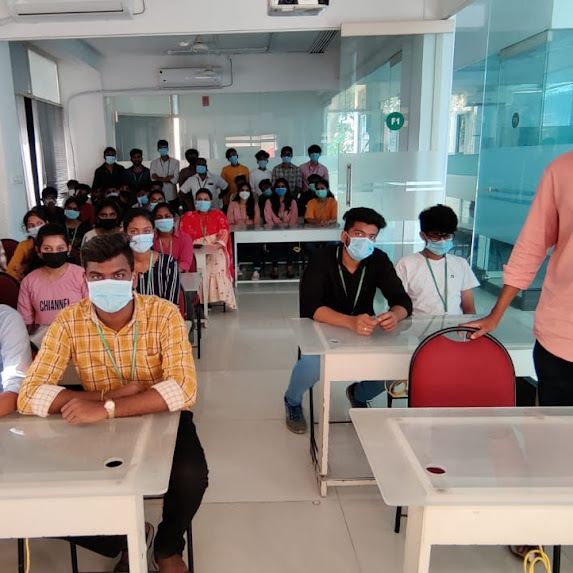
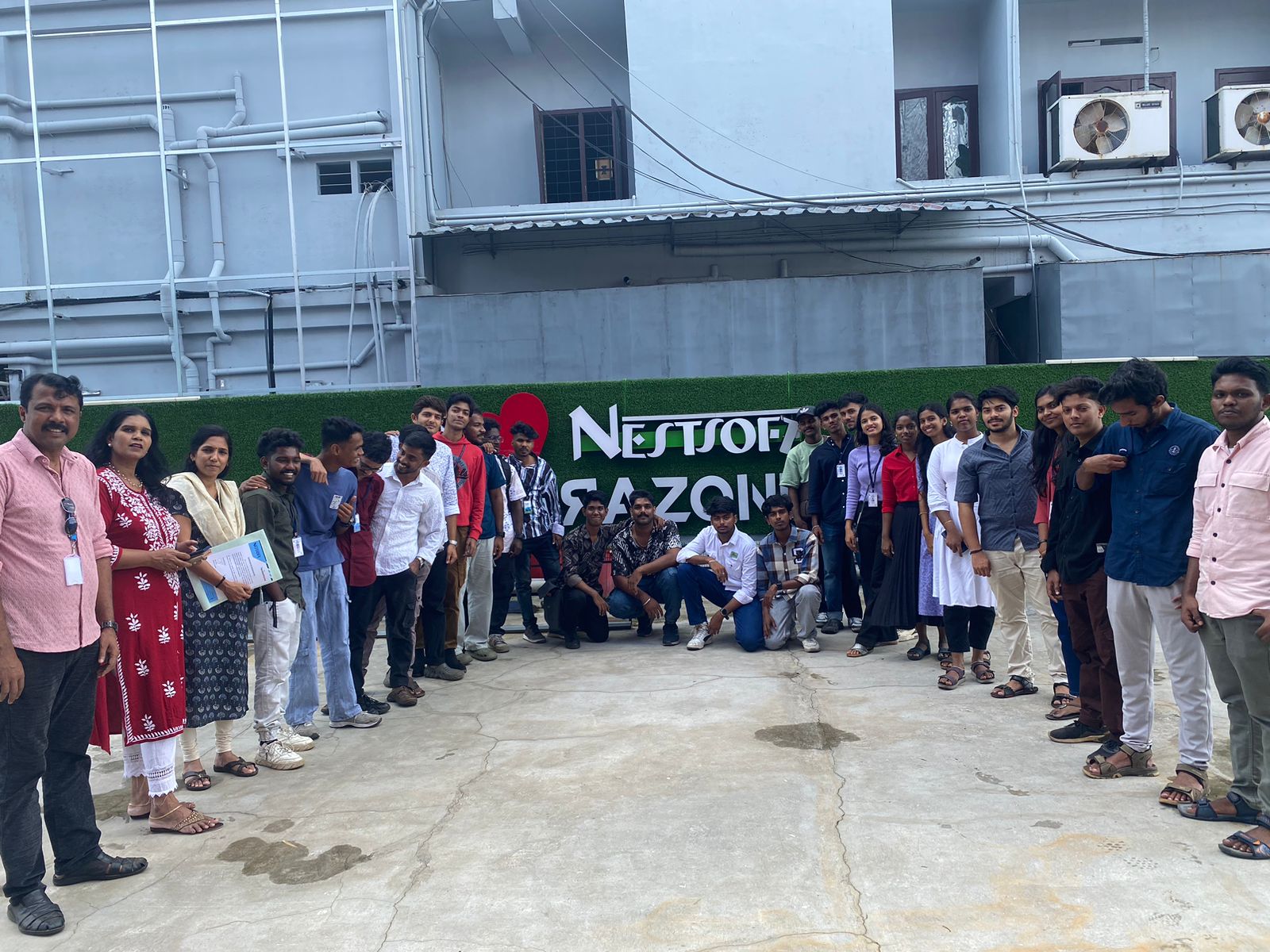
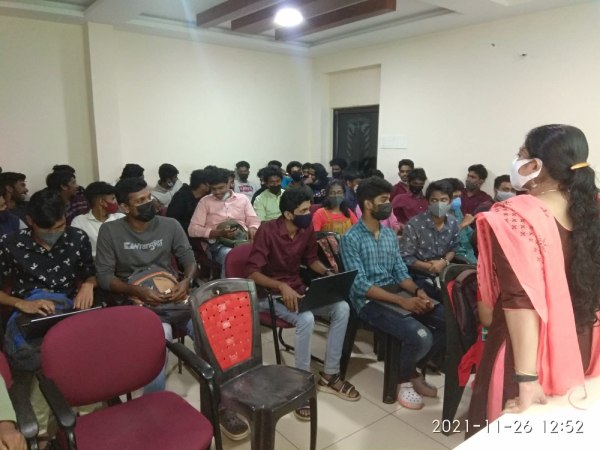
Photos of Training / Internships

Internship/projects in bangalore

Trained more than 10000+ students who trust Nestsoft TechnoMaster

Get Your Personal Trainer