Send enquiry ⏎

Canva Online Live Class by Experts

Our Training/Internship Process

Canva Online Live Classes in Mangaluru | Free Demo Training

Canva - Syllabus, Fees & Duration

Section 1: Introduction to Canva

  • Welcome to Canva!
  • Logging / Setup Canva Account
  • Layouts & Templates
  • Get you setup with your Canva & account
  • Tour of your dashboard
  • Learn about the different types of templates Canva has
  • Learn how to use the pre-designed layouts
  • Downloading your work
  • Working with text
  • Photo backgrounds & Shapes
  • Illustrations, icons and lines
  • Adding pages to a design
  • Image
  • Text features and Charts
  • Album cover
  • Youtube thumbnail
  • Twitter header
  • Facebook post
  • Ebook cover
  • Documents
  • Data and charts
  • Presentation slides

Section 2: Fonts, Colors, and Images

  • Typography and font pairing
  • Using icons effectively
  • Organising the dashboard
  • Sharing designs
  • Adding links
  • Upgrading to Canva for Work
  • Brand colors
  • Custom filter codes
  • Color codes
  • Color scheme
  • Introduction to the color wheel; creating a color palette
  • How to use grids; transparency; photo filters

Section 4: Advanced Topics

  • Brand Kit
  • Magic Resize
  • Paid Elements
  • Folders for Elements
  • Background Remover
  • Teams, Exporting and Scheduling
  • Learn more advanced techniques
  • Learn how to create a logo from scratch
  • Learn how upload your own graphics, logos, images
  • Learn how to organize your designs
  • See where I go to purchase stock photography
  • Videos Overview / Editing
  • Video Tools
  • Animations
  • Animated Presentations
  • Adding Music

Download Syllabus - Canva
This syllabus is not final and can be customized as per needs/updates
   
10000+
20+
50+
25+

Canva Jobs in Mangaluru

Enjoy the demand

Find jobs related to Canva in search engines (Google, Bing, Yahoo) and recruitment websites (monsterindia, placementindia, naukri, jobshybrid.com, indeed.co.in, shine.com etc.) based in Mangaluru, chennai and europe countries. You can find many jobs for freshers related to the job positions in Mangaluru.

  • web design
  • logo design
  • poster design
  • graphics designer
  • brochure designer
  • video editing
  • ads designer
  • visiting card design
  • flyer designer
  • website designer

Canva Internship/Course Details

Canva internship jobs in Mangaluru
Canva simply click on the kind of content you'd wish to create and that they have already got everything sized and designed for you. the design solution provides an excess of robust functionalities. . software external feature that allows users to upload their own templates makes this software stand out. These vary from its drag-and-drop tool to over 1,000,000 fonts, images, and high-quality graphics to decide on from. It is cloud-based mostly designed differently for those overcome by photoshop and illustrator. The platform is armed with a drag-and-drop editor to try with its giant library of templates, fonts, and photos. Canva style courses is also a really easy-to-use and free online software platform for creating stunning graphics throughout an awfully short quantity of your time. Canva might be a nice design tool for promotional material professionals. This Canva training for small business entrepreneurs, marketers, social media professionals, and others.


Meet a Few of our Industry Experts 🚀 Your Pathway to IT Career

Talla

Mobile: +91 8301010866
Location: Online (Mangaluru, India)
Qualification: Mba

Experience: Proficient in conducting keywordresearch competitor analysis optimizing website seo analysis and audits using tools like google analytics semrush and other  more..

Madhuri

Mobile: +91 94975 90866
Location: Online (Mangaluru, India)
Qualification: MSC computer science

Experience: Completed software testing course  more..

Prashant

Mobile: +91 91884 77559
Location: Online (Mangaluru, India)
Qualification: MCA

Experience: With 2 3 year of experience in Android development Kotlin java Dagger Hilt MVVM Spring Boot Retrofit Volley Awareness in  more..

NITHIN

Mobile: +91 91884 77559
Location: Online (Mangaluru, India)
Qualification: Bachelors Degree

Experience: Python Django Mongodb SQL NSQL DBMS C programming java HTML PHP   more..

Rahul

Mobile: +91 89210 61945
Location: Online (Mangaluru, India)
Qualification: B. Tech in CSE

Experience: Skills: HTML css js Jquery react hooks basic in WordPress  more..

khajarafi

Mobile: +91 8301010866
Location: Online (Mangaluru, India)
Qualification: MCA

Experience: Hi This is khajarafi Shaik having 8+experience as a TechnicalTrainer I can able to deliver the training on Corejava Advjava  more..

Sanjana

Mobile: +91 91884 77559
Location: Online (Mangaluru, India)
Qualification: Msc computer science

Experience: Functional testing design testing data base testing mobile application tetsing regression testing web application testing basic automation tetong jira load  more..

vivekanandan

Mobile: +91 91884 77559
Location: Online (Mangaluru, India)
Qualification: B E (CSE)

Experience: Graphic design web design UI & UX Corporate Trainer  more..

JEBIN

Mobile: +91 91884 77559
Location: Online (Mangaluru, India)
Qualification: Diploma and web and graphic designer

Experience: Web (front end developer) 1year experience Graphic designer 4year experience  more..

Manohar

Mobile: +91 8301010866
Location: Online (Mangaluru, India)
Qualification: B. Tech

Experience: Android kotlin jetpack flutter dart  more..

Sakshi

Mobile: +91 91884 77559
Location: Online (Mangaluru, India)
Qualification: Graduation

Experience: Logo designing wordpress  more..

DUSHYANT

Mobile: +91 94975 90866
Location: Online (Mangaluru, India)
Qualification: B.Tech

Experience: i have 3 year web developement skill In wix specially i am doing coding part till now i handled to  more..

Bijin

Mobile: +91 91884 77559
Location: Online (Mangaluru, India)
Qualification: Btech

Experience: I am Bijin Das P I completed Bachelor of Engineering from Anna University I have hands-on experience on static web  more..

Priyal

Mobile: +91 8301010866
Location: Online (Mangaluru, India)
Qualification: MCA

Experience: Skills & Experience: DevOps Engineer with expertise in independent web application development proficient in Python Bash Docker Kubernetes Jenkins AWS  more..

Jayanta

Mobile: +91 9895490866
Location: Online (Mangaluru, India)
Qualification: B-tech IT

Experience: Skills: ms-office html css javascript computer networking  more..

Dhrishya

Mobile: +91 91884 77559
Location: Online (Mangaluru, India)
Qualification: B.Tech

Experience: Dear Sir Iam Dhrishya recent ECE graduate from ktu I am a designer Why I choose design is my profession?  more..

Ricky

Mobile: +91 91884 77559
Location: Online (Mangaluru, India)
Qualification: Master in Computer Application

Experience: html css java script angular mysql  more..

Bhoomika

Mobile: +91 98474 90866
Location: Online (Mangaluru, India)
Qualification: B.Sc

Experience: business development CRM PNL Management  more..

Mohini

Mobile: +91 9895490866
Location: Online (Mangaluru, India)
Qualification: Master's of computer application

Experience: I have all over experience in web development 3 years and I know many technology like html css bootstrap javascript  more..

Aila

Mobile: +91 91884 77559
Location: Online (Mangaluru, India)
Qualification: B.Tech

Experience: I have experience in Linux and windows operating systems l know Linux basic commands The skills I have Burp suite  more..

Anant

Mobile: +91 9895490866
Location: Online (Mangaluru, India)
Qualification: B.TECH

Experience: I have 1 4 years of experience in Android development I have key knowledge of Java Kotlin and Android Development  more..

Christo

Mobile: +91 91884 77559
Location: Online (Mangaluru, India)
Qualification: BA English Language and Literature

Experience: During my 6-month internship at Mentrow Technologies Pvt Ltd I gained invaluable experience in the field of data science Working  more..

Sunitha

Mobile: +91 94975 90866
Location: Online (Mangaluru, India)
Qualification: M. E

Experience: I have two years of experience in web development My skills: Html Css javascript mysql flutterflow nodejs I have interest  more..

Krishna

Mobile: +91 8301010866
Location: Online (Mangaluru, India)
Qualification: Bca

Experience: 2 years experience in Android kotlin and java 6 months experience of flutter dart  more..

Success Stories

The enviable salary packages and track record of our previous students are the proof of our excellence. Please go through our students' reviews about our training methods and faculty and compare it to the recorded video classes that most of the other institutes offer. See for yourself how TechnoMaster is truly unique.

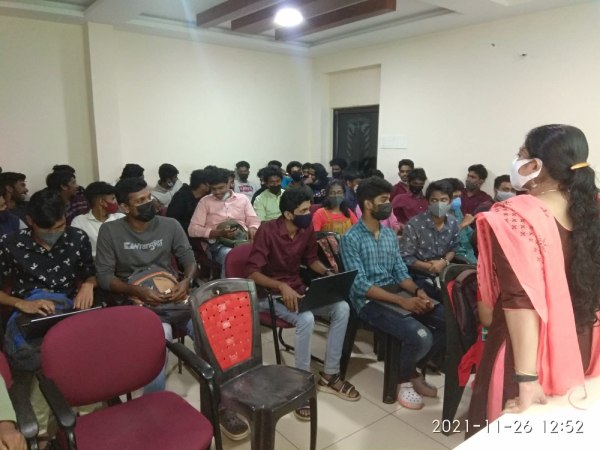
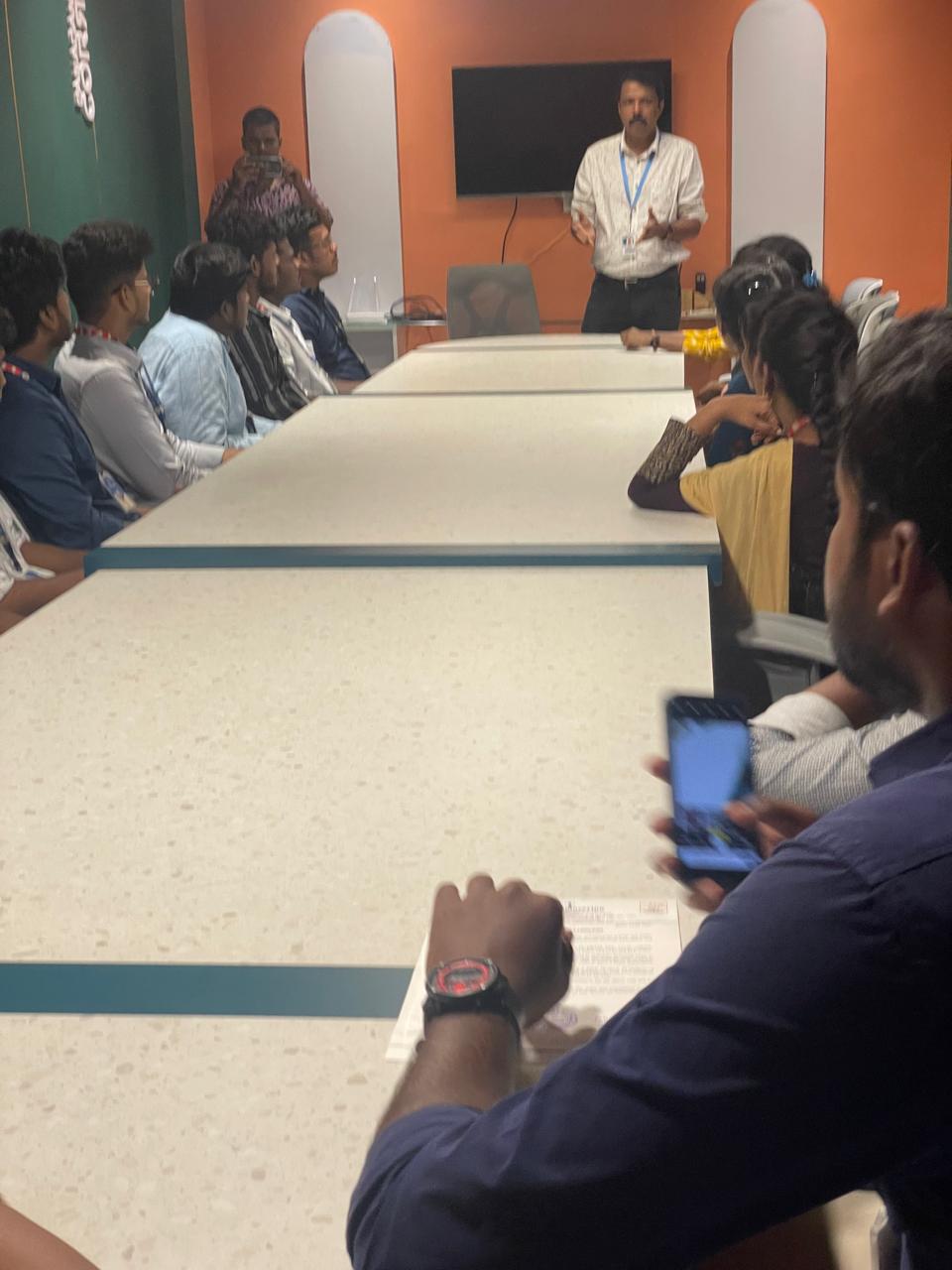
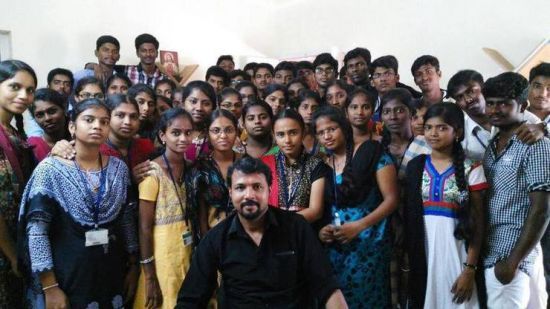
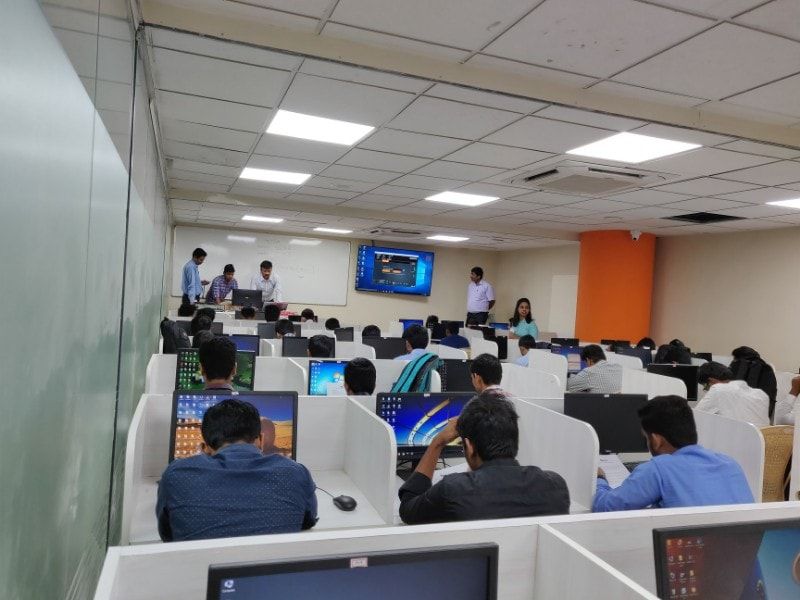
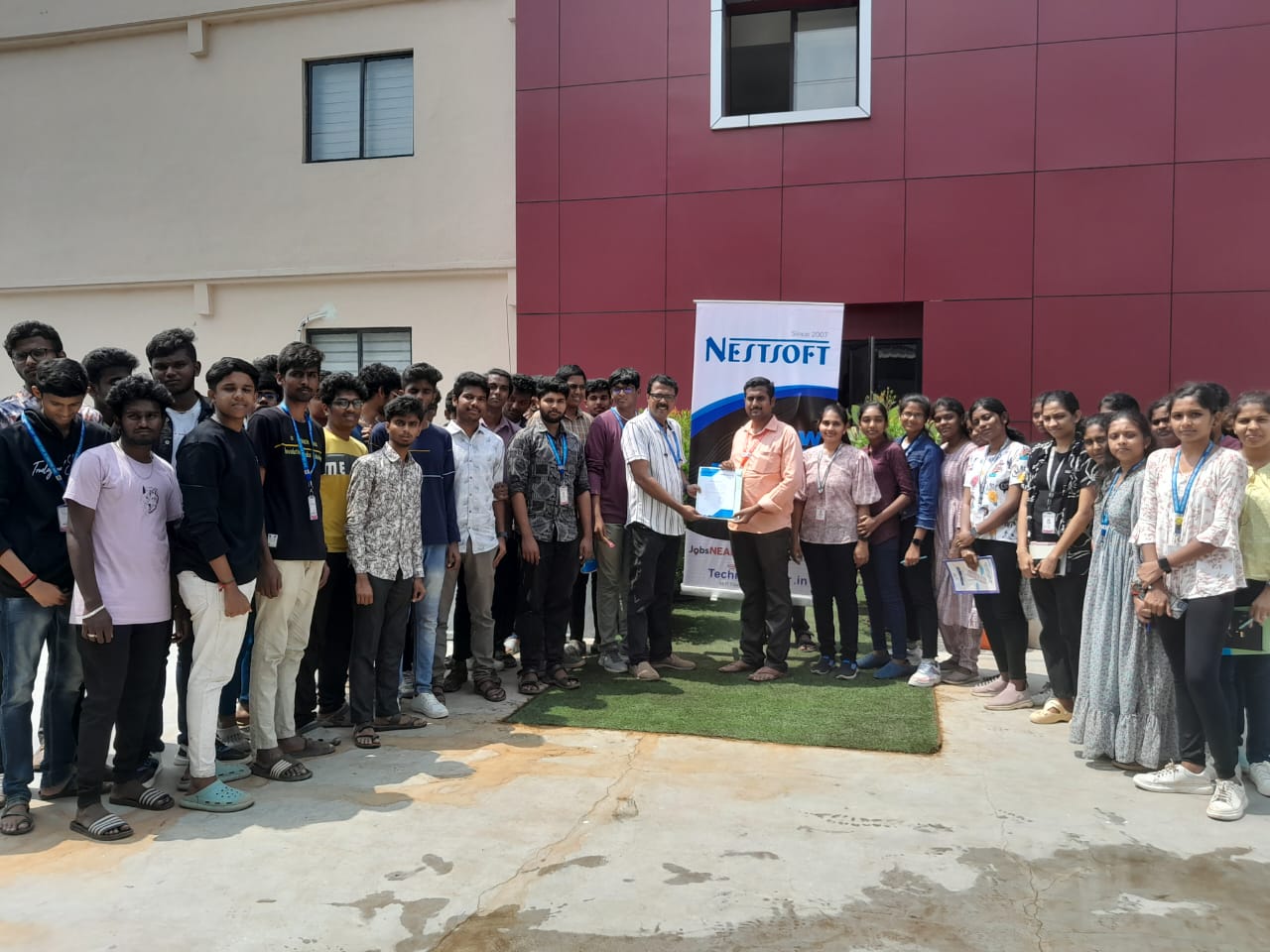
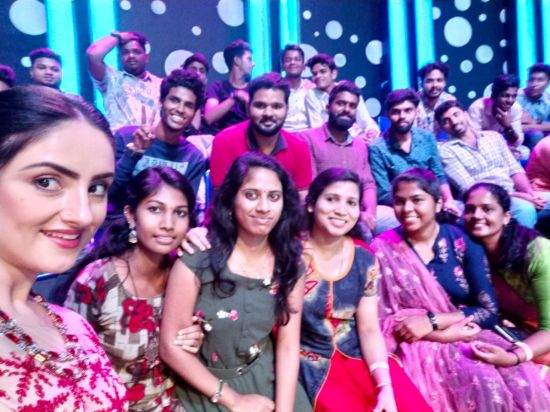
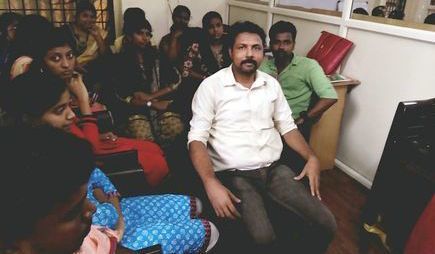
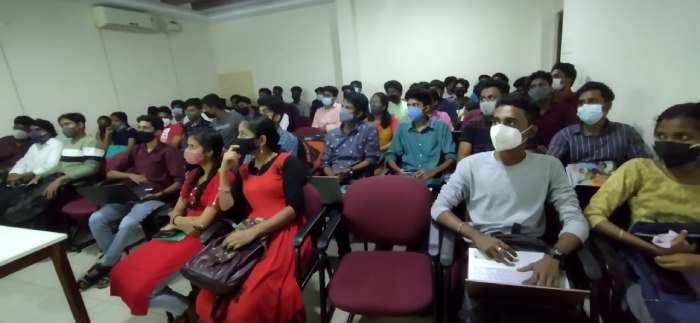
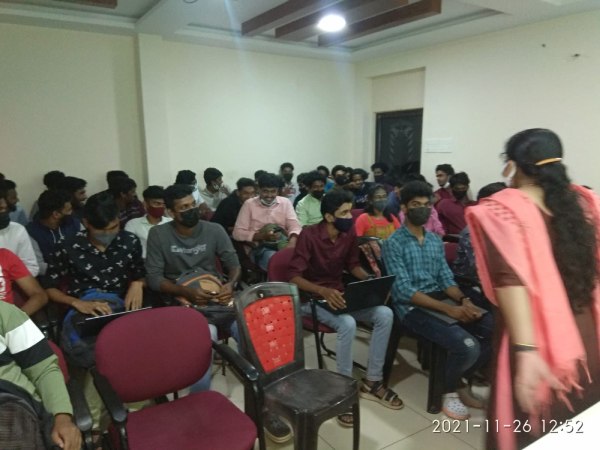
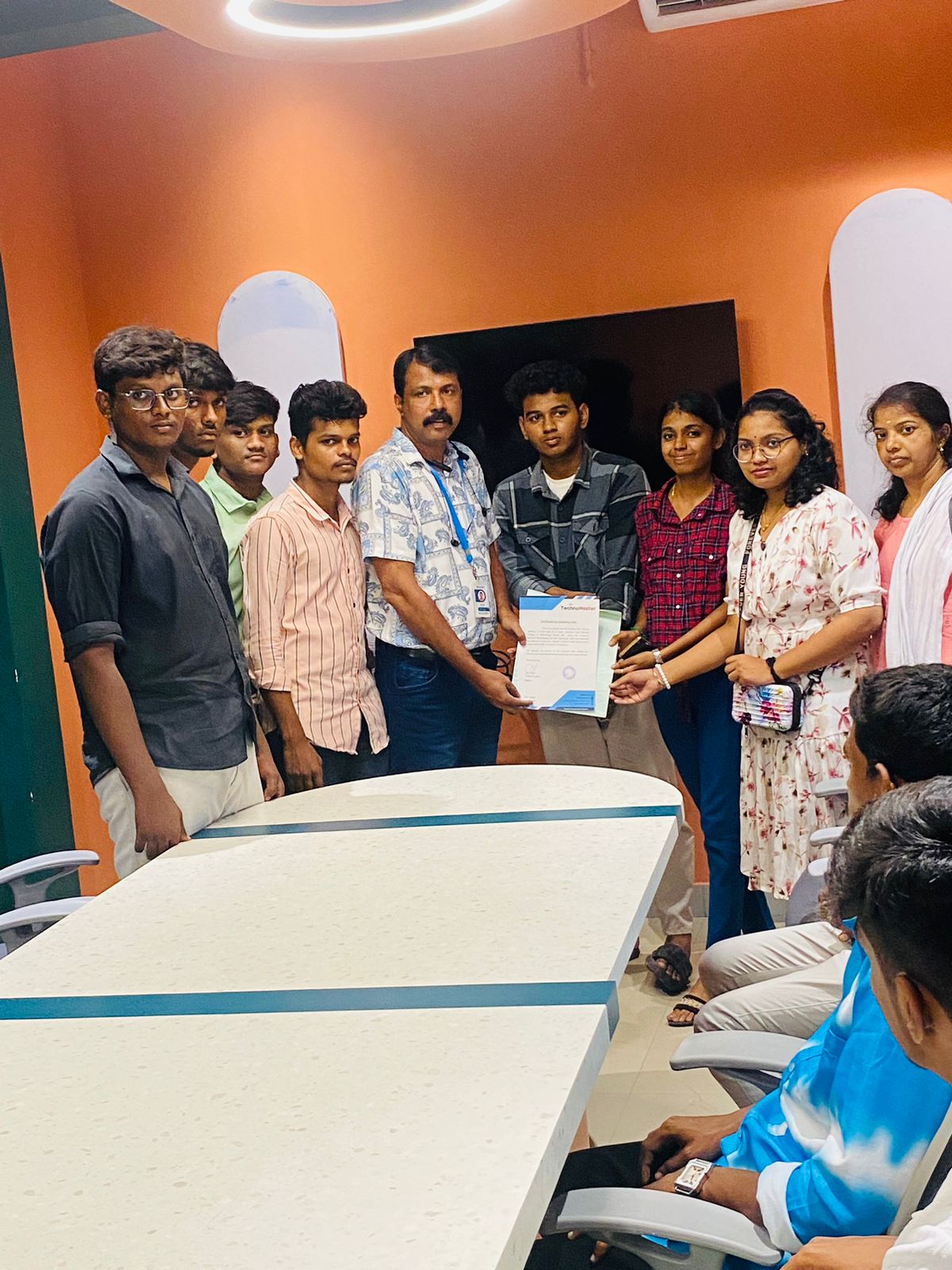
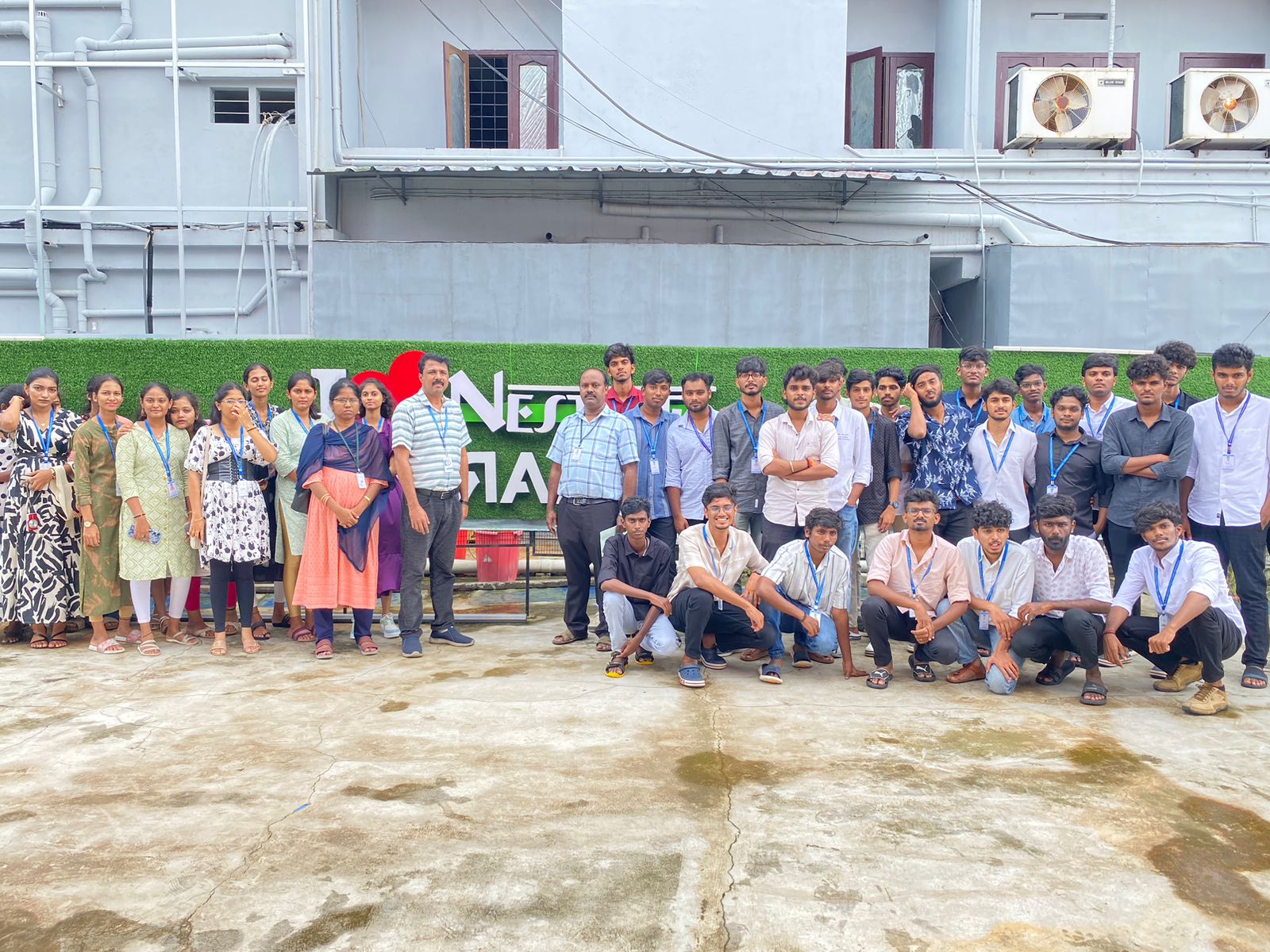
Photos of Training / Internships

Internship/projects in mangaluru

Trained more than 10000+ students who trust Nestsoft TechnoMaster

Get Your Personal Trainer