Send enquiry ⏎

Canva Online Live Class by Experts

Our Training/Internship Process

Canva Online Live Classes in Mumbai | Free Demo Training

Canva - Syllabus, Fees & Duration

Section 1: Introduction to Canva

  • Welcome to Canva!
  • Logging / Setup Canva Account
  • Layouts & Templates
  • Get you setup with your Canva & account
  • Tour of your dashboard
  • Learn about the different types of templates Canva has
  • Learn how to use the pre-designed layouts
  • Downloading your work
  • Working with text
  • Photo backgrounds & Shapes
  • Illustrations, icons and lines
  • Adding pages to a design
  • Image
  • Text features and Charts
  • Album cover
  • Youtube thumbnail
  • Twitter header
  • Facebook post
  • Ebook cover
  • Documents
  • Data and charts
  • Presentation slides

Section 2: Fonts, Colors, and Images

  • Typography and font pairing
  • Using icons effectively
  • Organising the dashboard
  • Sharing designs
  • Adding links
  • Upgrading to Canva for Work
  • Brand colors
  • Custom filter codes
  • Color codes
  • Color scheme
  • Introduction to the color wheel; creating a color palette
  • How to use grids; transparency; photo filters

Section 4: Advanced Topics

  • Brand Kit
  • Magic Resize
  • Paid Elements
  • Folders for Elements
  • Background Remover
  • Teams, Exporting and Scheduling
  • Learn more advanced techniques
  • Learn how to create a logo from scratch
  • Learn how upload your own graphics, logos, images
  • Learn how to organize your designs
  • See where I go to purchase stock photography
  • Videos Overview / Editing
  • Video Tools
  • Animations
  • Animated Presentations
  • Adding Music

Download Syllabus - Canva
This syllabus is not final and can be customized as per needs/updates
   
10000+
20+
50+
25+

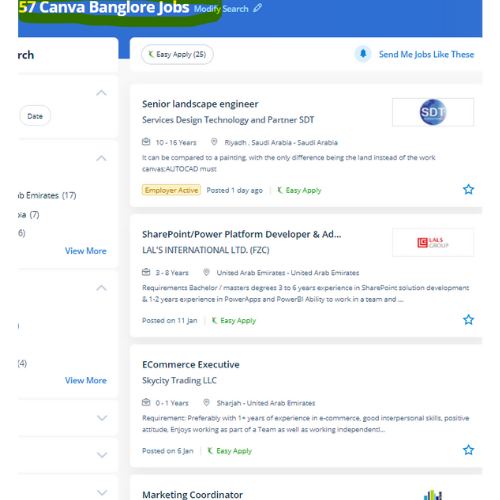
Canva Jobs in Mumbai

Enjoy the demand

Find jobs related to Canva in search engines (Google, Bing, Yahoo) and recruitment websites (monsterindia, placementindia, naukri, jobshybrid.com, indeed.co.in, shine.com etc.) based in Mumbai, chennai and europe countries. You can find many jobs for freshers related to the job positions in Mumbai.

  • web design
  • logo design
  • poster design
  • graphics designer
  • brochure designer
  • video editing
  • ads designer
  • visiting card design
  • flyer designer
  • website designer

Canva Internship/Course Details

Canva internship jobs in Mumbai
Canva Its premade layouts and a large library of design create it the go-to graphics software for many companies and entrepreneurs. style effective social media posts, blog graphics, displays, posters, flyers, eBook Creation Basics, produce PDFs, PowerPoint presentations, and plenty of making your own custom dimension design, also our Canva Graphic design for Beginners is completely compatible with any quiet device. It is cloud-based mostly designed differently for those overcome by photoshop and illustrator. If you're working on a design for a company and you would wish to use a specific logo, additionally as it permits you to easily upload the logo for free. These vary from its drag-and-drop tool to over 1,000,000 fonts, images, and high-quality graphics to decide on from. Nestsoft will teach you Canva with these top Canva coaching courses, offered online. software external feature that allows users to upload their own templates makes this software stand out. The platform is armed with a drag-and-drop editor to try with its giant library of templates, fonts, and photos. we tend to help you to form your own Graphic style for social media platforms using Canva. .

Meet a Few of our Industry Experts 🚀 Your Pathway to IT Career

Lukhman

Mobile: +91 8301010866
Location: Online (Mumbai, India)
Qualification: Be computer science

Experience: Java sql html css networking  more..

Abhishek

Mobile: +91 94975 90866
Location: Online (Mumbai, India)
Qualification: Btech

Experience: Semi Conductor Laboratory Mohali Dept of space Govt of India FSG advantages over USG inter-metal dielectric (Thin Film) and Unit  more..

Tanu

Mobile: +91 91884 77559
Location: Online (Mumbai, India)
Qualification: B.Tech

Experience: As a Junior Android Developer at Waterwala Labs Pvt Ltd I specialize in implementing the Model-View-ViewModel (MVVM) architecture and modern  more..

Sreerag.

Mobile: +91 91884 77559
Location: Online (Mumbai, India)
Qualification: Bca

Experience: Html css javascript mingodb express nodejs angular react Currrntly I have completed mearn stack web development course from luminar technolab  more..

Nishant

Mobile: +91 8301010866
Location: Online (Mumbai, India)
Qualification: Bsc chemistry

Experience: Manual testing automation testing  more..

Sneha

Mobile: +91 94975 90866
Location: Online (Mumbai, India)
Qualification: B Tech

Experience: HTML css sass angular figma photoshop sktech illustrate git invision balsamic  more..

Navjot

Mobile: +91 89210 61945
Location: Online (Mumbai, India)
Qualification: BTech CSE

Experience: I have 3 years of experience as Angular developer I am ready to start from today onwards Please revert if  more..

Linkan

Mobile: +91 91884 77559
Location: Online (Mumbai, India)
Qualification: M.E

Experience: Manual testing Automation Testing API Testing SQL  more..

Yash

Mobile: +91 9895490866
Location: Online (Mumbai, India)
Qualification: Btech

Experience: Front end developer Data structures and algorithms backend developer C++ programming  more..

Sneha

Mobile: +91 91884 77559
Location: Online (Mumbai, India)
Qualification: Bachelor's degree

Experience: Thank you for the opportunity to apply Cyber Security Expert role at your company I have completed my graduation in  more..

Shruti

Mobile: +91 94975 90866
Location: Online (Mumbai, India)
Qualification: Bcom currently pursuing MCA

Experience: I am Shruti yadav I am graduated from HV desai in bcom and i want to switch my career in  more..

Kriti

Mobile: +91 9895490866
Location: Online (Mumbai, India)
Qualification: BTech in computer science and engineering

Experience: Html css javascript react native bootstrap sass scss   more..

Sandeep

Mobile: +91 9895490866
Location: Online (Mumbai, India)
Qualification: Bachelor’s degree

Experience: Done Full stack python course which includes HTML CSS JAVASCRIPT SQL  more..

Prabhakaran.J

Mobile: +91 98474 90866
Location: Online (Mumbai, India)
Qualification: B.tech

Experience: AD administration firewall proxy server maintenance   more..

Pratik

Mobile: +91 8301010866
Location: Online (Mumbai, India)
Qualification: BE

Experience: Maual Testing Automation Testing API testing 1 2 years of experience in manual testing in eLearning domain   more..

Purvesh

Mobile: +91 89210 61945
Location: Online (Mumbai, India)
Qualification: B.tech

Experience: Currently pursuing a Bachelor's degree in Information Technology at the prestigious Indian Institute of Information Technology Vadodara (IIIT-Vadodara) I have  more..

ARCHANA

Mobile: +91 8301010866
Location: Online (Mumbai, India)
Qualification: Btech ECE

Experience: Manual testing selenium Jmeter   more..

Bhuvaneswari

Mobile: +91 91884 77559
Location: Online (Mumbai, India)
Qualification: Bsc

Experience: I learned java selenium automation testing i have good skills on the automation testing I'm a fresher i completed my  more..

Manpreet

Mobile: +91 94975 90866
Location: Online (Mumbai, India)
Qualification: B.Tech

Experience: I’m a graphic designer… over the three years my designs have specialised in party events where we take a bundle  more..

Kacha

Mobile: +91 91884 77559
Location: Online (Mumbai, India)
Qualification: MCA

Experience: SEO On page Off page SMM Keyword research Link building wordpress   more..

Ritu

Mobile: +91 9895490866
Location: Online (Mumbai, India)
Qualification: Btech

Experience: I have 20 months of experience with html CSS js and php wordpress webflow bootstrap tailwind filezilla unbounce elementor wp  more..

Abhishek

Mobile: +91 91884 77559
Location: Online (Mumbai, India)
Qualification: B.Tech in computer science

Experience: I'm an experienced mobile app developer with 6 months experience in developing real world applications and loves to make cutting  more..

Rajkumar

Mobile: +91 8301010866
Location: Online (Mumbai, India)
Qualification: MBA

Experience: Software testing in 4 7 years experience of selenium automation testing tool   more..

Dhivya

Mobile: +91 9895490866
Location: Online (Mumbai, India)
Qualification: B.E computer science

Experience: AWS services Devops terraform Jenkins docker and docker hub GIt and GitHub Ansible python Linux windows shell scripting  more..

Success Stories

The enviable salary packages and track record of our previous students are the proof of our excellence. Please go through our students' reviews about our training methods and faculty and compare it to the recorded video classes that most of the other institutes offer. See for yourself how TechnoMaster is truly unique.

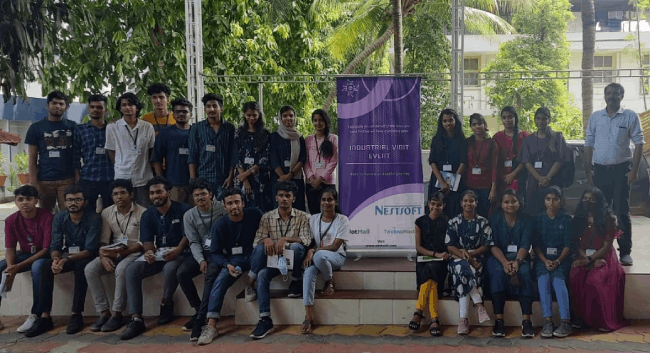
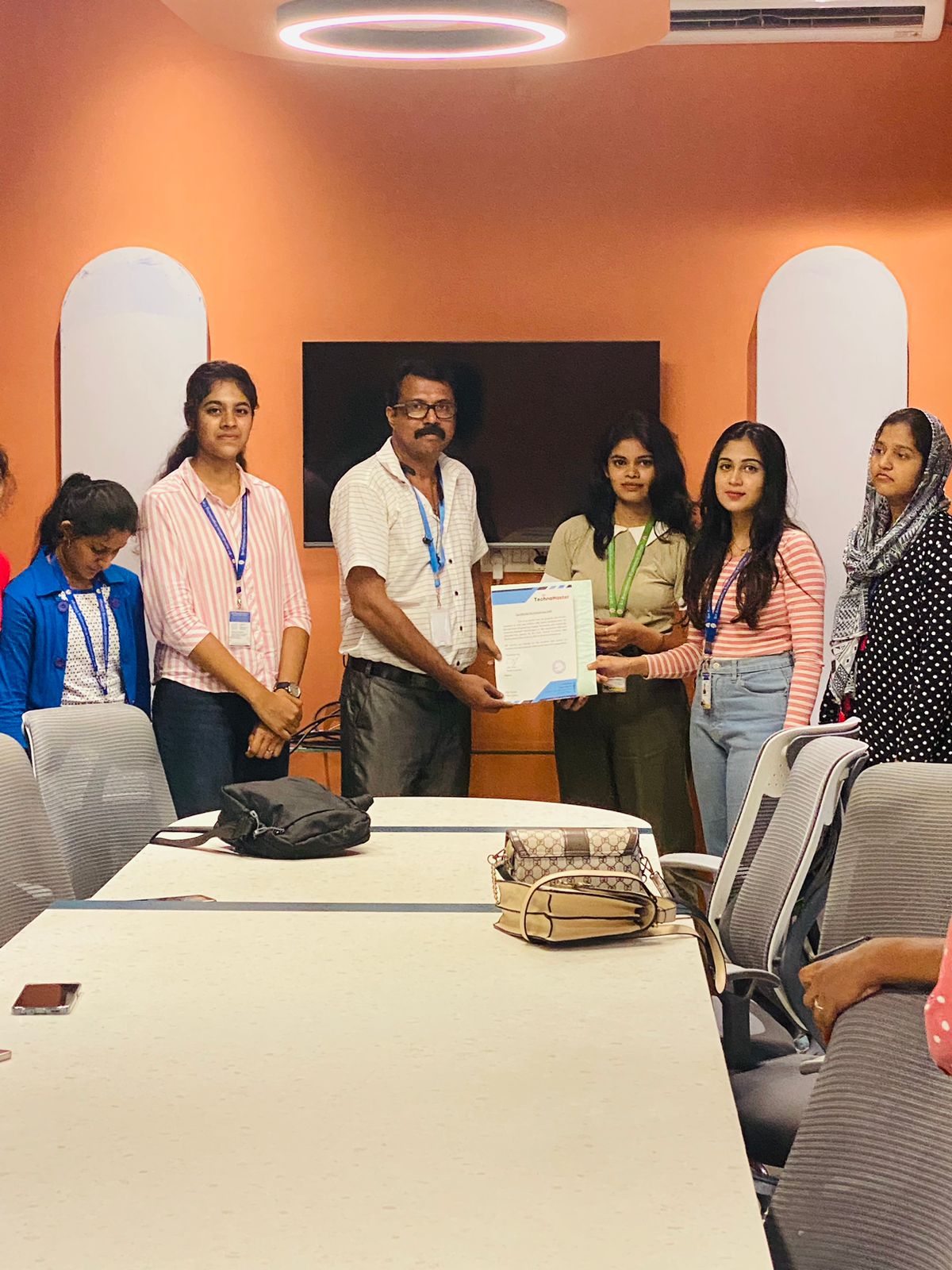
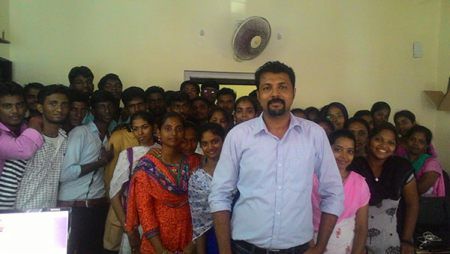
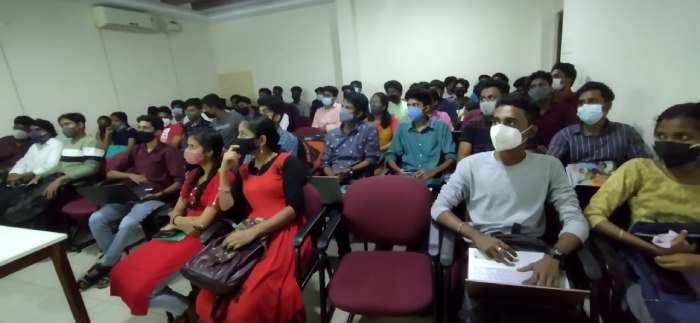
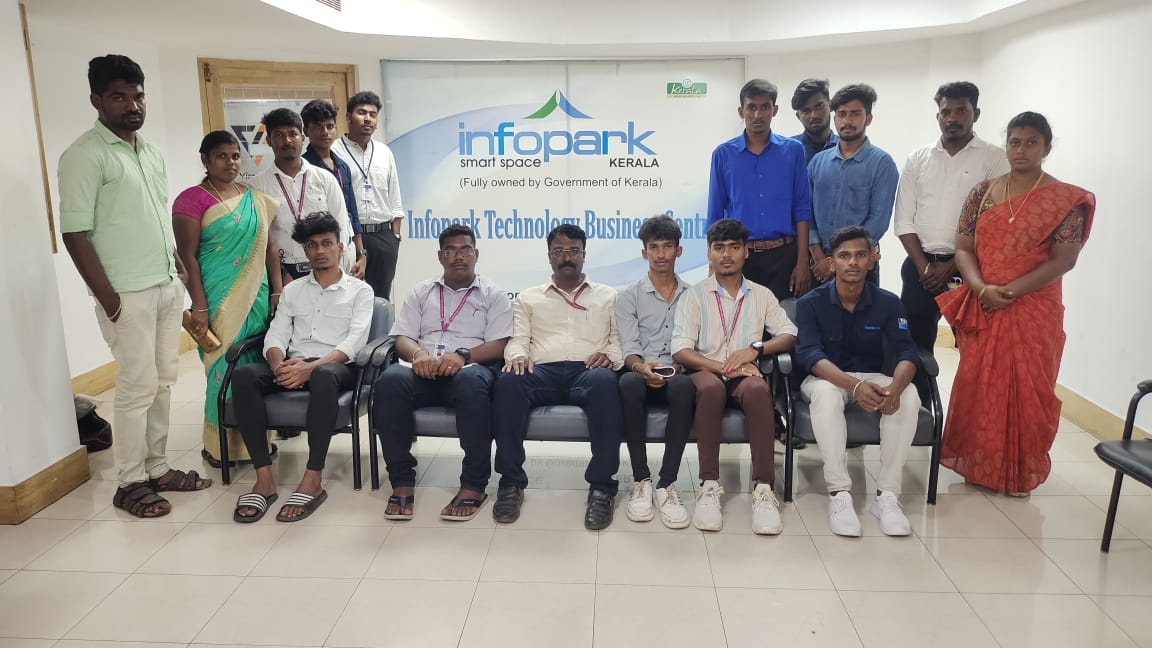
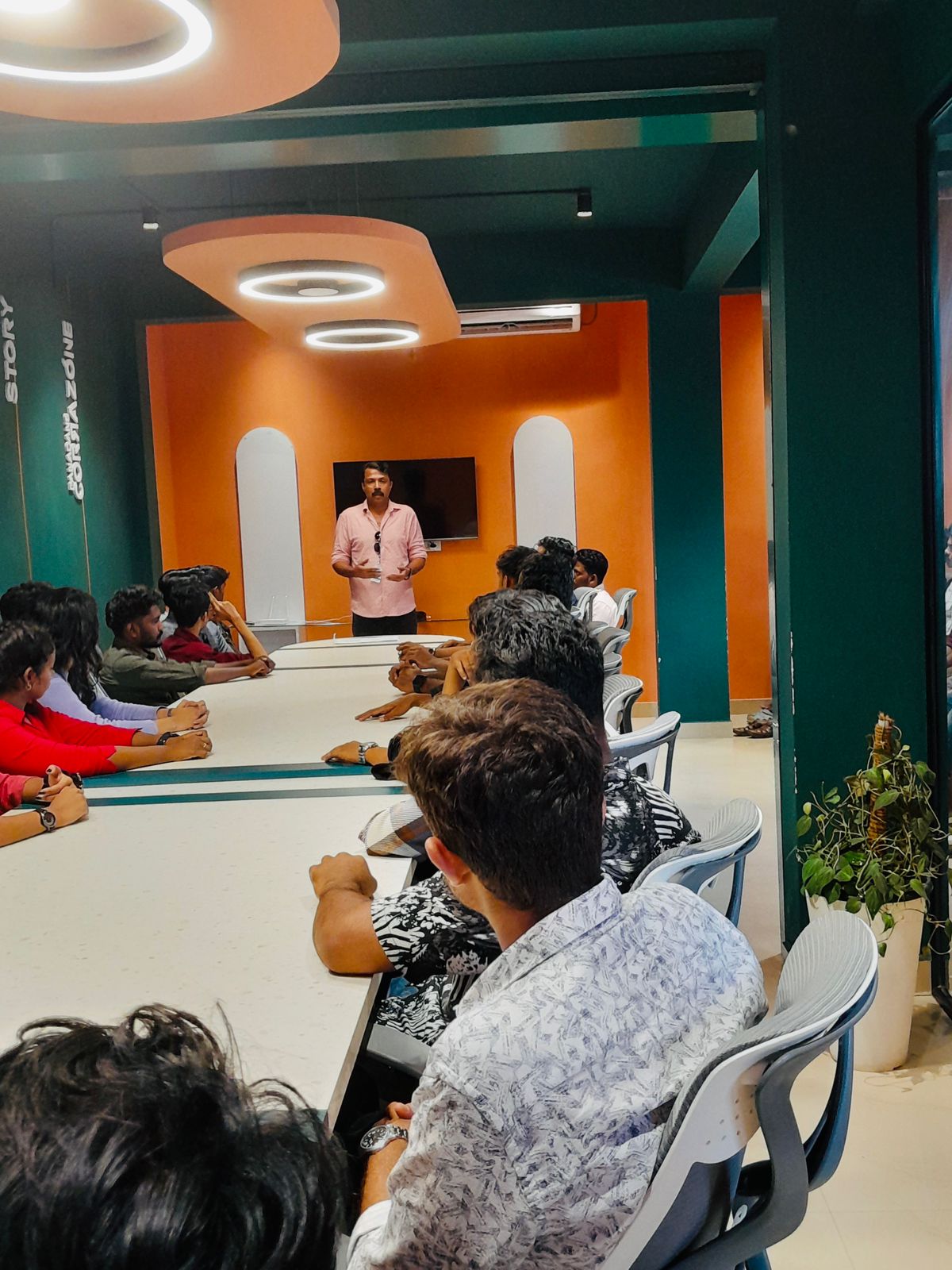
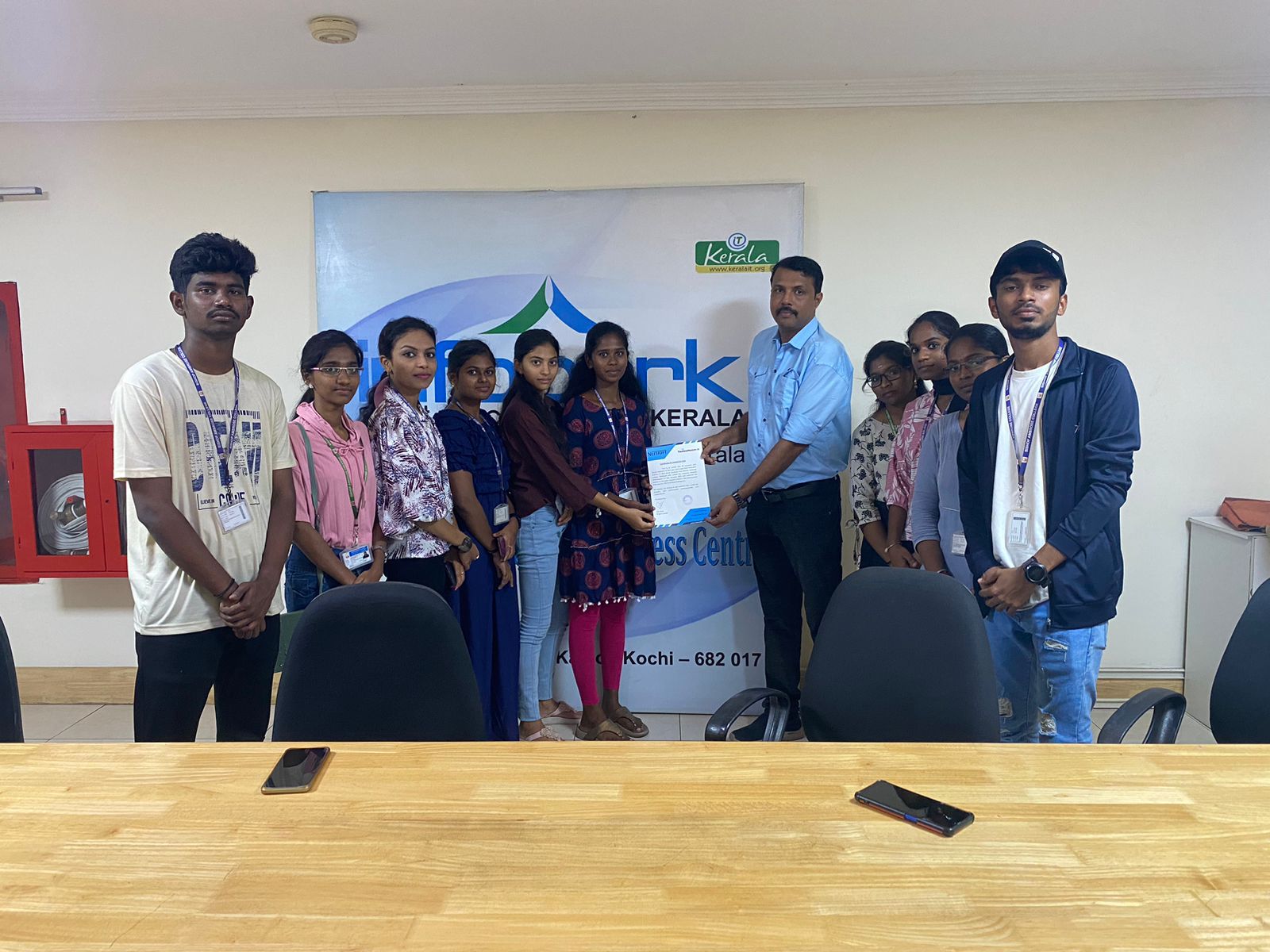
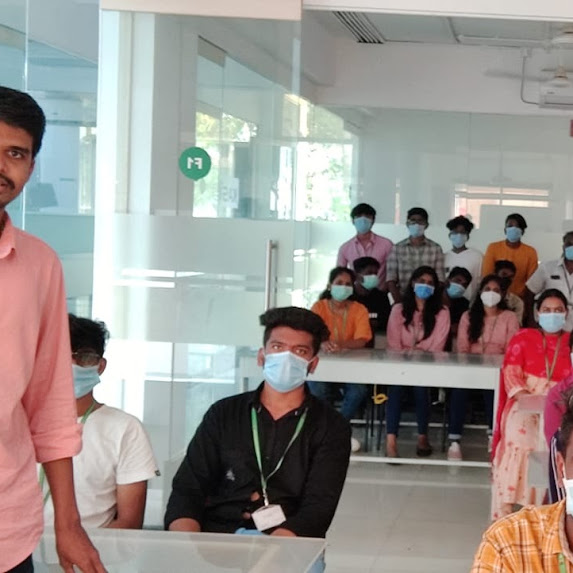
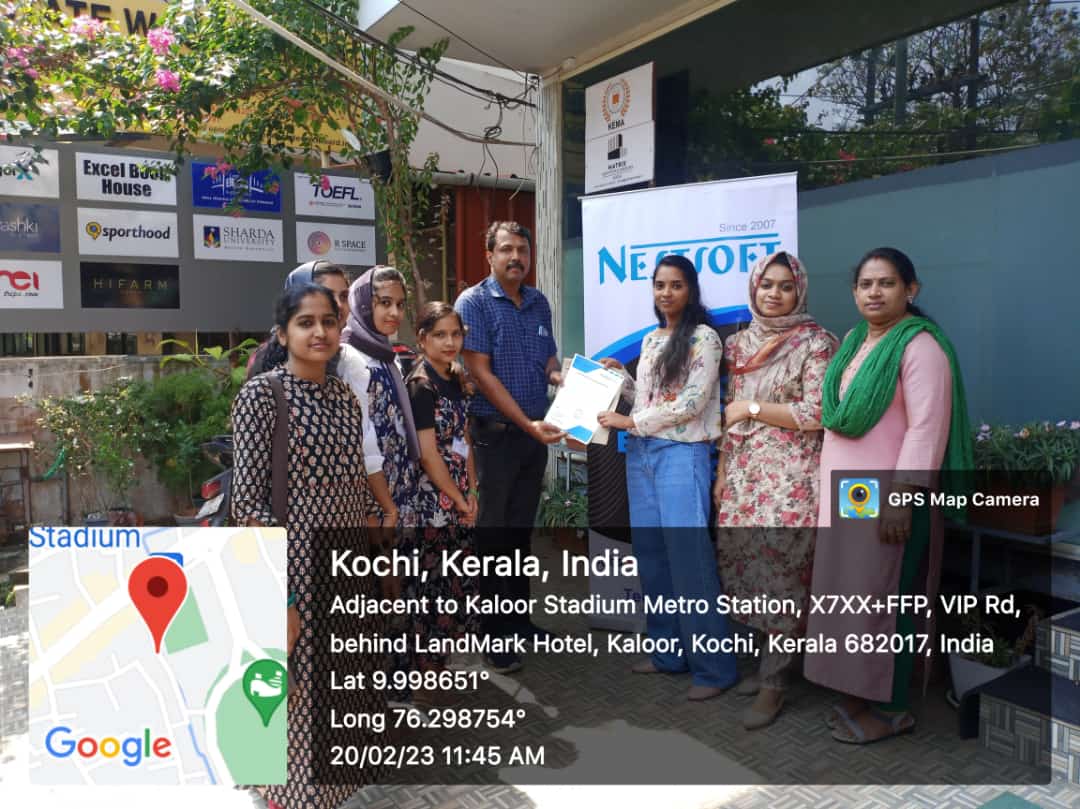
Photos of Training / Internships

Internship/projects in mumbai

Trained more than 10000+ students who trust Nestsoft TechnoMaster

Get Your Personal Trainer