Send enquiry ⏎

Adobe Illustrator Online Live Class by Experts

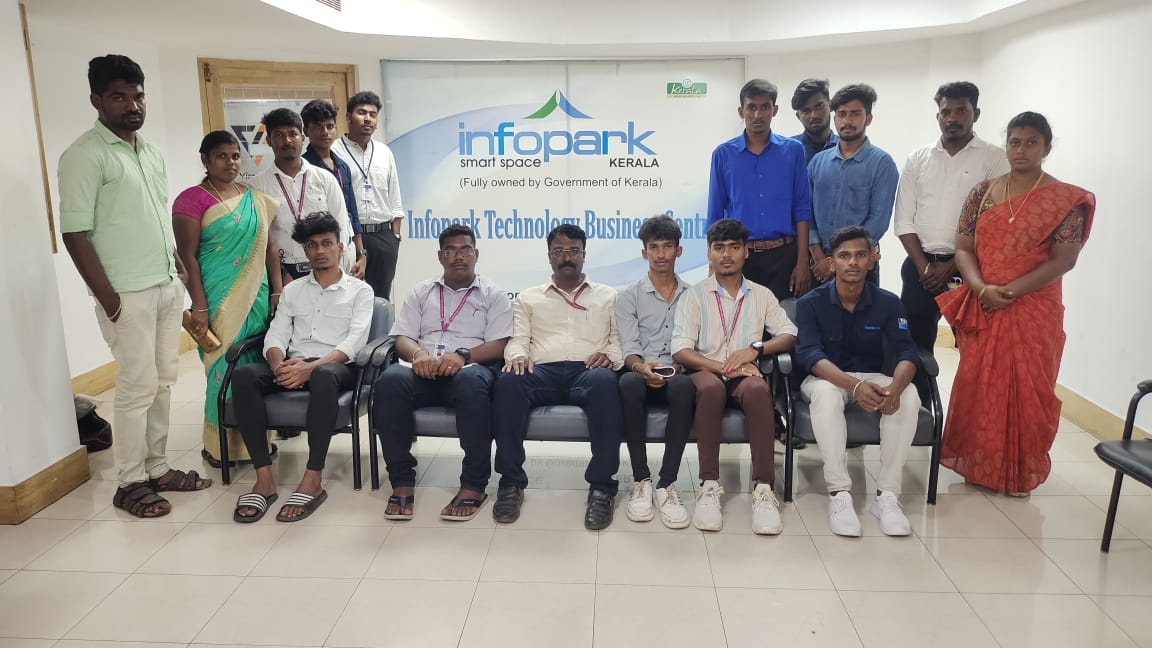
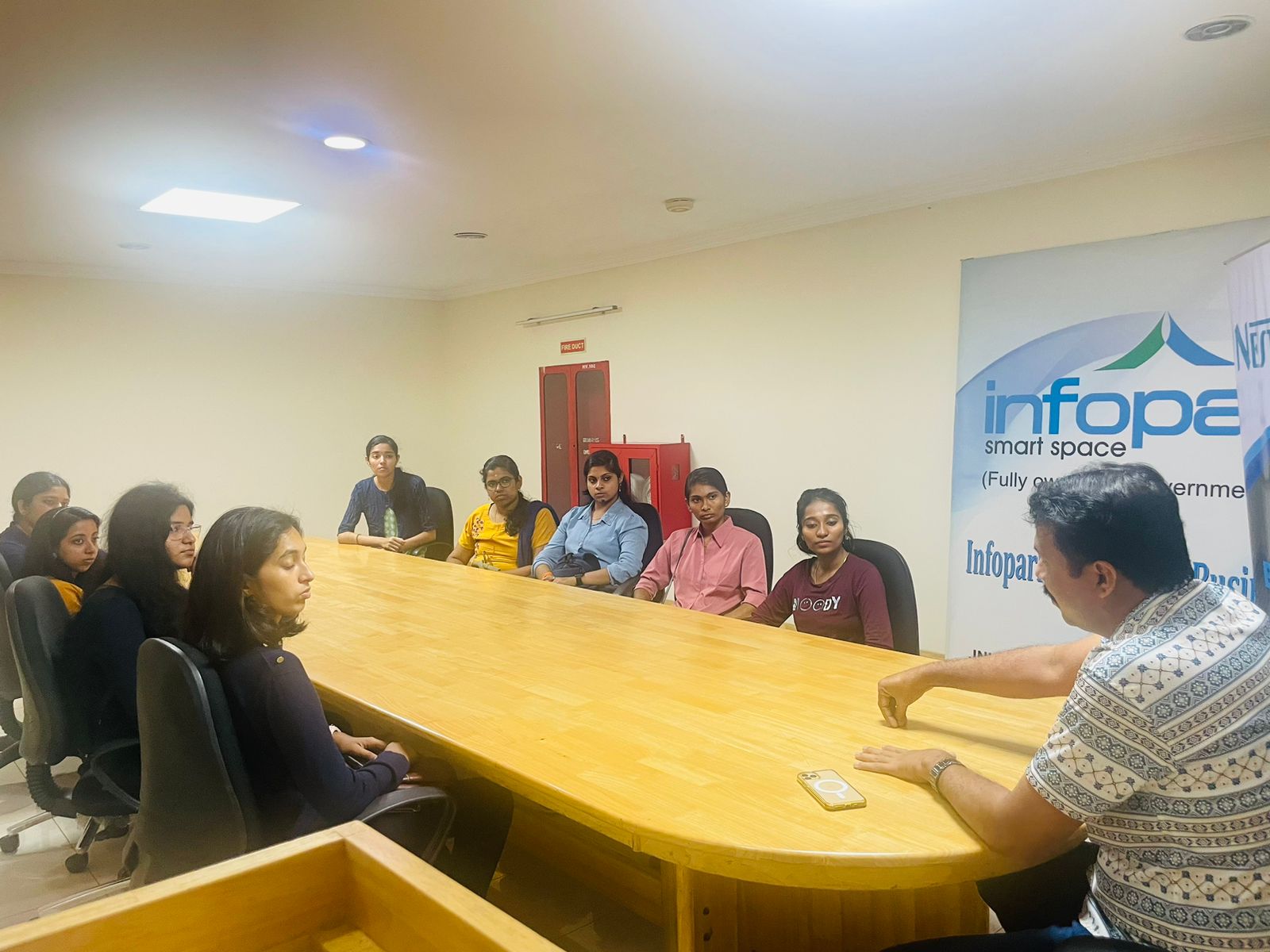
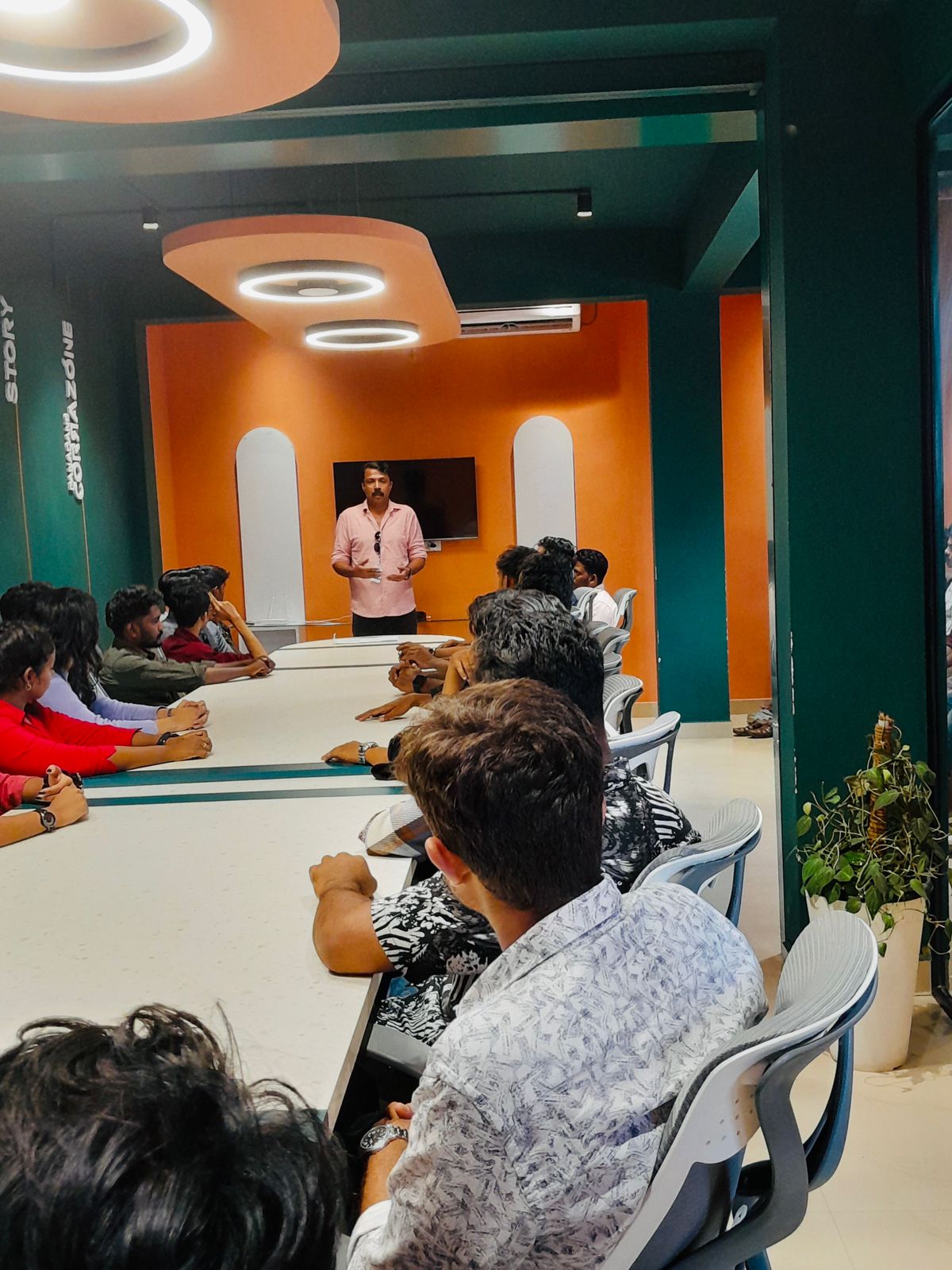
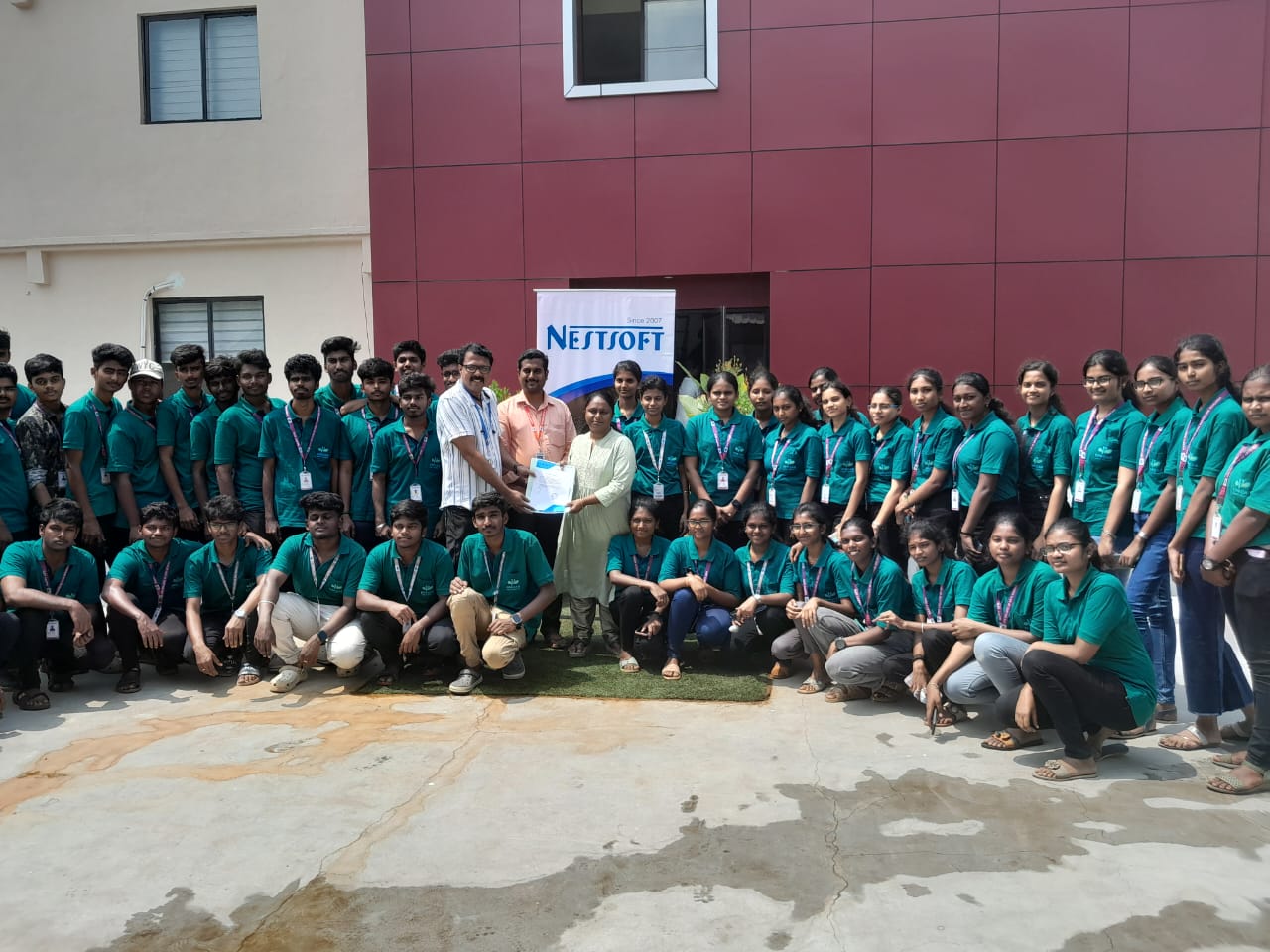
Our Training/Internship Process

Adobe Illustrator Online Live Classes in Kalyan | Free Demo Training

Adobe Illustrator - Syllabus, Fees & Duration

      Module 1: Introduction to Illustrator (1.5 hrs)

    • Overview of Vector Graphics vs. Raster Graphics
    • Illustrator Interface and Navigation
      • Artboards and Workspaces
      • Tools Panel and Properties Panel
    • Creating and Saving Documents
    • Understanding File Formats (AI, EPS, SVG, PDF)

      Module 2: Basic Drawing Tools (2 hrs)

    • Shapes and Paths
      • Rectangle, Ellipse, Polygon, Line tools
      • Working with Fill and Stroke
    • Pen Tool Basics
      • Drawing and Editing Paths
      • Anchor Points and Handles
    • Using the Pencil and Brush Tools

      Module 3: Colors and Gradients (1.5 hrs)

    • Understanding the Color Panel
      • RGB vs. CMYK Modes
      • Swatches and Global Colors
    • Gradients and Gradient Mesh
    • Applying Transparency and Blending Modes

      Module 4: Working with Text (1.5 hrs)

    • Creating and Formatting Text
      • Character and Paragraph Panels
    • Converting Text to Outlines
    • Text on a Path and Text Wrap

      Module 5: Layers and Organizing Artwork (1.5 hrs)

    • Layers Panel Overview
      • Grouping and Ungrouping Objects
      • Locking, Hiding, and Rearranging Layers
    • Clipping Masks
    • Using Guides, Grids, and Smart Guides

      Module 6: Advanced Tools and Effects (2 hrs)

    • Pathfinder and Shape Builder Tools
    • Using the Appearance Panel
      • Applying Effects (Drop Shadow, Outer Glow, etc.)
    • Working with Symbols
    • Creating Patterns

      Module 7: Image Tracing and Masking (1.5 hrs)

    • Image Trace Tool
    • Creating and Using Clipping Masks
    • Opacity Masks for Advanced Effects

      Module 8: Exporting and Finalizing Projects (1.5 hrs)

    • Preparing Artwork for Print vs. Digital
    • Exporting File Formats (PNG, SVG, PDF, etc.)
    • Packaging Files for Clients or Printers

      Module 9: Hands-on Project (2 hrs)

    • Creating a Simple Logo Design
    • Designing a Business Card or Poster
    • Applying Learned Skills to a Practical Task

Download Syllabus - Adobe Illustrator
This syllabus is not final and can be customized as per needs/updates
   
10000+
20+
50+
25+

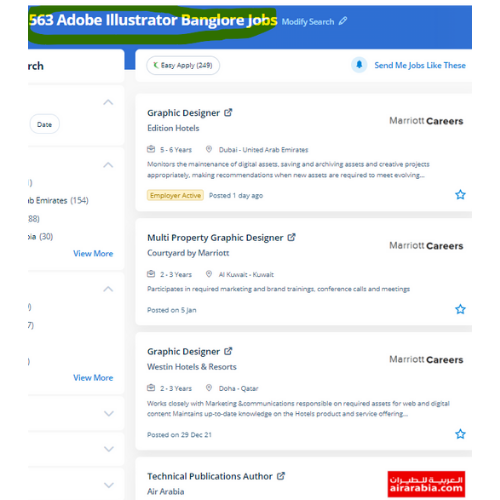
Adobe Illustrator Jobs in Kalyan

Enjoy the demand

Find jobs related to Adobe Illustrator in search engines (Google, Bing, Yahoo) and recruitment websites (monsterindia, placementindia, naukri, jobshybrid.com, indeed.co.in, shine.com etc.) based in Kalyan, chennai and europe countries. You can find many jobs for freshers related to the job positions in Kalyan.

  • Graphic Designer
  • Graphic Trainer
  • Industrial Designer
  • Web Designer
  • Freelance Graphic Designer
  • Illustrator Designer
  • Design Assistant
  • Creative Designer
  • Digital UI/UX Designer
  • Female Graphic Designer

Adobe Illustrator Internship/Course Details

Adobe Illustrator internship jobs in Kalyan
Adobe Illustrator Our distinctive approach of coaching students into figures involves you working on live projects. illustrator has several tools in order that you'll show needed tools and additionally hide unwanted tools as a result of all tools are users rarely use, thus it’s vital to arrange them. we assure you that after you complete your illustrator Course at Nestsoft, you'd be ready to begin your work as our major focus is on all kinds of practical training. one among the options is it permits users to freely produce projects across completely different software system merchandise because that designed a unified program environment. Adobe illustrator review is that there are several mobile apps from Adobe like Illustrator Draw, Comp CC, etc, these assist you to edit pictures on your smartphone then you'll modify additional creatively with the support of illustrator cc. This provides you the advantage of getting hands-on experience on illustrator projects whereas you are still learning. There are various further capabilities to be had to modify the graphics being created via this method also. Nestsoft institute offers one of the most effective Adobe illustrator courses. Adobe Illustrators could be a vector-based inventive program designed for those committed graphic design. you'll be able to use it to create web and print images and therefore the user interface is useful.


Meet a Few of our Industry Experts 🚀 Your Pathway to IT Career

Dhruv

Mobile: +91 8301010866
Location: Online (Kalyan, India)
Qualification: Master of science in Information Technology

Experience: Android development Java API Integration Firebase Retrofit version control API Testing postman UI UX design figma  more..

Venkata

Mobile: +91 8301010866
Location: Online (Kalyan, India)
Qualification: B com computers

Experience: Core java adv java oracle |   more..

Sithanya

Mobile: +91 8301010866
Location: Online (Kalyan, India)
Qualification: MSC computerscience

Experience: Bootstrap c cpp c# php mysql HTML 6 month experience in webdesigner  more..

vrushti

Mobile: +91 9895490866
Location: Online (Kalyan, India)
Qualification: currently pursuing bachelors in computer engineering

Experience: learnt about how to configured fortinet next generation firewall at Beekayit net sec solutions pvt ltd Ahmedabad  more..

Mohd

Mobile: +91 94975 90866
Location: Online (Kalyan, India)
Qualification: MBA

Experience: Passionate Canva designer with a keen eye for aesthetics and a knack for translating concepts into visually appealing graphics Proven  more..

Sujeet

Mobile: +91 8301010866
Location: Online (Kalyan, India)
Qualification:

Experience: HTML CSS Javascript bootstrap java python django react js  more..

karan

Mobile: +91 89210 61945
Location: Online (Kalyan, India)
Qualification: Btech

Experience: Reactjs nodejs angular mongodb html css javascript typescriptApplication for Meanstack Developer Mean Stack  more..

Raihana

Mobile: +91 8301010866
Location: Online (Kalyan, India)
Qualification: BCA

Experience:  Monitor security alerts and incidents  Analyze security events to identify potential threats and vulnerabilities  Assist in incident  more..

Alby

Mobile: +91 91884 77559
Location: Online (Kalyan, India)
Qualification: Bachelor Degree

Experience: 1 Software Test Engineer QA Manual – Automation Testing training attending at Obsqura Zone Trivandrum Key Skills • Knowledge in  more..

Renuka

Mobile: +91 91884 77559
Location: Online (Kalyan, India)
Qualification: MCA

Experience: Hi I am Renuka Software Developer in php and mysql plat form presently looking for change  more..

Dhivya

Mobile: +91 94975 90866
Location: Online (Kalyan, India)
Qualification: B.E computer science

Experience: AWS services Devops terraform Jenkins docker and docker hub GIt and GitHub Ansible python Linux windows shell scripting  more..

Ankit

Mobile: +91 91884 77559
Location: Online (Kalyan, India)
Qualification: IA

Experience: With 4 Year of Design experience and 1 year of Work experience I can show my expertise in your projects  more..

Deepshika

Mobile: +91 9895490866
Location: Online (Kalyan, India)
Qualification: BE

Experience: Core java Manual testing Automation testing using selenium framework   more..

Ankita

Mobile: +91 94975 90866
Location: Online (Kalyan, India)
Qualification: mtech

Experience: WebDriver Interface: Demonstrate proficiency in using WebDriver methods for navigation element manipulation and browser interactions Locator Strategies: Highlight expertise in  more..

Bathurdeen

Mobile: +91 98474 90866
Location: Online (Kalyan, India)
Qualification: Bachelor of Engineering in Software Engineering(Hons), UK

Experience: 5+ years of experience in web development and teaching as a lecturer I have been working at many MNC companies  more..

Guru

Mobile: +91 9895490866
Location: Online (Kalyan, India)
Qualification: BCA

Experience: Android kotlin Java JSON Rest APIs Coroutines asynchronous programming SQLite RoomDB Https Firebase Android TV Development lean back mobile alapp  more..

Sameer

Mobile: +91 9895490866
Location: Online (Kalyan, India)
Qualification: Currently pursuing my Bachelors

Experience: I have a certificate from cisco networking academy you can check it on my linkedin |   more..

Kausar

Mobile: +91 8301010866
Location: Online (Kalyan, India)
Qualification: BSc IT

Experience: As a versatile Digital Marketing Manager & Trainer with around 10 years of experience I have successfully merged my technical  more..

Akash

Mobile: +91 89210 61945
Location: Online (Kalyan, India)
Qualification: MBA

Experience: Google certified in seo smm ppc email marketig  more..

Sanghavi

Mobile: +91 91884 77559
Location: Online (Kalyan, India)
Qualification: B.E

Experience: Aws kubernetes jenkins docker ansible oracle sql core java  more..

VIVEK

Mobile: +91 91884 77559
Location: Online (Kalyan, India)
Qualification: MCA

Experience: I have a strong foundation in fundamental programming concepts and a passion for web development I am proficient in a  more..

Ashish

Mobile: +91 91884 77559
Location: Online (Kalyan, India)
Qualification: Frontend developer

Experience: 4+ years HTML5 CSS3 bootstrap Webflow Unbounse react(basics) Shopify(learning)  more..

Sreenath

Mobile: +91 9895490866
Location: Online (Kalyan, India)
Qualification: Bsc computer science

Experience: I have completed a course in python and django and also have basic knowledge in web development   more..

yogeshwaran

Mobile: +91 91884 77559
Location: Online (Kalyan, India)
Qualification: msc

Experience: php laravel codeignitor html css js jquery api  more..

Success Stories

The enviable salary packages and track record of our previous students are the proof of our excellence. Please go through our students' reviews about our training methods and faculty and compare it to the recorded video classes that most of the other institutes offer. See for yourself how TechnoMaster is truly unique.

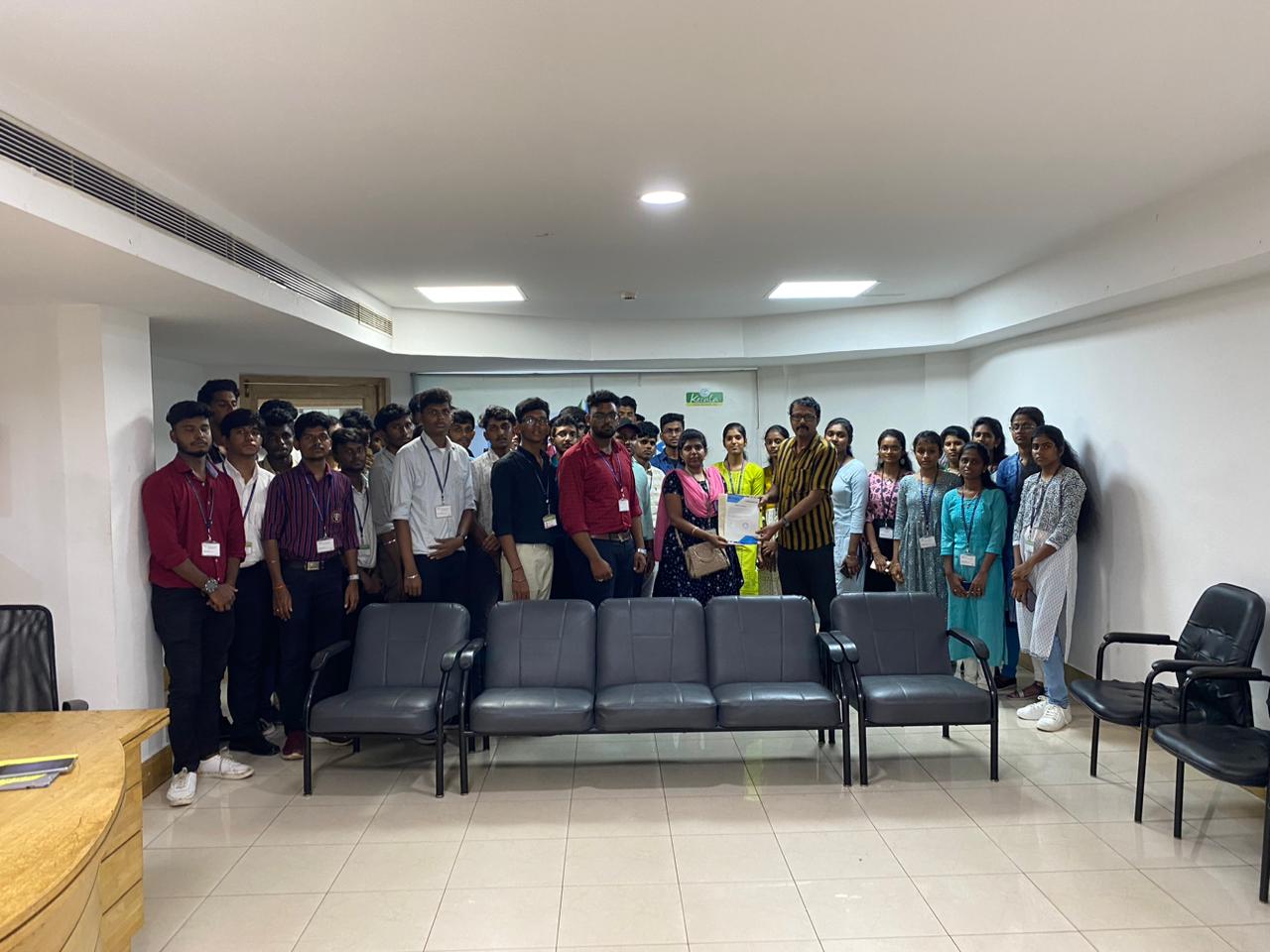
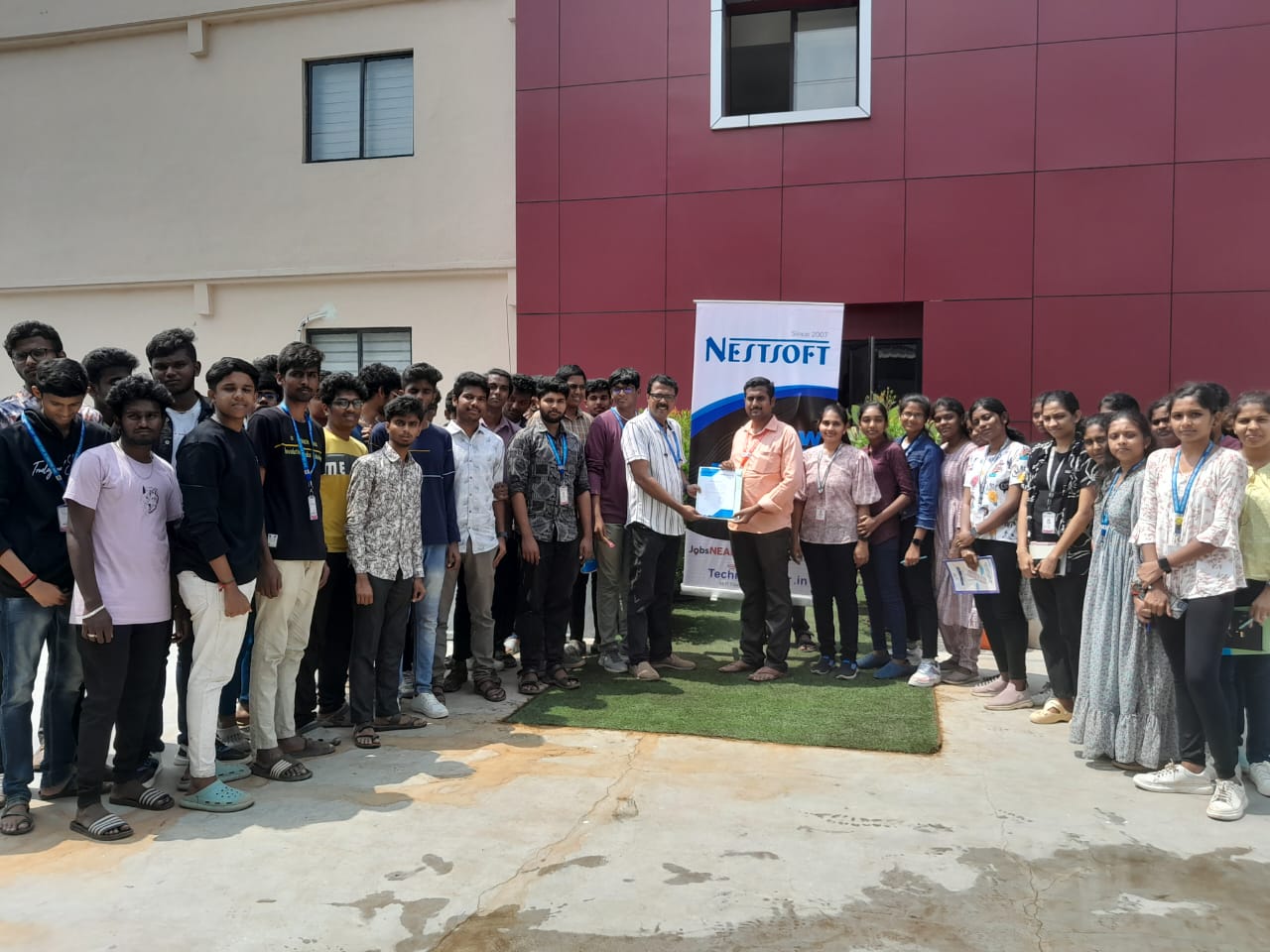
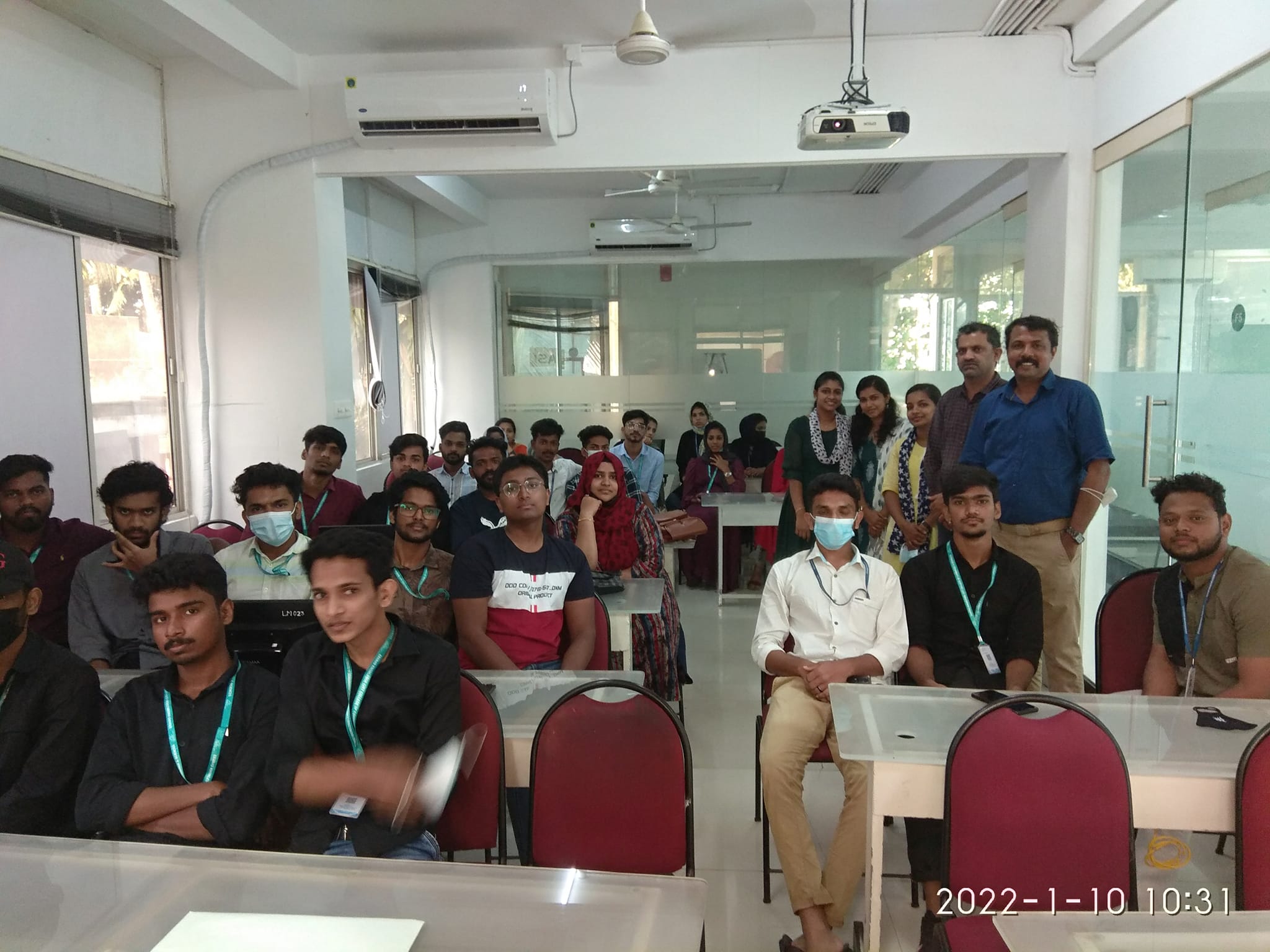
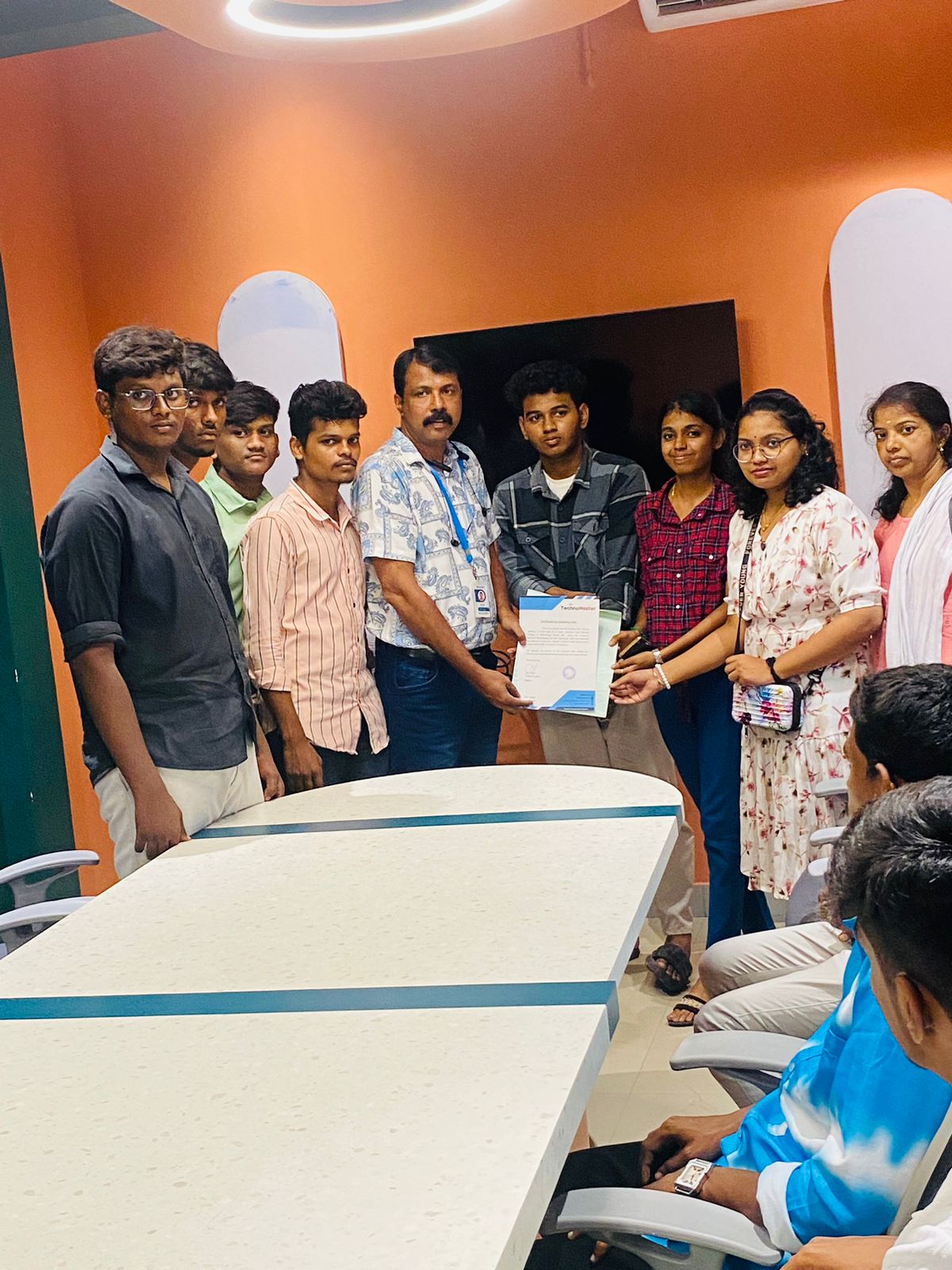
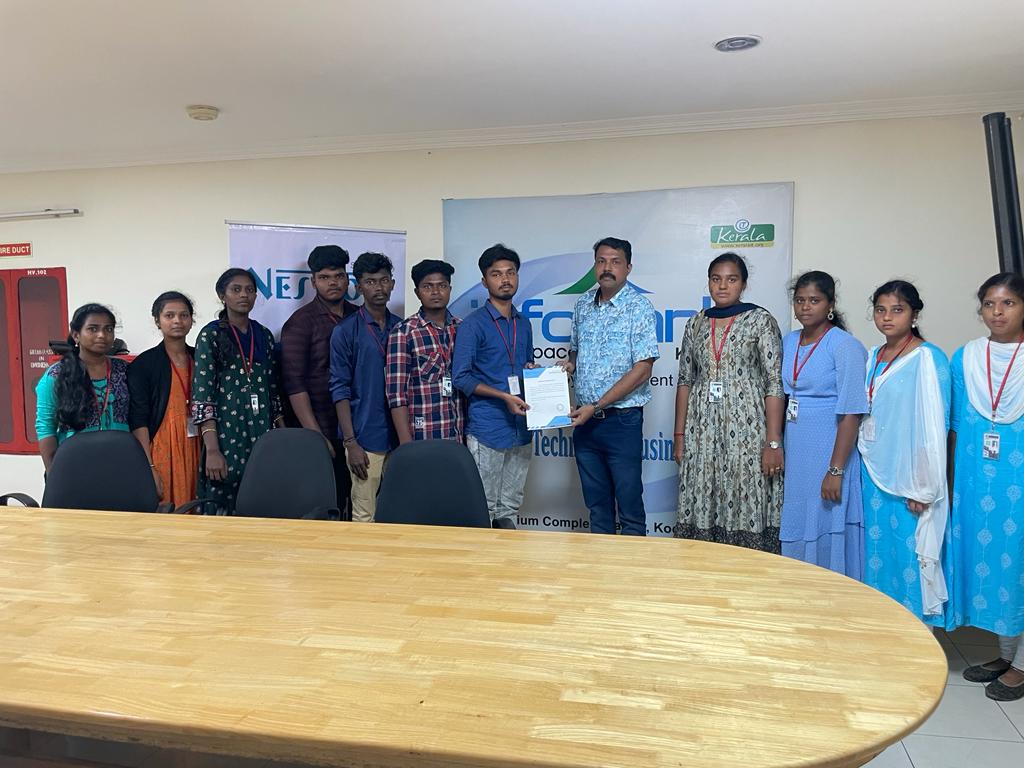
Photos of Training / Internships

Internship/projects in kalyan

Trained more than 10000+ students who trust Nestsoft TechnoMaster

Get Your Personal Trainer