Send enquiry ⏎

Php/MySQL Online Live Class by Experts

Our Training/Internship Process

Php/MySQL Online Live Classes in Mangaluru | Free Demo Training

Php/MySQL - Syllabus, Fees & Duration

Introduction to PHP

  • Evaluation of PHP
  • Basic syntax
  • Defines variable and constant
  • PHP Data Type
  • Operator and expression

Handles HTML form using PHP

  • Capturing form data
  • File Multi-Value
  • Creates a file uploaded form
  • Redirects a form after submission

Decisions and loop

  • Making decisions
  • Doing repetitive work with looping
  • Decisions and Mixing with HTML

Action

  • What is an activity?
  • Define a function
  • Call by value, call by reference
  • Repeat action

String

  • Creating and accessing the string
  • The string is searched and replaced
  • Formatting the string
  • String related library functionality

Array

  • Anatomy of an Array
  • Creates an index-based and associative array
  • Accessing the array element
  • Looping using an index based array
  • Looping with associative array with each () and for each ()
  • Some useful library activity

Works with files and directories

  • Understanding the file and directory
  • Opens and closes a file
  • Copy, rename, and delete a file
  • Working with directories
  • Creating a text editor
  • File uploading and downloading

The string matches the regular expression

  • What is regular expression
  • Pattern matching in PHP
  • Replacing the text
  • Splits a string with a regular expression

Creating images using PHP

  • Fundamentals of computer graphics
  • Creating the image
  • Managing the image
  • Using the text in the image

Database connectivity with MySQL

  • Introduction to RDBMS
  • Connection to MySQL database
  • Performing Basic Database Functionality (Insert, Delete, Update, and Select)
  • Sets the query parameter
  • Implementing the query
  • Join (Cross joins, Inner joins, Outer join, Self joins)

Advanced PHP

  • Introduction to OOPS
  • MySQL database
  • Create dynamic pages using PHP and MySQL
  • Ajax
  • jQuery

HTML 5 (5 Hours)

CSS (5 Hours)

Bootstrap (5 Hours)

Javascript (5 Hours)

Download Syllabus - Php/MySQL
This syllabus is not final and can be customized as per needs/updates
   
10000+
20+
50+
25+

Php/MySQL Jobs in Mangaluru

Enjoy the demand

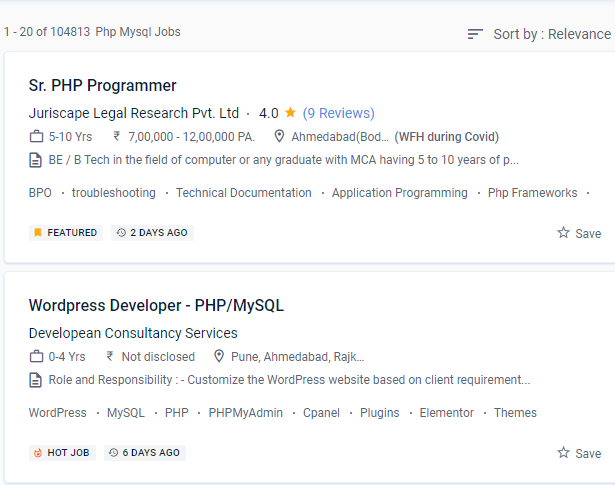
Find jobs related to Php/MySQL in search engines (Google, Bing, Yahoo) and recruitment websites (monsterindia, placementindia, naukri, jobshybrid.com, indeed.co.in, shine.com etc.) based in Mangaluru, chennai and europe countries. You can find many jobs for freshers related to the job positions in Mangaluru.

  • MYSQL Developer
  • Full Stack Developer
  • Php Developer
  • MySQL Administrator
  • Web Programmer
  • Php tutor
  • Software Engineer
  • Database Administrator
  • Mysql Architect
  • Database Specialist

Php/MySQL Internship/Course Details

Php/MySQL internship jobs in Mangaluru
Php/MySQL . As a responsible business person, you should use powerful programming tools and database management systems. It is a fantastic and widely spoken language. PHP frameworks that use PHP Unit allow developers to perform unit testing with ease. In addition to various desktop programs, it will be used to create web applications such as social networking sites, web portals, and online companies. PHP has gained popularity in recent years as a quick, safe, easy-to-use, and open-source programming language. However, its market has altered over time, and the PHP coding language is now regarded as one of the most effective and favored programming tools for web development, thanks to several advantages that will be the focus of this essay. You will be confident in your ability to begin working as a talented PHP professional in a firm or as a freelancer after gaining first-hand experience with Nestsoft tasks in a genuine work setting. PHP and MySQL offer a wide range of modern features and functionalities, as well as a comprehensive set of tools. So, despite its simplicity, PHP is the most extensively used web development language.

Meet a Few of our Industry Experts 🚀 Your Pathway to IT Career

Pratik

Mobile: +91 98474 90866
Location: Online (Mangaluru, India)
Qualification: BE

Experience: Maual Testing Automation Testing API testing 1 2 years of experience in manual testing in eLearning domain   more..

Achinth

Mobile: +91 8301010866
Location: Online (Mangaluru, India)
Qualification: bcom finance

Experience: seo on page & off page optimization google adwords google search console social media marketing youtube ads facebook ads instagram  more..

CHIPPY

Mobile: +91 91884 77559
Location: Online (Mangaluru, India)
Qualification: BSc BEd

Experience: Curriculum development and lesson planningClassroom management and disciplineDifferentiated instruction to accommodate various learning stylesUtilization of technology in teaching (e g  more..

Pragnesh

Mobile: +91 91884 77559
Location: Online (Mangaluru, India)
Qualification: MCA-III

Experience: Android programming HTML CSS JAVA SCRIPT  more..

Vanshika

Mobile: +91 8301010866
Location: Online (Mangaluru, India)
Qualification: B.A. Hons English

Experience: I possess a background in instructing German language courses at Sarvodaya Co-ed Vidyalaya where I demonstrated proficiency in curriculum development  more..

himanshu

Mobile: +91 98474 90866
Location: Online (Mangaluru, India)
Qualification: Mca

Experience: Android Native with Java and for hybrid apps react native app development   more..

SREERAJ

Mobile: +91 94975 90866
Location: Online (Mangaluru, India)
Qualification: Bsc computer science

Experience: Implement new user friendly interfaces Currently working as a front end developer   more..

Neeraj

Mobile: +91 98474 90866
Location: Online (Mangaluru, India)
Qualification: Mca

Experience: Laravl php jquery html css 3+Application for PHP Laravel  more..

KARTHIK

Mobile: +91 91884 77559
Location: Online (Mangaluru, India)
Qualification: bsc

Experience: i have pretty good with python and sql and know c and c++  more..

Divya

Mobile: +91 89210 61945
Location: Online (Mangaluru, India)
Qualification: Bsc

Experience: Have 1 year experience in canva Make eye catching post for social media accounts graphic design poster making  more..

Nitish

Mobile: +91 98474 90866
Location: Online (Mangaluru, India)
Qualification: Mca

Experience: I have 1 year experience in Android development I develop application in kotlin as well as java  more..

Kavitha

Mobile: +91 91884 77559
Location: Online (Mangaluru, India)
Qualification: B.tech

Experience: Selenium with java bdd TTD j meter Api postman and swagger (manually) version control CI CD Jira ajile methodology scrum  more..

Surya

Mobile: +91 91884 77559
Location: Online (Mangaluru, India)
Qualification: BE. Mechanical Engineering

Experience: • Good understanding of the SDLC STLC Waterfall & Agile Methodologies • Experience in Automation Tools- Selenium framework & Playwright  more..

Vala

Mobile: +91 91884 77559
Location: Online (Mangaluru, India)
Qualification: B.E(IT)

Experience: Front-end development (html css) Fresher   more..

Pooja

Mobile: +91 9895490866
Location: Online (Mangaluru, India)
Qualification: Graduation

Experience: I have 1 3 years of experience My skills is seo css html canva  more..

Priyanshi

Mobile: +91 91884 77559
Location: Online (Mangaluru, India)
Qualification: B.TECH in computer science

Experience: Designed vector logos marketing assets and social media creatives for small businesses individuals and university events Designed marketing collateral such  more..

Chippy

Mobile: +91 91884 77559
Location: Online (Mangaluru, India)
Qualification: Bsc computer science

Experience: knowledge in HTML PYTHON PHP JAVA Good design skill and communication skill   more..

Pavan

Mobile: +91 98474 90866
Location: Online (Mangaluru, India)
Qualification: B. E

Experience: I am right now working on real time project and language used are angular 5 and node js Application for  more..

Dharmishtha

Mobile: +91 89210 61945
Location: Online (Mangaluru, India)
Qualification: B.tech Computer Engineer

Experience: 1 year Experience as Odoo developer 4 month internship completion  more..

vimaljoy

Mobile: +91 94975 90866
Location: Online (Mangaluru, India)
Qualification: B -Tech - 3rd year

Experience: Machine Learning Computer Vision Deep learning python Unity HTML & CSS  more..

Saurabh

Mobile: +91 8301010866
Location: Online (Mangaluru, India)
Qualification: B.tech cse

Experience: With experience in Software Development I have worked as a Node js and Solidity developer at Nineteen Realtech My expertise  more..

Rohan

Mobile: +91 94975 90866
Location: Online (Mangaluru, India)
Qualification: Bca

Experience: I worked on node js angular js javascript mongo dB server also completed core java html css webtect certification from  more..

Salomi

Mobile: +91 89210 61945
Location: Online (Mangaluru, India)
Qualification: B.Tech IT

Experience: Manual testing Selenium Core Java TestNG Cucumber Api testing Postman SQL query | Resume for   more..

Ghanshyam

Mobile: +91 91884 77559
Location: Online (Mangaluru, India)
Qualification: graduate

Experience: php laravel Html MySql jQuery Ajax and basic Css  more..

Success Stories

The enviable salary packages and track record of our previous students are the proof of our excellence. Please go through our students' reviews about our training methods and faculty and compare it to the recorded video classes that most of the other institutes offer. See for yourself how TechnoMaster is truly unique.


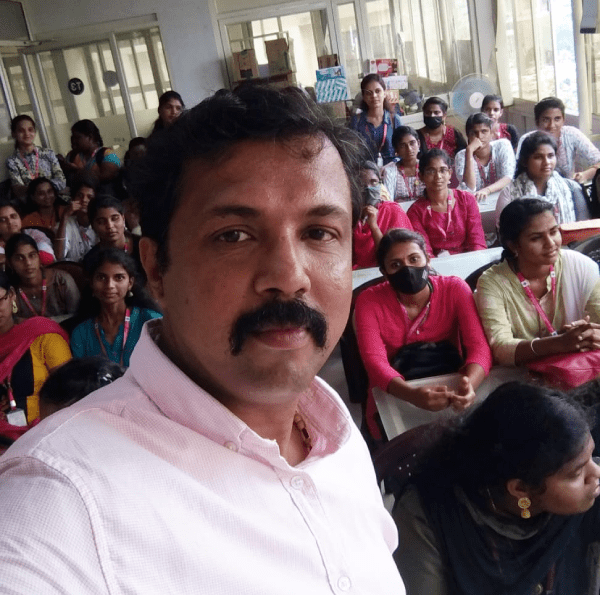
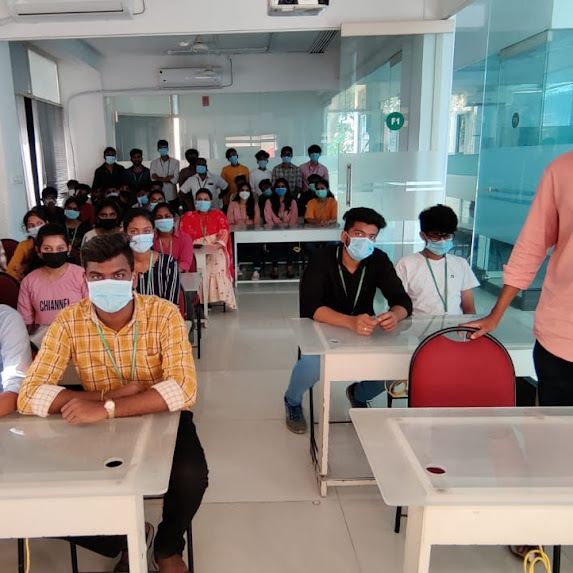
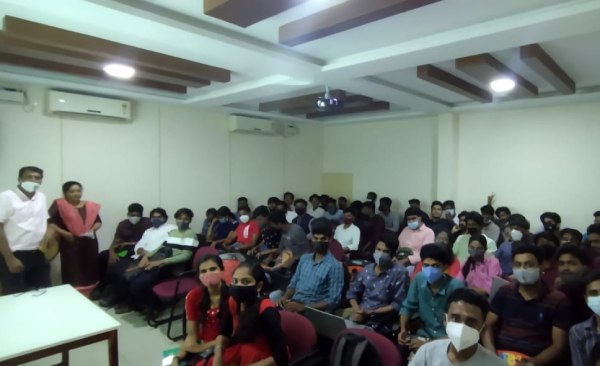
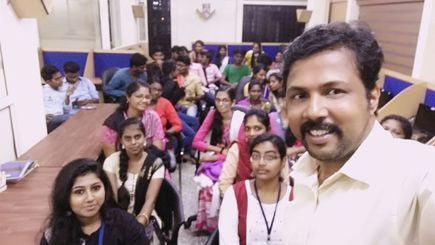
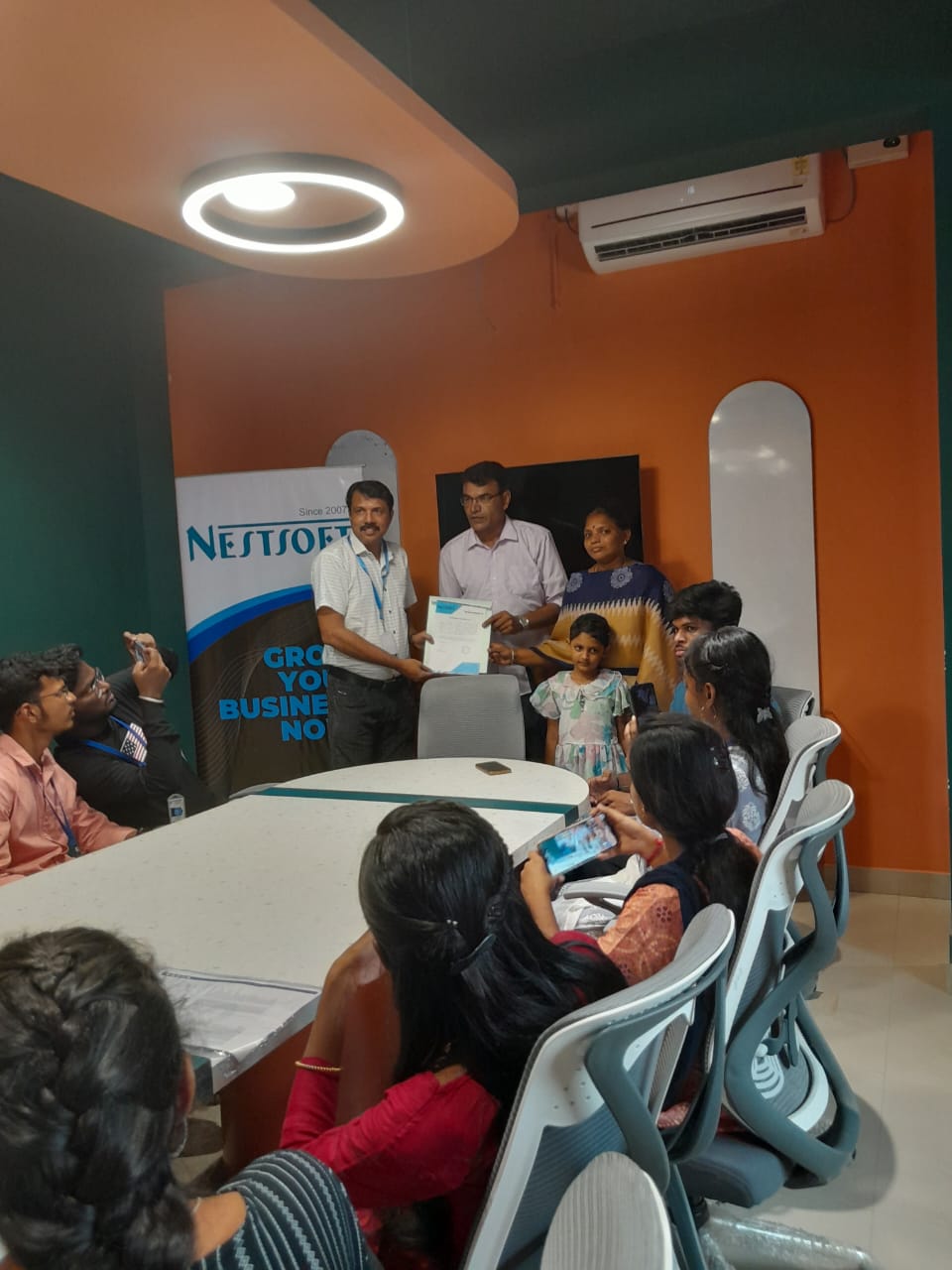
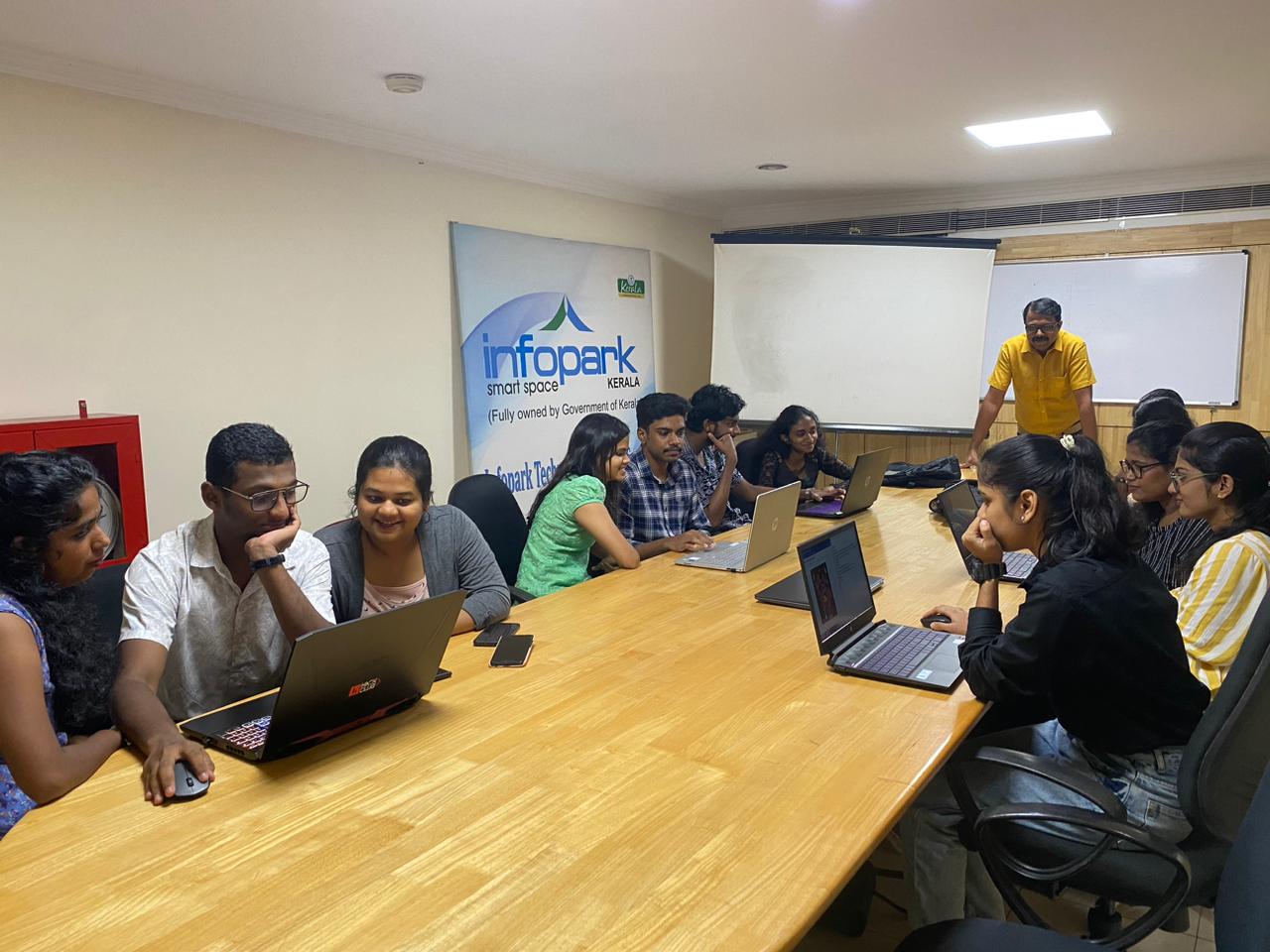
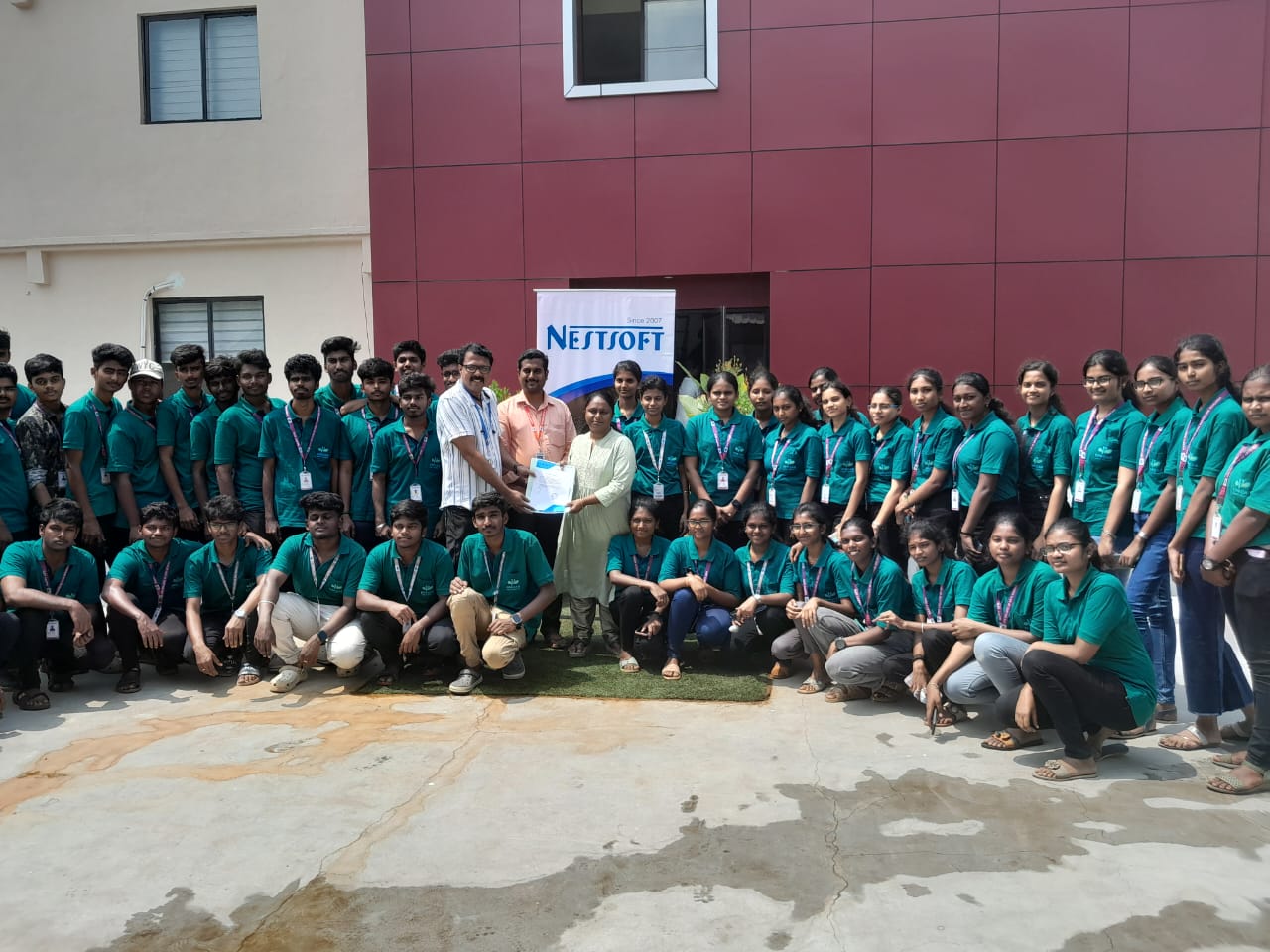
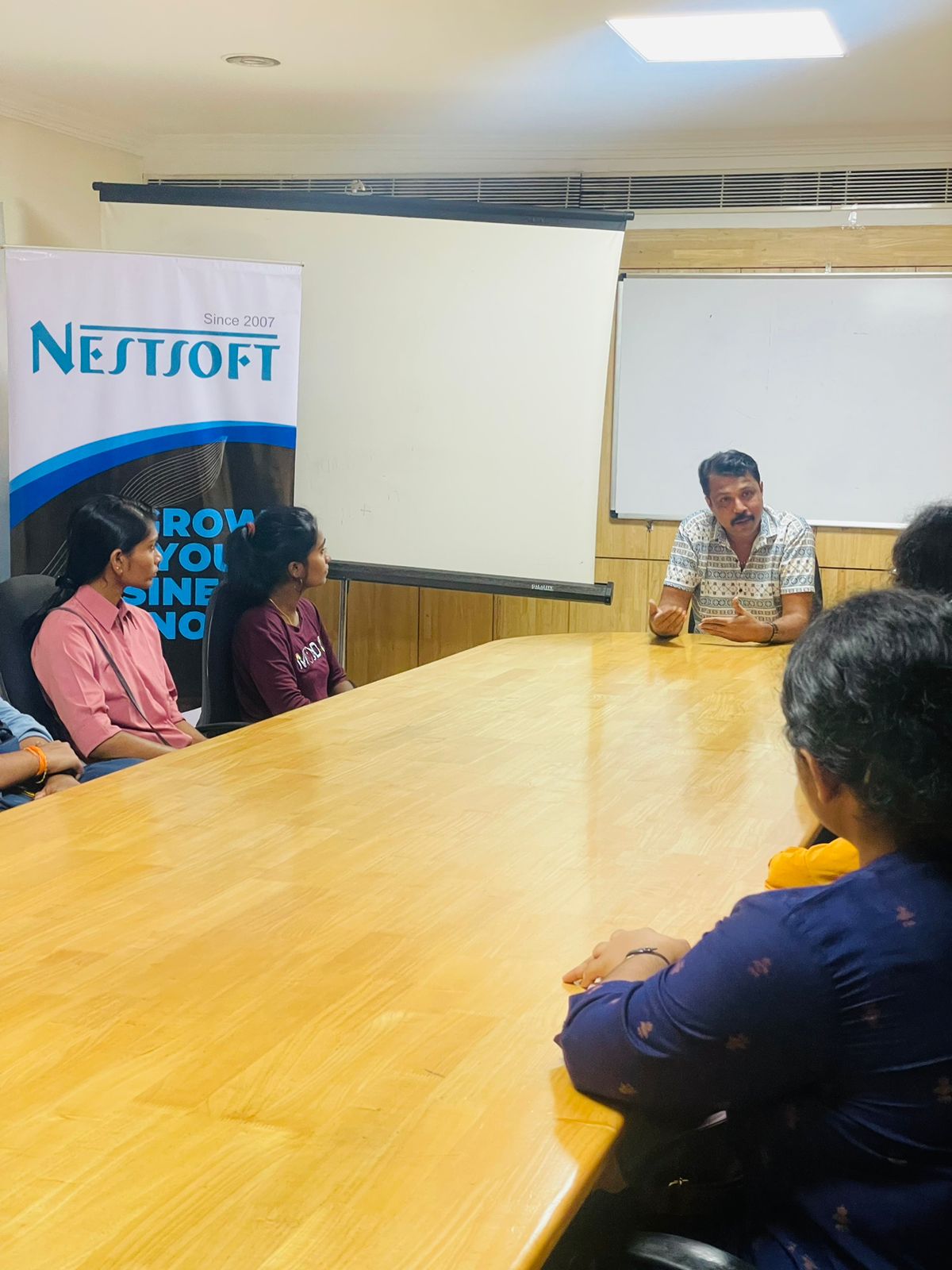
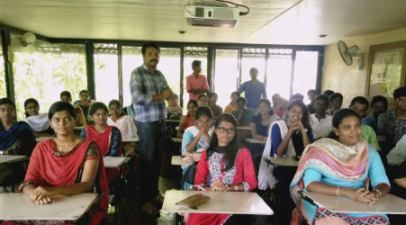
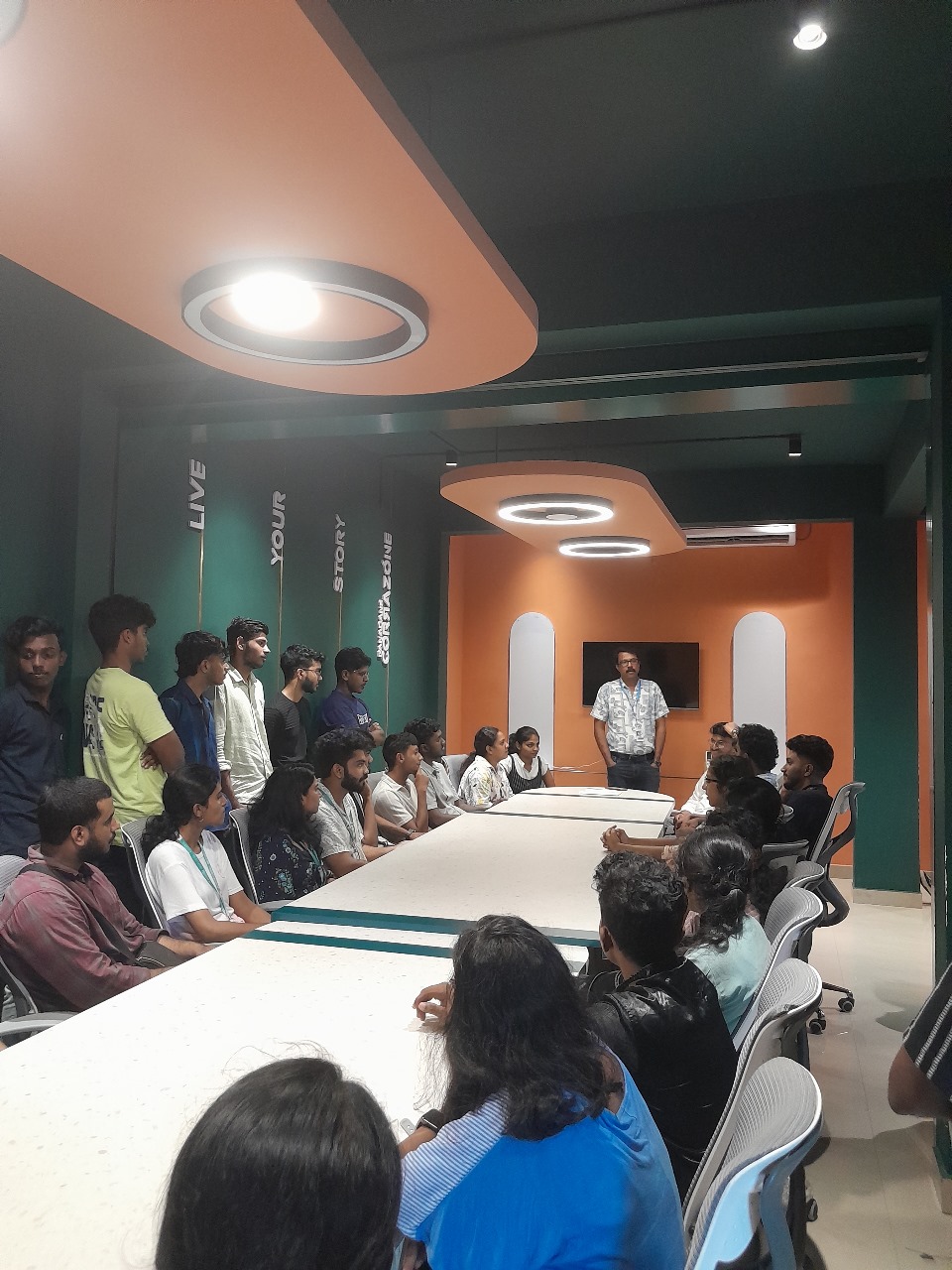
Photos of Training / Internships

Internship/projects in mangaluru

Trained more than 10000+ students who trust Nestsoft TechnoMaster

Get Your Personal Trainer