Send enquiry ⏎

Adobe Illustrator Online Live Class by Experts

Our Training/Internship Process

Adobe Illustrator Online Live Classes in Thane | Free Demo Training

Adobe Illustrator - Syllabus, Fees & Duration

      Module 1: Introduction to Illustrator (1.5 hrs)

    • Overview of Vector Graphics vs. Raster Graphics
    • Illustrator Interface and Navigation
      • Artboards and Workspaces
      • Tools Panel and Properties Panel
    • Creating and Saving Documents
    • Understanding File Formats (AI, EPS, SVG, PDF)

      Module 2: Basic Drawing Tools (2 hrs)

    • Shapes and Paths
      • Rectangle, Ellipse, Polygon, Line tools
      • Working with Fill and Stroke
    • Pen Tool Basics
      • Drawing and Editing Paths
      • Anchor Points and Handles
    • Using the Pencil and Brush Tools

      Module 3: Colors and Gradients (1.5 hrs)

    • Understanding the Color Panel
      • RGB vs. CMYK Modes
      • Swatches and Global Colors
    • Gradients and Gradient Mesh
    • Applying Transparency and Blending Modes

      Module 4: Working with Text (1.5 hrs)

    • Creating and Formatting Text
      • Character and Paragraph Panels
    • Converting Text to Outlines
    • Text on a Path and Text Wrap

      Module 5: Layers and Organizing Artwork (1.5 hrs)

    • Layers Panel Overview
      • Grouping and Ungrouping Objects
      • Locking, Hiding, and Rearranging Layers
    • Clipping Masks
    • Using Guides, Grids, and Smart Guides

      Module 6: Advanced Tools and Effects (2 hrs)

    • Pathfinder and Shape Builder Tools
    • Using the Appearance Panel
      • Applying Effects (Drop Shadow, Outer Glow, etc.)
    • Working with Symbols
    • Creating Patterns

      Module 7: Image Tracing and Masking (1.5 hrs)

    • Image Trace Tool
    • Creating and Using Clipping Masks
    • Opacity Masks for Advanced Effects

      Module 8: Exporting and Finalizing Projects (1.5 hrs)

    • Preparing Artwork for Print vs. Digital
    • Exporting File Formats (PNG, SVG, PDF, etc.)
    • Packaging Files for Clients or Printers

      Module 9: Hands-on Project (2 hrs)

    • Creating a Simple Logo Design
    • Designing a Business Card or Poster
    • Applying Learned Skills to a Practical Task

Download Syllabus - Adobe Illustrator
This syllabus is not final and can be customized as per needs/updates
   
10000+
20+
50+
25+

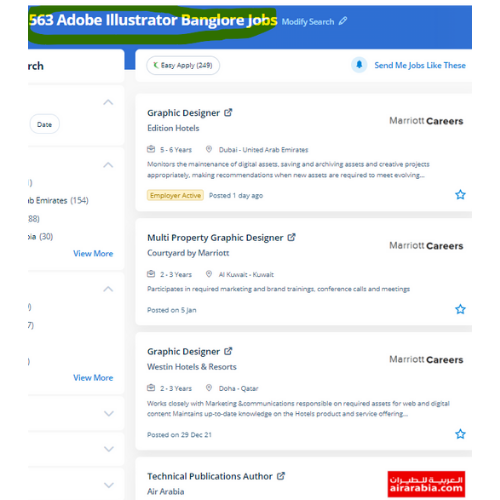
Adobe Illustrator Jobs in Thane

Enjoy the demand

Find jobs related to Adobe Illustrator in search engines (Google, Bing, Yahoo) and recruitment websites (monsterindia, placementindia, naukri, jobshybrid.com, indeed.co.in, shine.com etc.) based in Thane, chennai and europe countries. You can find many jobs for freshers related to the job positions in Thane.

  • Graphic Designer
  • Graphic Trainer
  • Industrial Designer
  • Web Designer
  • Freelance Graphic Designer
  • Illustrator Designer
  • Design Assistant
  • Creative Designer
  • Digital UI/UX Designer
  • Female Graphic Designer

Adobe Illustrator Internship/Course Details

Adobe Illustrator internship jobs in Thane
Adobe Illustrator The illustrator CC interface contains the tools, panels, menu, command, document, window, and artboards you will use when creating or editing an illustrator document. you will learn all illustrator tools and techniques abundant from basics to advanced. There are various further capabilities to be had to modify the graphics being created via this method also. Adobe illustrator files ar place into an Adobe Photoshop layer and keep the vector qualities. Most of the print and screen designers use illustrator to make styles and artwork. Our on-line training course in learn the way a Vector application Creates shapes Composed of points, lines, and curves . Adobe illustrator review is that there are several mobile apps from Adobe like Illustrator Draw, Comp CC, etc, these assist you to edit pictures on your smartphone then you'll modify additional creatively with the support of illustrator cc. probably illustrator is the best editor for vector graphics and it produces artworks with pixel-perfect accuracy. illustrator has several tools in order that you'll show needed tools and additionally hide unwanted tools as a result of all tools are users rarely use, thus it’s vital to arrange them. Our distinctive approach of coaching students into figures involves you working on live projects.


Meet a Few of our Industry Experts 🚀 Your Pathway to IT Career

Mrinal

Mobile: +91 91884 77559
Location: Online (Thane, India)
Qualification: H. S

Experience: 3 years experience in computer hardware and networking field at jdb itcare 3 years experience in php development 6 month  more..

Sumit

Mobile: +91 9895490866
Location: Online (Thane, India)
Qualification: Mca

Experience: I m fresher but I m well known to Java html react python data structures   more..

Bhavesh

Mobile: +91 89210 61945
Location: Online (Thane, India)
Qualification: Greduate

Experience: I am fresher looking for react js job  more..

Abhay

Mobile: +91 8301010866
Location: Online (Thane, India)
Qualification: B.Tech. in EC

Experience: Android Kotlin Java 10 years of experience in Android App development  more..

Arunachalam

Mobile: +91 91884 77559
Location: Online (Thane, India)
Qualification: Bachelor of computer application

Experience: Automation testing Manual testing API Testing Performance testing  more..

Yash

Mobile: +91 91884 77559
Location: Online (Thane, India)
Qualification: BTECH CSE

Experience: Actively pursuing a preeminent role in computer science leveraging extensive acumen in DSA DAA DBMS Networks IoT cybersecurity and ethical  more..

Muhammed

Mobile: +91 91884 77559
Location: Online (Thane, India)
Qualification: BCA (Pursuing)

Experience: Hello I'm Muhammed Adil I'm a full-stack developer with six months of experience I'm currently pursuing my bachelor's degree in  more..

Yash

Mobile: +91 89210 61945
Location: Online (Thane, India)
Qualification: Btech

Experience: Front end developer Data structures and algorithms backend developer C++ programming  more..

Anjani

Mobile: +91 8301010866
Location: Online (Thane, India)
Qualification: Msc.Computer Science

Experience: I have total 5+ Years of experience in wordpress Elementor WP Bakery page builder and also additional MERN Stack experience  more..

Sujin

Mobile: +91 9895490866
Location: Online (Thane, India)
Qualification: Btech

Experience: Python and Django Manual and Automation testing  more..

SHUBHAM

Mobile: +91 89210 61945
Location: Online (Thane, India)
Qualification: Under Graduate

Experience: I'm Shubham Mehrotra a Senior Digital Marketing Executive & Graphic Designer at Space Technology and Education Pvt Ltd I have  more..

Sanghavi

Mobile: +91 94975 90866
Location: Online (Thane, India)
Qualification: B.E

Experience: Aws kubernetes jenkins docker ansible oracle sql core java  more..

Mayuri

Mobile: +91 9895490866
Location: Online (Thane, India)
Qualification: BE in Computer Engineering

Experience: I am an experienced software developer skills with angular (RXJS Reactive forms routing) Javascript(Promises) Typescript HTML CSS Git Bitbukcet Jira  more..

Chandana

Mobile: +91 91884 77559
Location: Online (Thane, India)
Qualification: MCA

Experience: SIEM Splunk IBM Qrader firewall |   more..

Amritha

Mobile: +91 98474 90866
Location: Online (Thane, India)
Qualification: MCA

Experience: Software testing 6 month internship from Luminar Technolab Manual testing Automation testing  more..

Srinivas

Mobile: +91 91884 77559
Location: Online (Thane, India)
Qualification: Bachelors of engineering

Experience: AWS devop linux and python   more..

Mohammed

Mobile: +91 94975 90866
Location: Online (Thane, India)
Qualification: Diploma in computer engineering

Experience: 6 months experience in flutter development UI designing State management   more..

Veldandi

Mobile: +91 8301010866
Location: Online (Thane, India)
Qualification: Post graduation

Experience: Manual testing SDLC STLC automation Testing Selenium Web driver Java  more..

Kuldeep

Mobile: +91 98474 90866
Location: Online (Thane, India)
Qualification: Graduation

Experience: My name is Kuldeep Rathore I'm a React JS developer I've 2+ years of development Experience and have a strong  more..

Pranay

Mobile: +91 8301010866
Location: Online (Thane, India)
Qualification: BTech computer science engineering

Experience: Recent CS grad skilled in react javascript and python Looking to start career in software development  more..

Subashkumar

Mobile: +91 94975 90866
Location: Online (Thane, India)
Qualification: B.E

Experience: Software testing QA Software developy  more..

Gopika

Mobile: +91 91884 77559
Location: Online (Thane, India)
Qualification: Btech in Computer Science and Engineering

Experience: Software testing manual testing test case preparation Bug report preparation sdlc STLC  more..

GAYATRI

Mobile: +91 91884 77559
Location: Online (Thane, India)
Qualification: B.Tech(pursuing)

Experience: Skills:-java web development Experience:-0  more..

Yeswanthkumar

Mobile: +91 91884 77559
Location: Online (Thane, India)
Qualification: Bsc computer science

Experience: I have 2 years of experience in front office associate in hotel industry later I have completed data analyst course  more..

Success Stories

The enviable salary packages and track record of our previous students are the proof of our excellence. Please go through our students' reviews about our training methods and faculty and compare it to the recorded video classes that most of the other institutes offer. See for yourself how TechnoMaster is truly unique.

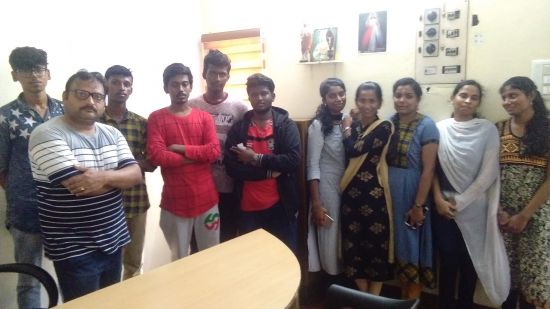
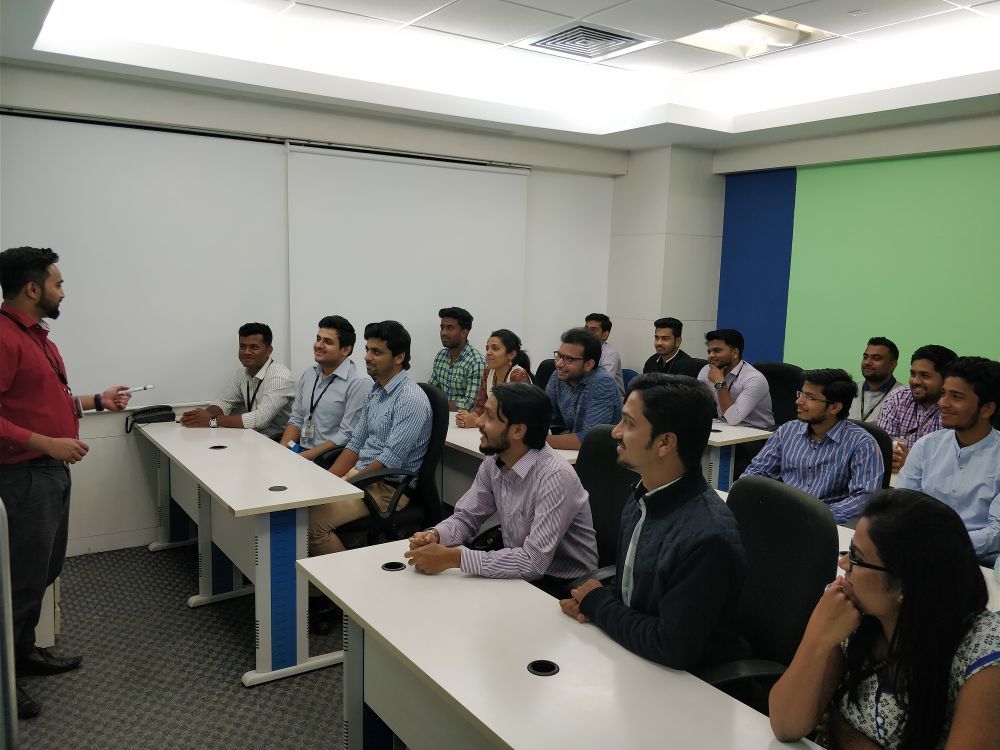
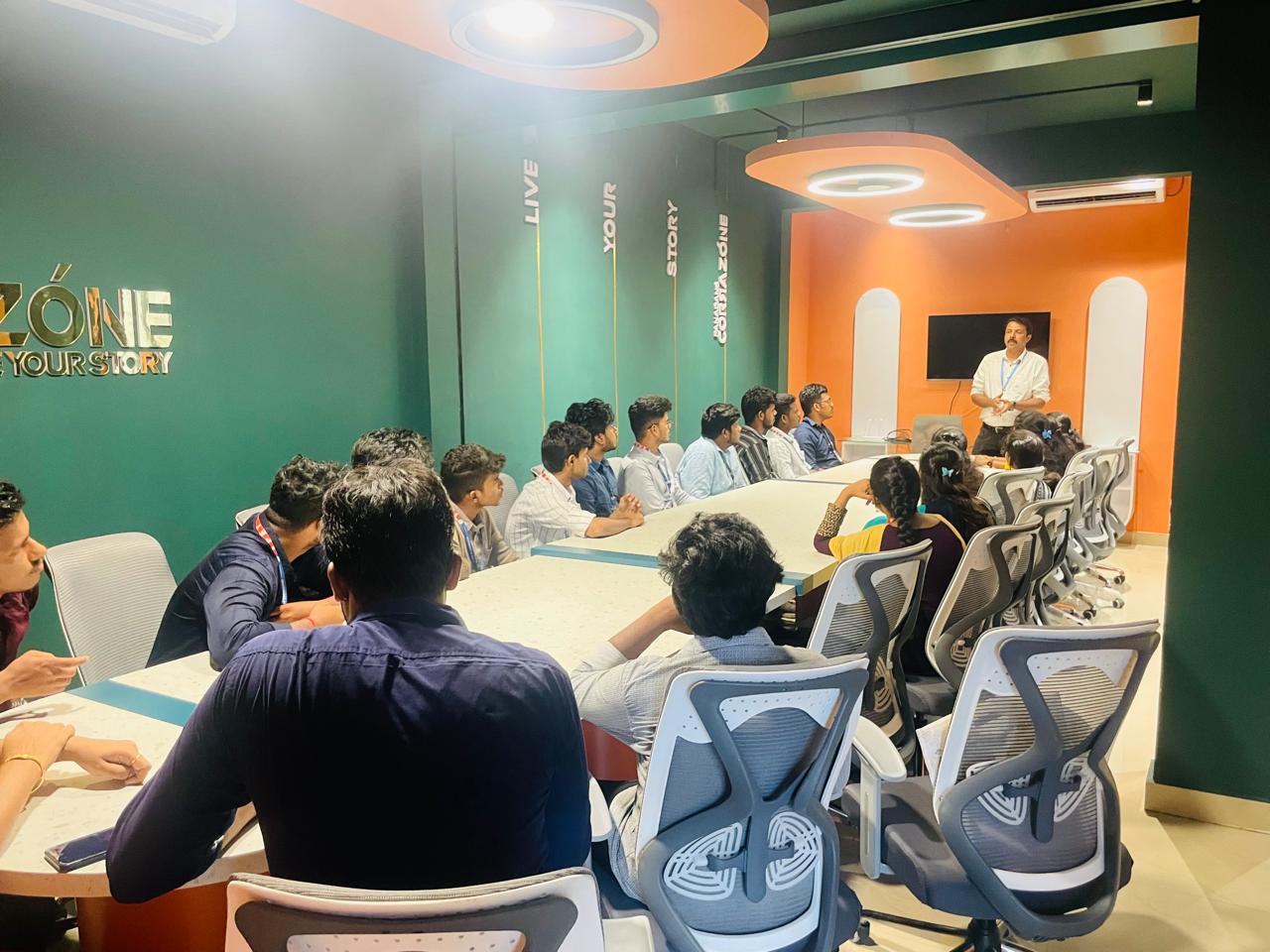
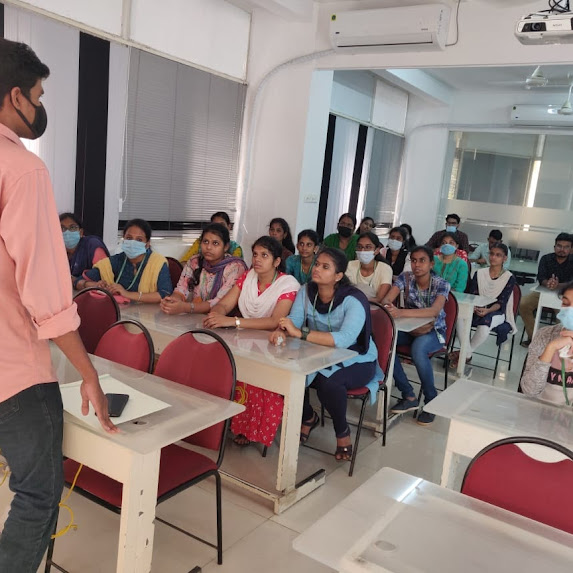
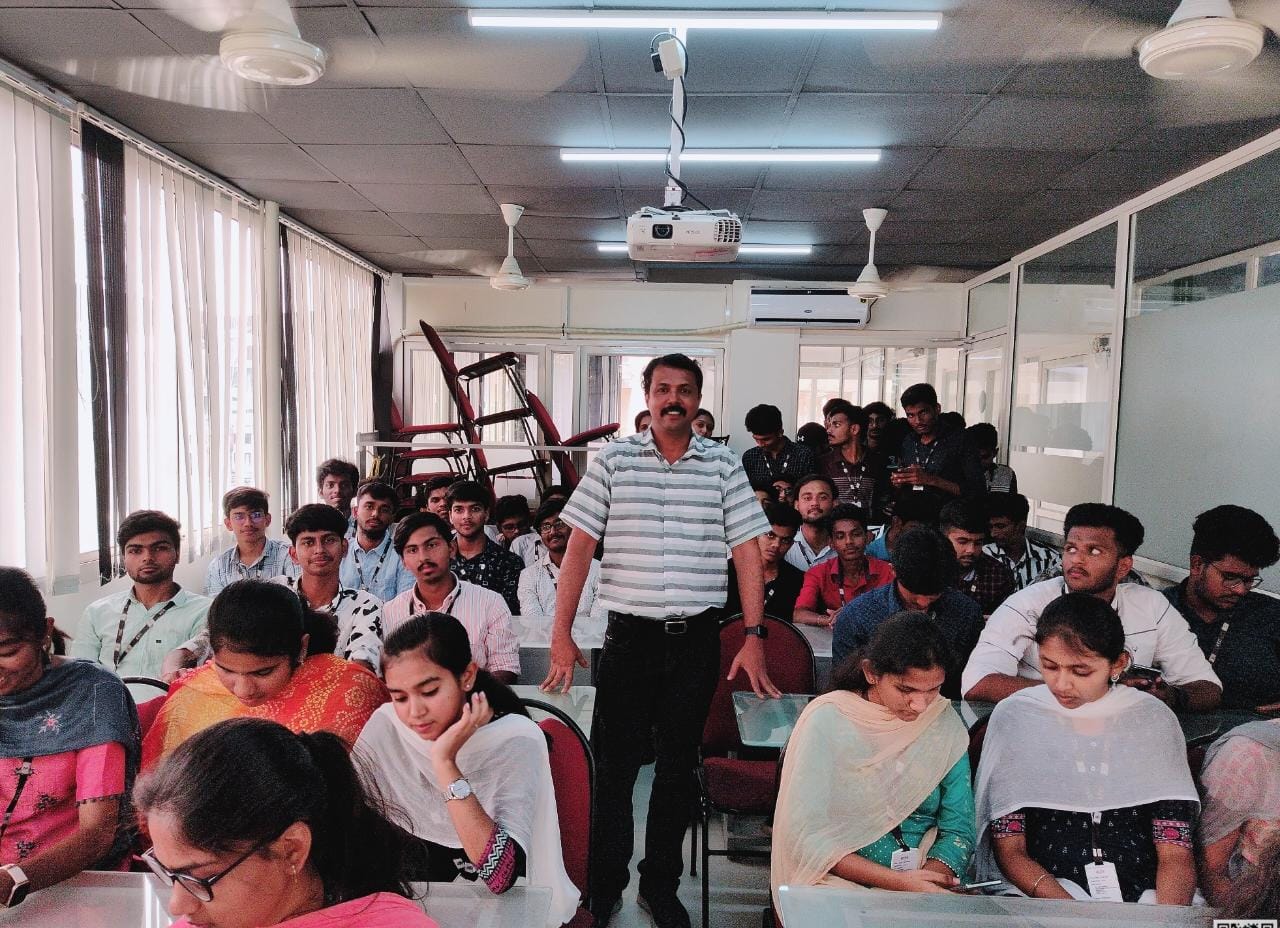
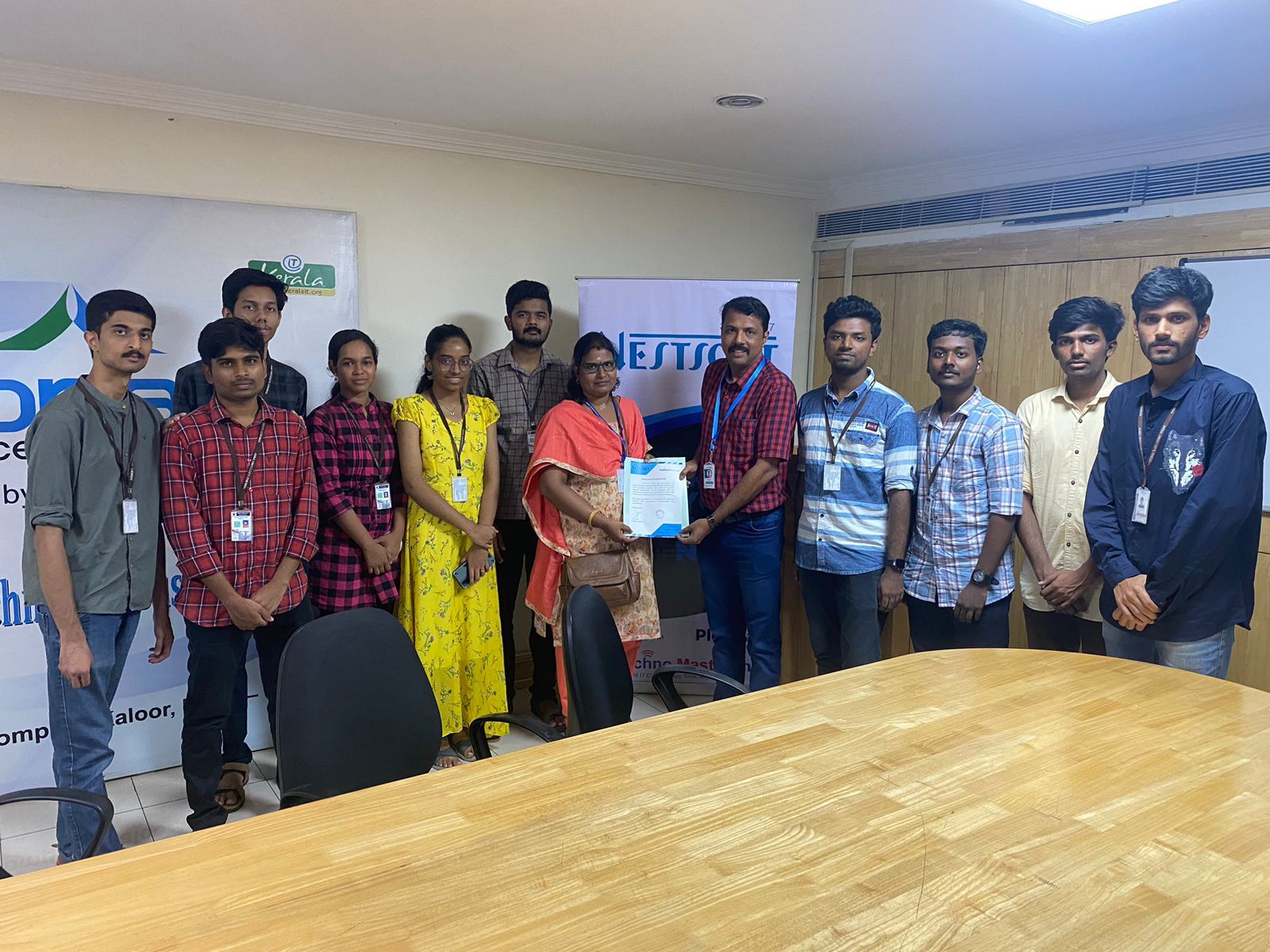
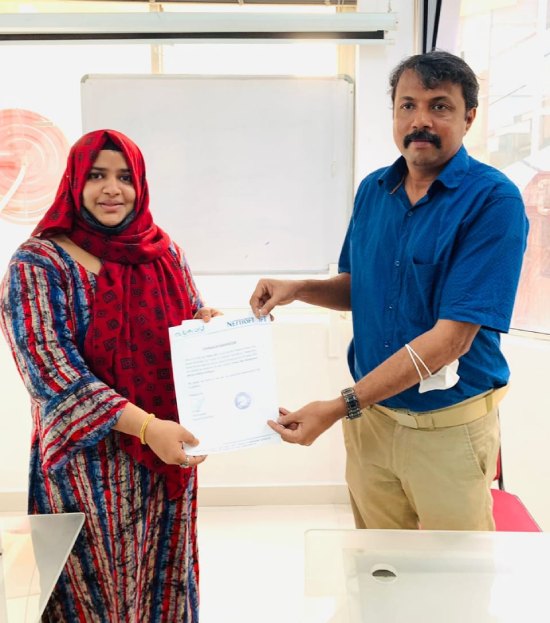
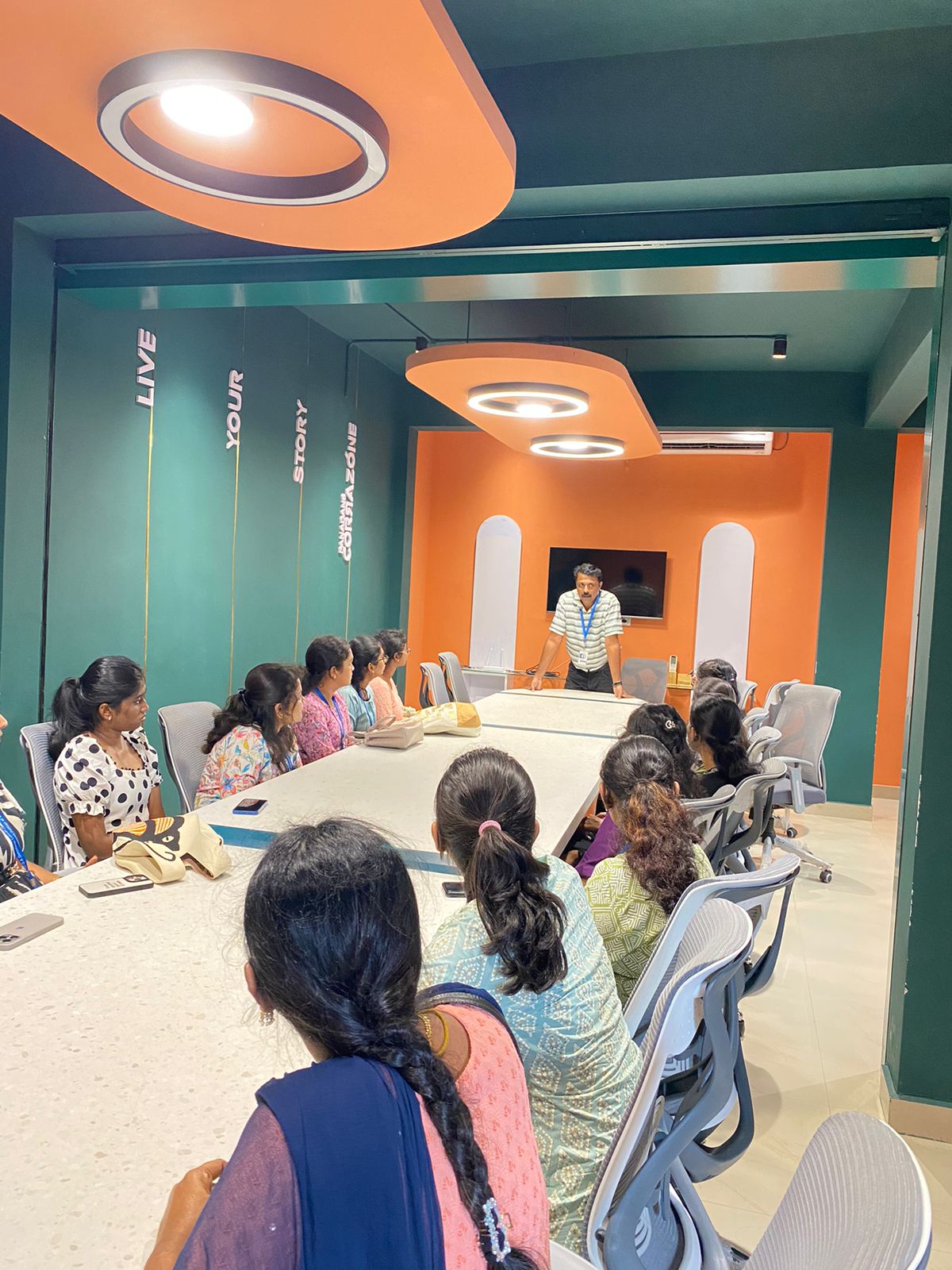
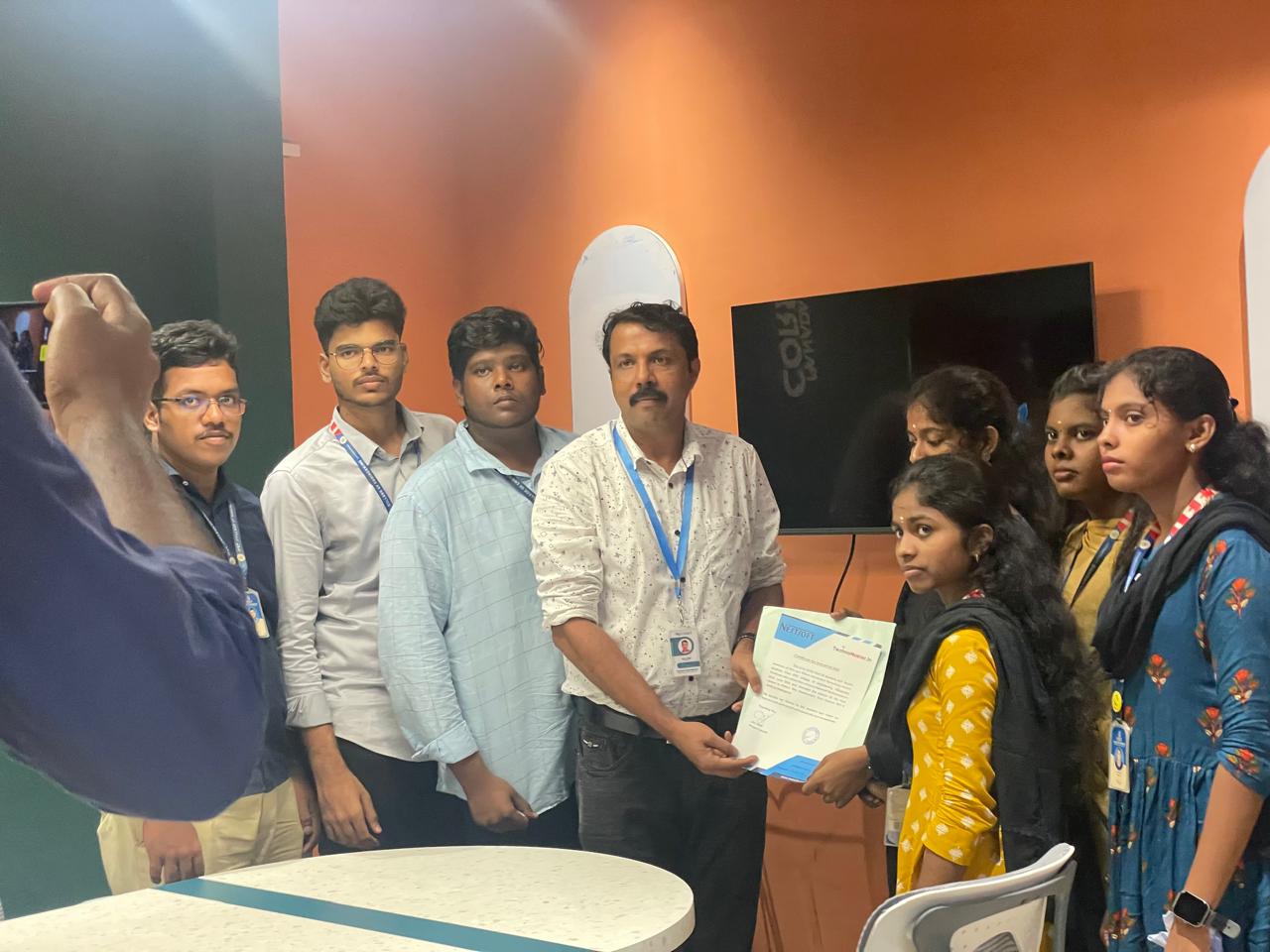
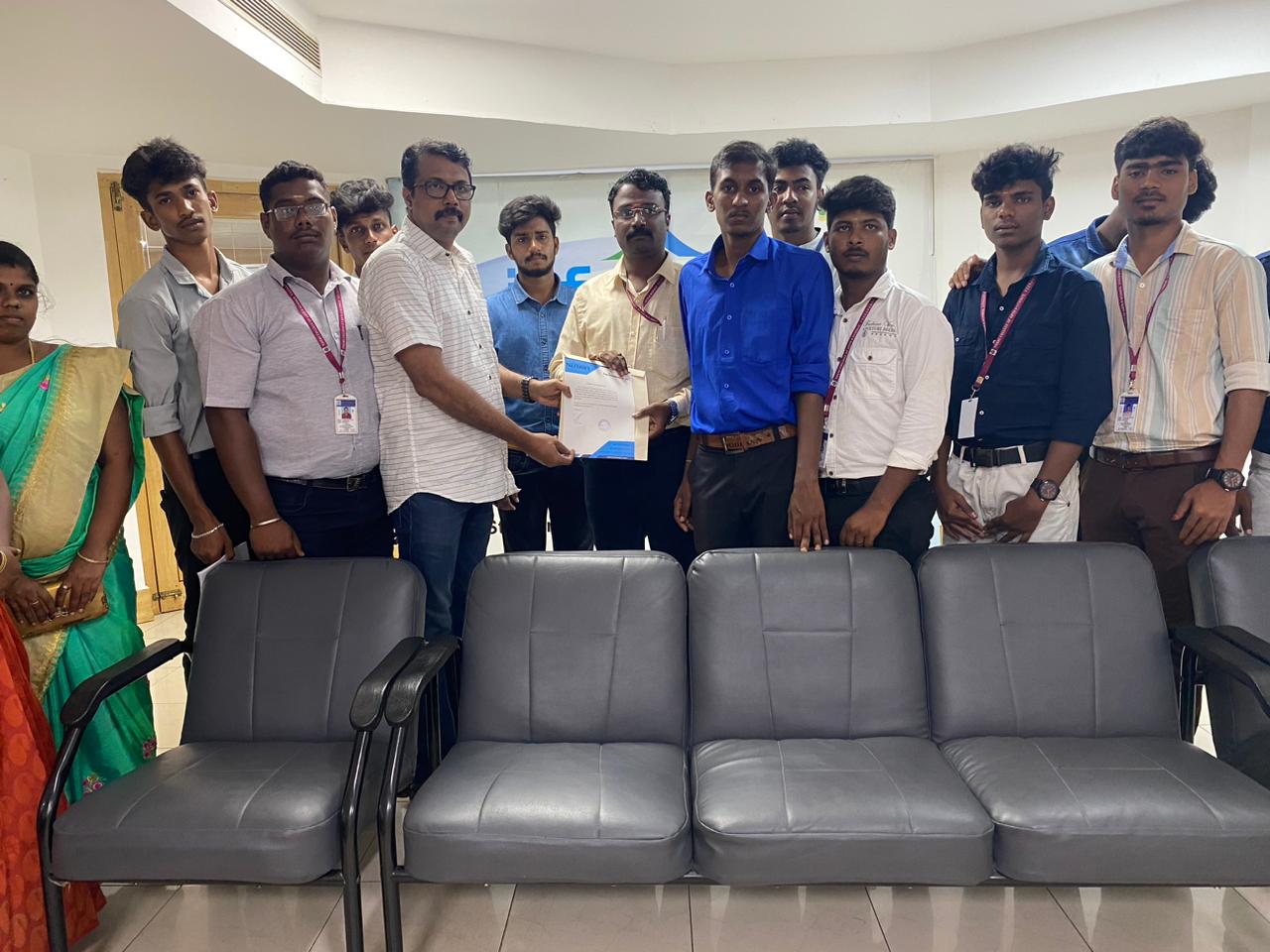
Photos of Training / Internships

Internship/projects in thane

Trained more than 10000+ students who trust Nestsoft TechnoMaster

Get Your Personal Trainer