Send enquiry ⏎

Adobe Dreamweaver Online Live Class by Experts

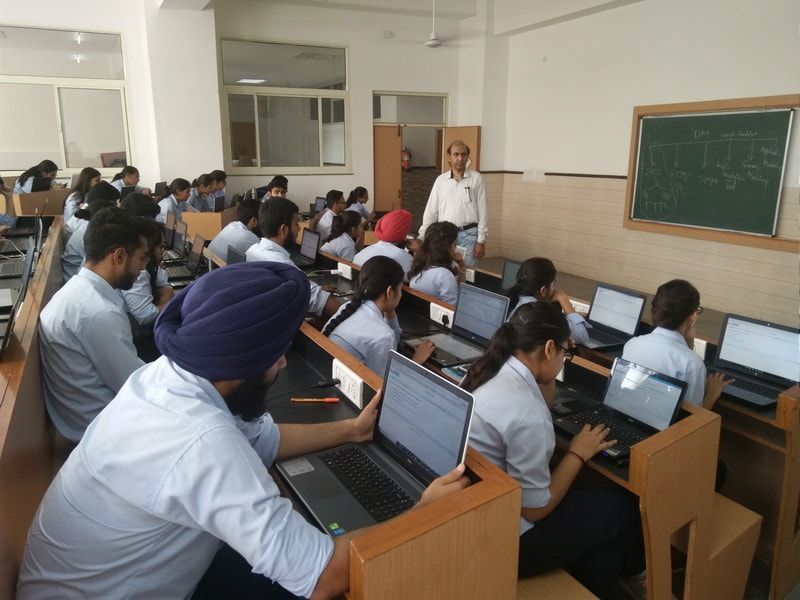
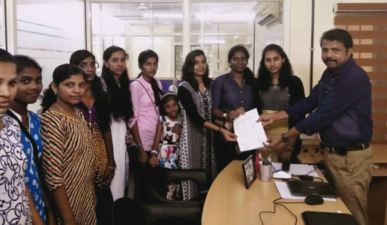
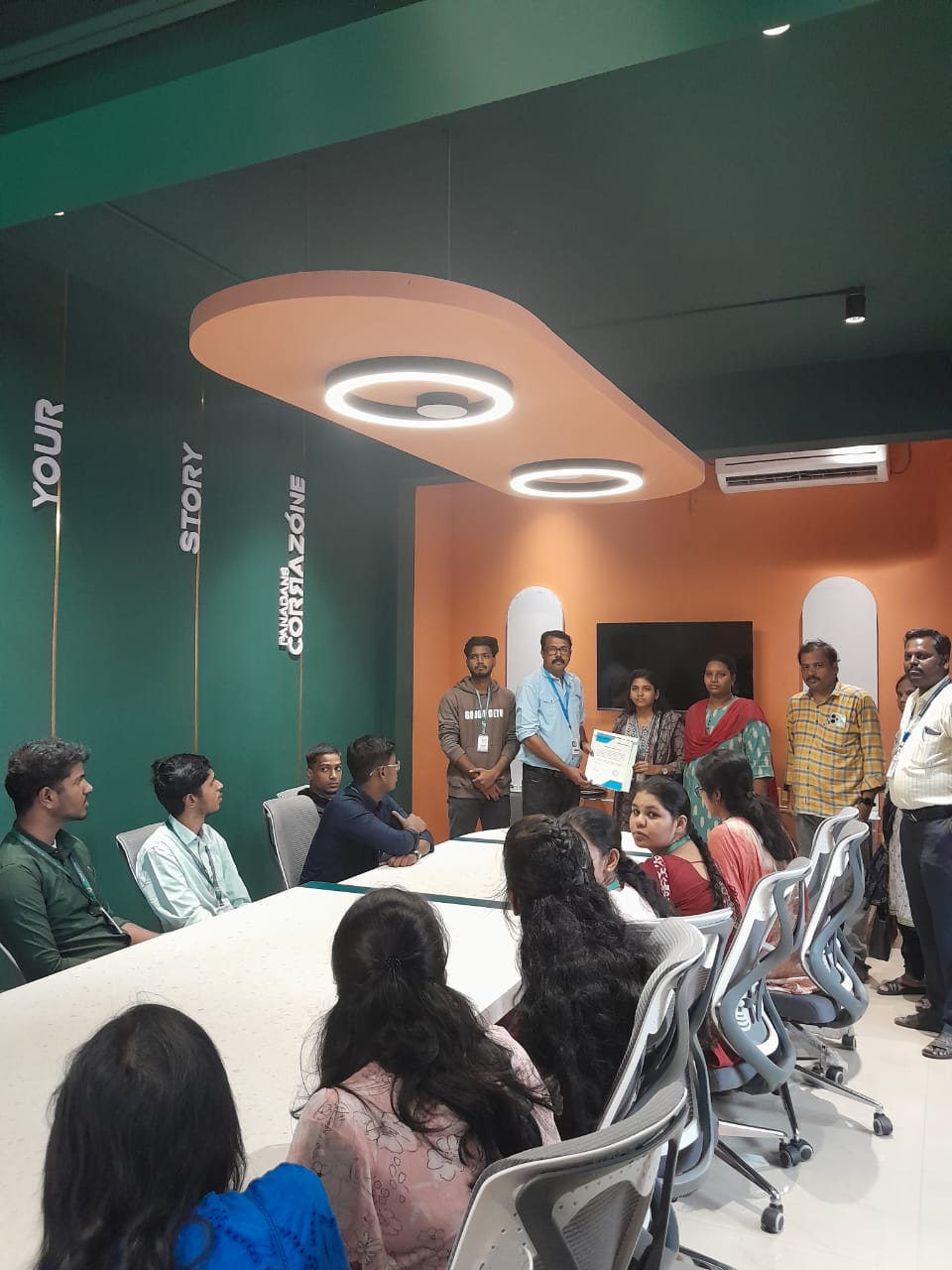
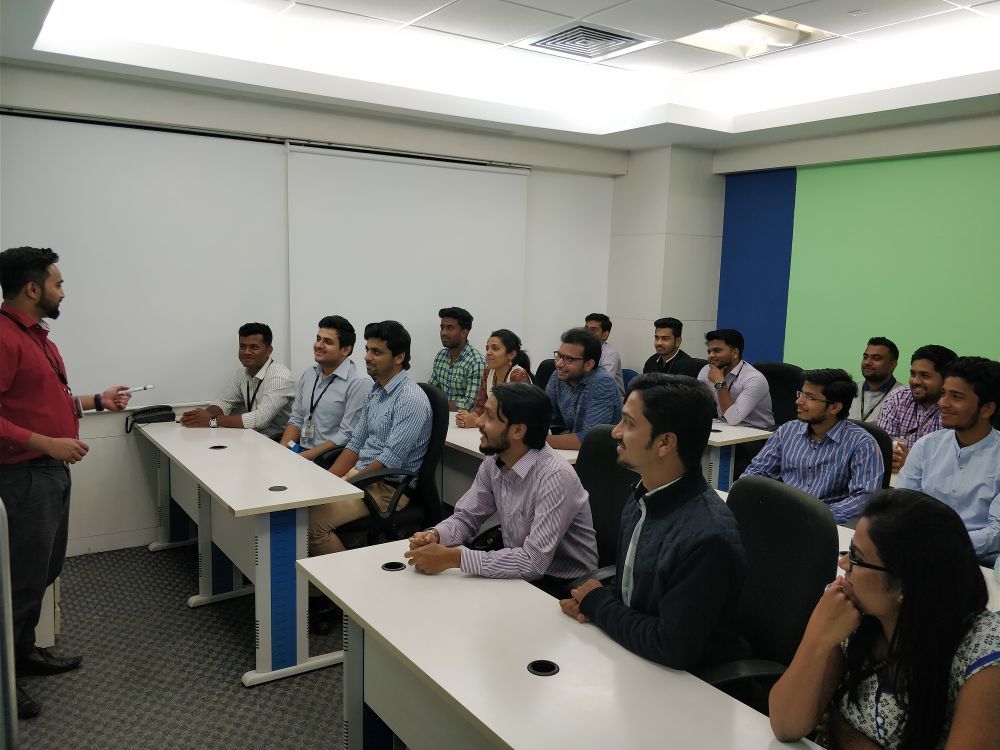
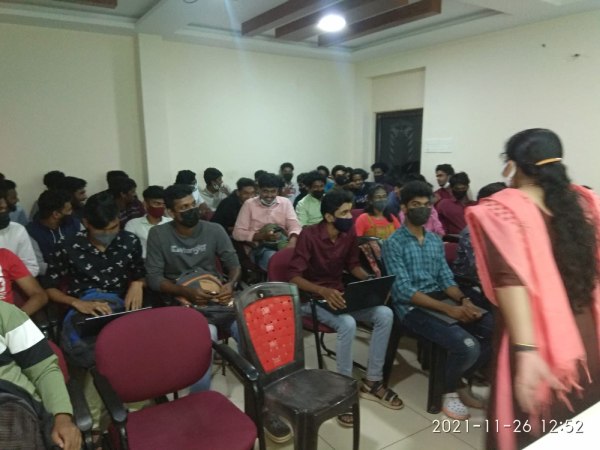
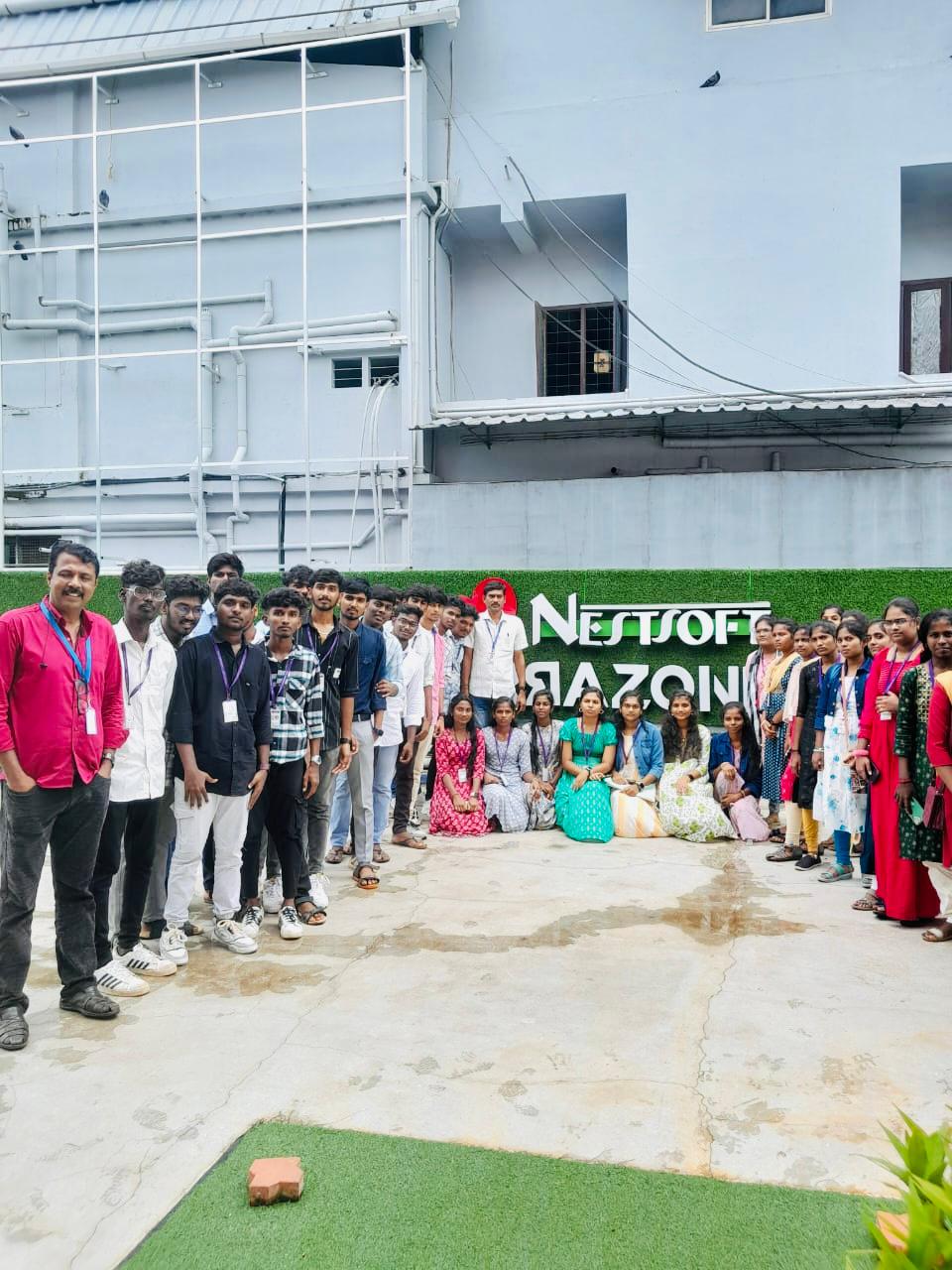
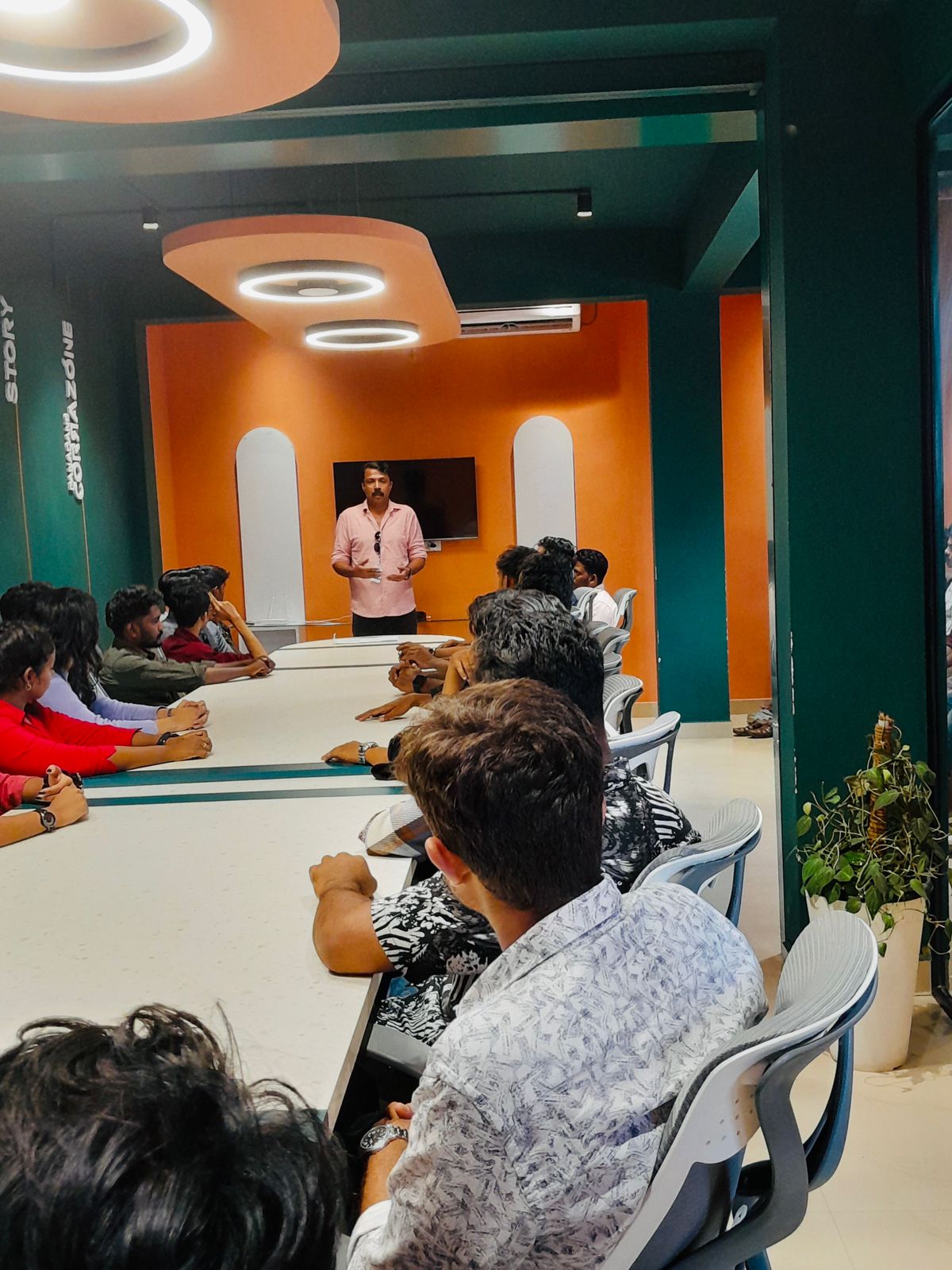
Our Training/Internship Process

Adobe Dreamweaver Online Live Classes in Kalyan | Free Demo Training

Adobe Dreamweaver - Syllabus, Fees & Duration

Module 1: Introducing Dreamweaver

  • Understanding the course
  • Reviewing the course objectives and prerequisites
  • Reviewing the course format
  • Outlining the course content
  • Understanding static page architecture

Module 2: Getting Started

  • Introducing Dreamweaver
  • Learning the interface
  • Defining a local site
  • Creating a website

Module 3: Adding Content to a Site

  • Adding content
  • Controlling document structure
  • Making lists
  • Adding horizontal rules
  • Adding special characters

Module 4: Formatting with CSS

  • Formatting text
  • Introducing CSS
  • Creating styles
  • Exporting CSS rule definitions
  • Creating class styles
  • Attaching external style sheets
  • Creating advanced styles
  • Creating a new external style sheet
  • Displaying styles
  • Understanding cascading order and inheritance of styles
  • Creating internal styles with the Property inspector

Module 5: Working with Graphics

  • Using graphics on web pages
  • Placing graphics on the page
  • Modifying image properties
  • Editing images
  • Doing roundtrip editing with Fireworks
  • Customizing the Insert bar
  • Adding Flash content
  • Adding Flash Video

Module 6: Navigating Your Site

  • Understanding site navigation
  • Linking to files in your site
  • Linking to sites
  • Linking to named anchors
  • Adding e-mail links
  • Linking from images
  • Creating a jump menu

Module 7: Designing Page Layouts with CSS

  • Understanding page layout
  • Using layers for layout
  • Adding CSS to layers
  • Using absolute and relative positioning
  • Designing with DIV's
  • Designing navigation links with CSS
  • Importing tabular data
  • Using table layout view

Module 8: Using Libraries and Templates

  • Using site library items
  • Creating site templates
  • Defining editable regions
  • Using templates
  • Applying a template to an existing page
  • Modifying templates

Module 9: Creating Forms

  • Understanding forms
  • Processing a form
  • Setting focus in a form
  • Validating a form

Module 10: Testing, Maintenance, and Uploading

  • Testing your site
  • Maintaining your files and folders
  • Connecting to a remote site
  • Synchronizing files

Download Syllabus - Adobe Dreamweaver
This syllabus is not final and can be customized as per needs/updates
   
10000+
20+
50+
25+

Adobe Dreamweaver Jobs in Kalyan

Enjoy the demand

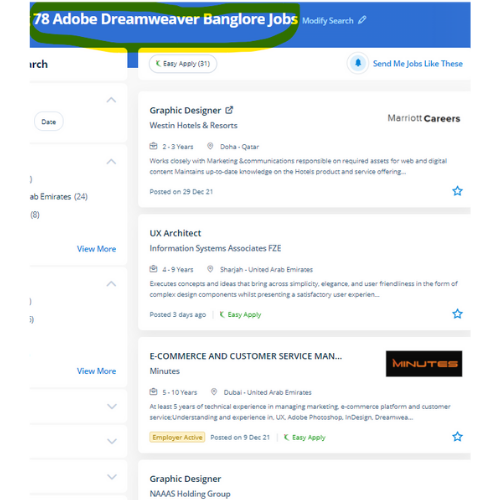
Find jobs related to Adobe Dreamweaver in search engines (Google, Bing, Yahoo) and recruitment websites (monsterindia, placementindia, naukri, jobshybrid.com, indeed.co.in, shine.com etc.) based in Kalyan, chennai and europe countries. You can find many jobs for freshers related to the job positions in Kalyan.

  • Graphic Designer
  • Creative Designer
  • CorelDraw Trainer
  • Web graphic designer
  • UI/UX Designer
  • Digital Designer
  • Designing Trainer
  • GUI Designer
  • Creative Graphic Designer
  • Web designer intern

Adobe Dreamweaver Internship/Course Details

Adobe Dreamweaver internship jobs in Kalyan
Adobe Dreamweaver Students additionally can receive digital versions of their course books. Dreamweaver is not the only Adobe web design tool. Over time, it'll not be able to continue with changes among the specifications of the varied the various exist to create websites, so web designers need to familiarise themselves with Dreamweaver as an alternate. during this comprehensive course, Nestsoft can give you the in-depth data needed to alter you to perform creative and skilled web design techniques while working on your own material. the corporate conjointly offers Adobe Muse, a somewhat restricted program in functions however terribly easy to use. Students can learn to spice up the web pages by suggests that of adding advanced functions like guidance controls, media parts, and forms. an intuitive application used for the event and elegance of websites, Dreamweaver is favored due to its simple user interface and built-in code editor. With Dreamweaver you will go from setting out to end, creating and maintaining basic websites to advanced applications that support best practices and additionally the newest technologies. The coding is checked whenever you're incorporating one as there may be a typo error. easy and complex websites are going to be designed using a purpose and click-on technique.


Meet a Few of our Industry Experts 🚀 Your Pathway to IT Career

suhasini

Mobile: +91 91884 77559
Location: Online (Kalyan, India)
Qualification: M.Sc., M.Ed.

Experience: With over 13 years of teaching experience in schools and colleges I bring a diverse expertise in subjects ranging from  more..

Tarun

Mobile: +91 91884 77559
Location: Online (Kalyan, India)
Qualification: MCA

Experience: I have 6-8 months of experience in manual testing   more..

Roshani

Mobile: +91 98474 90866
Location: Online (Kalyan, India)
Qualification: B.E

Experience: Kotlin android GitHub coroutine jetpack compose compose test rule  more..

Anandapoorani

Mobile: +91 8301010866
Location: Online (Kalyan, India)
Qualification: Bachelor of Engineering

Experience: QA Tester with 2 years of experience in both automation and manual testing Proven expertise in ensuring software Quality of  more..

NITHIN

Mobile: +91 89210 61945
Location: Online (Kalyan, India)
Qualification: Bachelors Degree

Experience: Python Django Mongodb SQL NSQL DBMS C programming java HTML PHP   more..

Chandu

Mobile: +91 91884 77559
Location: Online (Kalyan, India)
Qualification: B.com general

Experience: I did two internship for seo off page i have 10 experience on internship  more..

Santhiya

Mobile: +91 89210 61945
Location: Online (Kalyan, India)
Qualification: Bsc Electronics

Experience: 1 year full stack developer role |   more..

Pavel

Mobile: +91 91884 77559
Location: Online (Kalyan, India)
Qualification: Honors

Experience: My name is Pavel Asad I am Bangladeshi I'm a Wix developer I have been working with Wix for 4  more..

Shagun

Mobile: +91 91884 77559
Location: Online (Kalyan, India)
Qualification: MCA

Experience: Skills: Java Selenium TestNG cucumber API testing SQL injection Manual Testing Experience: 1 5 years as a automation tester Currently  more..

vijender

Mobile: +91 89210 61945
Location: Online (Kalyan, India)
Qualification: B.A.

Experience: Microsoft office python html  more..

Ragul

Mobile: +91 89210 61945
Location: Online (Kalyan, India)
Qualification: BE-ECE

Experience: Manual testing Selenium Java Api Sql  more..

Revella

Mobile: +91 89210 61945
Location: Online (Kalyan, India)
Qualification: B.tech

Experience: Java and Net full stack developer Have been coding since 3 years and have done projects on both java and  more..

Jeetesh

Mobile: +91 98474 90866
Location: Online (Kalyan, India)
Qualification: MCA

Experience: Hello there! I'm Jeetesh Surana a senior Android developer with 7+ Years of Experience Developed 200+ Applications in this tenure  more..

Rakhi

Mobile: +91 91884 77559
Location: Online (Kalyan, India)
Qualification: Mca

Experience: Software testing intern   more..

Gurpreet

Mobile: +91 91884 77559
Location: Online (Kalyan, India)
Qualification: Mca

Experience: 1year experience php devolper  more..

Shanthini

Mobile: +91 89210 61945
Location: Online (Kalyan, India)
Qualification: 12th pass

Experience: canva web developer web designing full stack communication html css javascript advanced computer skills writing creative leadership Projects: Online Second  more..

Rovin

Mobile: +91 91884 77559
Location: Online (Kalyan, India)
Qualification: B.Tech

Experience: I have 1 4 years experienced in odoo I have work different module like purchase sale manufacturing inventory invoicing Some  more..

Rajendra

Mobile: +91 91884 77559
Location: Online (Kalyan, India)
Qualification: BCA

Experience: Handling various technical aspects like coding of modules using the given design specifications debugging and fixing the defects as well  more..

Kodam

Mobile: +91 91884 77559
Location: Online (Kalyan, India)
Qualification: Mcom fa

Experience: Functionality testing Regression Testing retesting Blackbox testing ui testing  more..

Junaid

Mobile: +91 9895490866
Location: Online (Kalyan, India)
Qualification: Bca

Experience: Laravel php jquery javascript html css bootstrap etc   more..

Yash

Mobile: +91 91884 77559
Location: Online (Kalyan, India)
Qualification: Bachelor's

Experience: Professional Canva Designer did my past Job in Designer field and i use to create design using canva Clients i  more..

Santhiya

Mobile: +91 8301010866
Location: Online (Kalyan, India)
Qualification: MCA

Experience: EXPERIENCE Intern Java Master Class May 2023 - Sep 2023 Java Analyst Java Master Class Oct 2023 - Dec 2023  more..

himanti

Mobile: +91 89210 61945
Location: Online (Kalyan, India)
Qualification: Mca

Experience: 2 years canva design experience |   more..

Sumit

Mobile: +91 91884 77559
Location: Online (Kalyan, India)
Qualification: Btech

Experience: Looking for nodejs developer And working in flyweis technology for 1 5 years Proficient in using TWILIO to get otp  more..

Success Stories

The enviable salary packages and track record of our previous students are the proof of our excellence. Please go through our students' reviews about our training methods and faculty and compare it to the recorded video classes that most of the other institutes offer. See for yourself how TechnoMaster is truly unique.

Photos of Training / Internships

Internship/projects in kalyan

Trained more than 10000+ students who trust Nestsoft TechnoMaster

Get Your Personal Trainer