Send enquiry ⏎

React JS Online Live Class by Experts

Our Training/Internship Process

React JS Online Live Classes in Thoothukudi | Free Demo Training

React JS - Syllabus, Fees & Duration

Module 1: Introduction to React

  • What is React?
  • Why React?
  • React version history
  • React 16 vs React 15
  • Just React – Hello World
  • Using create-react-app
  • Anatomy of react project
  • Running the app
  • Debugging first react app

Module 2: Templating using JSX

  • Working with React. create Element
  • Expressions
  • Using logical operators
  • Specifying attributes
  • Specifying children
  • Fragments

Module 3: About Components

  • Significance of component architecture
  • Types of components
  • Functional
  • Class based
  • Pure
  • Component Composition

Module 4: Working with state and props

  • What is state and it significance
  • Read state and set state
  • Passing data to component using props
  • Validating props using prop Types
  • Supplying default values to props using default Props

Module 5: Rendering lists

  • Using react key prop
  • Using map function to iterate on arrays to generate elements

Module 6: Event handling in React

  • Understanding React event system
  • Understanding Synthetic event
  • Passing arguments to event handlers

Module 7: Understanding component lifecycle and  handling errors

  • Understand the lifecycle methods
  • Handle errors using error boundaries

Module 8: Working with forms

  • Controlled components
  • Uncontrolled components
  • Understand the significance to default Value prop
  • Using react ref prop to get access to DOM element

Module 9: Context

  • What is context
  • When to use context
  • Create Context
  • Context Provider
  • Context Consumer
  • Reading context in class

Module 10: Code-Splitting

  • What is code splitting
  • Why do you need code splitting
  • React lazy
  • Suspense
  • Route-based code splitting

Module 11: hooks

  • What are hooks
  • Why do you need hooks
  • Different types of hooks
  • Using state and effect hooks
  • Rules of hooks

Module 12: Routing with react router

  • Setting up react router
  • Understand routing in single page applications
  • Working with Browser Router and Hash Router components
  • Configuring route with Route component
  • Using Switch component to define routing rules
  • Making routes dynamic using route params
  • Working with nested routes
  • Navigating to pages using Link and NavLink component
  • Redirect routes using Redirect Component
  • Using Prompt component to get consent of user for navigation
  • Path less Route to handle failed matches

Module 14: Immutable.js

  • What is Immutable.js?
  • Immutable collections
  • Lists
  • Maps
  • Sets

Module 17: Unit Testing

  • Understand the significance of unit testing
  • Understand unit testing jargon and tools
  • Unit testing react components with Jest
  • Unit testing react components with enzyme

Module 18: Web pack Primer

  • What is web pack
  • Why web pack
  • Install and setup web pack
  • Working with web pack configuration file
  • Working with loaders
  • Working with plugins
  • Setting up Hot Module Replacement

Module 19: Isomorphic React

  • What is server-side rendering (SSR)?
  • Why SSR
  • Working with render To String and render To Static Markup methods

Download Syllabus - React JS
This syllabus is not final and can be customized as per needs/updates
   
10000+
20+
50+
25+

React JS Jobs in Thoothukudi

Enjoy the demand

Find jobs related to React JS in search engines (Google, Bing, Yahoo) and recruitment websites (monsterindia, placementindia, naukri, jobshybrid.com, indeed.co.in, shine.com etc.) based in Thoothukudi, chennai and europe countries. You can find many jobs for freshers related to the job positions in Thoothukudi.

  • Full stack Developer
  • Web Developer
  • React JS Developer
  • Web developer Intern
  • React Native Developer
  • Lead ReactJS Developer
  • Front-End Developer
  • Java Full Stack Developer
  • Frontend Lead Developer
  • Senior Frontend Developer

React JS Internship/Course Details

React JS internship jobs in Thoothukudi
React JS Actually, React has been formed to arrange the development, maintenance, and updating of the UI with the goal of helping the development teams operate on projects of average and intensely tough. React web framework is presently being used by reputed companies as well as Netflix, NASA, BBC, Facebook, Paypal, etc. Nestsoft coaching sessions are taken in pleasant surroundings and thus members will perceive the ideas simply. the chance of reusing the codes and additionally creating component modules for convenience enabling the developers to perform unit tests that guarantee no system crashes within the close to future is the great thing of using ReactJS. ReactJS contains a reputation for being a strong tool for creating user interfaces. React JS is created via means of Facebook and is the most effective solution for front-end developers of mobile and web apps. it is not a surprise to mention that React has gathered a lot of fashionability over the many times of its existence and that is gonna be in the eye of everybody for a few other times. however is it achievable that an easy library has gotten thus popular? you will have caught on to ReactJS before, seeing plenty of people talking concerning it, a lot of individuals using it, and a bunch of products created by this technology. Reactjs additionally provides a framework for various alternative platforms also, similar to mobile devices in order that there's no probability for the user to complain regarding something. Be it net development or mobile application development, developers intimate with JavaScript will effortlessly learn ReactJS.


Meet a Few of our Industry Experts 🚀 Your Pathway to IT Career

Ratnaparkhe

Mobile: +91 89210 61945
Location: Online (Thoothukudi, India)
Qualification: Bsc computers

Experience: Skills: 1 Manual & Automation Testing 2 selenium Java Experience: Developed automation for POC for SAP Fiori web application involves  more..

Rohit

Mobile: +91 9895490866
Location: Online (Thoothukudi, India)
Qualification: ADIT Diploma

Experience: html css Bootstrap java script php Laravel my sql mongodb python Django cloud computing mean stack   more..

Kumar

Mobile: +91 9895490866
Location: Online (Thoothukudi, India)
Qualification: BE ECE

Experience: I have a basic knowledge in Social media marketing and management I have a knowledge in Technical support role and  more..

Abhishekh

Mobile: +91 91884 77559
Location: Online (Thoothukudi, India)
Qualification: Post Graduate

Experience: With a passion for Hindi language and culture I bring extensive experience and expertise as a Hindi teacher Over the  more..

Ritu

Mobile: +91 9895490866
Location: Online (Thoothukudi, India)
Qualification: post graduation

Experience: Logo posters video editing website design magazine  more..

ARDRA

Mobile: +91 91884 77559
Location: Online (Thoothukudi, India)
Qualification: bca

Experience: Install configure and maintain Linux operating systems Set up and manage user accounts and permissions Routing and Switching: Proficient in  more..

Simran

Mobile: +91 89210 61945
Location: Online (Thoothukudi, India)
Qualification: Bcom

Experience: I am seo executive for over last 9 5 months I am responsible for handling and overseeing on page off  more..

Anandhu

Mobile: +91 91884 77559
Location: Online (Thoothukudi, India)
Qualification: BCA - Computer Application

Experience: I have a strong background in website development field and have been working in this field for 2+ years i  more..

Divya

Mobile: +91 89210 61945
Location: Online (Thoothukudi, India)
Qualification: First Year in Cyber Security

Experience: Technical Skills:Knowledge of networking fundamentals such as TCP IP routing and switching Understanding of operating systems like Windows Linux and  more..

Akbar

Mobile: +91 89210 61945
Location: Online (Thoothukudi, India)
Qualification: B.Tech

Experience: Computer hardware and networking CCNA |   more..

Balram

Mobile: +91 98474 90866
Location: Online (Thoothukudi, India)
Qualification: Diploma in computer science

Experience: Html css php WordPress manual Testing mobile application testing  more..

Kalidaspandian

Mobile: +91 8301010866
Location: Online (Thoothukudi, India)
Qualification: B.Tech (Computer Science)

Experience: I am new to Digital Marketing platform and as a quick learner i can able to catch up the points  more..

Ananthu

Mobile: +91 89210 61945
Location: Online (Thoothukudi, India)
Qualification: Bca

Experience: Manual tester sql test case development test scenario agile methodology   more..

Yatendra

Mobile: +91 9895490866
Location: Online (Thoothukudi, India)
Qualification: Mba

Experience: I am good in smo and seo with graphic design  more..

Lavleen

Mobile: +91 91884 77559
Location: Online (Thoothukudi, India)
Qualification: M.Tech

Experience: - Proficient in utilizing software development tools and technologies such as HTML CSS PHP Laravel Javascript JQuery Git GitHub GitLab  more..

rishi

Mobile: +91 8301010866
Location: Online (Thoothukudi, India)
Qualification: JCHNP

Experience: sophos firewall configuration and server support configuration  more..

Shubham

Mobile: +91 91884 77559
Location: Online (Thoothukudi, India)
Qualification: Bse Graduate

Experience: I have total 3 year and 9 month of experience in both manual and automation testing   more..

SURYA

Mobile: +91 91884 77559
Location: Online (Thoothukudi, India)
Qualification: B.E

Experience: Java MySQL HTML CSS JavaScript Worked as 6 months intern as front-end developer and completed Web development project Application for  more..

Pratik

Mobile: +91 89210 61945
Location: Online (Thoothukudi, India)
Qualification: Graduation

Experience: Skill:- programming with c and java Communication skills Experience:- fresher   more..

ravirajsinh

Mobile: +91 91884 77559
Location: Online (Thoothukudi, India)
Qualification: b.sc

Experience: -I'm a front-end developer -I have a completed internship in frontend development -I have completed frontage language in HTML CSS  more..

Anushka

Mobile: +91 9895490866
Location: Online (Thoothukudi, India)
Qualification: BCA

Experience: As a fresher in Software Testing I am enthusiastic about ensuring software quality through meticulous testing Proficient in both manual  more..

Himna

Mobile: +91 91884 77559
Location: Online (Thoothukudi, India)
Qualification: MSc Computer Science with specialization in Data Science

Experience: I am confident that with my strong technical skills and experience in both full-stack development and data science I possess  more..

Krishnaprabha

Mobile: +91 8301010866
Location: Online (Thoothukudi, India)
Qualification: Computer engineering diploma

Experience: I have completed course in full stack development in MEAN stack from ICT Academy of Kerala I am familiarized with  more..

Anju

Mobile: +91 98474 90866
Location: Online (Thoothukudi, India)
Qualification: Btech (EC)

Experience: Have basic knowledge of programming languages like c c++ java Have basic knowledge of html css Have basic knowledge of  more..

Success Stories

The enviable salary packages and track record of our previous students are the proof of our excellence. Please go through our students' reviews about our training methods and faculty and compare it to the recorded video classes that most of the other institutes offer. See for yourself how TechnoMaster is truly unique.

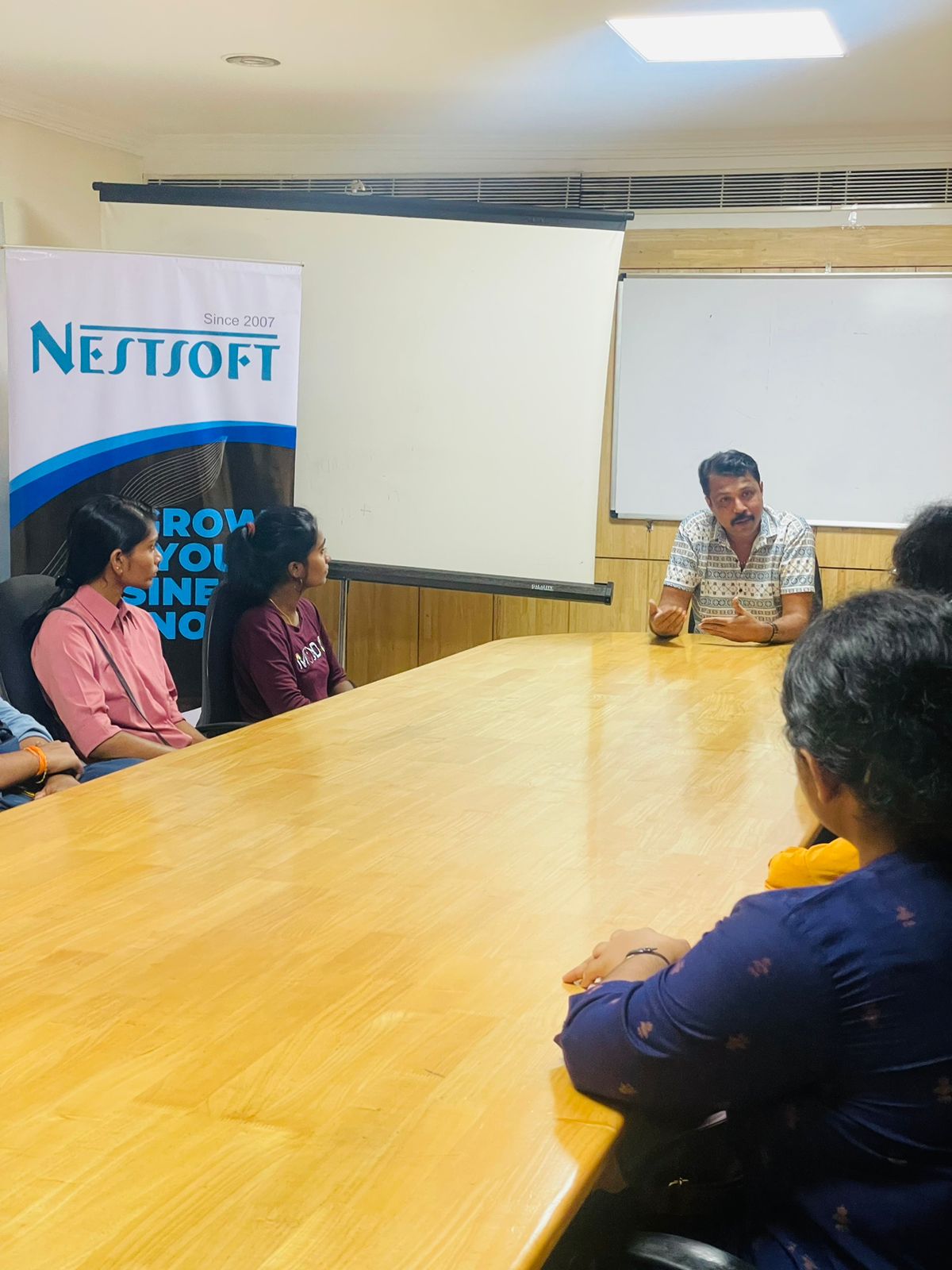
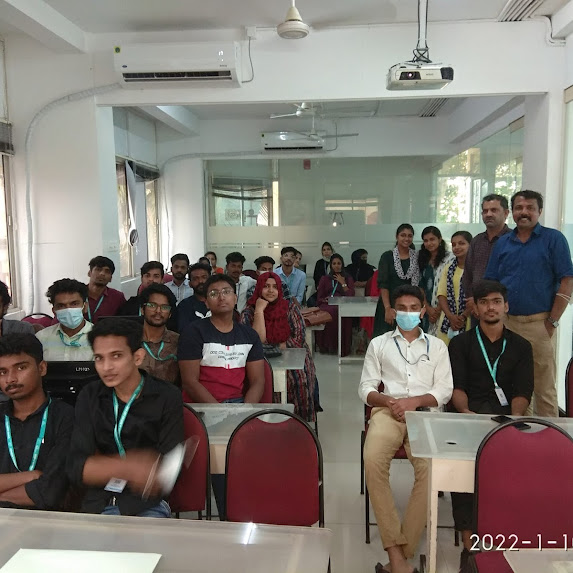
Photos of Training / Internships

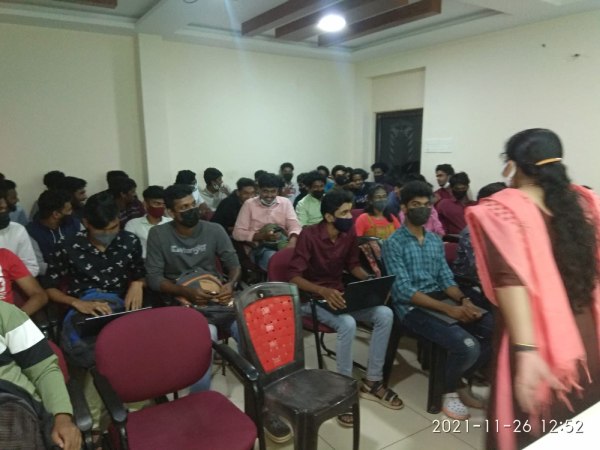
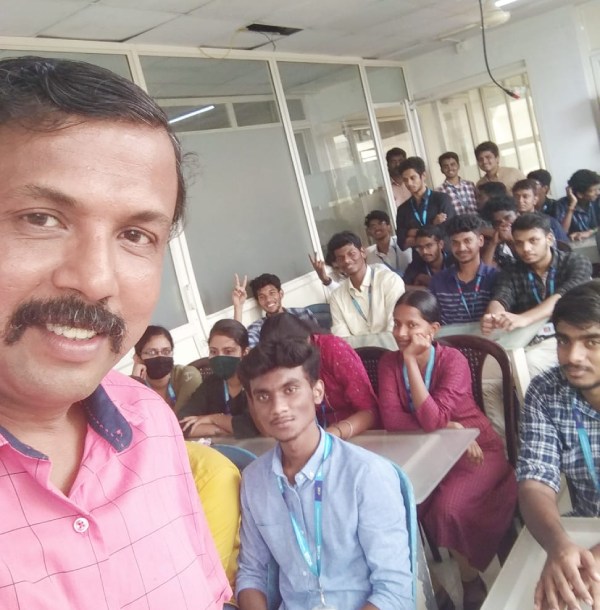
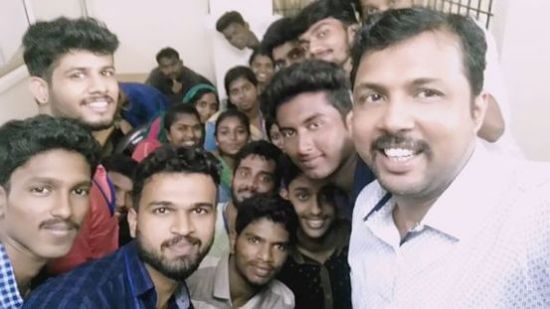
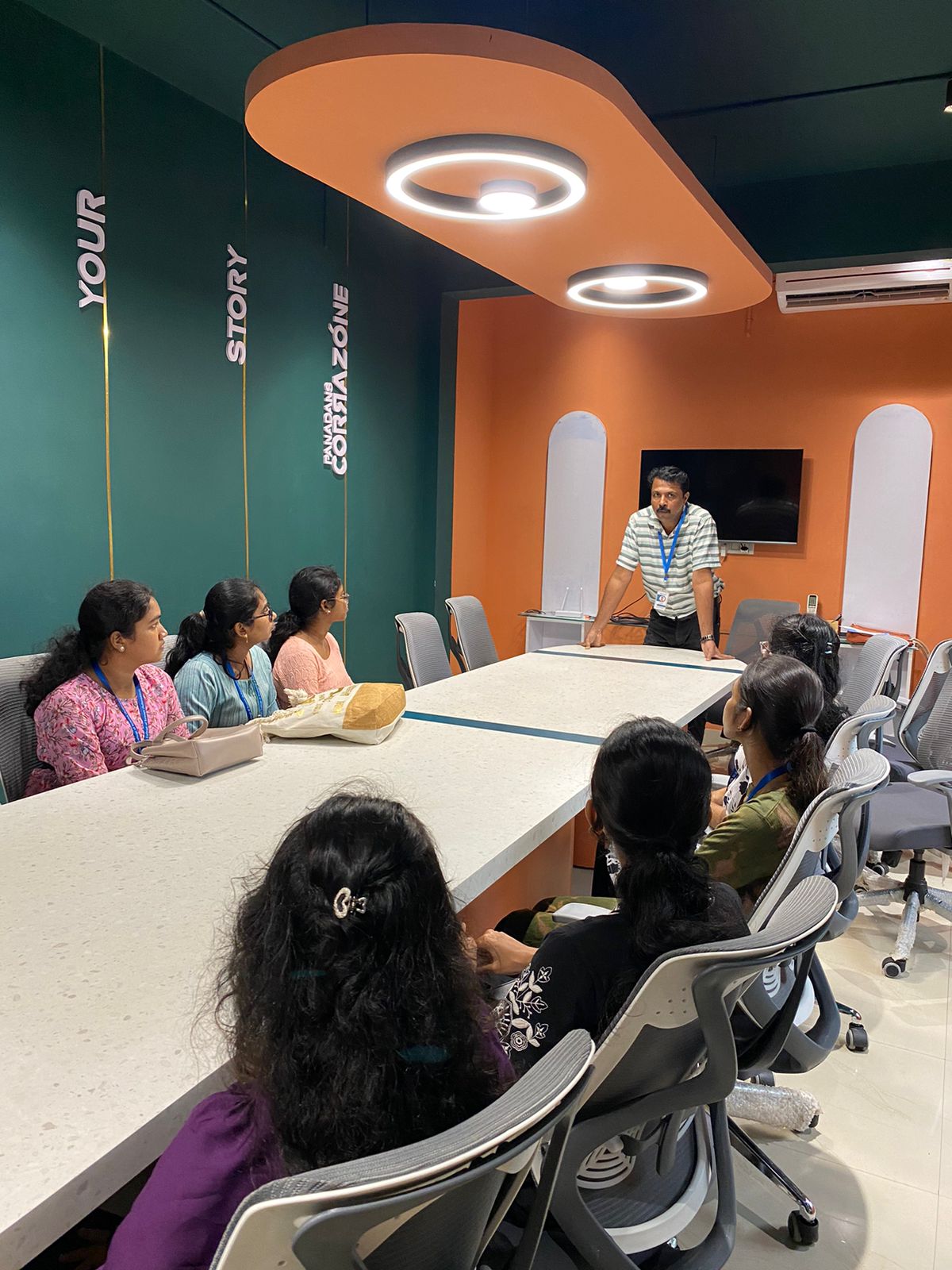
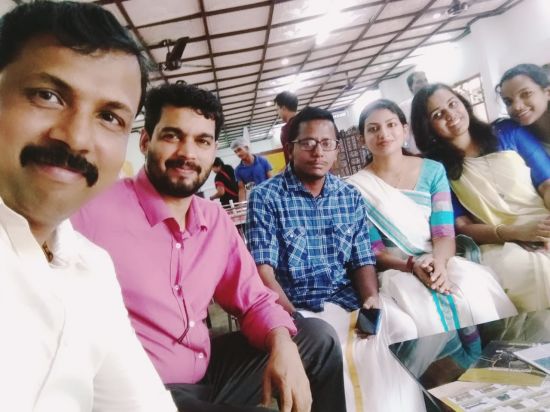
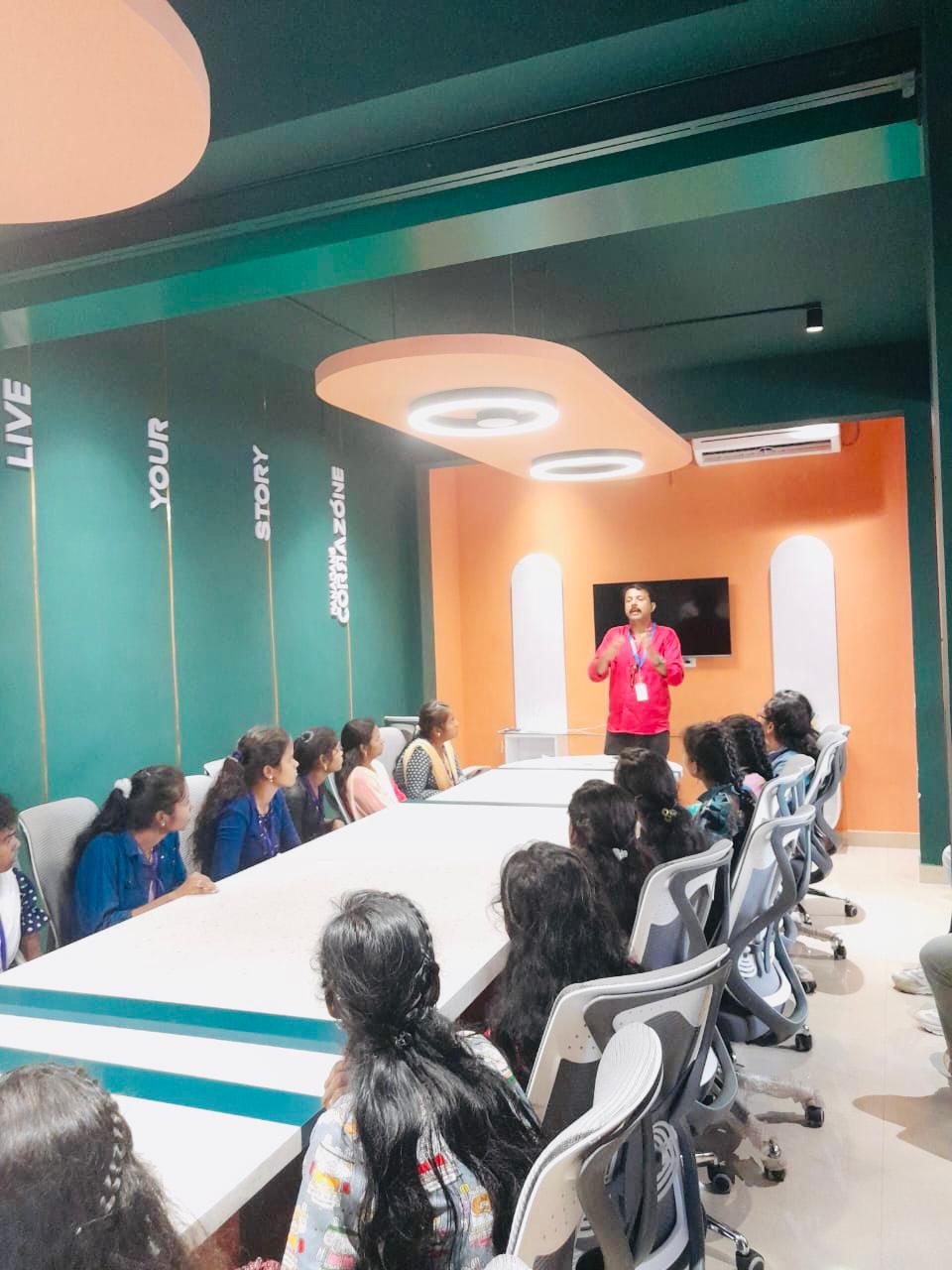
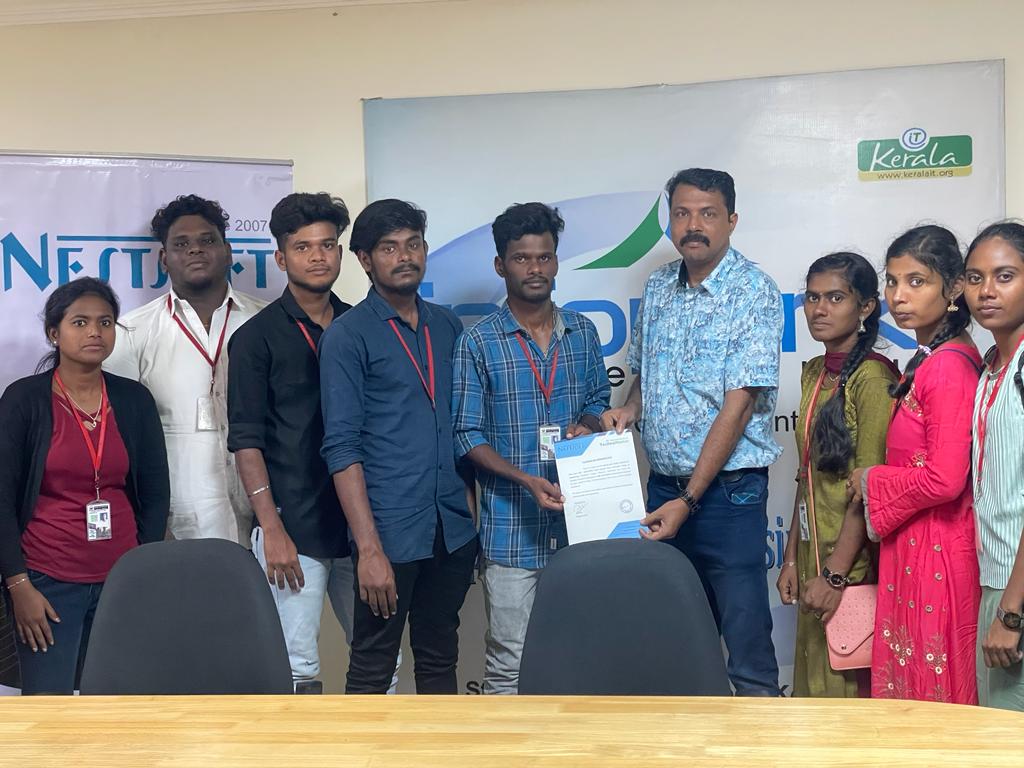
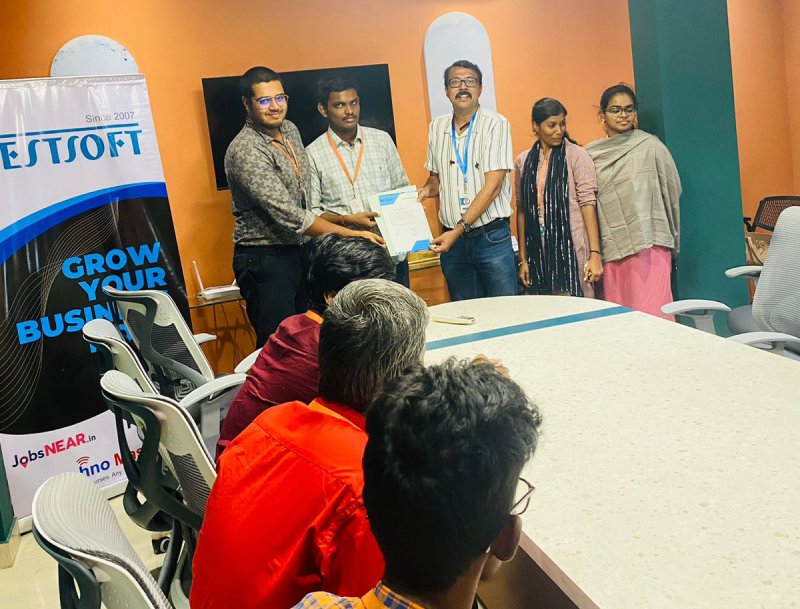
Internship/projects in thoothukudi

Trained more than 10000+ students who trust Nestsoft TechnoMaster

Get Your Personal Trainer