Send enquiry ⏎

MCSE Online Live Class by Experts

Our Training/Internship Process

MCSE Online Live Classes in Visakhapatnam | Free Demo Training

MCSE - Syllabus, Fees & Duration

MODULE 1

  • Windows Server 2012 Overview
  • Overview of Windows Server 2012 Management
  • Installing Windows Server 2012
  • Post-Installation Configuration of Windows Server 2012
  • Introduction to Windows PowerShell

MODULE 2

  • Introduction to Active Directory Domain Services
  • Overview of AD DS
  • Overview of Domain Controllers
  • Installing a Domain Controller

MODULE 3

  • Managing Active Directory Domain Services Objects
  • Managing User Accounts
  • Managing Group Accounts
  • Managing Computer Accounts
  • Delegating Administration

MODULE 4

  • Automating Active Directory Domain Services Administration
  • Using Command-line Tools for Administration
  • Using Windows PowerShell for Administration
  • Performing Bulk Operations with Windows PowerShell

MODULE 5

  • Implementing IPv4
  • Overview of TCP/IP
  • Understanding IPv4 Addressing
  • Subnetting and Supernetting
  • Configuring and Troubleshooting IPv4

MODULE 6

  • Implementing DHCP
  • Installing a DHCP Server Role
  • Configuring DHCP Scopes
  • Managing a DHCP Database
  • Securing and Monitoring DHCP

MODULE 7

  • Implementing DNS
  • Name Resolution for Windows Client and Servers
  • Installing and Managing a DNS Server
  • Managing DNS Zones

MODULE 8

  • Implementing IPv6
  • Overview of IPv6
  • IPv6 Addressing
  • Coexistence with IPv6
  • IPv6 Transition Technologies

MODULE 9

  • Implementing Local Storage
  • Overview of Storage
  • Managing Disks and Volumes
  • Implementing Storage Spaces

MODULE 10

  • Implementing File and Print Services
  • Securing Files and Folders
  • Protecting Shared Files and Folders Using Shadow Copies
  • Configuring Network Printing

MODULE 11

  • Implementing Group Policy
  • Overview of Group Policy
  • Group Policy Processing
  • Implementing a Central Store for Administrative Templates

MODULE 12

  • Securing Windows Servers Using Group Policy Objects
  • Windows Security Overview
  • Configuring Security Settings
  • Restricting Software
  • Configuring Windows Firewall with Advanced Security

MODULE 13

  • Implementing Server Virtualization with Hyper-V
  • Overview of Virtualization Technologies
  • Implementing Hyper-V
  • Managing Virtual Machine Storage
  • Managing Virtual Networks

MODULE 14

  • Administering windows server
  • Deploying and Maintaining Server Images
  • Configuring and Troubleshooting Domain Name System
  • Maintaining Active Directory Domain Services
  • Managing User and Service Accounts
  • Implementing a Group Policy Infrastructure
  • Managing User Desktops with Group Policy
  • Configuring and Troubleshooting Remote Access
  • Installing, Configuring, and Troubleshooting the Network Policy Server Role
  • Implementing Network Access Protection
  • Optimizing File Services
  • Configuring Encryption and Advanced Auditing
  • Implementing Update Management
  • Monitoring Windows Server 2012

MODULE 15

  • Configuring Advanced Windows Server Services
  • Implementing Advanced Network Services
  • Implementing Advanced File Services
  • Implementing Dynamic Access Control
  • Implementing Distributed Active Directory Domain Services Deployments
  • Implementing Active Directory Domain Services Sites and Replication
  • Implementing Active Directory Certificate Services
  • Implementing Active Directory Rights Management Services
  • Implementing Network Load Balancing
  • Implementing Failover Clustering
  • Implementing Failover Clustering with Hyper-V
  • Implementing Disaster Recovery
  • Download Syllabus - MCSE
    This syllabus is not final and can be customized as per needs/updates
   
10000+
20+
50+
25+

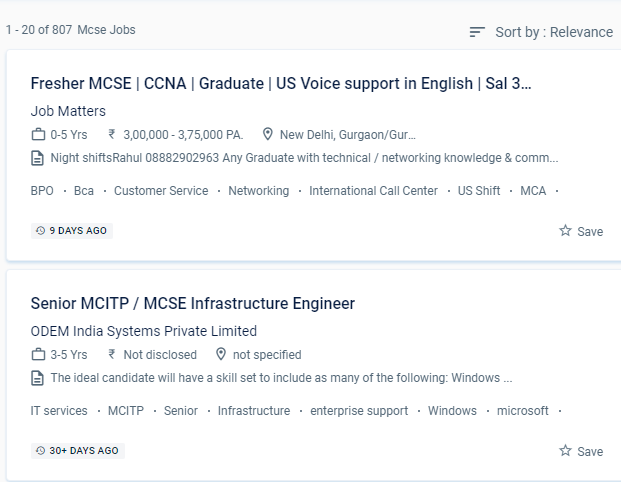
MCSE Jobs in Visakhapatnam

Enjoy the demand

Find jobs related to MCSE in search engines (Google, Bing, Yahoo) and recruitment websites (monsterindia, placementindia, naukri, jobshybrid.com, indeed.co.in, shine.com etc.) based in Visakhapatnam, chennai and europe countries. You can find many jobs for freshers related to the job positions in Visakhapatnam.

  • Windows Administrator
  • Network Manager
  • Systems Administrator
  • Systems Engineer
  • IT Support Engineer
  • Technical Consultant
  • IT consultant
  • Systems Administrator
  • SQL Server Administrators
  • Database Backup Administrators

MCSE Internship/Course Details

MCSE internship jobs in Visakhapatnam
MCSE You will work on hands-on exercises and industry-related projects during your online certification course. Microsoft certified solution expert (MCSE) is regarded as one of the most prestigious credentials among IT professionals. . Applicants will be introduced to the following aspects of the Microsoft Windows operating system, related desktop systems, networking, and Microsoft Back office supplied products while taking the course. The candidate will be able to set up a window server using a server image, create active directory domain servers forests, troubleshoot and monitor networks, manage users and permissions, secure network and user data, and design server infrastructure after completing MCSE training from NESTSOFT in Visakhapatnam. In the engineering section, Microsoft certified solution expert. MCSE online training in a specific Visakhapatnam is a job-oriented course. The trained individual can come up with a unique solution to a problem in the business and create it from the ground up. Develop and demonstrate your devotion to your career by becoming an MCSE certified professional, and you'll earn high pay. NESTSOFT training will teach you about server environments, DHCP, DNS servers, IP addressing, and routing, among other topics.


Meet a Few of our Industry Experts 🚀 Your Pathway to IT Career

Bringo

Mobile: +91 91884 77559
Location: Online (Visakhapatnam, India)
Qualification: B.Tech

Experience: HTML CSS JavaScript Bootstrap React Js Git Github SQL I have the experience of working as a react Js Developer  more..

Shwetali

Mobile: +91 94975 90866
Location: Online (Visakhapatnam, India)
Qualification: BE - IT

Experience: I have 2+ years of experience in web development currently working as a Angular developerApplication for Angular JS  more..

Rajvi

Mobile: +91 98474 90866
Location: Online (Visakhapatnam, India)
Qualification: Bachelor of Computer Applications

Experience: I am writing to express my interest in the iOS developer position at netsoft as advertised indeed With 2 5  more..

Navneet

Mobile: +91 91884 77559
Location: Online (Visakhapatnam, India)
Qualification: Bsc

Experience: nthusiastic BCA graduate with a strong foundation in computer science and a passion for digital innovation Certified in SEO practices  more..

Vadde

Mobile: +91 98474 90866
Location: Online (Visakhapatnam, India)
Qualification:

Experience: Selenium webDriver API testing Manual and automation testing ETL testing Java SQL Agile methodology SDLC STLC  more..

Tanya

Mobile: +91 89210 61945
Location: Online (Visakhapatnam, India)
Qualification: 12th, Diploma in Fashion Design & Currently pursuing Graduation

Experience: Canva designer video editor social media post design  more..

RizvanaKoonari

Mobile: +91 9895490866
Location: Online (Visakhapatnam, India)
Qualification: Msc Computer Science

Experience: Recently completed 3 month software testing training course | Resume for   more..

Thejaswarreddy

Mobile: +91 91884 77559
Location: Online (Visakhapatnam, India)
Qualification: degree

Experience: Striving Digital Marketing excutive bringing 2+ years of experience in creating on-brand marketing content managing online campaigns SEO and Analytics  more..

Revella

Mobile: +91 91884 77559
Location: Online (Visakhapatnam, India)
Qualification: B.tech

Experience: Java and Net full stack developer Have been coding since 3 years and have done projects on both java and  more..

Chhayaka

Mobile: +91 98474 90866
Location: Online (Visakhapatnam, India)
Qualification: MCA,pgdca

Experience: C php asp python java html  more..

Trupti

Mobile: +91 9895490866
Location: Online (Visakhapatnam, India)
Qualification: B. Sc

Experience: Hardware and networking |   more..

Vijaya

Mobile: +91 98474 90866
Location: Online (Visakhapatnam, India)
Qualification: MCM

Experience: I have foundation knowledge of angular web development Hands on projects Practice on angular projects also knwoledge of bootstrap mongodb  more..

Shrikant

Mobile: +91 91884 77559
Location: Online (Visakhapatnam, India)
Qualification: B.Tech

Experience: Hello HR Manager I hope this message finds you well My name is Shrikant Suryawanshi I have a solid background  more..

Pratika

Mobile: +91 9895490866
Location: Online (Visakhapatnam, India)
Qualification: Bachelor

Experience: SQL selenium web driver core Java manual testing api   more..

Chiranjeevee

Mobile: +91 9895490866
Location: Online (Visakhapatnam, India)
Qualification: MCA

Experience: Cybersecurity networking Linux OWASP ZAP and many more tools  more..

Suhani

Mobile: +91 89210 61945
Location: Online (Visakhapatnam, India)
Qualification: B. Tech

Experience: -I recently developed an Android application for college students to buy sell and donate items -Managed database using Firebase for  more..

Utkarsha

Mobile: +91 98474 90866
Location: Online (Visakhapatnam, India)
Qualification: BE Computer

Experience: I have recently graduated in Computer Science Engineering from Pravara Rural College Of Engineering and I am currently looking  more..

Dheeraj

Mobile: +91 91884 77559
Location: Online (Visakhapatnam, India)
Qualification: Btech

Experience: I have 2 years experience in web developer my skills are html css javascript bootstrap Adobe   more..

Siddangouda

Mobile: +91 98474 90866
Location: Online (Visakhapatnam, India)
Qualification: B.E Computer Science

Experience: Seo on page off page technical seo back links link building Google Analytics   more..

Poornima

Mobile: +91 9895490866
Location: Online (Visakhapatnam, India)
Qualification: BE

Experience: I possess a diverse skill set that includes proficiency in programming languages such as C C# NET Python and web  more..

Mohammed

Mobile: +91 91884 77559
Location: Online (Visakhapatnam, India)
Qualification: BTech

Experience: I have experience in digital marketing training in SEO SMM PPC wordpress content marketing  more..

Narasimha

Mobile: +91 8301010866
Location: Online (Visakhapatnam, India)
Qualification: B.Tech

Experience: 2 years experience in Automation testing having worked in a product based company I have deep understanding in test strategies  more..

Surya

Mobile: +91 98474 90866
Location: Online (Visakhapatnam, India)
Qualification: BE. Mechanical Engineering

Experience: • Good understanding of the SDLC STLC Waterfall & Agile Methodologies • Experience in Automation Tools- Selenium framework & Playwright  more..

Dhiraj

Mobile: +91 9895490866
Location: Online (Visakhapatnam, India)
Qualification: BCA

Experience: Wordpress PHP Html css Jquery Ajax Quick learning Strong Read and development frontend backend  more..

Success Stories

The enviable salary packages and track record of our previous students are the proof of our excellence. Please go through our students' reviews about our training methods and faculty and compare it to the recorded video classes that most of the other institutes offer. See for yourself how TechnoMaster is truly unique.

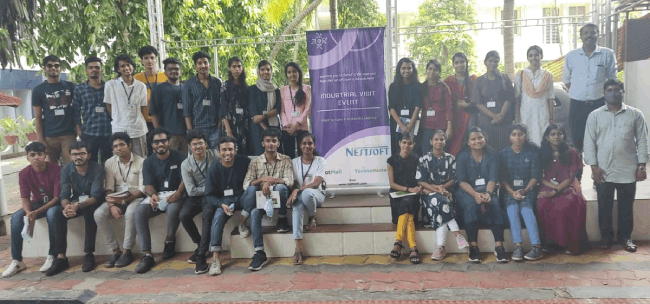
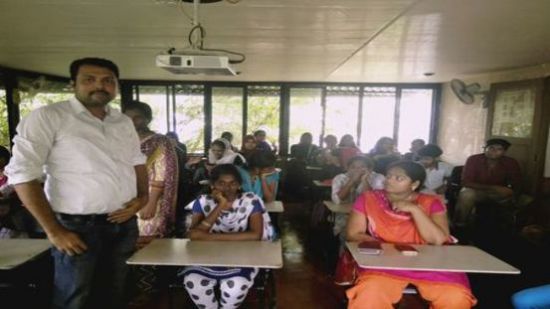
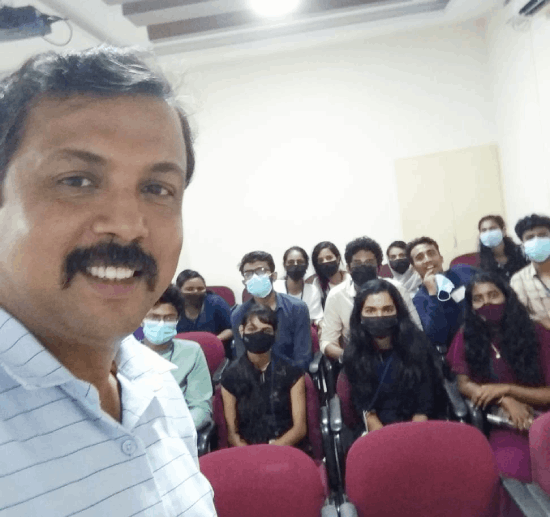
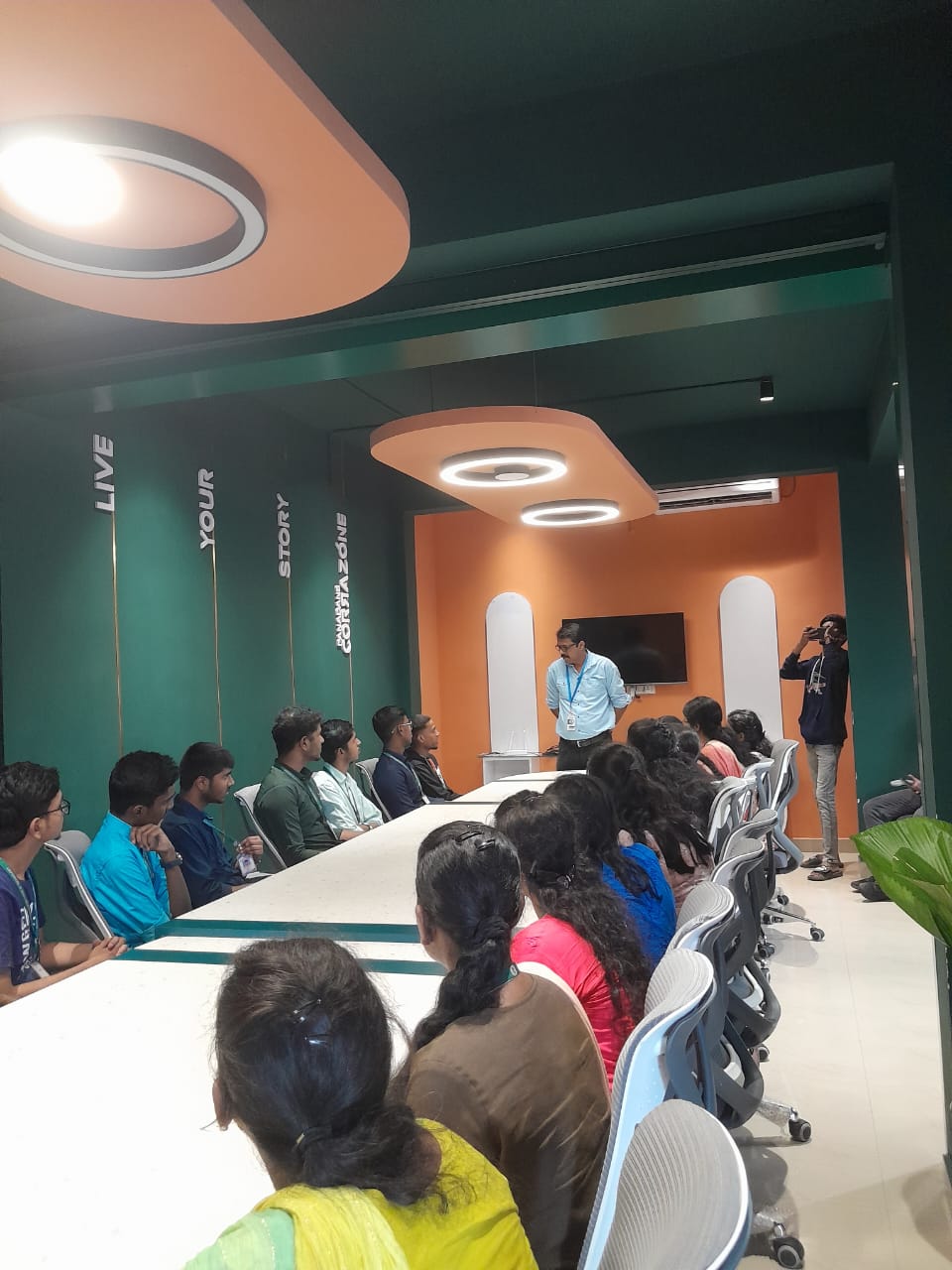
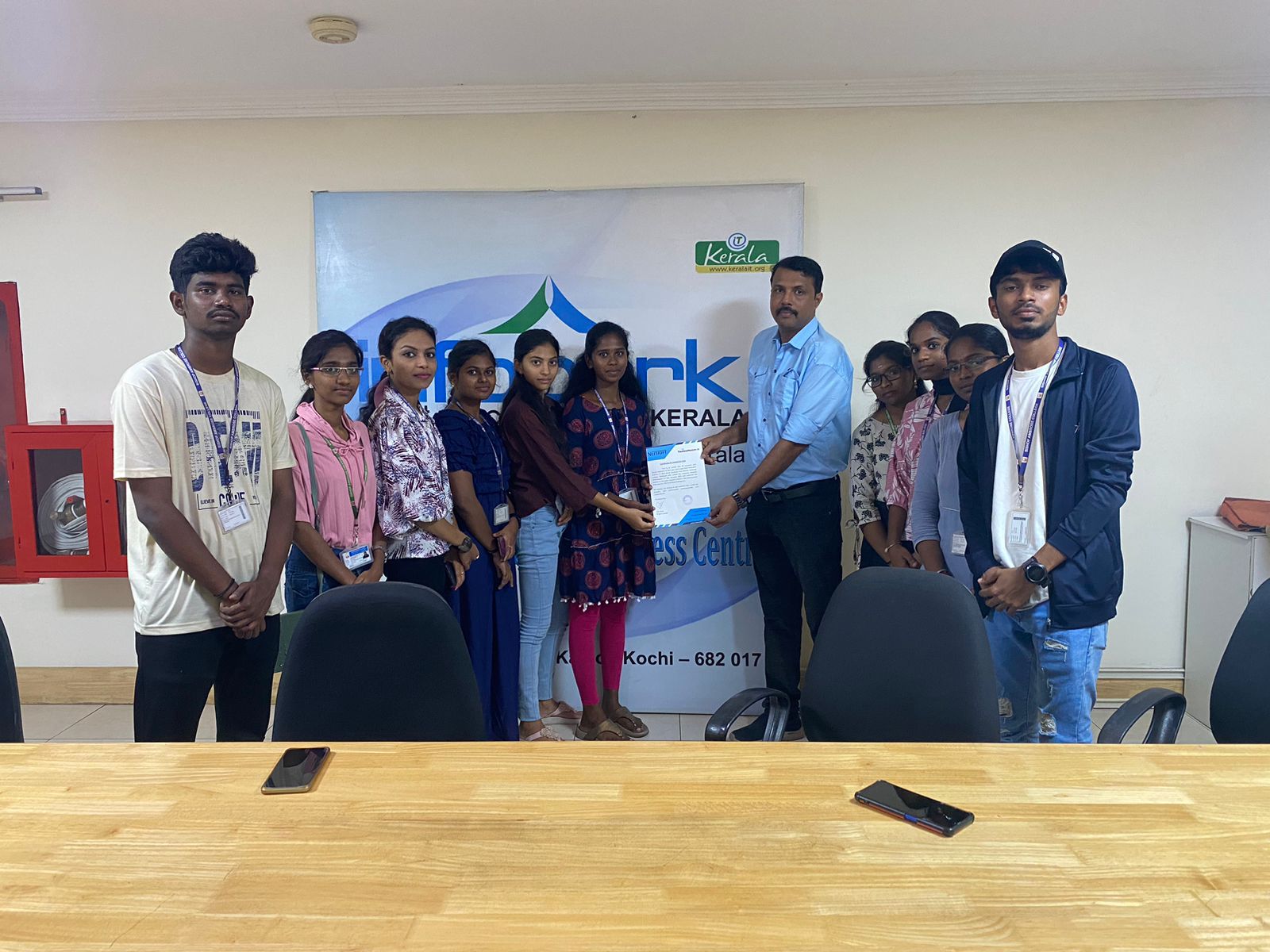
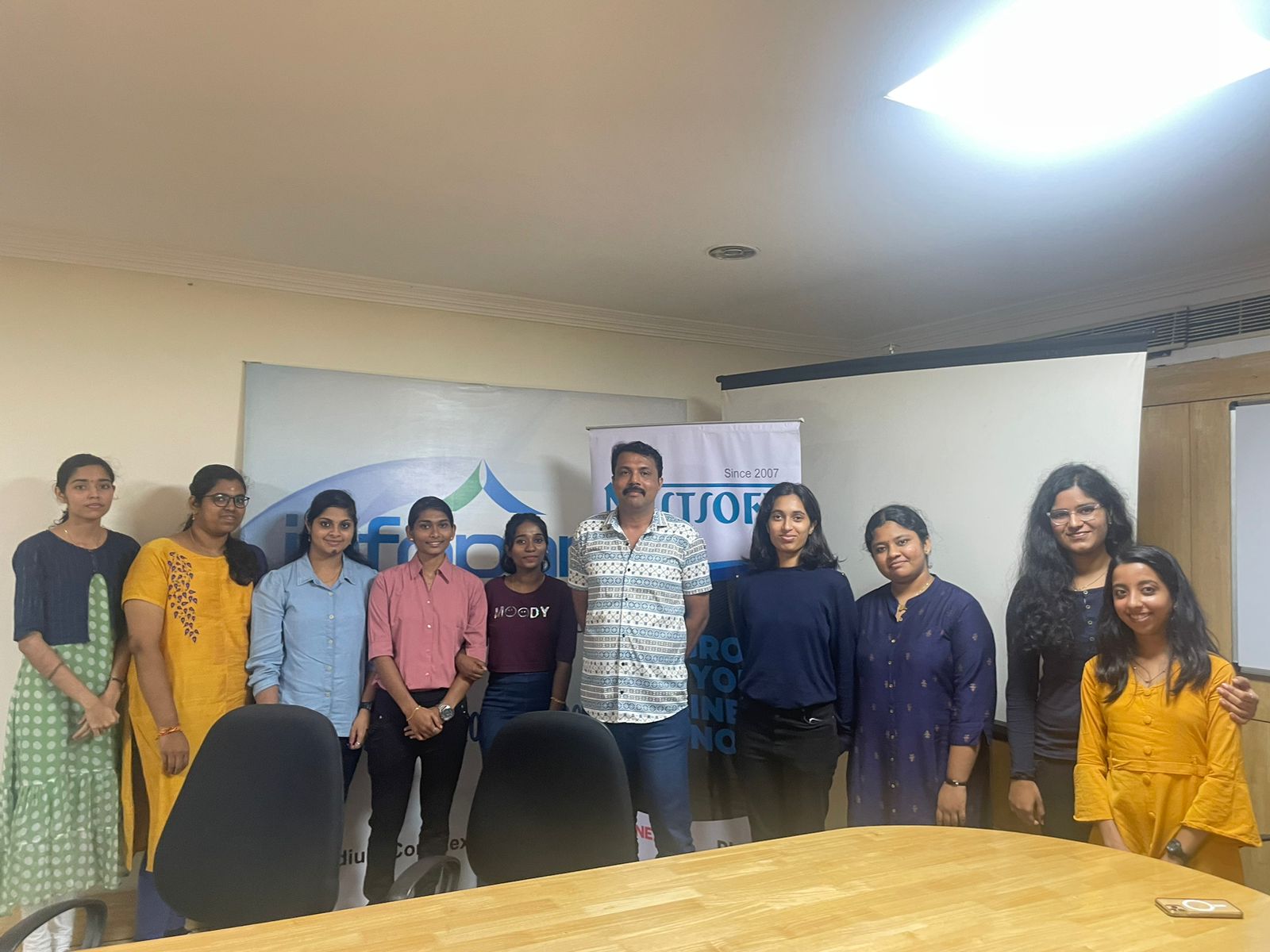
Photos of Training / Internships

Internship/projects in visakhapatnam

Trained more than 10000+ students who trust Nestsoft TechnoMaster

Get Your Personal Trainer