Send enquiry ⏎

MCSE Online Live Class by Experts

Our Training/Internship Process

MCSE Online Live Classes in Aurangabad | Free Demo Training

MCSE - Syllabus, Fees & Duration

MODULE 1

  • Windows Server 2012 Overview
  • Overview of Windows Server 2012 Management
  • Installing Windows Server 2012
  • Post-Installation Configuration of Windows Server 2012
  • Introduction to Windows PowerShell

MODULE 2

  • Introduction to Active Directory Domain Services
  • Overview of AD DS
  • Overview of Domain Controllers
  • Installing a Domain Controller

MODULE 3

  • Managing Active Directory Domain Services Objects
  • Managing User Accounts
  • Managing Group Accounts
  • Managing Computer Accounts
  • Delegating Administration

MODULE 4

  • Automating Active Directory Domain Services Administration
  • Using Command-line Tools for Administration
  • Using Windows PowerShell for Administration
  • Performing Bulk Operations with Windows PowerShell

MODULE 5

  • Implementing IPv4
  • Overview of TCP/IP
  • Understanding IPv4 Addressing
  • Subnetting and Supernetting
  • Configuring and Troubleshooting IPv4

MODULE 6

  • Implementing DHCP
  • Installing a DHCP Server Role
  • Configuring DHCP Scopes
  • Managing a DHCP Database
  • Securing and Monitoring DHCP

MODULE 7

  • Implementing DNS
  • Name Resolution for Windows Client and Servers
  • Installing and Managing a DNS Server
  • Managing DNS Zones

MODULE 8

  • Implementing IPv6
  • Overview of IPv6
  • IPv6 Addressing
  • Coexistence with IPv6
  • IPv6 Transition Technologies

MODULE 9

  • Implementing Local Storage
  • Overview of Storage
  • Managing Disks and Volumes
  • Implementing Storage Spaces

MODULE 10

  • Implementing File and Print Services
  • Securing Files and Folders
  • Protecting Shared Files and Folders Using Shadow Copies
  • Configuring Network Printing

MODULE 11

  • Implementing Group Policy
  • Overview of Group Policy
  • Group Policy Processing
  • Implementing a Central Store for Administrative Templates

MODULE 12

  • Securing Windows Servers Using Group Policy Objects
  • Windows Security Overview
  • Configuring Security Settings
  • Restricting Software
  • Configuring Windows Firewall with Advanced Security

MODULE 13

  • Implementing Server Virtualization with Hyper-V
  • Overview of Virtualization Technologies
  • Implementing Hyper-V
  • Managing Virtual Machine Storage
  • Managing Virtual Networks

MODULE 14

  • Administering windows server
  • Deploying and Maintaining Server Images
  • Configuring and Troubleshooting Domain Name System
  • Maintaining Active Directory Domain Services
  • Managing User and Service Accounts
  • Implementing a Group Policy Infrastructure
  • Managing User Desktops with Group Policy
  • Configuring and Troubleshooting Remote Access
  • Installing, Configuring, and Troubleshooting the Network Policy Server Role
  • Implementing Network Access Protection
  • Optimizing File Services
  • Configuring Encryption and Advanced Auditing
  • Implementing Update Management
  • Monitoring Windows Server 2012

MODULE 15

  • Configuring Advanced Windows Server Services
  • Implementing Advanced Network Services
  • Implementing Advanced File Services
  • Implementing Dynamic Access Control
  • Implementing Distributed Active Directory Domain Services Deployments
  • Implementing Active Directory Domain Services Sites and Replication
  • Implementing Active Directory Certificate Services
  • Implementing Active Directory Rights Management Services
  • Implementing Network Load Balancing
  • Implementing Failover Clustering
  • Implementing Failover Clustering with Hyper-V
  • Implementing Disaster Recovery
  • Download Syllabus - MCSE
    This syllabus is not final and can be customized as per needs/updates
   
10000+
20+
50+
25+

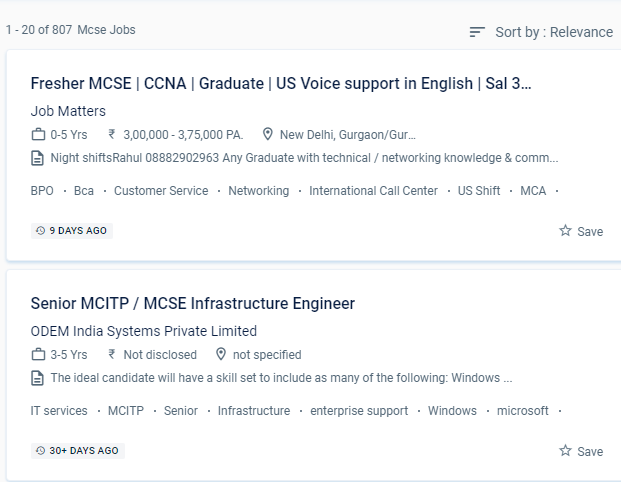
MCSE Jobs in Aurangabad

Enjoy the demand

Find jobs related to MCSE in search engines (Google, Bing, Yahoo) and recruitment websites (monsterindia, placementindia, naukri, jobshybrid.com, indeed.co.in, shine.com etc.) based in Aurangabad, chennai and europe countries. You can find many jobs for freshers related to the job positions in Aurangabad.

  • Windows Administrator
  • Network Manager
  • Systems Administrator
  • Systems Engineer
  • IT Support Engineer
  • Technical Consultant
  • IT consultant
  • Systems Administrator
  • SQL Server Administrators
  • Database Backup Administrators

MCSE Internship/Course Details

MCSE internship jobs in Aurangabad
MCSE You will work on hands-on exercises and industry-related projects during your online certification course. Students who want to clear up any questions can benefit from one-on-one teaching and can submit an email with any questions. Develop and demonstrate your devotion to your career by becoming an MCSE certified professional, and you'll earn high pay. . NESTSOFT offers Microsoft certified solution expert certification in a variety of ways. The candidate will be able to set up a window server using a server image, create active directory domain servers forests, troubleshoot and monitor networks, manage users and permissions, secure network and user data, and design server infrastructure after completing MCSE training from NESTSOFT in Aurangabad. A certification-level information technology course, Microsoft certified solution expert is a certification-level information technology course. Because this certification is industry-standard and globally recognized, it gives you an advantage over your peers and qualifies you for raises in pay and promotions. Applicants will be introduced to the following aspects of the Microsoft Windows operating system, related desktop systems, networking, and Microsoft Back office supplied products while taking the course. The Microsoft certified solution expert online training in Aurangabad gives comprehensive instruction and working modules for the MCSE certification.


Meet a Few of our Industry Experts 🚀 Your Pathway to IT Career

Rajvi

Mobile: +91 94975 90866
Location: Online (Aurangabad, India)
Qualification: Bachelor of Computer Applications

Experience: I am writing to express my interest in the iOS developer position at netsoft as advertised indeed With 2 5  more..

Trupti

Mobile: +91 98474 90866
Location: Online (Aurangabad, India)
Qualification: B. Sc

Experience: Hardware and networking |   more..

Anurag

Mobile: +91 91884 77559
Location: Online (Aurangabad, India)
Qualification: Btech

Experience: Myself Anurag J Raj I am a 4th year undergraduate of Mechanical engineering studying in IIT KHARAGPUR I am an  more..

Anisha

Mobile: +91 9895490866
Location: Online (Aurangabad, India)
Qualification: M. Tech in Computer Science and Engineering

Experience: I have recently completed a certification course in Advanced Software Testing from SMEC Labs Kochi My knowledge in Agile  more..

Rakesh

Mobile: +91 91884 77559
Location: Online (Aurangabad, India)
Qualification: M.Tech

Experience: Java selenium testng or bdd cucumber api testing jmeter and RestAssured Java selenium testng or bdd cucumber api testing jmeter  more..

yogeshwaran

Mobile: +91 94975 90866
Location: Online (Aurangabad, India)
Qualification: msc

Experience: php laravel codeignitor html css js jquery api  more..

suhaila

Mobile: +91 91884 77559
Location: Online (Aurangabad, India)
Qualification: electronics and communication engineering

Experience: html css bootstrap javascript angular js react js node js mongodbApplication for Meanstack Developer Mean Stack  more..

Shaikh

Mobile: +91 91884 77559
Location: Online (Aurangabad, India)
Qualification: Diploma in IT

Experience: Web development Multimedia Graphics Editing Wix  more..

Piyush

Mobile: +91 94975 90866
Location: Online (Aurangabad, India)
Qualification: 10th pass

Experience: Good evening sir or mam This is piyush from navyug school Sarojini Nagar I have an experienced on canva graphic  more..

Manish

Mobile: +91 91884 77559
Location: Online (Aurangabad, India)
Qualification: BCA

Experience: I am software Java developer and complete Java intern  more..

Geetha

Mobile: +91 8301010866
Location: Online (Aurangabad, India)
Qualification: Masters in economics

Experience: Work experience - 4 On page seo Off page seo Technical seo Cms Google adwords   more..

Prashant

Mobile: +91 8301010866
Location: Online (Aurangabad, India)
Qualification: Bca 2nd year

Experience: Me is Node js developer work experience is one year almost My first project is e-commerce   more..

Ajin

Mobile: +91 94975 90866
Location: Online (Aurangabad, India)
Qualification: Full Stack Java Developer

Experience: Java Python SQL MySQL Android app development Full Stack Web DevelopmentApplication for Java Spring  more..

Anju

Mobile: +91 91884 77559
Location: Online (Aurangabad, India)
Qualification: Btech (EC)

Experience: Have basic knowledge of programming languages like c c++ java Have basic knowledge of html css Have basic knowledge of  more..

Sai

Mobile: +91 91884 77559
Location: Online (Aurangabad, India)
Qualification: B.tech (C.S.E)

Experience: Experience In Training students one to one and also group Experience in Training students on real time projects for WordPress  more..

Nikita

Mobile: +91 98474 90866
Location: Online (Aurangabad, India)
Qualification: Msc computer science

Experience: I have good knowledge of c java kotlin Android I have experience for Android developer I am currently working Brainoid  more..

Dilli

Mobile: +91 91884 77559
Location: Online (Aurangabad, India)
Qualification: Bachelor of technology

Experience: Working on design and Execution of test cases Participated in iteration walkthrough calls and understands the new changes Participated in  more..

Nidarsh

Mobile: +91 91884 77559
Location: Online (Aurangabad, India)
Qualification: M.Tech

Experience: Automation frame work and manual testing of 2 5 years experience  more..

Sumit

Mobile: +91 89210 61945
Location: Online (Aurangabad, India)
Qualification:

Experience: I'm Sumit Dipak Patil (WIX expert) from Amalner MH (425401) Education- B tech ME CGPA 7 84 (2022) Skill: HTML  more..

Rutuja

Mobile: +91 9895490866
Location: Online (Aurangabad, India)
Qualification: BE civil

Experience: 7 month experience in AutoCAD design consultant - HTJA and associates nashik  more..

Rajinder

Mobile: +91 91884 77559
Location: Online (Aurangabad, India)
Qualification: BE CSE

Experience: Web development: HTML CSS Javascript Reactjs Firebase Bootstrap MaterialUI Sass Expressjs MongoDB Computer Networking Operating Systems  more..

Shirisha

Mobile: +91 9895490866
Location: Online (Aurangabad, India)
Qualification: Bachelor degree in commerce

Experience: I learn about testing Good knowlgde on agile Good knowlgde on traditional approach Good knowlgde on non traditional approach Good  more..

karthik

Mobile: +91 91884 77559
Location: Online (Aurangabad, India)
Qualification: M-tech

Experience: WordPress Developer UI UX Designer and full stack web development  more..

Rutvik

Mobile: +91 98474 90866
Location: Online (Aurangabad, India)
Qualification: BCA (Bachelor of Computer Applications)

Experience: php laravel code ignitor ajax jquery javascript core php mysql 5yr exp in backendApplication for PHP Laravel  more..

Success Stories

The enviable salary packages and track record of our previous students are the proof of our excellence. Please go through our students' reviews about our training methods and faculty and compare it to the recorded video classes that most of the other institutes offer. See for yourself how TechnoMaster is truly unique.

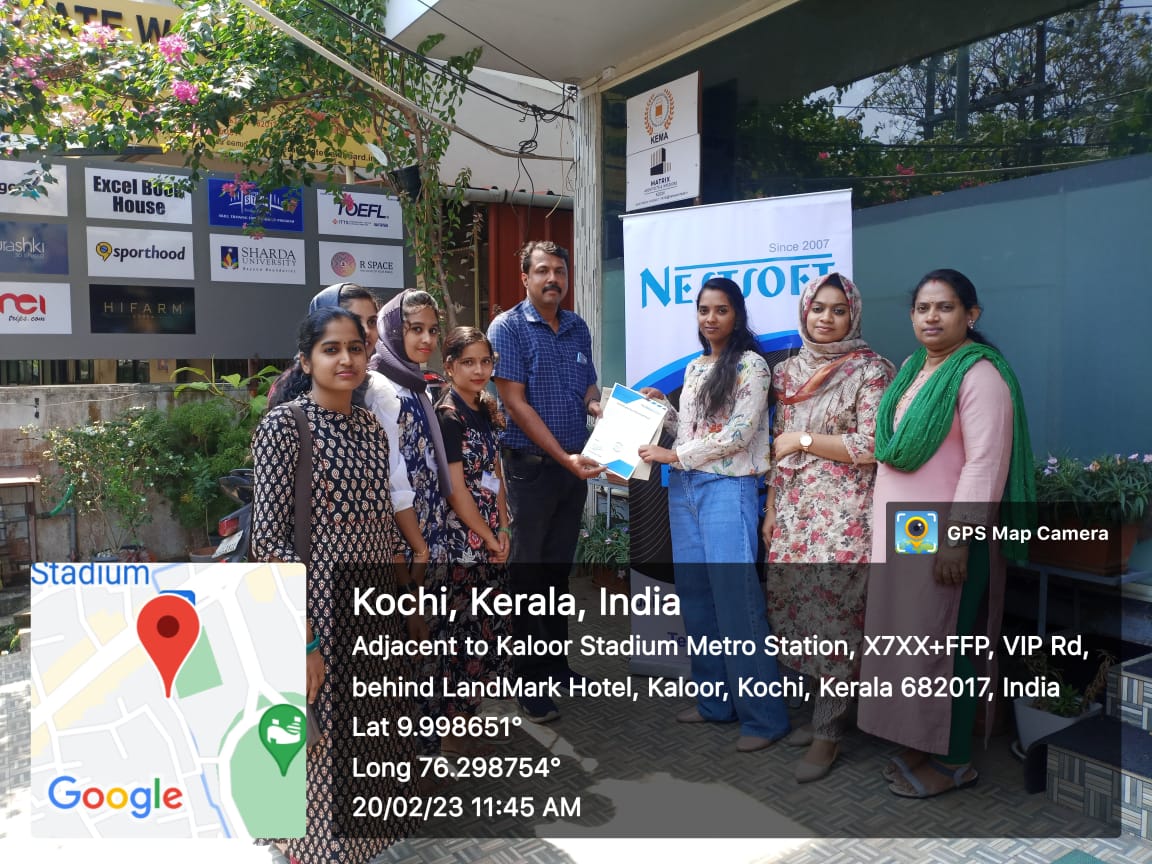
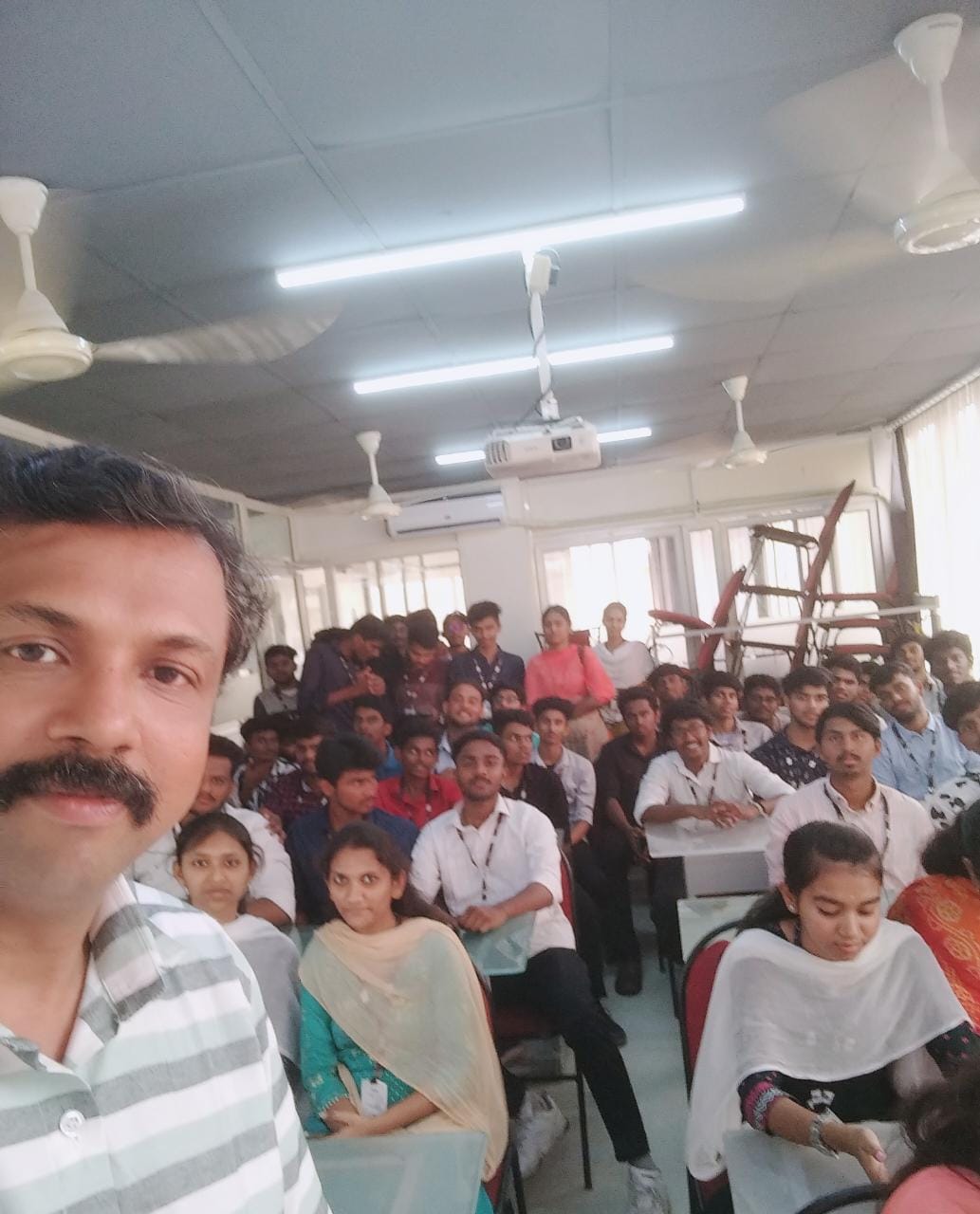
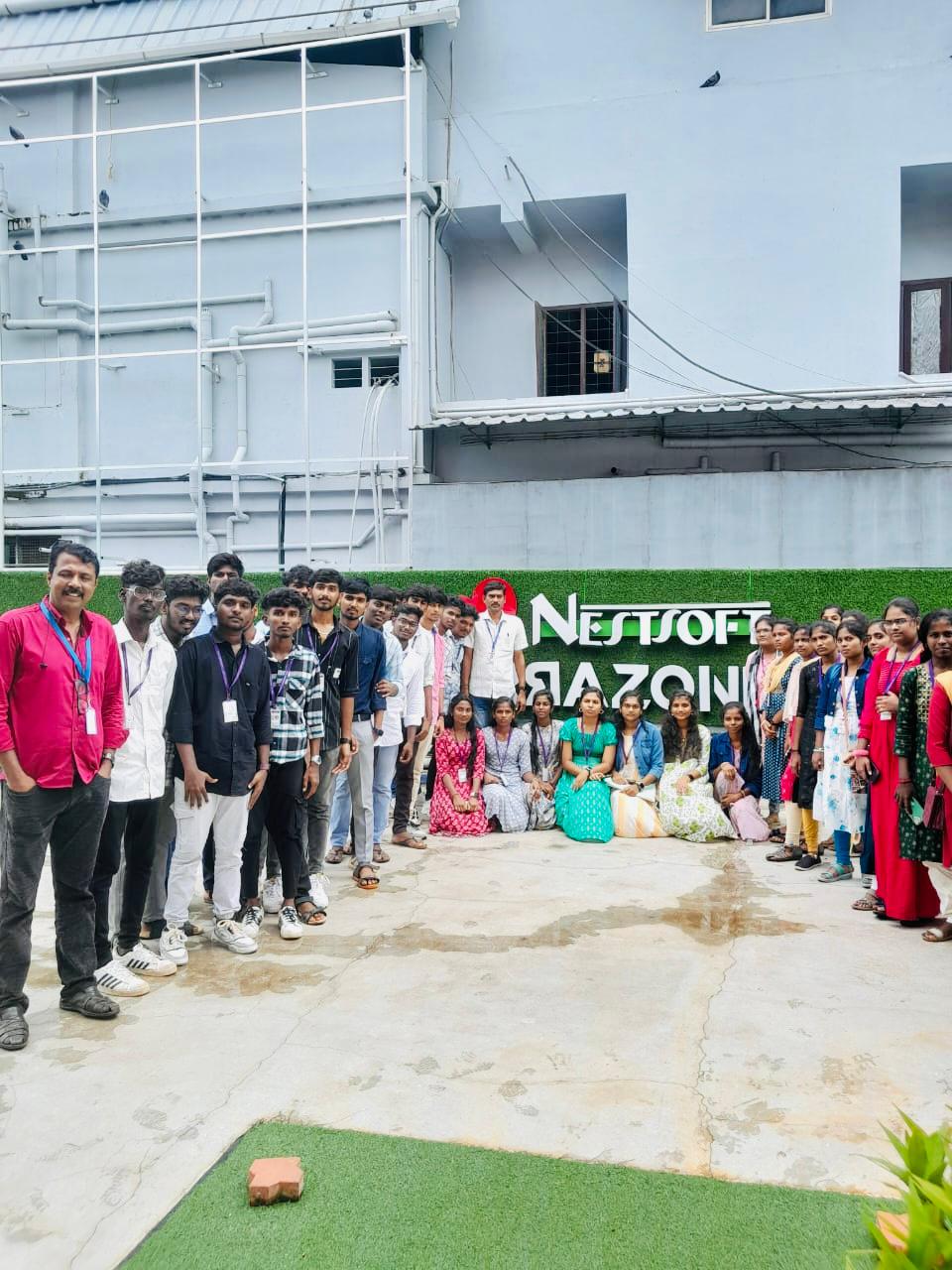
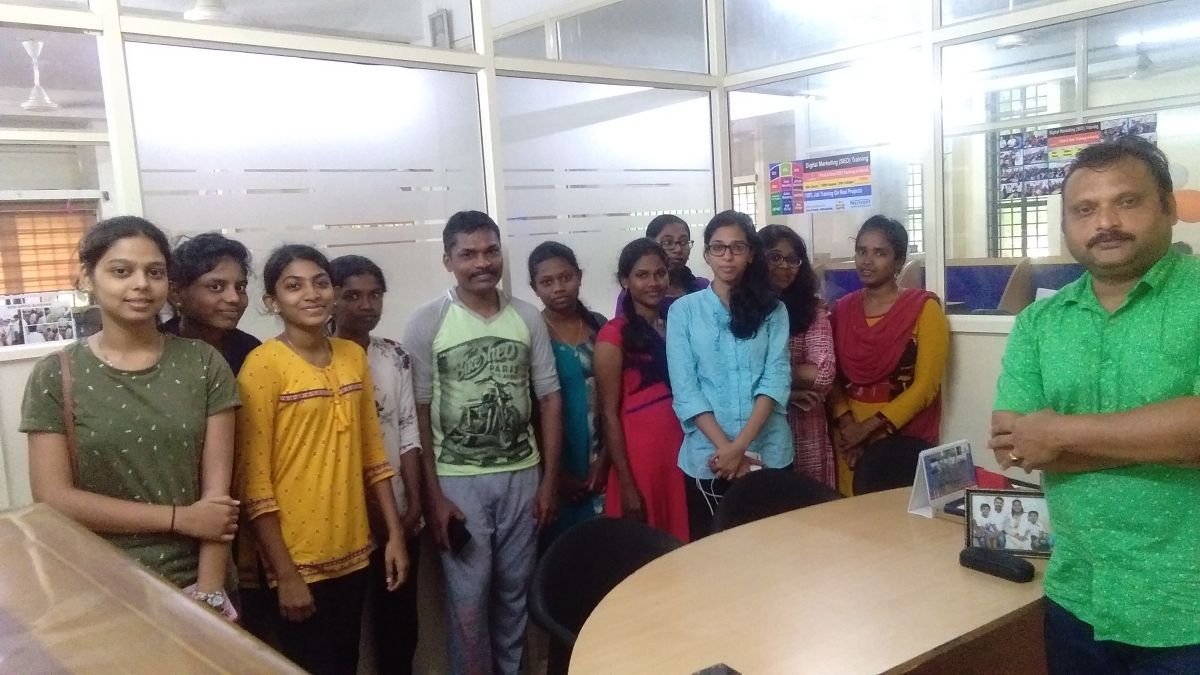
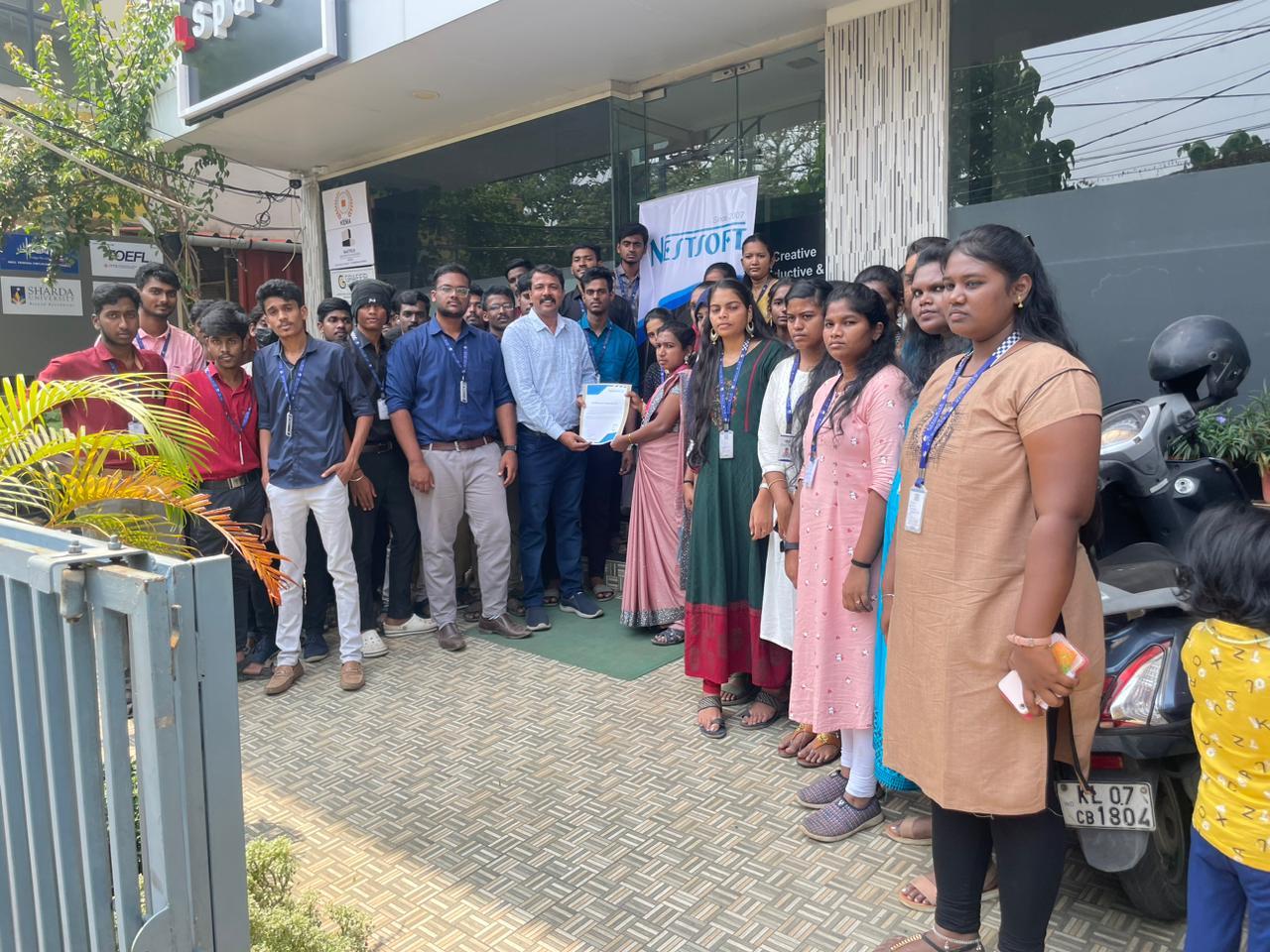
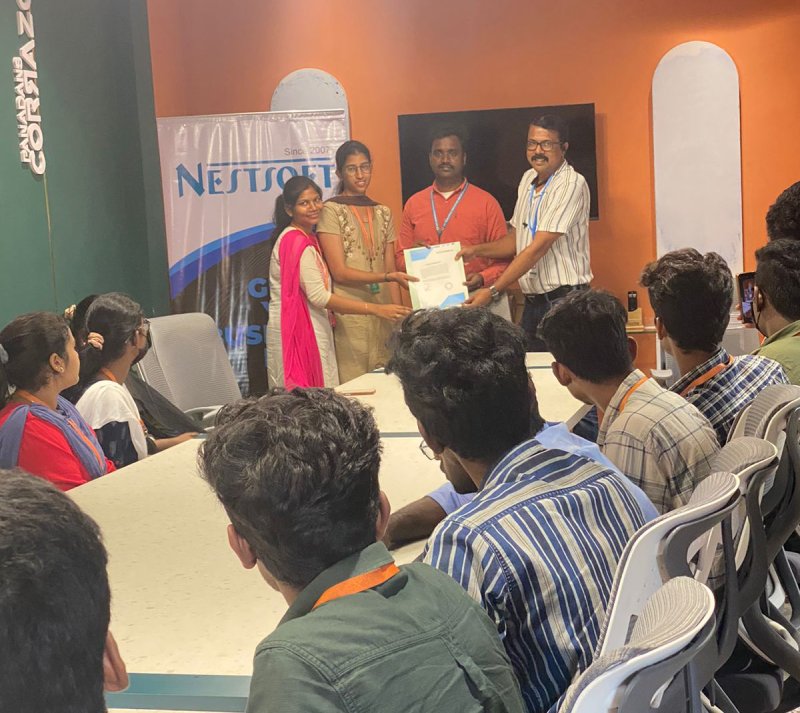
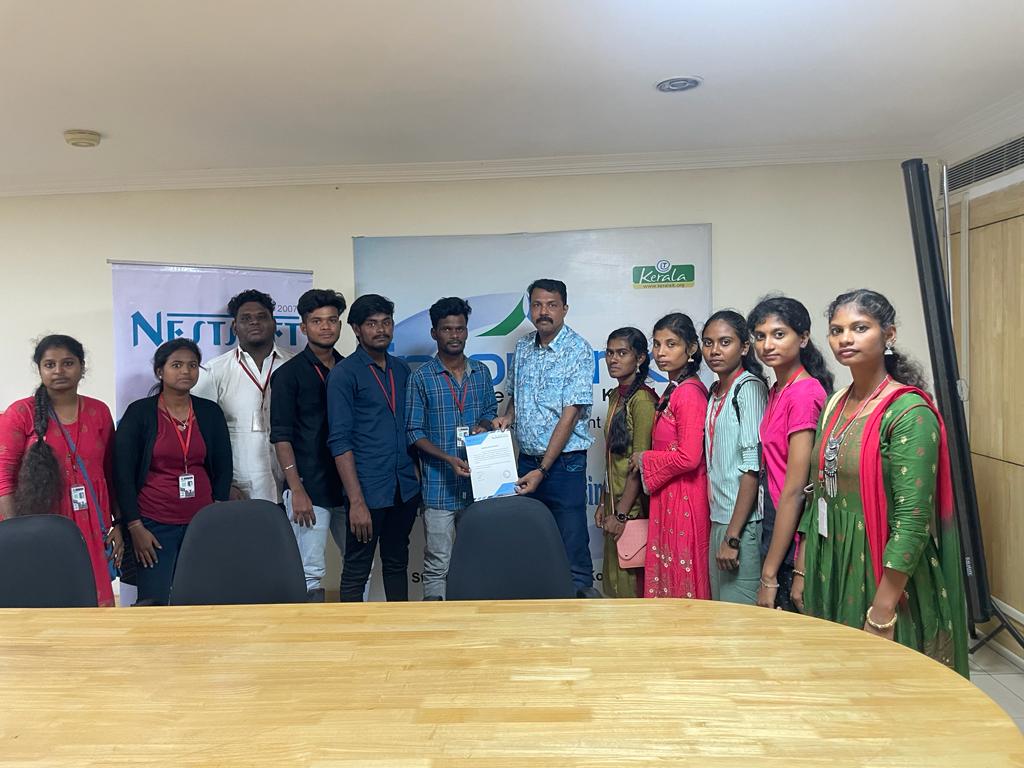
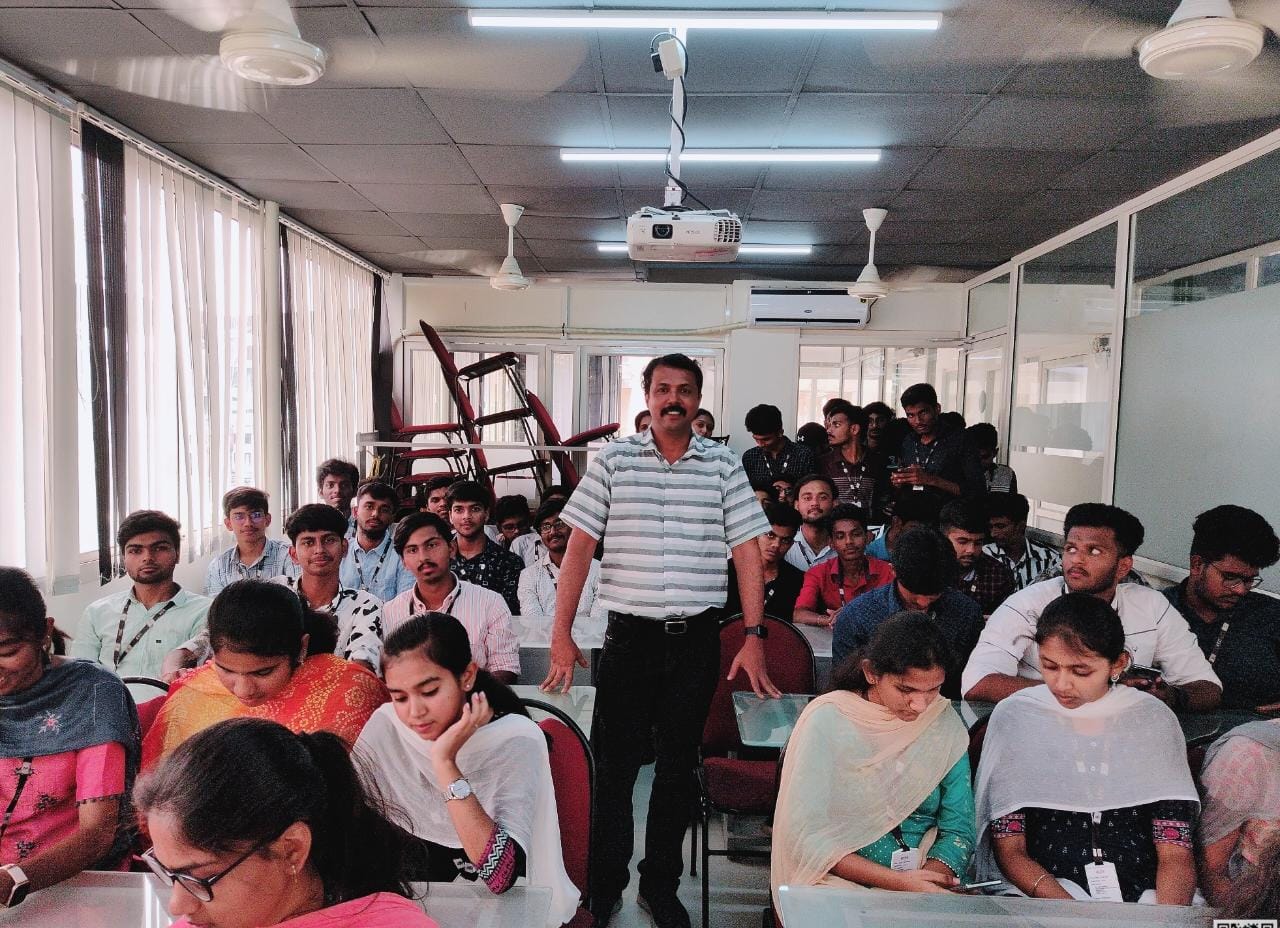
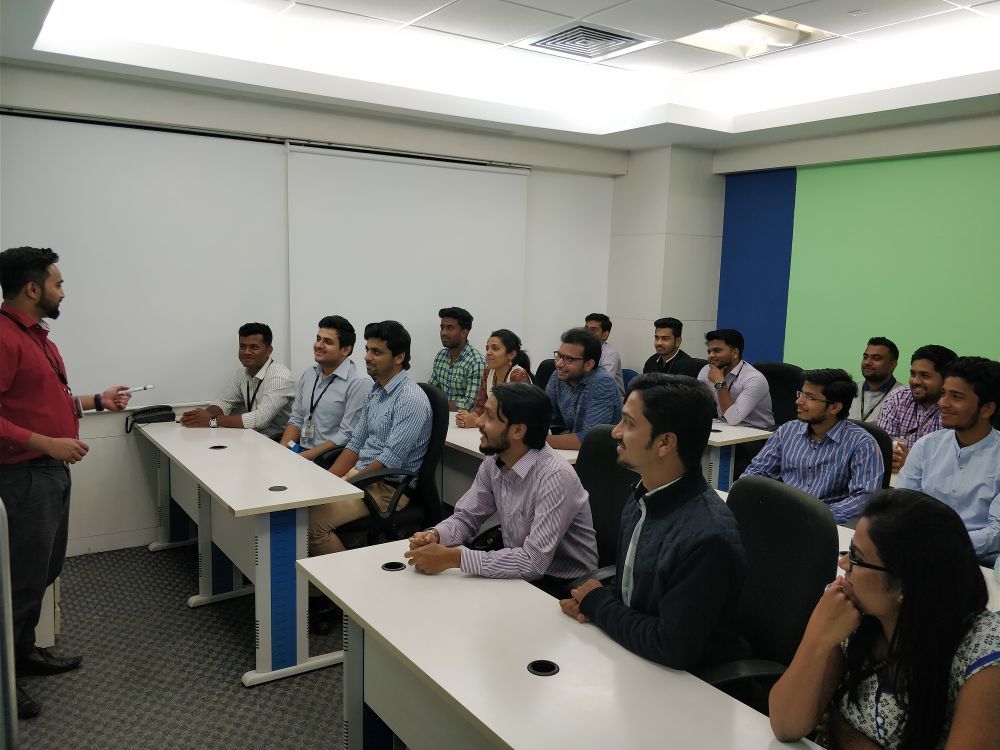
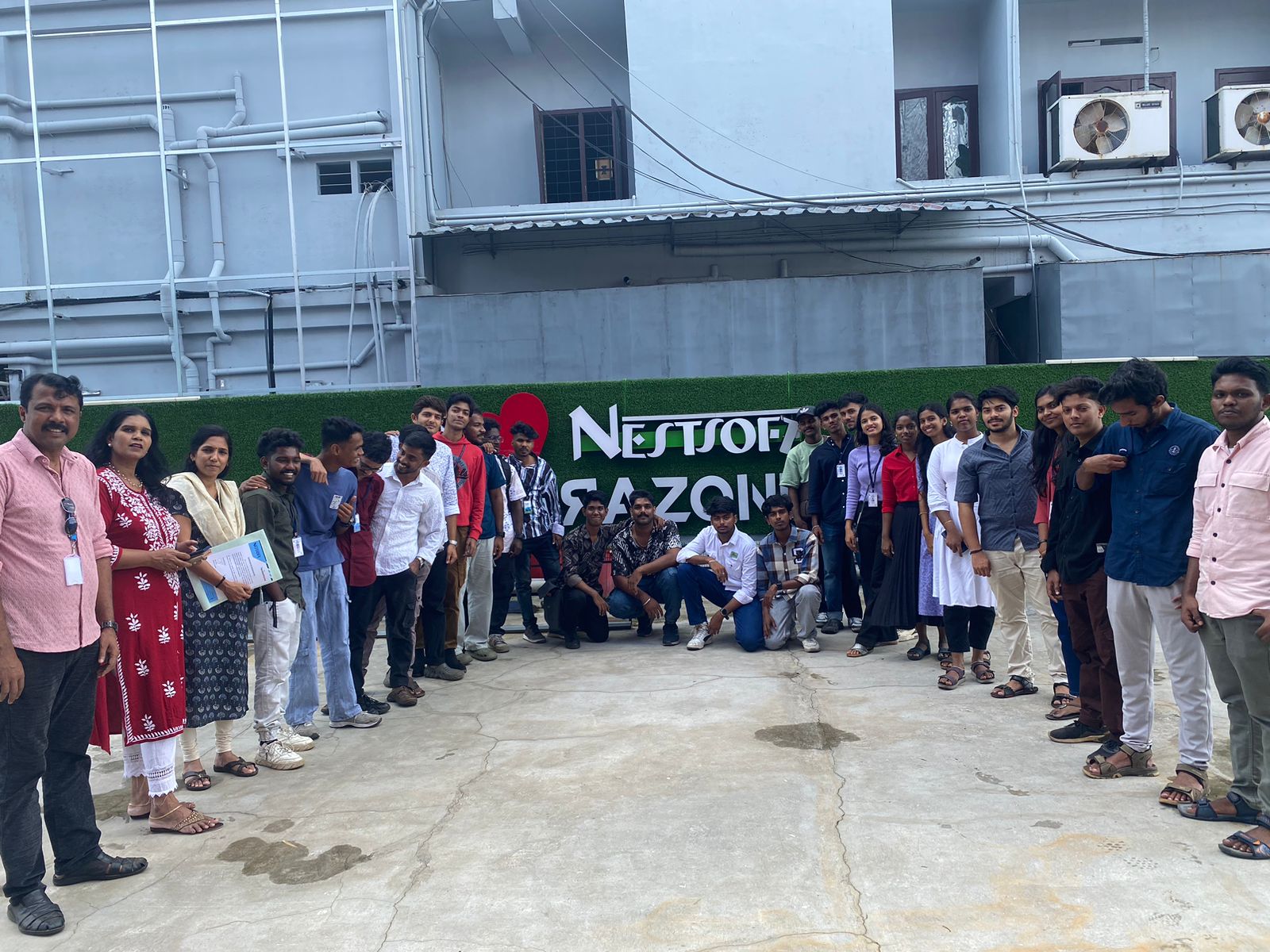
Photos of Training / Internships

Internship/projects in aurangabad

Trained more than 10000+ students who trust Nestsoft TechnoMaster

Get Your Personal Trainer