Send enquiry ⏎

MCSA Online Live Class by Experts

Our Training/Internship Process

MCSA Online Live Classes in Nizamabad | Free Demo Training

MCSA - Syllabus, Fees & Duration

MODULE 1

  • Windows Server 2008 Active Directory, Configuring
  • Configuring DNS for Active Directory
  • Configuring zones
  • Configuring DNS server settings
  • Configuring zone transfer and Replication
  • Configuring the AD infrastructure
  • Configuring a forest or a domain
  • Configuring trusts - Configuring sites
  • Configuring AD replication
  • Configuring the global catalog
  • Configuring operation masters
  • Configuring additional AD server roles
  • Configuring AD Lightweight Directory Services (AD LDS)
  • Configuring AD Rights Management Service (AD RMS)
  • Configuring read-only domain controller (RODC)
  • Configuring AD Federation Services (AD FS)

MODULE 2

  • Configuring and maintaining AD objects
  • Automate the creation of AD accounts
  • Maintain AD accounts
  • Create and apply Group Policy objects (GPOs)
  • Configure GPO templates
  • Configure software deployment GPOs
  • Configure account policies
  • Configure audit policy by using GPOs

MODULE 3

  • Maintaining the AD environment
  • Configuring backup and recovery
  • Perform offline maintenance
  • Monitor AD

MODULE 4

  • Configuring AD Certificate Services
  • Install AD Certificate Services
  • Configure CA server settings
  • Manage certificate templates
  • Manage Enrolments
  • Manage Certificate revocations

MODULE 5

  • Windows Server 2008 Network Infrastructure
  • Configuring IP Addressing and Services
  • Configuring IPv4 and IPv6 addressing
  • Configuring Dynamic Host Configuration Protocol (DHCP)
  • Configuring routing
  • Configuring IPsec

MODULE 6

  • Configuring Name Resolution
  • Configuring DNS Server
  • Configuring DNS zones
  • Configuring DNS records
  • Configuring DNS replication
  • Configuring name resolution for client computers

MODULE 7

  • Configuring Network Access
  • Configure remote access
  • Configure Network Access Protection (NAP)
  • Configure network authentication
  • Configure wireless access
  • Configure firewall settings

MODULE 8

  • Configuring File and Print Services
  • Configure a file server
  • Configure Distributed File System (DFS)
  • Configure shadow copy services
  • Configure backup and restore
  • Manage Disk Quotas
  • Configure and monitor print services

MODULE 9

  • Monitoring and Managing a Network Infrastructure
  • Configure Windows Server Update Services (WSUS) server settings
  • Capture performance data - Monitor event logs
  • Gather network data

MODULE 10

  • Windows Server 2008 Application Infrastructure
  • Configuring Deploy Servers
  • Deploy images by using Windows Deployment Services
  • Configure Microsoft Windows Activation
  • Configure high availability
  • Configure storage

MODULE 11

  • Configuring Terminal Services
  • Configure Windows Server 2008 Terminal Services Remote App (TS Remote App)
  • Configure Terminal Services Gateway
  • Configure Terminal Services load balancing
  • Configure and monitor Terminal Services resources
  • Configure Terminal Services Licensing
  • Configure Terminal Services client connections
  • Configure Terminal Services server options

MODULE 12

  • Configuring a Web Services Infrastructure
  • Configure Web applications
  • Manage Web sites
  • Configure a File Transfer Protocol (FTP) server
  • Configure Simple Mail Transfer Protocol (SMTP).
  • Manager Internet Information Services (IIS)
  • Configure SSL security
  • Configure Web site authentication and permissions

MODULE 13

  • Configuring Network Application Services
  • Configure Windows Media Server
  • Configure Digital Rights Management (DRM)
  • Configure Microsoft Windows SharePoint Services server options
  • Configure Windows SharePoint Services e-mail integration
  • Download Syllabus - MCSA
    This syllabus is not final and can be customized as per needs/updates
   
10000+
20+
50+
25+

MCSA Jobs in Nizamabad

Enjoy the demand

Find jobs related to MCSA in search engines (Google, Bing, Yahoo) and recruitment websites (monsterindia, placementindia, naukri, jobshybrid.com, indeed.co.in, shine.com etc.) based in Nizamabad, chennai and europe countries. You can find many jobs for freshers related to the job positions in Nizamabad.

  • Project manager
  • System administrator-Microsoft
  • Technical architect
  • Software developer- Microsoft
  • Network engineer/system engineer
  • Team lead
  • Customer support engineer
  • Tech support Engineer
  • system analyst
  • product support engineer.

MCSA Internship/Course Details

MCSA internship jobs in Nizamabad
MCSA We will continue to provide 100 percent pleasure to our students in the future. Also, improve your skills in configuring the more complicated server. You can enroll in the MCSA course at NESTSOFT if you have a basic understanding of computers and networking. MCSE credentials necessitate MCSA certifications. . Engineers capable of developing, implementing, and operating infrastructure based on Microsoft Windows servers. The window server administration trainers at NESTSOFT training in the Nizamabad are highly trained and have worked in the IT industry. The MCSA program might serve as your initial step toward gaining higher/advanced IT abilities. Holding the MCSA certification demonstrates that an applicant possesses a comprehensive set of abilities on the Microsoft platform, allowing them to work as a server administrator, Active Directory supporter, database administrator, or corporate communications manager. In the future years, demand for Microsoft Certified Solutions Associate information technology experts will continue to expand at an annual pace of 18 percent through 2020.


Meet a Few of our Industry Experts 🚀 Your Pathway to IT Career

Muhammed

Mobile: +91 91884 77559
Location: Online (Nizamabad, India)
Qualification: BCA (Pursuing)

Experience: Hello I'm Muhammed Adil I'm a full-stack developer with six months of experience I'm currently pursuing my bachelor's degree in  more..

Amit

Mobile: +91 8301010866
Location: Online (Nizamabad, India)
Qualification: Mba

Experience: 4 years of experience in seo   more..

Anant

Mobile: +91 91884 77559
Location: Online (Nizamabad, India)
Qualification: B.TECH

Experience: I have 1 4 years of experience in Android development I have key knowledge of Java Kotlin and Android Development  more..

SOUVIK

Mobile: +91 98474 90866
Location: Online (Nizamabad, India)
Qualification: m,tech

Experience: c++ java net stack developer aaaaaaaaaaaaaaaaaaaaaaa  more..

Hardeep

Mobile: +91 91884 77559
Location: Online (Nizamabad, India)
Qualification: Master

Experience: Assistant professor computer application and language java html php c++ and pte trainer  more..

Abhinav

Mobile: +91 8301010866
Location: Online (Nizamabad, India)
Qualification: Btech

Experience: A backend developer with following tech stack 1 Java 2 SpringBoot 3 SQL 4 JavaScript DOM 5 HTML 6 CSS  more..

Dipak

Mobile: +91 8301010866
Location: Online (Nizamabad, India)
Qualification: Bachelor of computer application

Experience: Firstly I want to said that if you mentally strong to your work then no work hard for you self  more..

Sanjana

Mobile: +91 94975 90866
Location: Online (Nizamabad, India)
Qualification: Msc computer science

Experience: Functional testing design testing data base testing mobile application tetsing regression testing web application testing basic automation tetong jira load  more..

ANJALY

Mobile: +91 98474 90866
Location: Online (Nizamabad, India)
Qualification: B.Tech

Experience: Have Knowledge in Core Java Android Advanced java jsp servlets jsf struts hibernate and spring Also know the front-end languages  more..

Mohammed

Mobile: +91 91884 77559
Location: Online (Nizamabad, India)
Qualification: Bachelor of computer applications

Experience: Basic knowledge of Html Css javascript Mongo db Etc I have completed UI FULL STACK WEB DEVELOPMENT Course at Naresh  more..

Muhammed

Mobile: +91 91884 77559
Location: Online (Nizamabad, India)
Qualification: Digree

Experience: Web design (wp) Google ads  more..

ABHIRAJ

Mobile: +91 9895490866
Location: Online (Nizamabad, India)
Qualification: Bsc. Animation & Vfx

Experience: As a motion designer at Reviens Tech I create engaging and dynamic animations for various web and mobile applications I  more..

Satyam

Mobile: +91 8301010866
Location: Online (Nizamabad, India)
Qualification: Graduation

Experience: With a background as a front-end developer at IncreTech Pvt Ltd specializing in HTML CSS and JavaScript I bring a  more..

Sunil

Mobile: +91 8301010866
Location: Online (Nizamabad, India)
Qualification: MCA

Experience: Android kotlin Java firebase glide rest API MVVM material design Jetpack Components play Store handling  more..

Manab

Mobile: +91 94975 90866
Location: Online (Nizamabad, India)
Qualification: MCA

Experience: Software Engineer Triedatum Inc Jan 2023 – present | Remote • Developed and optimized Snowflake queries to ensure accurate data  more..

Deepesh

Mobile: +91 94975 90866
Location: Online (Nizamabad, India)
Qualification: B.E

Experience: Deepesh has an overall 2 10 YOE as a Developer Automation tester in Deloitte’s Financial Services He has experience in  more..

Fahid

Mobile: +91 9895490866
Location: Online (Nizamabad, India)
Qualification: Diploma

Experience: Strong analytical skills >Troubleshooting computer problems and solutions > Information security > Burp suite > Mobile Security Framework >Wireshark >  more..

Mangilal

Mobile: +91 9895490866
Location: Online (Nizamabad, India)
Qualification: B. Tech

Experience: Hello This is mangilal I have 1 year hands on experience as laravel developer Am familiar with c c++ php  more..

Salini

Mobile: +91 98474 90866
Location: Online (Nizamabad, India)
Qualification: Msc Computer Science

Experience: Trained fresher in software testing ISTQB foundation level certified   more..

Vishnuteja

Mobile: +91 94975 90866
Location: Online (Nizamabad, India)
Qualification: B. Tech

Experience: Android development java c c++ json parsing rest api  more..

Sithanya

Mobile: +91 98474 90866
Location: Online (Nizamabad, India)
Qualification: MSC computerscience

Experience: Bootstrap c cpp c# php mysql HTML 6 month experience in webdesigner  more..

Barinder

Mobile: +91 94975 90866
Location: Online (Nizamabad, India)
Qualification: Mca

Experience: Mvvm kotlin Java Android react native navigation Room Google map payment gateways firebase etc  more..

Tushar

Mobile: +91 9895490866
Location: Online (Nizamabad, India)
Qualification: Bachelors

Experience: Computer languages C C++ Java Python JavaScript HTML CSS TypeScript Bash Assembly Solidity Golang Software Packages Git Github Docker Linux  more..

Srinivas

Mobile: +91 9895490866
Location: Online (Nizamabad, India)
Qualification: Bachelors of engineering

Experience: AWS devop linux and python   more..

Success Stories

The enviable salary packages and track record of our previous students are the proof of our excellence. Please go through our students' reviews about our training methods and faculty and compare it to the recorded video classes that most of the other institutes offer. See for yourself how TechnoMaster is truly unique.

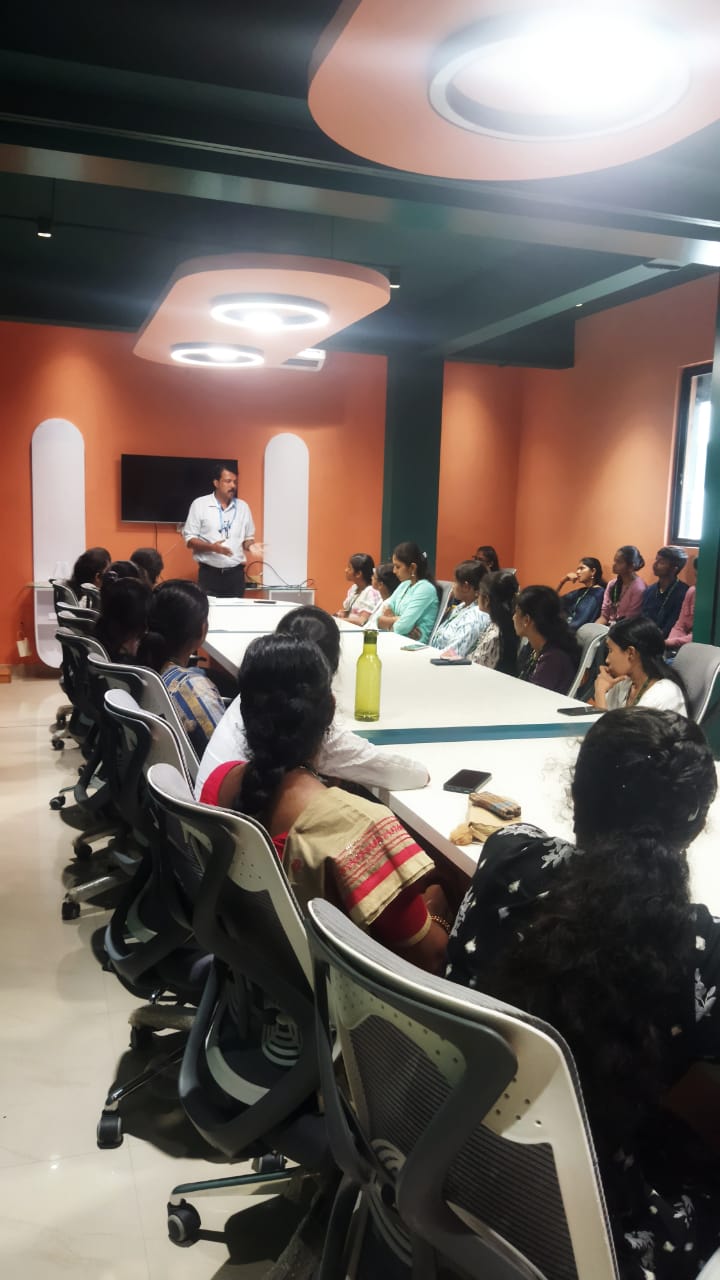
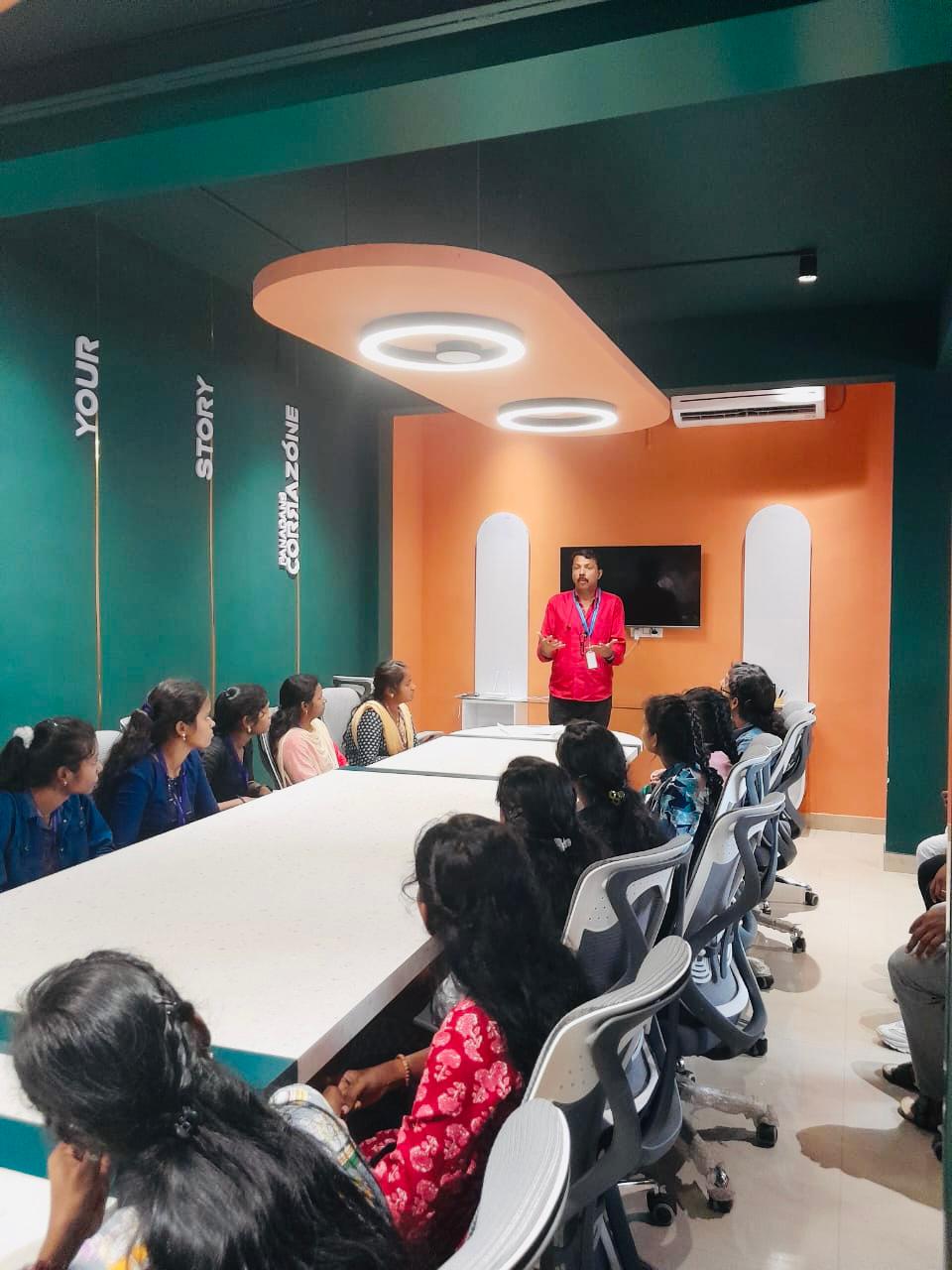
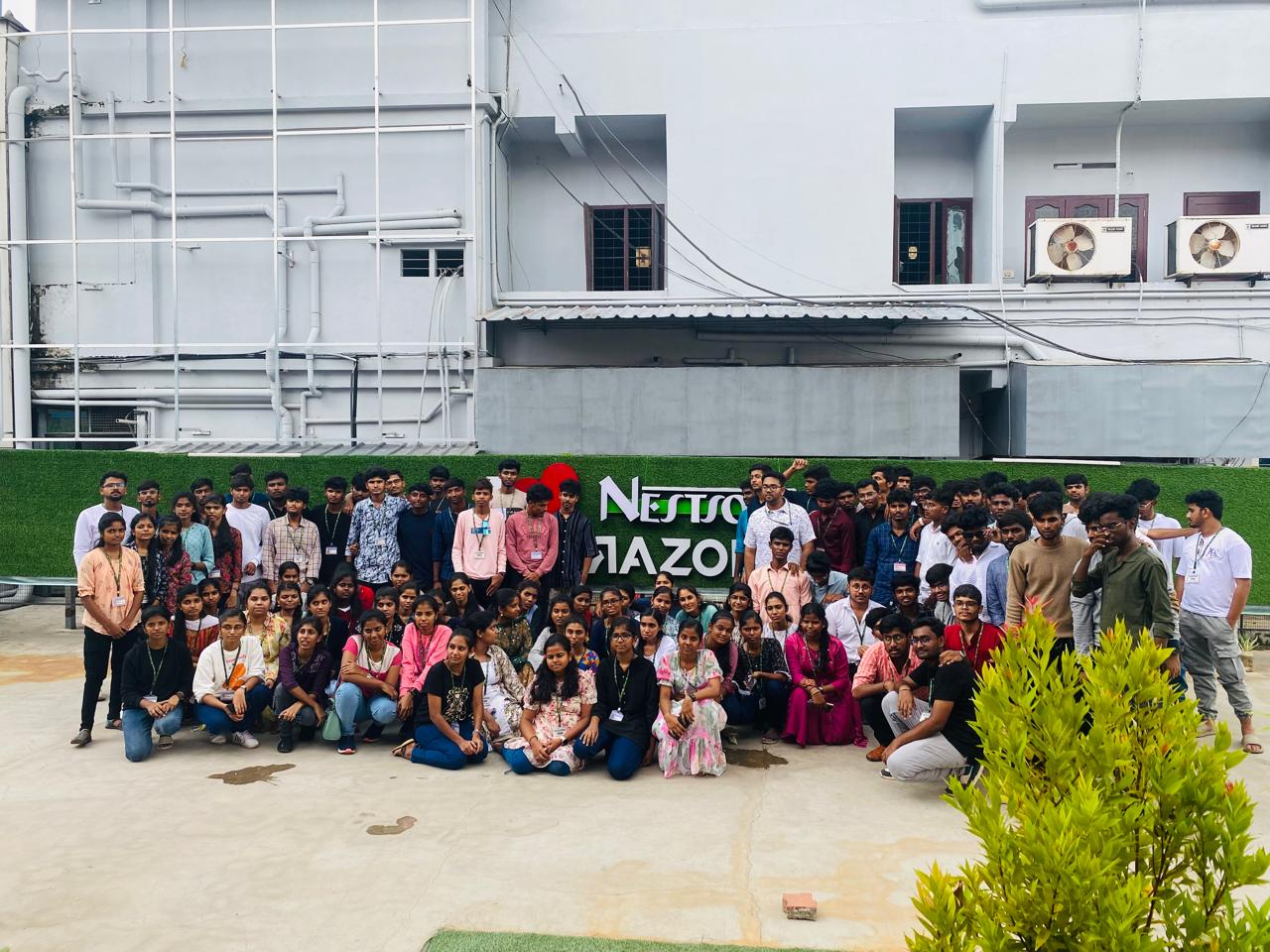
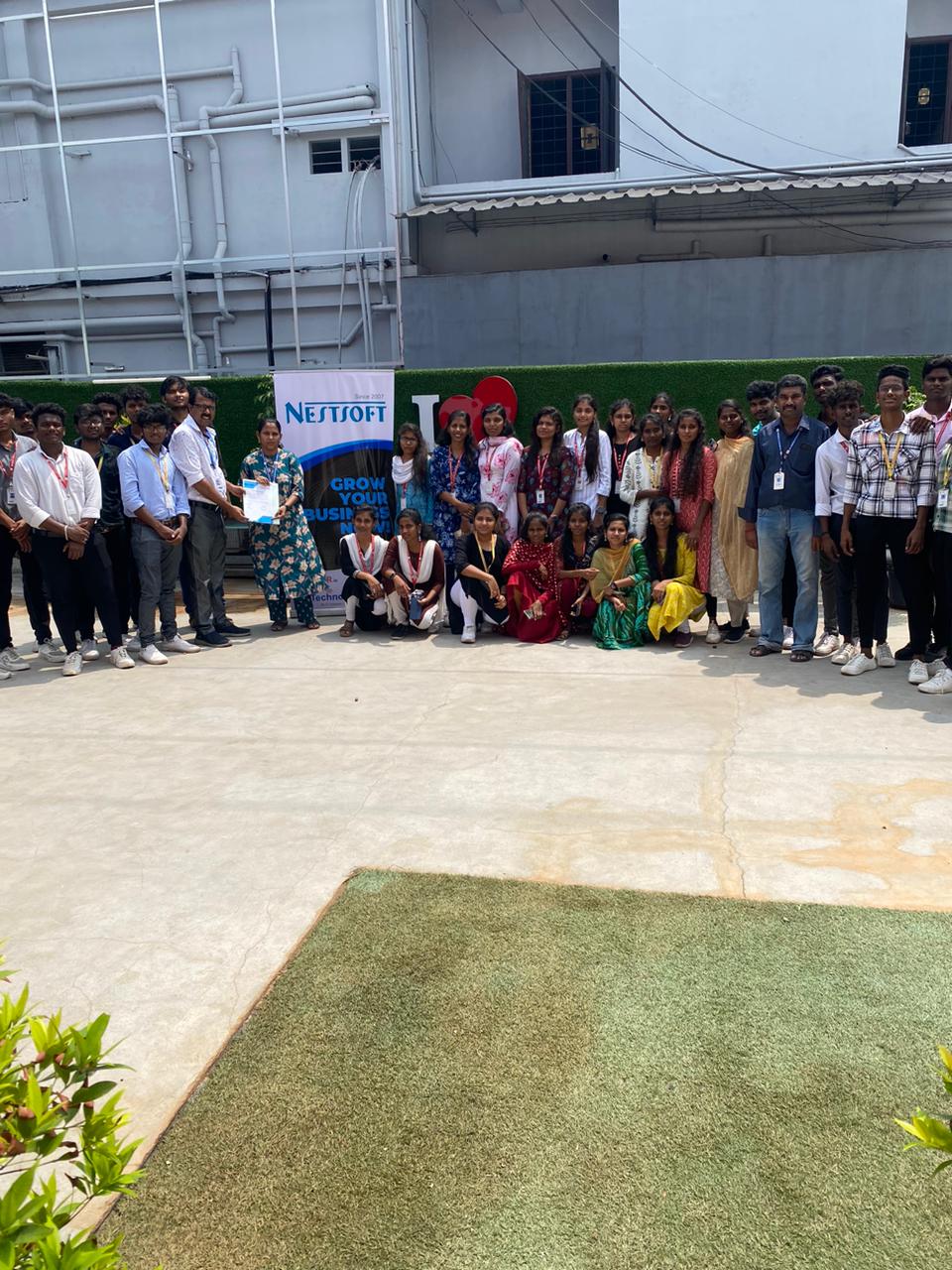
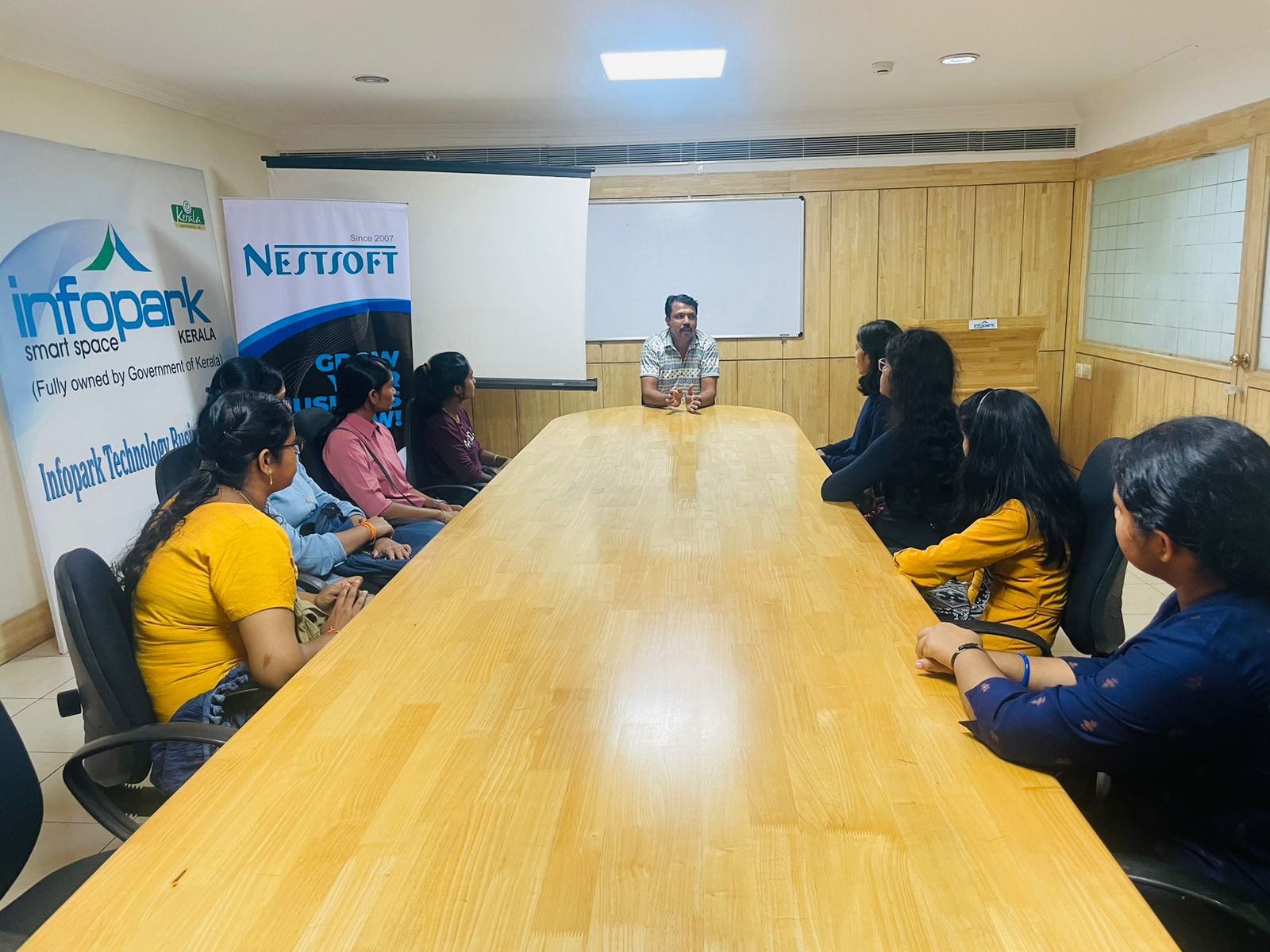
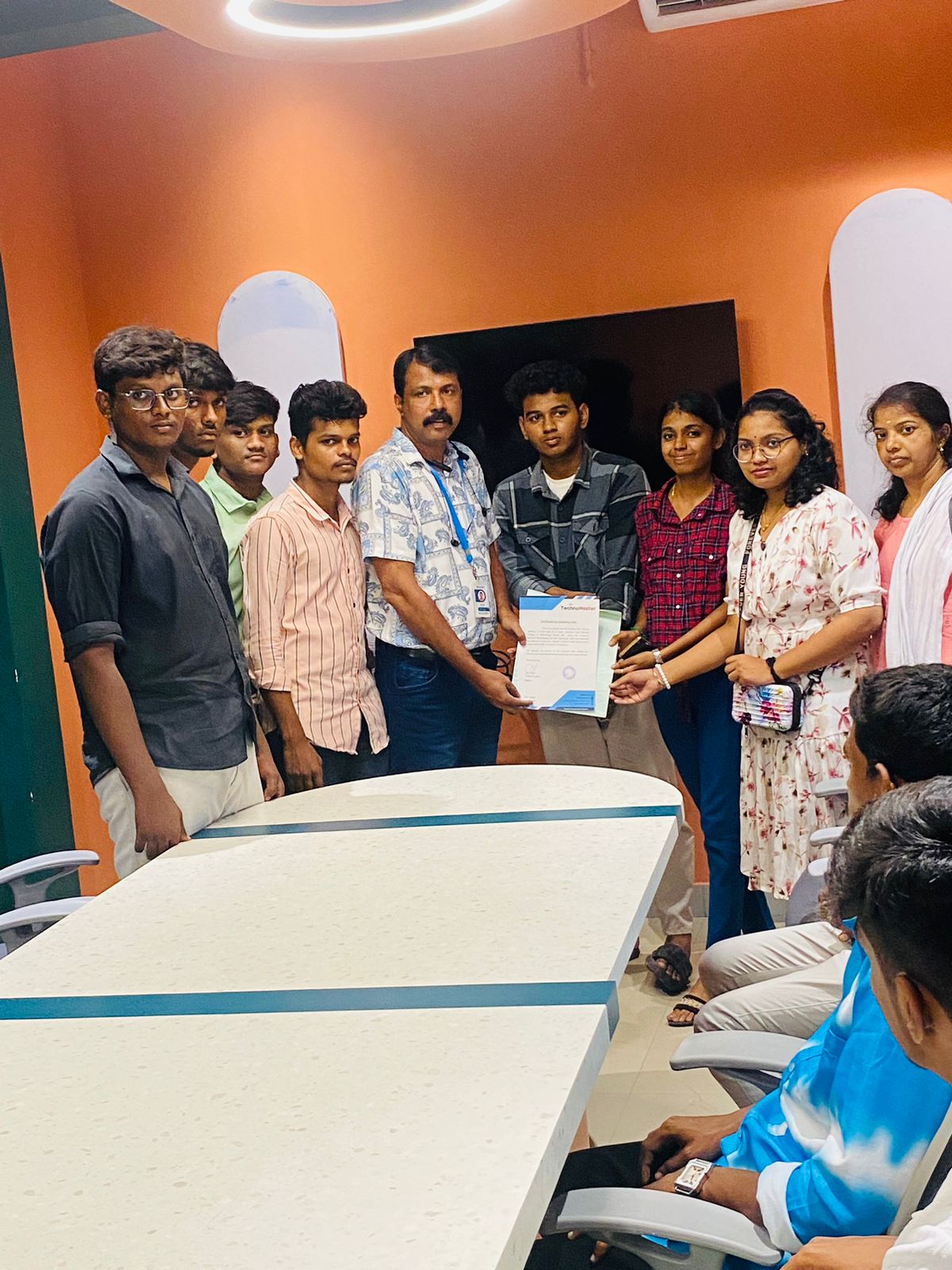
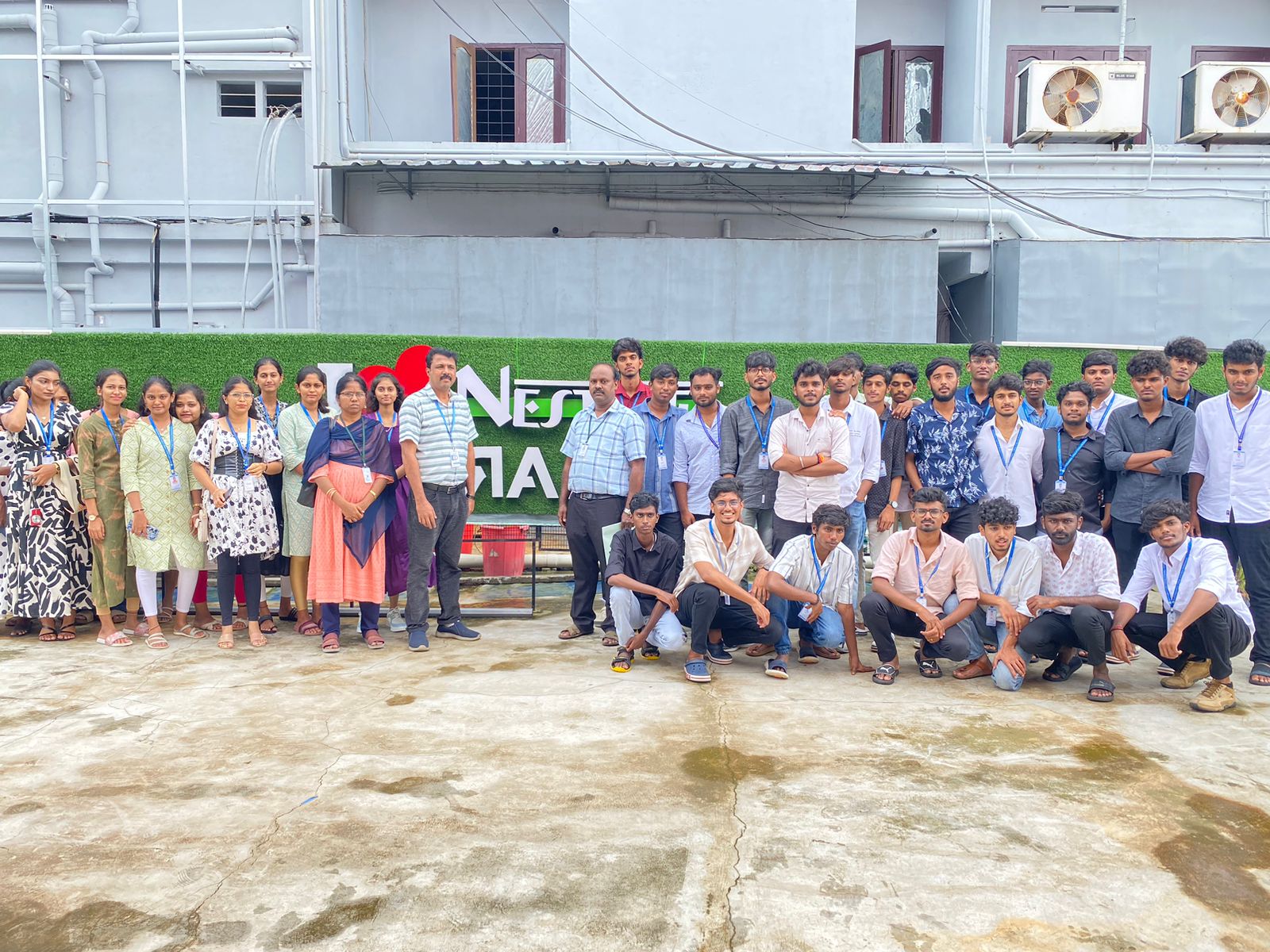
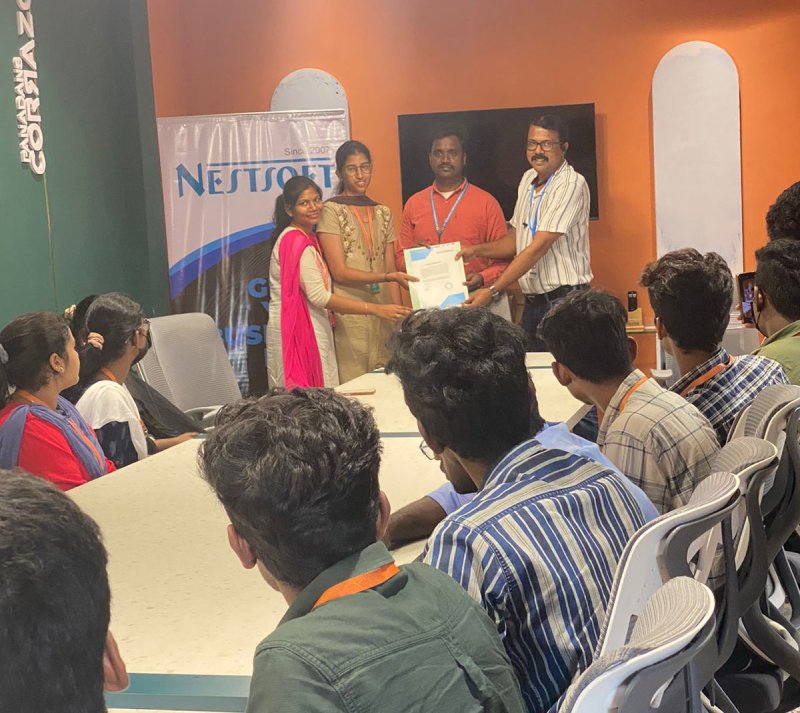
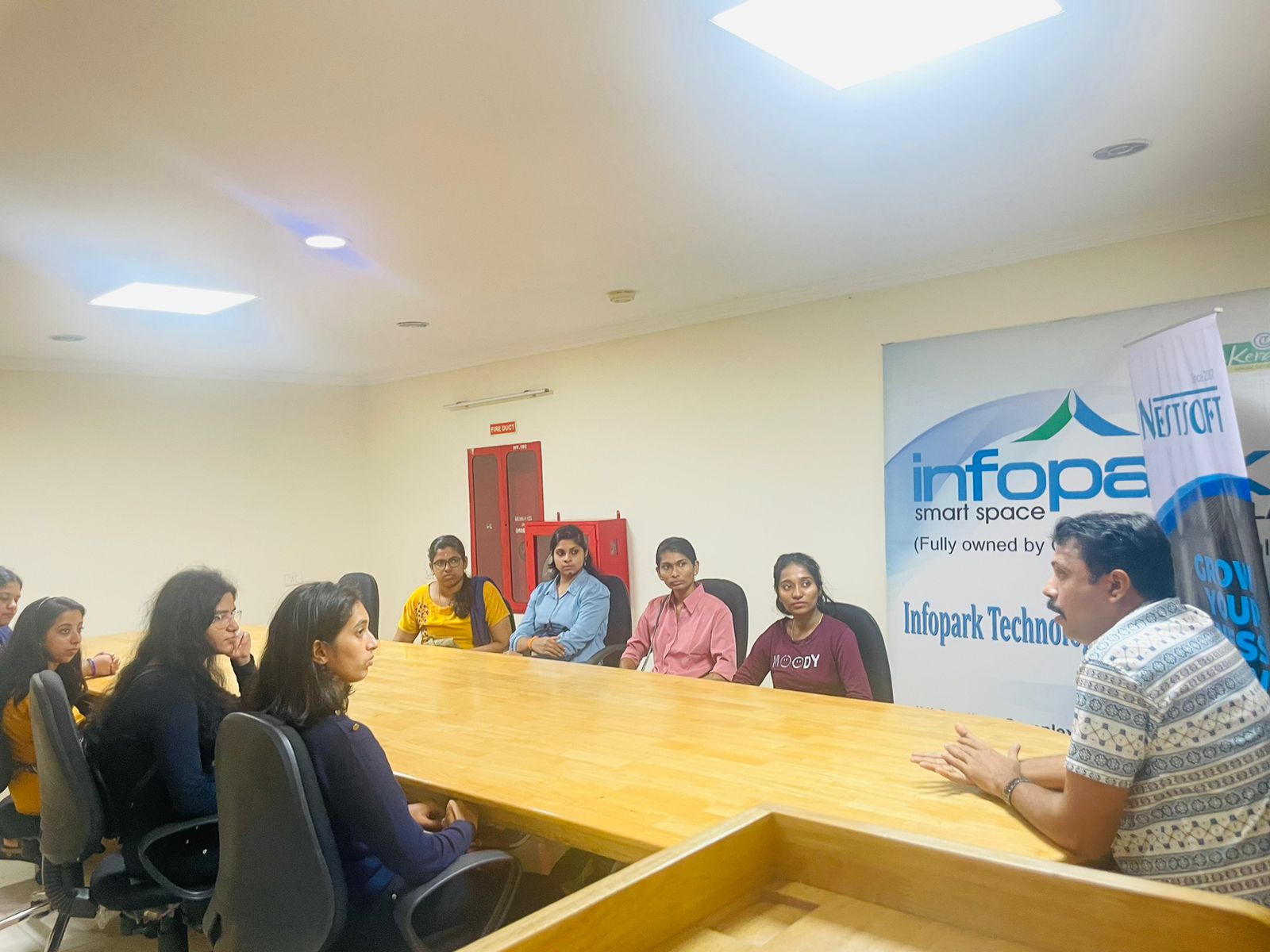
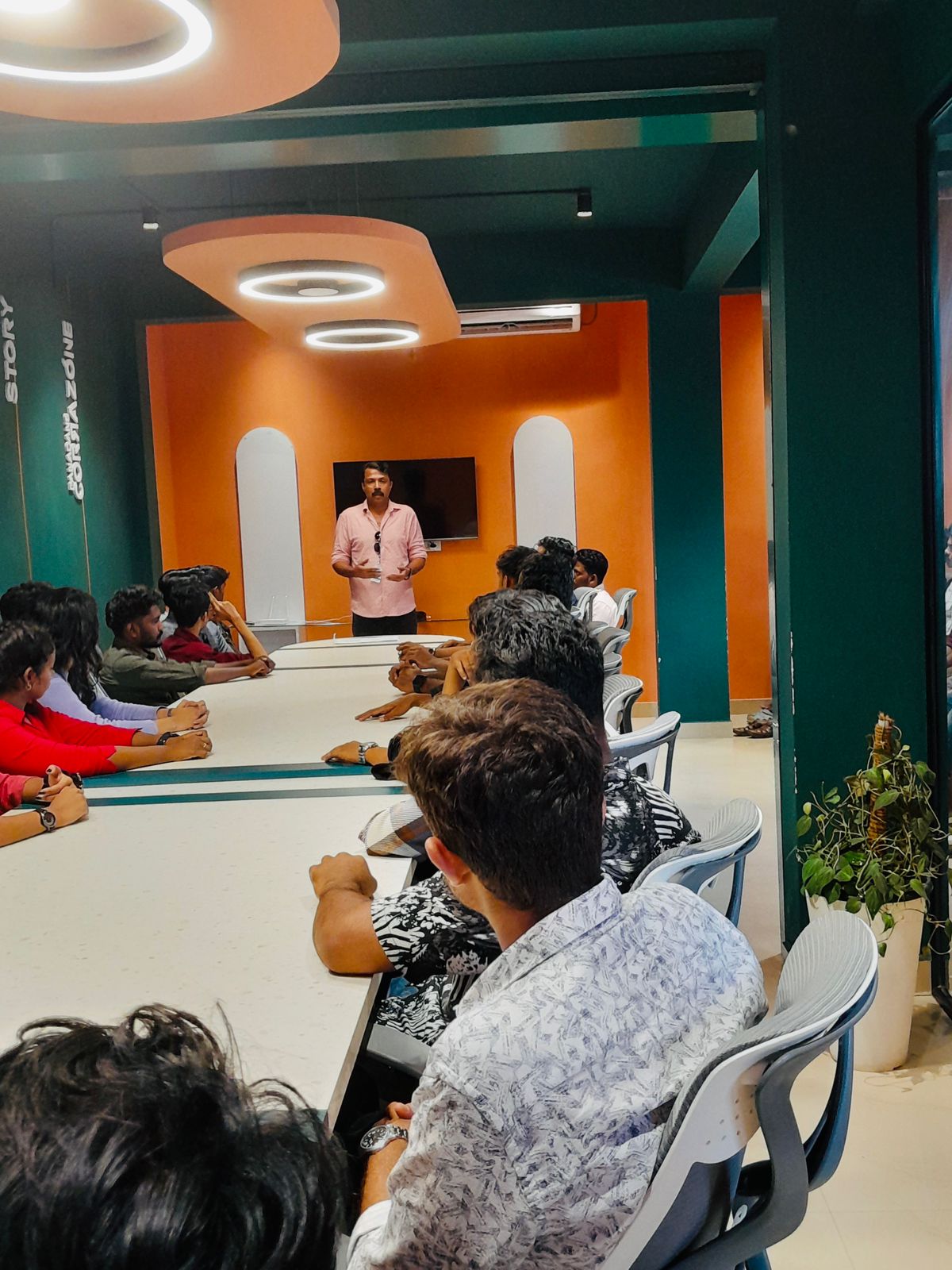
Photos of Training / Internships

Internship/projects in nizamabad

Trained more than 10000+ students who trust Nestsoft TechnoMaster

Get Your Personal Trainer