Send enquiry ⏎

Bootstrap Online Live Class by Experts

Our Training/Internship Process

Bootstrap Online Live Classes in Madurai | Free Demo Training

Bootstrap - Syllabus, Fees & Duration

MODULE 1

  • Bootstrap
  • Get Started
  • What is Bootstrap?
  • Bootstrap History
  • Why Use Bootstrap?
  • Where to get Bootstrap?
  • Downloading Bootstrap
  • Bootstrap CDN

MODULE 2

  • Create First Web Page with Bootstrap
  • Add the HTML5 Doctype
  • Bootstrap is Mobile First
  • Containers
  • Basic Bootstrap Pages
  • Bootstrap Grids
  • Bootstrap Grid System
  • Grid Classes
  • Basic Structure of a Bootstrap Grid
  • Equal Columns
  • Unequal Columns

MODULE 3

  • Bootstrap Text / Typography
  • Bootstrap Default Settings
  • Bootstrap vs. Browser Defaults
  • Bootstrap Tag Elements
  • Contextual Colors and
  • Background
  • Typography Classes

MODULE 4

  • Bootstrap Table
  • Rounded Corners
  • Circle
  • Thumbnail
  • Responsive Images
  • Image Gallery
  • Responsive Embeds

MODULE 5

  • Bootstrap Jumbotron and Page Header
  • Creating a Jumbotron
  • Jumbotron inside Container
  • Jumbotron outside Container
  • Creating a Page Header

MODULE 6

  • Bootstrap Wells
  • Wells
  • Well Size

MODULE 7

  • Bootstrap Alerts
  • Alerts
  • Closing Alerts
  • Animated Alerts

MODULE 8

  • Bootstrap Buttons
  • Button Style
  • Button Sizes
  • Block Level Buttons
  • Active /Disable Buttons

MODULE 9

  • Bootstrap Button Groups
  • Button Groups
  • Vertical Button Groups
  • Justified Button Group
  • Nesting Button Groups
  • Dropdown Menus
  • Split Button Dropdowns
  • MODULE 10

    • Bootstrap Glyphicons
    • Glyphicons
    • Glyphicons Syntax
    • Glyphicon Example

    MODULE 11

    • Bootstrap Badges and Labels
    • Badges
    • Labels

    MODULE 12

    • Bootstraps Progress Bars
    • Basic Progress Bar
    • Progress Bar with Label
    • Colored Progress Bars
    • Striped Progress Bars

    MODULE 13

    • Bootstrap Pagination
    • Basic Pagination
    • Active State
    • Disabled State
    • Pagination Sizing

    MODULE 14

    • Bootstrap Pager
    • What is Pager?
    • Align Buttons

    MODULE 15

    • Bootstrap List Groups
    • Basic list Groups
    • List Group with Badges
    • List Group with Linked Items
    • Contextual Classes
    • Custom Content

    MODULE 16

    • Bootstrap Panels
    • Panels
    • Panel Heading
    • Panel Footer
    • Panel Group
    • Panel with Contextual Classes

    MODULE 17

    • Bootstrap Dropdowns
    • Basic Dropdown
    • Dropdown Driver
    • Dropdown Header
    • Disable an Item
    • Dropdown Accessibility
    • Bootstrap Collapse

    MODULE 18

    • Basic Collapsible
    • Example Explained
    • Collapsible Panel
    • Collapsible List Group
    • Accordion

    MODULE 19

    • Bootstrap Tabs and Pills Menus
    • Tabs
    • Tabs with Dropdown Menu
    • Pills
    • Vertical Pills
    • Vertical Pills in Row
    • Pills with Dropdown Menu
    • Centered Tabs and Pills
    • Toggle/Dynamic Tabs
    • Toggle/Dynamic Pills

    MODULE 20

    • Bootstrap Navigation Bar
    • Navigation Bars
    • Inverted Navigation Bar
    • Fixed Navigation Bar
    • Navigation Bars with Dropdown
    • Right Aligned Navigation Bar
    • Collapsing the Navigation Bar

    MODULE 21

    • Bootstrap Forms
    • Bootstrap Default Settings
    • Bootstrap Form Layouts
    • Bootstrap Vertical Form
    • Bootstrap Inline Form
    • Bootstrap Horizontal Form
    • Bootstrap Form Inputs
    • Supported Form Controls

    MODULE 22

    • Bootstrap Input
    • Bootstrap Text area
    • Bootstrap Checkboxes
    • Bootstrap Radio Buttons
    • Bootstrap Select List

    MODULE 23

    • Bootstrap Form Inputs (More)
    • Static Control
    • Bootstrap Form Control States

    MODULE 24

    • Bootstrap Input Sizing
    • Input Sizing in Forms
    • Height Sizing
    • Column Sizing
    • Help Text

    MODULE 25

    • Bootstrap Carousel Plugin
    • The Carousel Plugin
    • How to Create a Carousel
    • Add Captions to Slides

    MODULE 26

    • Bootstrap Model Plugin
    • The Model Plugin
    • Hoe to Create a Model
    • Model Size

    MODULE 27

    • Bootstrap Tooltip Plugin
    • The Tooltip Plugin
    • How to Create Tooltip
    • Positioning Tooltips

    MODULE 28

    • Bootstrap Popover Plugin
    • The Popover Plugin
    • How to Create a Popover
    • Positioning Popovers
    • Closing Popovers

    MODULE 29

    • Bootstrap Scrollspy Plugin (Advanced)
    • The Scrollspy Plugin
    • How to Create a Scrollspy
    • Scrollspy Vertical Menu

    MODULE 30

    • Bootstrap Case
    • Build a Bootstrap Web Page
    • From Scratch
    • Add Bootstrap CDN and Put
    • Elements in Containers
    • Add Jumbotron
    • Adding button and icons
    • Multicolumn Layout
    • Adding Menus Tabs
    • Adding Navigation bars
    • Download Syllabus - Bootstrap
      This syllabus is not final and can be customized as per needs/updates
       
    10000+
    20+
    50+
    25+

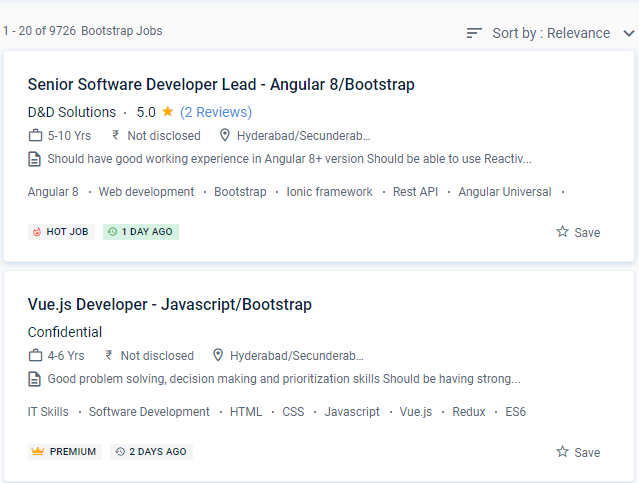
    Bootstrap Jobs in Madurai

    Enjoy the demand

    Find jobs related to Bootstrap in search engines (Google, Bing, Yahoo) and recruitment websites (monsterindia, placementindia, naukri, jobshybrid.com, indeed.co.in, shine.com etc.) based in Madurai, chennai and europe countries. You can find many jobs for freshers related to the job positions in Madurai.

    • Senior full-stack developer
    • Ui /UX Developer
    • Developer- Bootstrap
    • Frontend developer
    • UI developer C11
    • Software Engineer
    • Bootstrap Trainer
    • Shopify developer-bootstrap
    • Angular Bootstrap Developer
    • SharePoint Developer

    Bootstrap Internship/Course Details

    Bootstrap internship jobs in Madurai
    Bootstrap This Bootstrap course focuses on business-related innovations. This course is intended for advanced Bootstrap starters. . Fewer cross-browser issues are among the key benefits of bootstrap. The Bootstrap course from NESTSOFT is meant to introduce you to the Bootstrap framework and mobile-first web design. It's a broad framework that only worries about front-end applications, such as topography, forms, interface components, and JavaScript plugins. A consistent framework that supports the majority of browsers and CSS compatibility patches, a fantastic grid system, a plethora of free and paid templates, WordPress themes and plugins, and more Several JavaScript plugins employ the jQuery and Responsive structures and styles that are lightweight and adaptable. These projects can assist you in building your Bootstrap portfolio. This course will teach you about the Bootstrap Framework, as well as the basic structure of the Bootstrap Basic webpage, breakpoints in the Bootstrap grid system, different types of containers, and how to deal with the Bootstrap grid on various devices. As the community takes advantage of its free, creative commons authorization, new features appear regularly.


    Meet a Few of our Industry Experts 🚀 Your Pathway to IT Career

    Suhaila

    Mobile: +91 91884 77559
    Location: Online (Madurai, India)
    Qualification: Btech in computer science and engineering

    Experience: Android application developer Java developer  more..

    Ritik

    Mobile: +91 94975 90866
    Location: Online (Madurai, India)
    Qualification: Bachelor

    Experience: 2 5 years of experience and programming skills  more..

    Satti

    Mobile: +91 91884 77559
    Location: Online (Madurai, India)
    Qualification: B.tech

    Experience: python HTML CSS AUTOCAD CATIA  more..

    Akhilesh

    Mobile: +91 98474 90866
    Location: Online (Madurai, India)
    Qualification: B.Tech

    Experience: I have 1 8 years of Experience in Web based application testing My skills are Manual Testing API Testing Functional  more..

    Soni

    Mobile: +91 8301010866
    Location: Online (Madurai, India)
    Qualification: Pursuing MCA

    Experience: I hope this message finds you well I'm recognised as a full stack developer I believe that my skills and  more..

    GAYATRI

    Mobile: +91 91884 77559
    Location: Online (Madurai, India)
    Qualification: B.Tech(pursuing)

    Experience: Skills:-java web development Experience:-0  more..

    Kishor

    Mobile: +91 91884 77559
    Location: Online (Madurai, India)
    Qualification: B.sc computer science

    Experience: *Knowledge in Software testing manual & automation *Flexible *Solid understanding of test cases & test scenario  more..

    preritha

    Mobile: +91 94975 90866
    Location: Online (Madurai, India)
    Qualification: B.E

    Experience: With 4 years of hands-on experience I started cultivating my design skills during my college years where I dedicated myself  more..

    Kajal

    Mobile: +91 98474 90866
    Location: Online (Madurai, India)
    Qualification: mca

    Experience: Html css js react js basic cloud zure  more..

    Pakala

    Mobile: +91 9895490866
    Location: Online (Madurai, India)
    Qualification: B. Tech(CSE)

    Experience: C python java html css javascript mysql bootstrap  more..

    Sai

    Mobile: +91 91884 77559
    Location: Online (Madurai, India)
    Qualification: B.tech (C.S.E)

    Experience: Experience In Training students one to one and also group Experience in Training students on real time projects for WordPress  more..

    Aswany

    Mobile: +91 8301010866
    Location: Online (Madurai, India)
    Qualification: M.Sc. Computer Science

    Experience: Have 2 4 years of experience in php and wordpress   more..

    Meenakshi

    Mobile: +91 91884 77559
    Location: Online (Madurai, India)
    Qualification: Bca

    Experience: C c++ php css java jsp html  more..

    DUSHYANT

    Mobile: +91 98474 90866
    Location: Online (Madurai, India)
    Qualification: B.Tech

    Experience: i have 3 year web developement skill In wix specially i am doing coding part till now i handled to  more..

    Vakkalagadda

    Mobile: +91 94975 90866
    Location: Online (Madurai, India)
    Qualification: B.Tech

    Experience: I have 3 years of experience in Digital Marketing and 1 year experience as PLSQl developer   more..

    Arabinda

    Mobile: +91 9895490866
    Location: Online (Madurai, India)
    Qualification: BCA

    Experience: Skills: JavaScript programming Library design CSS proficiency PHP proficiency Project Management HTML expertise Laravel NET development VBScript Microsoft ASP NET  more..

    Raj

    Mobile: +91 91884 77559
    Location: Online (Madurai, India)
    Qualification: BcA

    Experience: This Email is to express my interest in the post of Android Developer With a Bachelor’s degree in Computer Applications(BCA)  more..

    Mangilal

    Mobile: +91 89210 61945
    Location: Online (Madurai, India)
    Qualification: B. Tech

    Experience: Hello This is mangilal I have 1 year hands on experience as laravel developer Am familiar with c c++ php  more..

    Hanzala

    Mobile: +91 8301010866
    Location: Online (Madurai, India)
    Qualification: Bachelor

    Experience: 1 Customer service: I have experience in providing excellent customer service and resolving issues 2 Project management: I have successfully  more..

    Viharika

    Mobile: +91 94975 90866
    Location: Online (Madurai, India)
    Qualification: B.tech

    Experience: To be honest I'm so concerned how these websites work with taht curiosity I started learning few web technologies And  more..

    DAVID

    Mobile: +91 91884 77559
    Location: Online (Madurai, India)
    Qualification: B.s.c

    Experience: Davinci Resolve After Effect motion graphic Graphic Design Youtube seo Content Marketing  more..

    Samridhi

    Mobile: +91 9895490866
    Location: Online (Madurai, India)
    Qualification: Bca

    Experience: I am last year bca student at chitkara University Skills: Web development Digital marketing Leadership  more..

    Athul

    Mobile: +91 89210 61945
    Location: Online (Madurai, India)
    Qualification: B Tech Mechanical Engineering

    Experience: I am a fresher Test engineer with 6 months of experience in manual testing Knowledge of various SDLC models Test  more..

    Omer

    Mobile: +91 98474 90866
    Location: Online (Madurai, India)
    Qualification: Bachelors

    Experience: Ms word excel java c c++ python sales customer support  more..

    Success Stories

    The enviable salary packages and track record of our previous students are the proof of our excellence. Please go through our students' reviews about our training methods and faculty and compare it to the recorded video classes that most of the other institutes offer. See for yourself how TechnoMaster is truly unique.

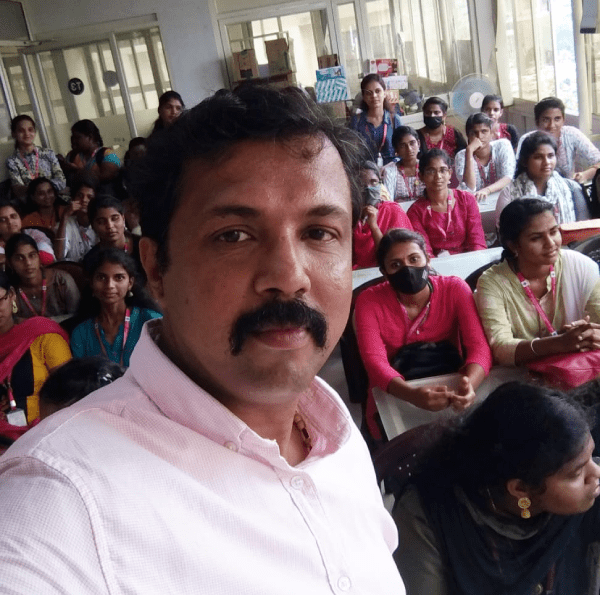
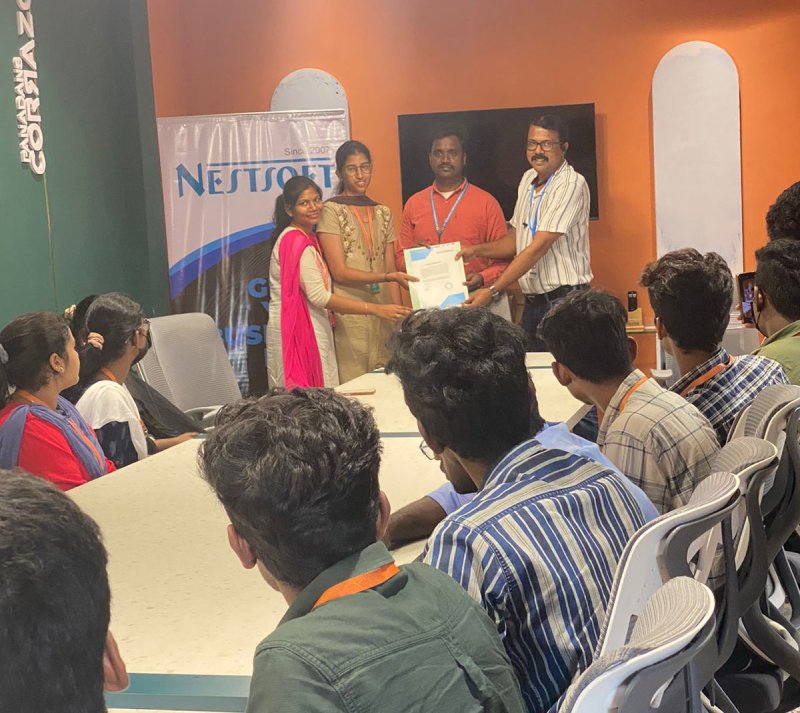
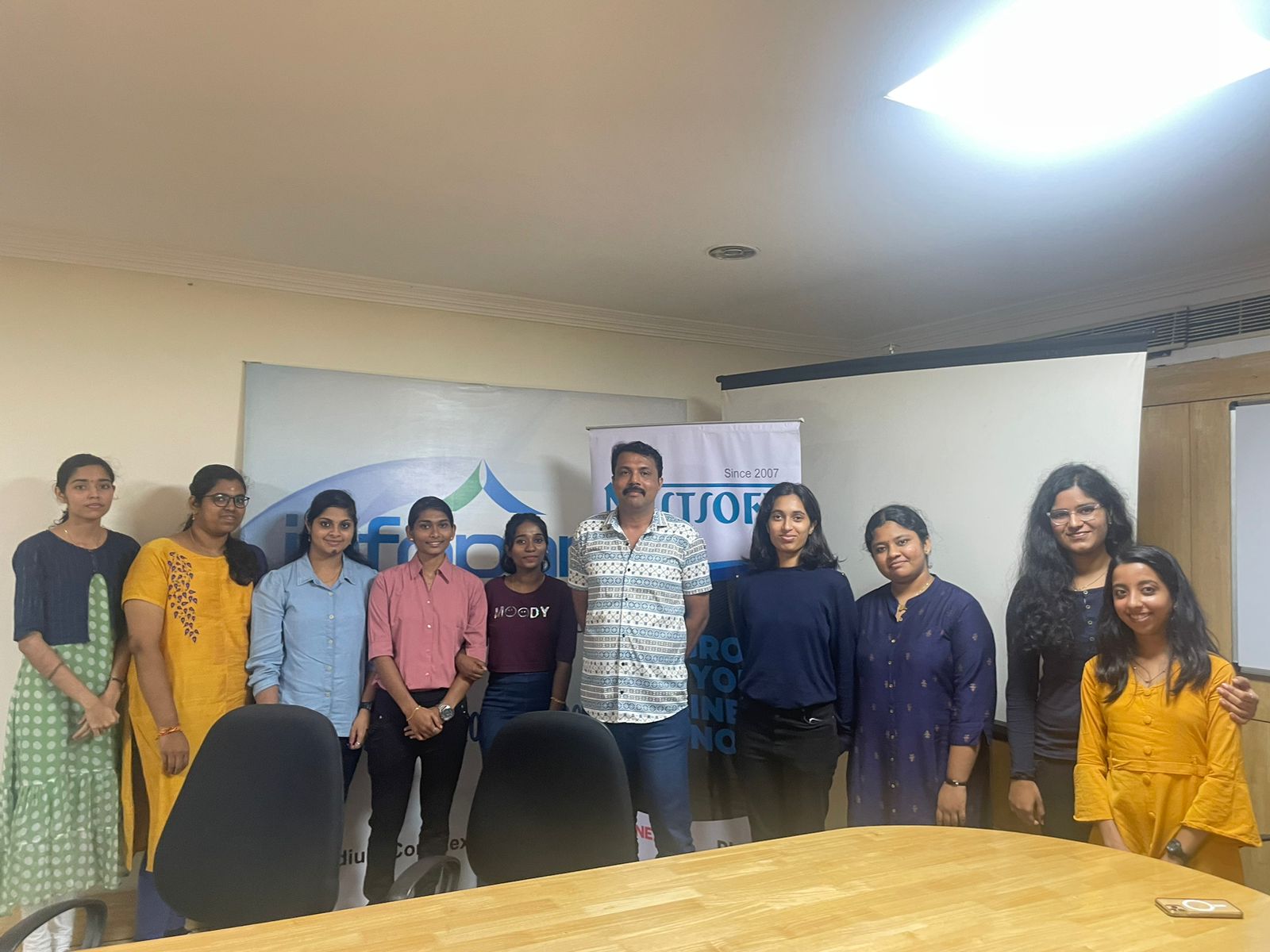
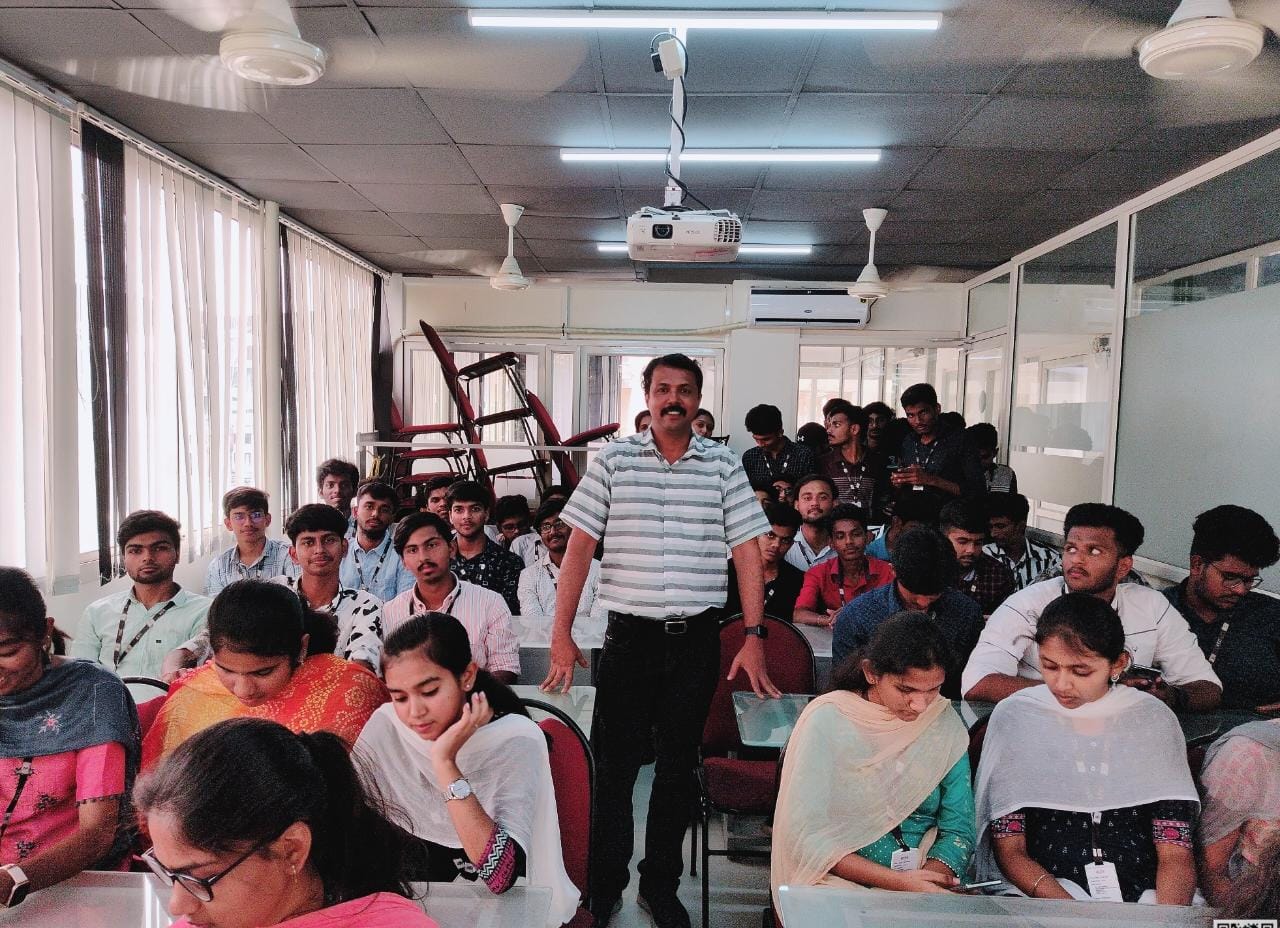
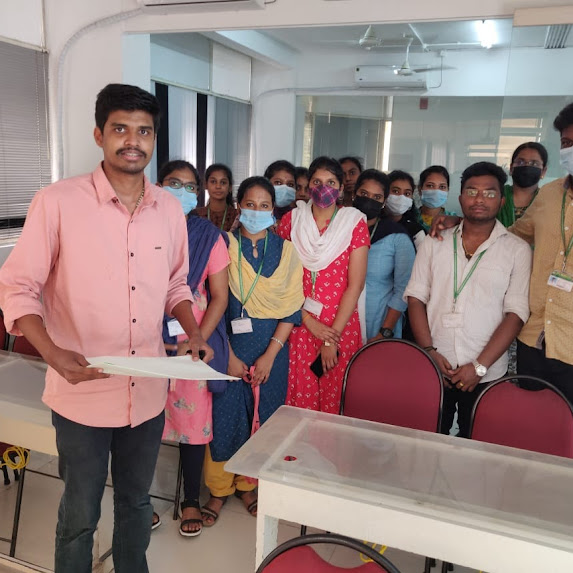
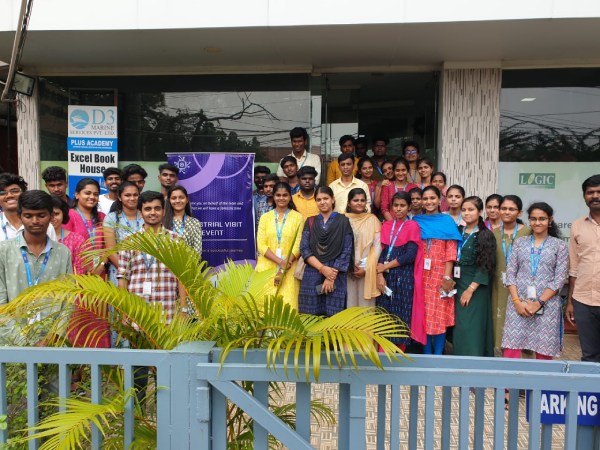
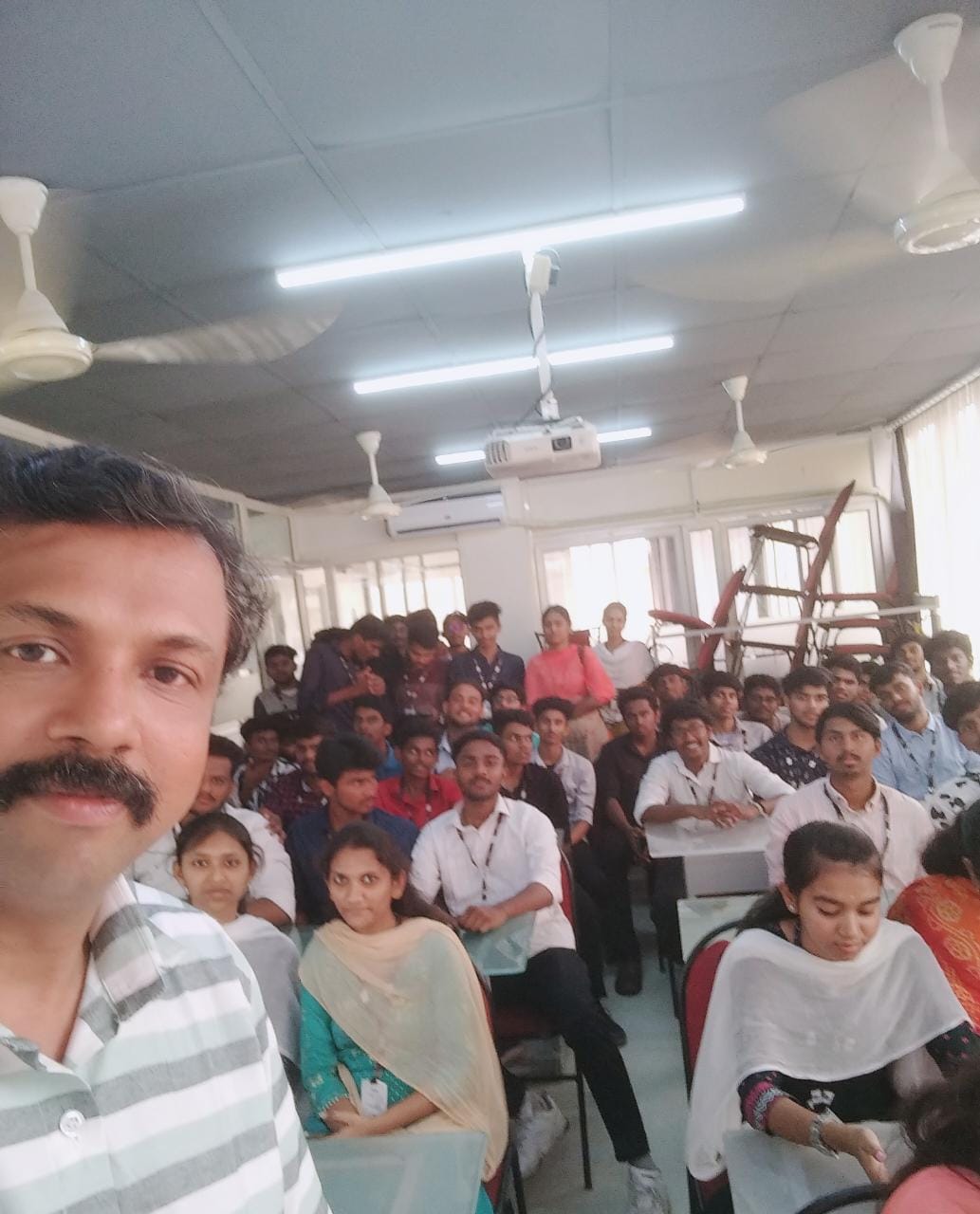
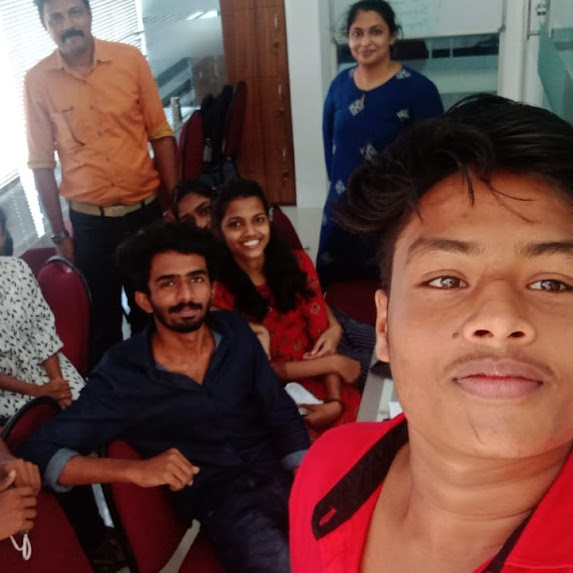
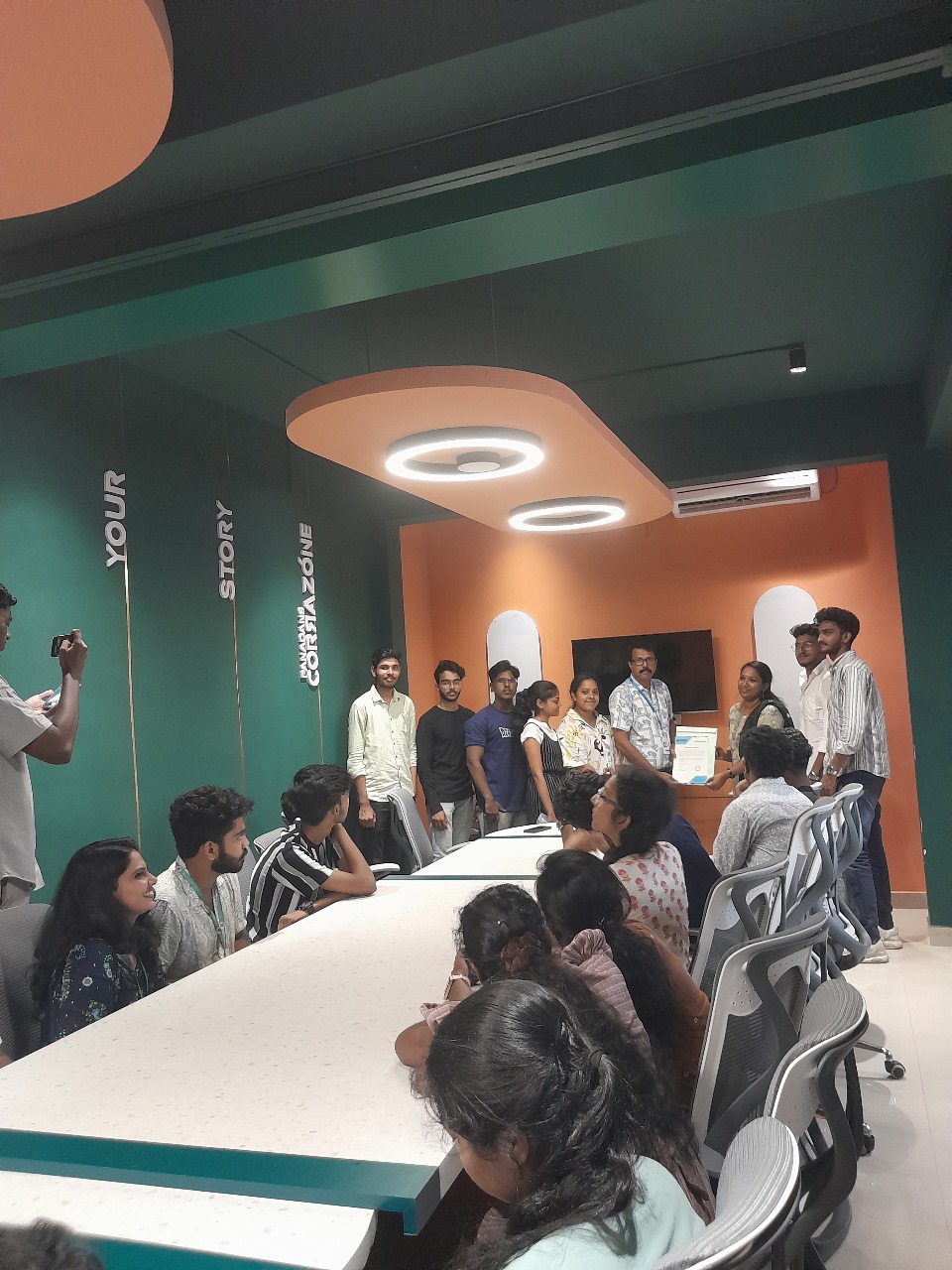
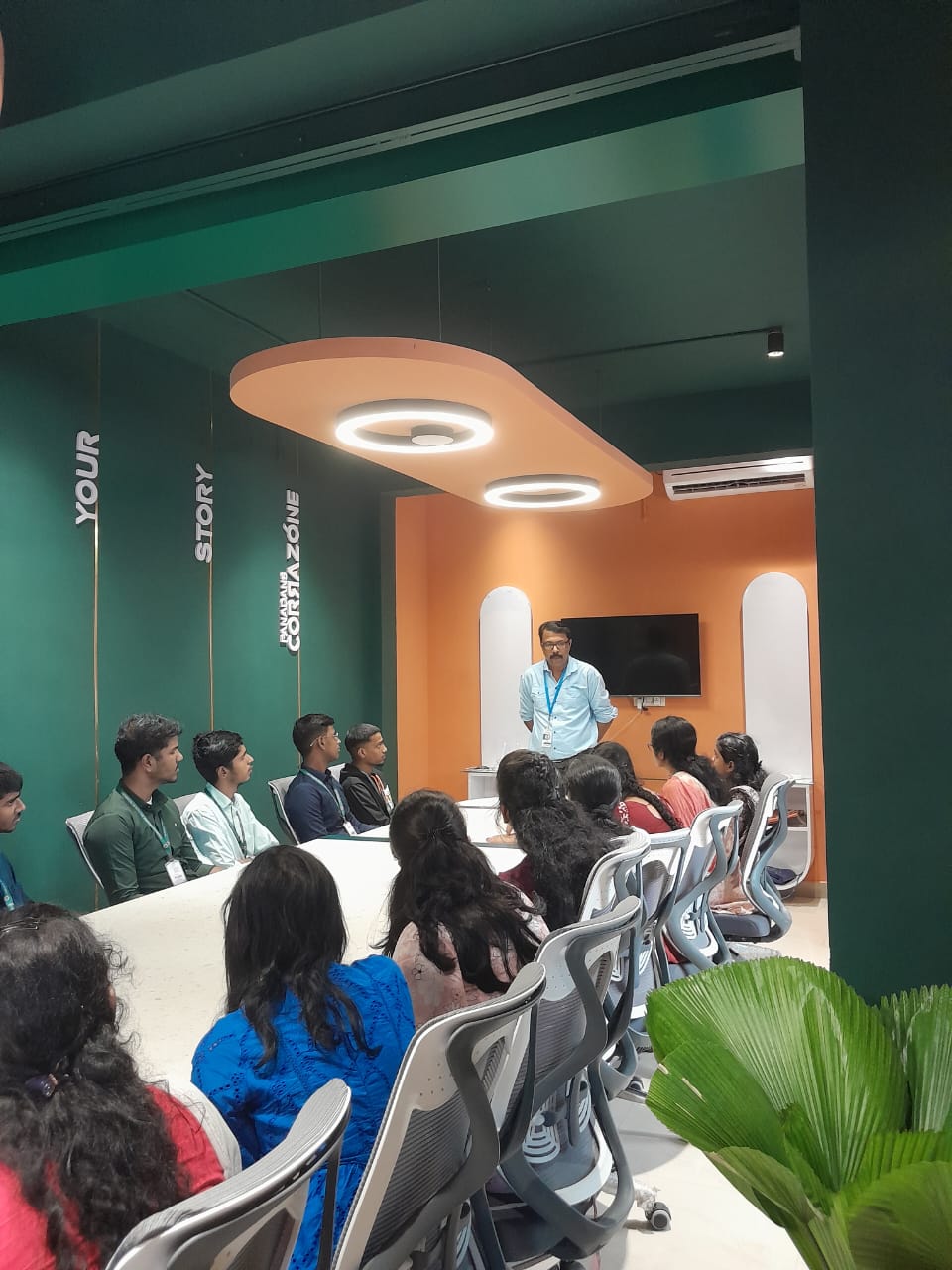
    Photos of Training / Internships

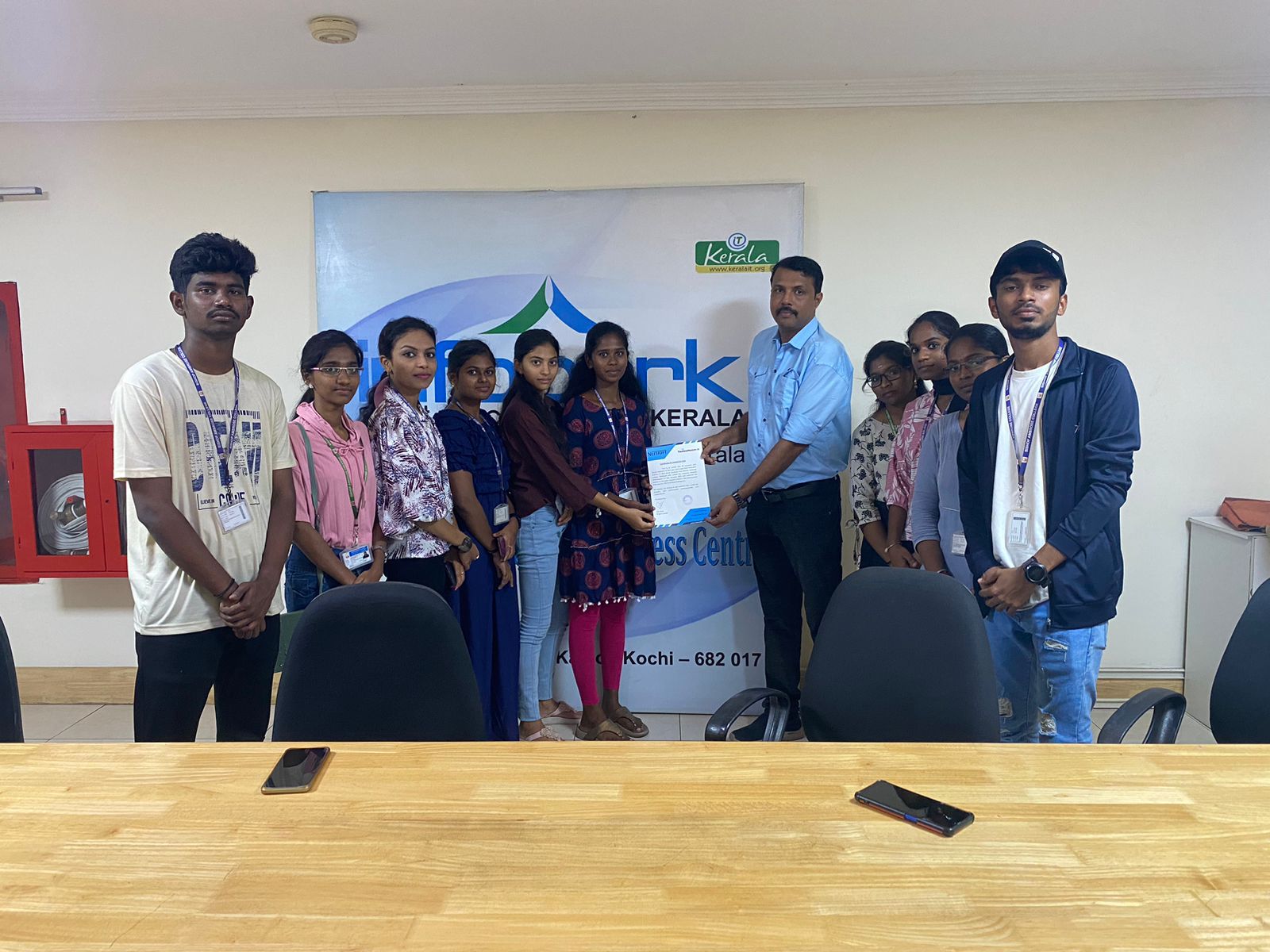
    Internship/projects in madurai
    Internship/projects in madurai
    Internship/projects in madurai
    Internship/projects in madurai
    Internship/projects in madurai
    Internship/projects in madurai
    Internship/projects in madurai
    Internship/projects in madurai
    Internship/projects in madurai
    Internship/projects in madurai
    Internship/projects in madurai
    Internship/projects in madurai

    Trained more than 10000+ students who trust Nestsoft TechnoMaster

    Get Your Personal Trainer