Send enquiry ⏎

Android Online Live Class by Experts

Our Training/Internship Process

Android Online Live Classes in Mangaluru | Free Demo Training

Android - Syllabus, Fees & Duration

Getting Started with Kotlin

  • Define Kotlin
  • Environment Setup
  • First Program Concept
  • Kotlin Variable and Data Type
  • Kotlin Type Conversion
  • Kotlin Operator
  • Input/Output

Control Flow

  • if Expression
  • when Expression
  • for Loop and while Loop
  • Do while Loop
  • Return and Jump
  • Continue Structure

Exploring Kotlin Functions

  • Kotlin Function
  • Recursion Function
  • Default and Named Argument
  • Kotlin Lambdas
  • Higher-Order Function
  • Kotlin Inline Function

Exception Handling

  • Kotlin Try Catch
  • Multiple Catch Block
  • Nested Try Block
  • Kotlin Finally Block
  • Kotlin Throw Keyword

Overview of Collections

  • Mutable Array
  • Kotlin Collections
  • List: listOf()
  • mutableListOf()
  • Kotlin ArrayList
  • arrayListOf()
  • Map: mapOf()
  • Kotlin HashMap
  • hashMapOf() and mutableMapOf()
  • Set: setOf()
  • mutableSetOf() and hashSetOf()

Exploring Kotlin OOPs

  • Class and Object
  • Nested and Inner Class
  • Kotlin Constructor
  • Visibility Modifier
  • Kotlin Inheritance
  • Abstract Class
  • Kotlin Interface
  • Data and Sealed Class
  • Extension Function
  • Kotlin Generics

Introduction to Ranges

  • Integer Type Range
  • Working Ranges
  • Utility Function

Get Started with Kotlin Android

  • Install Android Studio
  • Hello World App
  • Android TextView and EditText
  • Kotlin Android Toast
  • Android Button and Custom Toast
  • Android Explicit and Implicit Intent
  • Android ListView and AlertDialog
  • Android Context Menu and Custom ListView
  • Android Options Menu and Android Popup Menu
  • Android WebView and SeekBar
  • TabLayout with FrameLayout and ViewPager
  • XML Parsing using DOM Parser and SAX Parsers
  • Android XMLPullParser

Download Syllabus - Android
This syllabus is not final and can be customized as per needs/updates
   
10000+
20+
50+
25+

Android Jobs in Mangaluru

Enjoy the demand

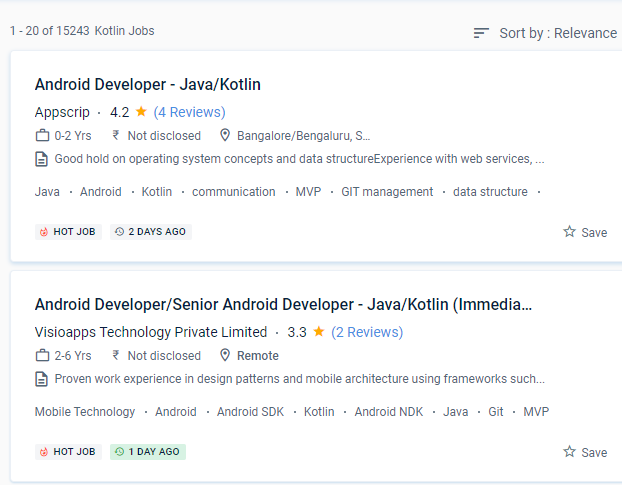
Find jobs related to Android in search engines (Google, Bing, Yahoo) and recruitment websites (monsterindia, placementindia, naukri, jobshybrid.com, indeed.co.in, shine.com etc.) based in Mangaluru, chennai and europe countries. You can find many jobs for freshers related to the job positions in Mangaluru.

  • Android Developer
  • Mobile Application developer
  • IOS/Android App Developer
  • Android Trainer
  • Mobile Application Architect
  • Android Kotlin Engineer
  • Kotlin Developer
  • Native Android Developer
  • Mobile Security Engineer
  • Lead Android Engineer

Android Internship/Course Details

Android internship jobs in Mangaluru
Android The downloadable gear for the gadgets came in a variety of shapes and sizes, and it was enough to keep you enthralled for hours. The most effective aspect of the apps was that they were most useful and entertaining. Even if you make a mistake when coding the code, you can fix it right away. Since the platform was originally set up, android apps have been rolling in thick and fast through Nestsoft android online training in Mangaluru. You can utilize Kotlin from Java without taking any substantial steps, such as changing a complete project to Kotlin. Because Kotlin is utilized for both web and server-side programming, you'll be able to add a lot of strings to your bow. It’s a Java Virtual Machine (JVM) and JavaScript programming language written statically. We anticipate that first-class Android support will attract a large number of users to Kotlin and that the community will grow dramatically. Nestsoft Android coaching in JAVA or KOTLIN is fit for novices and there are no boundaries. Kotlin is a simple and clear syntax that is designed to provide a seamless learning path for Java developers.


Meet a Few of our Industry Experts 🚀 Your Pathway to IT Career

Achinth

Mobile: +91 91884 77559
Location: Online (Mangaluru, India)
Qualification: bcom finance

Experience: seo on page & off page optimization google adwords google search console social media marketing youtube ads facebook ads instagram  more..

Josmy

Mobile: +91 89210 61945
Location: Online (Mangaluru, India)
Qualification: BCA

Experience: One year of experience in software testing   more..

Atufa

Mobile: +91 98474 90866
Location: Online (Mangaluru, India)
Qualification: Masters

Experience: LS ● Cryptography Information Security Policies Digital Forensics Penetration Testing Network Security Cloud Threat Intelligence Incident Response Risk Assessments Intrusion  more..

Sumeet

Mobile: +91 89210 61945
Location: Online (Mangaluru, India)
Qualification: BE

Experience: MEAN Stack developer with 4 years of experience  more..

Dhruv

Mobile: +91 98474 90866
Location: Online (Mangaluru, India)
Qualification: Master of science in Information Technology

Experience: Android development Java API Integration Firebase Retrofit version control API Testing postman UI UX design figma  more..

Prabhakaran.J

Mobile: +91 8301010866
Location: Online (Mangaluru, India)
Qualification: B.tech

Experience: AD administration firewall proxy server maintenance   more..

Niharika

Mobile: +91 94975 90866
Location: Online (Mangaluru, India)
Qualification: Bca

Experience: Digital marketing Web development frontend  more..

Evelin

Mobile: +91 98474 90866
Location: Online (Mangaluru, India)
Qualification: MA English/TESOL/OET Teacher training

Experience: As an experienced OET trainer I bring a comprehensive set of skills to the table My expertise lies in navigating  more..

Nikita

Mobile: +91 91884 77559
Location: Online (Mangaluru, India)
Qualification: Finally year

Experience: I am a CCNA developer and i have certified in CCNA training I am seeking for a job opportunity which  more..

Vishal

Mobile: +91 98474 90866
Location: Online (Mangaluru, India)
Qualification: Bachelor's of Arts

Experience: Interaction Design | Visual Design | User Research | Wireframing | Information Architecture | Design Thinking |Usability testing | Web  more..

Narasimha

Mobile: +91 89210 61945
Location: Online (Mangaluru, India)
Qualification: B.Tech

Experience: 2 years experience in Automation testing having worked in a product based company I have deep understanding in test strategies  more..

Fallou

Mobile: +91 9895490866
Location: Online (Mangaluru, India)
Qualification: Développement web

Experience: Web development with HTML and CSSAdvanced proficiency in the Wix applicationDesigning attractive websitesOptimizing website performanceClient collaborationProblem-solving skills  more..

AliAsgar

Mobile: +91 94975 90866
Location: Online (Mangaluru, India)
Qualification: SSC/Graphic Designer/Cybersecurity Student

Experience: Arabic 4 years Business analysis 1 year Business intelligence 1 year Business management 2 years Communication skills 2 years Computer  more..

josmy

Mobile: +91 91884 77559
Location: Online (Mangaluru, India)
Qualification: bca

Experience: kotlin java android flutter XML   more..

Jijnasa

Mobile: +91 94975 90866
Location: Online (Mangaluru, India)
Qualification: BCA

Experience: Manual testing automation testing postman jmeter jira GitHub sdlc requirement analysis  more..

Francisraj

Mobile: +91 91884 77559
Location: Online (Mangaluru, India)
Qualification: BCA

Experience: Currently working in Infosys as System Engineer with 1 1 years experience Freelance android application developer   more..

priyanka

Mobile: +91 9895490866
Location: Online (Mangaluru, India)
Qualification: MBA

Experience: Android developer with Java  more..

Narinder

Mobile: +91 91884 77559
Location: Online (Mangaluru, India)
Qualification: Bachelor in Computer Application

Experience: Laravel development - 2 years HTML5 CSS Javascript Ajax Vuejs PHP Jquery - years  more..

Haripriya

Mobile: +91 91884 77559
Location: Online (Mangaluru, India)
Qualification: Bca

Experience: PHP css SQL java android Python cpp c I had done my academic miniproject "paying guest accommodation system" Technologies used  more..

Mohammed

Mobile: +91 89210 61945
Location: Online (Mangaluru, India)
Qualification: M. A. Islamic studies

Experience: SKILLS • Canva • Macros • Microsoft Office • Autocrat • ChatGPT • Sap ERP EXPERIENCE Arabic Language Expert Mar  more..

Shirisha

Mobile: +91 9895490866
Location: Online (Mangaluru, India)
Qualification: Bachelor degree in commerce

Experience: I learn about testing Good knowlgde on agile Good knowlgde on traditional approach Good knowlgde on non traditional approach Good  more..

Ganesh

Mobile: +91 91884 77559
Location: Online (Mangaluru, India)
Qualification: BE in Electronics and Communication Engineering

Experience: Ethical Hacking Python Devops Data analysis Web development Cyber security  more..

Nilakshi

Mobile: +91 98474 90866
Location: Online (Mangaluru, India)
Qualification: Btech

Experience: Worked as a UI UX designer at School of Core AI and also as a web developer at TheConvoke   more..

suhaila

Mobile: +91 8301010866
Location: Online (Mangaluru, India)
Qualification: electronics and communication engineering

Experience: html css bootstrap javascript angular js react js node js mongodbApplication for Meanstack Developer Mean Stack  more..

Success Stories

The enviable salary packages and track record of our previous students are the proof of our excellence. Please go through our students' reviews about our training methods and faculty and compare it to the recorded video classes that most of the other institutes offer. See for yourself how TechnoMaster is truly unique.

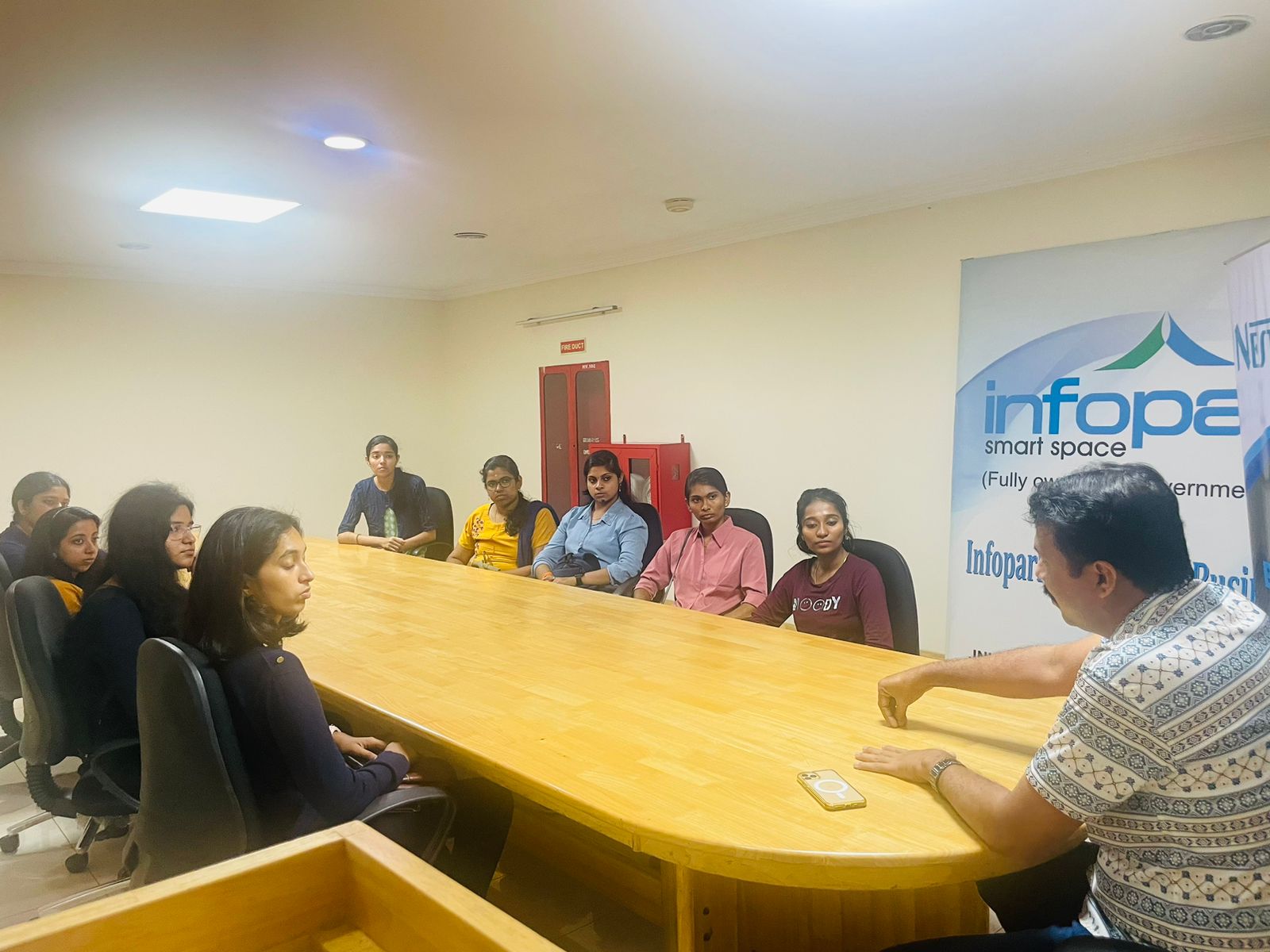
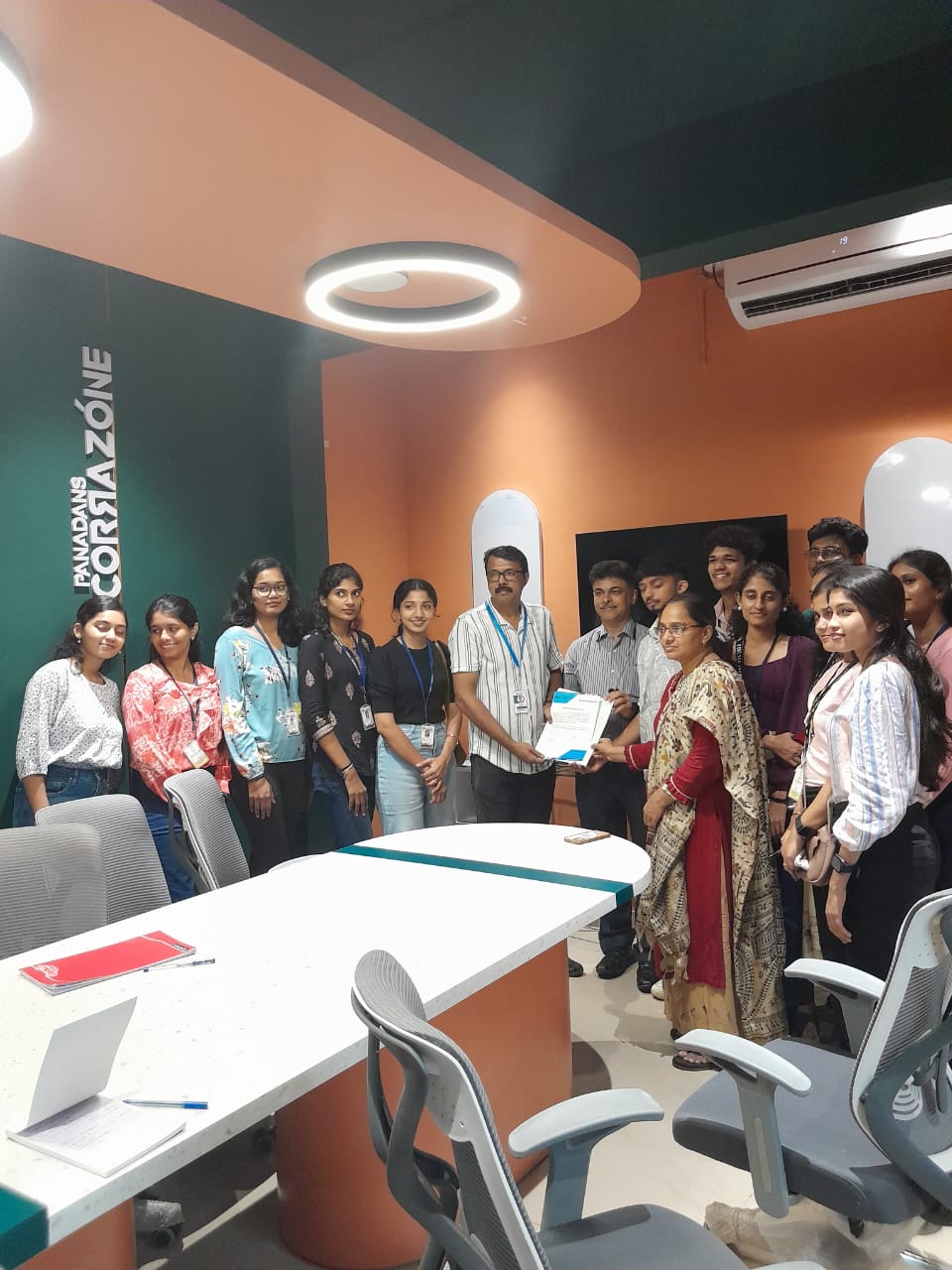
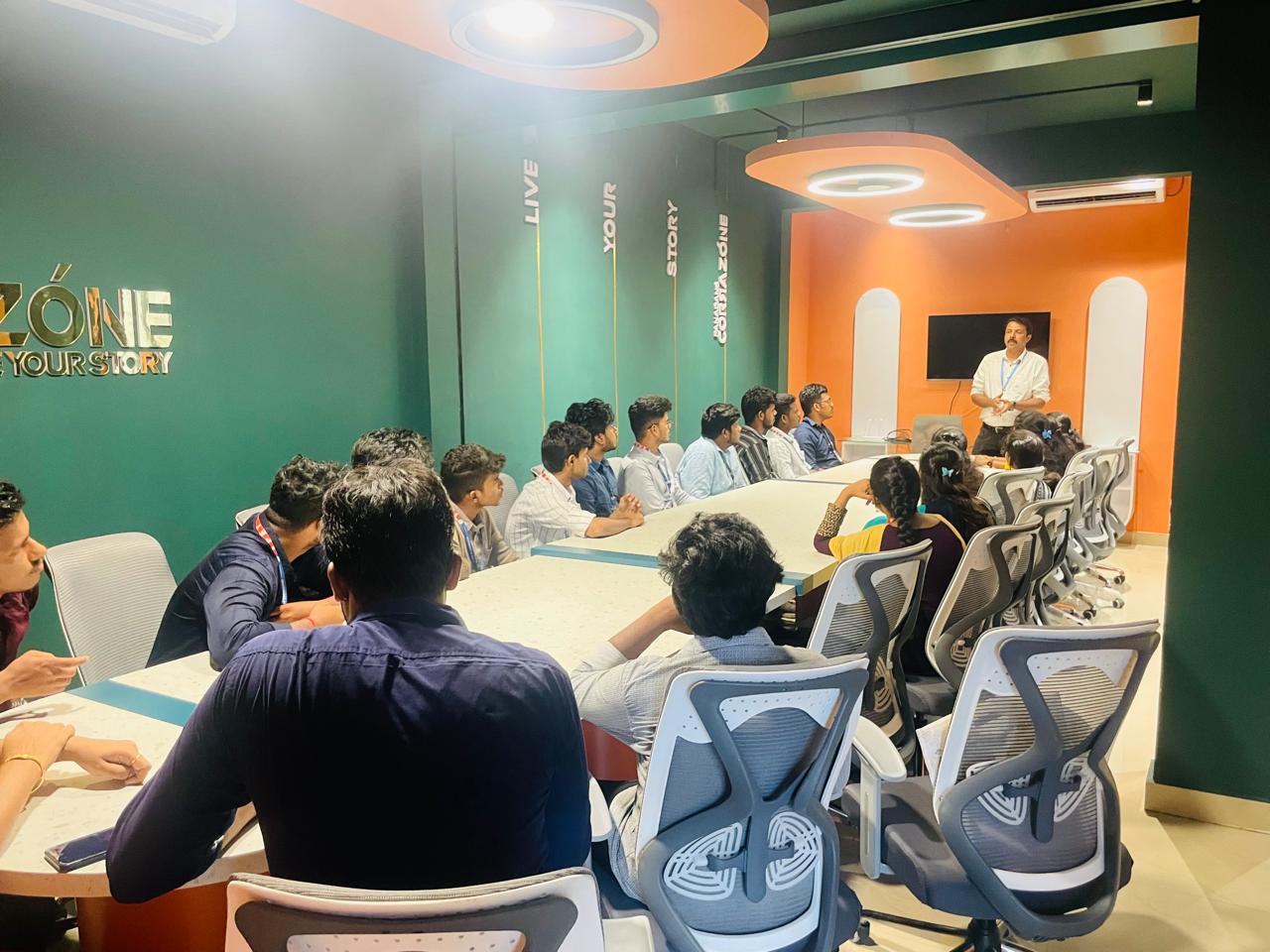
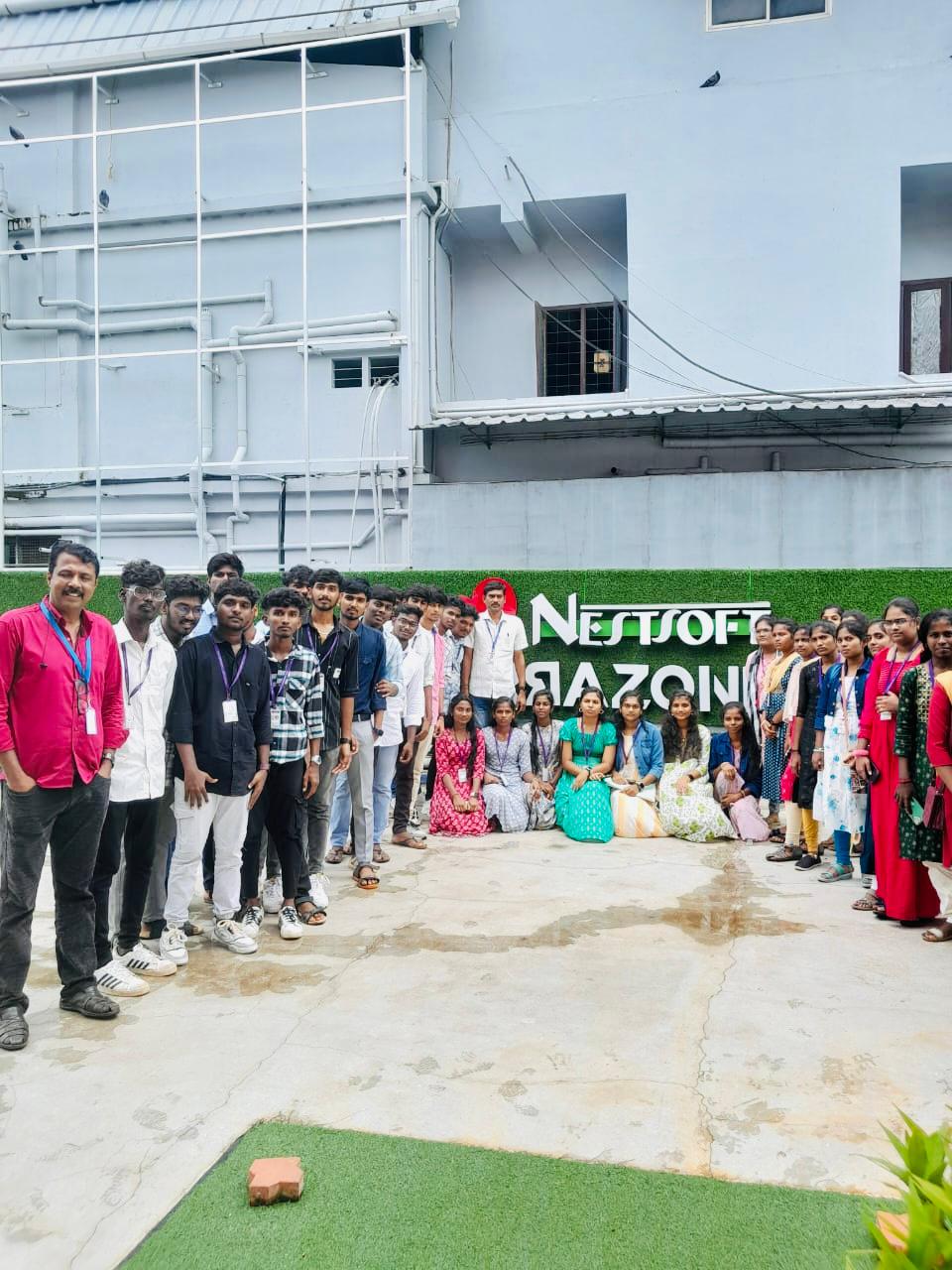
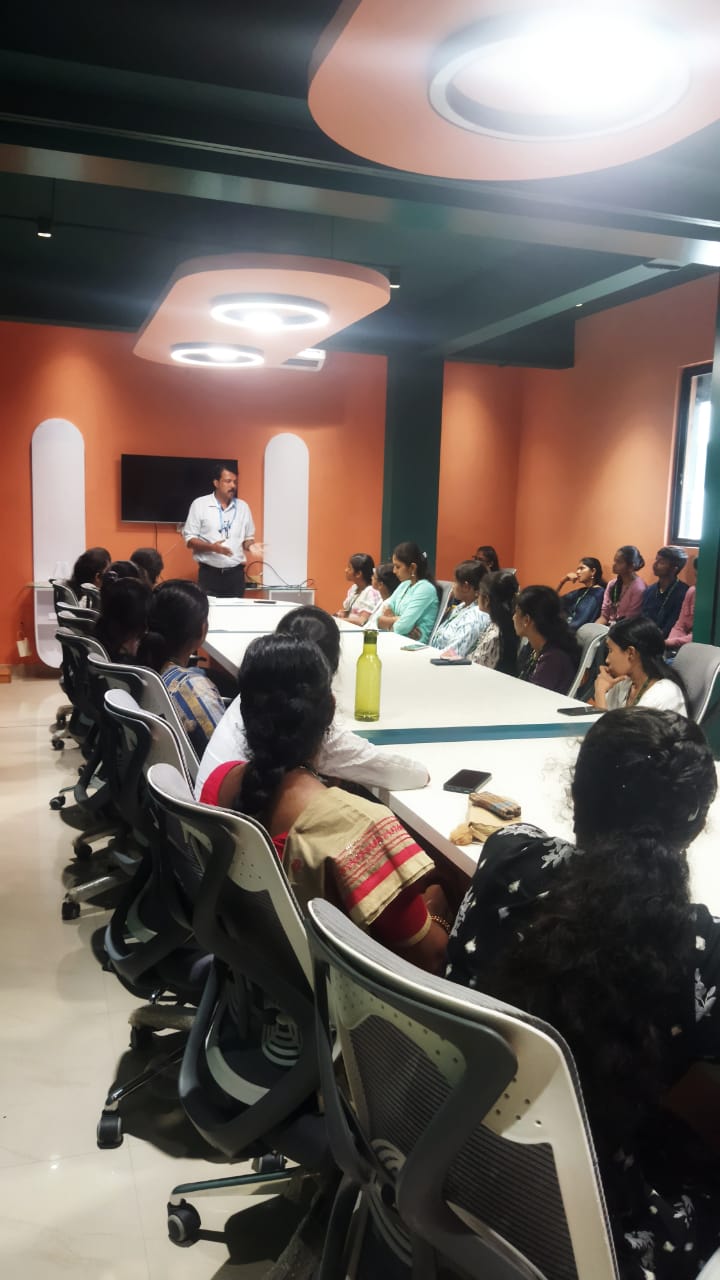
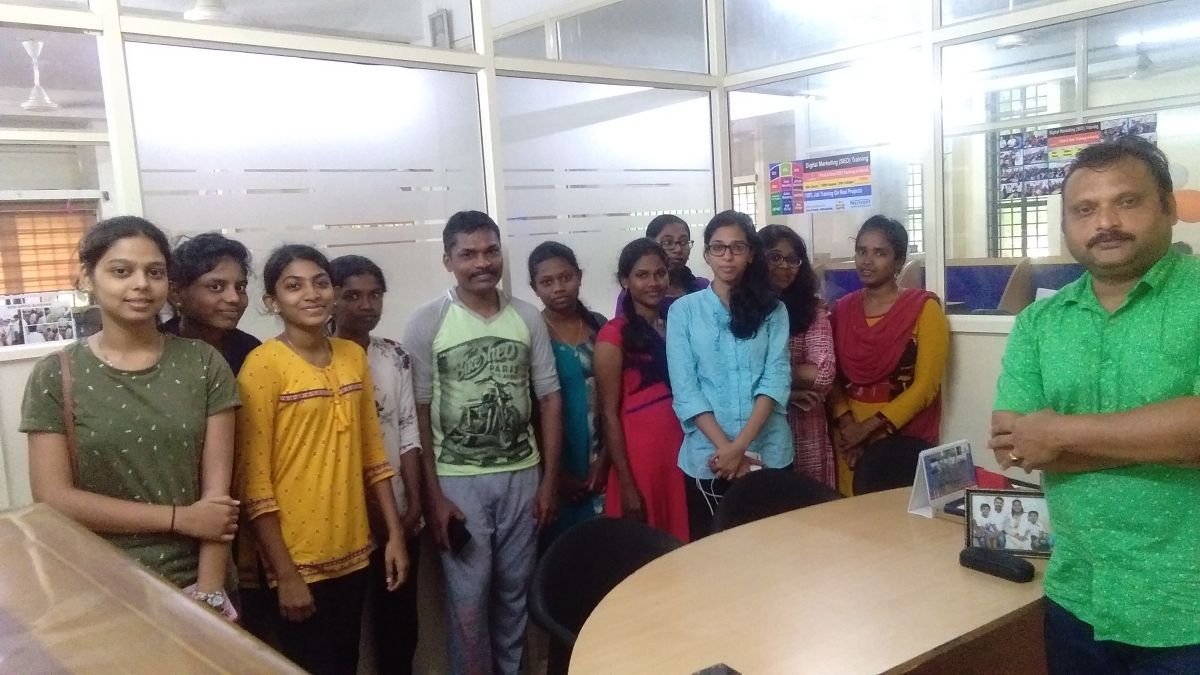
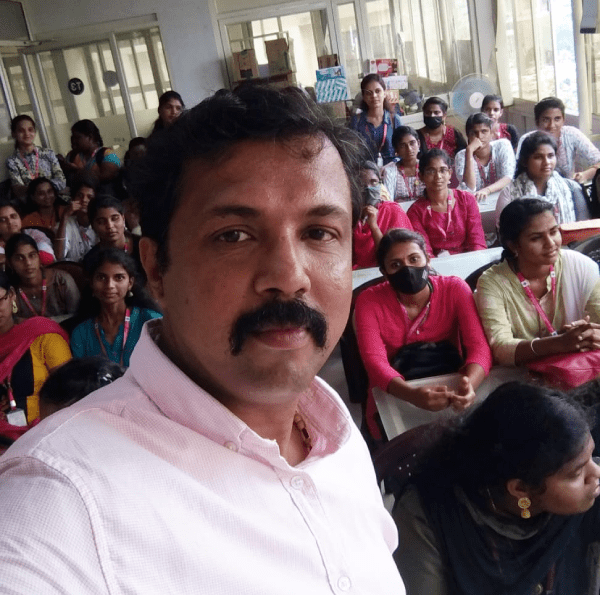
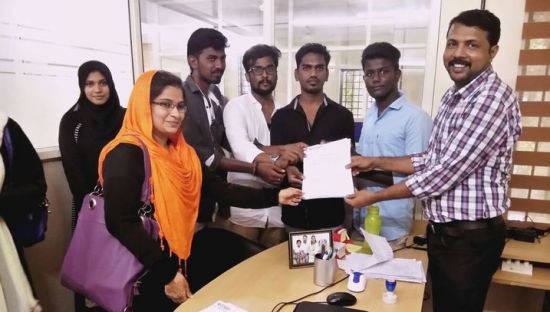
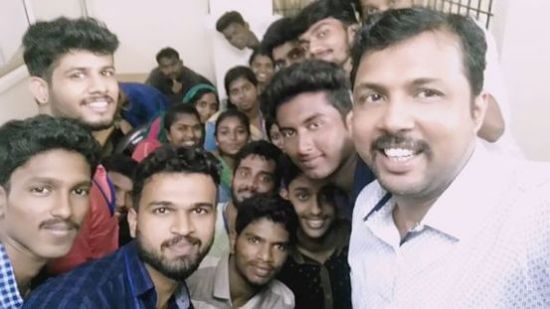
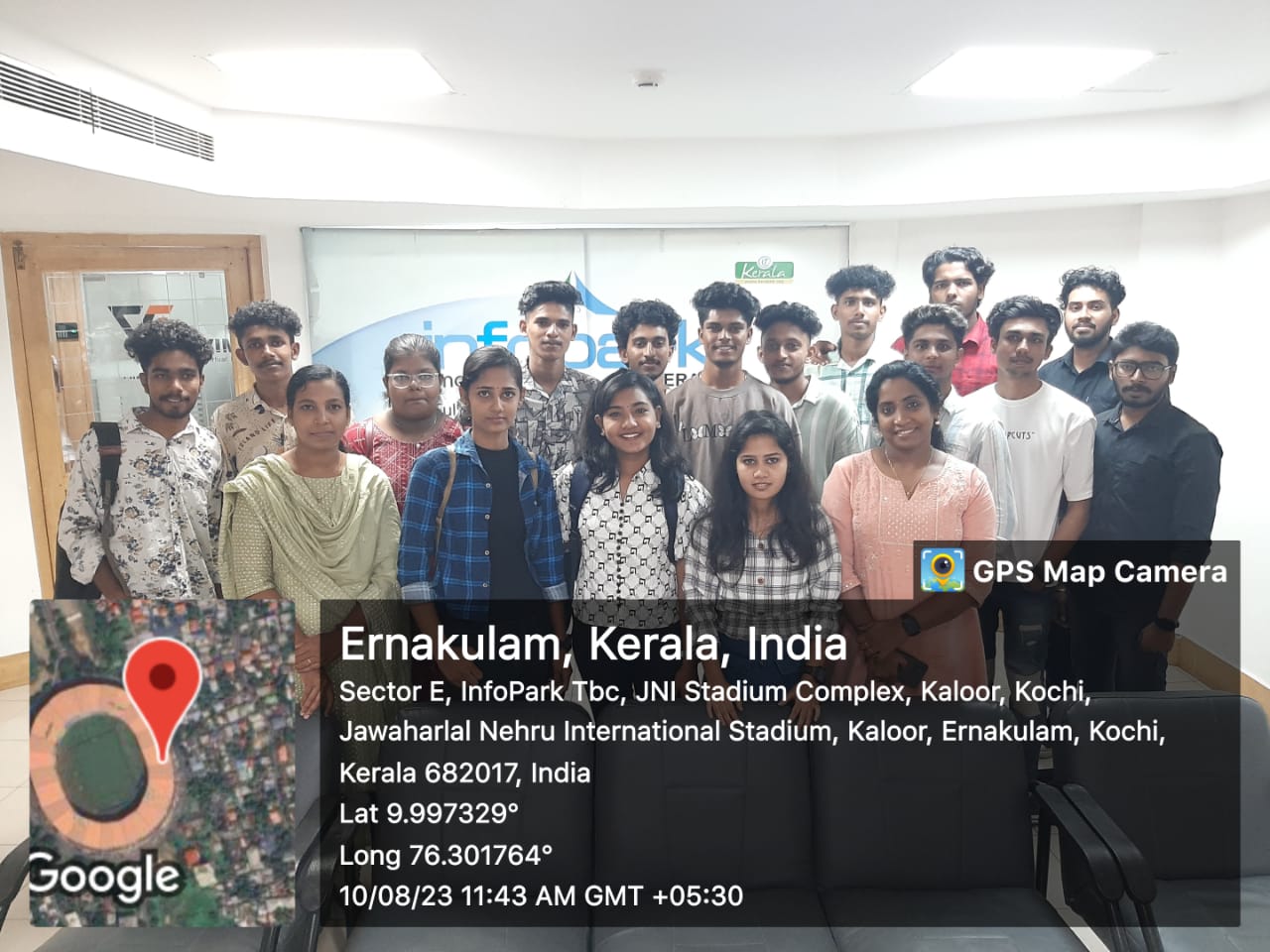
Photos of Training / Internships

Internship/projects in mangaluru

Trained more than 10000+ students who trust Nestsoft TechnoMaster

Get Your Personal Trainer