Send enquiry ⏎

Android Online Live Class by Experts

Our Training/Internship Process

Android Online Live Classes in Kannur | Free Demo Training

Android - Syllabus, Fees & Duration

Getting Started with Kotlin

  • Define Kotlin
  • Environment Setup
  • First Program Concept
  • Kotlin Variable and Data Type
  • Kotlin Type Conversion
  • Kotlin Operator
  • Input/Output

Control Flow

  • if Expression
  • when Expression
  • for Loop and while Loop
  • Do while Loop
  • Return and Jump
  • Continue Structure

Exploring Kotlin Functions

  • Kotlin Function
  • Recursion Function
  • Default and Named Argument
  • Kotlin Lambdas
  • Higher-Order Function
  • Kotlin Inline Function

Exception Handling

  • Kotlin Try Catch
  • Multiple Catch Block
  • Nested Try Block
  • Kotlin Finally Block
  • Kotlin Throw Keyword

Overview of Collections

  • Mutable Array
  • Kotlin Collections
  • List: listOf()
  • mutableListOf()
  • Kotlin ArrayList
  • arrayListOf()
  • Map: mapOf()
  • Kotlin HashMap
  • hashMapOf() and mutableMapOf()
  • Set: setOf()
  • mutableSetOf() and hashSetOf()

Exploring Kotlin OOPs

  • Class and Object
  • Nested and Inner Class
  • Kotlin Constructor
  • Visibility Modifier
  • Kotlin Inheritance
  • Abstract Class
  • Kotlin Interface
  • Data and Sealed Class
  • Extension Function
  • Kotlin Generics

Introduction to Ranges

  • Integer Type Range
  • Working Ranges
  • Utility Function

Get Started with Kotlin Android

  • Install Android Studio
  • Hello World App
  • Android TextView and EditText
  • Kotlin Android Toast
  • Android Button and Custom Toast
  • Android Explicit and Implicit Intent
  • Android ListView and AlertDialog
  • Android Context Menu and Custom ListView
  • Android Options Menu and Android Popup Menu
  • Android WebView and SeekBar
  • TabLayout with FrameLayout and ViewPager
  • XML Parsing using DOM Parser and SAX Parsers
  • Android XMLPullParser

Download Syllabus - Android
This syllabus is not final and can be customized as per needs/updates
   
10000+
20+
50+
25+

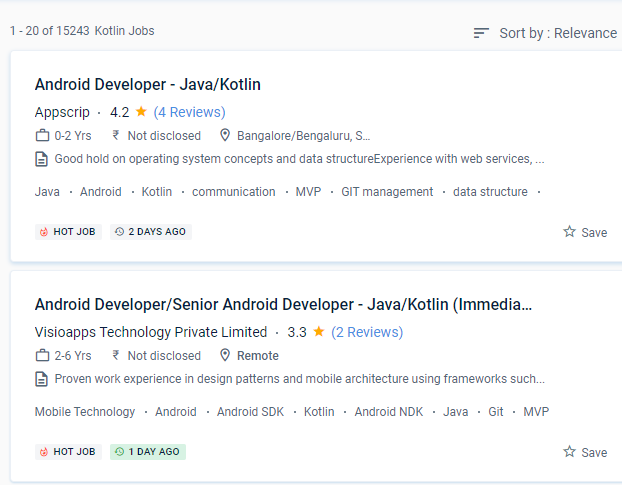
Android Jobs in Kannur

Enjoy the demand

Find jobs related to Android in search engines (Google, Bing, Yahoo) and recruitment websites (monsterindia, placementindia, naukri, jobshybrid.com, indeed.co.in, shine.com etc.) based in Kannur, chennai and europe countries. You can find many jobs for freshers related to the job positions in Kannur.

  • Android Developer
  • Mobile Application developer
  • IOS/Android App Developer
  • Android Trainer
  • Mobile Application Architect
  • Android Kotlin Engineer
  • Kotlin Developer
  • Native Android Developer
  • Mobile Security Engineer
  • Lead Android Engineer

Android Internship/Course Details

Android internship jobs in Kannur
Android Kotlin is proving to be a pragmatic, modern, and intuitive programming language, with Google declaring it to be the most popular language for android app developers. With the help of this program may convert difficult code into a more basic form without wasting time. It also encourages test-driven development, which minimizes the number of bugs. Since the platform was originally set up, android apps have been rolling in thick and fast through Nestsoft android online training in Kannur. Because Kotlin is utilized for both web and server-side programming, you'll be able to add a lot of strings to your bow. It’s a Java Virtual Machine (JVM) and JavaScript programming language written statically. Developers that utilize mobile app development can use a single codebase for both iOS and Android apps. This Android training course starts with the principles of Java programming and progresses to full-fledged Android application development for Android Java and Android Kotlin fundamentals. The downloadable gear for the gadgets came in a variety of shapes and sizes, and it was enough to keep you enthralled for hours. In Kotlin, the quantity of code written is less, and as a result, the number of bugs is lower.


Meet a Few of our Industry Experts 🚀 Your Pathway to IT Career

Vivek

Mobile: +91 98474 90866
Location: Online (Kannur, India)
Qualification: BCA

Experience: Web development projects and pursuing course in data science   more..

Linkan

Mobile: +91 98474 90866
Location: Online (Kannur, India)
Qualification: Master of Engineering

Experience: Manual testing Automation testing BDD Framework Selenium Cucumber Xpath CSS Selector etc  more..

Avinash

Mobile: +91 9895490866
Location: Online (Kannur, India)
Qualification: B. Sc. (IT)

Experience: php laravel yii yii2 and CI html javascript ajax REST API  more..

Jagadeesh

Mobile: +91 9895490866
Location: Online (Kannur, India)
Qualification: MVM TRANSPORT

Experience: AWS Cloud networking CCNA troubleshooting devops VMware ms office git hub pycharm |   more..

vishal

Mobile: +91 98474 90866
Location: Online (Kannur, India)
Qualification: graduation(bba ca)

Experience: fresher good team leafing English written and spoken languages-hindi English malayalam seo beginner   more..

Dinesh

Mobile: +91 9895490866
Location: Online (Kannur, India)
Qualification: Bca

Experience: Software testing or6months experience  more..

himanti

Mobile: +91 9895490866
Location: Online (Kannur, India)
Qualification: Mca

Experience: 2 years canva design experience |   more..

S.M.Iftykhar

Mobile: +91 91884 77559
Location: Online (Kannur, India)
Qualification: Graduate Fresher

Experience: Beginner at Laravel and PHP Medium level Experienced with HTML and CSS Hands on experience on MySQL working on  more..

Asma

Mobile: +91 89210 61945
Location: Online (Kannur, India)
Qualification: Btech CSE

Experience: software development fullstack development reactjs nodejs tailwindcss wix  more..

vaishnavi

Mobile: +91 8301010866
Location: Online (Kannur, India)
Qualification: BE in Computer Engineering

Experience: I've completed Diploma in Computer Engineering currently pursuing a BE and a certified course in Web Designing I have strong  more..

Sivaranjani

Mobile: +91 91884 77559
Location: Online (Kannur, India)
Qualification: B.tech IT

Experience: Web development trainer - 2 year Software development - 5 year  more..

Kausar

Mobile: +91 91884 77559
Location: Online (Kannur, India)
Qualification: BSc IT

Experience: As a versatile Digital Marketing Manager & Trainer with around 10 years of experience I have successfully merged my technical  more..

John

Mobile: +91 8301010866
Location: Online (Kannur, India)
Qualification: BCA

Experience: Ceh networking networking security  more..

DRISHYA

Mobile: +91 98474 90866
Location: Online (Kannur, India)
Qualification: MCA

Experience: Having experience in doing programming skills as well as teaching experience The teaching method of triggering the basic will in  more..

KAVERI

Mobile: +91 98474 90866
Location: Online (Kannur, India)
Qualification: Msc cyber security

Experience: vulnerability assessment penetration testing risk assessment threat modeling ethical hacking etc worked with kerala police red team and senselearner pvt  more..

Aditya

Mobile: +91 91884 77559
Location: Online (Kannur, India)
Qualification: be mechanical

Experience: java selenium spring api bavkend testing manual testing  more..

Kashish

Mobile: +91 89210 61945
Location: Online (Kannur, India)
Qualification: M.com

Experience: With two years of experience as a dedicated PTE (Pearson Test of English) trainer I bring comprehensive expertise to my  more..

Shenia

Mobile: +91 98474 90866
Location: Online (Kannur, India)
Qualification: BSC comp science& MCA

Experience: hi I was a software Engineer After marriage due to some personnel reason I took a Career break Web development  more..

ATHIRA

Mobile: +91 94975 90866
Location: Online (Kannur, India)
Qualification: M tech

Experience: C python dot net  more..

Smitha

Mobile: +91 9895490866
Location: Online (Kannur, India)
Qualification: B.E

Experience: Manual testing - 2 5 yrs  more..

Sruthy

Mobile: +91 9895490866
Location: Online (Kannur, India)
Qualification: Msc Computer Science

Experience: I have completed software testing courses(Manual and Automation) with internship from STC Technologies at Palarivattom l have 5 years experience  more..

Bhavani

Mobile: +91 91884 77559
Location: Online (Kannur, India)
Qualification: BTech

Experience: 4 years of experience in software testing including manual and automation functional testing Selenium Java cucumber BDD API testing Using  more..

Roshily

Mobile: +91 9895490866
Location: Online (Kannur, India)
Qualification: B-tech in Information Technology

Experience: 5+ years of experience in HTML CSS and JavaScript I am currently working as a WordPress developer   more..

Anju

Mobile: +91 89210 61945
Location: Online (Kannur, India)
Qualification: MCA

Experience: Worked as faculty sales and it professional Team oriented Strong communication skills Quick adaptability Programming language java python c Database  more..

Success Stories

The enviable salary packages and track record of our previous students are the proof of our excellence. Please go through our students' reviews about our training methods and faculty and compare it to the recorded video classes that most of the other institutes offer. See for yourself how TechnoMaster is truly unique.


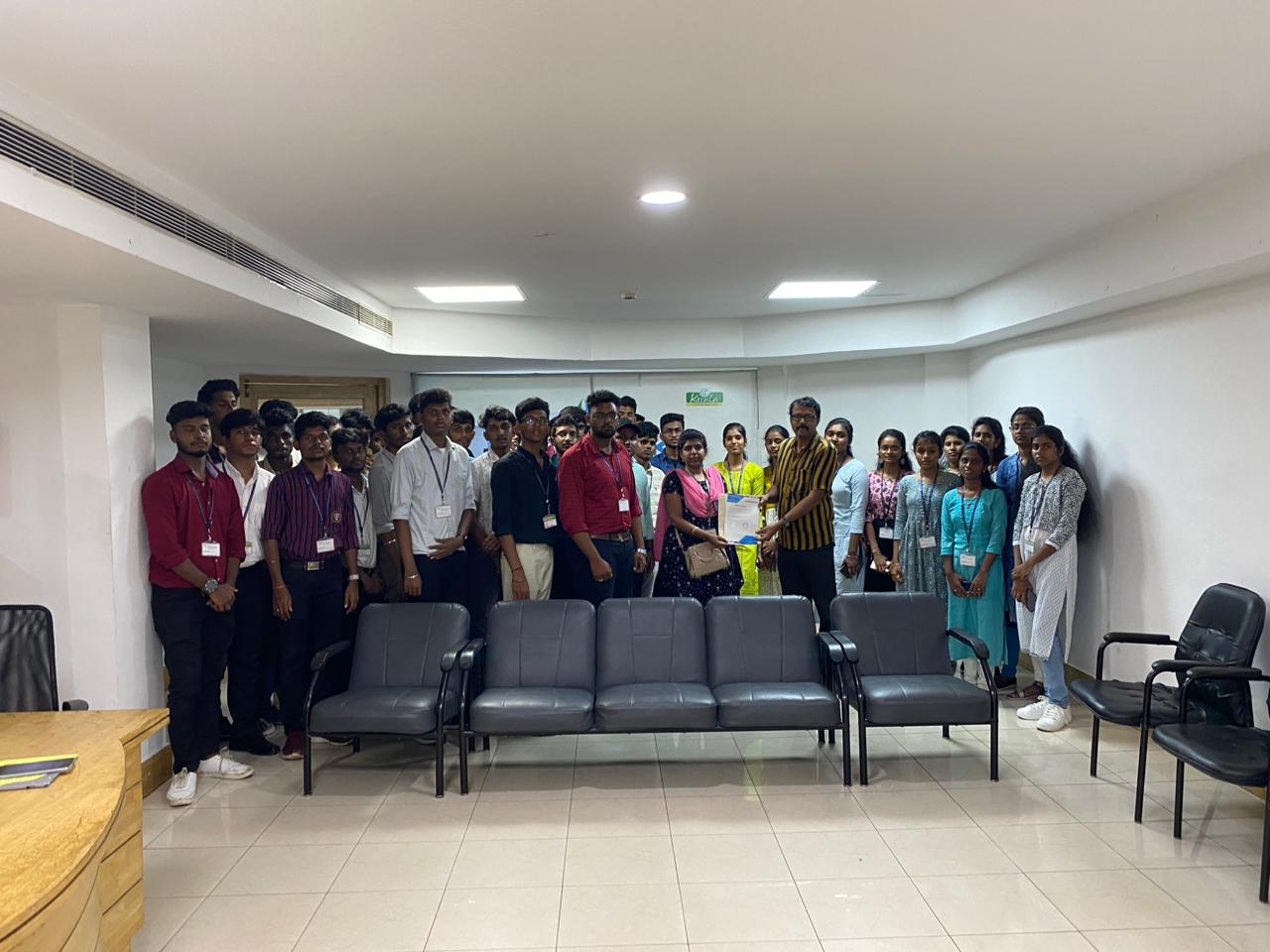
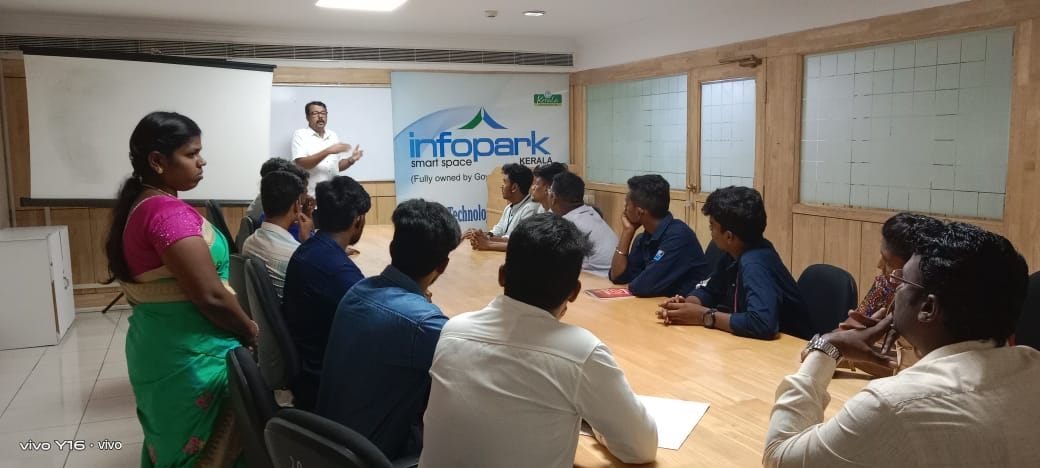
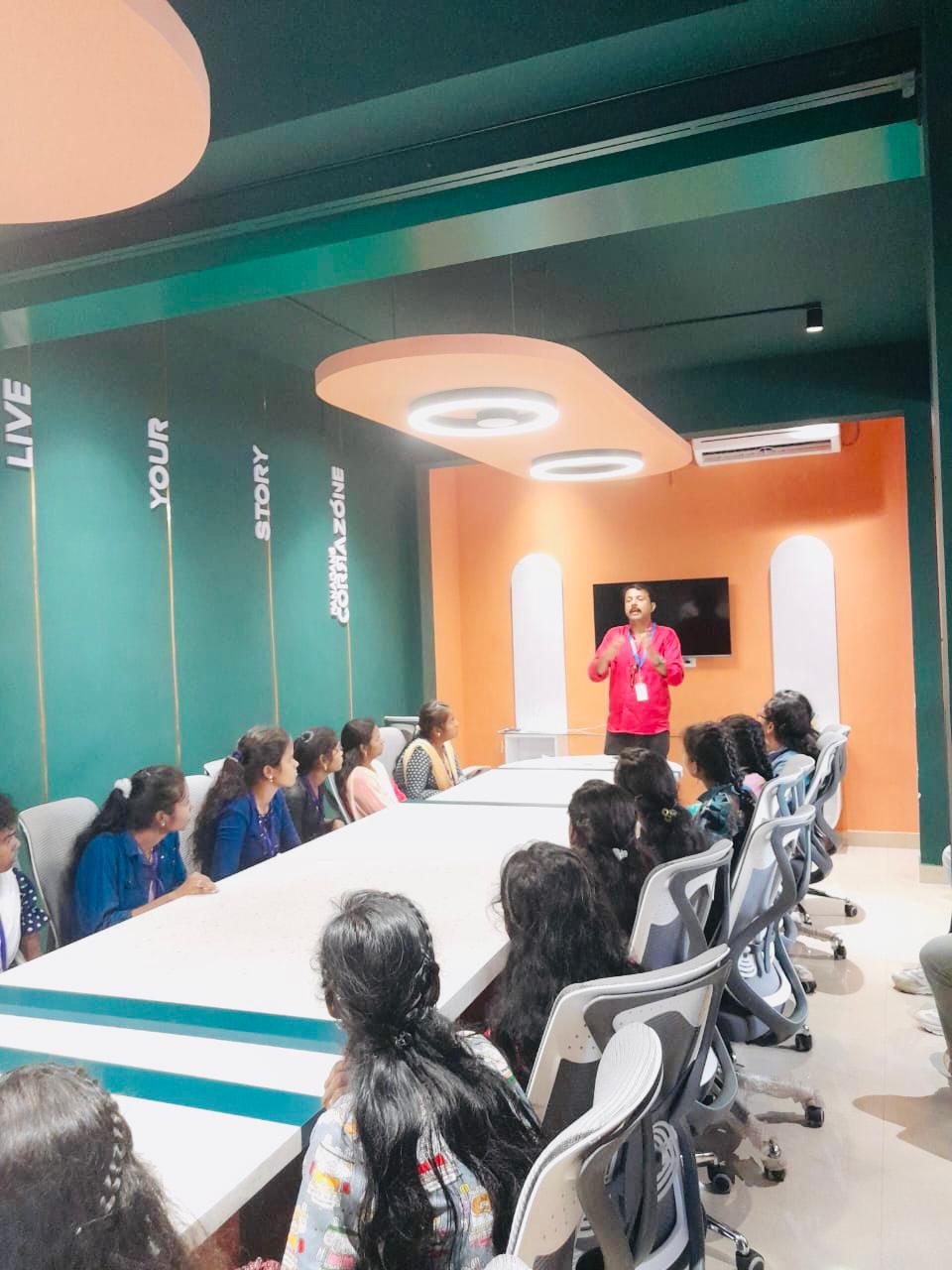
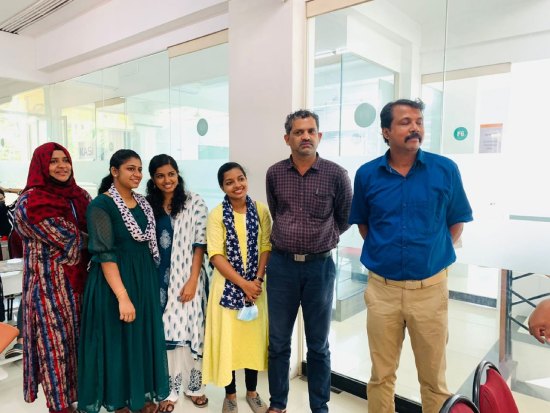
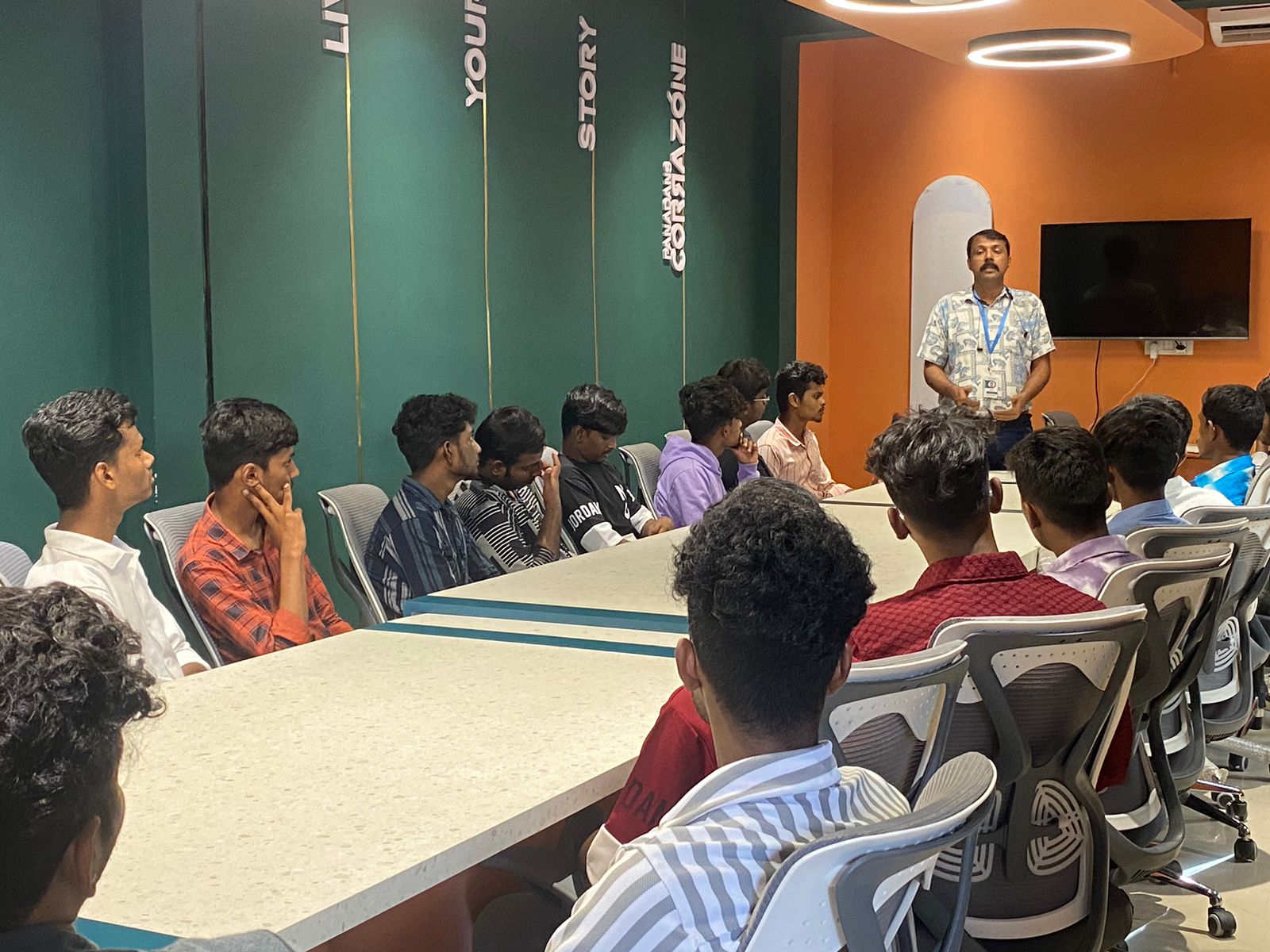
Photos of Training / Internships

Internship/projects in kannur

Trained more than 10000+ students who trust Nestsoft TechnoMaster

Get Your Personal Trainer