Send enquiry ⏎

Adobe Photoshop Online Live Class by Experts

Our Training/Internship Process

Adobe Photoshop Online Live Classes in Guntur | Free Demo Training

Adobe Photoshop - Syllabus, Fees & Duration

      Module 1: Introduction to Photoshop (2 Hours)

      Objective: Understand the basics of Photoshop, its interface, and core tools.

      • Overview of Photoshop and its applications
      • Introduction to the workspace:
        • Toolbar, options bar, panels, and canvas
      • Setting up a new document and file formats
      • Basic navigation: Zoom, pan, and rotate view
      • Saving and exporting projects

      Practical: Create and save a simple document with basic shapes.

      Module 2: Working with Layers and Selections (2 Hours)

      Objective: Master layers, layer properties, and selection tools.

      • Understanding layers and the Layers panel
      • Layer types: Text, adjustment, and shape layers
      • Using selection tools:
        • Marquee, Lasso, and Quick Selection tools
        • Refine Edge and Select Subject
      • Basic masking techniques

      Practical: Create a composition using multiple images and adjust layer opacity.

      Module 3: Image Adjustments and Enhancements (3 Hours)

      Objective: Learn to enhance photos using adjustments and filters.

      • Adjusting brightness, contrast, and levels
      • Color corrections: Hue/Saturation and Color Balance
      • Using Adjustment Layers for non-destructive editing
      • Introduction to filters and smart filters
      • Sharpening and blurring images

      Practical: Enhance a photograph by correcting color and applying filters.

      Module 4: Retouching and Repairing Images (2 Hours)

      Objective: Use retouching tools for professional image editing.

      • Healing Brush, Spot Healing Brush, and Patch tools
      • Clone Stamp tool
      • Content-Aware Fill and Move
      • Removing unwanted objects from images
      • Basic portrait retouching techniques

      Practical: Remove blemishes and unwanted objects from a provided image.

      Module 5: Text and Typography (2 Hours)

      Objective: Add and manipulate text for graphic design purposes.

      • Adding text and using the Type tool
      • Formatting text: Fonts, sizes, and styles
      • Working with paragraph and character panels Applying text effects: Drop shadows, strokes, and gradients
      • Typographic layouts and text on paths

      Practical: Create a poster with creative text effects.

      Module 6: Creative Tools and Special Effects (2 Hours)

      Objective: Explore creative possibilities with Photoshop tools and techniques.

      • Introduction to the Pen Tool for paths and shapes
      • Applying layer styles and blending modes
      • Using gradients and patterns
      • Introduction to brushes and custom brushes
      • Creating basic photo manipulations

      Practical: Design a surreal photo manipulation using multiple tools.

      Module 7: Final Project and Review (2 Hours)

      Objective: Consolidate learning by applying all techniques in a final project.

      • Planning and executing a creative project
      • Reviewing core tools and concepts
      • Tips and best practices for Photoshop workflows
      • Feedback on student projects

      Practical: Complete a final project (e.g., a social media post, flyer, or edited photo).

Download Syllabus - Adobe Photoshop
This syllabus is not final and can be customized as per needs/updates
   
10000+
20+
50+
25+

Adobe Photoshop Jobs in Guntur

Enjoy the demand

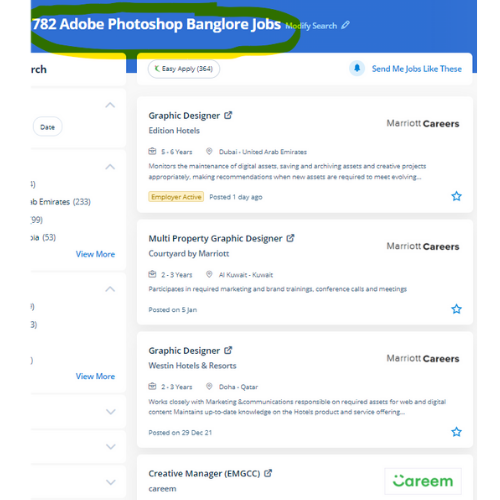
Find jobs related to Adobe Photoshop in search engines (Google, Bing, Yahoo) and recruitment websites (monsterindia, placementindia, naukri, jobshybrid.com, indeed.co.in, shine.com etc.) based in Guntur, chennai and europe countries. You can find many jobs for freshers related to the job positions in Guntur.

  • Photoshop Expert
  • Graphic Designer
  • Visual Designer
  • Motion Graphics Designer
  • Photoshop Editor
  • Adobe Photoshop-Architect
  • Graphics Design Trainer
  • Photographer
  • Design Assistant
  • 2d Motion Designer

Adobe Photoshop Internship/Course Details

Adobe Photoshop internship jobs in Guntur
Adobe Photoshop Also, it has wide job opportunities within the middle east. Your works on the projects build it easier and add more by adding special effects or fascinating options on plugins and you'll use numerous tools like brushes, overlays, fonts, textures etc. Files created in Adobe Photoshop will be simply transferred between totally different programs via creative Suite. after one of our courses, you will be expertise in the use of Photoshop and be assured of getting the professional results you need. Image editors and website creators widely use it. Photos and videos will be simply and quickly imported into the software using Adobe Photoshop. Photoshop includes a selection of quality tools and is well customizable to suit your work style. Through our training session, you'll be able to learn from the terribly basic usage to the most advanced graphic design. With courses and coaching from Nestsoft, you may research the skills to become a Photoshop expert. Photographers, web designers, or graphic designers must skill to use Adobe Photoshop.


Meet a Few of our Industry Experts 🚀 Your Pathway to IT Career

RAHUL

Mobile: +91 91884 77559
Location: Online (Guntur, India)
Qualification: btech cse

Experience: As a WordPress developer with three years of experience I have honed my skills in creating dynamic and user-friendly websites  more..

Anagha

Mobile: +91 89210 61945
Location: Online (Guntur, India)
Qualification: Bachelor

Experience: 1 yr Html css customized Js bootstrape responsive design figma vs code dream viewer adobe illustrator adobe photoshop  more..

Ajmiyamol

Mobile: +91 91884 77559
Location: Online (Guntur, India)
Qualification: BSC,MSC, PGDCA

Experience: Php java html python  more..

Anagha

Mobile: +91 9895490866
Location: Online (Guntur, India)
Qualification: B.Tech

Experience: Full stack developer MERN c c++ python mongodbApplication for Meanstack Developer Mean Stack  more..

Prakash

Mobile: +91 89210 61945
Location: Online (Guntur, India)
Qualification: BCA

Experience: Experience of 3+ years in wix webflow and Wordpress development all with custom code and Complete responsive Wix website with  more..

Patrick

Mobile: +91 94975 90866
Location: Online (Guntur, India)
Qualification: BTECH CST (AIML) 1st year

Experience: I am a hard working individual looking for a challenging position where I can showcase my skills and contribute to  more..

Nitish

Mobile: +91 98474 90866
Location: Online (Guntur, India)
Qualification: Master's

Experience: Experience 2 years User Research wireframing mobile design Prototyping  more..

Alin

Mobile: +91 91884 77559
Location: Online (Guntur, India)
Qualification: B tech

Experience: I have been working as full stack developer(2 months-present) Skills: Html css angular js nodejs mongodb express loopback gitApplication for  more..

Lavanya

Mobile: +91 91884 77559
Location: Online (Guntur, India)
Qualification: BTech

Experience: Hii my name is lavanya I have good knowledge in html css javascript bootstrap WordPress SQL Java and basic knowledge  more..

Narasimha

Mobile: +91 94975 90866
Location: Online (Guntur, India)
Qualification: B.Tech

Experience: 2 years experience in Automation testing having worked in a product based company I have deep understanding in test strategies  more..

Rinil

Mobile: +91 98474 90866
Location: Online (Guntur, India)
Qualification: 3year diploma in software engneering &digital marketing

Experience: Ms office seo Google ads social media marketing email marketing 1year experience in jiopoint assistant manager   more..

Ritu

Mobile: +91 91884 77559
Location: Online (Guntur, India)
Qualification: Computer Applications

Experience: I have eight years plus experience in web development I have mainly experience in wordpress and Laravel My skills and  more..

Manisha

Mobile: +91 91884 77559
Location: Online (Guntur, India)
Qualification: Master

Experience: Hello there so basically i have 4+ years experience in web designing by using these skills languages HTML HTML5 css  more..

Arjun

Mobile: +91 8301010866
Location: Online (Guntur, India)
Qualification: Bachelors in Visual design and comm

Experience: Proficiency in design and all fields of visual communication 4 years of working experience in the design industry  more..

Trupti

Mobile: +91 91884 77559
Location: Online (Guntur, India)
Qualification: B.E in computer science

Experience: I have 1+ experience in application development skills java kotlin Android sdk rest api intergation roomdatabase and firebase   more..

Rajesh

Mobile: +91 8301010866
Location: Online (Guntur, India)
Qualification: M.Tech

Experience: Having rich exp over 10 years on selenium with Java API automation using REST ASSURED mobile testing database testing  more..

CHINCHU

Mobile: +91 91884 77559
Location: Online (Guntur, India)
Qualification: BSC COMPUTER SCIENCE

Experience: I have completed 6 month python full stack internship 6 month web development experience PYTHON DJANGO FLASK PYRAMID JAVASCRIPT ANGULARJS  more..

RizvanaKoonari

Mobile: +91 9895490866
Location: Online (Guntur, India)
Qualification: Msc Computer Science

Experience: Recently completed 3 month software testing training course | Resume for   more..

seema

Mobile: +91 91884 77559
Location: Online (Guntur, India)
Qualification: BE

Experience: Angular developer with over 2 years and 8 months of practical expertise excelling in the creation of dynamic websites and  more..

John

Mobile: +91 98474 90866
Location: Online (Guntur, India)
Qualification: B. Tech

Experience: Flutter and dart Java android   more..

Harkesh

Mobile: +91 98474 90866
Location: Online (Guntur, India)
Qualification: 12th and BCA persuing

Experience: excel word ppt python c data entry speak english and many more  more..

Karthick

Mobile: +91 9895490866
Location: Online (Guntur, India)
Qualification: B.com

Experience: I have the skills in sem seo smm i done a internship for 3 months in inmakes infotech pvt ltd  more..

SHRIKANT

Mobile: +91 91884 77559
Location: Online (Guntur, India)
Qualification: Master Degree 'MBA' (Operation field)

Experience: Skills: ✓ Sap MM ✓ Advance Excel (Pivot table MIS Vlookup) ✓ Typing 30w p m & 40w p m  more..

Ashutosh

Mobile: +91 91884 77559
Location: Online (Guntur, India)
Qualification: B.tech CSE

Experience: Front end developer HTML CSS Javascript Bootstrap 1+ year experienced as a Web developer at Invisor Technologies   more..

Success Stories

The enviable salary packages and track record of our previous students are the proof of our excellence. Please go through our students' reviews about our training methods and faculty and compare it to the recorded video classes that most of the other institutes offer. See for yourself how TechnoMaster is truly unique.

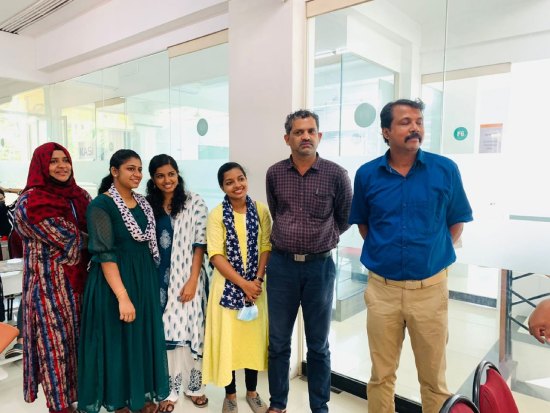
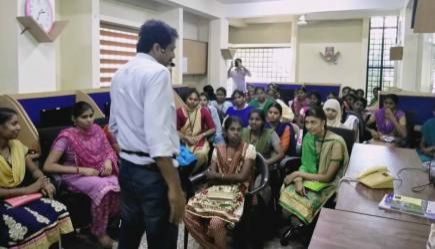
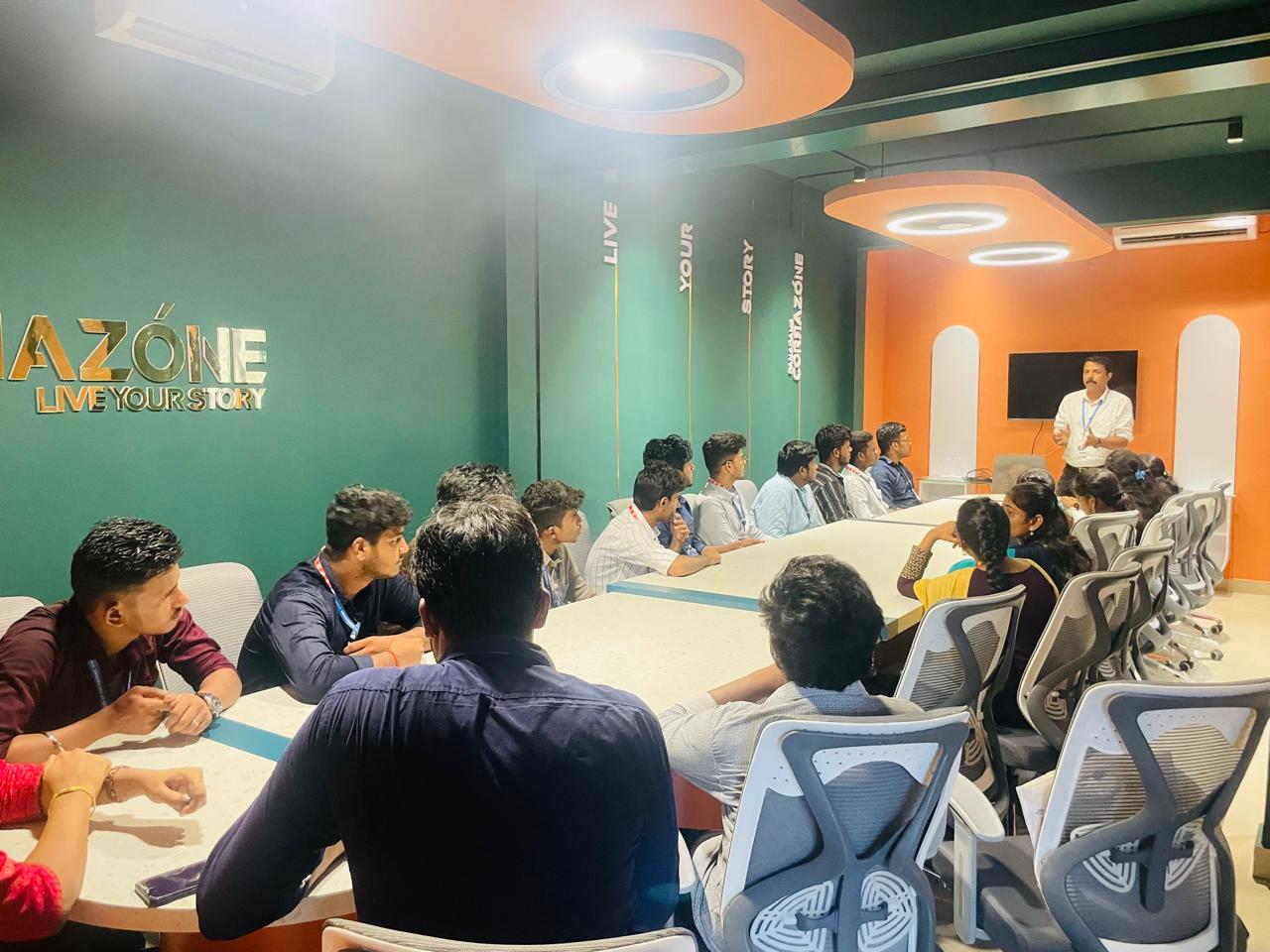
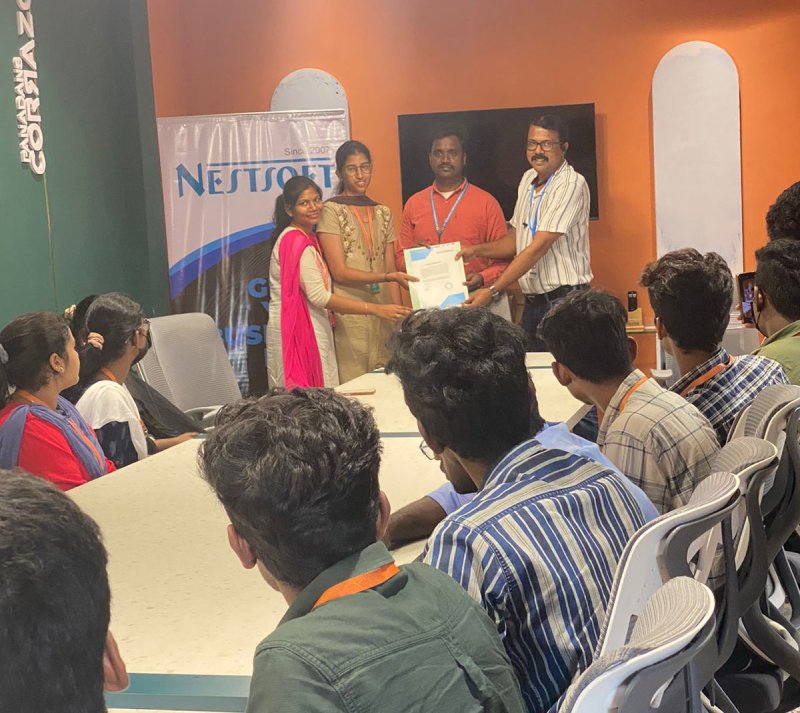
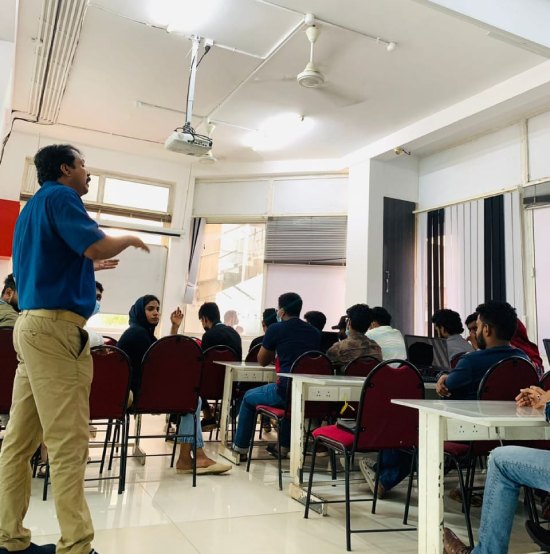
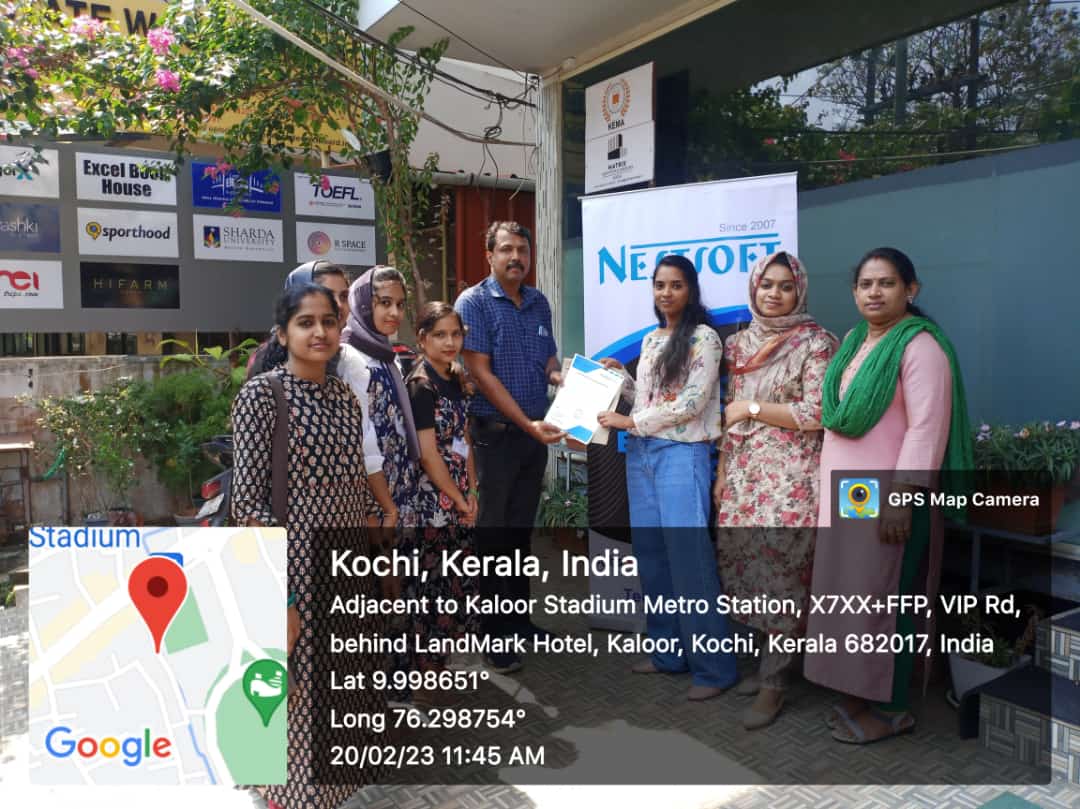
Photos of Training / Internships

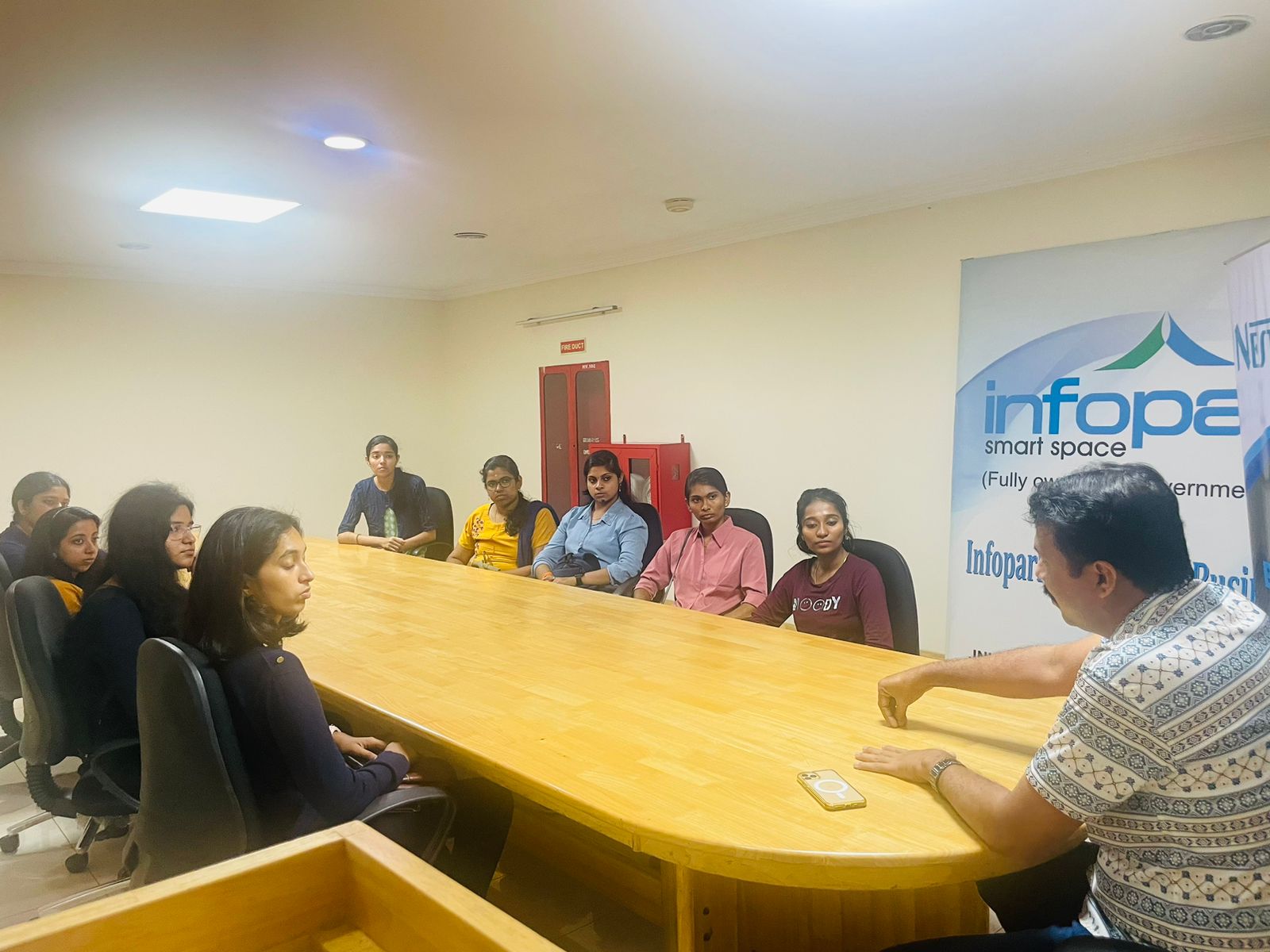
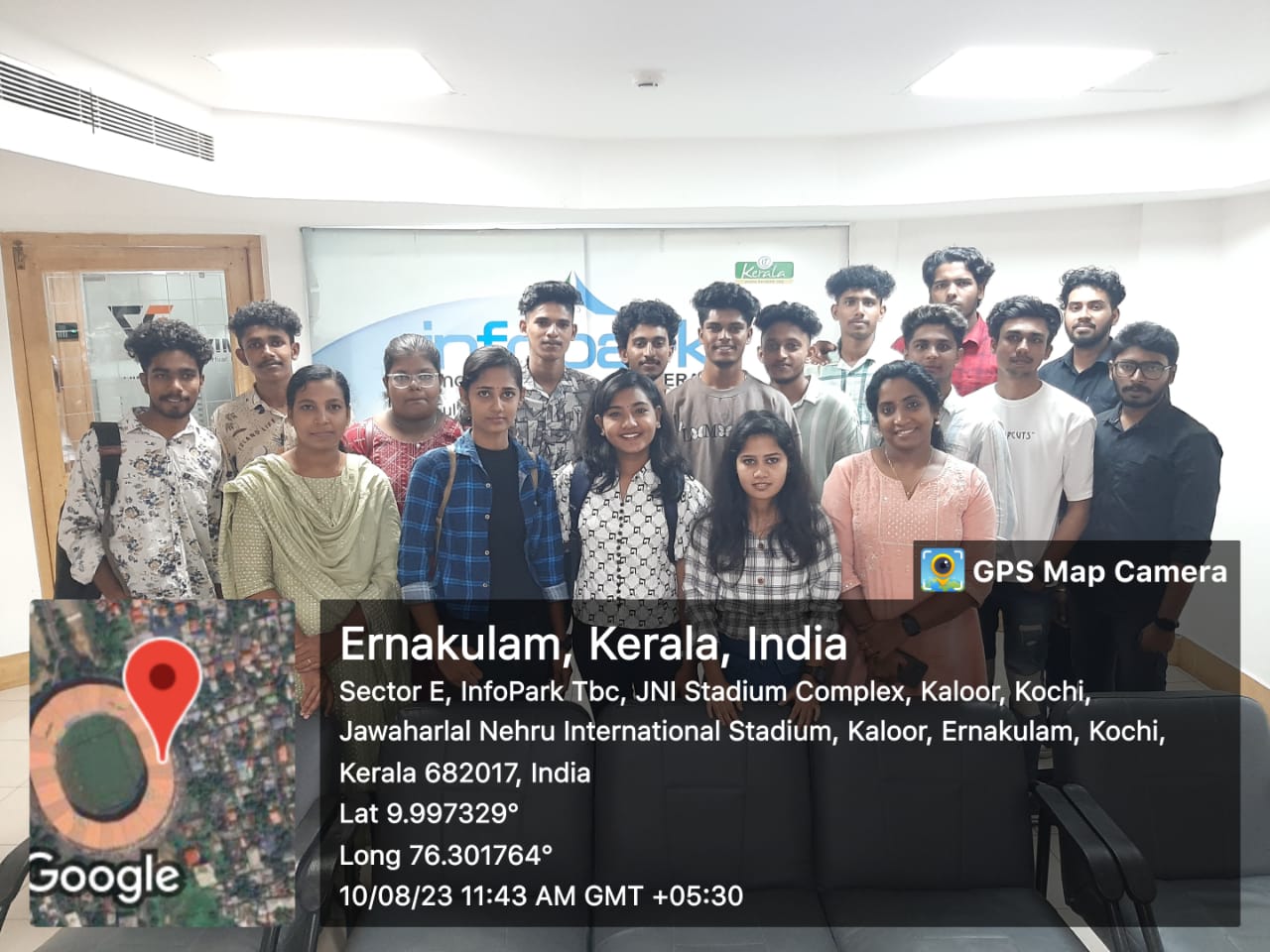
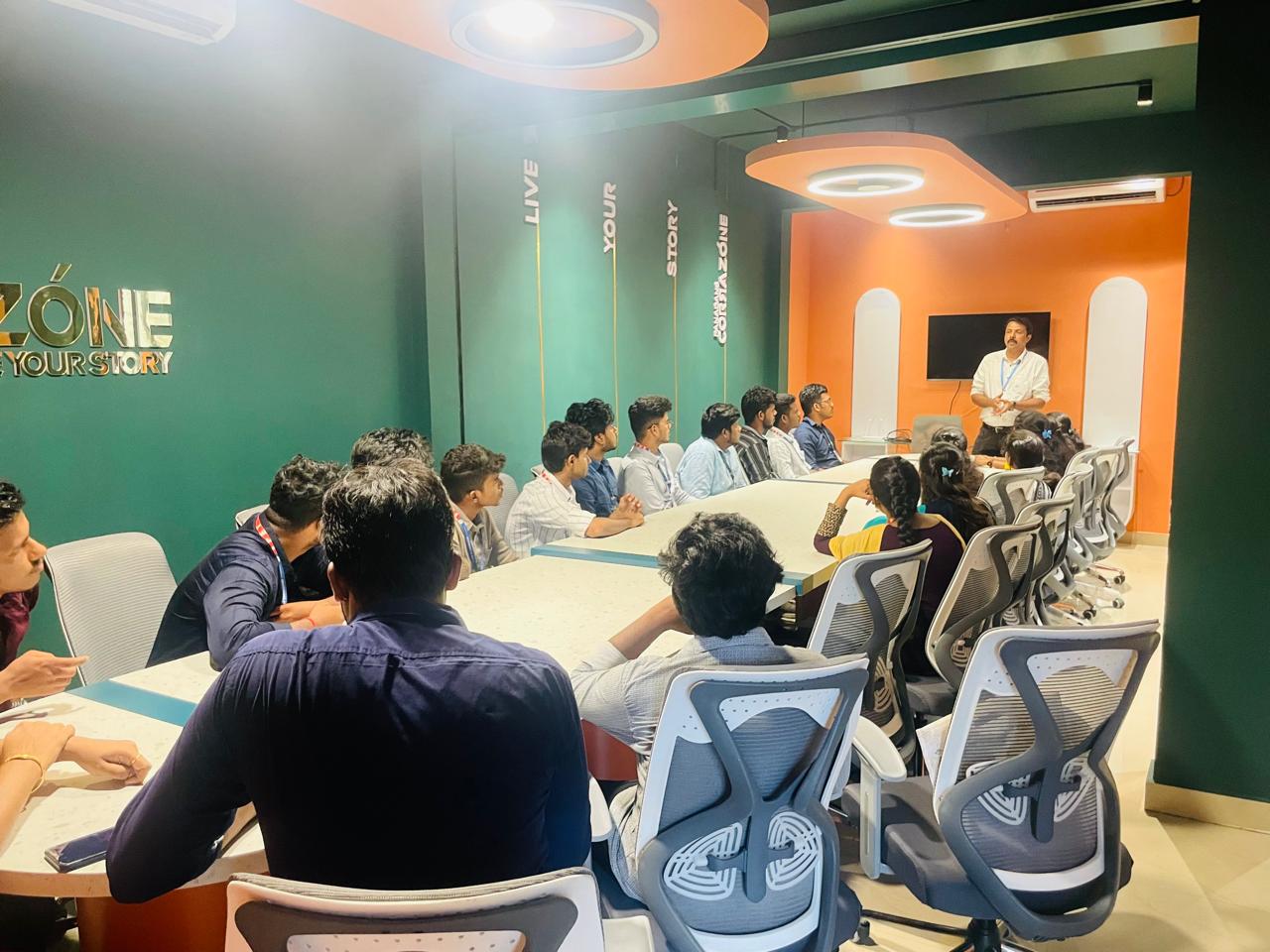
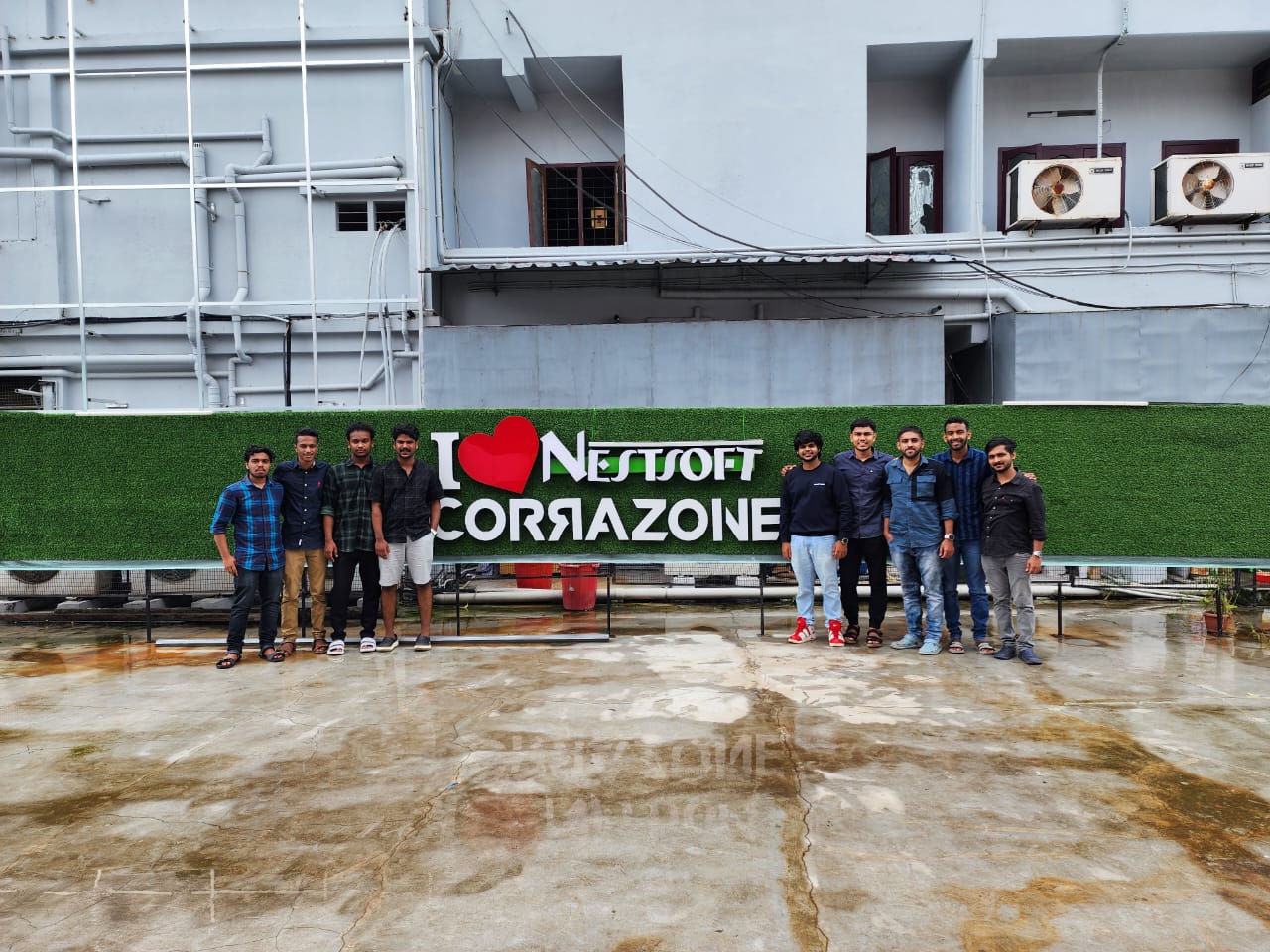
Internship/projects in guntur

Trained more than 10000+ students who trust Nestsoft TechnoMaster

Get Your Personal Trainer