Send enquiry ⏎

Software Testing Online Live Class by Experts

Our Training/Internship Process

Software Testing Online Live Classes in Kottayam | Free Demo Training

Software Testing - Syllabus, Fees & Duration

Automation Testing Syllabus

    MODULE 1 - SQL
    • Sql introduction
    • Sql Datatypes Sql basics-DDL
    • DML,DCL,Comparison Operators
    • Constraints
    • Aggregate
    • Functions
    • Practice questions
    • Joins
    • Stored Procedures
    • Practice Question
    • Views
    • Group By
    • Having
    • Order By Clauses Practice Question
    MODULE 2 - JAVA
    • Introduction to the course
    • Java Installation
    • Features and JDK
    • First Sample Program Data Types and Variables
    • Operators Control Statements
    • Loops Scanner
    • Array Oops - Polymophism (Method overloading)
    • Constructor Overloading
    • Types of Inheritance and Method Overriding
    • This and Super keyword
    • final and static keyword
    • Abstraction, Encapsulation, Exception, Thread
    • Thread Synchronization
    • Events Collection - List & Set Collection - Map & Queue Exam - Java
    MODULE 3 - Selenium IDE
    • Selenium Introduction
    • IDE Features
    • creating script Using IDE
    • Recording
    • Selenese
    • Assert and verify Export Testcase
    MODULE 4 - Selenium Webdriver
    • Selenium Webdriver Introduction
    • Webdriver manager
    • Junit
    • Locators
    • Screenshot in selenium
    • Handling Alerts
    • BrokenLinks
    • Testng and its Features
    • Waits in Selenium
    • Javascript Executor in Selenium
    • Navigation Commands
    • Dropdown handling using select class
    • Button Text verification
    • Radio buttons Actions class
    • copy paste using action class
    • draganddrop program Double click and right click using Action class
    • Mouse Hover Program
    • File upload
    • File upload using AUTO IT and Robot class
    • Cross browser Testing
    • Handling multiple windows and tabs
    • Handle pops in Chrome
    • Datepicker
    • DataDrivenTesting
    • Extended Reports
    • POM Design Pattern Frameworks
    • Datadriven framework Maven
    • Importance of maven
    • Create Project in Maven
    • Project
    MODULE 5 - JMeter
    • Introduction to Jmeter
    • overview of performance testing
    • Jmeter workflow
    • components of Jmeter
    • Building a web Test plan
    • Report generation
    • Execution in NON-GUI mode Recording in Jmeter
    • Blaze meter plugin Assertions
    • Timers
    • CSV Data set configuration
    • Correlation
    MODULE 6 - POSTMAN
    • Introduction to Postman
    • API testing
    • Download and install postman
    • Collections
    • Request methods
    • Collection Runner
    • Test script
    • Variables
    • Data driven testing
    • API fetching
    • JsonPathfinder
    • Openweathermap API
    • Newman
    MODULE 7 - JIRA
    • Agile methodology
    • scrum
    • Introduction to Jira
    • Jira issue types
    • How to create an Epic/User stories in Jira
    • Creating sprints in Jira
    • Sprint lifecylce in Jira
    • Backlogs
    • Creating bugs
    • Write Test Cases in Jira with Zephyr plugin
    • Jira project flow
    MODULE 8 - GIR & GITH
    • Introduction
    • Git installation
    • Repository creation in GitHub
    • Commands in git

Syllabus -> Software Testing (Automation)
This syllabus is not final and can be customized as per needs/updates

IT Courses / Internship

Manual Testing Syllabus

    MODULE 1 - Introduction to Manual Testing
    • What is Software testing?
    • Importance of Software testing
    • Basic terminology of Software testing
    • Difference between Manual and Automated Testing
    • Software testingPrinciples
    • Levels of Testing
    MODULE 2 – SDLC and STLC
    • Software development life cycle
    • Requirements phase
    • Analysis phase
    • Design phase
    • Coding phase
    • Testing phase
    • Release and maintenance phase
    • Software Development life cycle models
    • Waterfall model
    • Agile model
    • Spiral model
    • V model
    • Software Testing Life Cycle
    • Testing Constraints
    MODULE 3 – Static and Dynamic Testing
    • Static Test Design
    • Formal review
    • Informal reviews
    • Walkthroughs
    • Technical review
    • Inspection
    • Dynamic test design
    • White-box testing
    • White-box testing technique
    • Black box testing
    • Black box testing technique
    • Grey box testing
    MODULE 4 – Test Plan and Test Case Documents
    • Test plan document
    • Scope of document
    • Objective of testing
    • Customisation of Test Plan document
    • Requirement Traceability Matrix
    • Importance of Test case
    • Test case template
    • Test Scenario
    • Test Strategy
    MODULE 5 – Types of Testing
    • Functional Testing Types
    • Sanity Testing
    • Smoke Testing
    • Retesting
    • Regression testing
    • Adhoc testing and types
    • UI testing
    • Positive Testing
    • Negative Testing
    • Alpha and Beta Testing
    • Non-functional Testing
    • Performance testing
    • Load testing
    • Stress Testing
    • Volume Testing
    • Security testing
    • Portability testing
    MODULE 6 – Bug Report and Test Report Documents
    • What is a bug?
    • Bug life cycle
    • Severity
    • Priority
    • Types of Bugs
    • Bug Report Template
    • Metric types and calculation
    • Test Report Template

Syllabus -> Software Testing (Manual)
This syllabus is not final and can be customized as per needs/updates
IT Courses / Internship
   
10000+
20+
50+
25+

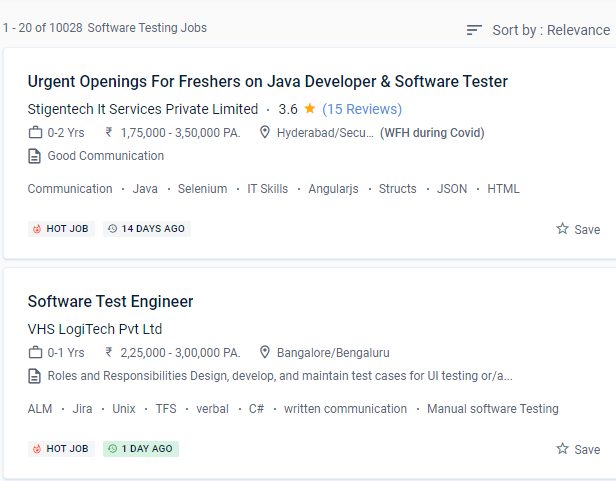
Software Testing Jobs in Kottayam

Enjoy the demand

Find jobs related to Software Testing in search engines (Google, Bing, Yahoo) and recruitment websites (monsterindia, placementindia, naukri, jobshybrid.com, indeed.co.in, shine.com etc.) based in Kottayam, chennai and europe countries. You can find many jobs for freshers related to the job positions in Kottayam.

  • Manual tester
  • Software Test Engineer
  • Test engineer
  • Software Testing
  • Software Automation Testing
  • Quality Assurance Engineer
  • Software Manual Tester
  • Software Testing Analyst
  • Quality Engineer
  • Software Tester

Software Testing Internship/Course Details

Software Testing internship jobs in Kottayam
Software Testing Before their testing may be automated, new apps must be manually tested. There is no need for human intervention. Automated testing coverage is vastly improved. As a qualified manual tester, you may be able to earn a good living. It's simple to evaluate performance, stress, and load. Although many universities offer software testing automation training and placement, just a handful excel at coaching. The course covers software testing, the software life cycle, the waterfall model, software test design approaches, software testing methodology, testing levels, QA, and QC testing, among other topics. The topics learned in class can be applied to real-world initiatives in businesses. There are no environmental constraints with manual testing, and programming experience is not necessary. Increase the testing speed.


Meet a Few of our Industry Experts 🚀 Your Pathway to IT Career

megha

Mobile: +91 91884 77559
Location: Online (Kottayam, India)
Qualification: BSC PHYSICS

Experience: Hi I am a professional UX UI DEVELOPER with skills including PHOTOSHOP Illustrator Shopify mobile app development javascript Node js  more..

Omkar

Mobile: +91 94975 90866
Location: Online (Kottayam, India)
Qualification: BCA in Cyber and Cloud Security

Experience: As a cybersecurity specialist I have extensive experience and skills including expertise in Qualys VMDR completion of the Google Cybersecurity  more..

Anakha

Mobile: +91 89210 61945
Location: Online (Kottayam, India)
Qualification: MCA

Experience: C++ C java javascript python Ms office Mysql HTML CSS Shell Scripting Android basics PHP Communication Leadership adaptability Willingness to  more..

Anshif

Mobile: +91 91884 77559
Location: Online (Kottayam, India)
Qualification: B. Com

Experience: 6 months experience in seo Executive and experience in managing ppc campains   more..

Khelan

Mobile: +91 8301010866
Location: Online (Kottayam, India)
Qualification: B.E

Experience: Communication(English Hindi Gujarati) team work html css javascript react php sql  more..

Sathyaboopathi

Mobile: +91 98474 90866
Location: Online (Kottayam, India)
Qualification: Mca

Experience: Manual testing -3 yrs automation testing with selenium java -3 yrs mobile testing with appium -2 yrs cucumber bdd -3  more..

Subashchandrabose

Mobile: +91 94975 90866
Location: Online (Kottayam, India)
Qualification: MCA

Experience: HTML CSS bootstrap angular sql python  more..

Deepak

Mobile: +91 89210 61945
Location: Online (Kottayam, India)
Qualification: B.tech

Experience: I have total 1 4 years experience of on page off page activities technical seo content management project management and  more..

Vaishnavi

Mobile: +91 9895490866
Location: Online (Kottayam, India)
Qualification: BE

Experience: Proficient in C# NET core SQL Server and MVC Framework Proficient in C# NET core SQL Server and MVC Framework  more..

KATHI

Mobile: +91 8301010866
Location: Online (Kottayam, India)
Qualification: Degree (B.com)

Experience: I am fresher Skills is good communication and convincing skills I will done coaching for web development   more..

Dabhi

Mobile: +91 89210 61945
Location: Online (Kottayam, India)
Qualification: BCA

Experience: responsible for creating and maintaining a website using the WordPress content management systems supporting current websites managing client website projects  more..

Anagha

Mobile: +91 91884 77559
Location: Online (Kottayam, India)
Qualification: MCA

Experience: 1 Knowledge in integration and functional testing 2 Knowledge in LARAVEL C JAVA DBMS 3 Confident Articulate and Professional Speaking  more..

Manish

Mobile: +91 91884 77559
Location: Online (Kottayam, India)
Qualification: Pursuing B.Tech(Final year)

Experience: Circuit Design: Proficient in designing electronic circuits including analog digital and mixed-signal circuits Power Electronics: Knowledgeable about power supply design  more..

Manas

Mobile: +91 89210 61945
Location: Online (Kottayam, India)
Qualification: MCA

Experience: As a MERN Stack Developer I have worked on various projects using react redux nodejs mongo db css html bootstrap  more..

Nishant

Mobile: +91 89210 61945
Location: Online (Kottayam, India)
Qualification: B. Tech (3rd year)

Experience: Im Inclined towards penetration testing but have also completed internship under godrej group ltd in the SOC team Worked on  more..

Kanika

Mobile: +91 89210 61945
Location: Online (Kottayam, India)
Qualification: Masters of computer applications

Experience: I’m having an experience of 1 year and 8 months as a front end developer I’m having experience of working  more..

Renu

Mobile: +91 94975 90866
Location: Online (Kottayam, India)
Qualification: Masters

Experience: I am currently pursuing a Master of Science in Computer Science at Liverpool John Moores University specializing in software development  more..

Nikhil

Mobile: +91 91884 77559
Location: Online (Kottayam, India)
Qualification: msc

Experience: manual and automation testing  more..

Mohd

Mobile: +91 91884 77559
Location: Online (Kottayam, India)
Qualification: MBA

Experience: Passionate Canva designer with a keen eye for aesthetics and a knack for translating concepts into visually appealing graphics Proven  more..

Mayur

Mobile: +91 98474 90866
Location: Online (Kottayam, India)
Qualification: BCA

Experience: I have 1 and half year experience in digital marketing executive roles previously im working in futurlytix software company as  more..

Prashant

Mobile: +91 91884 77559
Location: Online (Kottayam, India)
Qualification: BE computer engineer

Experience: 1 year experience Api android ask FireBase SQLite  more..

Achinth

Mobile: +91 91884 77559
Location: Online (Kottayam, India)
Qualification: bcom finance

Experience: seo on page & off page optimization google adwords google search console social media marketing youtube ads facebook ads instagram  more..

Abhishek

Mobile: +91 9895490866
Location: Online (Kottayam, India)
Qualification: B.Tech in computer science

Experience: I'm an experienced mobile app developer with 6 months experience in developing real world applications and loves to make cutting  more..

Sinsy

Mobile: +91 94975 90866
Location: Online (Kottayam, India)
Qualification: Btech IT

Experience: iOS developer  more..

Success Stories

The enviable salary packages and track record of our previous students are the proof of our excellence. Please go through our students' reviews about our training methods and faculty and compare it to the recorded video classes that most of the other institutes offer. See for yourself how TechnoMaster is truly unique.

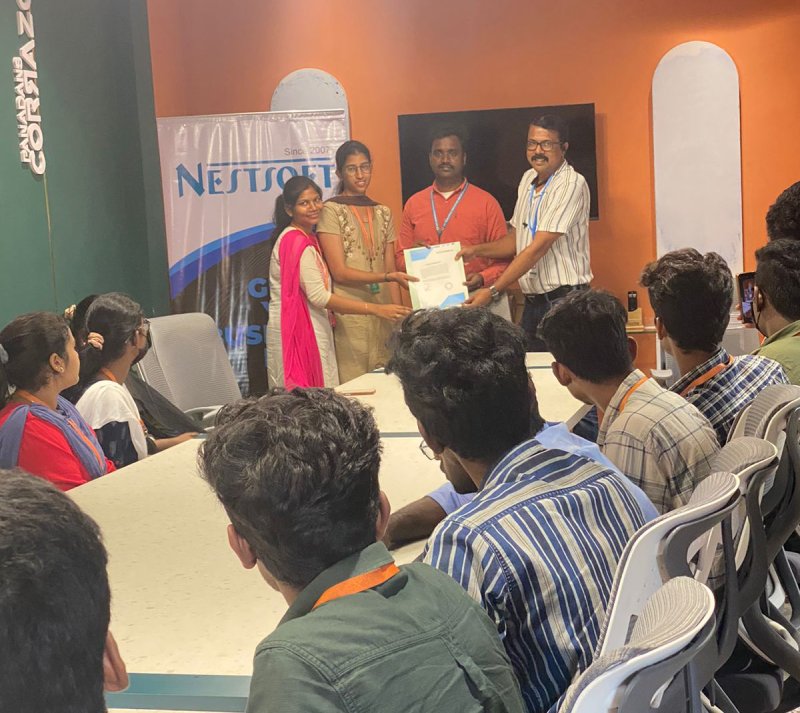
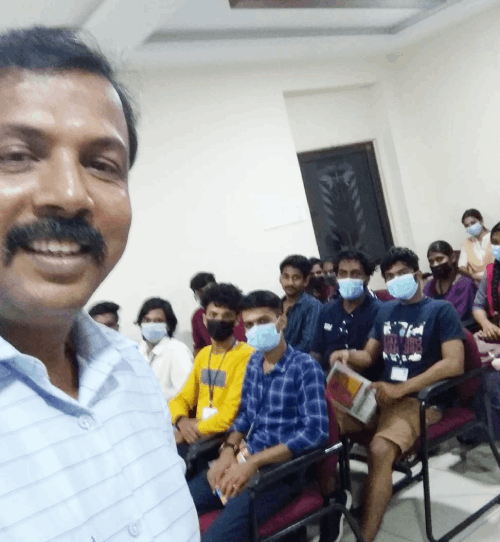
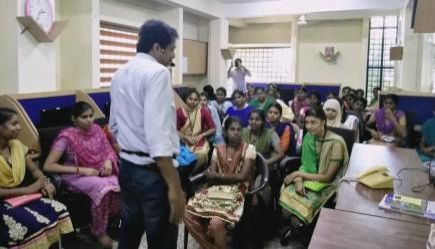
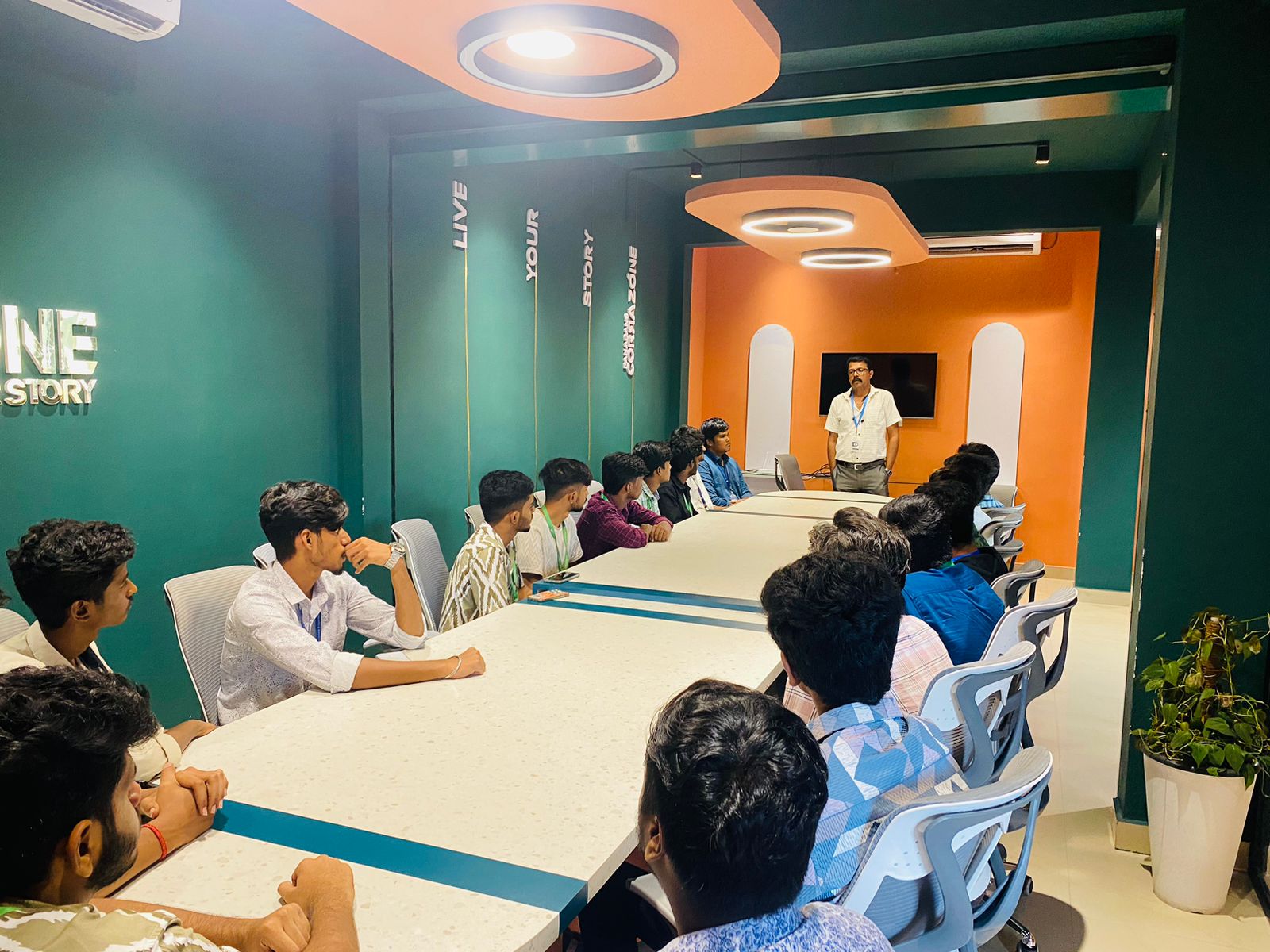
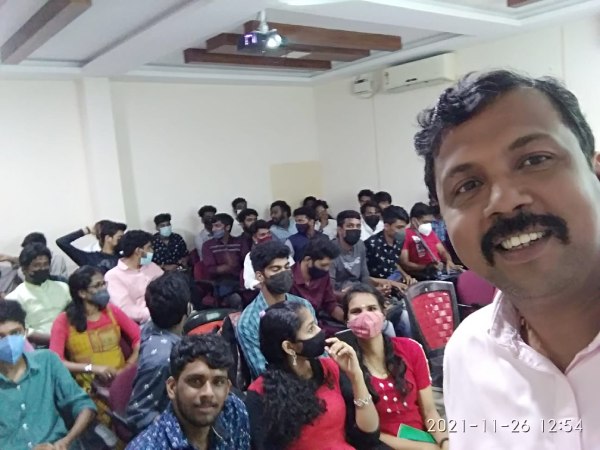
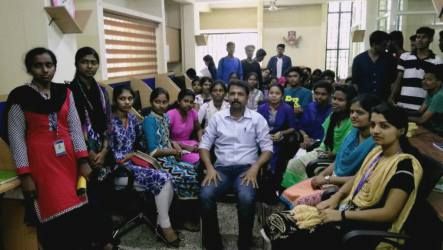
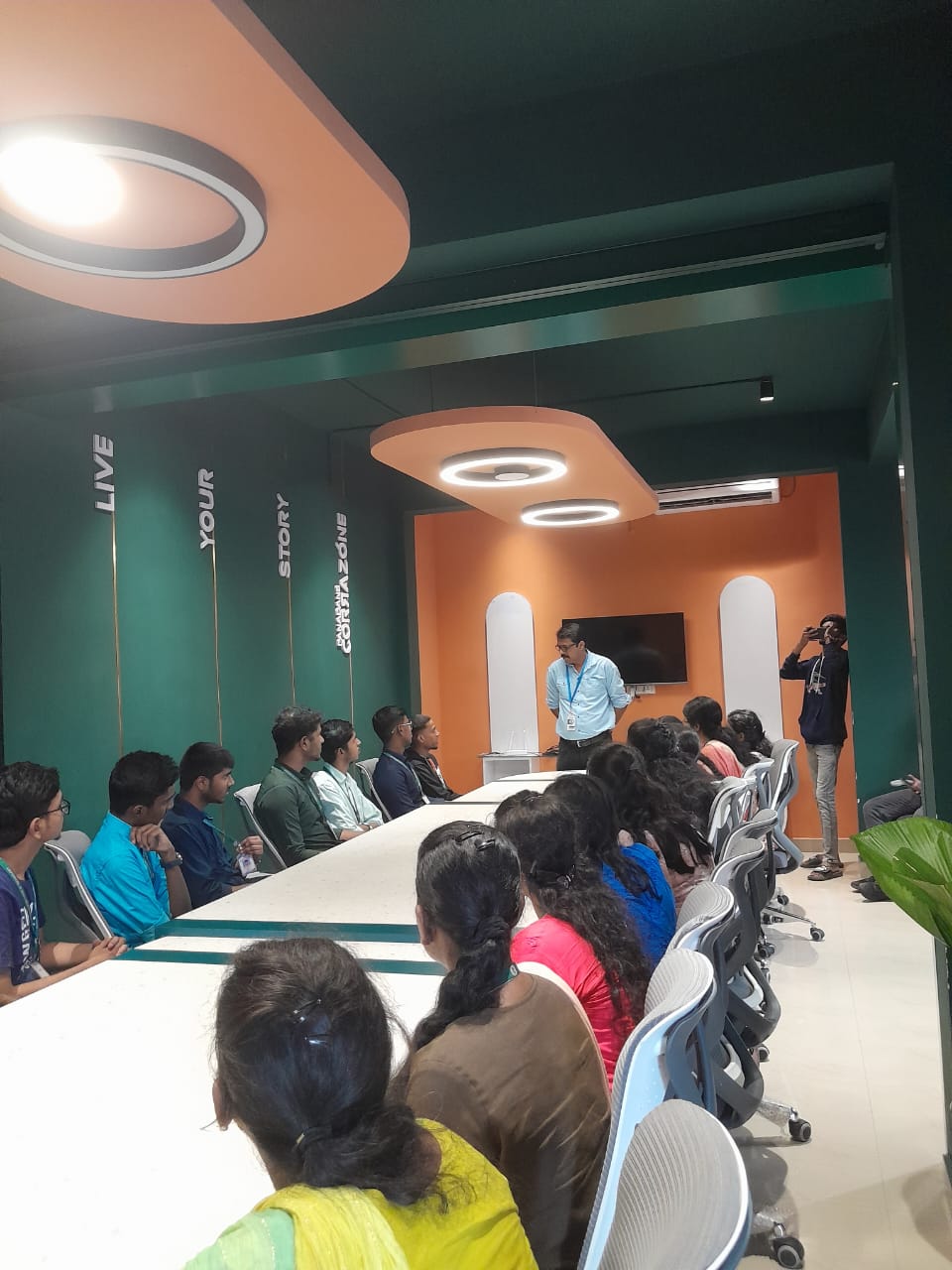
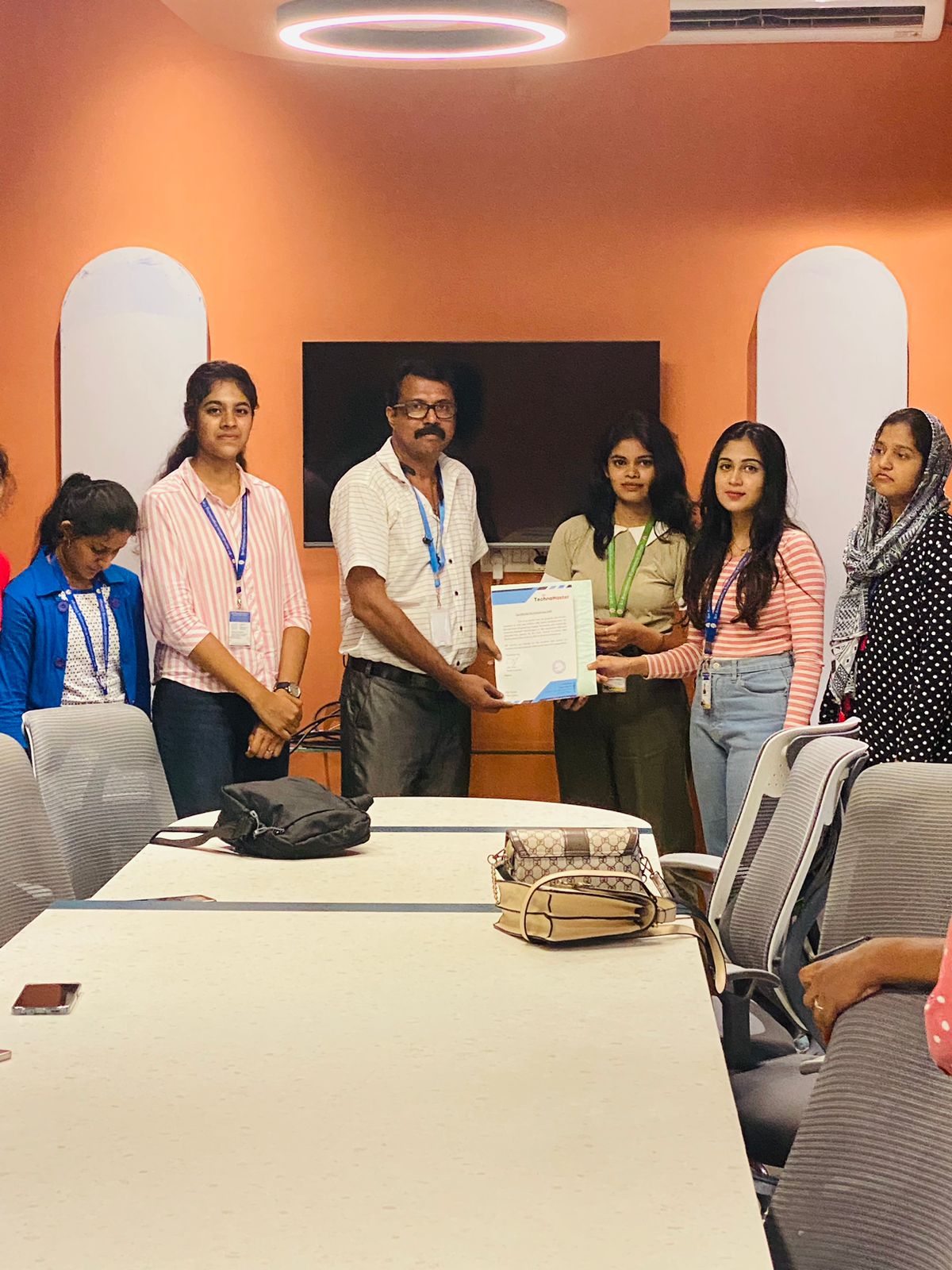
Photos of Training / Internships

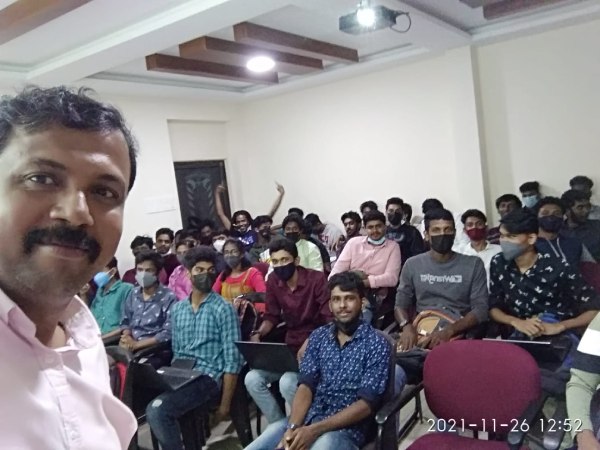
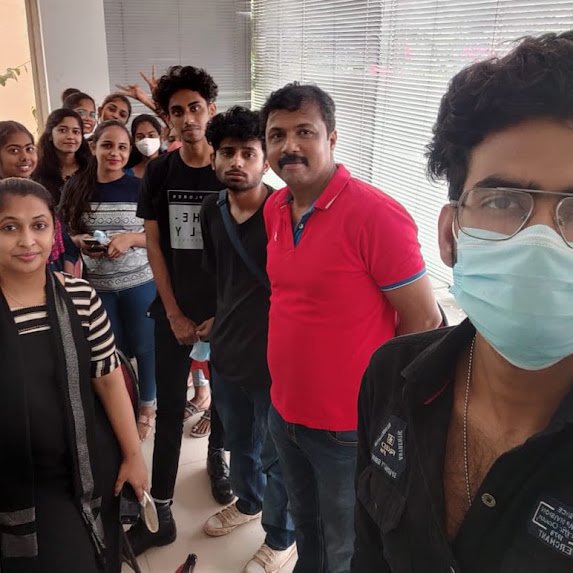
Internship/projects in kottayam

Trained more than 10000+ students who trust Nestsoft TechnoMaster

Get Your Personal Trainer