Send enquiry ⏎

Software Testing (Manual) Online Live Class by Experts

Our Training/Internship Process

Software Testing (Manual) Online Live Classes in Kannur | Free Demo Training

Software Testing (Manual) - Syllabus, Fees & Duration

Manual Testing Syllabus

    MODULE 1 - Introduction to Manual Testing
    • What is Software testing?
    • Importance of Software testing
    • Basic terminology of Software testing
    • Difference between Manual and Automated Testing
    • Software testingPrinciples
    • Levels of Testing
    MODULE 2 – SDLC and STLC
    • Software development life cycle
    • Requirements phase
    • Analysis phase
    • Design phase
    • Coding phase
    • Testing phase
    • Release and maintenance phase
    • Software Development life cycle models
    • Waterfall model
    • Agile model
    • Spiral model
    • V model
    • Software Testing Life Cycle
    • Testing Constraints
    MODULE 3 – Static and Dynamic Testing
    • Static Test Design
    • Formal review
    • Informal reviews
    • Walkthroughs
    • Technical review
    • Inspection
    • Dynamic test design
    • White-box testing
    • White-box testing technique
    • Black box testing
    • Black box testing technique
    • Grey box testing
    MODULE 4 – Test Plan and Test Case Documents
    • Test plan document
    • Scope of document
    • Objective of testing
    • Customisation of Test Plan document
    • Requirement Traceability Matrix
    • Importance of Test case
    • Test case template
    • Test Scenario
    • Test Strategy
    MODULE 5 – Types of Testing
    • Functional Testing Types
    • Sanity Testing
    • Smoke Testing
    • Retesting
    • Regression testing
    • Adhoc testing and types
    • UI testing
    • Positive Testing
    • Negative Testing
    • Alpha and Beta Testing
    • Non-functional Testing
    • Performance testing
    • Load testing
    • Stress Testing
    • Volume Testing
    • Security testing
    • Portability testing
    MODULE 6 – Bug Report and Test Report Documents
    • What is a bug?
    • Bug life cycle
    • Severity
    • Priority
    • Types of Bugs
    • Bug Report Template
    • Metric types and calculation
    • Test Report Template

Download Syllabus - Software Testing (Manual)
This syllabus is not final and can be customized as per needs/updates
   
10000+
20+
50+
25+

Software Testing (Manual) Jobs in Kannur

Enjoy the demand

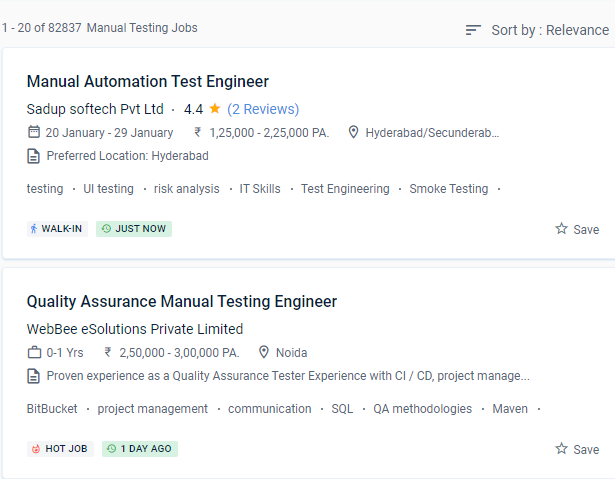
Find jobs related to Software Testing (Manual) in search engines (Google, Bing, Yahoo) and recruitment websites (monsterindia, placementindia, naukri, jobshybrid.com, indeed.co.in, shine.com etc.) based in Kannur, chennai and europe countries. You can find many jobs for freshers related to the job positions in Kannur.

  • Manual tester
  • Software test engineer
  • Test engineer-manual testing
  • QA engineer - manual testing
  • Automation/manual testing
  • Quality Assurance Engineer
  • Software manual tester
  • Analyst- manual testing
  • Quality engineer
  • Manual test engineer.

Software Testing (Manual) Internship/Course Details

Software Testing (Manual) internship jobs in Kannur
Software Testing (Manual) It's a time-consuming process that requires the tester to be alert, resourceful, skilled, opinionated, speculative, and innovative, among other attributes. Manual software testing is simple to learn for new testers. As a capable manual tester, you may be able to receive a good living. There are numerous career pathways available in the software testing manual. Manual testing permits human observation, which may be more real for noticing potential flaws in dynamically accusing GUI designs and usability testing. The QA Testing industry is always evolving, with new technologies and paths emerging all the time. There are a variety of manual testing methods to choose from. Software manual testing is a rewarding professional option that will not go out of popularity anytime soon. In the long run, it is also cost-effective. You should also be familiar with software code and have a good understanding of test management software and programming languages.


Meet a Few of our Industry Experts 🚀 Your Pathway to IT Career

Bhagyashree

Mobile: +91 94975 90866
Location: Online (Kannur, India)
Qualification: Master of computer Applications MCA

Experience: I have trained for six months in java full stack developer skills  more..

Manikaran

Mobile: +91 98474 90866
Location: Online (Kannur, India)
Qualification: B.Tech

Experience: Github Link : github com manikaran21 Certificates: drive google com drive folders 1Q-ptc395b998Lu111wdaudi_Lw73YVZ7?usp=sharing HackerRank Profile : hackerrank com masanmb17tes?hr_r=1 I  more..

ARCHANA

Mobile: +91 89210 61945
Location: Online (Kannur, India)
Qualification: Btech ECE

Experience: Manual testing selenium Jmeter   more..

athul

Mobile: +91 89210 61945
Location: Online (Kannur, India)
Qualification: +2

Experience: angular nodejs expressjs mongodb ejs typescript javascript jquery html css aws docker jenkins  more..

Gaurav

Mobile: +91 91884 77559
Location: Online (Kannur, India)
Qualification: B Sc in Multimedia Technology

Experience: I have 0 6 months on experience in graphic design industry as I was a video editor plus a graphic  more..

ANAGHA

Mobile: +91 91884 77559
Location: Online (Kannur, India)
Qualification: MCA

Experience: C cpp java python html css javascript reactjs mysql nodejsApplication for Node JS  more..

Josiya

Mobile: +91 98474 90866
Location: Online (Kannur, India)
Qualification: BCOM Finance

Experience: 1 year experience in Social media handling Content writing Proof reading Manual software testing MS Office   more..

Srinivas

Mobile: +91 91884 77559
Location: Online (Kannur, India)
Qualification: B E

Experience: Hi sir Srinivas punith here currently working in Acrowit technogies pvt ltd (Wittyparrot) I am looking for a part time  more..

Aastha

Mobile: +91 91884 77559
Location: Online (Kannur, India)
Qualification: MCA

Experience: 3+ years of experience in WordPress development in which I have worked on Theme customization Security related issues troubleshooting ACF  more..

Muaaz

Mobile: +91 9895490866
Location: Online (Kannur, India)
Qualification: 12th

Experience: I m graphic design social media flyer Software photoshop and premier pro  more..

Manoj

Mobile: +91 89210 61945
Location: Online (Kannur, India)
Qualification: Bachelors

Experience: I am Manoj P having a total of 3 5 years of hands-on experience in software testing Key Skills :  more..

Kalaivani

Mobile: +91 8301010866
Location: Online (Kannur, India)
Qualification: ME

Experience: 2 years experience as a assistant professor teaching developer programmer etc | (Work from Home)  more..

Lukhman

Mobile: +91 94975 90866
Location: Online (Kannur, India)
Qualification: Be computer science

Experience: Java sql html css networking  more..

Priyanka

Mobile: +91 8301010866
Location: Online (Kannur, India)
Qualification: B. Tech

Experience: Respected sir Iam Priyanka k an DIPLOMA WITH B-TECH GRADUATE in Applied electronics and instrumentation engineering I have completed software  more..

B

Mobile: +91 8301010866
Location: Online (Kannur, India)
Qualification: Btech

Experience: I am proficient in python java and sql and also have good knowledge in networking and also learned about data  more..

Sreejith

Mobile: +91 94975 90866
Location: Online (Kannur, India)
Qualification: BE Mechanical

Experience: Manual testing Techsupport selenium ide  more..

Deepshika

Mobile: +91 94975 90866
Location: Online (Kannur, India)
Qualification: BE

Experience: Core java Manual testing Automation testing using selenium framework   more..

Priya

Mobile: +91 89210 61945
Location: Online (Kannur, India)
Qualification: Diploma

Experience: UX UI Design Prototyping Visual design Brochure design  more..

Susmi

Mobile: +91 91884 77559
Location: Online (Kannur, India)
Qualification: BCA

Experience: php laravel ajax jquery html api  more..

Pranam

Mobile: +91 9895490866
Location: Online (Kannur, India)
Qualification: Bachelor

Experience: Hi I am Pranam I am currently studying electronics and instrumentation at the BMS College of Engineering I have experience  more..

prabhav

Mobile: +91 94975 90866
Location: Online (Kannur, India)
Qualification: graduate

Experience: Currently i am a fresher and i am practicing android development from past 1 year   more..

VEENA

Mobile: +91 89210 61945
Location: Online (Kannur, India)
Qualification: BTech ECE

Experience: python ML R SQL EXCEL TABLEUA  more..

Anugya

Mobile: +91 9895490866
Location: Online (Kannur, India)
Qualification: Btech

Experience: C cpp python  more..

Siddangouda

Mobile: +91 9895490866
Location: Online (Kannur, India)
Qualification: B.E Computer Science

Experience: Seo on page off page technical seo back links link building Google Analytics   more..

Success Stories

The enviable salary packages and track record of our previous students are the proof of our excellence. Please go through our students' reviews about our training methods and faculty and compare it to the recorded video classes that most of the other institutes offer. See for yourself how TechnoMaster is truly unique.

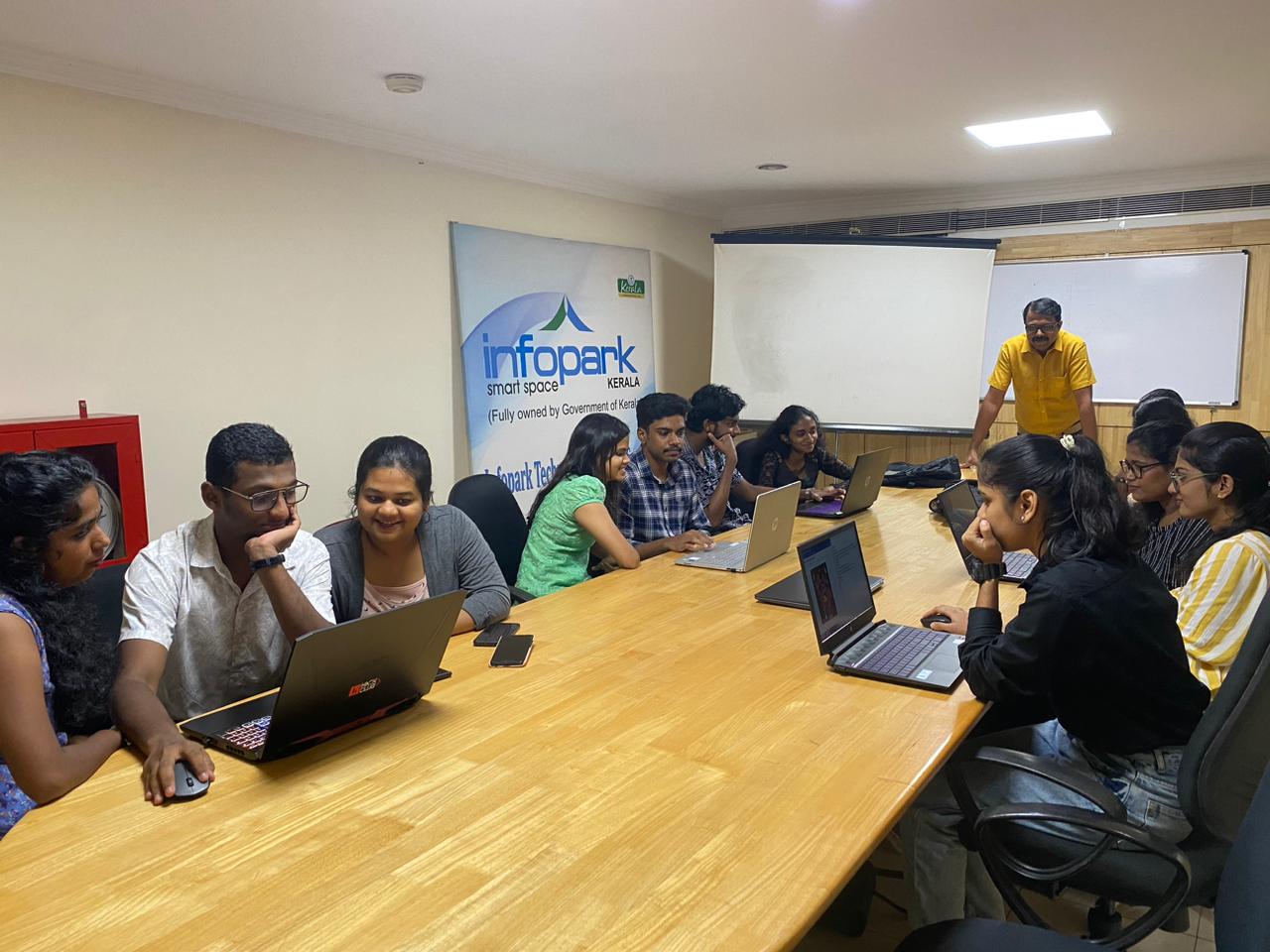
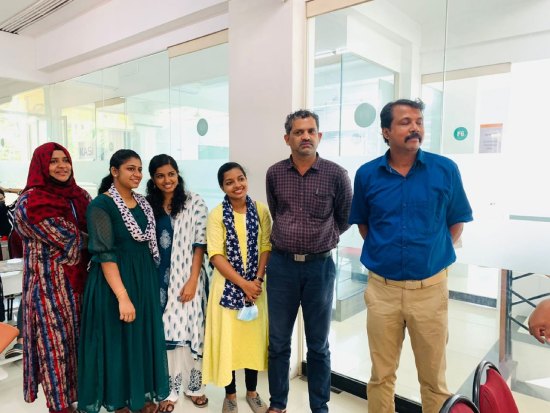
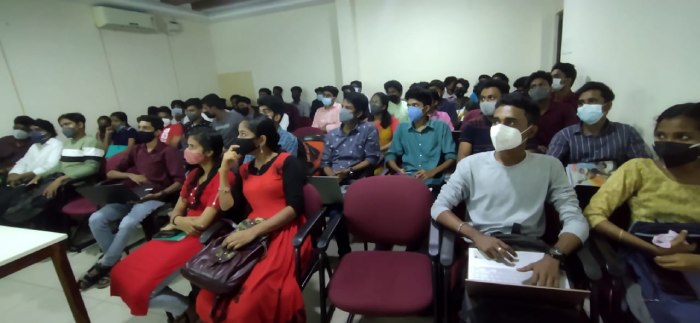
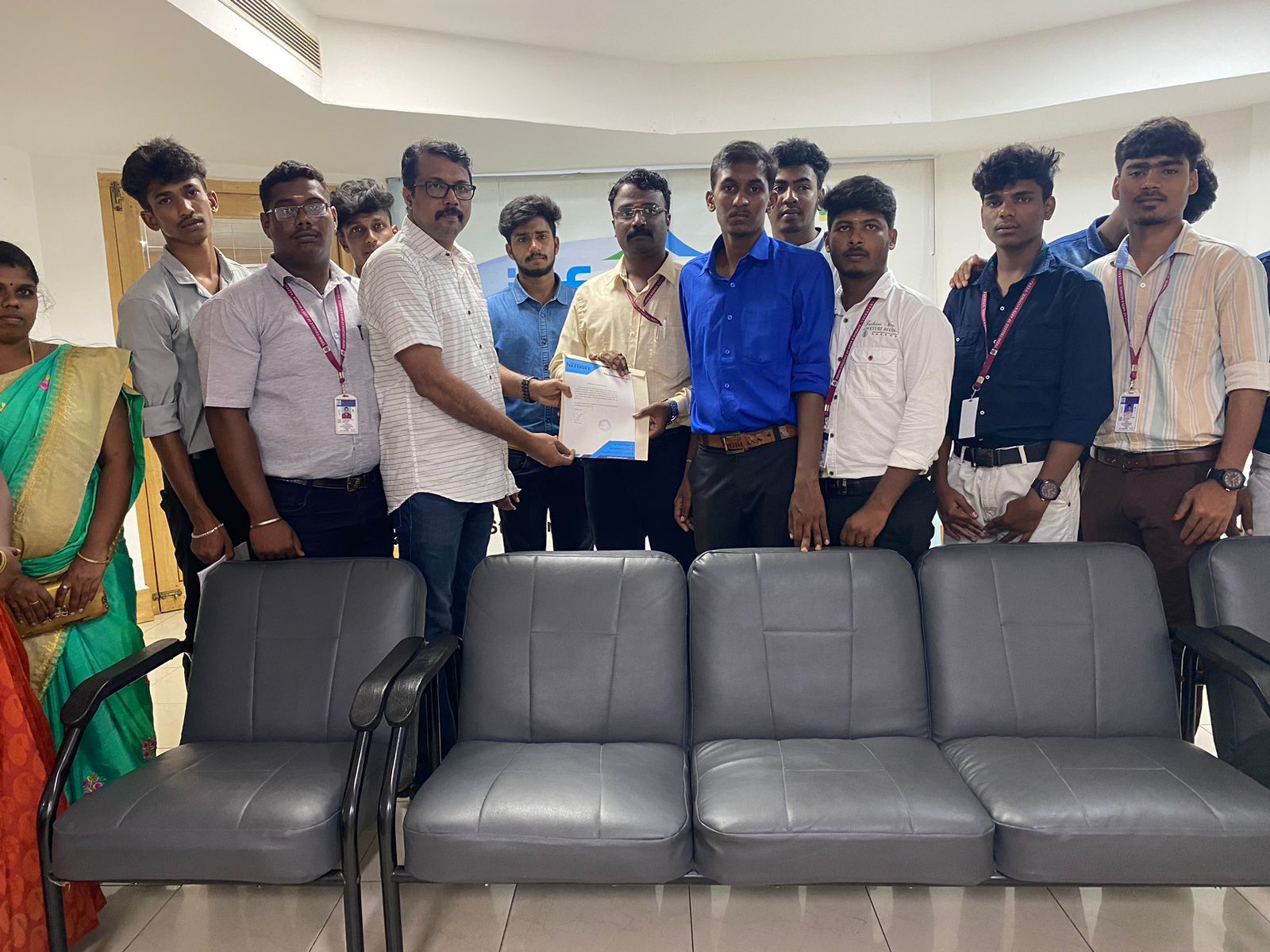
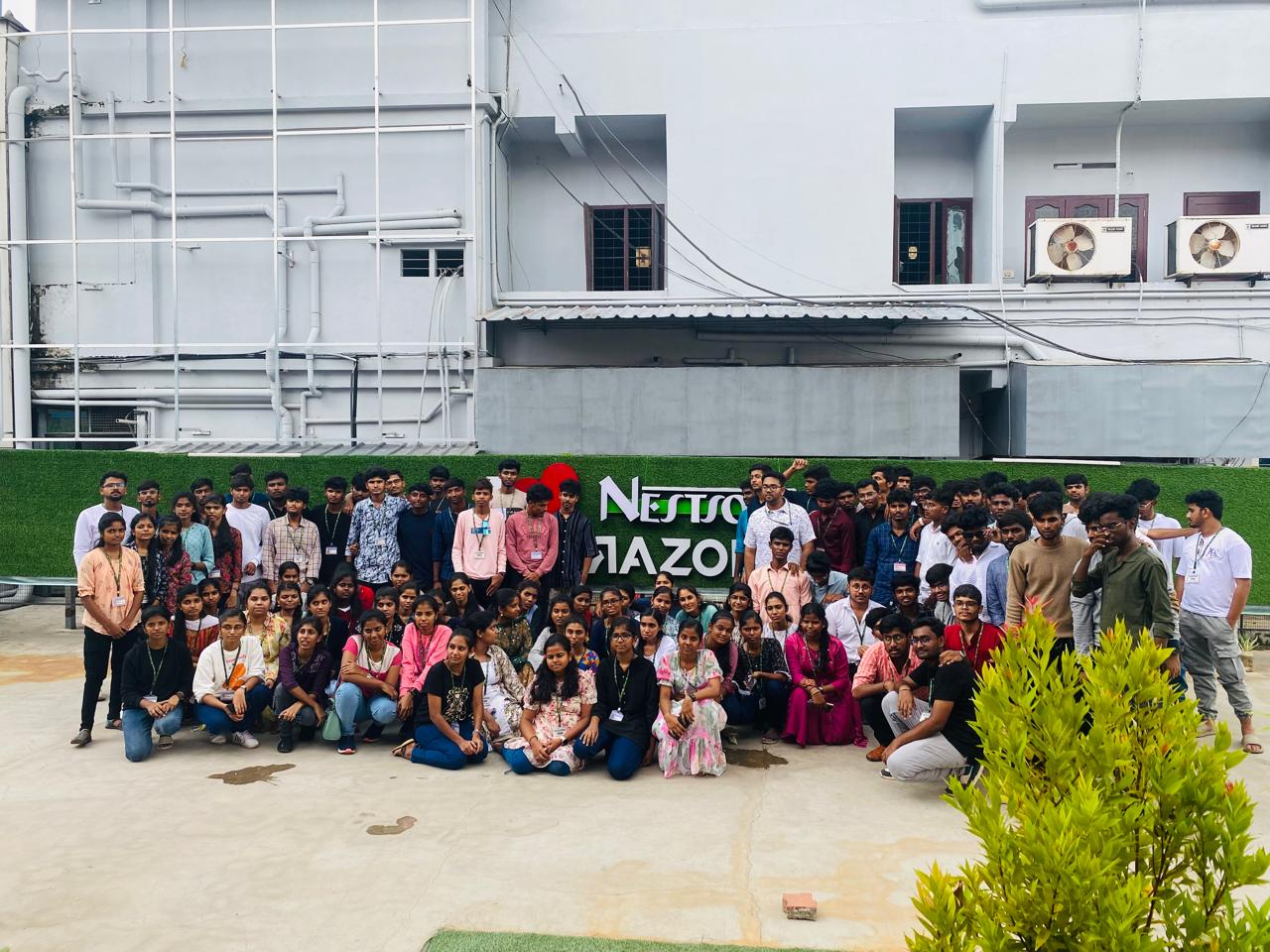
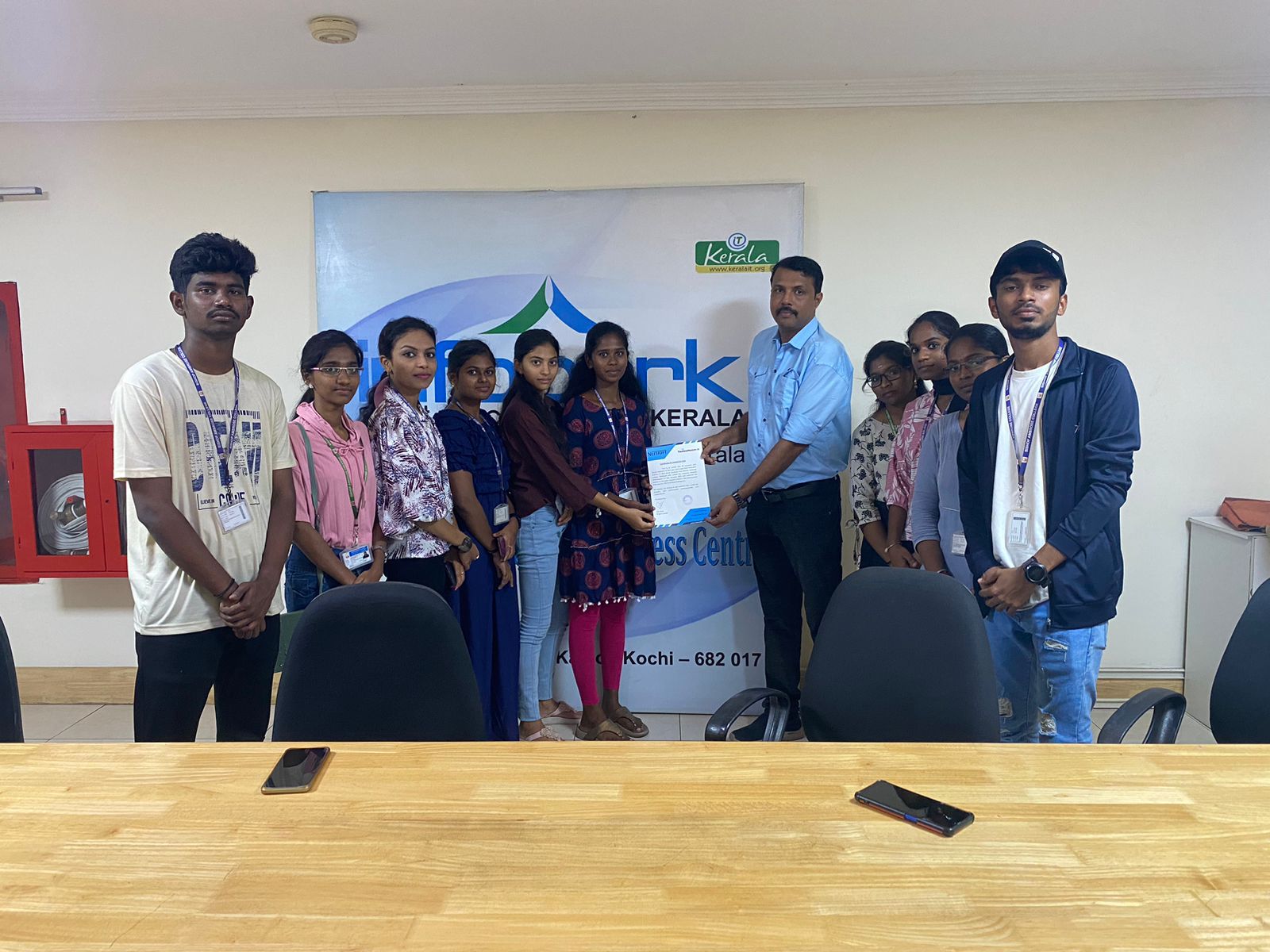
Photos of Training / Internships

Internship/projects in kannur

Trained more than 10000+ students who trust Nestsoft TechnoMaster

Get Your Personal Trainer