Send enquiry ⏎

Software Testing (Automation) Online Live Class by Experts

Our Training/Internship Process

Software Testing (Automation) Online Live Classes in Kottayam | Free Demo Training

Software Testing (Automation) - Syllabus, Fees & Duration

Automation Testing Syllabus

    MODULE 1 - SQL
    • Sql introduction
    • Sql Datatypes Sql basics-DDL
    • DML,DCL,Comparison Operators
    • Constraints
    • Aggregate
    • Functions
    • Practice questions
    • Joins
    • Stored Procedures
    • Practice Question
    • Views
    • Group By
    • Having
    • Order By Clauses Practice Question
    MODULE 2 - JAVA
    • Introduction to the course
    • Java Installation
    • Features and JDK
    • First Sample Program Data Types and Variables
    • Operators Control Statements
    • Loops Scanner
    • Array Oops - Polymophism (Method overloading)
    • Constructor Overloading
    • Types of Inheritance and Method Overriding
    • This and Super keyword
    • final and static keyword
    • Abstraction, Encapsulation, Exception, Thread
    • Thread Synchronization
    • Events Collection - List & Set Collection - Map & Queue Exam - Java
    MODULE 3 - Selenium IDE
    • Selenium Introduction
    • IDE Features
    • creating script Using IDE
    • Recording
    • Selenese
    • Assert and verify Export Testcase
    MODULE 4 - Selenium Webdriver
    • Selenium Webdriver Introduction
    • Webdriver manager
    • Junit
    • Locators
    • Screenshot in selenium
    • Handling Alerts
    • BrokenLinks
    • Testng and its Features
    • Waits in Selenium
    • Javascript Executor in Selenium
    • Navigation Commands
    • Dropdown handling using select class
    • Button Text verification
    • Radio buttons Actions class
    • copy paste using action class
    • draganddrop program Double click and right click using Action class
    • Mouse Hover Program
    • File upload
    • File upload using AUTO IT and Robot class
    • Cross browser Testing
    • Handling multiple windows and tabs
    • Handle pops in Chrome
    • Datepicker
    • DataDrivenTesting
    • Extended Reports
    • POM Design Pattern Frameworks
    • Datadriven framework Maven
    • Importance of maven
    • Create Project in Maven
    • Project
    MODULE 5 - JMeter
    • Introduction to Jmeter
    • overview of performance testing
    • Jmeter workflow
    • components of Jmeter
    • Building a web Test plan
    • Report generation
    • Execution in NON-GUI mode Recording in Jmeter
    • Blaze meter plugin Assertions
    • Timers
    • CSV Data set configuration
    • Correlation
    MODULE 6 - POSTMAN
    • Introduction to Postman
    • API testing
    • Download and install postman
    • Collections
    • Request methods
    • Collection Runner
    • Test script
    • Variables
    • Data driven testing
    • API fetching
    • JsonPathfinder
    • Openweathermap API
    • Newman
    MODULE 7 - JIRA
    • Agile methodology
    • scrum
    • Introduction to Jira
    • Jira issue types
    • How to create an Epic/User stories in Jira
    • Creating sprints in Jira
    • Sprint lifecylce in Jira
    • Backlogs
    • Creating bugs
    • Write Test Cases in Jira with Zephyr plugin
    • Jira project flow
    MODULE 8 - GIR & GITH
    • Introduction
    • Git installation
    • Repository creation in GitHub
    • Commands in git

Download Syllabus - Software Testing (Automation)
This syllabus is not final and can be customized as per needs/updates
   
10000+
20+
50+
25+

Software Testing (Automation) Jobs in Kottayam

Enjoy the demand

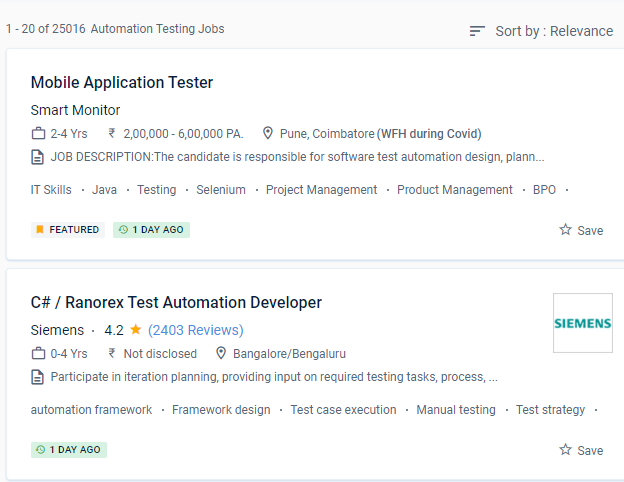
Find jobs related to Software Testing (Automation) in search engines (Google, Bing, Yahoo) and recruitment websites (monsterindia, placementindia, naukri, jobshybrid.com, indeed.co.in, shine.com etc.) based in Kottayam, chennai and europe countries. You can find many jobs for freshers related to the job positions in Kottayam.

  • Network Test Engineer
  • Network Automation Testing
  • Automation Testing
  • Network Engineer
  • Test Automation Engineer
  • QA Test Automation Engineer
  • Automation Test Lead
  • Network Test Engineer
  • Software Test Engineer
  • Senior Network Engineer

Software Testing (Automation) Internship/Course Details

Software Testing (Automation) internship jobs in Kottayam
Software Testing (Automation) It is feasible to save energy, time, and money while allowing individuals to focus on other duties in this way. NESTSOFT training in Kottayamprogramme is a collection of courses that will assist you in mastering a specific skill. Automation invariably results in higher software quality. There are benefits and drawbacks to automating software testing. Implement mechanisms for doing inspections and test code reviews that are accurate. . You'll learn about black-box and white-box testing, automated testing, web & mobile testing, and formal testing theory and practises throughout four courses, preparing you to plan and execute effective software testing. Furthermore, everything he does must be predicated on achieving the goals in the most efficient manner feasible, using the greatest methods, tools, and talents available. This System Administration course inKottayam is for beginner to intermediate software engineers who want to improve their knowledge and skills in incorporating testing approaches and tools into their projects' development. To get started, enrol in the speciality programme directly or browse their courses to choose one that interests you.


Meet a Few of our Industry Experts 🚀 Your Pathway to IT Career

Anant

Mobile: +91 91884 77559
Location: Online (Kottayam, India)
Qualification: B.TECH

Experience: I have 1 4 years of experience in Android development I have key knowledge of Java Kotlin and Android Development  more..

Shubham

Mobile: +91 89210 61945
Location: Online (Kottayam, India)
Qualification: Bse Graduate

Experience: I have total 3 year and 9 month of experience in both manual and automation testing   more..

Katyayani

Mobile: +91 98474 90866
Location: Online (Kottayam, India)
Qualification: Bachelor of Engineering

Experience: Microsoft excel PowerPoint word web development Canva Creative design editing  more..

Sanjana

Mobile: +91 98474 90866
Location: Online (Kottayam, India)
Qualification: Msc computer science

Experience: Functional testing design testing data base testing mobile application tetsing regression testing web application testing basic automation tetong jira load  more..

Praveen

Mobile: +91 98474 90866
Location: Online (Kottayam, India)
Qualification: Final year BBA, Digital marketing Executive

Experience: Working for two companies (Vedic Flavors Al- thahbya events Dubai) and 7month experience in Google Ads Campaigns and Website development  more..

Arun

Mobile: +91 91884 77559
Location: Online (Kottayam, India)
Qualification: BE

Experience: Dear Sir Madam Hope you are doing well I am interested in applying for the position of Odoo Python developer  more..

S.M.Iftykhar

Mobile: +91 98474 90866
Location: Online (Kottayam, India)
Qualification: Graduate Fresher

Experience: Beginner at Laravel and PHP Medium level Experienced with HTML and CSS Hands on experience on MySQL working on  more..

Asitava

Mobile: +91 94975 90866
Location: Online (Kottayam, India)
Qualification: B.Sc

Experience: I have 12 years of experience on digital marketing that includes SEO SMO Google Ads Graphics design etc   more..

Angel

Mobile: +91 94975 90866
Location: Online (Kottayam, India)
Qualification: M.E VLSIDESIGN

Experience: Selenium Java manual testing  more..

Chandana

Mobile: +91 91884 77559
Location: Online (Kottayam, India)
Qualification: MCA

Experience: SIEM Splunk IBM Qrader firewall |   more..

Sunitha

Mobile: +91 89210 61945
Location: Online (Kottayam, India)
Qualification: M. E

Experience: I have two years of experience in web development My skills: Html Css javascript mysql flutterflow nodejs I have interest  more..

ARDRA

Mobile: +91 91884 77559
Location: Online (Kottayam, India)
Qualification: bca

Experience: Install configure and maintain Linux operating systems Set up and manage user accounts and permissions Routing and Switching: Proficient in  more..

Rishabh

Mobile: +91 91884 77559
Location: Online (Kottayam, India)
Qualification: B.SC.Computer Science and PGDCA

Experience: Python c c++ front-end development sql  more..

Silpa

Mobile: +91 94975 90866
Location: Online (Kottayam, India)
Qualification: Advanced diploma in digital marketing

Experience: Onpage seo technical SEO off page seo broken link building social media marketing & Optimization content marketing canva Keyword research  more..

Santhiya

Mobile: +91 89210 61945
Location: Online (Kottayam, India)
Qualification: MCA

Experience: EXPERIENCE Intern Java Master Class May 2023 - Sep 2023 Java Analyst Java Master Class Oct 2023 - Dec 2023  more..

Shweta

Mobile: +91 8301010866
Location: Online (Kottayam, India)
Qualification: Btech

Experience: Software development sales analysis Java C C++ C# academic mentor  more..

sona

Mobile: +91 98474 90866
Location: Online (Kottayam, India)
Qualification: Bsc computer science

Experience: Angular react n odejs mongoDB html&css i completed my intershi courseApplication for Meanstack Developer Mean Stack  more..

Y

Mobile: +91 89210 61945
Location: Online (Kottayam, India)
Qualification: B Tech

Experience: Html css javascript react js basics photoshop illustrator canvas figma I have 3 and half yrs experience in web designing  more..

Shithinkrishna

Mobile: +91 91884 77559
Location: Online (Kottayam, India)
Qualification: Be computer science and engineering

Experience: Javascript react manual testing automation testing html css  more..

Swapna

Mobile: +91 9895490866
Location: Online (Kottayam, India)
Qualification: M C A

Experience: Having 13 years of experience in software testing which includes 8 years into automation testing I have been giving trainings  more..

Archana

Mobile: +91 94975 90866
Location: Online (Kottayam, India)
Qualification: BCA

Experience: Hello sir I have 1+year experience in php development with codeigniter framework If I am eligible please contact me Thankyou  more..

Vinita

Mobile: +91 98474 90866
Location: Online (Kottayam, India)
Qualification: Mca

Experience: I have 1 5 years of experience in graphic design  more..

Aarti

Mobile: +91 8301010866
Location: Online (Kottayam, India)
Qualification: BCA

Experience: I have 2 years of experience as a WordPress developer I have experience in UI Development like HTML CSS JS  more..

Dolly

Mobile: +91 9895490866
Location: Online (Kottayam, India)
Qualification: Diploma(IT)

Experience: I have 2 5 experience in IT industry in asp net c# ajax jQuery css HTML and SQL server  more..

Success Stories

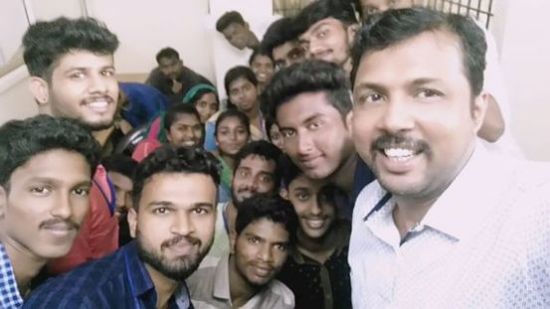
The enviable salary packages and track record of our previous students are the proof of our excellence. Please go through our students' reviews about our training methods and faculty and compare it to the recorded video classes that most of the other institutes offer. See for yourself how TechnoMaster is truly unique.

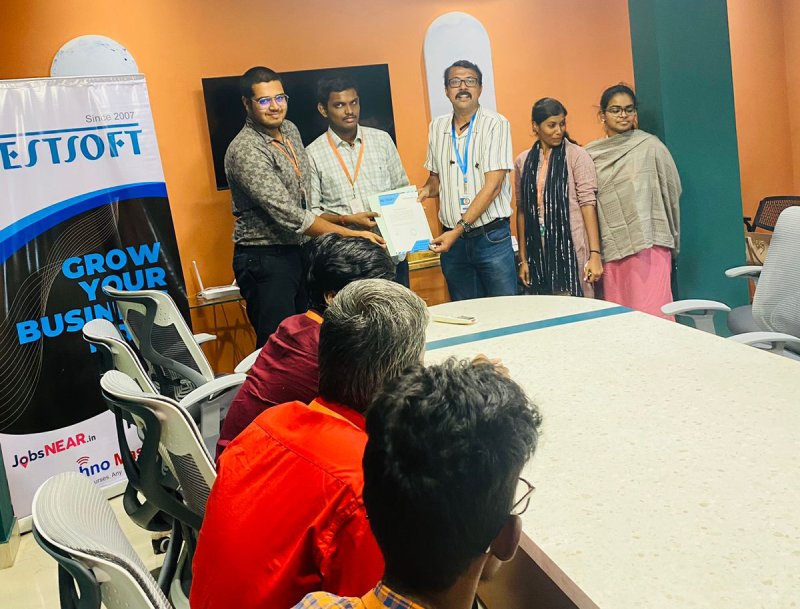
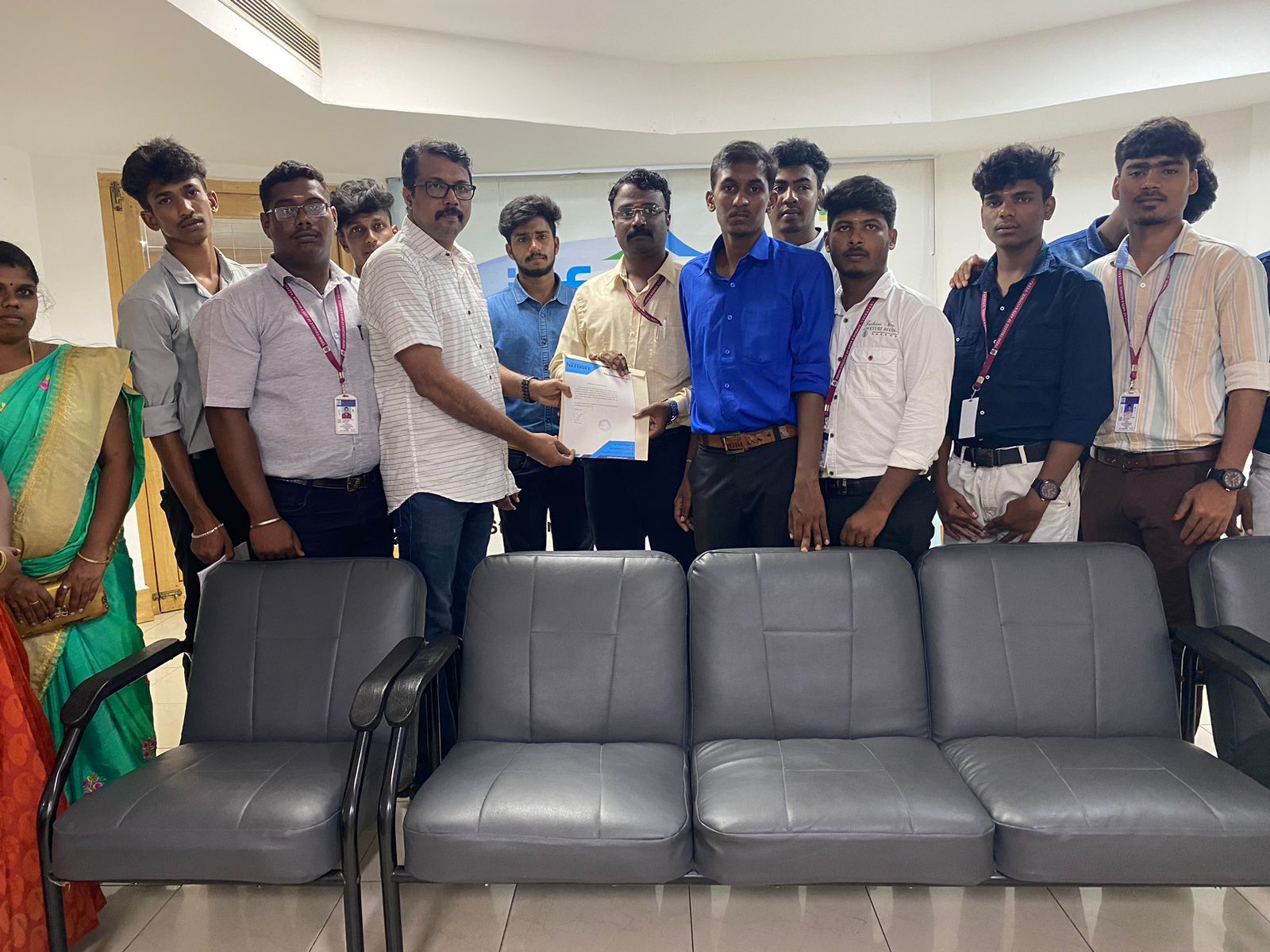
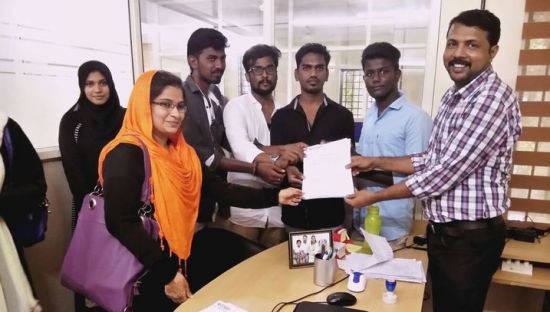
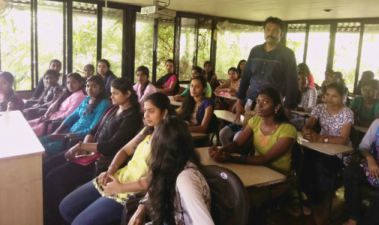
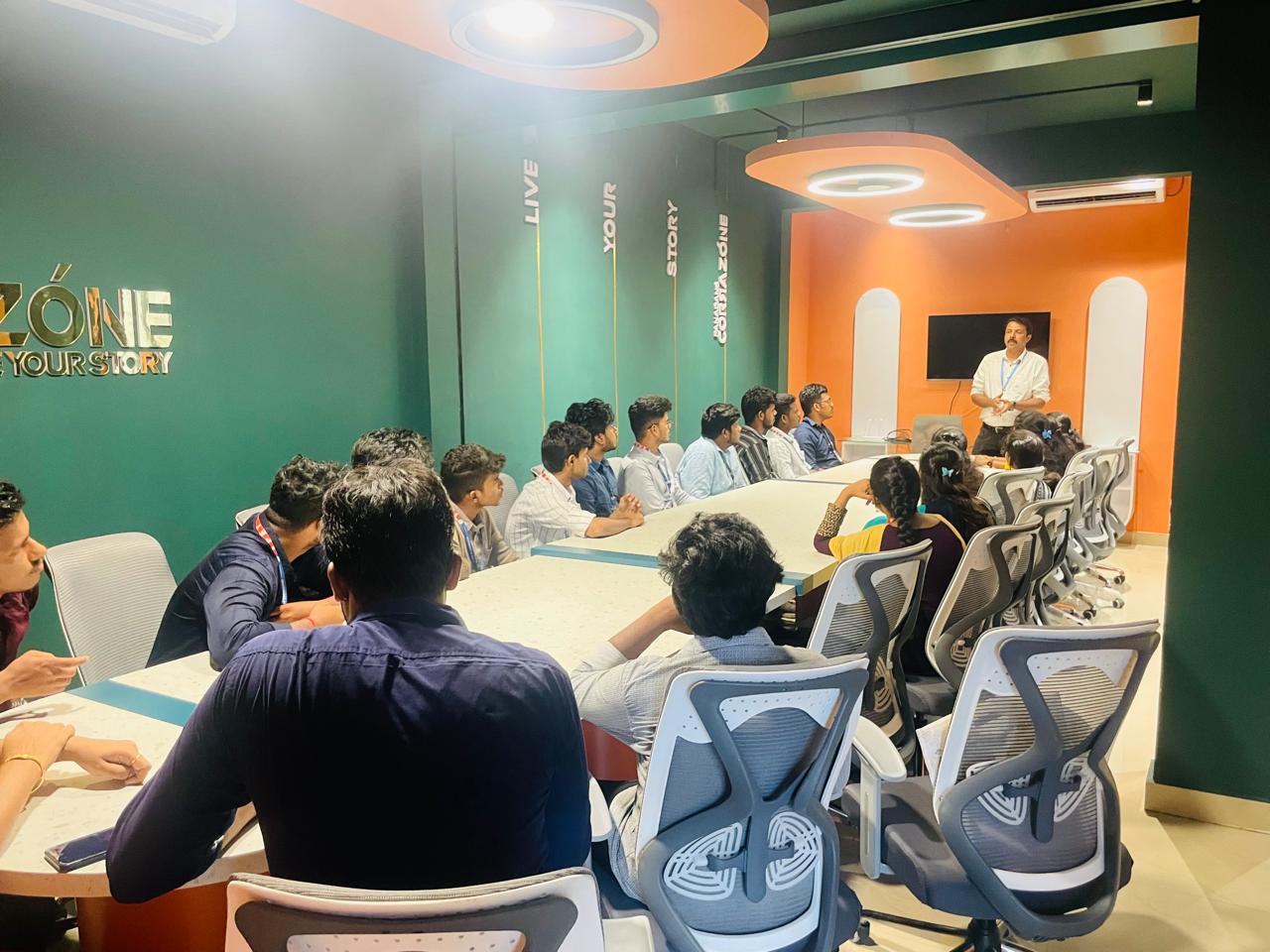
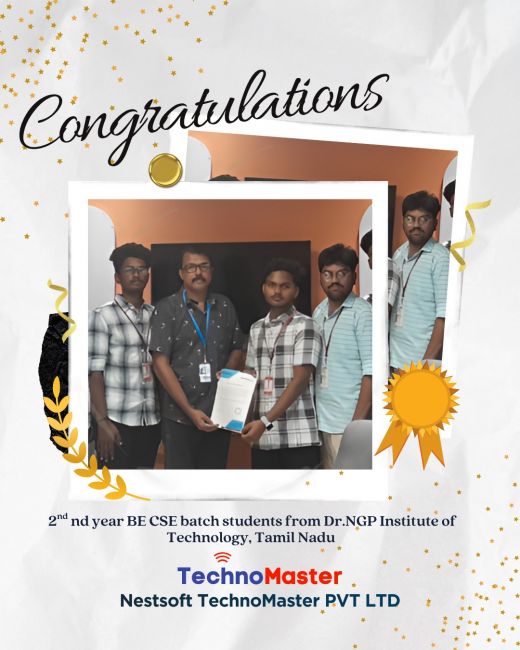
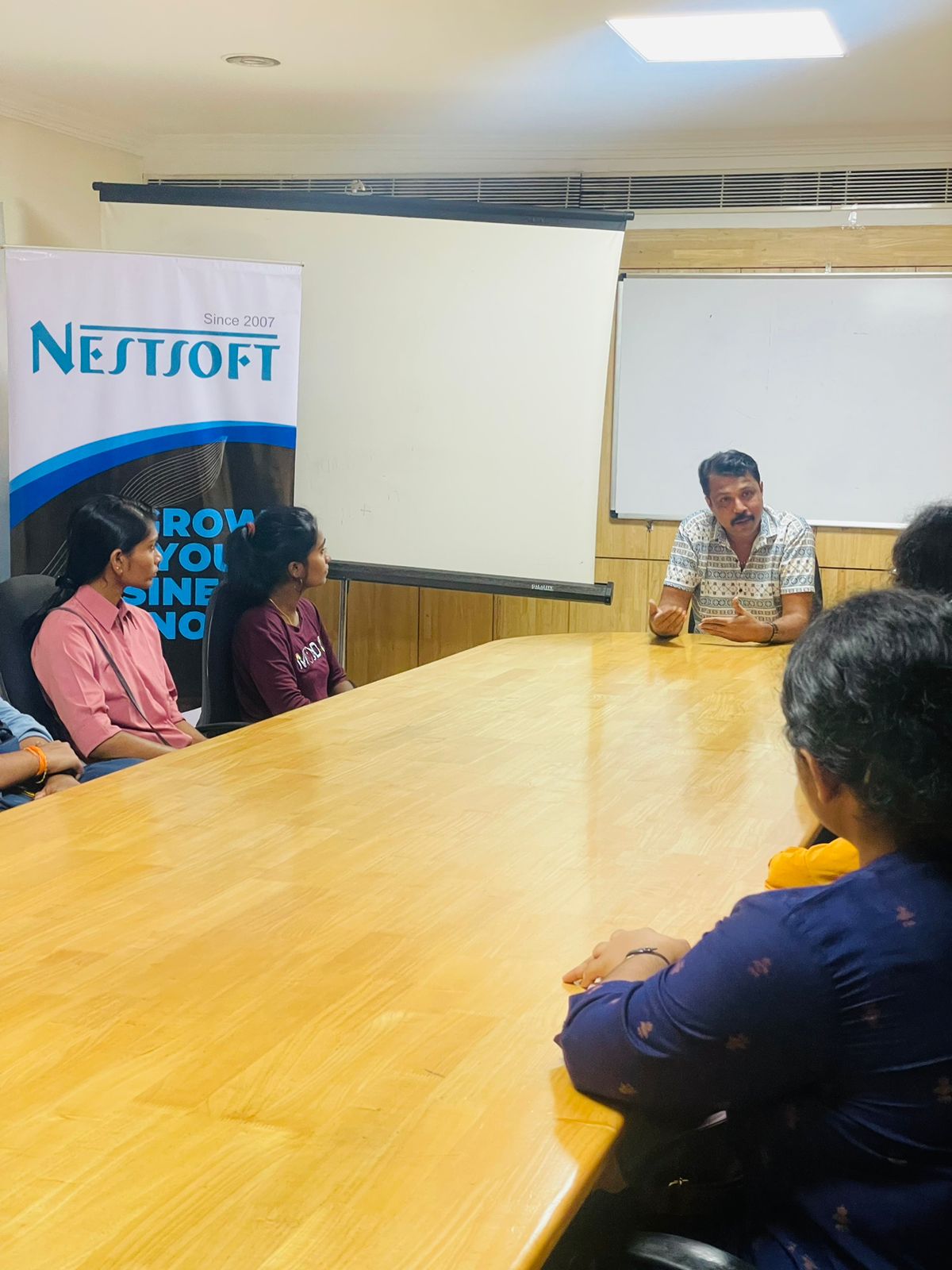
Photos of Training / Internships

Internship/projects in kottayam

Trained more than 10000+ students who trust Nestsoft TechnoMaster

Get Your Personal Trainer