Send enquiry ⏎

Python/Django Online Live Class by Experts

Our Training/Internship Process

Python/Django Online Live Classes in Kottayam | Free Demo Training

Python/Django - Syllabus, Fees & Duration

HTML 5 (5 Hours)

CSS (5 Hours)

Bootstrap (5 Hours)

Javascript (5 Hours)

Introduction to Python

  • History
  • Features
  • Installation
  • Operators
  • Variables

Introduction to Datatypes

  • Python numbers
  • Python strings
  • Python lists
  • Python tuples
  • Python dictionary

Programming Concepts

  • If statements
  • If else
  • Else if statements
  • While loop
  • For loop

Functions and Modules

  • Defining a function
  • Calling a function
  • Function arguments
  • Importing modules
  • Built in modules

Object Oriented Programming

  • Class and objects
  • Super and sub class
  • Constructor
  • Inheritance

Files and Exception Handling

  • Opening and closing a file
  • Reading and writing on a file
  • File methods
  • Exception handling
  • Raising an exception

GUI Development using Tkinter

  • Introduction to Tkinter
  • Tkinter programming
  • Tkinter widgets
  • Standard attributes
  • Geometry management

Basic Widgets and Advanced Widgets

  • Using radio buttons
  • Using check box
  • Spin box
  • Scroll bar and slider
  • List widget
  • Display system clock time
  • Working with calendar
  • Combo box
  • Displaying table
  • Displaying graphics

OS Module and Network Programming

  • Environment
  • Directory Commands
  • Miscellaneous OS Calls and Walking through Directories
  • Network programming and Introduction

SQL and SQL Constrains

  • Introduction
  • DDL commands
  • DML commands
  • SQL statements ,operators, clauses
  • Aggregate functions

Database Handling with SQL Lite

  • Database maintenance through console based programs
  • Database maintenance through GUI based program

MongoDb with Python

  • MongoDb installation
  • MongoDb Compass
  • MongoDb Data Modeling
  • MongoDb Connectivity
  • MongoDb CRUD operations

Firebase Realtime Database

  • Fire base Installation
  • Environment setup
  • Introduction to JSON
  • CRUD operations

Introduction to Web designing

  • HTML
  • CSS

Introduction to Client Side Scripting

  • Java script
  • jQuery
  • Bootstrap

Basic Study of Django Framework

  • What is Django?
  • Where did it come from?
  • What does Django code look like?
  • Installing Django

Django Templates and Form Details

  • What is Django?
  • Where did it come from?
  • What does Django code look like?
  • Installing Django

Django Admin Customization

  • Where did it come from?
  • Registering models
  • Creating a super user
  • Logging in and using the site
  • Advanced configuration

Rest APIs and User Authentication

  • Project setup
  • Views
  • URL’s
  • Settings
  • Testing our API
  • Enabling authentication
  • Creating users and groups
  • Setting up your authentication views
  • Permissions

Deploying Django Framewok

  • Production environment
  • Choosing a hosting provider
  • Getting your website ready to publish
  • Installing local library

Python FLASK Framewok

  • Introduction
  • What Is Flask
  • Why Use Flask?
  • Installing Flask
  • Setting Up Our Development Environment
  • Locally Using our Operating System

Introduction to Virtual ENV and PIP

  • Locally Using Docker
  • Using a Cloud-Based IDE
  • The Code Editor
  • Installing Flask
  • Our Initial App
  • Debugging
  • Routing
  • Using url_for
  • The GET method
  • The POST method

Advanced Python Concepts

Download Syllabus - Python/Django
This syllabus is not final and can be customized as per needs/updates
   
10000+
20+
50+
25+

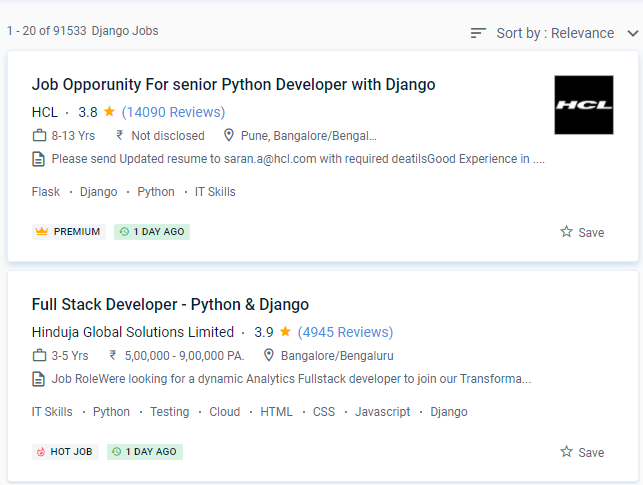
Python/Django Jobs in Kottayam

Enjoy the demand

Find jobs related to Python/Django in search engines (Google, Bing, Yahoo) and recruitment websites (monsterindia, placementindia, naukri, jobshybrid.com, indeed.co.in, shine.com etc.) based in Kottayam, chennai and europe countries. You can find many jobs for freshers related to the job positions in Kottayam.

  • Python Developer
  • Odoo Developer
  • Backend Engineer (Django)
  • Full-Stack Engineer
  • Software Engineer Python
  • Django Developer
  • Application Architect
  • Python Azure Developer
  • Software developer
  • Principal Backend Engineer

Python/Django Internship/Course Details

Python/Django internship jobs in Kottayam
Python/Django Django is a free and open-source web framework based on Python that encourages rapid development and programmatic design. It's a programming language that allows you to interact with your code. PHP, C++, and Java are examples of related languages. It's easier to pick up than other languages. Come learn Python Full Stack at Nestsoft. If you get lost, you'll be participating in discovering solutions, so there should be clear documentation and a welcoming community. Django is actively supported by a group of people who contribute to this resource regularly. " Django is also well-supported by several hosting companies, which often offer dedicated infrastructure and documentation for hosting Django sites. Because it is meant to be portable, it can run on any modern computer operating system. You don't want to have to figure out database queries on your own and instead prefer ORM support.


Meet a Few of our Industry Experts 🚀 Your Pathway to IT Career

Rahul

Mobile: +91 91884 77559
Location: Online (Kottayam, India)
Qualification: BCA

Experience: hello sir My name is rahul i am 20 year's old i ma recently completed in BCA and parentage 84%  more..

Manish

Mobile: +91 9895490866
Location: Online (Kottayam, India)
Qualification: MTech

Experience: python sql machine learning scikit-learn numpy scipy matplotlib pandas linear-regression logistic-regression decisiontrees random-forest adaboost xgboost hierarchical-clustering k-means  more..

Sreekanth

Mobile: +91 91884 77559
Location: Online (Kottayam, India)
Qualification: Btech

Experience: Manual testing automation testing SQL core java  more..

Talari

Mobile: +91 94975 90866
Location: Online (Kottayam, India)
Qualification: B Tech

Experience: Hello Sir Madam First of all thank you for giving this opportunity to introduce myself My name is Sudharani I'm  more..

Darsana

Mobile: +91 91884 77559
Location: Online (Kottayam, India)
Qualification: MCA

Experience: Completed a 6 months software testing course from Futuro IT solutions palarivattom   more..

Alby

Mobile: +91 91884 77559
Location: Online (Kottayam, India)
Qualification: Bachelor Degree

Experience: 1 Software Test Engineer QA Manual – Automation Testing training attending at Obsqura Zone Trivandrum Key Skills • Knowledge in  more..

Saloni

Mobile: +91 94975 90866
Location: Online (Kottayam, India)
Qualification: B.E. Production Engineering

Experience: I am a production engineering graduate with a focus on logistics operations and data analysis My expertise lies in optimizing  more..

Arshan

Mobile: +91 94975 90866
Location: Online (Kottayam, India)
Qualification: BCA SPECIALISATION IN CLOUD COMPUTING AND CYBER SECURITY

Experience: Cyber security cloud computing web development cyber threat management etc  more..

Seema

Mobile: +91 89210 61945
Location: Online (Kottayam, India)
Qualification: BE

Experience: Google analytics Google search console wordpress elementor on-page SEO offpage SEO social media marketing photoshop canva  more..

Hariharasudhan

Mobile: +91 91884 77559
Location: Online (Kottayam, India)
Qualification: Bachelor of Engineering

Experience: Having 4 8 Years of Experience in Software Testing in that both Manual and Automation Experience in automation frameworks including  more..

Rinshila

Mobile: +91 9895490866
Location: Online (Kottayam, India)
Qualification: BSC Computer science

Experience: Cyber security SOC analysis Penetration testing Networking fundamentals and configuration |   more..

Ponnapati

Mobile: +91 8301010866
Location: Online (Kottayam, India)
Qualification: B.tech

Experience: Hi I hv overall 4 year's of experience information security testing and I have more exp web applications and I  more..

Austin

Mobile: +91 94975 90866
Location: Online (Kottayam, India)
Qualification: Graduation

Experience: Experience No: 1 Digital Marketing Intern - Nearly 1 year of experience in digital marketing I had assisted in eCommerce  more..

Shyamsundar

Mobile: +91 89210 61945
Location: Online (Kottayam, India)
Qualification: Bsc

Experience: Manual & Automation testing selenium with python  more..

Aryam

Mobile: +91 91884 77559
Location: Online (Kottayam, India)
Qualification: Bachelor's of Technology

Experience: I'm a Computer Science enthusiast pursuing Bachelor of Technology at Jaypee University Of Information Technology Solan With a strong academic  more..

Aarti

Mobile: +91 8301010866
Location: Online (Kottayam, India)
Qualification: BCA

Experience: I have 2 years of experience as a WordPress developer I have experience in UI Development like HTML CSS JS  more..

Arshida

Mobile: +91 98474 90866
Location: Online (Kottayam, India)
Qualification: Bsc computer science

Experience: Social media marketing Webdesigning using wordpress Google ads   more..

Ambily

Mobile: +91 98474 90866
Location: Online (Kottayam, India)
Qualification: B.tech

Experience: Effective communication Adaptability Critical and Creative thinking Interpersonal skills Automation and Manual testing Selenium Apache Jmeter Jira Postman  more..

Govind

Mobile: +91 89210 61945
Location: Online (Kottayam, India)
Qualification: Bachelor of arts

Experience: Hi sir I am a react js developer and I have a 3 month experience in this field and 1  more..

Ashik

Mobile: +91 91884 77559
Location: Online (Kottayam, India)
Qualification: btech

Experience: Odoo-1 year python 1- year wordpress-3 months python internship-6 months  more..

Parik

Mobile: +91 91884 77559
Location: Online (Kottayam, India)
Qualification: Mca

Experience: Dear Sir or Madam Thank you for the opportunity to submit my application for the Android developer position I possess  more..

Yuvraj

Mobile: +91 8301010866
Location: Online (Kottayam, India)
Qualification: Bba in security management

Experience: As a stock and derivative trader I bring extensive experience in technical and fundamental analysis risk management and strategy development  more..

Raghav

Mobile: +91 91884 77559
Location: Online (Kottayam, India)
Qualification: B.Tech

Experience: 1 year selinium experice and testing  more..

Shalu

Mobile: +91 8301010866
Location: Online (Kottayam, India)
Qualification: Bachelor of technology

Experience: We are working currently in it recruiterment We have knowledge in Python Html CSS Oops SDLC STLC Agile methodology Regression  more..

Success Stories

The enviable salary packages and track record of our previous students are the proof of our excellence. Please go through our students' reviews about our training methods and faculty and compare it to the recorded video classes that most of the other institutes offer. See for yourself how TechnoMaster is truly unique.

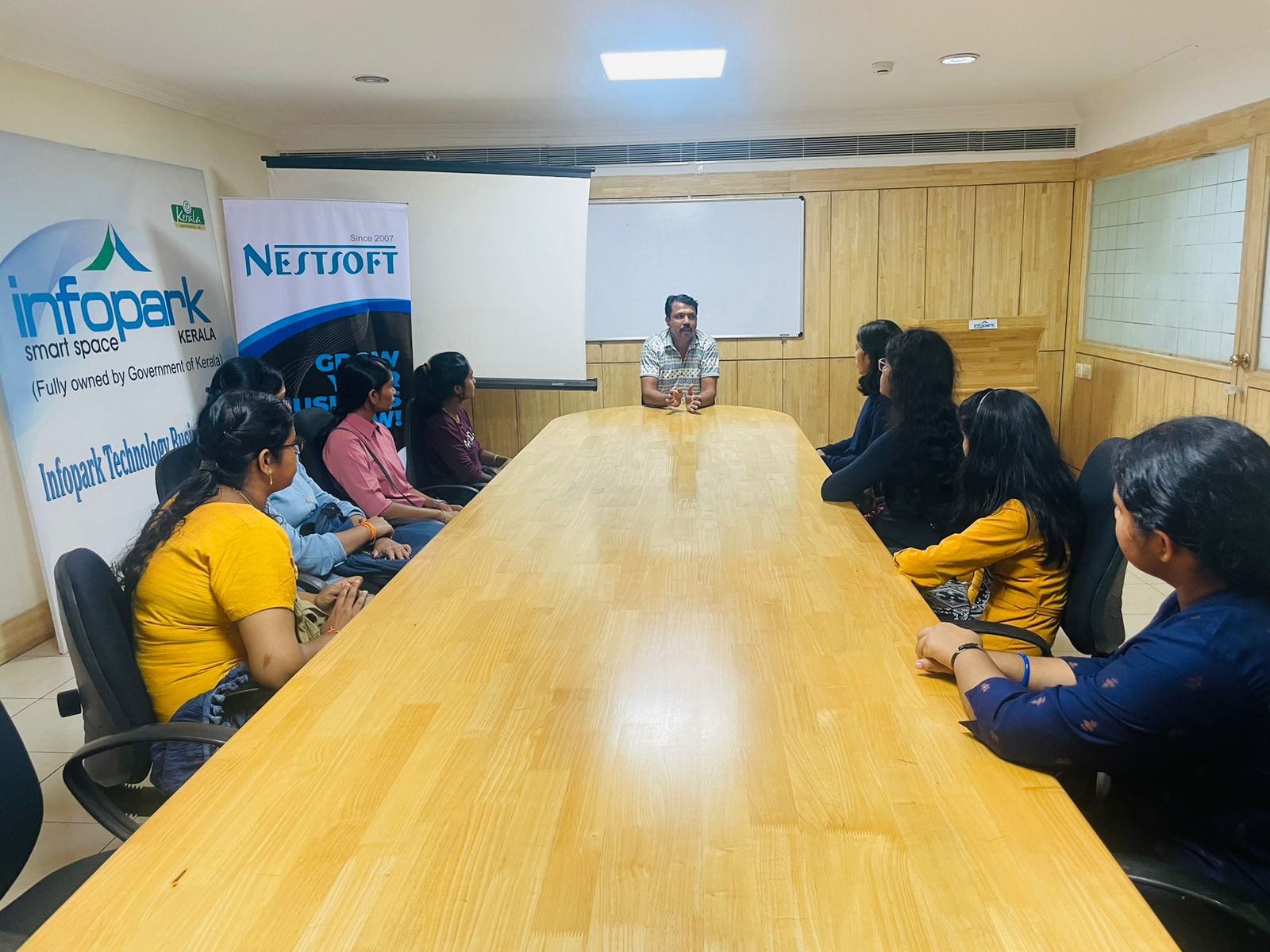
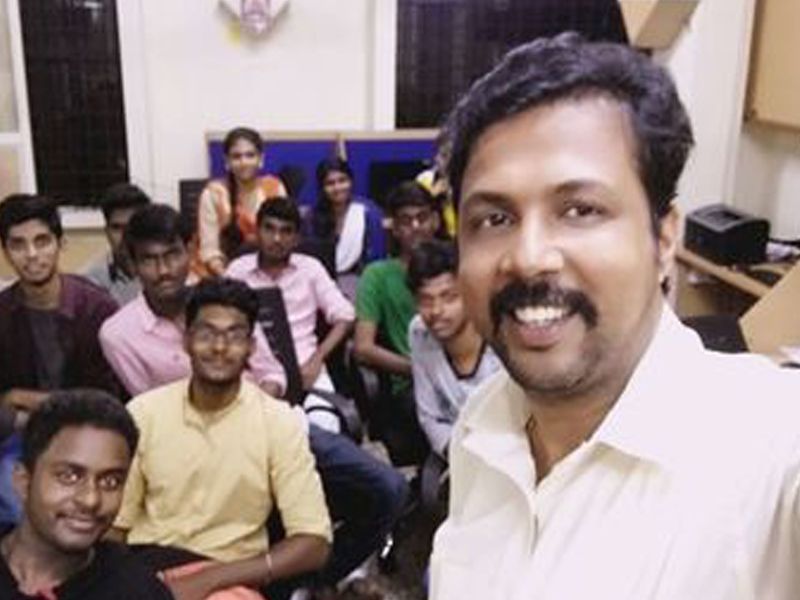
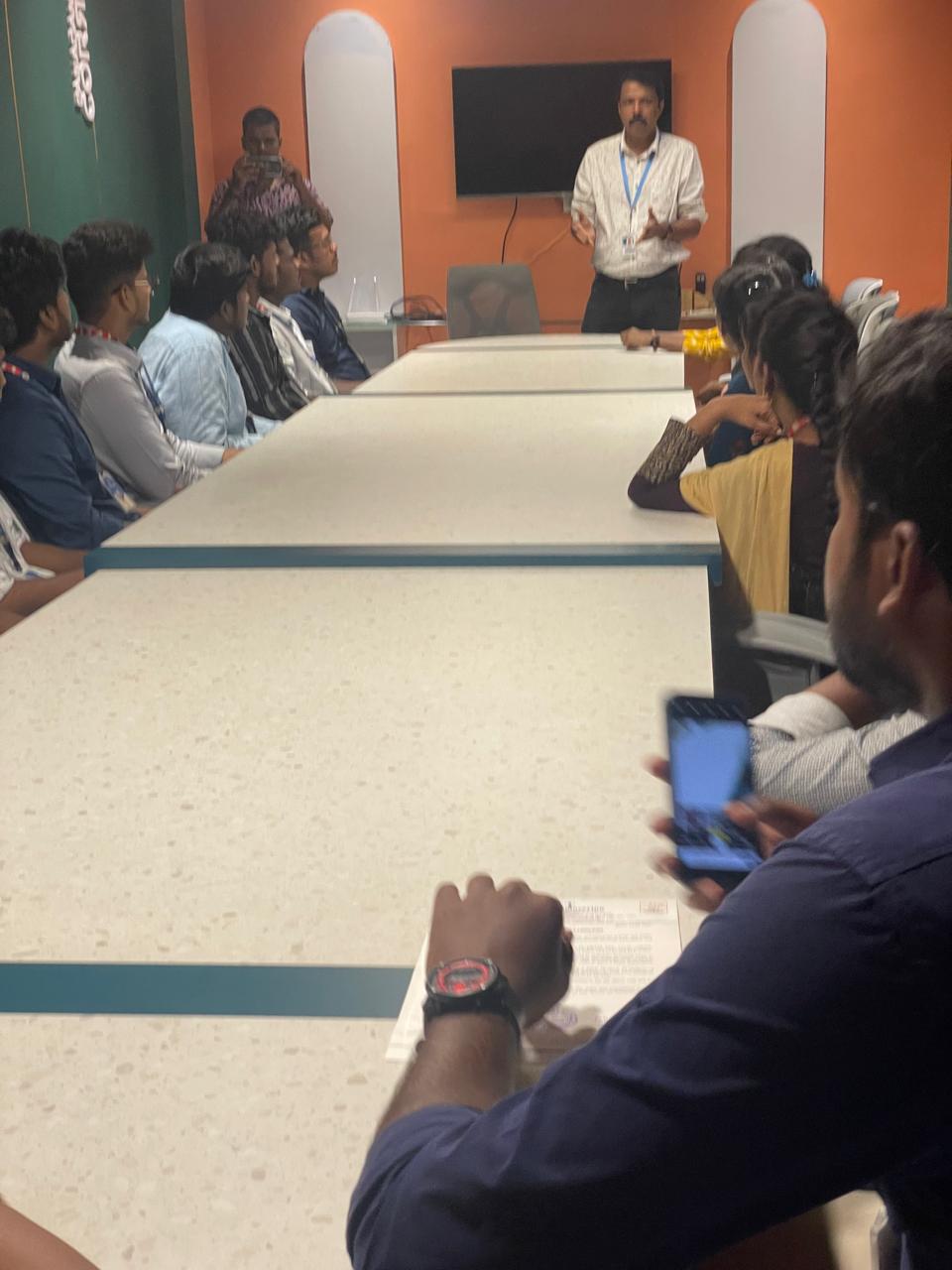
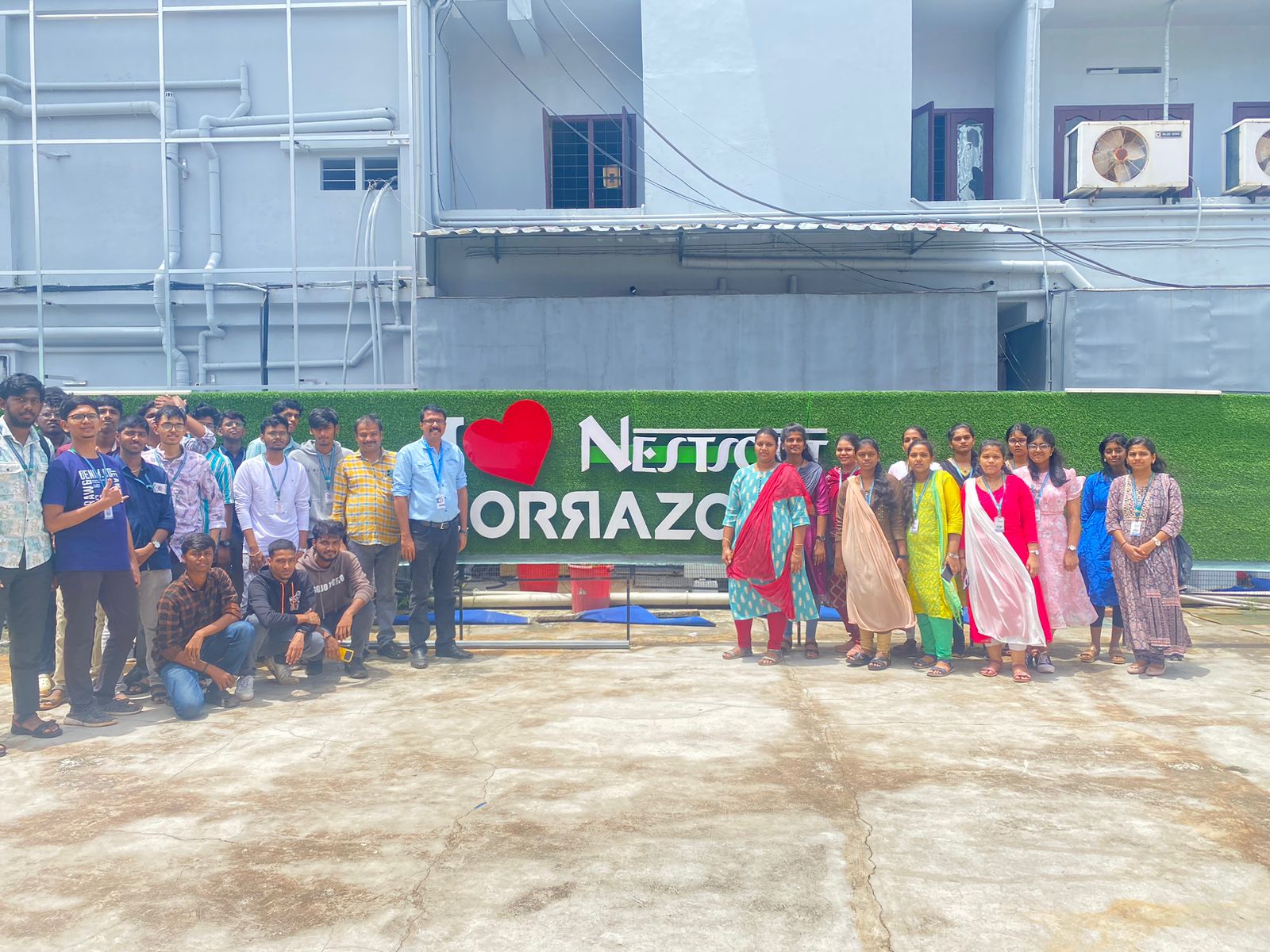
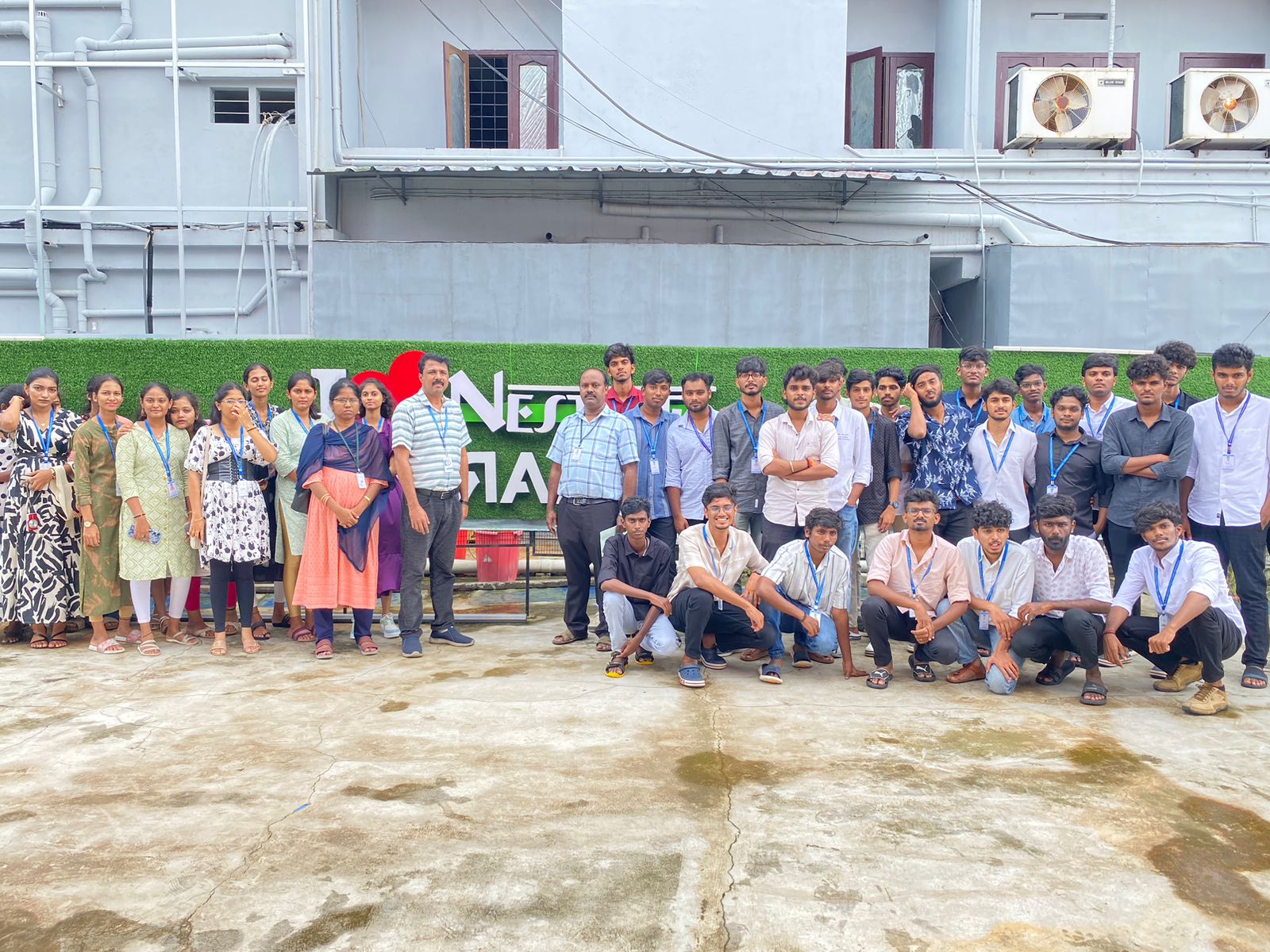
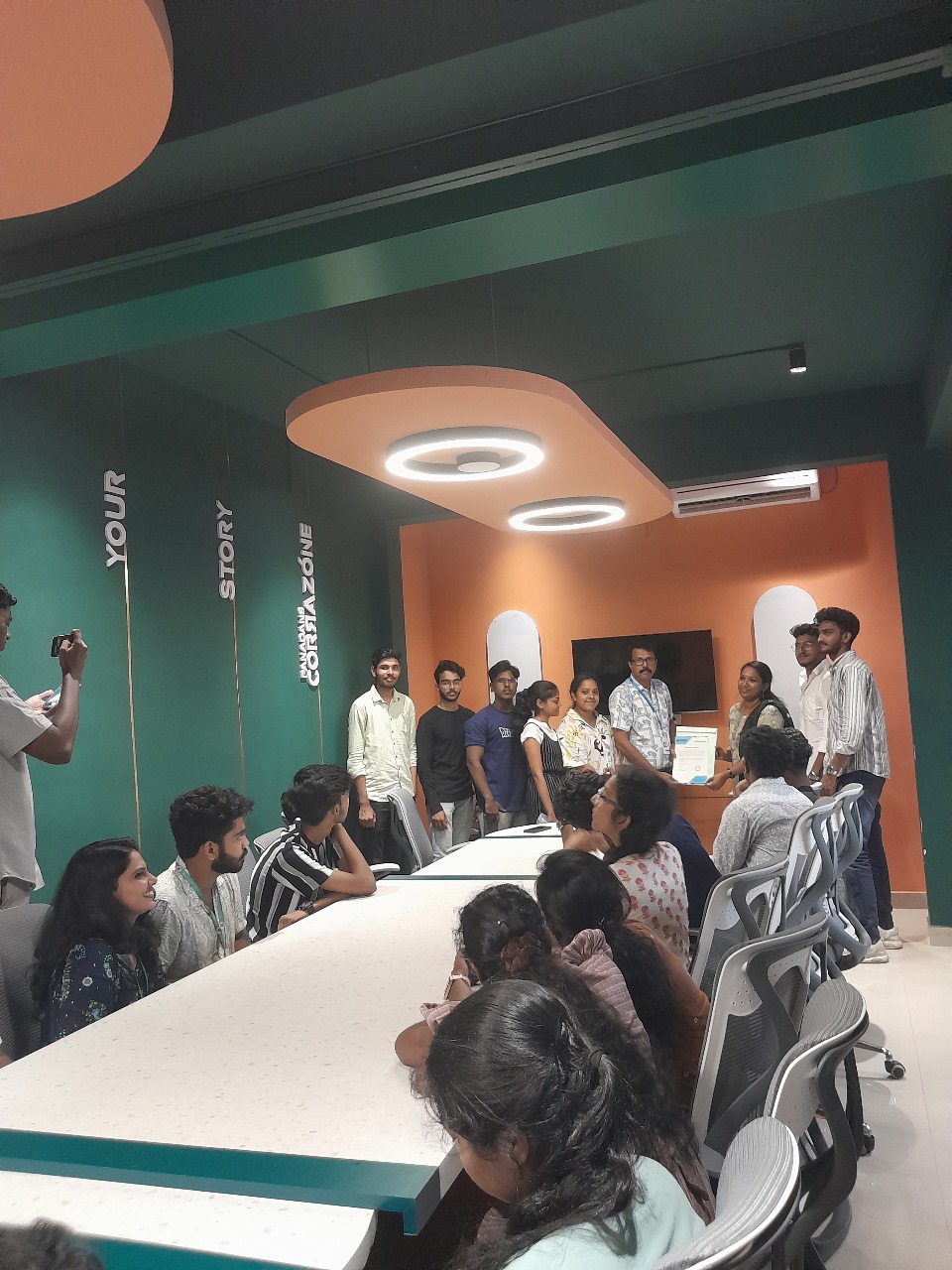
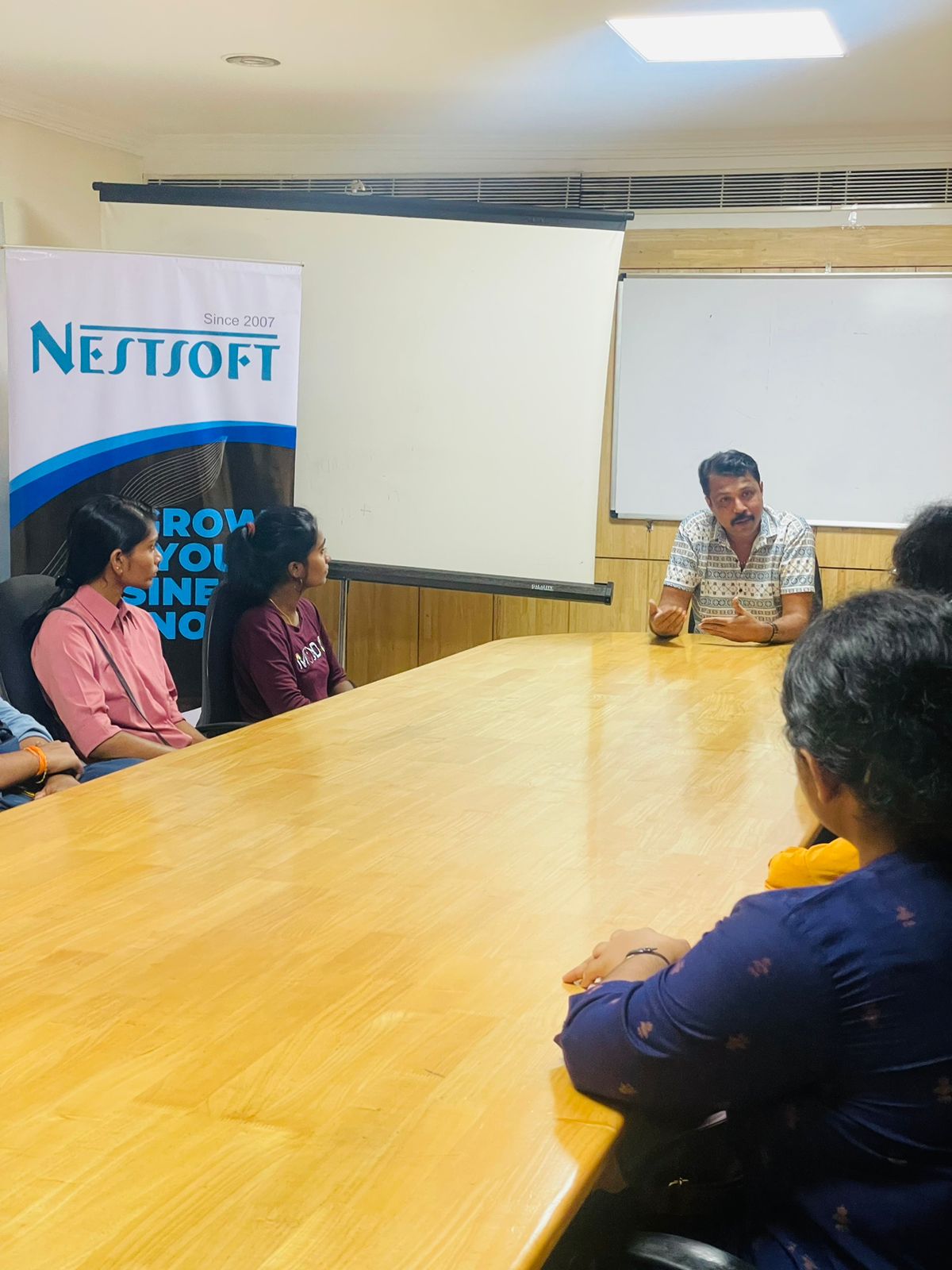
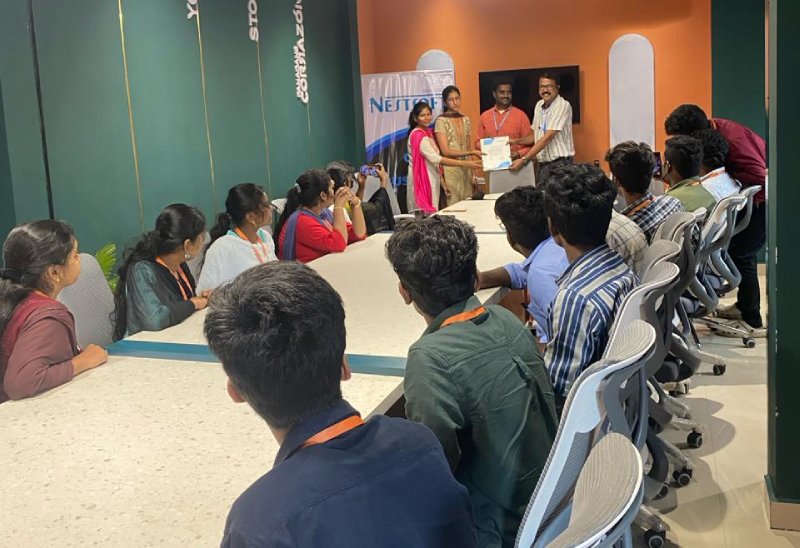
Photos of Training / Internships

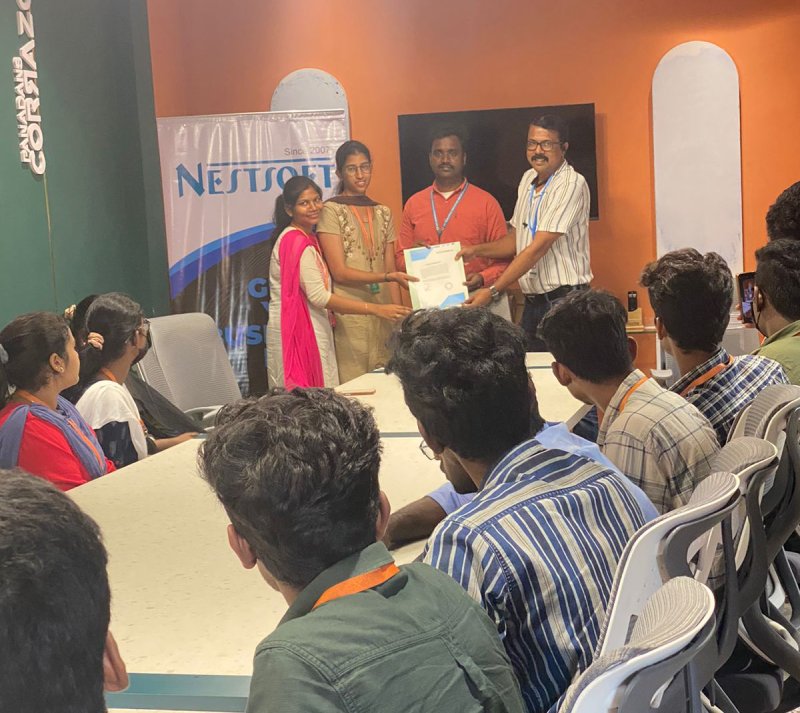
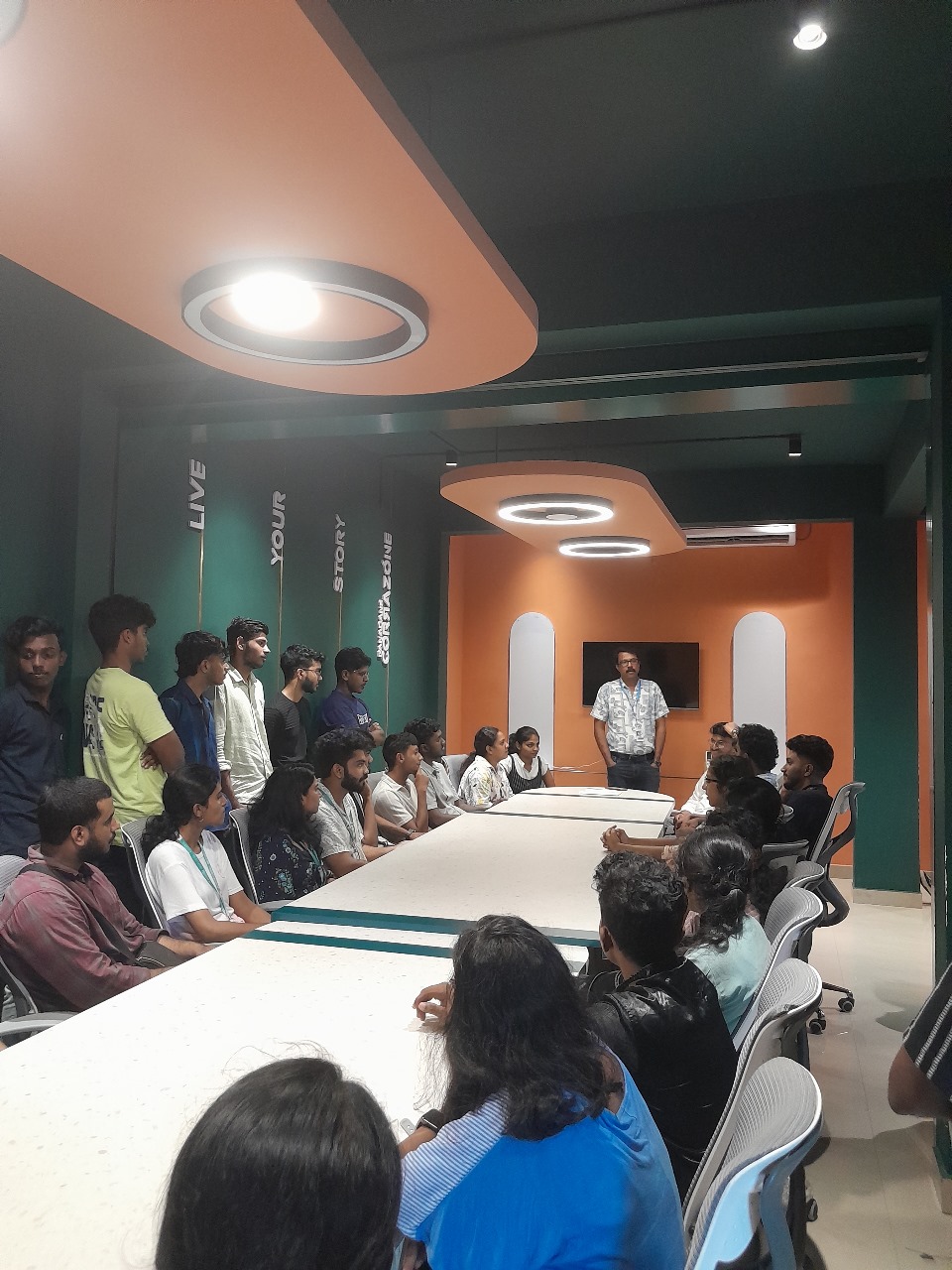
Internship/projects in kottayam

Trained more than 10000+ students who trust Nestsoft TechnoMaster

Get Your Personal Trainer