Send enquiry ⏎

Microsoft Excel Online Live Class by Experts

Our Training/Internship Process

Microsoft Excel Online Live Classes in Thoothukudi | Free Demo Training

Microsoft Excel - Syllabus, Fees & Duration

Microsoft Excel Course Syllabus


Module 1: Introduction to Excel

  • Overview of Excel interface and ribbon
  • Workbook and worksheet basics
  • Understanding cells, rows, and columns
  • Data entry and editing (numbers, text, and formulas)
  • Saving, opening, and sharing Excel files

Module 2: Basic Excel Functions and Features

  • Using basic formulas and functions (SUM, AVERAGE, MIN, MAX)
  • Understanding absolute, relative, and mixed cell references
  • Formatting cells (font, alignment, number formats)
  • Conditional formatting basics
  • Working with dates and time

Module 3: Managing Data

  • Sorting and filtering data
  • Creating and managing tables
  • Data validation techniques
  • Removing duplicates
  • Working with text (Text to Columns, CONCATENATE, LEFT, RIGHT, MID, TRIM)

Module 4: Data Visualization with Charts

  • Creating basic charts (bar, line, pie, column)
  • Customizing chart elements (titles, legends, axes)
  • Introduction to sparklines
  • Combo charts and secondary axes

Module 5: Intermediate Excel Features

  • Using advanced functions (IF, VLOOKUP, HLOOKUP, INDEX, MATCH)
  • Logical and text functions (LEN, SUBSTITUTE, SEARCH)
  • Working with named ranges
  • PivotTables and PivotCharts
  • Grouping and summarizing data in PivotTables

Module 6: Advanced Excel Techniques

  • Nested functions (e.g., IF with AND/OR, INDEX-MATCH combinations)
  • Advanced conditional formatting rules
  • Data analysis using What-If Analysis (Goal Seek, Scenario Manager)
  • Introduction to Macros (recording and running basic macros)
  • Using Excel with external data sources

Module 7: Data Analysis and Reporting

  • Advanced filtering techniques
  • Creating dashboards with Excel
  • Using Power Query for data transformation
  • Introduction to Power Pivot for data modeling
  • Advanced chart techniques (waterfall, Gantt chart)

Module 8: Collaboration and Productivity

  • Sharing and protecting workbooks
  • Tracking changes and using comments
  • Collaborative editing in Excel (online versions)
  • Workbook and worksheet protection techniques

Module 9: Excel Shortcuts and Best Practices

  • Essential keyboard shortcuts
  • Efficiency tips for faster data entry
  • Avoiding common errors in formulas and data
  • Best practices for creating professional spreadsheets

Module 10: Excel for Specialized Use Cases (Optional)

  • Excel for finance: financial formulas and templates
  • Excel for project management: Gantt charts and trackers
  • Excel for inventory management and logistics
  • Excel for HR: employee trackers and payroll templates

Assessment and Certification

  • Hands-on projects: Build dashboards, analyze datasets, and create reports
  • Quizzes at the end of each module
  • Final practical test
  • Certification upon successful course completion

Download Syllabus - Microsoft Excel
This syllabus is not final and can be customized as per needs/updates
   
10000+
20+
50+
25+

Microsoft Excel Jobs in Thoothukudi

Enjoy the demand

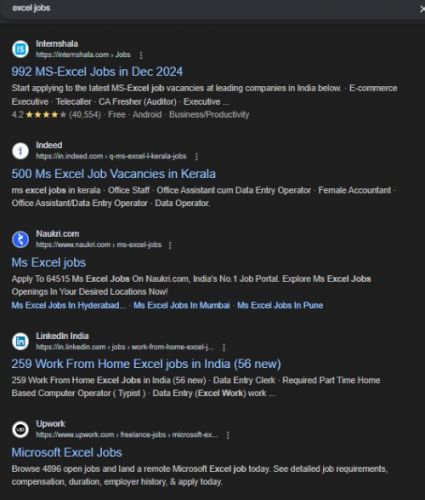
Find jobs related to Microsoft Excel in search engines (Google, Bing, Yahoo) and recruitment websites (monsterindia, placementindia, naukri, jobshybrid.com, indeed.co.in, shine.com etc.) based in Thoothukudi, chennai and europe countries. You can find many jobs for freshers related to the job positions in Thoothukudi.

  • Data Analyst
  • Financial Analyst
  • Business Analyst
  • Project Manager
  • Accountant
  • Human Resources (HR) Specialist
  • Supply Chain Specialist
  • Marketing Analyst
  • Administrative Assistant
  • Operations Manager

Microsoft Excel Internship/Course Details

Microsoft Excel internship jobs in Thoothukudi
Microsoft Excel , . Whether you're managing personal finances, generating professional reports, or working with complex datasets, this course equips you with the tools to excel. Master the art of Microsoft Excel, the world's leading spreadsheet application, with this comprehensive course. Designed for beginners and advanced users alike, this course covers essential skills, advanced functionalities, and real-world applications to help you efficiently analyze data, create reports, and streamline workflows.


Meet a Few of our Industry Experts 🚀 Your Pathway to IT Career

Nilakshi

Mobile: +91 9895490866
Location: Online (Thoothukudi, India)
Qualification: Btech

Experience: Worked as a UI UX designer at School of Core AI and also as a web developer at TheConvoke   more..

Anjali

Mobile: +91 8301010866
Location: Online (Thoothukudi, India)
Qualification: Btech computer science and engineering

Experience: I have 2 years of experience as a php developer  more..

Aarti

Mobile: +91 91884 77559
Location: Online (Thoothukudi, India)
Qualification: BTech graduate

Experience: Fullstack software developer   more..

Rohini

Mobile: +91 8301010866
Location: Online (Thoothukudi, India)
Qualification: Btech

Experience: Core java android framework android studio Web Services json rest kotlin Sqlite room db  more..

Disha

Mobile: +91 89210 61945
Location: Online (Thoothukudi, India)
Qualification: bachelors of engineering in computer science

Experience: I am skilled in java python and C++ programming Also have experience in application development like salesforce and currently working  more..

Kacha

Mobile: +91 94975 90866
Location: Online (Thoothukudi, India)
Qualification: MCA

Experience: SEO On page Off page SMM Keyword research Link building wordpress   more..

Fathimath

Mobile: +91 8301010866
Location: Online (Thoothukudi, India)
Qualification: Bsc computer science

Experience: 6month internship of software testing   more..

Gagandeep

Mobile: +91 94975 90866
Location: Online (Thoothukudi, India)
Qualification: B. Sc animation multimedia

Experience: 4+ years experience in video editor line and also in graphic design line |   more..

Rajkumar.p

Mobile: +91 8301010866
Location: Online (Thoothukudi, India)
Qualification: BE.ECE

Experience: Completed six month of trainning in odoo development   more..

Shashwat

Mobile: +91 9895490866
Location: Online (Thoothukudi, India)
Qualification: B.Tech

Experience: Web development Html CSS Javascript Java Sql  more..

Arcod

Mobile: +91 91884 77559
Location: Online (Thoothukudi, India)
Qualification: MTech

Experience: Selenium webdriver Manual Testing Java SQL API Testing Desktop automation Debugging Cucumber Behaviour driven development  more..

Kalidaspandian

Mobile: +91 8301010866
Location: Online (Thoothukudi, India)
Qualification: B.Tech (Computer Science)

Experience: I am new to Digital Marketing platform and as a quick learner i can able to catch up the points  more..

Ekta

Mobile: +91 94975 90866
Location: Online (Thoothukudi, India)
Qualification: Bachelor of Computer Application

Experience: I am a fresher and I don't have any experience in any field but I did internship in data engineering  more..

Ninad

Mobile: +91 91884 77559
Location: Online (Thoothukudi, India)
Qualification: B.Tech

Experience: I have good knowledge of linux SQL and cybersecurity With this i have 6 months hands on experience on full  more..

Ajay

Mobile: +91 9895490866
Location: Online (Thoothukudi, India)
Qualification: Btech

Experience: I have 3 months of Experience as Full stack web developer using Nodejs Mongodb HTML CSS Bootstrap J avascript Reactjs  more..

Navjot

Mobile: +91 91884 77559
Location: Online (Thoothukudi, India)
Qualification: BTech CSE

Experience: I have 3 years of experience as Angular developer I am ready to start from today onwards Please revert if  more..

Manoj

Mobile: +91 9895490866
Location: Online (Thoothukudi, India)
Qualification: Bachelors

Experience: I am Manoj P having a total of 3 5 years of hands-on experience in software testing Key Skills :  more..

Hina

Mobile: +91 94975 90866
Location: Online (Thoothukudi, India)
Qualification: BE

Experience: HTML5 CSS3 JavaScript mongodb SQl nodejs react js C   more..

Vicky

Mobile: +91 94975 90866
Location: Online (Thoothukudi, India)
Qualification: B.com

Experience: Computer Hardware computer networking CCNA I have 2 6 years experience this Sector |   more..

Sreejith

Mobile: +91 98474 90866
Location: Online (Thoothukudi, India)
Qualification: Diploma/degree

Experience: On page seo Keyword optimization Offpage Hardware and networking   more..

Parveena

Mobile: +91 9895490866
Location: Online (Thoothukudi, India)
Qualification: B.Tech

Experience: CCNA CCNP ROUTING JNCIA and networking concepts  more..

Vishal

Mobile: +91 94975 90866
Location: Online (Thoothukudi, India)
Qualification: Graduation

Experience: My skills in seo and smo- onpage off page tecnical seo local seo organically grow social media and paid ads  more..

Pranoti

Mobile: +91 94975 90866
Location: Online (Thoothukudi, India)
Qualification: MTech

Experience: I have good knowledge of aws cloud devops with tools terraform grafana cloud watch tomcat nginx keycloak apache good knowledge  more..

Anjali

Mobile: +91 91884 77559
Location: Online (Thoothukudi, India)
Qualification: B.E in computer engineering

Experience: I have 2 6 years of experience in insurance domain and I successfully perform functinal smoke sanity and regression testing  more..

Success Stories

The enviable salary packages and track record of our previous students are the proof of our excellence. Please go through our students' reviews about our training methods and faculty and compare it to the recorded video classes that most of the other institutes offer. See for yourself how TechnoMaster is truly unique.

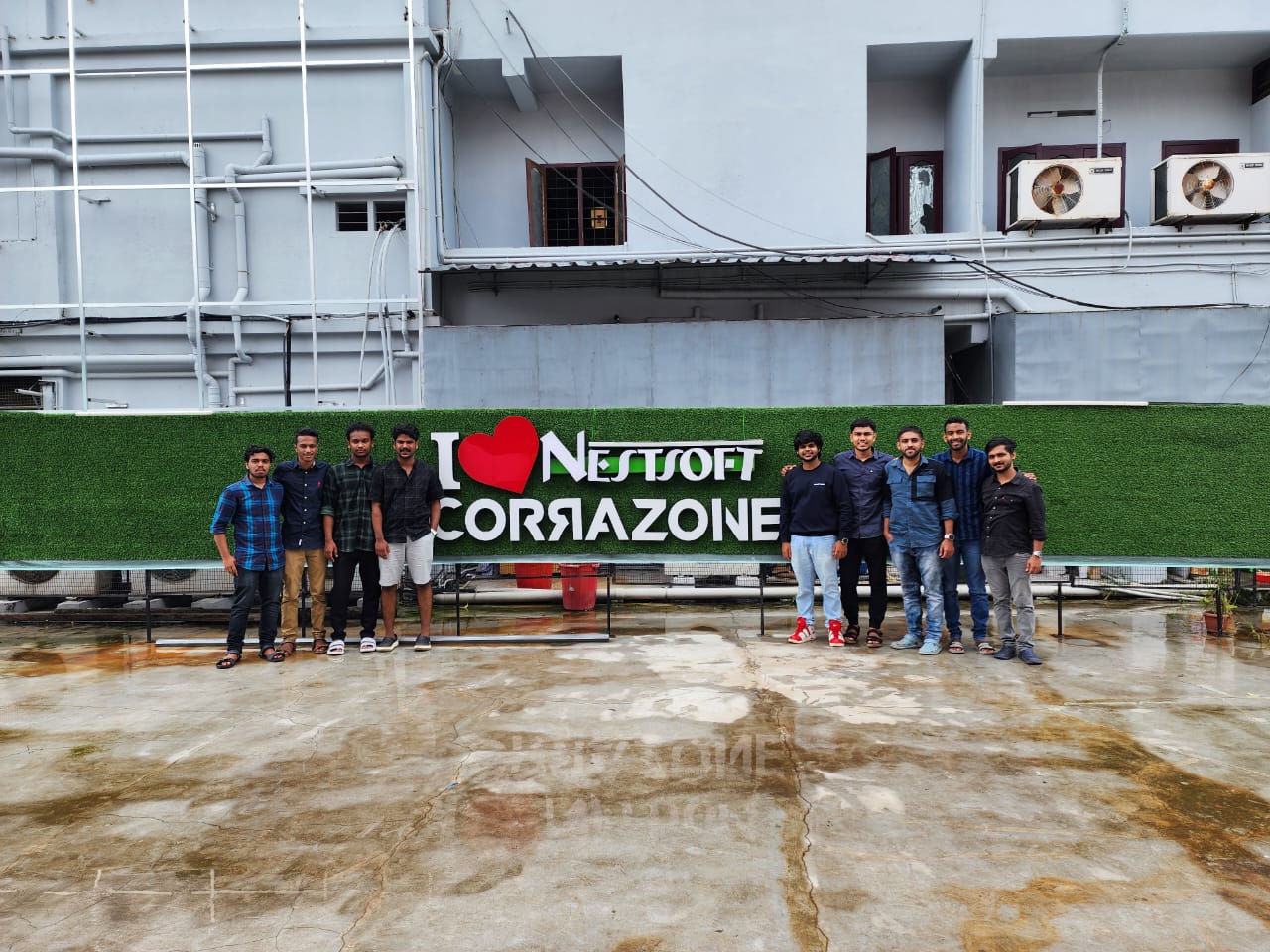
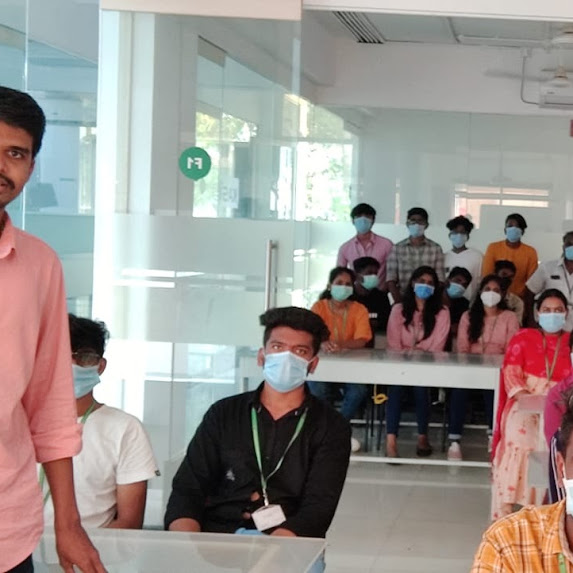
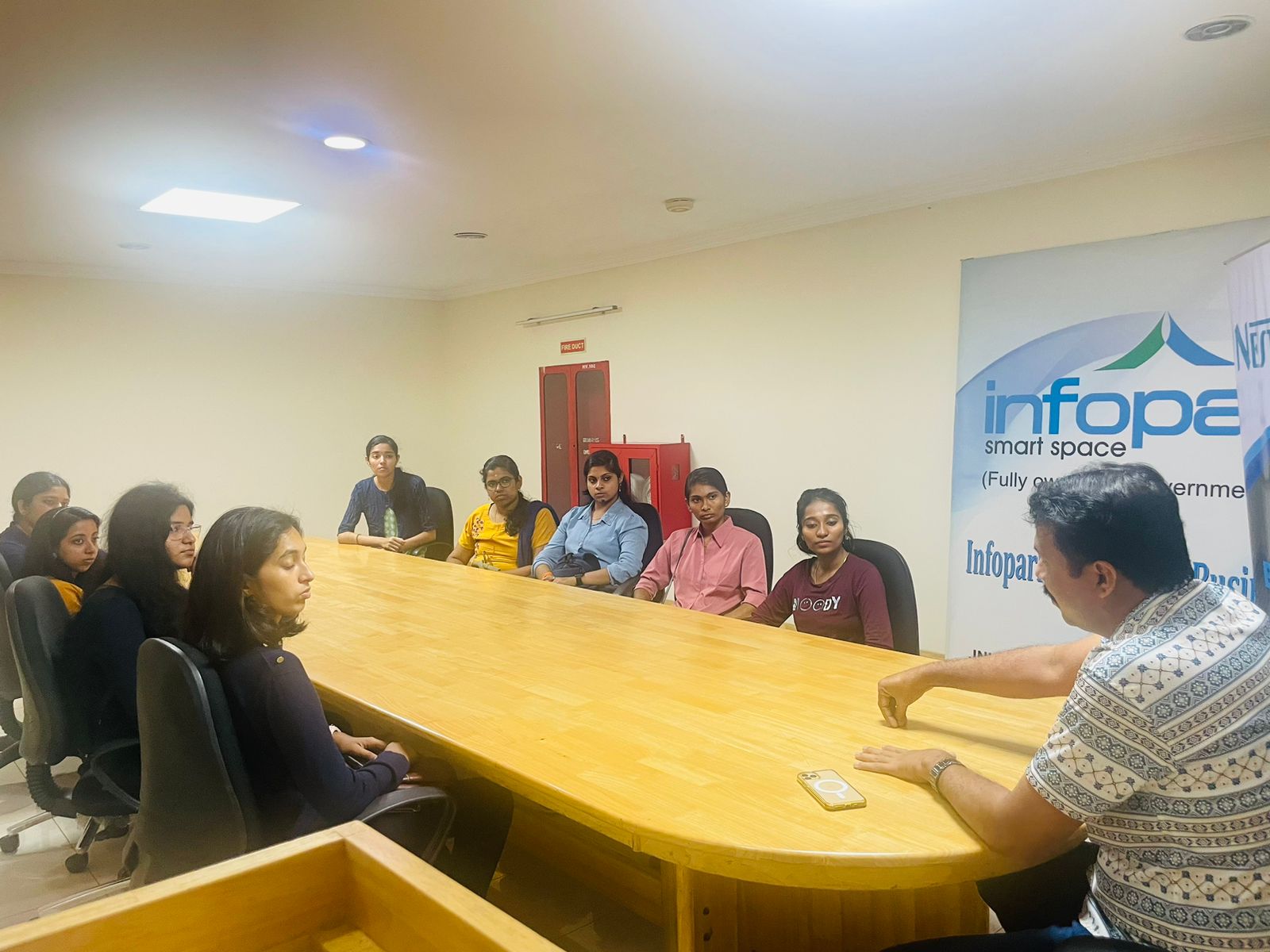
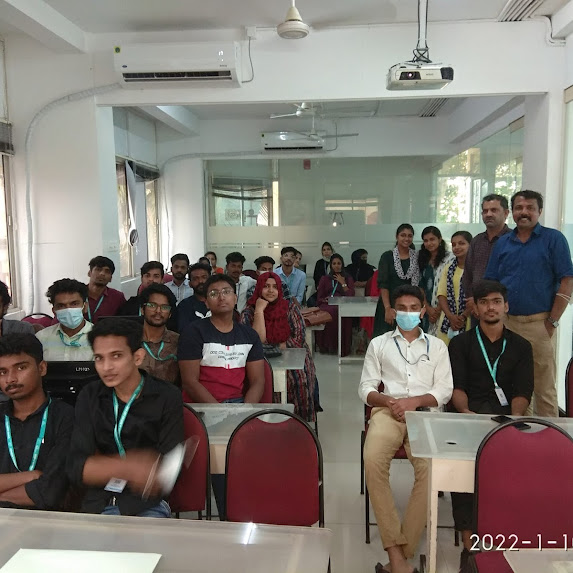
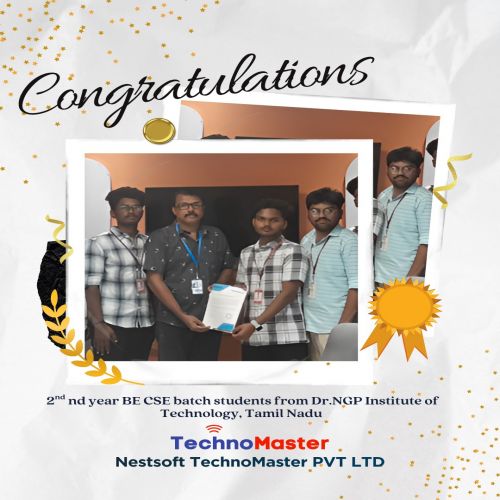
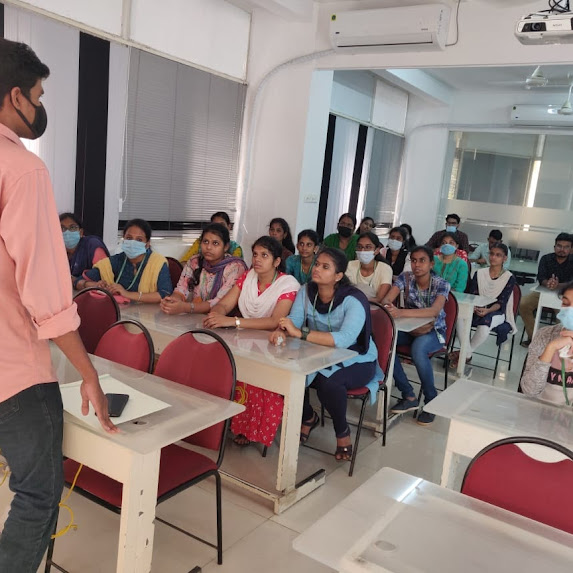
Photos of Training / Internships

Internship/projects in thoothukudi

Trained more than 10000+ students who trust Nestsoft TechnoMaster

Get Your Personal Trainer