Send enquiry ⏎

Microsoft Azure Online Live Class by Experts

Our Training/Internship Process

Microsoft Azure Online Live Classes in Kannur | Free Demo Training

Microsoft Azure - Syllabus, Fees & Duration

Module 1. Introduction

Module 2. Manage Azure AD objects

  • create users and groups
  • manage user and group properties
  • manage device settings
  • perform bulk user updates
  • manage guest accounts
  • configure Azure AD Join
  • configure self-service password reset

Module 3. Manage role-based access control (RBAC)

  • create a custom role
  • Provide access to Azure resources by assigning roles
    1. resource groups
    2. resources (VM, disk, etc.)
  • interpret access assignments
  • manage multiple directories

Module 4. Manage subscriptions and governance

  • configure Azure policies
  • configure resource locks
  • apply tags
  • manage subscriptions
  • configure Cost Management
  • configure management groups

Module 5. Manage storage accounts

  • configure network access to storage accounts
  • create and configure storage accounts
  • generate shared access signature
  • manage access keys
  • implement Azure storage replication
  • Configure Azure AD Authentication for a storage Account

Module 6. Manage data in Azure storage

  • Export from Azure Job
  • import into Azure job
  • install and use Azure Storage Explorer
  • copy data by using AZCopy

Module 7. Configure Azure files and Azure blob storage

  • create an Azure file share
  • create and configure Azure File Sync service
  • configure Azure blob storage
  • configure storage tiers for Azure blobs

Module 8. Configure VMs for high availability and scalability

  • configure high availability
  • deploy and configure scale sets
  • Automate deployment and configuration of VMs
  • modify Azure Resource Manager (ARM) template
  • configure VHD template
  • deploy from template
  • save a deployment as an ARM template
  • Automate Configuration Management

Module 9. Create and configure VMs

  • configure Azure Disk Encryption
  • move VMs from one resource group to another
  • manage VM sizes
  • add data discs
  • configure networking
  • redeploy VMs

Module 10. Create and configure Containers

  • create and configure Azure Kubernetes Service (AKS)
  • create and configure Azure Container Instances (ACI)

Module 11. Create and configure Web Apps

  • create and configure App Service
  • create and configure App Service Plans

Module 12. Implement and manage virtual networking

  • create and configure VNET peering
  • configure private and public IP addresses, network routes, network interface, subnets, and virtual network

Module 13. Configure name resolution

  • configure Azure DNS
  • configure custom DNS settings
  • Configure a private or public DNS

Module 14. None Secure access to Virtual Network

  • create security rules
  • associate an NSG to a subnet or network interface
  • evaluate effective security rules
  • deploy and configure Azure Firewall
  • deploy and configure Azure Bastion Service

Module 15. Configure load balancing

  • configure Application Gateway
  • configure an internal load balancer
  • configure load balancing rules
  • configure a public load balancer
  • troubleshoot load balancing

Module 16. Monitor and troubleshoot virtual networking

  • monitor on-premises connectivity
  • use Network Performance Monitor
  • use Network Watcher
  • troubleshoot external networking
  • troubleshoot virtual network connectivity

Module 17. Integrate an on-premises network with an Azure virtual network

  • create and configure Azure VPN Gateway
  • create and configure VPNs
  • configure ExpressRoute
  • configure Azure Virtual WAN

Module 18. Monitor resources by using Azure Monitor

  • configure and interpret metrics
  • a analyze metrics across subscriptions
  • configure Log Analytics
  • query and analyses logs create a query
  • set up alerts and actions
  • Create and test alerts
  • View alerts in Azure
  • configure Application Insights

Module 19. Implement backup and recovery

  • configure and review backup reports
  • perform backup and restore operations by using Azure Backup
  • create a Recovery Services Vault
  • create and configure backup policy
  • perform site-to-site recovery by using Azure Site Recovery

Download Syllabus - Microsoft Azure
This syllabus is not final and can be customized as per needs/updates
   
10000+
20+
50+
25+

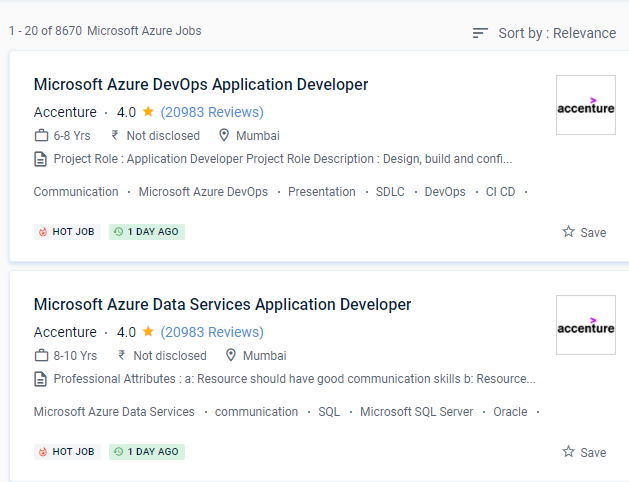
Microsoft Azure Jobs in Kannur

Enjoy the demand

Find jobs related to Microsoft Azure in search engines (Google, Bing, Yahoo) and recruitment websites (monsterindia, placementindia, naukri, jobshybrid.com, indeed.co.in, shine.com etc.) based in Kannur, chennai and europe countries. You can find many jobs for freshers related to the job positions in Kannur.

  • Microsoft Azure Developer
  • Solution Architect
  • Azure Data Engineer
  • Systems Administrator
  • Data Architect
  • Solution Specialist
  • Support Engineer
  • Data Scientist
  • Cloud Engineer
  • System Engineer

Microsoft Azure Internship/Course Details

Microsoft Azure internship jobs in Kannur
Microsoft Azure . It offers cloud computing, analytics, storage, and networking, among other services. Because of their ability to store data and provide easily accessible services, cloud platforms are gaining popularity. Because of its unrivaled hybrid capabilities, Azure has a chance to break into the cloud provider market. With Microsoft certifications, you can learn new skills to increase your productivity and change your organization to gain more advantages. js, and other languages are supported by Azure Functions. In-depth coverage of Azure Fundamentals' four major topics. It is intended for the creation and management of apps using Microsoft's data centers. It's also suitable for both large and small enterprises, as it can be tailored to meet specific needs and budget constraints. C#, F#, JavaScript, node.


Meet a Few of our Industry Experts 🚀 Your Pathway to IT Career

vrushti

Mobile: +91 98474 90866
Location: Online (Kannur, India)
Qualification: currently pursuing bachelors in computer engineering

Experience: learnt about how to configured fortinet next generation firewall at Beekayit net sec solutions pvt ltd Ahmedabad  more..

khajarafi

Mobile: +91 9895490866
Location: Online (Kannur, India)
Qualification: MCA

Experience: Hi This is khajarafi Shaik having 8+experience as a TechnicalTrainer I can able to deliver the training on Corejava Advjava  more..

Mohammed

Mobile: +91 94975 90866
Location: Online (Kannur, India)
Qualification: Diploma in computer engineering

Experience: 6 months experience in flutter development UI designing State management   more..

Chauhan

Mobile: +91 91884 77559
Location: Online (Kannur, India)
Qualification: BCA

Experience: I have experience in Android developer in java 1 year and kotlin 6 month   more..

Pratiksha

Mobile: +91 98474 90866
Location: Online (Kannur, India)
Qualification: UI/UX Design

Experience: I’m skilled in understanding user needs through research interviews surveys I design user-friendly interfaces and ensure information is organized logically  more..

Raj

Mobile: +91 98474 90866
Location: Online (Kannur, India)
Qualification: B.sc. Animation and VFX

Experience: Hi I hope this find you well I have worked in features flim as an Assistant editor and also worked  more..

Aayush

Mobile: +91 98474 90866
Location: Online (Kannur, India)
Qualification: BCA

Experience: I have 3 month experience of manual testing in grafo software dehradun   more..

Priyanka

Mobile: +91 91884 77559
Location: Online (Kannur, India)
Qualification: ECE

Experience: 1 ) 2 2 years of overall Quality Executive experience including 1Year of Automation Testing Experience (Selenium Web Driver) 2  more..

Salmanul

Mobile: +91 9895490866
Location: Online (Kannur, India)
Qualification: Plus two in computer science

Experience: I have acquired expertise in javascript Html css and various components of mean stack development past year i am working  more..

Mussá

Mobile: +91 89210 61945
Location: Online (Kannur, India)
Qualification: Odoo developer

Experience: I have 9 months of professional development using Odoo framework I enhanced HR modules with custom functionalities   more..

Muhammad

Mobile: +91 89210 61945
Location: Online (Kannur, India)
Qualification: Bca

Experience: Manual testing SDLC STLC agile methodology scrum methodology testcase preparation levels of testing j meter post man problem solving decision  more..

Janki

Mobile: +91 8301010866
Location: Online (Kannur, India)
Qualification: B.Sc Environment Science

Experience: I'm a certified IELTS PTE CELPIP TOEFL GRE - Verbal trainer having 15+ years of online offline training experience with  more..

Linkan

Mobile: +91 89210 61945
Location: Online (Kannur, India)
Qualification: Master of Engineering

Experience: Manual testing Automation testing BDD Framework Selenium Cucumber Xpath CSS Selector etc  more..

Nimish

Mobile: +91 98474 90866
Location: Online (Kannur, India)
Qualification: B.E

Experience: I am particularly proud of my recent projects such as the Summarize Study Tool and the Applied Data Science Capstone  more..

Rakesh

Mobile: +91 91884 77559
Location: Online (Kannur, India)
Qualification: M.Tech

Experience: Java selenium testng or bdd cucumber api testing jmeter and RestAssured Java selenium testng or bdd cucumber api testing jmeter  more..

Archana

Mobile: +91 9895490866
Location: Online (Kannur, India)
Qualification: BCA

Experience: Hello sir I have 1+year experience in php development with codeigniter framework If I am eligible please contact me Thankyou  more..

Anumol

Mobile: +91 91884 77559
Location: Online (Kannur, India)
Qualification: BA ECONOMICS

Experience: social media marketing seo and sem google analytics email marketing   more..

Sumit

Mobile: +91 94975 90866
Location: Online (Kannur, India)
Qualification: Mca

Experience: I m fresher but I m well known to Java html react python data structures   more..

Sumeet

Mobile: +91 91884 77559
Location: Online (Kannur, India)
Qualification: BE

Experience: MEAN Stack developer with 4 years of experience  more..

Hrithik

Mobile: +91 98474 90866
Location: Online (Kannur, India)
Qualification: Diploma

Experience: Android php ajp Dataeantry   more..

Tarunvarma

Mobile: +91 8301010866
Location: Online (Kannur, India)
Qualification: Designeer Academy

Experience: Hey this is Tarun varma I'm a certified from the designerrs academy on basis of UX UI Designer I'm good  more..

Akshata

Mobile: +91 9895490866
Location: Online (Kannur, India)
Qualification: MBA IN MARKETING

Experience: 1 9 years Experience On-page seo Off-page seo Google search console Google Analytics Seo tools Social media marketing Keywords research  more..

Remya

Mobile: +91 98474 90866
Location: Online (Kannur, India)
Qualification: Btech

Experience: 4 years experience in development of web applications in php Skills : Zend Framework2 Javascript Jquery Ajax Html Css Mysql  more..

Navaj

Mobile: +91 91884 77559
Location: Online (Kannur, India)
Qualification: BCA

Experience: Network security Vulnerability assessments Penetration testing Security tools Cryptography Web security Capture The Flag (CTF) competitions  more..

Success Stories

The enviable salary packages and track record of our previous students are the proof of our excellence. Please go through our students' reviews about our training methods and faculty and compare it to the recorded video classes that most of the other institutes offer. See for yourself how TechnoMaster is truly unique.


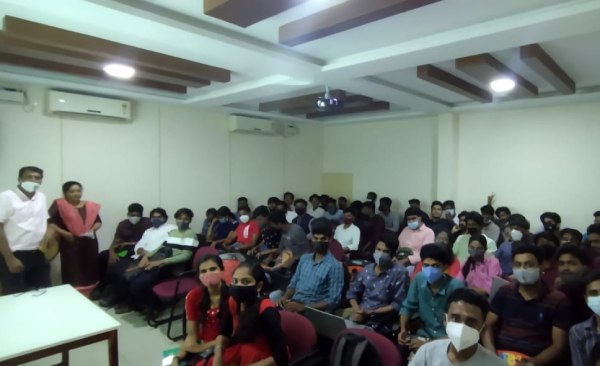
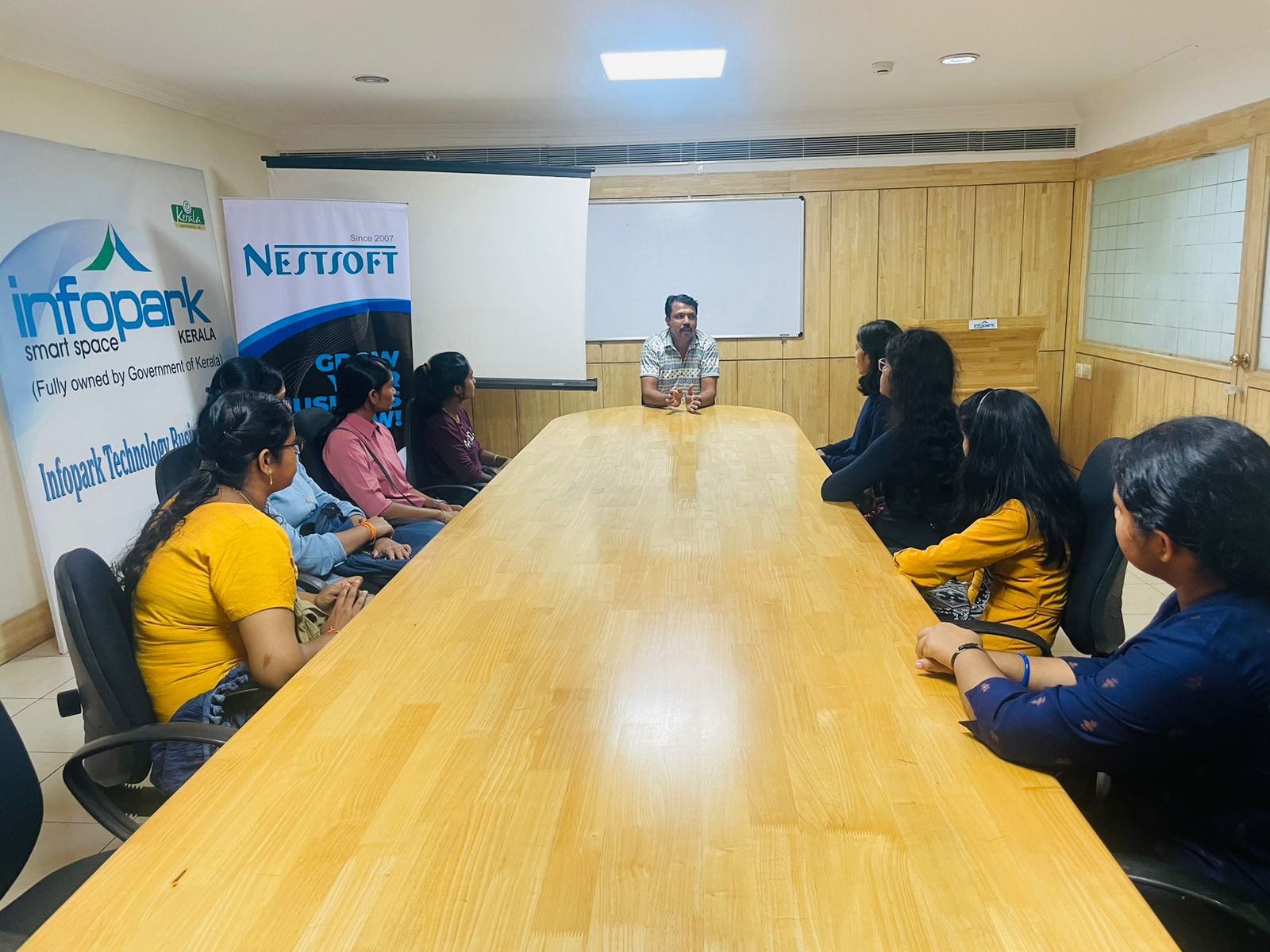
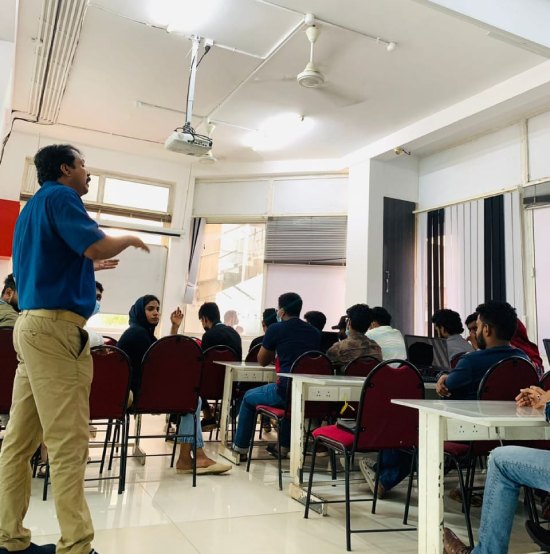
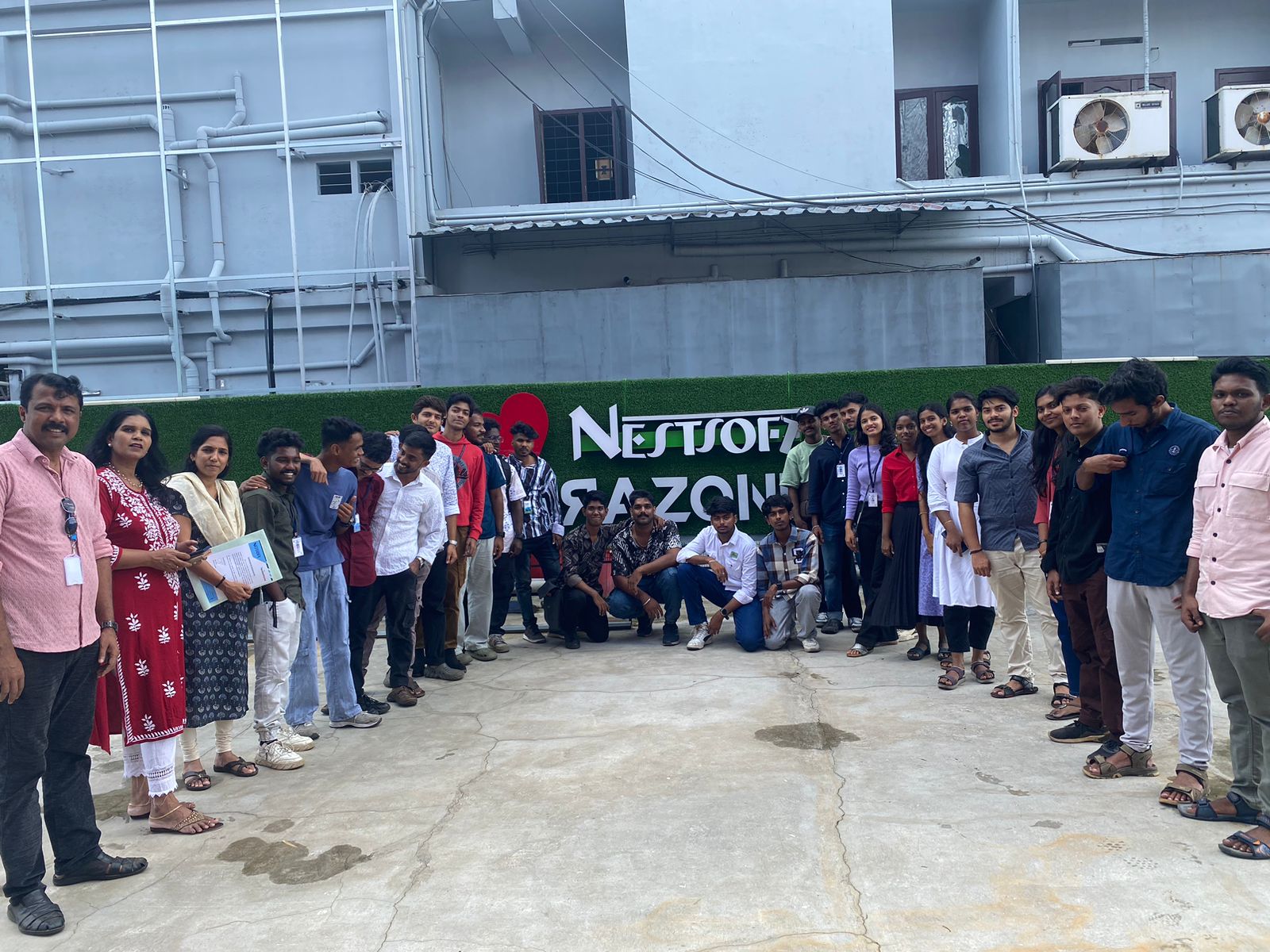
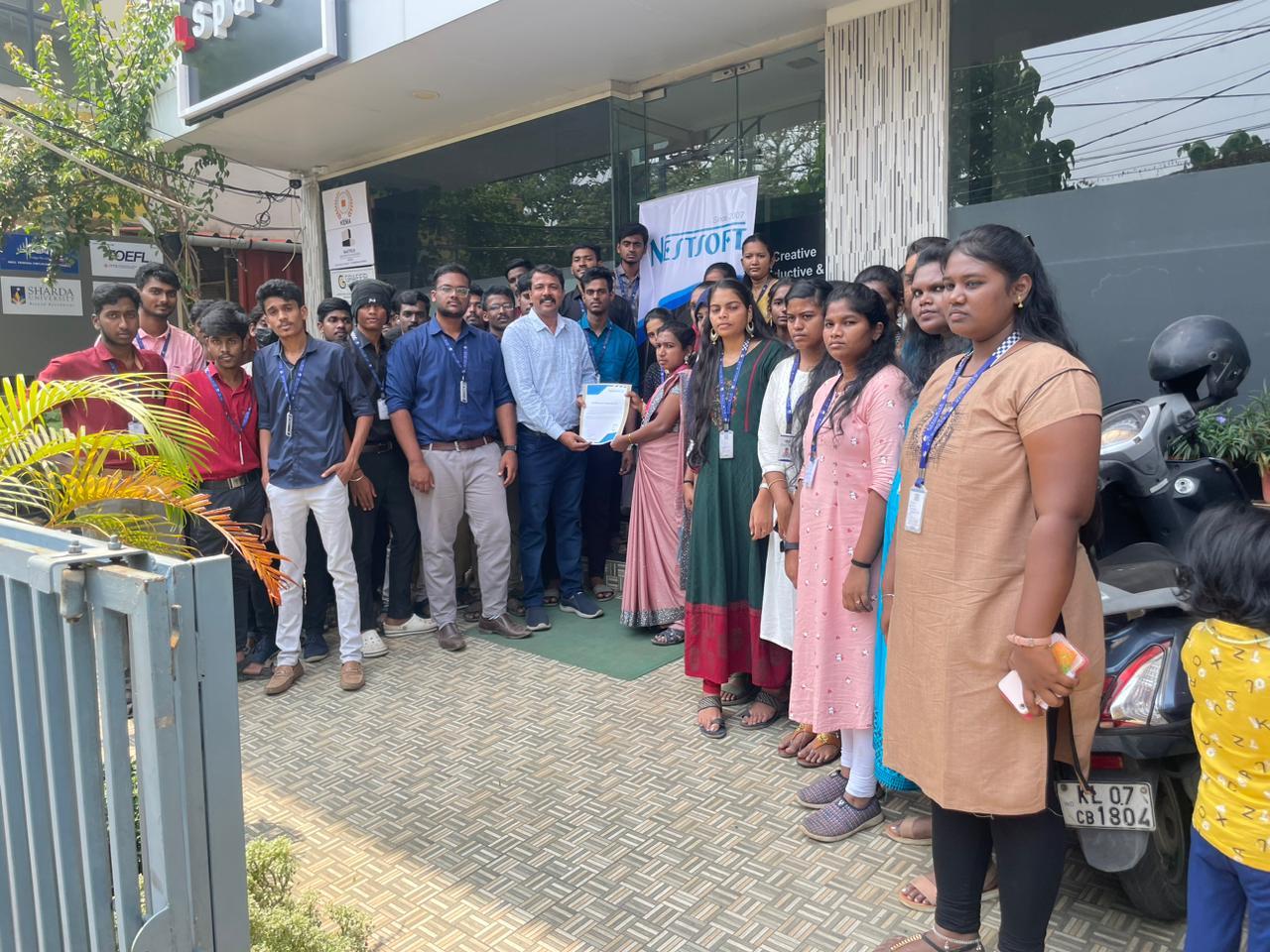
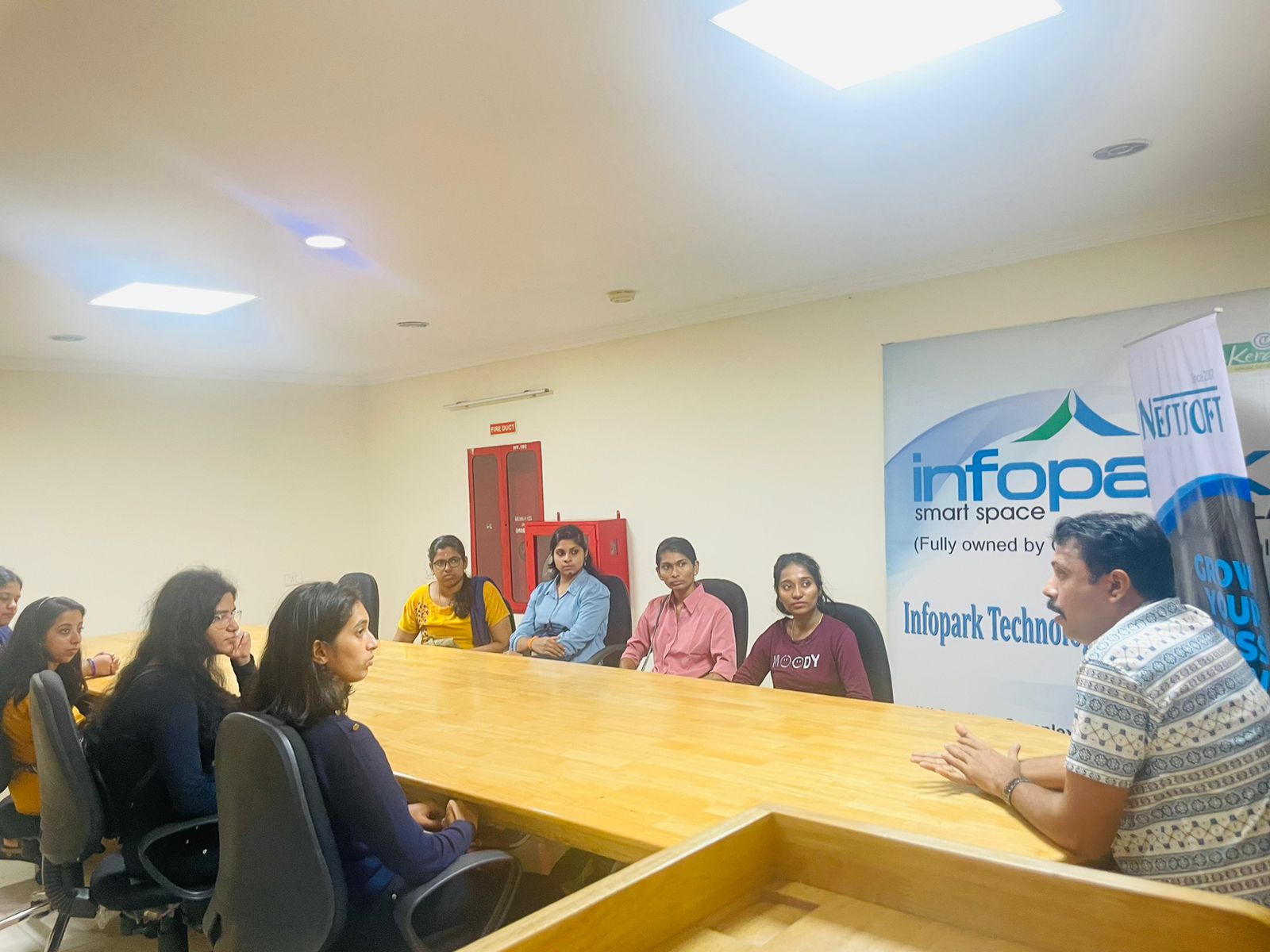
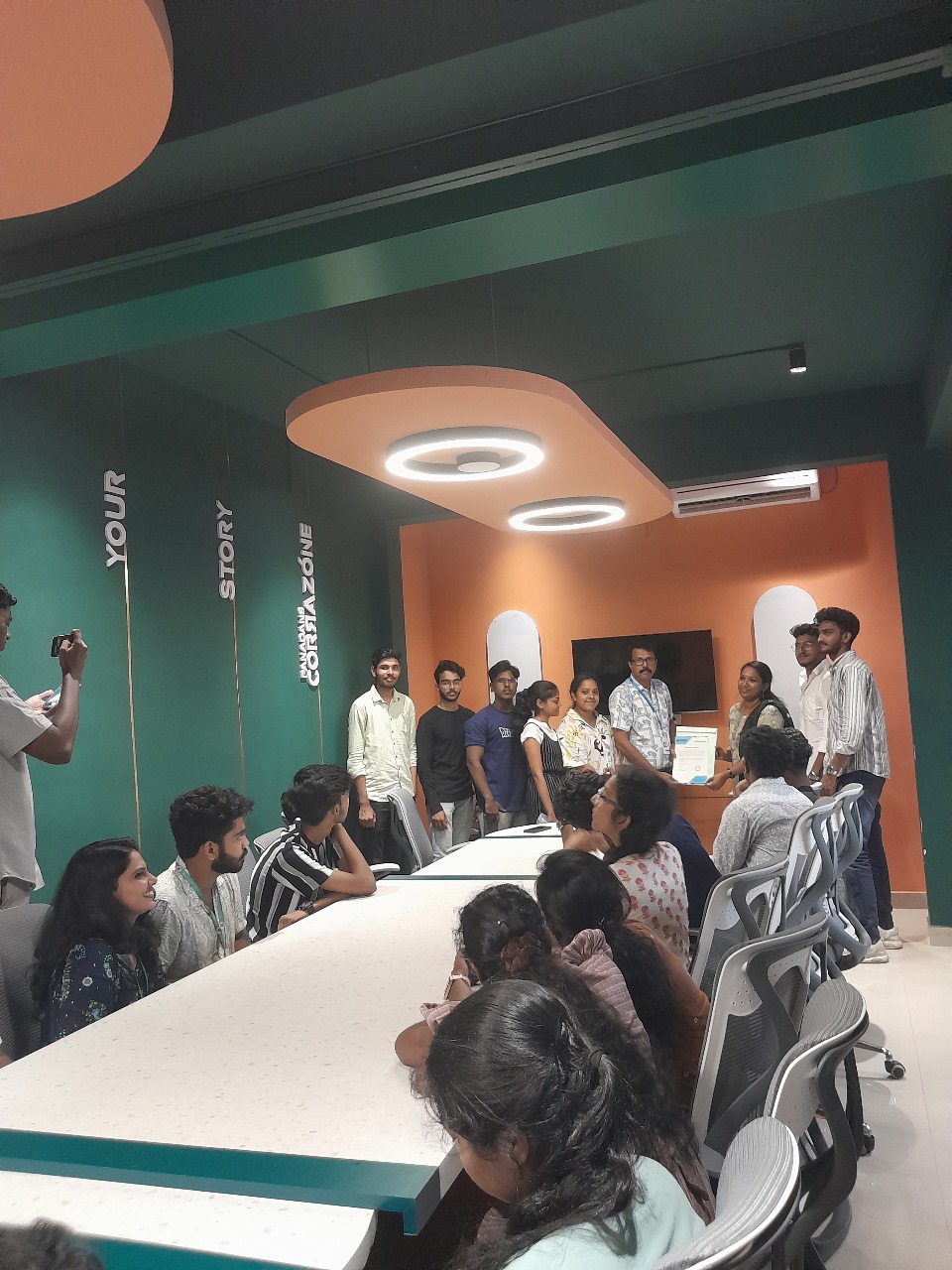
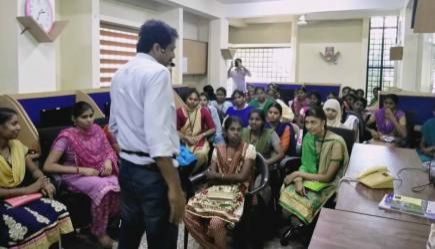
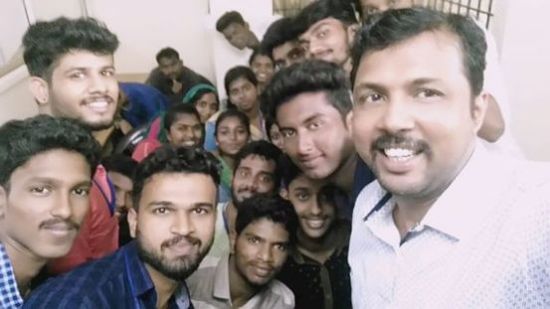
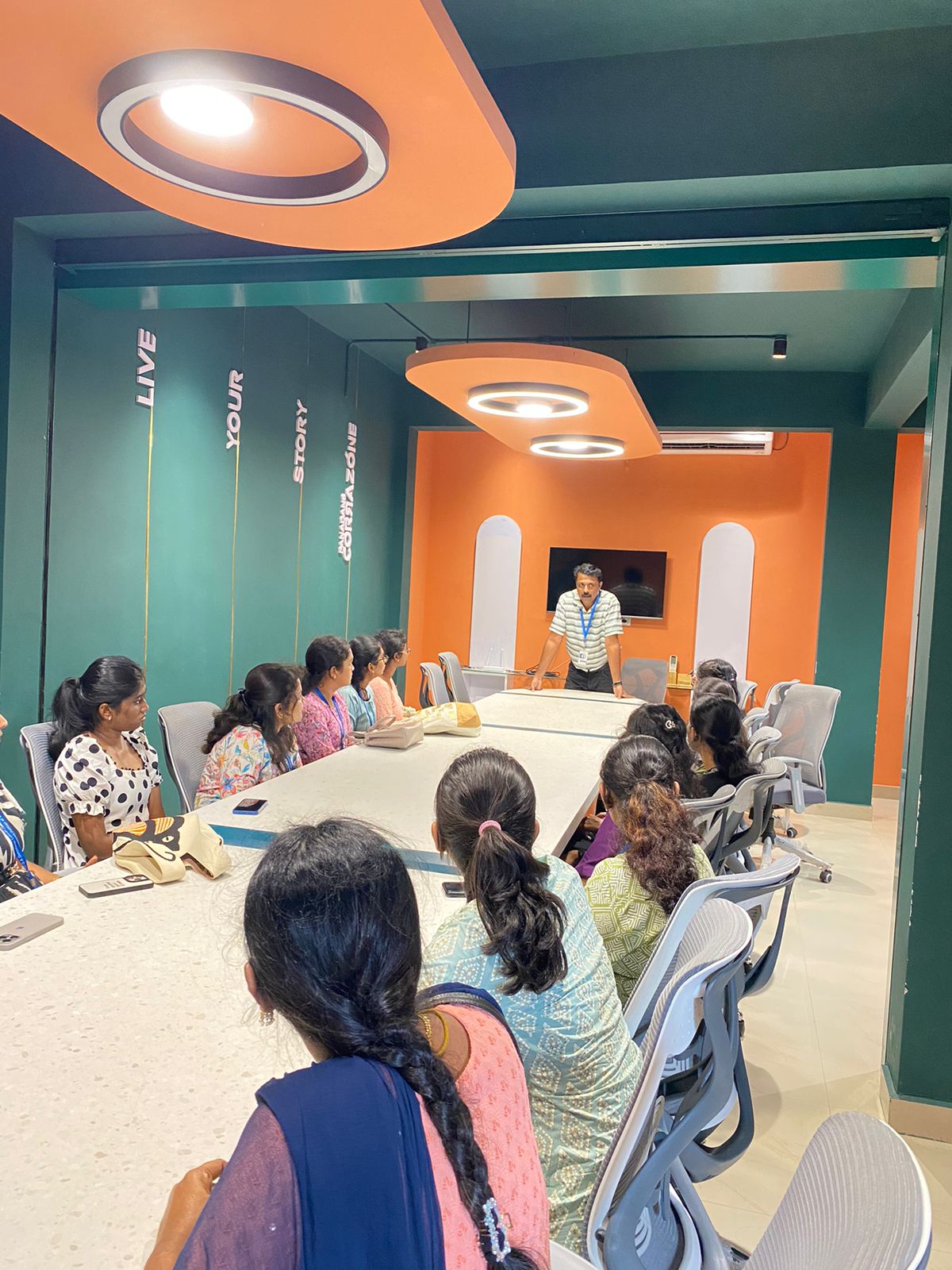
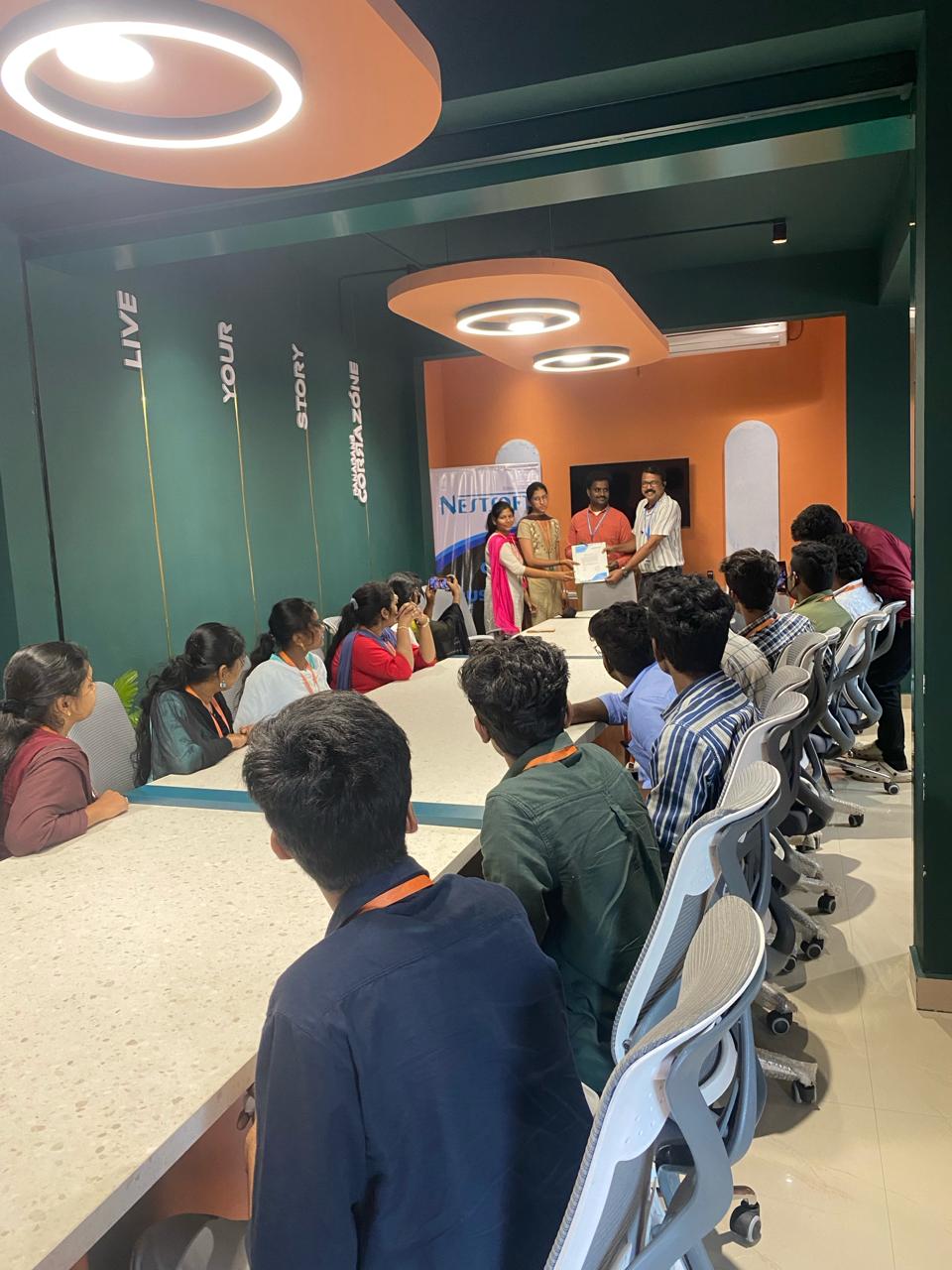
Photos of Training / Internships

Internship/projects in kannur

Trained more than 10000+ students who trust Nestsoft TechnoMaster

Get Your Personal Trainer