Send enquiry ⏎

Laravel Online Live Class by Experts

Our Training/Internship Process

Laravel Online Live Classes in Kollam | Free Demo Training

Laravel - Syllabus, Fees & Duration

Section 1 : Introduction of Laravel PHP Framework

  • Installing Laravel
  • Artisan CLI ( command-line interface )
  • Laravel Directory Structure
  • Configuring a new Laravel project

Section 2 : Architecture & Basics

  • Architecture overview -Basic routing
  • Call a controller method from a route
  • Passing variables from controllers to views
  • CSRF protection
  • Validation
  • Error handling
  • Controller
  • Request
  • Response
  • Views
  • Session

Section 3 : HTML Template to Laravel Blade Template

  • Master layout
  • Extending the master layout
  • Displaying variables
  • Blade conditional statements & loops
  • PHP functions in blade
  • Creating and using a basic views
  • Loading a view into another view/nested views
  • Adding assets
  • Integrating with Bootstrap

Section 4 : Security & Session

  • Authentication
  • Authorization
  • Encryption
  • Hashing
  • Using Security
  • Sessions Effective

Section 5 : Database

  • Introduction
  • Query Builder
  • Migrations
  • Seeding

Section 6 : Eloquent ORM ( Storing and Using Data )

  • Eloquent ORM Models
  • Naming conventions
  • Table name and primary keys
  • Timestamps
  • Eloquent ORM INSERT, READ , UPDATE , DELETE
  • Using models in controllers
  • Displaying data from models in views

Section 7 : Creating a registration & user login form

  • Artisan command to create inbuilt user register and login system
  • Authenticating Your Application
  • Adding Custom Fields to Registration Form
  • Creating user profile page

Section 8 : Admin Panel Setup

  • Introduction
  • Setup Admin Panel using Bootstrap theme
  • Create Admin login
  • Creating an admin authentication system
  • Encrypting and decrypting data

Section 9 : Using Ajax and jQuery

  • Introduction
  • Getting data from another page
  • Setting up a controller to return JSON data

Section 10 : Project

Download Syllabus - Laravel
This syllabus is not final and can be customized as per needs/updates
   
10000+
20+
50+
25+

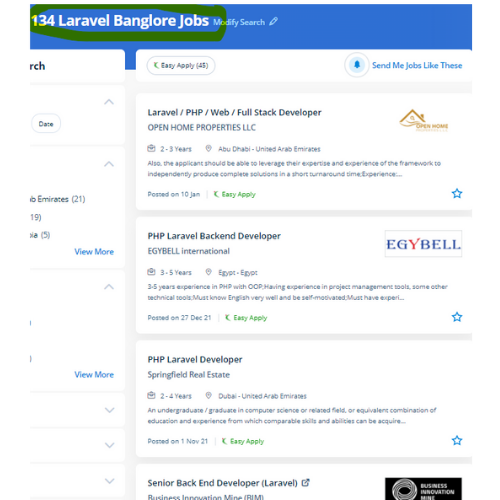
Laravel Jobs in Kollam

Enjoy the demand

Find jobs related to Laravel in search engines (Google, Bing, Yahoo) and recruitment websites (monsterindia, placementindia, naukri, jobshybrid.com, indeed.co.in, shine.com etc.) based in Kollam, chennai and europe countries. You can find many jobs for freshers related to the job positions in Kollam.

  • Full stack Developer
  • PHP Developer Laravel
  • Laravel Developer
  • Backend Developer
  • Senior Php Web Developer
  • Senior Backend Developer
  • Software Engineer-Laravel
  • Systems developer
  • Lead Full Stack Developer
  • Programmer

Laravel Internship/Course Details

Laravel internship jobs in Kollam
Laravel Laravel’s frontend code is separate from its back end. It permits the website designers to vary a web project and its functions without the demand to induce expensive and time-consuming back-end code manipulations. But, Laravel comes up with various tools that facilitate the developers to heft the web app performance. The safeguarded resources are entered by authentic and registered users are demanded by web application owners. One of the most necessary advantages of choosing Laravel for your web app development is its capabilities to supply high-toned security. Occasionally site performance affects some features and functionalities. Laravel could be a free, modern, dynamic, and important open-source PHP web application framework, designed for the development of model- view- controller (MVC) web applications. The safe authentication and consent ability of laravel guarantee the reputed companies in their production field. This coaching covers fabricating ready a development environment, configuration, and step by step moving on to the various factors. Laravel permits you to elaborate applications that are scalable and effective, easy and clean.


Meet a Few of our Industry Experts 🚀 Your Pathway to IT Career

Sreekanth

Mobile: +91 89210 61945
Location: Online (Kollam, India)
Qualification: Btech

Experience: Manual testing automation testing SQL core java  more..

Rohit

Mobile: +91 91884 77559
Location: Online (Kollam, India)
Qualification: Graduate in Bachelor of commerce with computer application

Experience: I have an experienced with HTML CSS Javascript Bootstrap React and UI UX tools like figma I made several projects  more..

Kausar

Mobile: +91 91884 77559
Location: Online (Kollam, India)
Qualification: BSc IT

Experience: As a versatile Digital Marketing Manager & Trainer with around 10 years of experience I have successfully merged my technical  more..

Surya

Mobile: +91 91884 77559
Location: Online (Kollam, India)
Qualification: BE. Mechanical Engineering

Experience: • Good understanding of the SDLC STLC Waterfall & Agile Methodologies • Experience in Automation Tools- Selenium framework & Playwright  more..

Shrikant

Mobile: +91 9895490866
Location: Online (Kollam, India)
Qualification: B.Tech

Experience: Hello HR Manager I hope this message finds you well My name is Shrikant Suryawanshi I have a solid background  more..

Sneha

Mobile: +91 98474 90866
Location: Online (Kollam, India)
Qualification: Bachelors of Technology in Computer Science and Engineering

Experience: I am a fresher but with intense urge to learn and contribute Though i don't have industrial experience but I  more..

Paru

Mobile: +91 8301010866
Location: Online (Kollam, India)
Qualification: BE(computer science & engineering)

Experience: wordpress css java script jquery ajax html have experiance of all it field subjects as teaching purpose  more..

Madhumitha

Mobile: +91 98474 90866
Location: Online (Kollam, India)
Qualification: B.Tech IT

Experience: Experience : 3years Skills Front End Jquery Javascript Ajax Bootstrap html css Backend Laravel php Database Mysql |   more..

MEERALAKSHMI

Mobile: +91 9895490866
Location: Online (Kollam, India)
Qualification: Btech

Experience: Programming languages like C java python coding skills Mysql DBMs Data structure and algorithms SDLC  more..

pratik

Mobile: +91 98474 90866
Location: Online (Kollam, India)
Qualification: Bsc-IT

Experience: Proficient in HTML CSS and Bootstrap Solid understanding of web development principles and best practices Experience in creating responsive and  more..

Revella

Mobile: +91 8301010866
Location: Online (Kollam, India)
Qualification: B.tech

Experience: Java and Net full stack developer Have been coding since 3 years and have done projects on both java and  more..

Jemsheed

Mobile: +91 94975 90866
Location: Online (Kollam, India)
Qualification: Bachelors in computer application

Experience: Selenium webdriver with java Manual testing Sql server (1year exp ) Basics of postman jmeter and jira  more..

SWATHI

Mobile: +91 98474 90866
Location: Online (Kollam, India)
Qualification: Msc in Computer science

Experience: Fresher & Automation testing in selenium TestNG Maven XPATH and CSS core java manual testing SDLC STLC Agile Methodology with  more..

Ragul

Mobile: +91 91884 77559
Location: Online (Kollam, India)
Qualification: BE-ECE

Experience: Manual testing Selenium Java Api Sql  more..

Vikas

Mobile: +91 8301010866
Location: Online (Kollam, India)
Qualification: BE in (Electronics and Telecommunication)

Experience: I have done 1 months internship in suven consultants and Pvt The course is Front end developer I have experience  more..

Hammad

Mobile: +91 91884 77559
Location: Online (Kollam, India)
Qualification: Bachelor

Experience: I am skilled in various areas including: * **Language understanding and generation:** I can process information from text and respond  more..

Bhavesh

Mobile: +91 8301010866
Location: Online (Kollam, India)
Qualification: Greduate

Experience: I am fresher looking for react js job  more..

ANJU

Mobile: +91 91884 77559
Location: Online (Kollam, India)
Qualification: B.Tech

Experience: Worked as 6 month intern at irohub infotech ernamkulam Then i completed a course in python with django framework  more..

Namrata

Mobile: +91 8301010866
Location: Online (Kollam, India)
Qualification: B.tech

Experience: Manual testing API Cypress Javascript SQL  more..

Snehal

Mobile: +91 9895490866
Location: Online (Kollam, India)
Qualification: Msc computer science

Experience: I have 2 years of experience in web development   more..

Rajesh

Mobile: +91 89210 61945
Location: Online (Kollam, India)
Qualification: 12th pass

Experience: Hello 👋 I am writing to express my strong interest in the WordPress Developer With my extensive experience in WordPress  more..

Tarun

Mobile: +91 91884 77559
Location: Online (Kollam, India)
Qualification: MCA

Experience: Docker AWS GCP Jenkins linux git github terraform ansible bash script python django postgres   more..

ANAGHA

Mobile: +91 94975 90866
Location: Online (Kollam, India)
Qualification: MCA

Experience: C cpp java python html css javascript reactjs mysql nodejsApplication for Node JS  more..

Ambily

Mobile: +91 89210 61945
Location: Online (Kollam, India)
Qualification: B.tech

Experience: Effective communication Adaptability Critical and Creative thinking Interpersonal skills Automation and Manual testing Selenium Apache Jmeter Jira Postman  more..

Success Stories

The enviable salary packages and track record of our previous students are the proof of our excellence. Please go through our students' reviews about our training methods and faculty and compare it to the recorded video classes that most of the other institutes offer. See for yourself how TechnoMaster is truly unique.

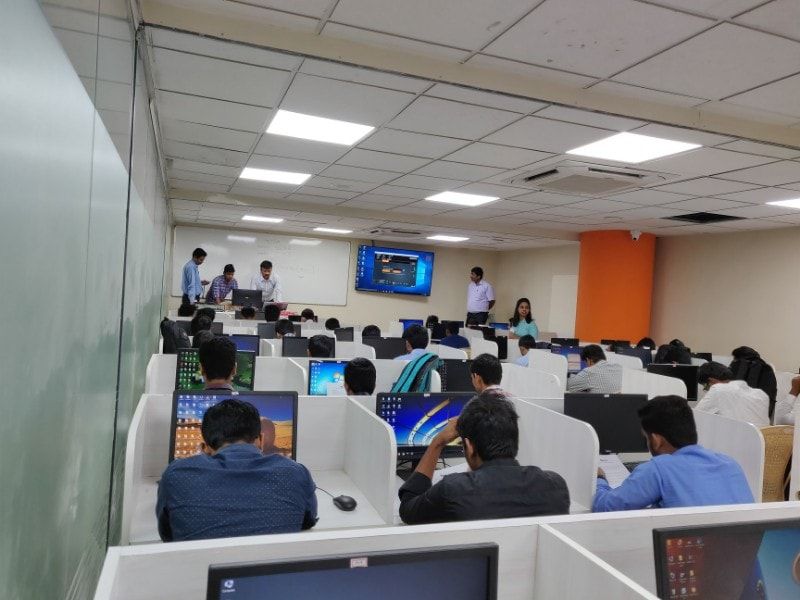
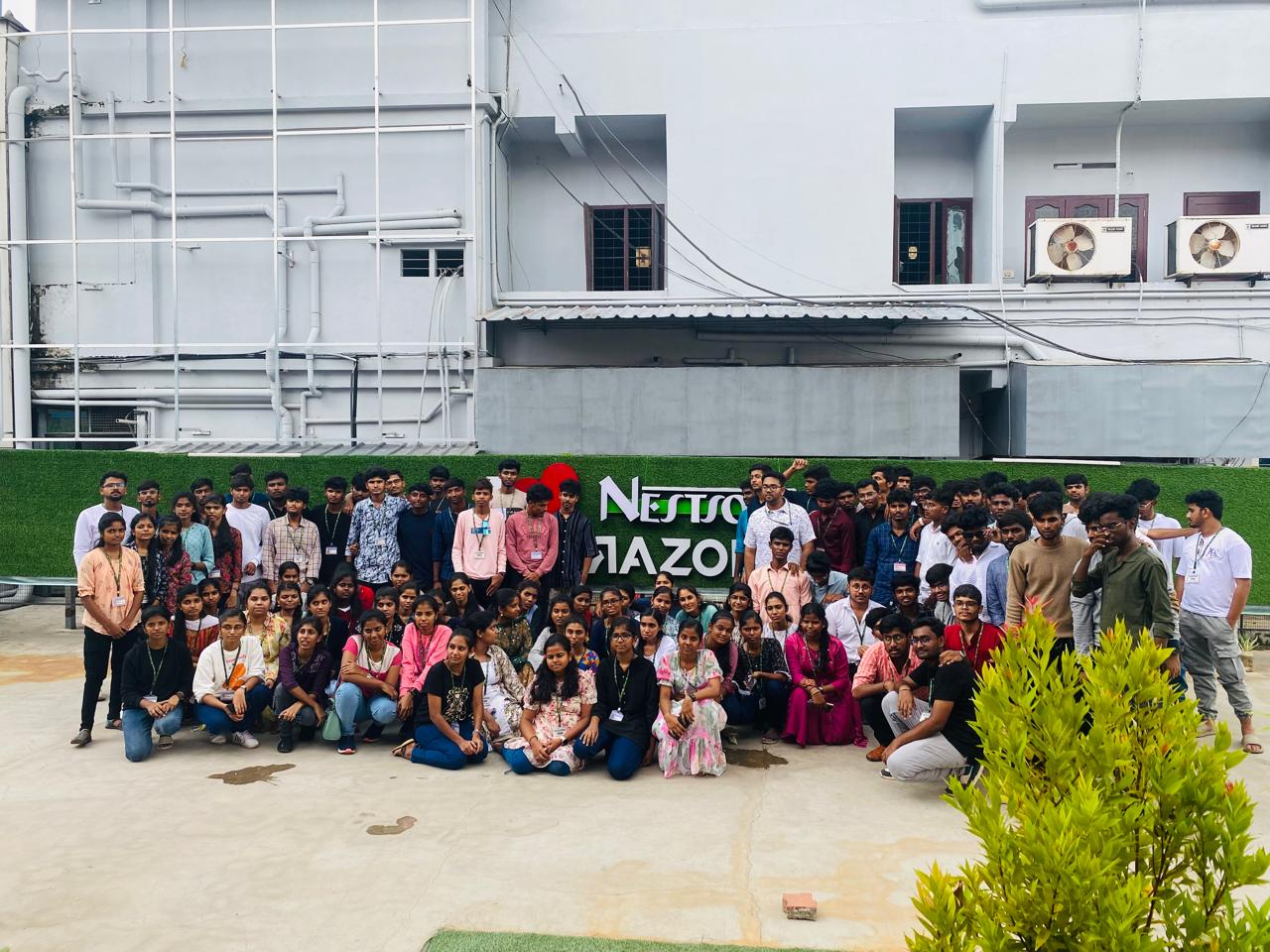
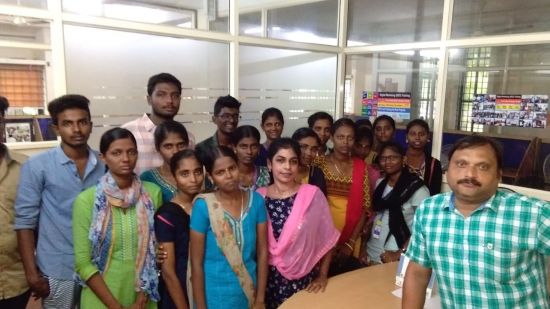
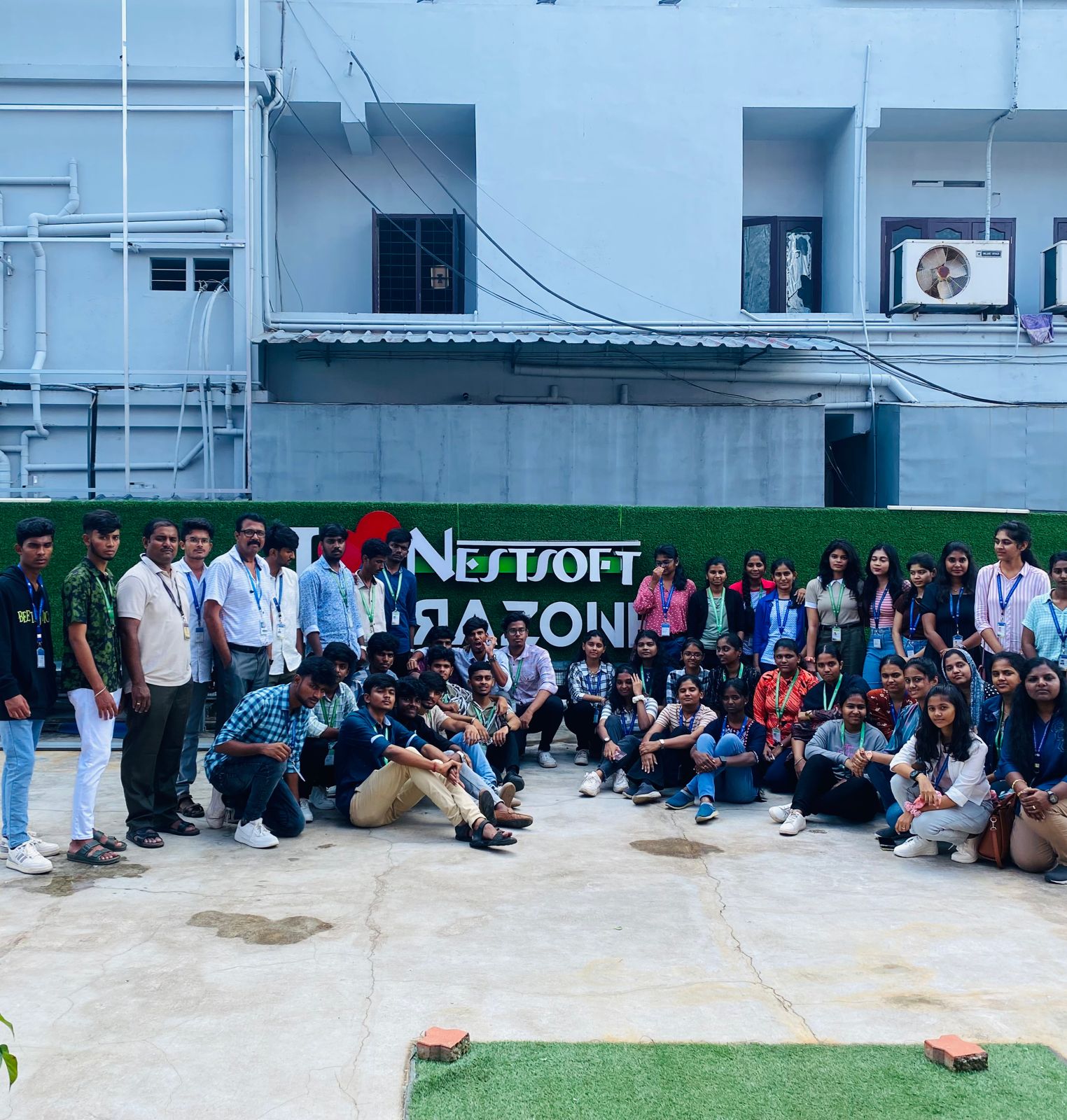
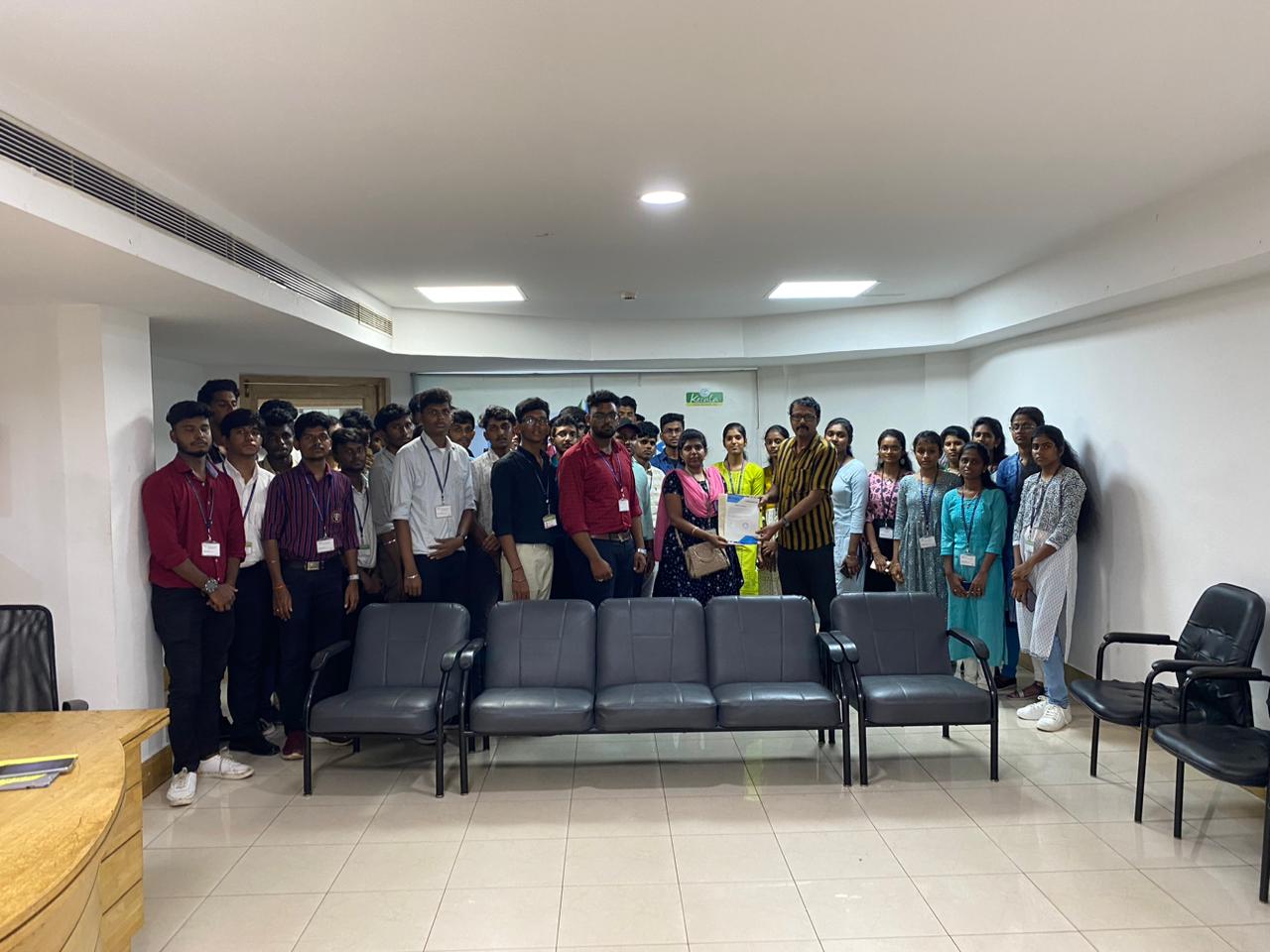
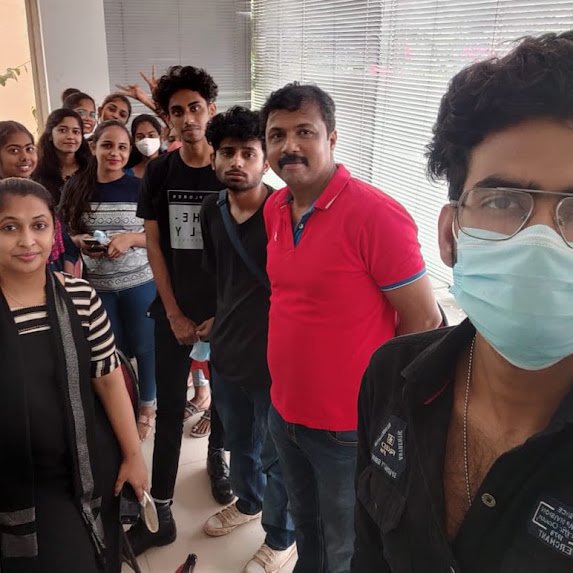
Photos of Training / Internships

Internship/projects in kollam

Trained more than 10000+ students who trust Nestsoft TechnoMaster

Get Your Personal Trainer