Send enquiry ⏎

JQuery Online Live Class by Experts

Our Training/Internship Process

JQuery Online Live Classes in Madurai | Free Demo Training

JQuery - Syllabus, Fees & Duration

Module 1 :The Background

  • The mobile space today
  • Advantages
  • Challenges
  • Native vs. web, is really a question?
  • What is JQM?
  • What is not jQM?
  • What is a web app?
  • Why jQM?
  • Features
  • Compatibility
  • Requirements

Module 2: HTML5 basics

  • Requirements
  • HTML5 in a small nutshell
  • Why HTML5?
  • What do we need to know about HTML5 for jQM
  • Basic template
  • Testing HTML5 documents
  • Emulators, Simulators & more & Viewports on mobile browsers

Module 3: The framework

  • Architecture of Self hosted vs. CDNs
  • Main template
  • CDNs available
  • Main template
  • Support on IDEs
  • Roles
  • Theming

Module 4: The page

  • Headers and footers basics
  • Mandatory items in a page
  • Working with HTML in the content
  • Navigation
  • Internal page navigation
  • External page navigation
  • Understanding AJAX on mobile browsers
  • Absolute external links
  • Mobile Special links

Module 5: UI Components

  • Customizing toolbars
  • Positioning toolbars
  • Navigation Bars
  • Persistent footers and navigation
  • Collapsible content
  • Working with columns

Module 6: Buttons

  • Creating buttons
  • Inline buttons
  • Grouped buttons
  • Icons
  • Custom icons

Module 7: Lists

  • Creating lists
  • Full-page vs inset-lists
  • Visual separators
  • Nested lists
  • Interactive rows, Split button rows
  • Split button rows
  • Thumbnails
  • Count bubbles
  • Aside content
  • Title and Description
  • Filtering data

Module 8: Forms

  • AJAX vs. non-AJAX forms
  • Automatic form behaviour
  • Labeling
  • Field containers
  • Text fields
  • Slider, Slider switch
  • Select menus, UI Select menus
  • Radio Buttons
  • Checkboxes, File Upload
  • Validation using HTML5

Module9: The framework and JavaScript

  • Using jQuery inside jQuery Mobile
  • mobile element
  • The mobile init event
  • Configuring defaults
  • Touch events, Orientation events
  • Scroll events, Page events
  • Virtual mouse events
  • Managing navigation through JavaScript

Module 10: Dynamic data with jQuery Mobile

  • HTML5 vs AJAX
  • Bringing JSON data to jQuery Mobile
  • Updating form controls
  • Updating lists
  • Implementing Infinite list pattern

Module11: Extending the framework

  • Using plugins
  • The top 5 plugins for jQuery Mobile
  • Creating our own plugin
  • Plugin architecture
  • Understanding CSS architecture
  • Define our own CSS patch
  • Changing CSS behavior

Module12: Managing data with HTML5

  • Using Web Storage and Web SQL
  • Using geolocation

Module 13: Packaging for installation and stores

  • The offline manifest
  • Full-screen web apps for iOS
  • What is a hybrid
  • Phone Gap vs other alternatives
  • Packaging a sample application

Download Syllabus - JQuery
This syllabus is not final and can be customized as per needs/updates
   
10000+
20+
50+
25+

JQuery Jobs in Madurai

Enjoy the demand

Find jobs related to JQuery in search engines (Google, Bing, Yahoo) and recruitment websites (monsterindia, placementindia, naukri, jobshybrid.com, indeed.co.in, shine.com etc.) based in Madurai, chennai and europe countries. You can find many jobs for freshers related to the job positions in Madurai.

  • JQuery Developer
  • Frontend Developer
  • Web Developer
  • Web designer
  • App Developer
  • Jquery Trainer
  • Full-Stack Developer
  • Software Engineer
  • JavaScript Developer
  • JQuery Trainer

JQuery Internship/Course Details

JQuery internship jobs in Madurai
JQuery Page loading time is a vital factor for Google and other search engines use because that affects search engine optimization in order that developers should try to reduce code so jQuery has page load quicker. JQuery coaching at Nestsoft is much more demanding as our course includes all basic fundamentals and deep learning of the software. jQuery could be a JavaScript library that is a great blessing to all web developers, both beginners and experienced and it simplifies programming using JavaScript by providing easy and extremely easy-to-use condensed syntax. Some jQuery instant plugins could create their styles look sensible or perhaps best and these plugins might reduce web designers' work. it has several plugins accessible that create making special effects simple and quick for web developers. If you have any doubt regarding previous topics our experienced Certified practitioners can always assist you. JQuery online training at Nestsoft can enable you to resolve the matter of compatibility between different browsers without learning any new programming language and may enhance your career as a web programmer. Our course curriculum is organized well every module constitutes all fundamentals and experience versions and we provide live interactive classes. you can simply add any omitted options to your business website as plugins. This jQuery course is especially appropriate for front-end web designers taking their initial steps into web programming as JQuery builds directly upon CSS and HTML knowledge.


Meet a Few of our Industry Experts 🚀 Your Pathway to IT Career

Talla

Mobile: +91 98474 90866
Location: Online (Madurai, India)
Qualification: Mba

Experience: Proficient in conducting keywordresearch competitor analysis optimizing website seo analysis and audits using tools like google analytics semrush and other  more..

Keshav

Mobile: +91 98474 90866
Location: Online (Madurai, India)
Qualification: MCA

Experience: I have knowledge of C C++ OOP's Database I have done project in my academic which are inventory management system  more..

GAURAV

Mobile: +91 8301010866
Location: Online (Madurai, India)
Qualification: M.C.A

Experience: HAVING EXPERIENCE OF 3 YEARS IN MIRCOSOFT AZURE AS A CLOUD ADMIN IN PATANJALI AYURVED LIMITED Managing hardware resources such  more..

Abhishek

Mobile: +91 91884 77559
Location: Online (Madurai, India)
Qualification: B.Tech in computer science

Experience: I'm an experienced mobile app developer with 6 months experience in developing real world applications and loves to make cutting  more..

Akhilesh

Mobile: +91 8301010866
Location: Online (Madurai, India)
Qualification: Btech IT

Experience: I have experience with saas based erp softwares Products :- Erpnext Freepaace erp I have basic python knowledge I have  more..

M

Mobile: +91 91884 77559
Location: Online (Madurai, India)
Qualification: B.com, MBA, BGL DPRM

Experience: Supply chain management in Multinational Pharma :20 years Supply chain Management in Engg Industry :15 years Import Export Domestic logistic  more..

Mahalakshmi

Mobile: +91 94975 90866
Location: Online (Madurai, India)
Qualification: B.Tech

Experience: 1 HTML 2 CSS 3 Java Programming 4 Web development 5 Microsoft word 6 Video editing 7 Git and github  more..

Pankaj

Mobile: +91 9895490866
Location: Online (Madurai, India)
Qualification: B.Tech

Experience: I am an android developer with 2+ years of experience and had gathered skills on kotlin android studio xml room  more..

Chandrakanto

Mobile: +91 89210 61945
Location: Online (Madurai, India)
Qualification: Graduate

Experience: Java html css and angular Language skill german Application for Angular JS  more..

SREERAJ

Mobile: +91 91884 77559
Location: Online (Madurai, India)
Qualification: Bsc computer science

Experience: Implement new user friendly interfaces Currently working as a front end developer   more..

Sandhya

Mobile: +91 9895490866
Location: Online (Madurai, India)
Qualification: MCA

Experience: Net developer 6 months  more..

Kartik

Mobile: +91 91884 77559
Location: Online (Madurai, India)
Qualification: mscit

Experience: wordpress html css js sql  more..

Ramana

Mobile: +91 9895490866
Location: Online (Madurai, India)
Qualification: B.tech

Experience: Respected sir Madam I am Ramana v I am electrical and electronics engineering I have total experience 7 year but  more..

Priyanka

Mobile: +91 91884 77559
Location: Online (Madurai, India)
Qualification: BTech

Experience: Hi sir ma'am Hope you are doing well My name is Priyanka Priyadarshini I have completed my BTech in 2023  more..

Manish

Mobile: +91 8301010866
Location: Online (Madurai, India)
Qualification: BE

Experience: jetpack components Clean Architecture SQLite design patterns OneSignal Fireabase Google map Chat social integration of mobile application module Testing and  more..

Bhuvaneswari

Mobile: +91 91884 77559
Location: Online (Madurai, India)
Qualification: Bsc

Experience: I learned java selenium automation testing i have good skills on the automation testing I'm a fresher i completed my  more..

swarada

Mobile: +91 89210 61945
Location: Online (Madurai, India)
Qualification: Masters

Experience: Skills-Java Selenium Testng API testing Experience-working as quality analyst in Ephanti Ince from Sep-2022 Writing manual test cases executing automation  more..

Vyanktesh

Mobile: +91 98474 90866
Location: Online (Madurai, India)
Qualification: BE computer engineering

Experience: I have 1 7 year of experience in odoo Css html XML javascript python SQL psql  more..

Bathurdeen

Mobile: +91 91884 77559
Location: Online (Madurai, India)
Qualification: Bachelor of Engineering in Software Engineering(Hons), UK

Experience: 5+ years of experience in web development and teaching as a lecturer I have been working at many MNC companies  more..

Prince

Mobile: +91 91884 77559
Location: Online (Madurai, India)
Qualification: B.Tech in Computer Science

Experience: 1+ year of experience with php JavaScript Laravel Html Css BootstrapApplication for PHP Laravel  more..

Anju

Mobile: +91 98474 90866
Location: Online (Madurai, India)
Qualification: Btech

Experience: Python & django proficiency Frontend technologies Version controlling API development DBMS  more..

Putta

Mobile: +91 91884 77559
Location: Online (Madurai, India)
Qualification: B.tech

Experience: HTML Java SQL Python programming languages  more..

Abdul

Mobile: +91 91884 77559
Location: Online (Madurai, India)
Qualification: bsc.computer science

Experience: i can design web perfectly   more..

Takshashila

Mobile: +91 91884 77559
Location: Online (Madurai, India)
Qualification: BE

Experience: Manual Testing Unit Testing Integration Testing System Testing user acceptance Testing test case test scenario SDLC STLC Defect life cycle  more..

Success Stories

The enviable salary packages and track record of our previous students are the proof of our excellence. Please go through our students' reviews about our training methods and faculty and compare it to the recorded video classes that most of the other institutes offer. See for yourself how TechnoMaster is truly unique.


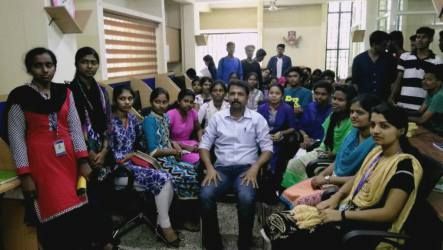
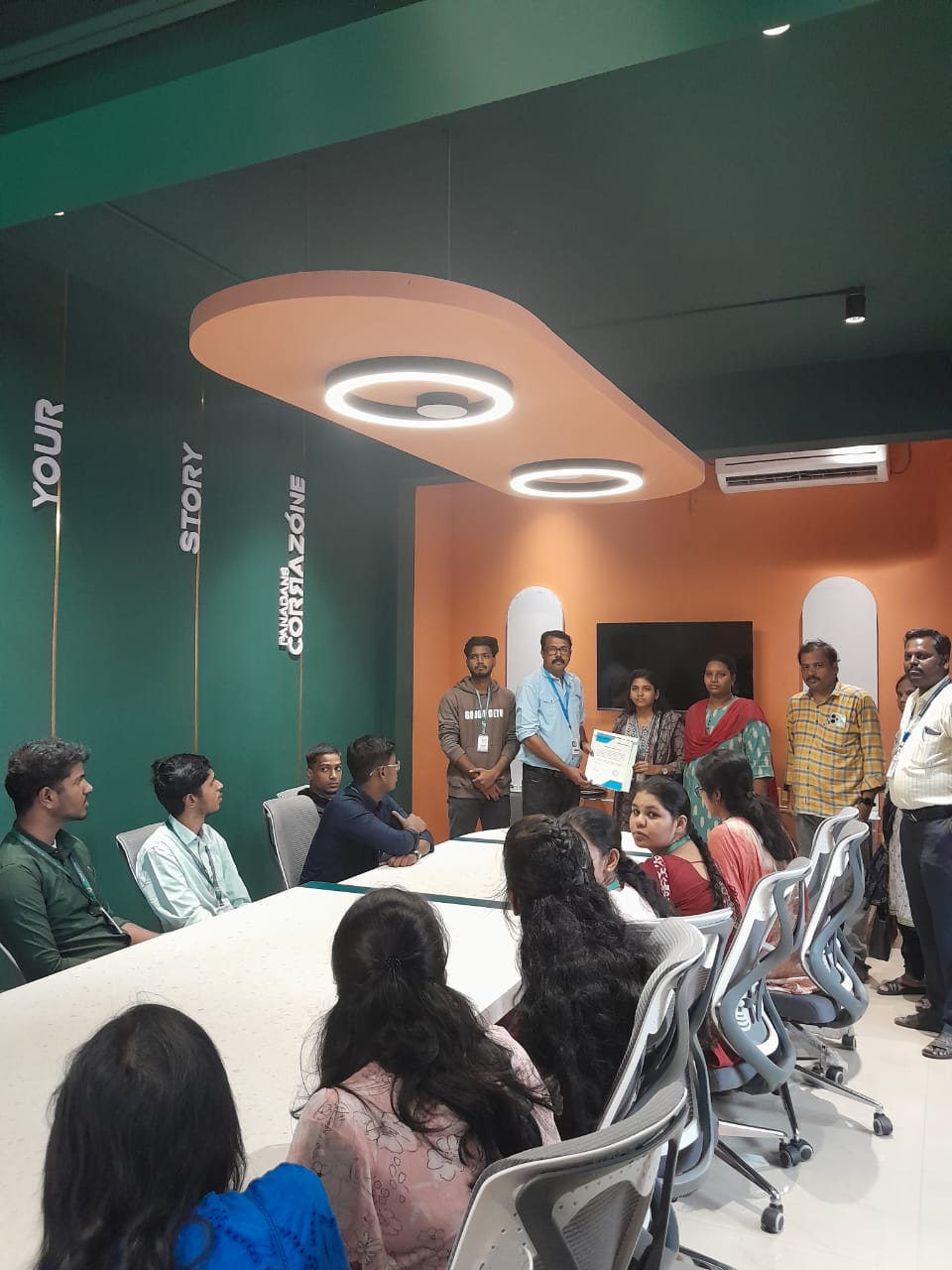
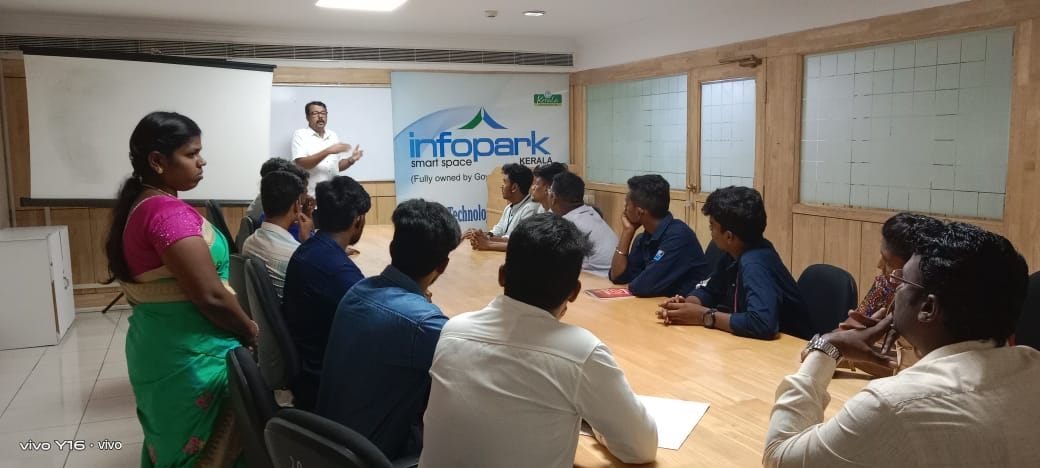
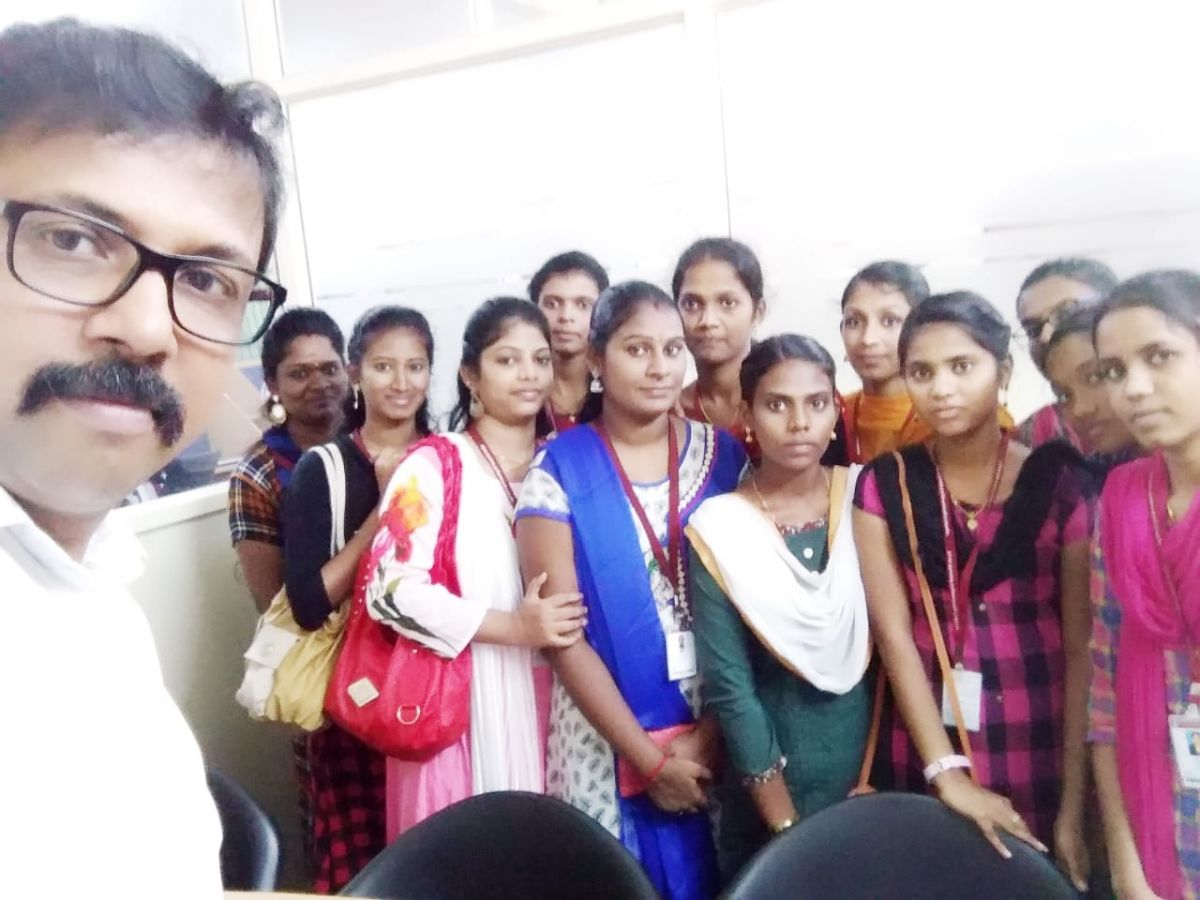
Photos of Training / Internships

Internship/projects in madurai

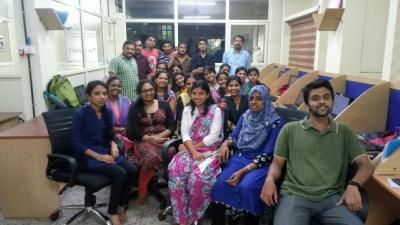
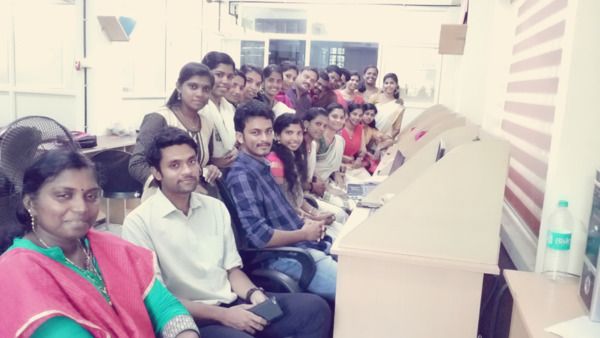
Trained more than 10000+ students who trust Nestsoft TechnoMaster

Get Your Personal Trainer