Send enquiry ⏎

CorelDRAW Online Live Class by Experts

Our Training/Internship Process

CorelDRAW Online Live Classes in Ahmedabad | Free Demo Training

CorelDRAW - Syllabus, Fees & Duration

Module 1: Introduction to CorelDRAW

  • Installing CorelDRAW Graphics Suite 2019
  • Basics of CorelDRAW
    • Vector Graphics and Bitmaps
    • Starting and Opening Drawings
    • Previewing Drawings
    • Viewing Modes
    • Saving and Closing Drawings
  • CorelDRAW Workspace
  • Creative Tools and Content
  • Touchscreen and Wheel Devices

Module 2: Lines, Shapes, and Outlines

  • Lines, Outlines, and Brushstrokes
  • Shapes and Shape Objects
  • Symmetrical Drawing

Module 3: Working with Objects, Symbols, and Layers

  • Introduction to Objects
  • Linking and Embedding Objects
  • Layers and Symbols
  • Managing and Tracking Projects

Module 4: Colour, Fills, and Transparencies

  • Colour
    • Colour Models and Depth
    • Choosing Colours
    • Creating and Editing Colour Palettes
  • Uniform Fills and Fountain Fills
  • Vector and Bitmap Pattern Fills
  • Texture, PostScript, and Mesh Fills
  • Object Transparency
  • Managing Colours

Module 5: Exploring Special Effects

  • Lenses
  • Adding 3D Effects
  • Mosaics

Module 6: Working with Text

  • Adding and Manipulating Text
  • Formatting Text
  • Managing Fonts
  • Writing Tools

Module 7: Templates and Styles

  • Templates
    • Using and Finding Templates
    • Managing Templates
    • Creating and Editing Templates
  • Introducing Styles and Style Sets
    • Creating, Applying, and Editing Styles and Style Sets
    • Managing Default Object Properties
    • Importing and Exporting Style Sheets
  • Colour Styles
    • Creating and Applying Colour Styles
    • Editing and Viewing Colour Styles
    • Exporting and Importing Colour Styles

Module 8: Pages and Layout

  • Pages and Layout Tools
    • Page Layout and Background
    • Adding and Deleting Pages
    • Rulers
    • Document Grid and Pixel Grid
  • Tables
    • Adding Tables
    • Selecting, Moving, and Navigating Table Components
    • Inserting and Deleting Table Rows and Columns
    • Formatting Tables and Cells
    • Converting Tables to Text

Module 9: Introduction to Bitmaps

  • Working with Bitmaps
    • Converting Vector Graphics to Bitmaps
    • Importing and Cropping Bitmaps
    • Bitmap Dimensions and Resolution
    • Straightening Bitmaps
    • Image Adjustment Lab
    • Adjusting Colour and Tone
    • Tone Curve Filter
  • Special Effects Categories
  • Bitmap Colour Modes
  • Introducing Trace
    • RAW Camera Files

Module 10: Web Graphics

  • File Formats
    • Importing and Exporting Files
    • Exporting to PDF
    • Supported File Formats
  • Customising and Automating
    • Setting Basic Preferences
    • Customising CorelDRAW
    • Using Macros and Scripts for Automating Ta
  • Download Syllabus - CorelDRAW
    This syllabus is not final and can be customized as per needs/updates
   
10000+
20+
50+
25+

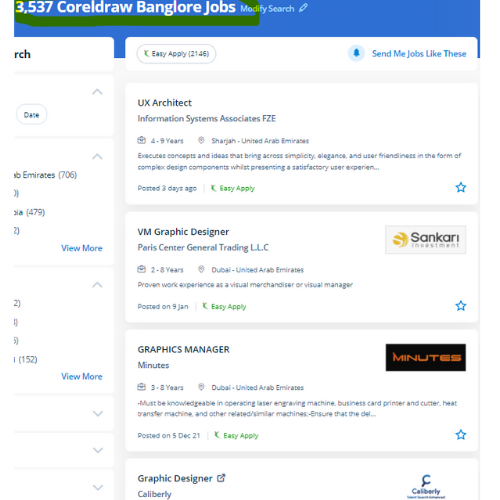
CorelDRAW Jobs in Ahmedabad

Enjoy the demand

Find jobs related to CorelDRAW in search engines (Google, Bing, Yahoo) and recruitment websites (monsterindia, placementindia, naukri, jobshybrid.com, indeed.co.in, shine.com etc.) based in Ahmedabad, chennai and europe countries. You can find many jobs for freshers related to the job positions in Ahmedabad.

  • Corel Draw Designer
  • Graphic Designer
  • CorelDraw trainer
  • UI/UX Designer
  • Digital graphic designer
  • Multimedia designer
  • Graphics manager
  • Layout artist
  • Creative graphic designer
  • Interior designer

CorelDRAW Internship/Course Details

CorelDRAW internship jobs in Ahmedabad
CorelDRAW Similarly, the software supports Hairline, with zero line-width. it is a mixture of advanced illustration, image editing, designing planning, vector graphics, page layout designing, typography, pre-press layout designing, and plenty of extra options in one pack. you'll create professional logos, brochures, business cards, and alternative advertising elements with the help of these tools and would possibly provide them different appearances consistent with the wants of your client. This stunning design software meets the everyday requests of working architects. Our live training classes are handled by specialists in this field and also the syllabus starts from the fundamentals to the most advanced of the subject. CorelDraw is the best graphic designing and vector designing software, that would be a comprehensive collection of all tools and choices that are used for expert graphic designing fraternities. Interested candidates could register for our CorelDraw training course. Nestsoft conducts the coaching courses for CorelDraw with our industry expert trainers. CorelDraw offers some geometrical shapes as a tool that facilitates you in exploring your plan in your own manner with no limitations. Additionally, it has several predesigned templates, Clipart & photographic camera images accessible that help you in exploring your idea of graphics designing throughout working with it.


Meet a Few of our Industry Experts 🚀 Your Pathway to IT Career

Shilpa

Mobile: +91 9895490866
Location: Online (Ahmedabad, India)
Qualification: Diploma in CS

Experience: I have don 6month internship as a software testing   more..

Nirali

Mobile: +91 91884 77559
Location: Online (Ahmedabad, India)
Qualification: B.tech C.E

Experience: Python ERP functional js XML debugging problem solver making custom module in odoo  more..

Vishant

Mobile: +91 91884 77559
Location: Online (Ahmedabad, India)
Qualification: BCA

Experience: Adobe Photoshop Adobe ai Adobe xd Figma Ads banner design UI design  more..

kalkani

Mobile: +91 98474 90866
Location: Online (Ahmedabad, India)
Qualification: B.E. E.C.

Experience: i have 6 + year experience in android and year experience in flutter  more..

Aditya

Mobile: +91 91884 77559
Location: Online (Ahmedabad, India)
Qualification: BCA

Experience: Rich experience in Android development  more..

Kavita

Mobile: +91 91884 77559
Location: Online (Ahmedabad, India)
Qualification: B.E.Computer

Experience: I have total 4 year experience I am work as Android developer for 2 years 1 year work as Redhat  more..

Nauman

Mobile: +91 8301010866
Location: Online (Ahmedabad, India)
Qualification: BCA

Experience: Html css wordpress canva  more..

Kriti

Mobile: +91 91884 77559
Location: Online (Ahmedabad, India)
Qualification: BTech in computer science and engineering

Experience: Html css javascript react native bootstrap sass scss   more..

Sonal

Mobile: +91 94975 90866
Location: Online (Ahmedabad, India)
Qualification: MCA

Experience: net oracle unix  more..

Neeraj

Mobile: +91 98474 90866
Location: Online (Ahmedabad, India)
Qualification: MCA

Experience: 10+Year of exaperience Developed 25+ application for android platform  more..

Abhishek

Mobile: +91 94975 90866
Location: Online (Ahmedabad, India)
Qualification: Btech

Experience: Semi Conductor Laboratory Mohali Dept of space Govt of India FSG advantages over USG inter-metal dielectric (Thin Film) and Unit  more..

Bhumit

Mobile: +91 94975 90866
Location: Online (Ahmedabad, India)
Qualification: MCA

Experience: Odoo v11 to v17 Excel Q web report Backend website Python odoo sql  more..

J.Praveen

Mobile: +91 8301010866
Location: Online (Ahmedabad, India)
Qualification: master degree

Experience: I had studied M Sc (Maths) more over TESBO(Manual testing and Automation testing) I have testing Trainer 6 month urban  more..

vijender

Mobile: +91 91884 77559
Location: Online (Ahmedabad, India)
Qualification: B.A.

Experience: Microsoft office python html  more..

SREEKUTTY

Mobile: +91 89210 61945
Location: Online (Ahmedabad, India)
Qualification: BSC.COMPUTER SCIENCE/DIPLOMA IN MULTIMEDIA WEBDESIGNING

Experience: Iam a good webdesigner and excellent creativity I known HTML CSS boostrap jquery php JavaScript Corel draw etc   more..

Nimish

Mobile: +91 94975 90866
Location: Online (Ahmedabad, India)
Qualification: BE IN COMPUTER ENGINEERING

Experience: I know about HTML CSS JS PYTHON and django framework also know about basic of php   more..

PRIYANKA

Mobile: +91 91884 77559
Location: Online (Ahmedabad, India)
Qualification: BE (COMPUTER)

Experience: Having 4 years 2 months of experience in IT development as a Software Engineer Can provide training for front end  more..

Omer

Mobile: +91 8301010866
Location: Online (Ahmedabad, India)
Qualification: Bachelors

Experience: Ms word excel java c c++ python sales customer support  more..

Tamilarasi

Mobile: +91 8301010866
Location: Online (Ahmedabad, India)
Qualification: Post graduate (M.Sc CS)

Experience: Java python No experience (Fresher)  more..

Suman

Mobile: +91 98474 90866
Location: Online (Ahmedabad, India)
Qualification: MCA

Experience: I have near about 2 yr experience in android field  more..

laxman

Mobile: +91 91884 77559
Location: Online (Ahmedabad, India)
Qualification: b.tech

Experience: I am writing to express my interest in this position With a solid background in HTML XML JavaScript Python jQuery  more..

Keerthan

Mobile: +91 98474 90866
Location: Online (Ahmedabad, India)
Qualification: Bachelors in NIT Bhopal

Experience: Framer Figma UI UX Interaction Design User Research Information Architecture User flows DESIGN THINKING User-centered design   more..

Nitin

Mobile: +91 9895490866
Location: Online (Ahmedabad, India)
Qualification: Mca

Experience: I'm Nitin Sharma I did my master's degree in MCA at Himachal Pradesh University Shimla I also completed my industrial  more..

Amrita

Mobile: +91 98474 90866
Location: Online (Ahmedabad, India)
Qualification: BTech

Experience: 1 year and 4 months of experience in odoo python  more..

Success Stories

The enviable salary packages and track record of our previous students are the proof of our excellence. Please go through our students' reviews about our training methods and faculty and compare it to the recorded video classes that most of the other institutes offer. See for yourself how TechnoMaster is truly unique.

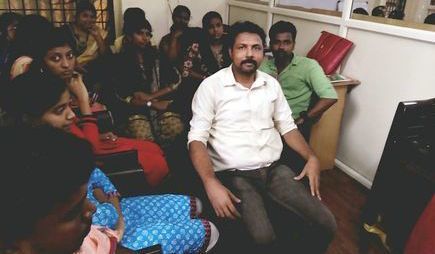
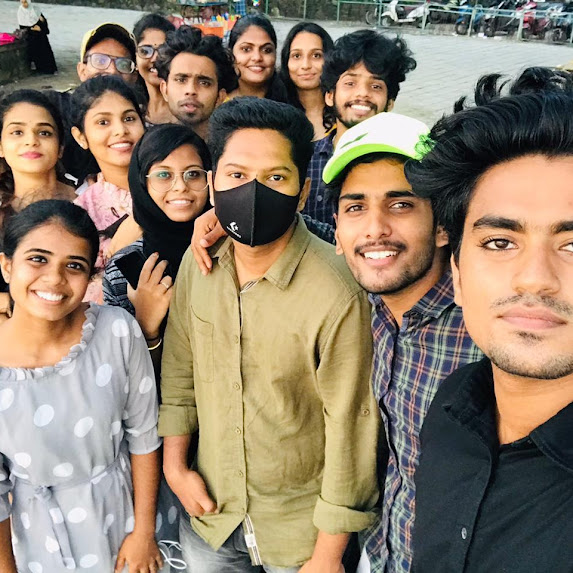
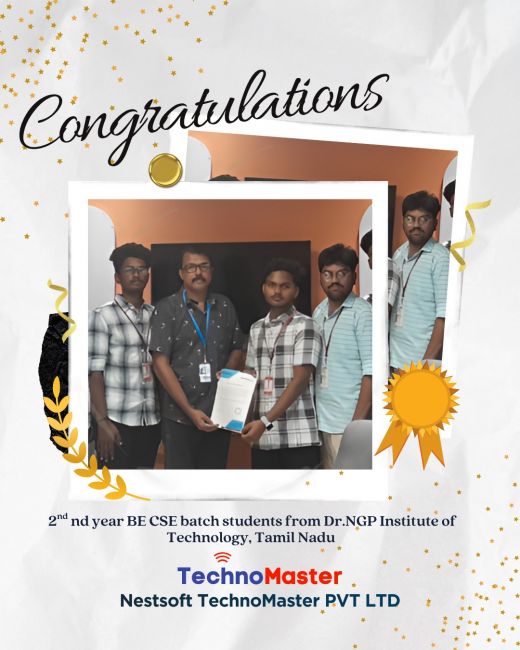
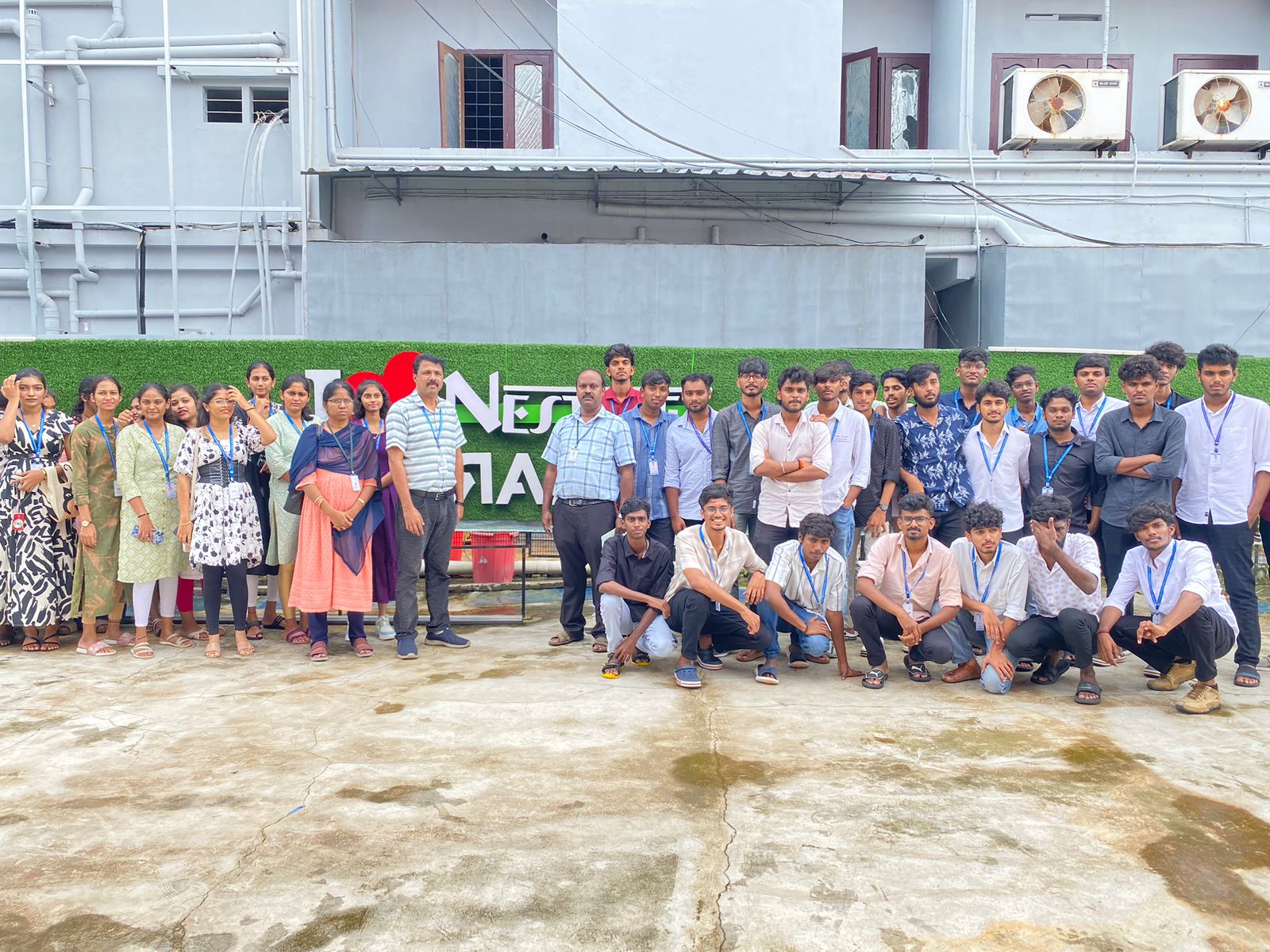
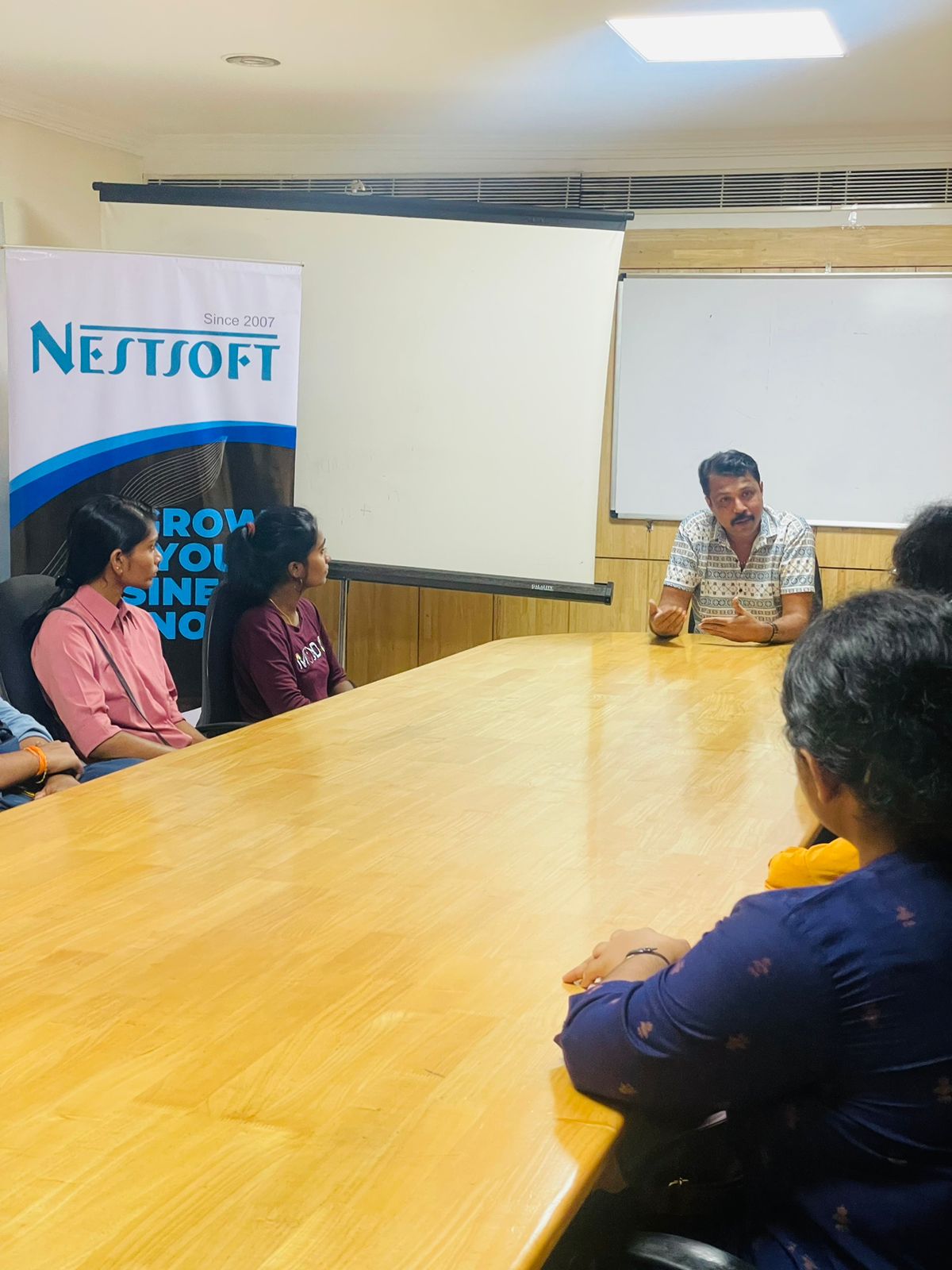
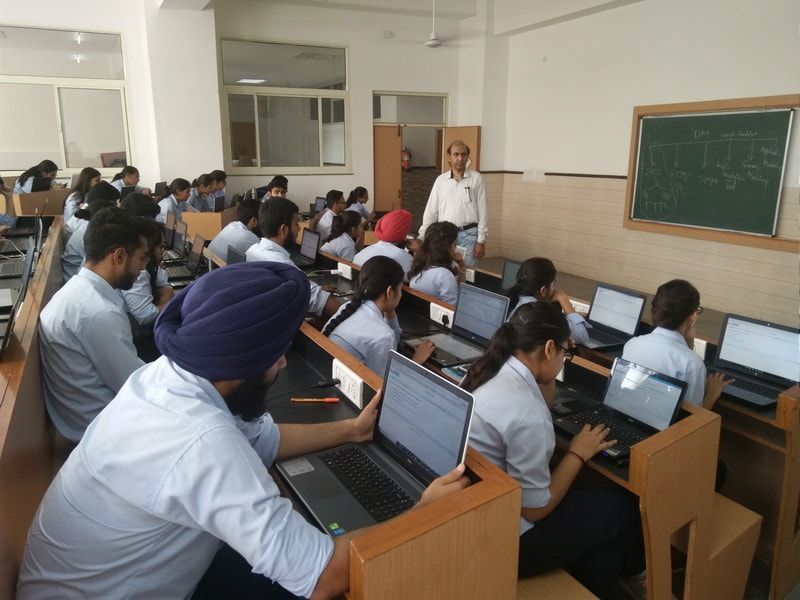
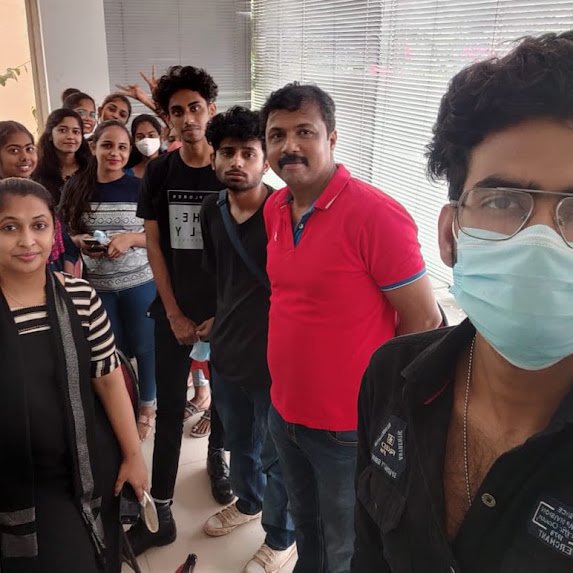
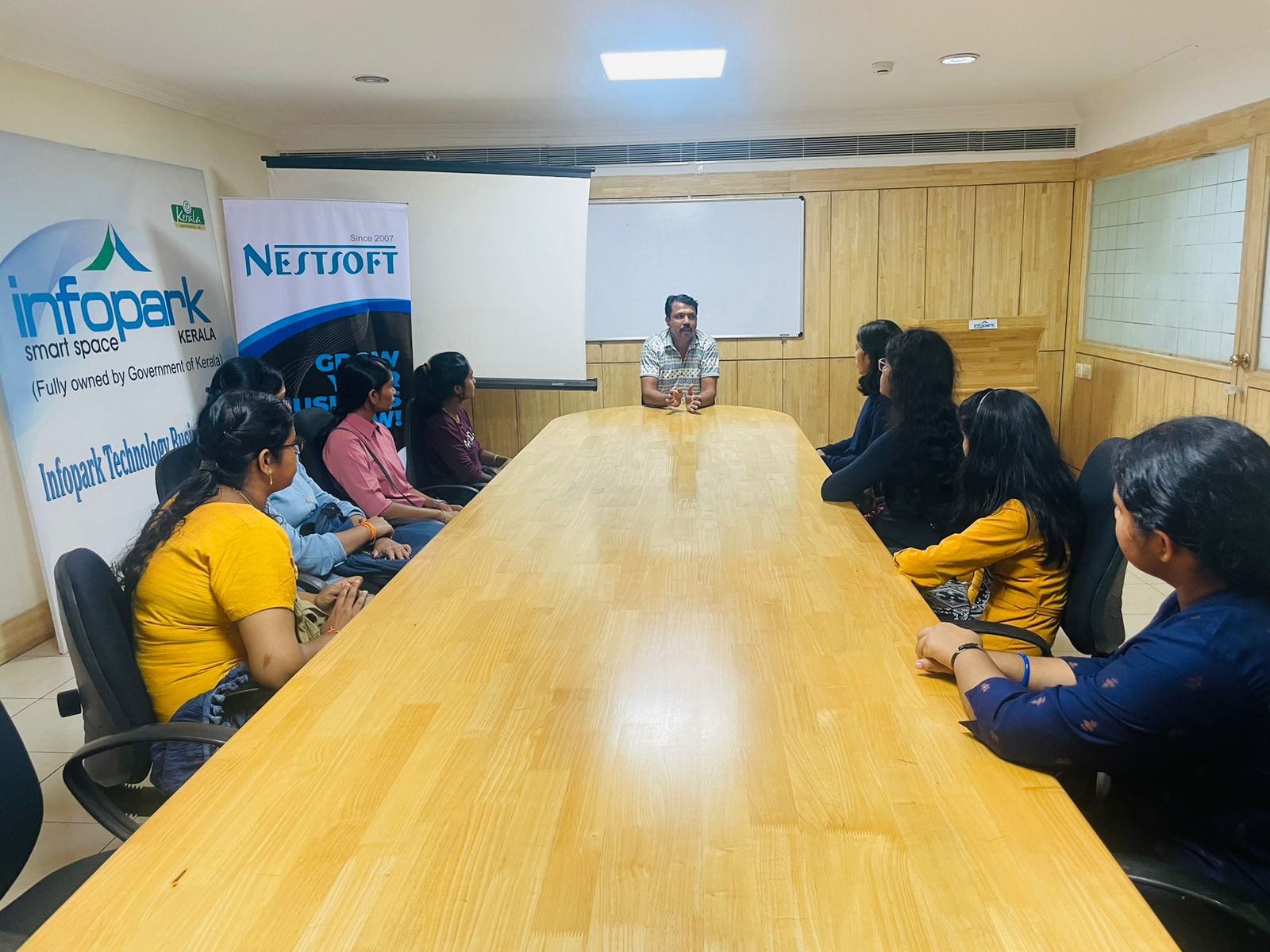
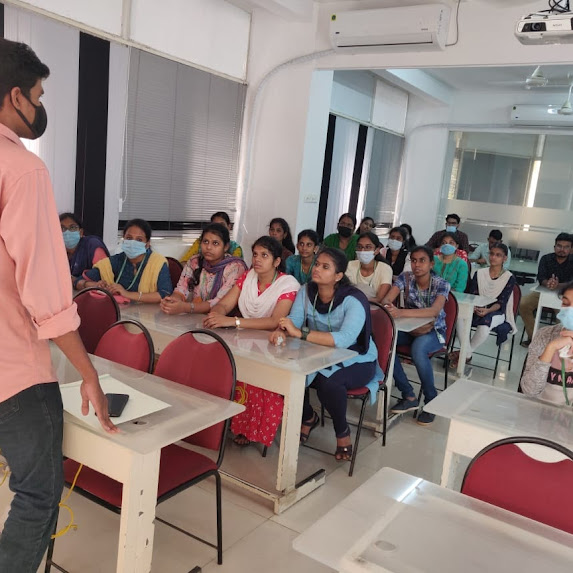
Photos of Training / Internships

Internship/projects in ahmedabad

Trained more than 10000+ students who trust Nestsoft TechnoMaster

Get Your Personal Trainer