Send enquiry ⏎

Autodesk 3Ds Max Online Live Class by Experts

Our Training/Internship Process

Autodesk 3Ds Max Online Live Classes in Bhubaneswar | Free Demo Training

Autodesk 3Ds Max - Syllabus, Fees & Duration

Getting to Know 3ds Max

  • Touring the Interface
  • The Viewports
  • Getting to Know the Command Panel
  • Working with Objects
  • Transforming Objects
  • Copying an Object
  • Understanding the Perspective Viewing Tools
  • Using Multiple Viewports

Introducing 3ds Max Objects

  • Understanding Standard Primitives
  • Adjusting Objects' Parameters
  • Accessing Parameters
  • Modeling Standard Primitives with Modifiers
  • Using the Modifier Stack Tools
  • Making Clones That Share Properties
  • Using Various Modifiers
  • Understanding Extended Primitives
  • Working with Groups

Creating Shapes with Splines

  • Drawing using Splines
  • Lathing a Spline
  • Modifying a Shape Using Sub-object Levels
  • Flipping Surface Normals
  • Creating Thickness with a Spline
  • Combining and Extruding Splines
  • Introducing Other Spline Types
  • Editing Splines

Editing Meshes and Creating Complex Objects

  • Polygon Modeling Techniques
  • Using Graphite Modeling Tools
  • Creating buildings using modifiers

Working with External Design Data

  • Importing AutoCAD Plans into 3ds Max
  • Extruding the Walls

Creating AEC Objects

  • Creating a Parametric Wall
  • Adjusting the Wall’s Parameters
  • Adding Doors and Windows to Walls
  • Creating a Parametric Window
  • Creating Stairs
  • Creating Foliage

Organizing and Editing Objects

  • Naming Objects
  • Organizing Objects by Layers
  • Setting Up Layers
  • Assigning Objects to Layers
  • Assigning Color to Layers
  • Lofting an Object
  • Lofting a Shape Along a Path
  • Using Different Shapes Along the Loft Path
  • Extruding with the Sweep Modifier
  • Aligning Objects

Light and Shadow

  • Understanding the Types of Lights
  • Adding a Spotlight to Simulate the Sun
  • Rendering a View
  • Adding Shadow Effects
  • Softening Shadow Edges

Shading and Texturing

  • Understanding Bitmap Texture Maps
  • Diffuse Color Maps
  • Understanding Surface Properties
  • Adding Materials to Objects
  • Understanding Material Libraries
  • Editing Materials
  • Using Bump Maps
  • Understanding Mapping Coordinates
  • Adjusting the UVW Mapping Gizmo
  • Assigning Materials to Parts of an Object
  • Creating a Multi/Sub-Object Material

Using the 3ds Max Camera

  • Understanding the 3ds Max Camera
  • Adding a Camera
  • Editing the Camera Location with the Viewport Tools
  • Setting Up an Interior View
  • Creating an Environment
  • Working with Walkthrough-Assistant

Creating Animations

  • Using Animation controls
  • Using Keyframe animation
  • Bouncing a Ball
  • Adding Camera Motion
  • Adjusting the Camera Path
  • Creating Preview Animation
  • Compressing and Expanding Time
  • Rendering the Animation

Mental Ray Concepts

  • Understanding Mental Ray
  • Understanding Global Illumination
  • Understanding Final Gather
  • Assigning the Mental Ray Renderer
  • Using the Rendered Frame Window Controls

Gamma Correction

  • Understanding Gamma and Linear Workflow
  • Applying gamma correction

Materials

  • Understanding Autodesk materials
  • Understanding Arch & Design materials
  • Creating various materials

Rendering

  • Improving Rendering Quality
  • Rendering an Exterior Scene
  • Rendering an Interior Scene

VRay

  • What is VRay and how to setup VRay
  • Global Illumination in VRay
  • VRay Image Saving Options
  • VRay Lights
  • VRay Camera

Rendering Scenes

  • Rendering an interior scene using V-Ray
  • Rendering an exterior scene using V-Ray

Download Syllabus - Autodesk 3Ds Max
This syllabus is not final and can be customized as per needs/updates
   
10000+
20+
50+
25+

Autodesk 3Ds Max Jobs in Bhubaneswar

Enjoy the demand

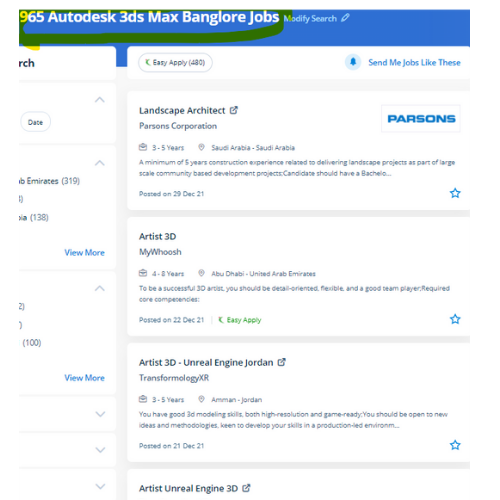
Find jobs related to Autodesk 3Ds Max in search engines (Google, Bing, Yahoo) and recruitment websites (monsterindia, placementindia, naukri, jobshybrid.com, indeed.co.in, shine.com etc.) based in Bhubaneswar, chennai and europe countries. You can find many jobs for freshers related to the job positions in Bhubaneswar.

  • 3Ds Max Designer
  • Graphic Designer
  • Visualizer 3d
  • 3Ds Max Trainer
  • Architectural 3d Visualizer
  • 3d Modeling
  • AutoCAD Draftsman
  • Designing Trainer
  • Motion Graphic Designer
  • Generalist 3D

Autodesk 3Ds Max Internship/Course Details

Autodesk 3Ds Max internship jobs in Bhubaneswar
Autodesk 3Ds Max . Scene explorer might be a tool that provides a hierarchical view of scene knowledge and analysis. Moreover, the program is ideal for the simulation of mechanical components, as well. As well as, 3Ds max also has animation controllers that users will produce, edit, and share. This program could be a part of a group of entertainment and multimedia system software products provided by Autodesk. join our online Autodesk 3ds max coaching Course today to complete Autodesk 3ds max from basic to intermediate & advanced levels. Nestsoft offers 3DTraining programs that are self-paced and conducted online using our patent-pending interactive simulator platform together with live-online classes and sessions are handled by industry experts. This software system is intended to develop your modeling techniques, advanced animation, mapping, and advanced lighting. Sophisticated models have created a very easy manner. The software is additionally very useful for architectural design, infrastructure and construction, product development, and producing planning.


Meet a Few of our Industry Experts 🚀 Your Pathway to IT Career

Gamini

Mobile: +91 91884 77559
Location: Online (Bhubaneswar, India)
Qualification: MCA

Experience: HTML5 CSS3 JavaScript SCSS Bootstrap Jquery Ant design REST API JSON SOAP API ReactNative Hasura Graphql Socket IO websockets AWS  more..

Prabhu

Mobile: +91 9895490866
Location: Online (Bhubaneswar, India)
Qualification: MBA, PGDMM, DSCM

Experience: Supply chain management Logistics networking Warehouse Operations Inventory Management Supply Chain Analytics  more..

Jinesh

Mobile: +91 89210 61945
Location: Online (Bhubaneswar, India)
Qualification: BCA

Experience: Advanced software testing manual and automation  more..

romesh

Mobile: +91 9895490866
Location: Online (Bhubaneswar, India)
Qualification: MCA

Experience: I am working as a mean stack developer in E-Tech Services pvt ltd since 11 January 2022 Application for Meanstack  more..

Aayush

Mobile: +91 91884 77559
Location: Online (Bhubaneswar, India)
Qualification: BCA

Experience: I have 3 month experience of manual testing in grafo software dehradun   more..

Ananya

Mobile: +91 9895490866
Location: Online (Bhubaneswar, India)
Qualification: Postgraduate in Chemist

Experience: Iam a dedicated chemistry educator with a passion for nurturing young minds With two years of experience I've had the  more..

VIVEK

Mobile: +91 9895490866
Location: Online (Bhubaneswar, India)
Qualification: B.tech

Experience: UI API tester Functional testing Smoke sanity retesting and regression testing API testing with postman BDD framework Assist in hybrid  more..

Sakshi

Mobile: +91 98474 90866
Location: Online (Bhubaneswar, India)
Qualification: Graduation

Experience: Logo designing wordpress  more..

Aditya

Mobile: +91 9895490866
Location: Online (Bhubaneswar, India)
Qualification: Bachelor of Engineering (Computer Science)

Experience: Programming Languages: c java python Html Css Javascript Libraries Frameworks: Django Django-Rest SpringBoot Angular Firebase Bootstrap Agile Tools Platforms: AWS  more..

Amol

Mobile: +91 98474 90866
Location: Online (Bhubaneswar, India)
Qualification: Bsc computer science

Experience: I have 3 years of experience in software testing   more..

Murali

Mobile: +91 94975 90866
Location: Online (Bhubaneswar, India)
Qualification: Bsc computer science

Experience: Fresher Web design i know   more..

Baskar

Mobile: +91 98474 90866
Location: Online (Bhubaneswar, India)
Qualification: Mca

Experience: My total experience 8 years I have developed most web application and website Mostly i have used Codeigniter and laravel  more..

Gopika

Mobile: +91 91884 77559
Location: Online (Bhubaneswar, India)
Qualification: Btech

Experience: Python developer software developer  more..

Archana

Mobile: +91 89210 61945
Location: Online (Bhubaneswar, India)
Qualification: MCA

Experience: I have knowlegde in Php wordpress sql codeigniter frameworks   more..

Kajal

Mobile: +91 89210 61945
Location: Online (Bhubaneswar, India)
Qualification: mca

Experience: Html css js react js basic cloud zure  more..

Amala

Mobile: +91 94975 90866
Location: Online (Bhubaneswar, India)
Qualification: Btech Civil

Experience: Manual testing SQL Java Selenium Web application testing JMeter Postman Performance testing JIRA Git API testing  more..

SHUBHAM

Mobile: +91 91884 77559
Location: Online (Bhubaneswar, India)
Qualification: Under Graduate

Experience: I'm Shubham Mehrotra a Senior Digital Marketing Executive & Graphic Designer at Space Technology and Education Pvt Ltd I have  more..

Shrikant

Mobile: +91 89210 61945
Location: Online (Bhubaneswar, India)
Qualification: B.Tech

Experience: Hello HR Manager I hope this message finds you well My name is Shrikant Suryawanshi I have a solid background  more..

Anuj

Mobile: +91 91884 77559
Location: Online (Bhubaneswar, India)
Qualification: MBA

Experience: I have 2 year experience as IT Analyst in HCL technologies I am pursuing my Full stack developer course from  more..

Sneha

Mobile: +91 94975 90866
Location: Online (Bhubaneswar, India)
Qualification: Bachelor of technology

Experience: C c# net asp net and angular and html CSS and JavaScript  more..

Mayur

Mobile: +91 91884 77559
Location: Online (Bhubaneswar, India)
Qualification: Graduate

Experience: I am web developer   more..

Arpit

Mobile: +91 89210 61945
Location: Online (Bhubaneswar, India)
Qualification: Btech

Experience: Oyelabs- nodejs developer Campk12 -coding instructor Codefeast - curriculum development Regex software- Mern stack trainerApplication for Node JS  more..

Abhishek

Mobile: +91 94975 90866
Location: Online (Bhubaneswar, India)
Qualification: BCA

Experience: C++ programming Html Css SQL Udemy Certified AWS Cloud practitioner   more..

Abhishekh

Mobile: +91 91884 77559
Location: Online (Bhubaneswar, India)
Qualification: Post Graduate

Experience: With a passion for Hindi language and culture I bring extensive experience and expertise as a Hindi teacher Over the  more..

Success Stories

The enviable salary packages and track record of our previous students are the proof of our excellence. Please go through our students' reviews about our training methods and faculty and compare it to the recorded video classes that most of the other institutes offer. See for yourself how TechnoMaster is truly unique.

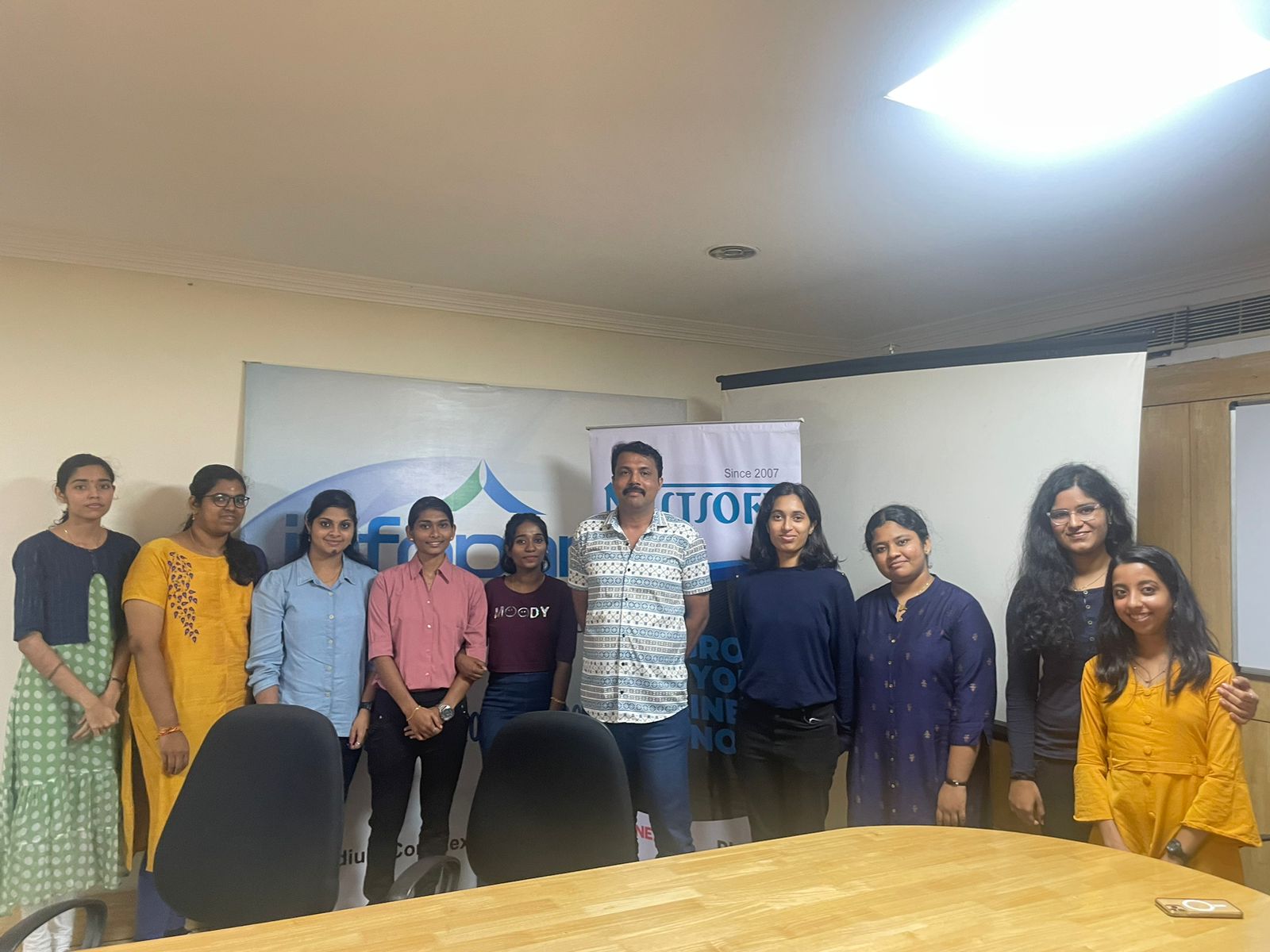
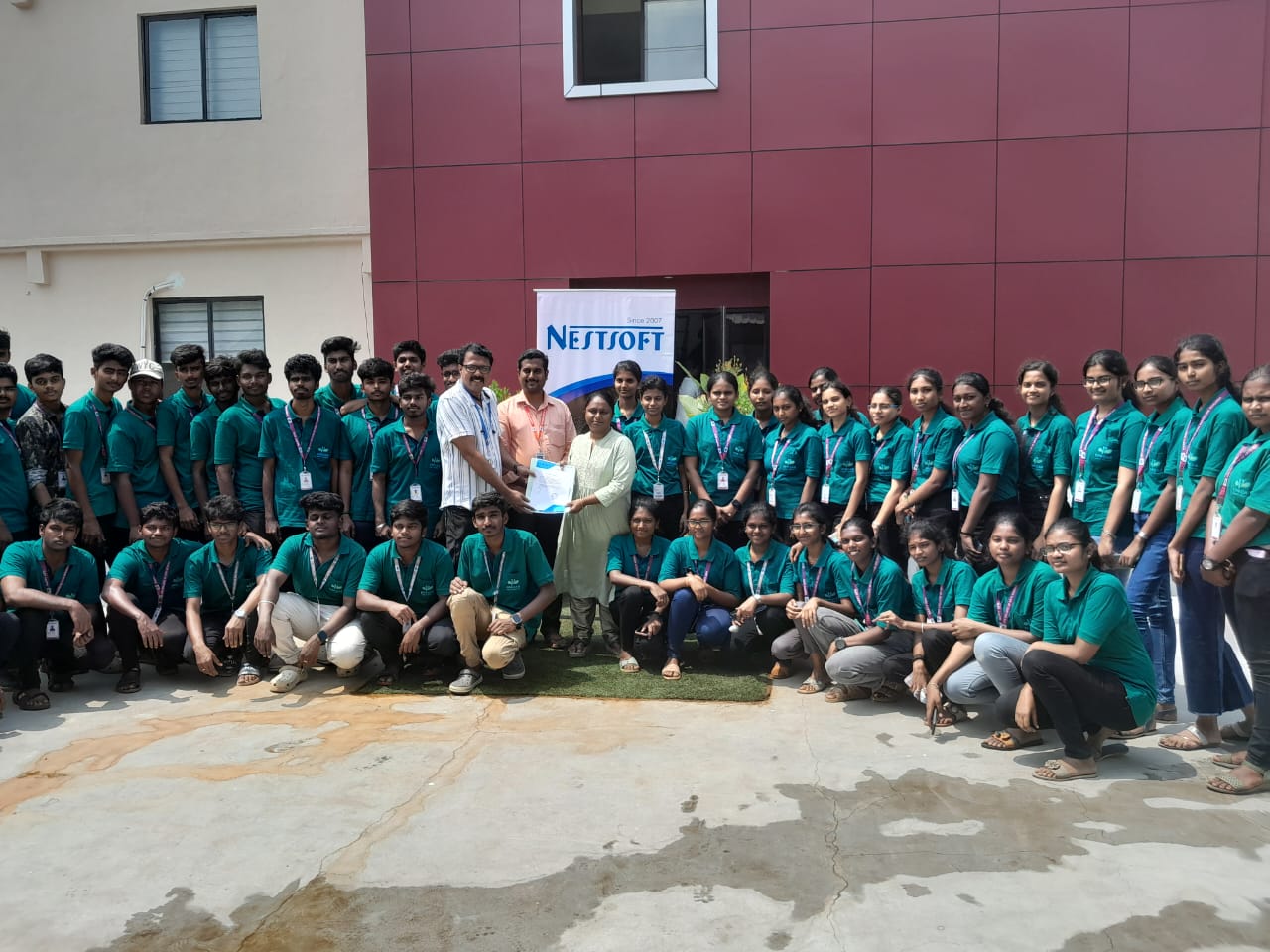
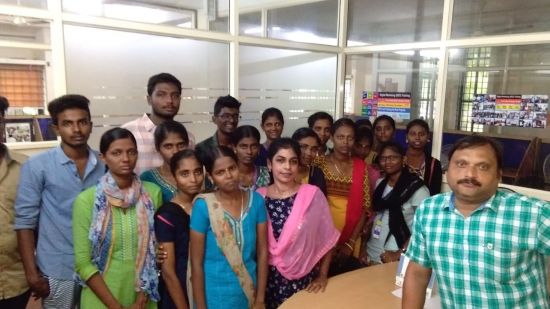
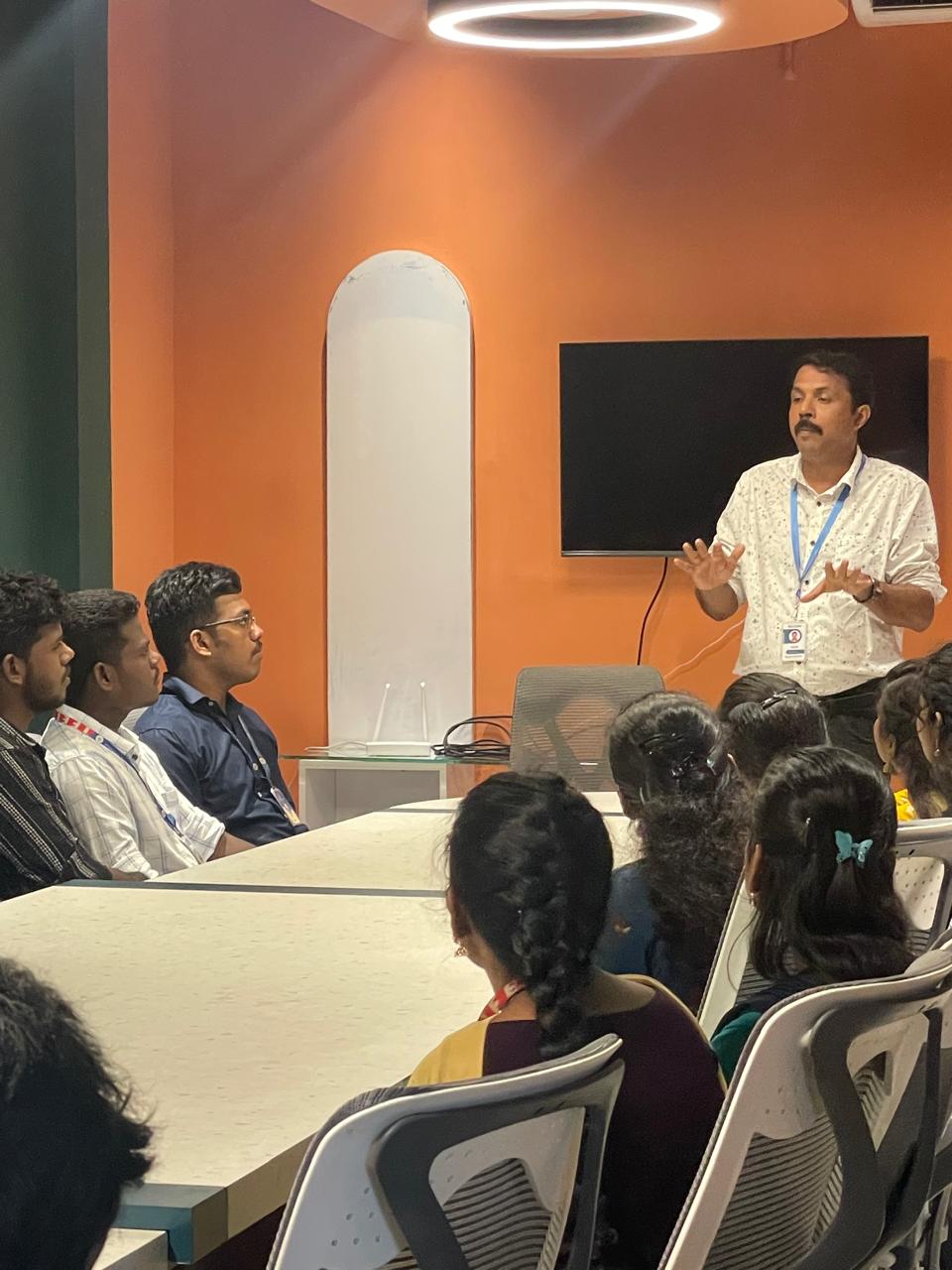
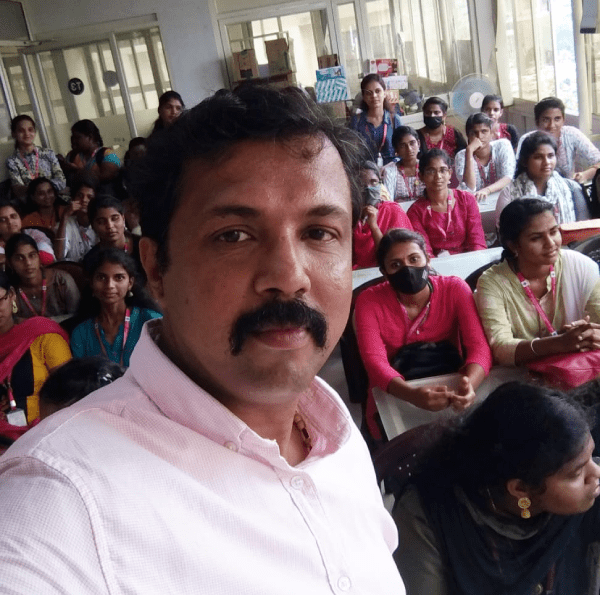
Photos of Training / Internships

Internship/projects in bhubaneswar

Trained more than 10000+ students who trust Nestsoft TechnoMaster

Get Your Personal Trainer