Send enquiry ⏎

AR/VR Development (Unity) Online Live Class by Experts

Our Training/Internship Process

AR/VR Development (Unity) Online Live Classes in Malappuram | Free Demo Training

AR/VR Development (Unity) - Syllabus, Fees & Duration

Introduction

The AR/VR Development (Unity) course is a 5-month practical training program designed to teach learners how to create immersive Augmented Reality (AR), Virtual Reality (VR), and Extended Reality (XR) applications using Unity and modern 3D development technologies. Students will learn Unity development, C# programming, 3D environments, AR/VR interactions, and real-world immersive application development.

Course Syllabus

Month 1: Unity & 3D Development Fundamentals

Introduction to AR VR Technology

  • Introduction to Augmented Reality (AR)
  • Introduction to Virtual Reality (VR)
  • Mixed Reality (MR) and Extended Reality (XR)
  • AR vs VR vs MR
  • Applications of AR/VR Technologies
  • Future Scope of Immersive Technologies

Unity Game Engine Fundamentals

  • Introduction to Unity Engine
  • Unity Hub Installation and Setup
  • Unity Interface and Workspace
  • Game Objects and Components
  • Scenes and Assets
  • Unity Project Structure
  • Build and Deployment Basics

C# Programming for Unity

  • Introduction to C# Programming
  • Variables and Data Types
  • Operators and Control Statements
  • Classes and Objects
  • Methods and Functions
  • Object-Oriented Programming Concepts
  • Writing Scripts in Unity

3D Graphics Fundamentals

  • Introduction to 3D Modeling
  • 3D Coordinates and Transformations
  • Materials and Textures
  • Lighting and Rendering
  • Camera Systems
  • Animation Basics

Month 2: Unity Development & Interactive Applications

Unity Game Development

  • Unity Physics System
  • Collision Detection
  • Input Handling
  • User Interaction
  • Prefabs and Components
  • Animation Controllers
  • UI Design in Unity

Advanced C# Programming

  • Inheritance
  • Polymorphism
  • Encapsulation
  • Interfaces
  • Events and Delegates
  • Data Structures
  • Error Handling

3D Environment Creation

  • Creating 3D Scenes
  • Terrain Design
  • Asset Management
  • Environment Optimization
  • Particle Systems
  • Sound Integration

Month 3: Augmented Reality Development

AR Development Fundamentals

  • AR Concepts and Workflow
  • AR Applications Overview
  • AR Foundation Introduction
  • Device Tracking
  • Plane Detection
  • Object Placement

AR Application Development

  • Marker-Based AR
  • Markerless AR
  • Image Recognition
  • AR Object Interaction
  • AR User Interface Development
  • Mobile AR Deployment

AR Tools and Platforms

  • Unity AR Foundation
  • Google ARCore Overview
  • Apple ARKit Overview
  • XR Interaction Toolkit
  • Mobile AR Testing

Month 4: Virtual Reality Development

VR Development Fundamentals

  • Introduction to Virtual Reality
  • VR Hardware Overview
  • VR Interaction Design
  • VR User Experience Principles
  • VR Scene Development

VR Application Development

  • VR Camera Setup
  • VR Controllers
  • Hand Tracking
  • Object Interaction
  • VR Physics
  • Immersive Environment Creation

XR Development

  • Extended Reality Concepts
  • XR Interaction Toolkit
  • VR Performance Optimization
  • Cross Platform XR Development
  • VR Application Deployment

Month 5: Advanced AR VR & Projects

Advanced AR VR Concepts

  • Real-Time 3D Applications
  • Multiplayer XR Experiences
  • AI Integration with AR/VR
  • Spatial Computing Basics
  • AR/VR Optimization Techniques

Industry Applications

  • AR/VR in Gaming
  • AR/VR in Education
  • AR/VR in Healthcare
  • AR/VR in Architecture
  • AR/VR in Training Simulations

Final Projects

  • AR Mobile Application Project
  • VR Interactive Environment Project
  • Unity 3D Game Project
  • Virtual Simulation Project
  • Complete AR/VR Application Deployment

Tools and Technologies

  • Unity Engine
  • C# Programming
  • Blender
  • AR Foundation
  • ARCore
  • ARKit
  • XR Interaction Toolkit
  • Meta Quest SDK
  • Visual Studio
  • 3D Modeling Tools

Download Syllabus - AR/VR Development (Unity)
This syllabus is not final and can be customized as per needs/updates
   
10000+
20+
50+
25+

AR/VR Development (Unity) Jobs in Malappuram

Enjoy the demand

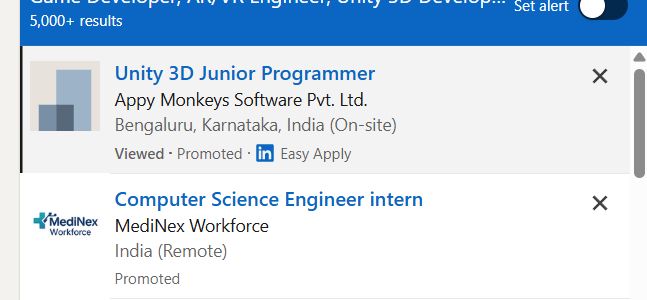
Find jobs related to AR/VR Development (Unity) in search engines (Google, Bing, Yahoo) and recruitment websites (monsterindia, placementindia, naukri, jobshybrid.com, indeed.co.in, shine.com etc.) based in Malappuram, chennai and europe countries. You can find many jobs for freshers related to the job positions in Malappuram.

  • AR Developer
  • VR Developer
  • Unity Developer
  • XR Developer
  • 3D Application Developer
  • Game Developer
  • AR/VR Engineer
  • Unity 3D Developer
  • Immersive Technology Developer
  • Simulation Developer

AR/VR Development (Unity) Internship/Course Details

AR/VR Development (Unity) internship jobs in Malappuram
AR/VR Development (Unity) . Students will learn Unity game engine, 3D modeling, AR/VR interactions, XR development, and real-world application creation. Join our **AR/VR Unity Training in Malappuram** to gain industry-ready skills and start a career in emerging XR technologies. This course provides hands-on experience in developing interactive AR applications, VR environments, 3D simulations, and immersive experiences for gaming, education, healthcare, architecture, and industrial applications. **Course Description (Use Malappuram)** Our **AR/VR Development (Unity) Course in Malappuram** is a 5-month practical training program designed to teach learners how to build immersive Augmented Reality, Virtual Reality, and Extended Reality applications using Unity, C#, and modern 3D development technologies.


Meet a Few of our Industry Experts 🚀 Your Pathway to IT Career

Geetha

Mobile: +91 91884 77559
Location: Online (Malappuram, India)
Qualification: Masters in economics

Experience: Work experience - 4 On page seo Off page seo Technical seo Cms Google adwords   more..

Sandeep

Mobile: +91 89210 61945
Location: Online (Malappuram, India)
Qualification: Bachelor’s degree

Experience: Done Full stack python course which includes HTML CSS JAVASCRIPT SQL  more..

Arpita

Mobile: +91 98474 90866
Location: Online (Malappuram, India)
Qualification: Engineering (computer science)

Experience: C c++ java python HTML CSS PHP MySQL ms-office ms-word DBMS Oracle   more..

Francisraj

Mobile: +91 91884 77559
Location: Online (Malappuram, India)
Qualification: BCA

Experience: Currently working in Infosys as System Engineer with 1 1 years experience Freelance android application developer   more..

JEBIN

Mobile: +91 8301010866
Location: Online (Malappuram, India)
Qualification: Diploma and web and graphic designer

Experience: Web (front end developer) 1year experience Graphic designer 4year experience  more..

Asma

Mobile: +91 8301010866
Location: Online (Malappuram, India)
Qualification: Btech CSE

Experience: software development fullstack development reactjs nodejs tailwindcss wix  more..

jaimin

Mobile: +91 91884 77559
Location: Online (Malappuram, India)
Qualification: BCA

Experience: Completed Internship as a php devloper   more..

Ramathota

Mobile: +91 89210 61945
Location: Online (Malappuram, India)
Qualification: Btech

Experience: Experience I have over 1 5 years of focused experience in UI UX design starting with internships that transitioned into  more..

Christo

Mobile: +91 91884 77559
Location: Online (Malappuram, India)
Qualification: BA English Language and Literature

Experience: During my 6-month internship at Mentrow Technologies Pvt Ltd I gained invaluable experience in the field of data science Working  more..

MOHAMMED

Mobile: +91 94975 90866
Location: Online (Malappuram, India)
Qualification: BTECH

Experience: over all the years I have spent time in upskilling myself & experiencing more & I have good knowledge of  more..

Ratnaparkhe

Mobile: +91 91884 77559
Location: Online (Malappuram, India)
Qualification: Bsc computers

Experience: Skills: 1 Manual & Automation Testing 2 selenium Java Experience: Developed automation for POC for SAP Fiori web application involves  more..

Sudarvizhi

Mobile: +91 89210 61945
Location: Online (Malappuram, India)
Qualification: B.Tech IT

Experience: Dear team I am Sudarvizhi V and I completed my graduate degree in 2022 As of now I completed the  more..

shreedevi

Mobile: +91 91884 77559
Location: Online (Malappuram, India)
Qualification: B.E

Experience: I m having 5 years of experience in developing websites using wordpress   more..

Dhiraj

Mobile: +91 91884 77559
Location: Online (Malappuram, India)
Qualification: MSc Computer science

Experience: I have a good knowledge in web development and coding language I worked on some college projects in my academic  more..

Sanjay

Mobile: +91 8301010866
Location: Online (Malappuram, India)
Qualification: Btech

Experience: Almost 6 years experience in nodejs angular reactjs nextjs aws python etcApplication for Node JS  more..

Sanghavi

Mobile: +91 91884 77559
Location: Online (Malappuram, India)
Qualification: B.E

Experience: Aws kubernetes jenkins docker ansible oracle sql core java  more..

Achal

Mobile: +91 8301010866
Location: Online (Malappuram, India)
Qualification: B. Tech Cse

Experience: Dear sir I'm a B Tech CSE student at Shri Ramswaroop Memorial University with a passion for building innovative Android  more..

Sudarvizhi

Mobile: +91 91884 77559
Location: Online (Malappuram, India)
Qualification: B. E

Experience: Ios developer and 6 years of experience  more..

Rahul

Mobile: +91 91884 77559
Location: Online (Malappuram, India)
Qualification: BE IT

Experience: Ccna switching routing routing protocol trouble shoot any of networking |   more..

Sukhwinder

Mobile: +91 94975 90866
Location: Online (Malappuram, India)
Qualification: MSC IT

Experience: Seo on page off page google analytics Google excell power points Google ads ppc graphic designing and well as video  more..

Lavleen

Mobile: +91 8301010866
Location: Online (Malappuram, India)
Qualification: M.Tech

Experience: - Proficient in utilizing software development tools and technologies such as HTML CSS PHP Laravel Javascript JQuery Git GitHub GitLab  more..

Suman

Mobile: +91 9895490866
Location: Online (Malappuram, India)
Qualification: MCA

Experience: I have near about 2 yr experience in android field  more..

Saurabh

Mobile: +91 9895490866
Location: Online (Malappuram, India)
Qualification: B.tech cse

Experience: With experience in Software Development I have worked as a Node js and Solidity developer at Nineteen Realtech My expertise  more..

dharmendra

Mobile: +91 94975 90866
Location: Online (Malappuram, India)
Qualification: BFA

Experience: Print Media Adobe illustrator Photoshop animatic Premiere Pro Adobe after effects Blender3D Spine 2D UI design Figma   more..

Success Stories

The enviable salary packages and track record of our previous students are the proof of our excellence. Please go through our students' reviews about our training methods and faculty and compare it to the recorded video classes that most of the other institutes offer. See for yourself how TechnoMaster is truly unique.

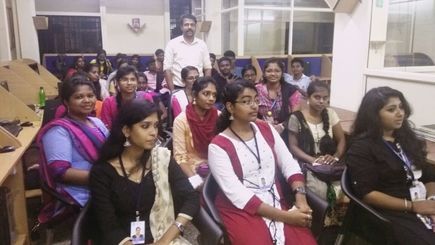
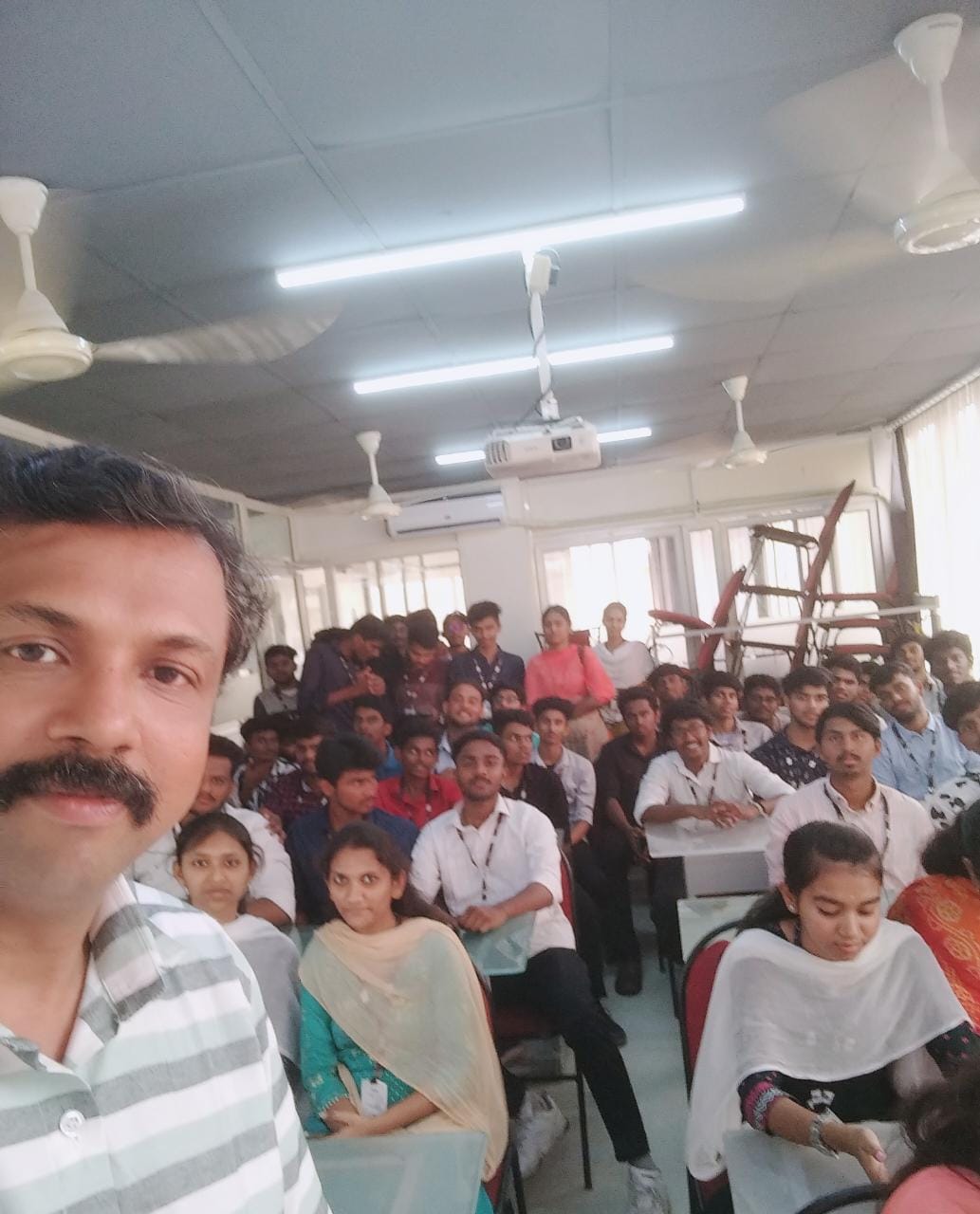
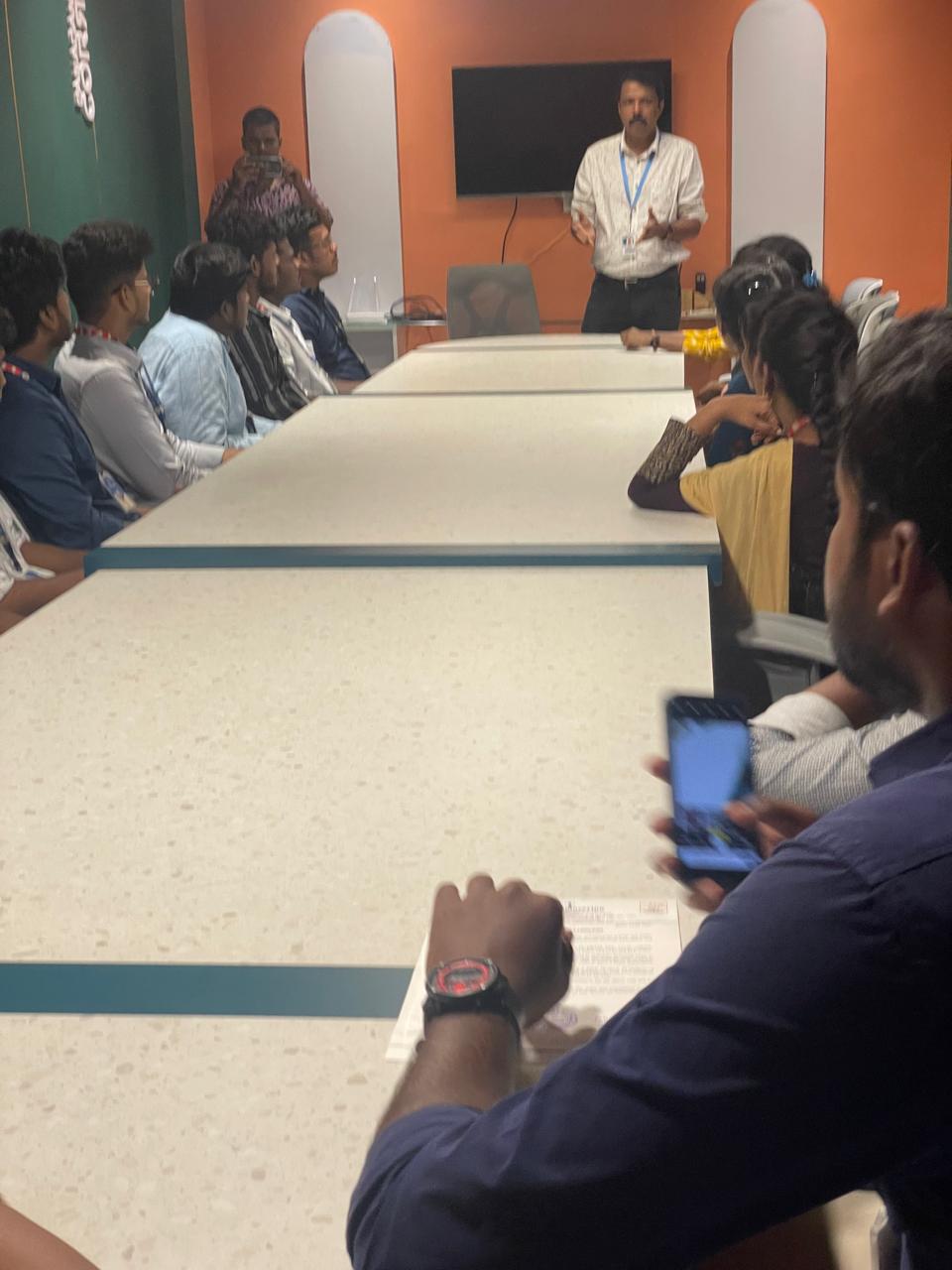
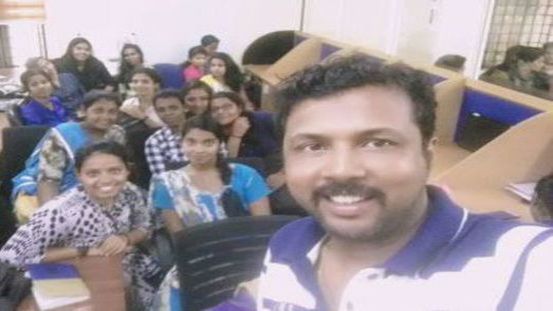
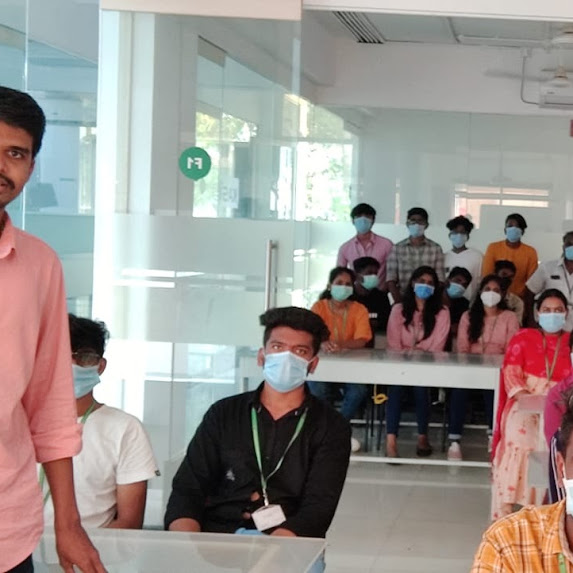
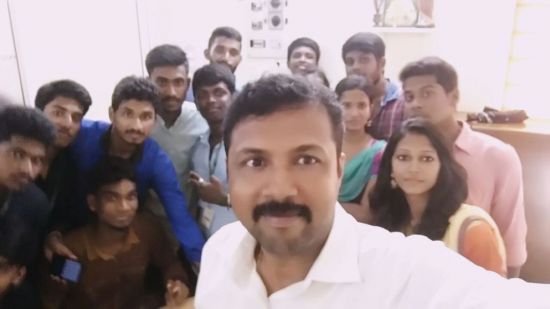
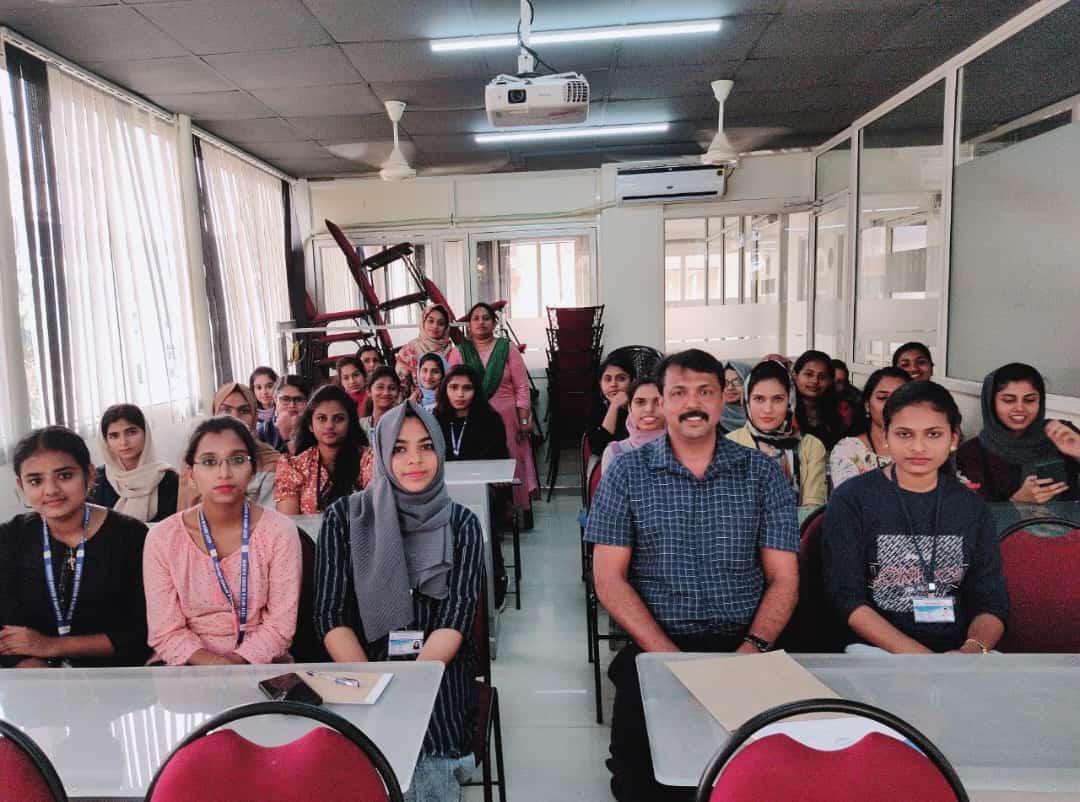
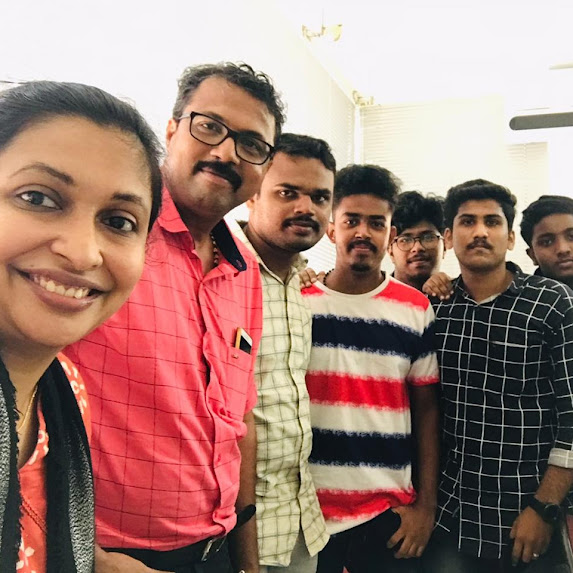
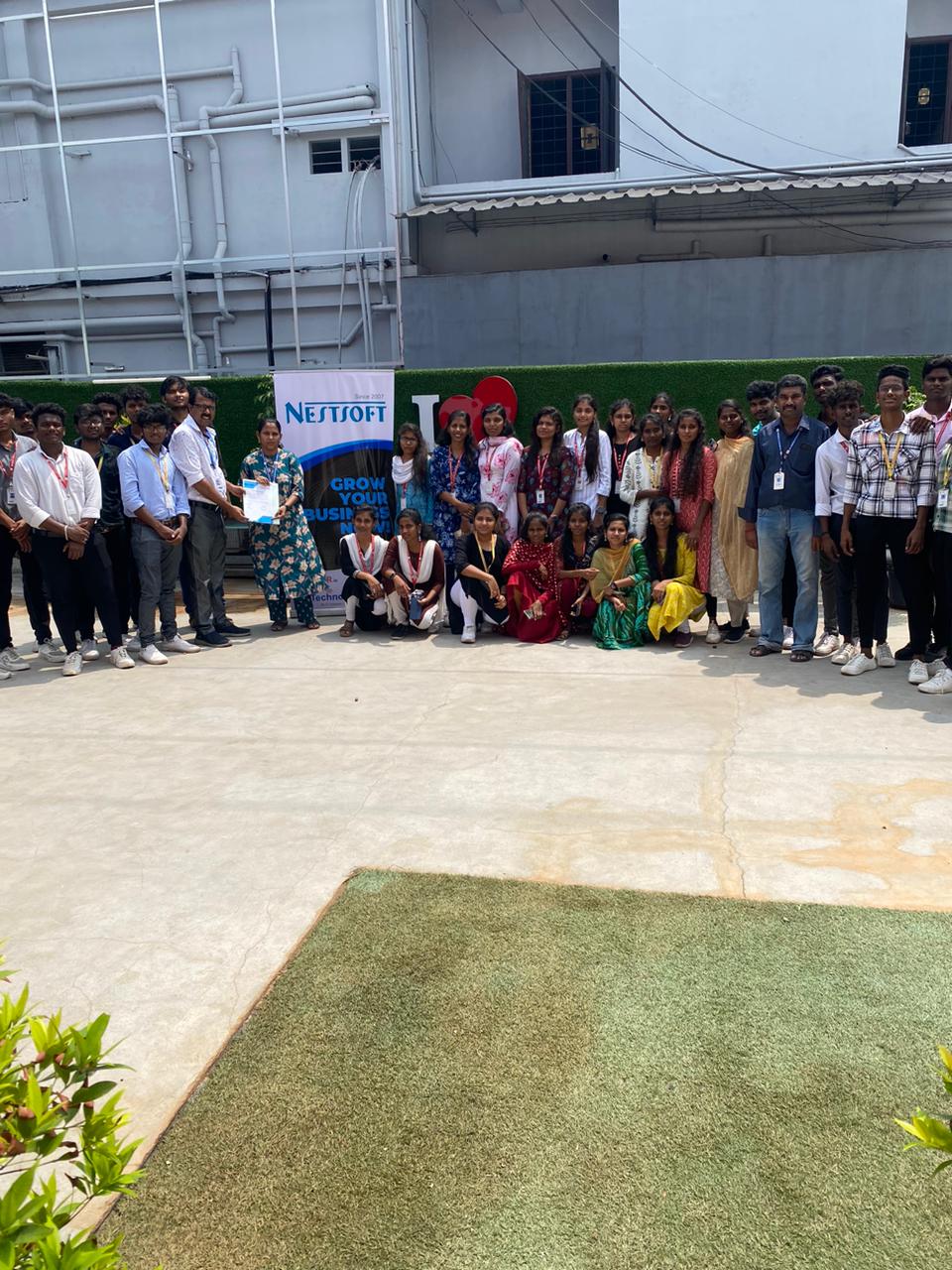
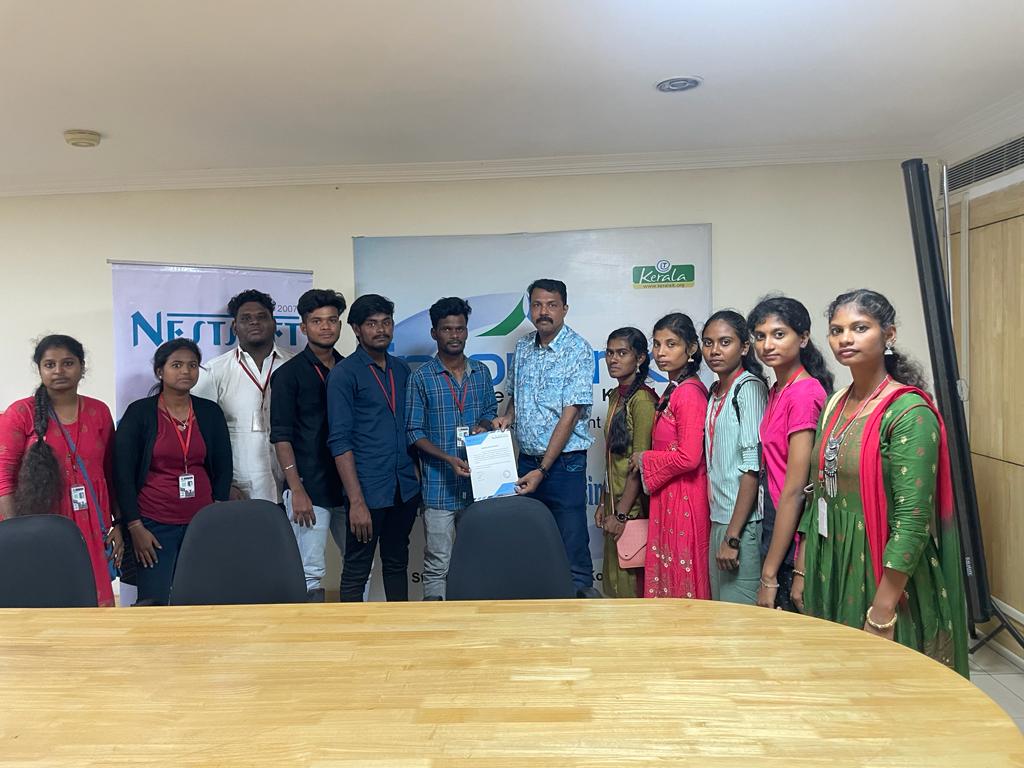
Photos of Training / Internships

Internship/projects in malappuram

Trained more than 10000+ students who trust Nestsoft TechnoMaster

Get Your Personal Trainer