Adobe Premier Pro CC Online Live Class by Experts
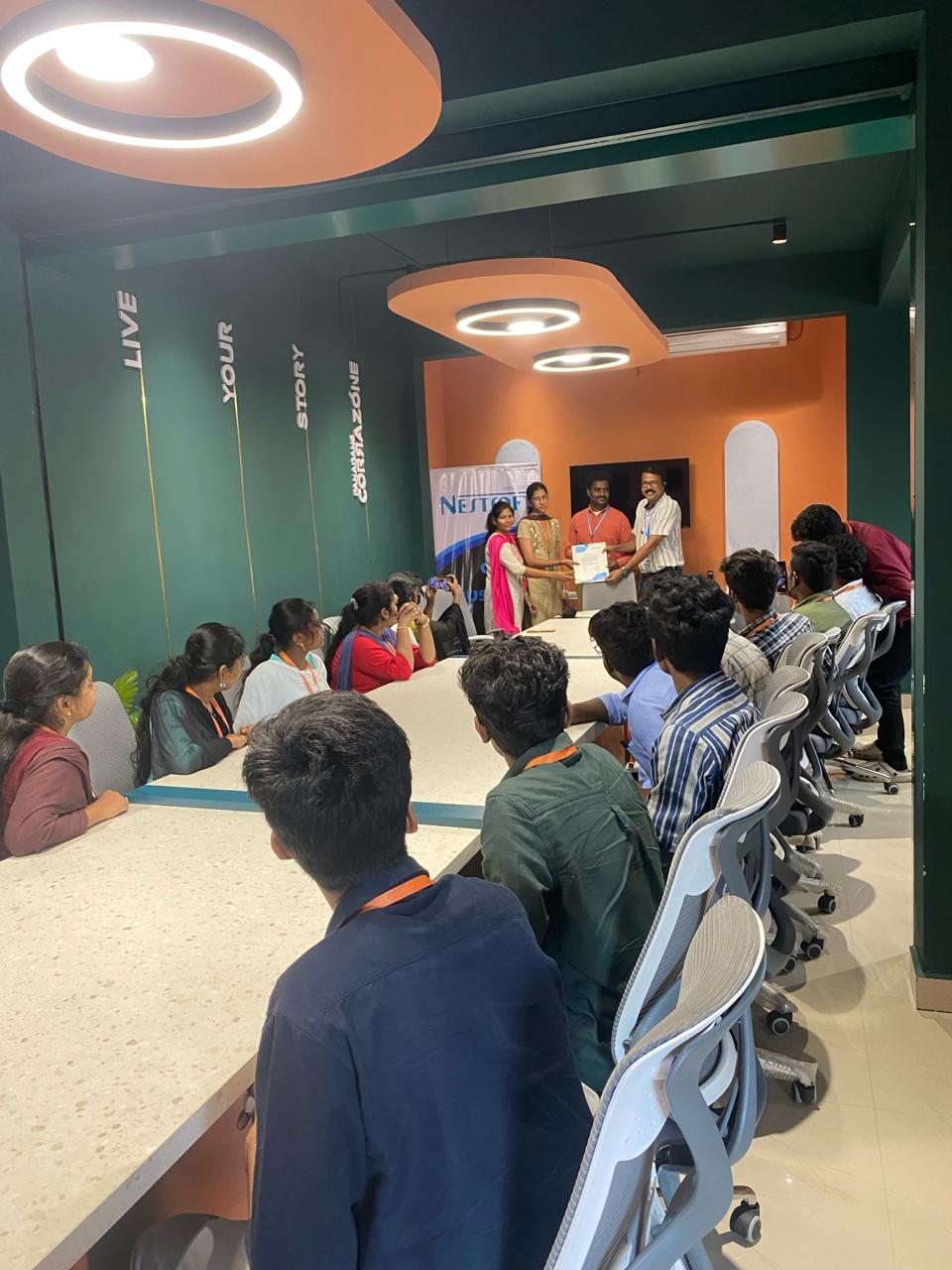
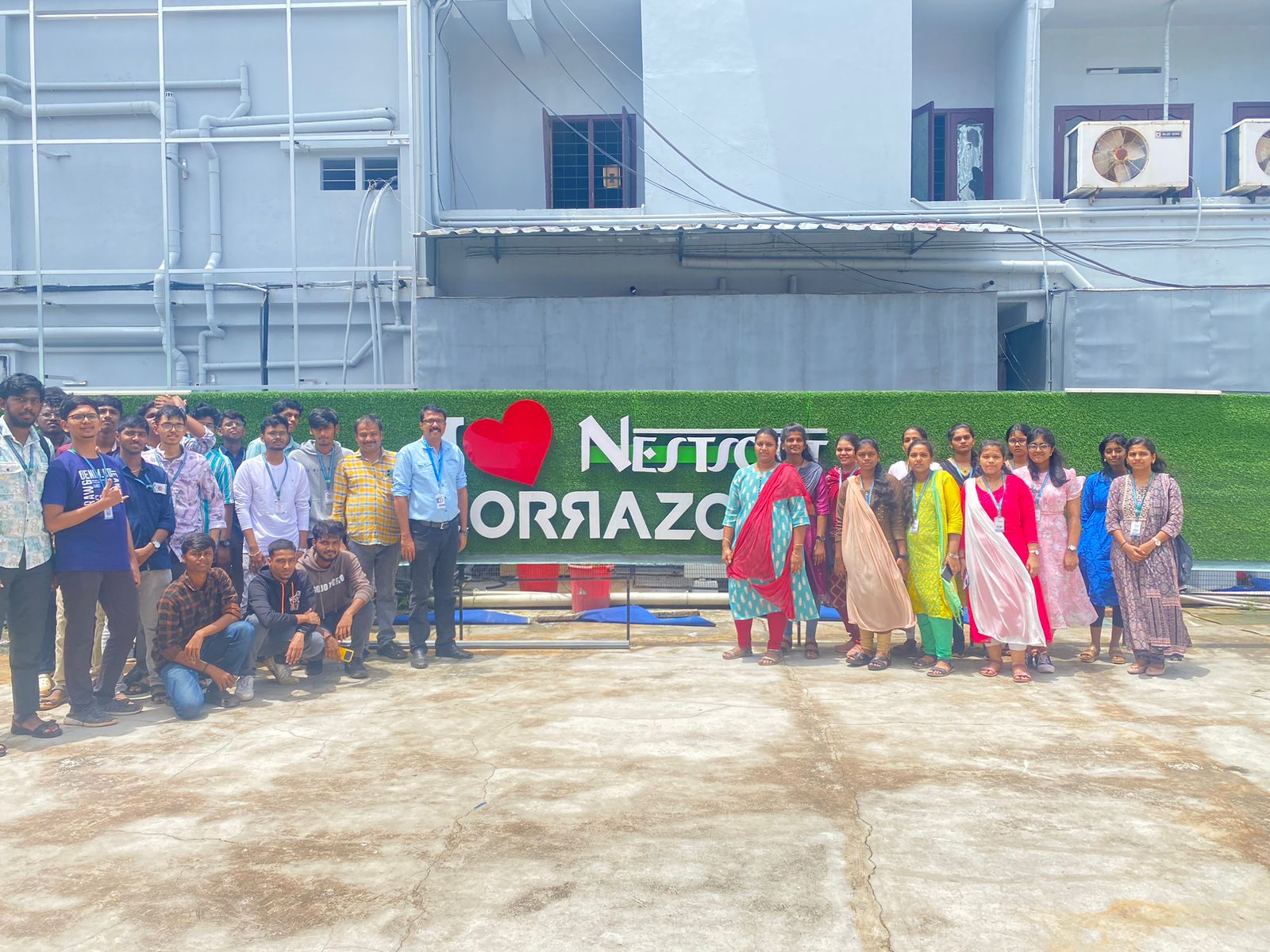
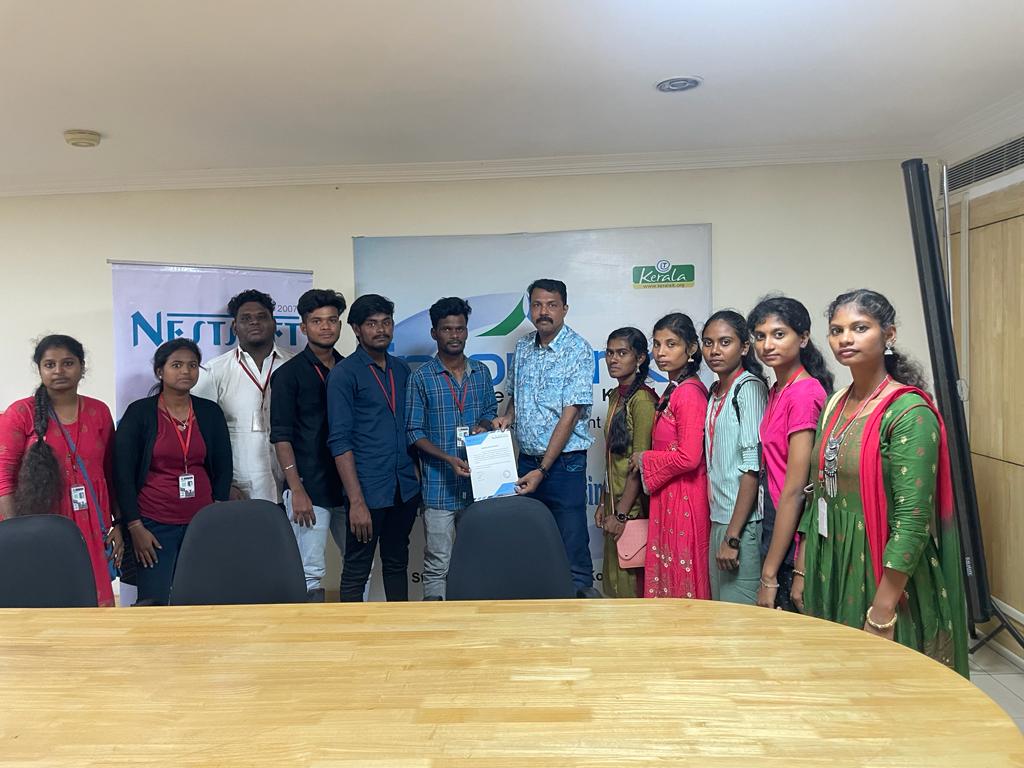
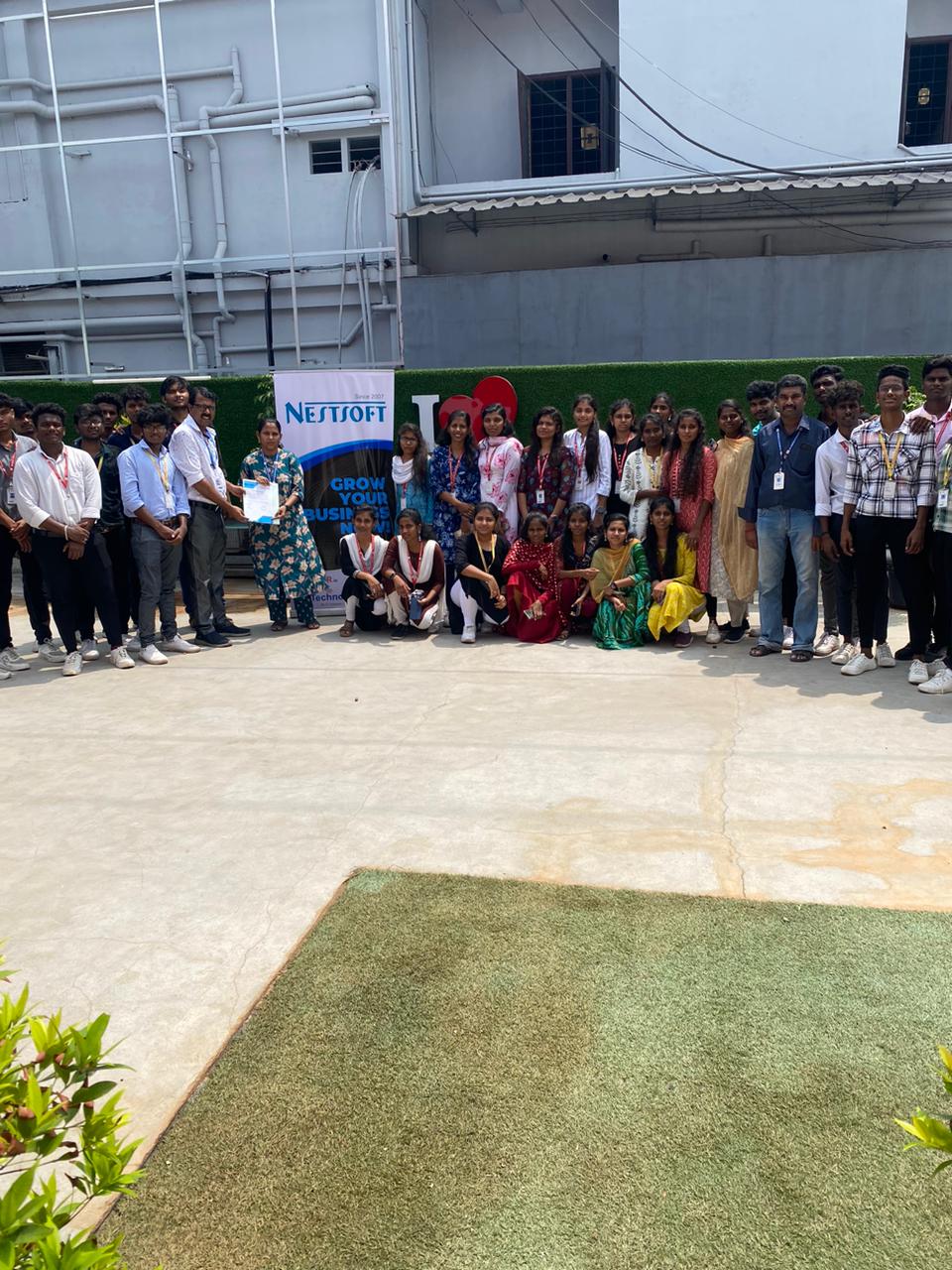
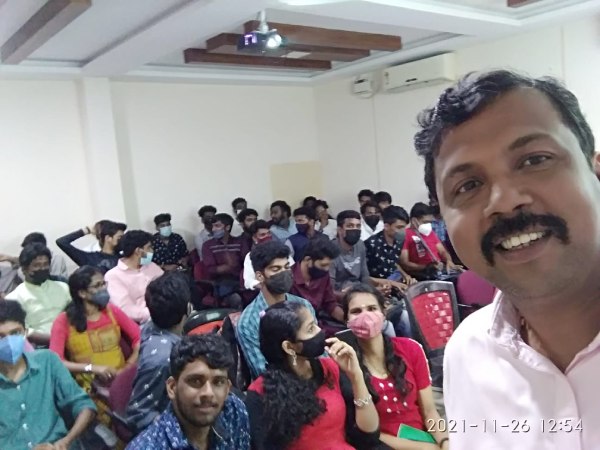
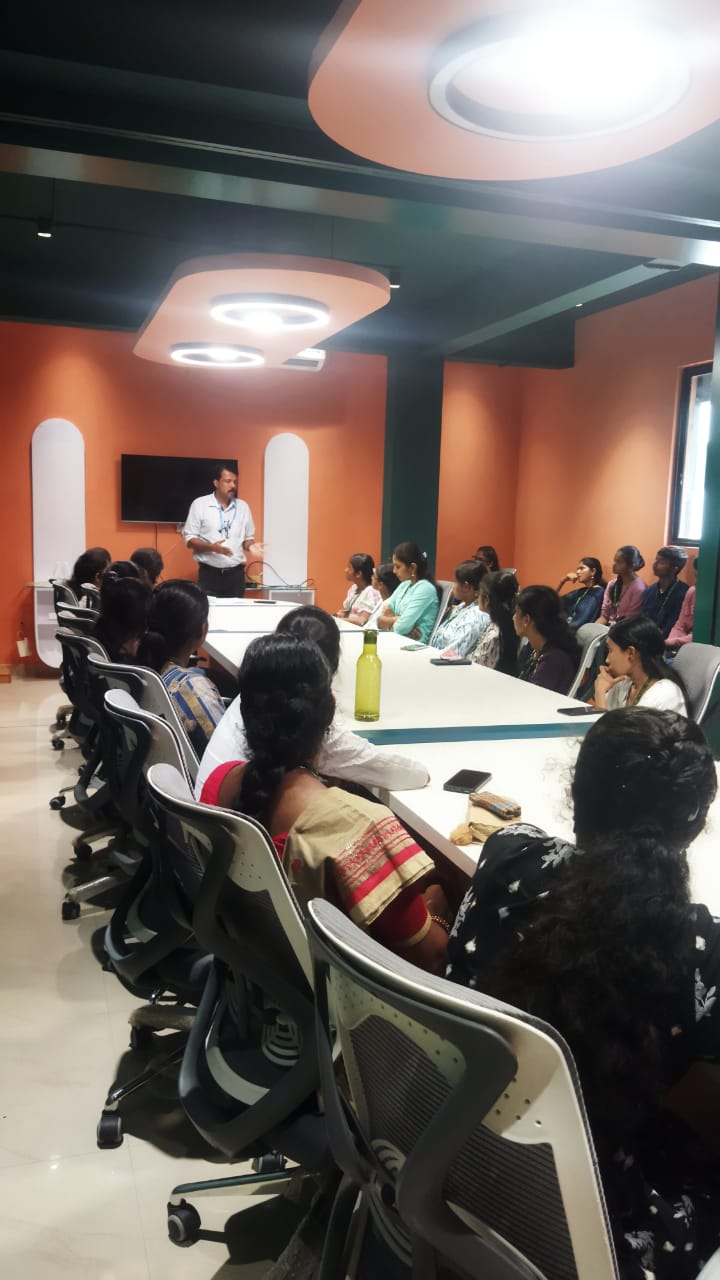
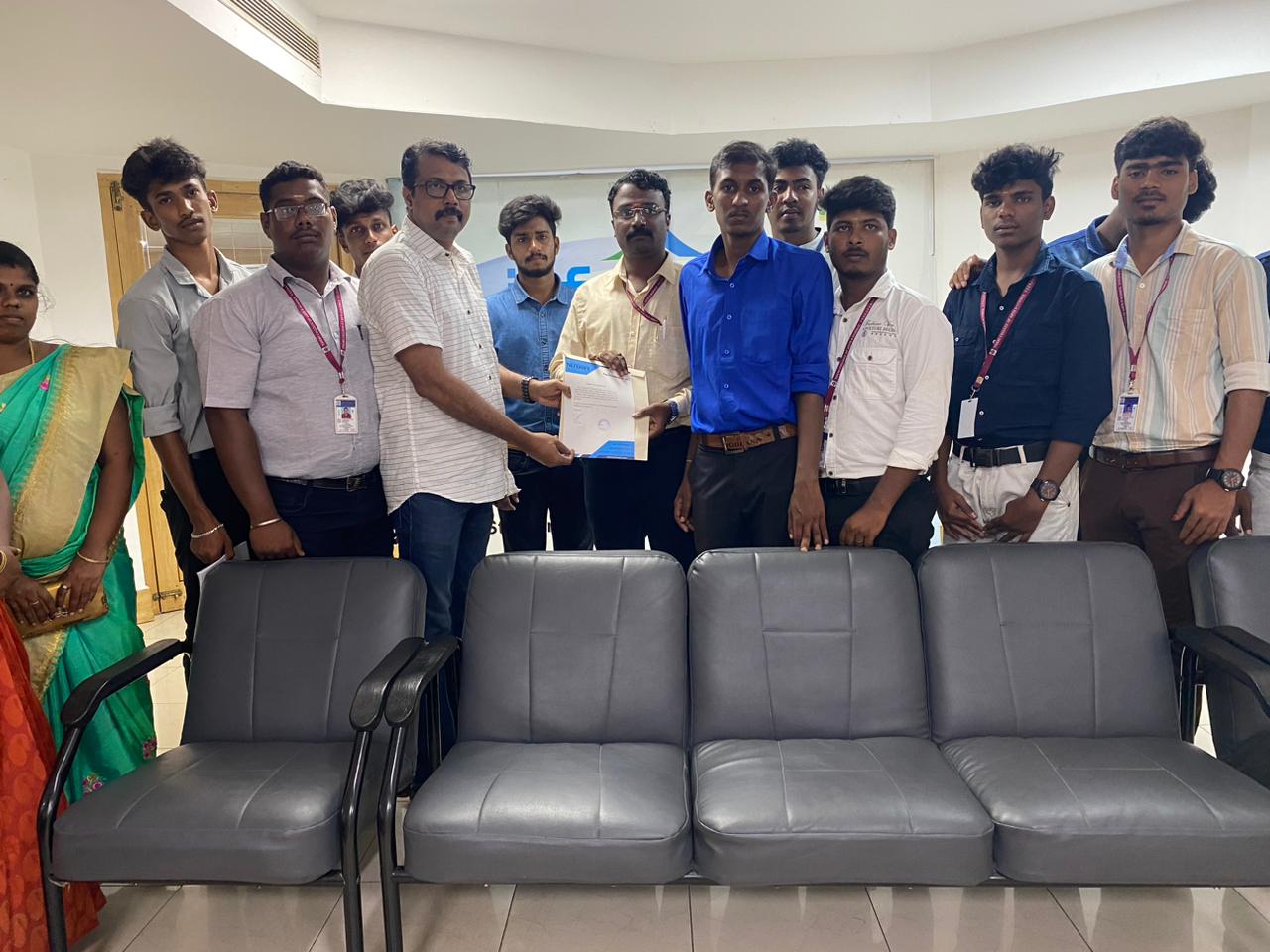
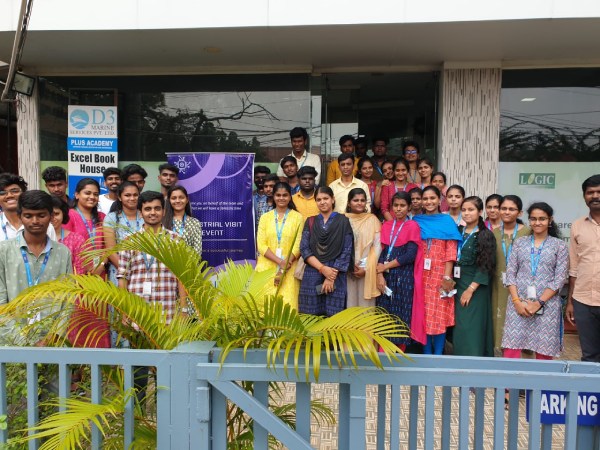
Our Training/Internship Process

Adobe Premier Pro CC - Syllabus, Fees & Duration
- Overview of Premiere Pro and its applications
- Interface tour: Workspace, Timeline, Source Monitor, and Program Monitor
- Setting up a new project: Sequence settings and file organization
- Importing media: Video, audio, and graphics
- Keyboard shortcuts for efficient editing
- Adding clips to the timeline and trimming
- Working with the Razor tool for cutting clips
- Using the Ripple Edit and Rolling Edit tools
- Understanding the timeline: Tracks, markers, and snapping
- Adjusting clip speed: Slow motion and fast motion
- Importing and editing audio files
- Adjusting audio levels and keyframes
- Applying audio effects and transitions
- Using the Essential Sound panel for audio cleanup
- Syncing audio and video
- Applying video transitions: Cut, dissolve, and wipe
- Using the Effects panel: Blur, color effects, and distortions
- Keyframing for animation effects
- Adding and adjusting motion: Position, scale, and rotation
- Introduction to nested sequences
- Understanding Lumetri Color panel
- Adjusting exposure, contrast, and saturation
- Using color wheels and curves for grading
- Creating and applying LUTs (Look-Up Tables)
- Matching colors between clips
- Adding and customizing text with the Essential Graphics panel
- Creating lower thirds and animated titles
- Adding captions or subtitles
- Export settings: File formats and presets (H.264, 4K, etc.)
- Rendering and exporting the final video
Module 1: Introduction to Premiere Pro (1 Hour)
Objective: Familiarize students with Premiere Pro’s interface and basic setup.
Practical: Create a new project and import media files.
Module 2: Basic Video Editing Techniques (2 Hours)
Objective: Learn essential tools and techniques for video editing.
Practical: Assemble and edit a short video sequence.
Module 3: Audio Editing and Enhancements (1.5 Hours)
Objective: Understand and apply audio editing techniques.
Practical: Add background music and adjust audio levels for a video.
Module 4: Transitions and Effects (1.5 Hours)
Objective: Enhance videos with transitions and effects.
Practical: Apply transitions and effects to a video sequence.
Module 5: Color Correction and Grading (1.5 Hours)
Objective: Learn color correction and grading techniques.
Practical: Perform color correction and grading on a provided video.
Module 6: Titles, Graphics, and Exporting (2.5 Hours)
Objective: Create professional titles and graphics and export the final video.
Practical: Create an end-to-end video project with titles, transitions, and audio, then export it.
This syllabus is not final and can be customized as per needs/updates
- Since 2001, Making IT Experts by Experts
- Duration: 10 Hours (Vary as per your skill)
- Course Fees
- Individual Live Classes (1:1)
- Batch Classes @ Low Fees
- Training on Your Time, Any Where
- Access to Recorded Videos
- Practical Internship on Projects
- 100% Placement Support by our jobsNEAR.in
- Training/Internship Certificate
- Agra
- Ahmedabad
- Alappuzha
- Aurangabad
- Bangalore
- Belgaum
- Bellary
- Bhubaneswar
- Chennai
- Cochin
- Coimbatore
- Delhi
- Dindigul
- Erode
- Gulbarga
- Guntur
- Gurgaon
- Haryana
- Hyderabad
- Idukki
- Indore
- Jaipur
- Kalyan
- Kannur
- Kanpur
- Kasaragod
- Kerala
- Kolkata
- Kollam
- Kottayam
- Kozhikode
- Lucknow
- Madurai
- Malappuram
- Mangaluru
- Mumbai
- Mysuru
- Nagpur
- Nashik
- Navi Mumbai
- Nizamabad
- Noida
- Palakkad
- Pathanamthitta
- Pune
- Punjab
- Salem
- Shimla
- Solapur
- Surat
- Thane
- Thanjavur
- Thirunelveli
- Thoothukudi
- Thrissur
- Tiruchirappalli
- Tiruppur
- Trivandrum
- Vadodara
- Varanasi
- Vellore
- Vijayawada
- Visakhapatnam
- Wayanad
Course Highlights

Our Locations

 Nestsoft can cover essential topics like creating time-lapse videos, building a rough cut, working with audio, and incorporating motion and titles in your videos. If you get caught or have a question, you have the choice of sharing your display with the trainer who will deal with any questions. it is widely used for film and tv to edit Motion photos. With our online Premiere pro courses, you’ll have the power to examine the trainer’s display, listen to ideas and explanations, and whereas exercising as you study Premiere pro. Nestsoft offers often scheduled Premiere pro online live ca. Adobe Premiere Pro CC is used for video editing and is multimedia software. you can attend our live coaching session anyplace like from home, your office, or anywhere you have a broadband internet connection. Adobe premiere pro includes a wide selection of job opportunities in today’s world. Contact us for additional details
.
Why Adobe Premiere Pro is Powerful?
You'll be able to edit quicker
Get professional result with greater editing precision
Benefit from a versatile, connected workflow
Automatically updated sequences setting to match clip
Nestsoft typically scheduled, public Adobe Premiere Pro classes and Courses contain introductory via advanced training.
Nestsoft can cover essential topics like creating time-lapse videos, building a rough cut, working with audio, and incorporating motion and titles in your videos. If you get caught or have a question, you have the choice of sharing your display with the trainer who will deal with any questions. it is widely used for film and tv to edit Motion photos. With our online Premiere pro courses, you’ll have the power to examine the trainer’s display, listen to ideas and explanations, and whereas exercising as you study Premiere pro. Nestsoft offers often scheduled Premiere pro online live ca. Adobe Premiere Pro CC is used for video editing and is multimedia software. you can attend our live coaching session anyplace like from home, your office, or anywhere you have a broadband internet connection. Adobe premiere pro includes a wide selection of job opportunities in today’s world. Contact us for additional details
.
Why Adobe Premiere Pro is Powerful?
You'll be able to edit quicker
Get professional result with greater editing precision
Benefit from a versatile, connected workflow
Automatically updated sequences setting to match clip
Nestsoft typically scheduled, public Adobe Premiere Pro classes and Courses contain introductory via advanced training.